Solutions for Laptop Overheating
Solutions for Laptop Overheating are essential for keeping your device running smoothly and efficiently. Whether you use your laptop for work, gaming, or everyday tasks, managing heat buildup can help maintain performance and comfort. Explore a range of options designed to help address overheating issues and keep your laptop cool during extended use. Find the right tools to support optimal temperature control and enjoy uninterrupted productivity.
Sort

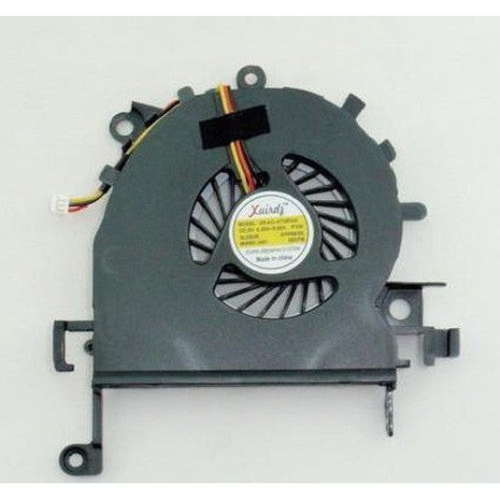
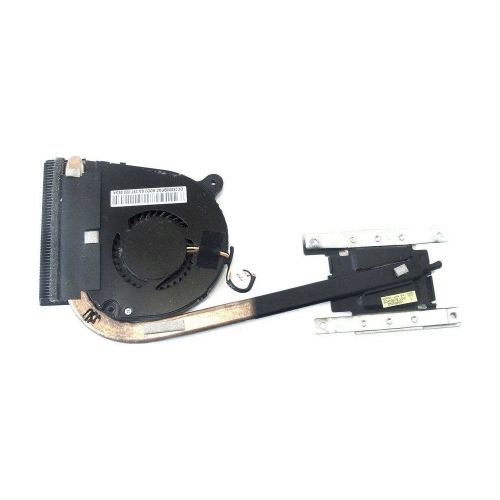
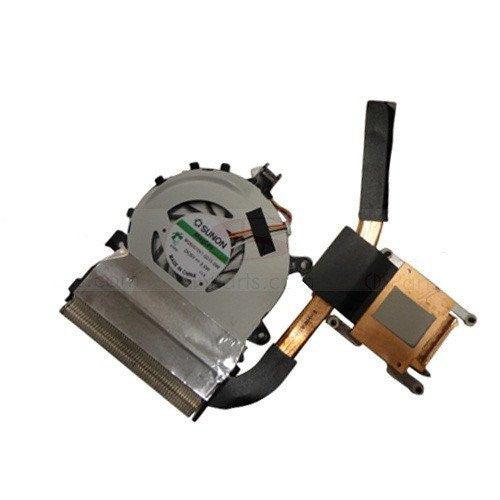
Solutions for Laptop Overheating
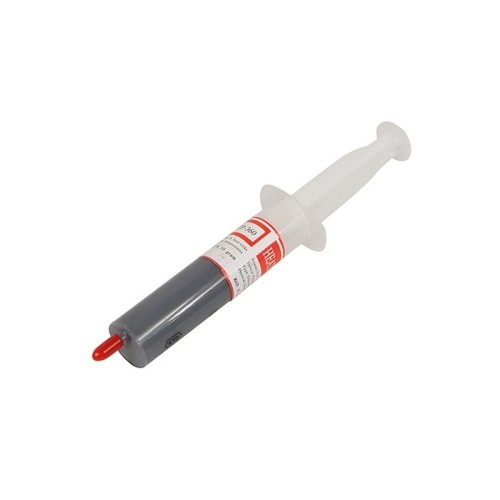
When it comes to maintaining peak performance and extending the life of your laptop, finding the right laptop overheating solution is essential—especially as the days grow longer and temperatures start to rise in early spring. Many Canadians notice their laptops working harder as the weather shifts, whether you’re working from home, gaming late into the night, or streaming your favourite shows. Overheating can slow down your device, cause unexpected shutdowns, and even lead to permanent hardware damage if left unchecked. Solutions to laptop overheating range from simple accessories to more advanced options, each designed to suit different needs and lifestyles. For students powering through assignments, professionals juggling multiple applications, or creative users editing high-resolution photos and videos, these products can make all the difference in keeping your device cool and responsive.
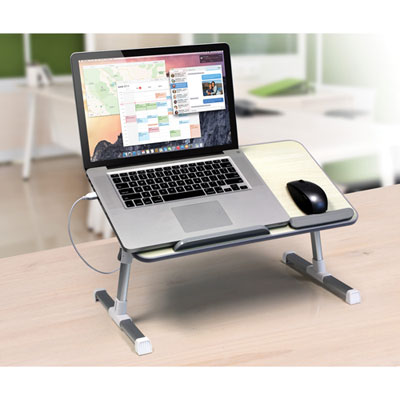
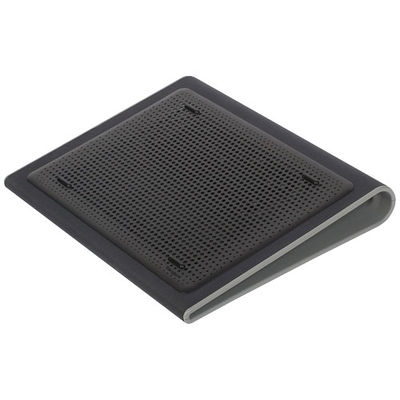
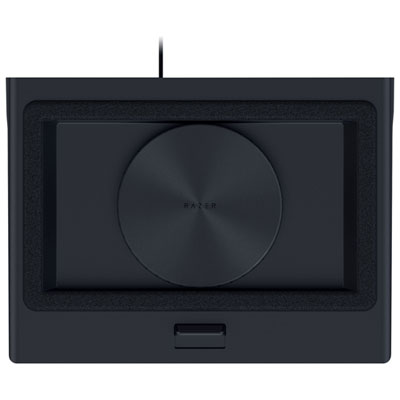
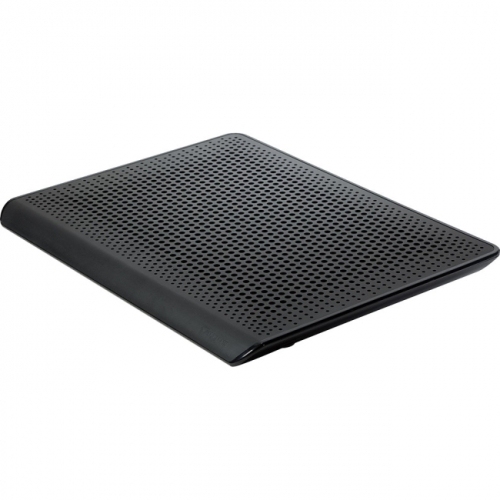
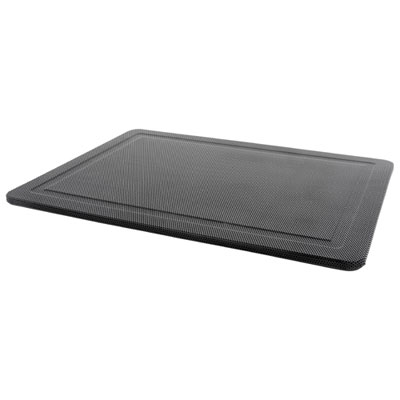
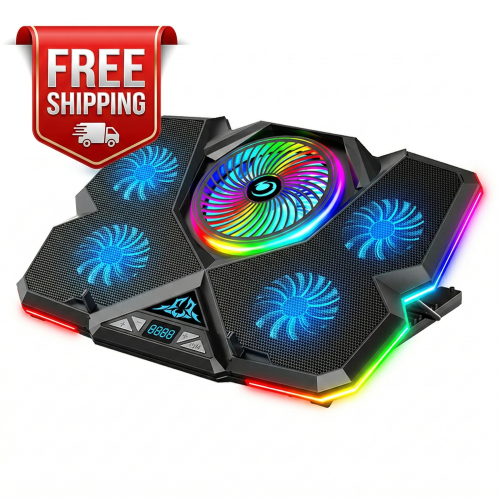
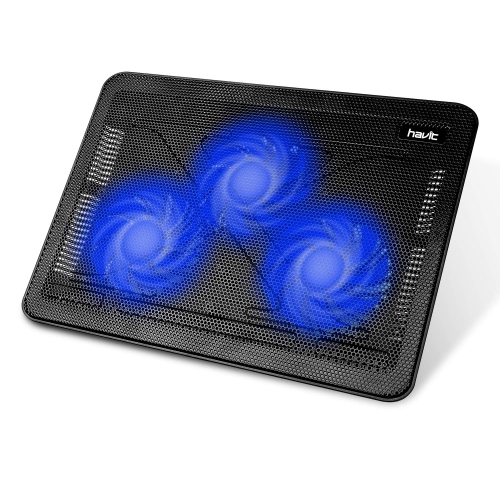
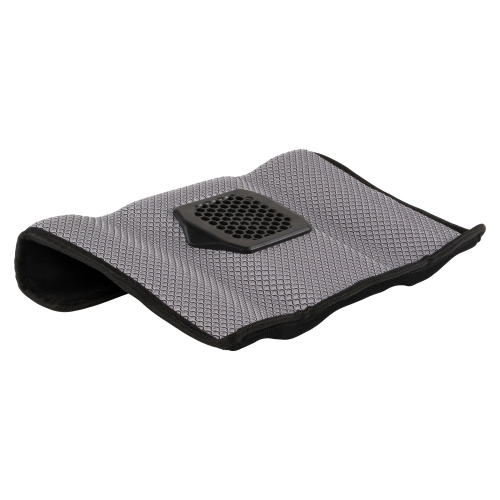
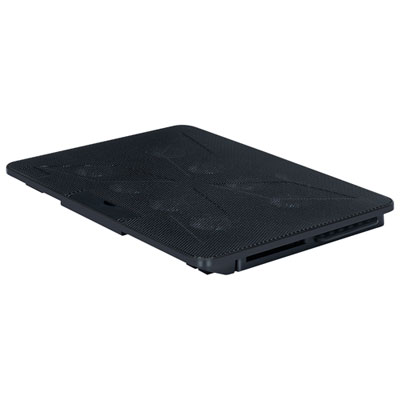
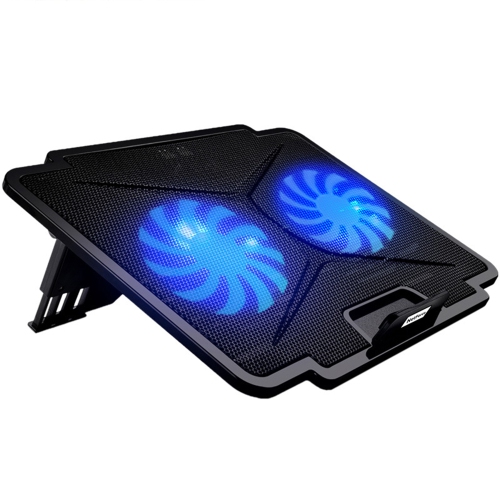
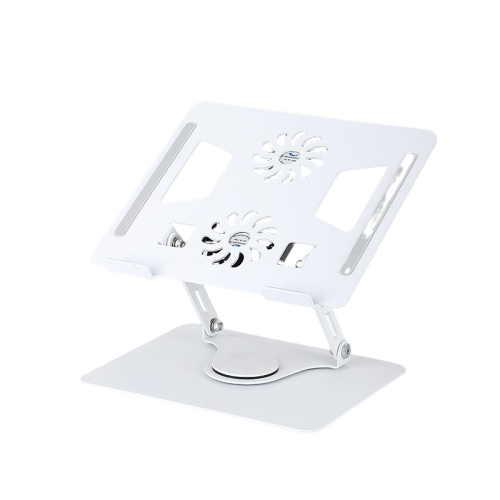
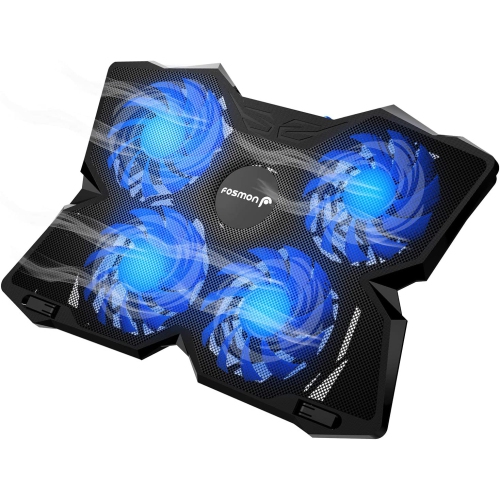
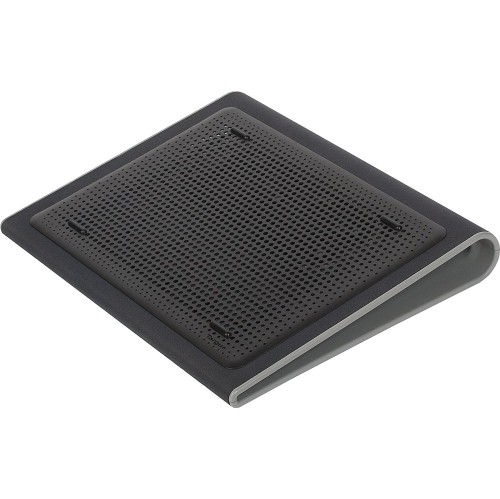
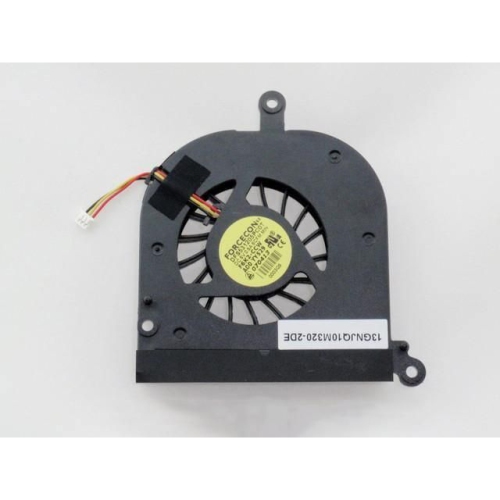
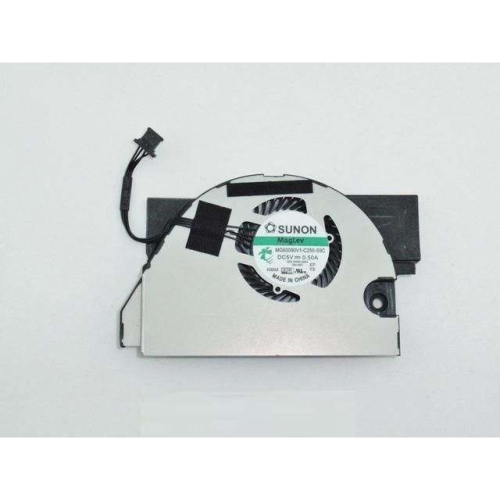
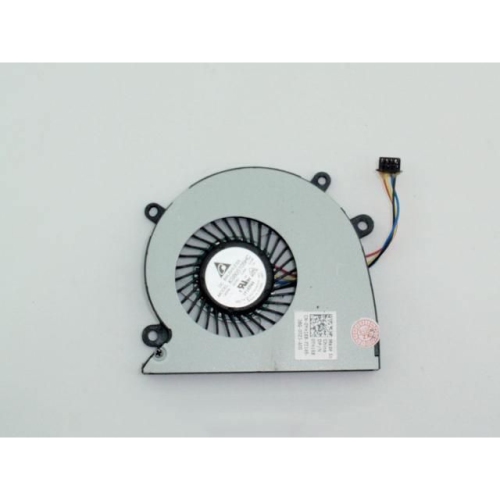
One of the most approachable ways to address overheating is with external cooling accessories. Cooling pads, for example, are easy to set up and can offer immediate relief by increasing airflow beneath your laptop. They’re especially handy for anyone who often uses their device on soft surfaces like beds or couches, where vents can easily become blocked. These accessories also make thoughtful gifts for students heading off to university or anyone who relies on a laptop for daily productivity. For those who spend long hours in video calls or gaming marathons, a laptop stand that elevates the device can further improve ventilation, making it easier for built-in fans to draw in cool air. Regular cleaning and maintenance are also key—using compressed air to clear out dust from vents and fans can restore performance and prevent heat buildup. For more persistent issues, replacing internal components such as the CPU fan can be a practical step. If you’re comfortable with a bit of DIY or know someone who enjoys tech projects, exploring options like Laptop CPU Fans can be a rewarding way to breathe new life into an older device.
Beyond accessories and upgrades, software adjustments also play a role in managing heat. Tweaking power settings, closing unnecessary background programs, and keeping drivers up to date can help your laptop run cooler, especially during those intense work or play sessions. These solutions are suitable for anyone looking to maximize their device’s performance without investing in a new laptop. Whether you’re preparing for a busy spring semester, setting up a home office, or simply want to enjoy uninterrupted entertainment, the right combination of cooling solutions can help you get the most out of your technology. By considering your typical usage, workspace setup, and comfort level with tech maintenance, you can find a laptop overheating solution that fits seamlessly into your routine—ensuring your device stays cool, quiet, and reliable all year round.
One of the most approachable ways to address overheating is with external cooling accessories. Cooling pads, for example, are easy to set up and can offer immediate relief by increasing airflow beneath your laptop. They’re especially handy for anyone who often uses their device on soft surfaces like beds or couches, where vents can easily become blocked. These accessories also make thoughtful gifts for students heading off to university or anyone who relies on a laptop for daily productivity. For those who spend long hours in video calls or gaming marathons, a laptop stand that elevates the device can further improve ventilation, making it easier for built-in fans to draw in cool air. Regular cleaning and maintenance are also key—using compressed air to clear out dust from vents and fans can restore performance and prevent heat buildup. For more persistent issues, replacing internal components such as the CPU fan can be a practical step. If you’re comfortable with a bit of DIY or know someone who enjoys tech projects, exploring options like Laptop CPU Fans can be a rewarding way to breathe new life into an older device.
Beyond accessories and upgrades, software adjustments also play a role in managing heat. Tweaking power settings, closing unnecessary background programs, and keeping drivers up to date can help your laptop run cooler, especially during those intense work or play sessions. These solutions are suitable for anyone looking to maximize their device’s performance without investing in a new laptop. Whether you’re preparing for a busy spring semester, setting up a home office, or simply want to enjoy uninterrupted entertainment, the right combination of cooling solutions can help you get the most out of your technology. By considering your typical usage, workspace setup, and comfort level with tech maintenance, you can find a laptop overheating solution that fits seamlessly into your routine—ensuring your device stays cool, quiet, and reliable all year round.
Discover more categories related to Solutions for Laptop Overheating
-
Laptop Software
"Great product! Absolutely love this option with no subscription"
-
Laptop Solar Charger

"I can clearly say that it's great for campings, can charge a portable device multiple times, has AC output"
-
Advanced Laptops

"Best computer I've had. Super fast, screen and graphics are great. Best bang for my buck"
-
HD Laptops
Top Collections:
Affordable Laptops For Students, Best Cell Phone Under $500, Best Laptops Under $1000, Budget Smartphones, Best Laptop For Video Editing, Laptop Computers Under $200, Kindle Devices, Top Laptops for University Students, Dyson Airwrap, NVMe Solid State Drives
Some products may be subject to Environmental Handling Fees
(EHF) depending on your province.
Learn more about EHFs.