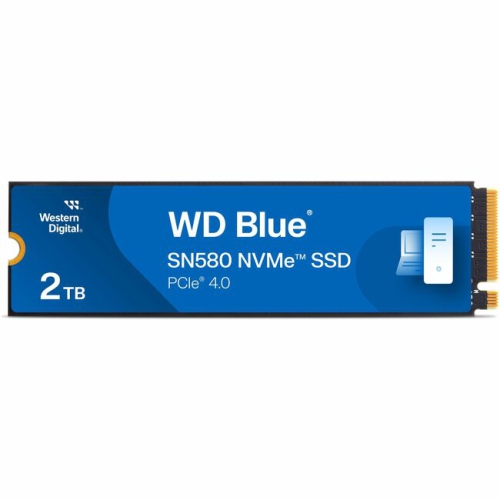
WD Blue SN580
Upgrade your storage experience with the WD Blue SN580, designed to deliver reliable performance for a variety of computing needs. Ideal for both everyday tasks and more demanding applications, the WD Blue SN580 offers a seamless way to enhance your system’s responsiveness. Whether you’re looking to boost speed or expand capacity, explore options that help you get the most out of your device with the WD Blue SN580.
Sort
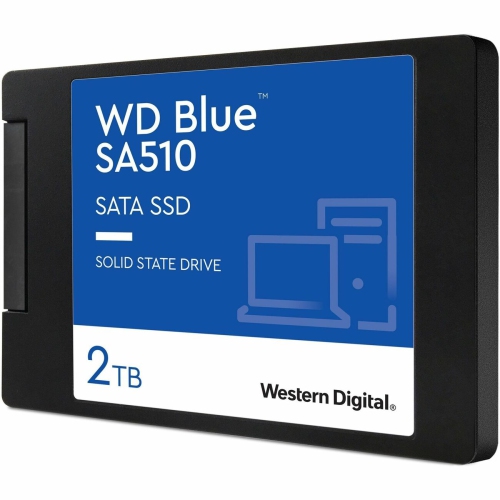
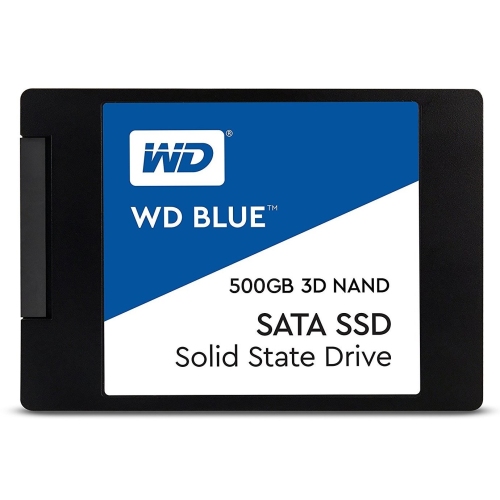
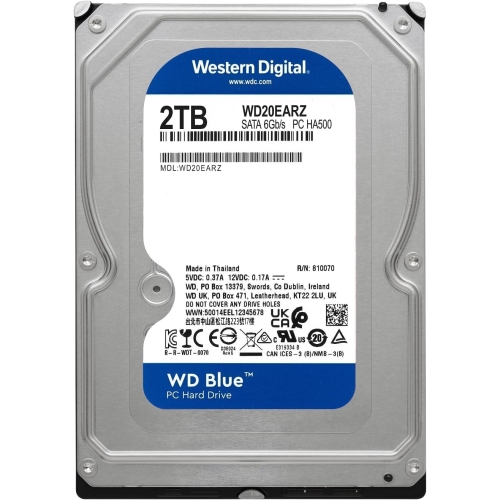

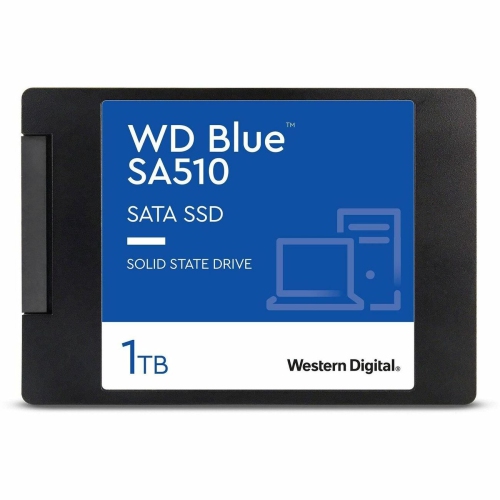
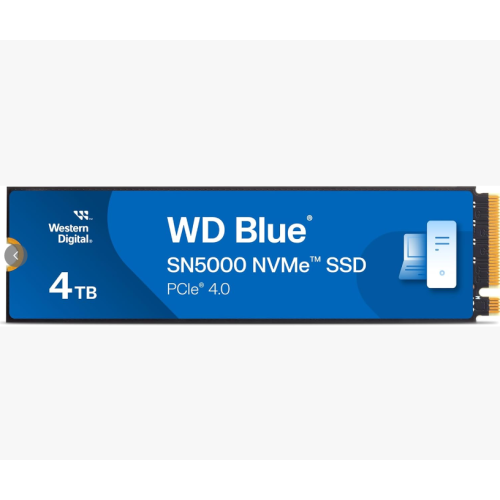
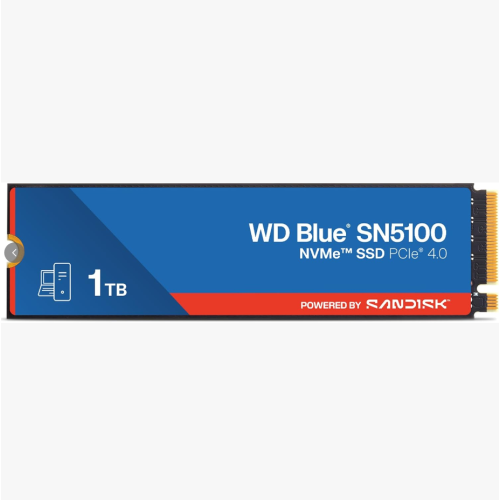

What fast NVMe storage means for everyday computing
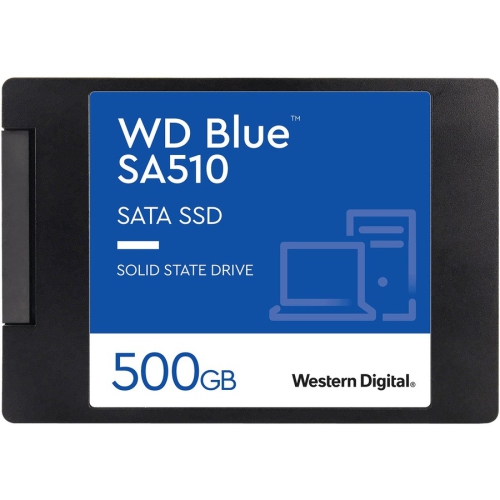
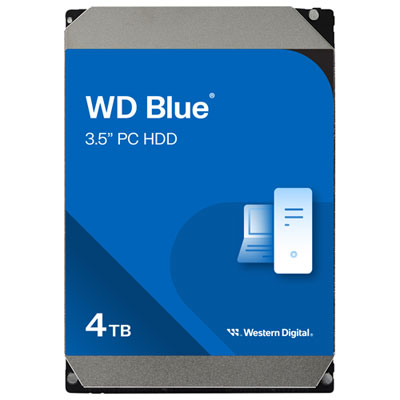
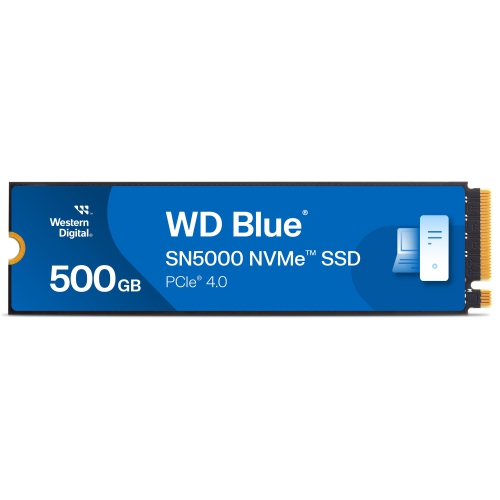
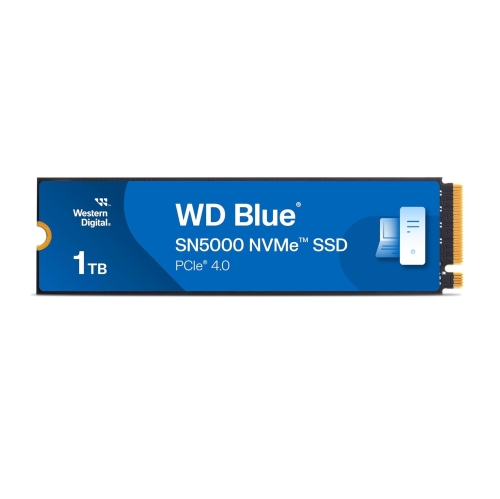
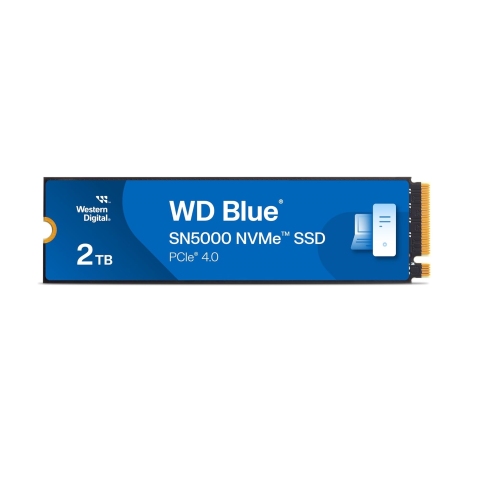
An internal NVMe solid-state drive provides fast, compact storage for everyday computing, gaming, and mainstream creative work. Built around flash memory rather than spinning platters, this type of drive stores the operating system, applications, and personal files without the moving parts found in a mechanical hard drive. The difference is often most noticeable during familiar tasks: starting a computer, opening a large photo library, installing software, or loading a game with extensive maps and textures. PCIe 4.0 x4 drives communicate through four PCI Express lanes, while the NVMe protocol is designed to handle the low latency and parallel operations of flash storage. Together, these technologies give compatible computers considerably more storage bandwidth than SATA connections can provide. That bandwidth is useful for moving video footage, opening project folders, and working with large collections of images, although a faster drive does not make every task proportionally faster. Processor performance, memory capacity, software behaviour, and the speed of any other drive involved in a transfer also influence the result. Sequential read and write figures describe transfers involving large, contiguous blocks of data; responsiveness during everyday use also depends on how well a drive handles many small files and requests. For a student moving between research documents and presentations, or a home user replacing an older hard drive, shorter waits can matter more than the highest advertised transfer rate. Creators working on photo edits, short videos, and design projects can benefit from keeping active files on fast internal storage, while gamers may notice quicker loading rather than higher frame rates. These drives suit shoppers looking for a practical system upgrade, a primary drive for a new computer, or additional space for an expanding library. Their compact construction also makes them useful where a traditional drive bay and separate storage cables would take up too much room.
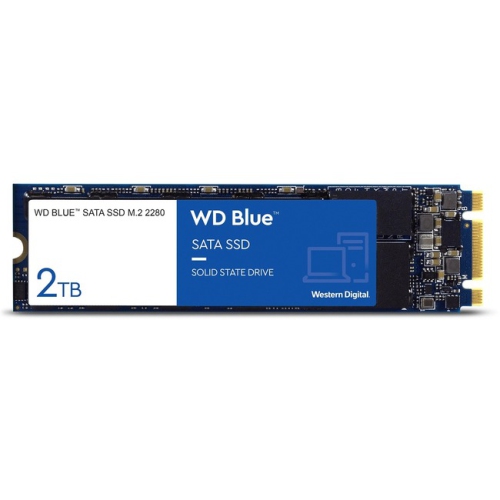
Physical fit and connection compatibility are just as important as speed. M.2 identifies a form factor, not a guarantee that a drive will work in every M.2 socket. An M.2 2280 module measures approximately 22 mm wide and 80 mm long, so the computer needs a suitable socket and mounting position for that length. A single-sided layout places the main components on one face of the circuit board, which can help with clearance in slim laptops and compact desktops, but the device manufacturer’s specifications remain the deciding reference. Some computers accept NVMe storage, some support SATA-based M.2 storage, and some have restrictions on drive length, component height, or capacity. A PCIe 4.0 NVMe drive can generally operate in a compatible PCIe 3.0 NVMe slot, but its connection speed will be limited by the older interface. Desktop motherboards may also share connection resources between storage sockets and other ports, making the motherboard manual useful when adding another drive. For systems that require SATA rather than NVMe, WD Blue SATA SSDs offer a related storage category to explore, with the exact form factor and connection still requiring confirmation. Capacity deserves the same attention as fit. Documents and household records usually take less room than modern game installations, high-resolution photos, or video footage, and working files can grow well beyond the size of a finished project. Editing software may create previews, temporary files, and duplicate exports, while game updates can require extra free space during installation. Leaving room beyond the initial collection helps accommodate those demands and can support consistent drive performance. The usable capacity shown by an operating system may differ from the labelled capacity because of measurement conventions, formatting, and reserved space. For a shared family computer, a school laptop, or a desktop used for both work and entertainment, enough breathing room can be more useful than choosing solely by a headline speed figure.
The construction and operating characteristics of flash storage also shape long-term ownership. An internal M.2 SSD is a small circuit board carrying memory chips and a controller, rather than a fully enclosed portable drive. With no moving mechanical parts, it is less vulnerable to vibration during normal operation than a hard drive, but its exposed contacts and components still need careful handling. During installation, the computer should be powered down and disconnected from external power, with battery disconnection and static precautions followed as specified by the manufacturer. Handling the module by its edges helps protect the contacts, and the mounting screw should secure the board without bending it. Some systems use a fitted heat spreader or thermal pad; any added cooling hardware must match the available clearance, particularly inside a laptop. No routine cleaning of the drive itself is normally needed once installed, though unobstructed system airflow helps manage heat during sustained workloads. Performance can vary during longer writes because many consumer SSDs use a fast cache to absorb incoming data before placing it in the main flash storage. Once that cache fills, transfer speeds may drop, especially when moving a large video collection or writing a full backup in one session. Some designs also use a host memory buffer, which borrows a small amount of system memory to help manage data mapping instead of relying on dedicated onboard DRAM. These design choices should be considered alongside the intended workload rather than treated as a simple ranking of quality. Endurance ratings, commonly expressed as terabytes written, describe a specified volume of writes under the manufacturer’s terms; they are not a countdown to a guaranteed failure point. Warranty duration and write limits can vary by capacity, so both deserve attention. Regardless of the endurance rating, important photos, assignments, business records, and creative projects need a separate backup. When replacing a system drive, cloning software may preserve an existing setup, while a fresh operating system installation offers a clean start. Either approach requires checking the computer’s migration options and protecting important files before making the change.
Physical fit and connection compatibility are just as important as speed. M.2 identifies a form factor, not a guarantee that a drive will work in every M.2 socket. An M.2 2280 module measures approximately 22 mm wide and 80 mm long, so the computer needs a suitable socket and mounting position for that length. A single-sided layout places the main components on one face of the circuit board, which can help with clearance in slim laptops and compact desktops, but the device manufacturer’s specifications remain the deciding reference. Some computers accept NVMe storage, some support SATA-based M.2 storage, and some have restrictions on drive length, component height, or capacity. A PCIe 4.0 NVMe drive can generally operate in a compatible PCIe 3.0 NVMe slot, but its connection speed will be limited by the older interface. Desktop motherboards may also share connection resources between storage sockets and other ports, making the motherboard manual useful when adding another drive. For systems that require SATA rather than NVMe, WD Blue SATA SSDs offer a related storage category to explore, with the exact form factor and connection still requiring confirmation. Capacity deserves the same attention as fit. Documents and household records usually take less room than modern game installations, high-resolution photos, or video footage, and working files can grow well beyond the size of a finished project. Editing software may create previews, temporary files, and duplicate exports, while game updates can require extra free space during installation. Leaving room beyond the initial collection helps accommodate those demands and can support consistent drive performance. The usable capacity shown by an operating system may differ from the labelled capacity because of measurement conventions, formatting, and reserved space. For a shared family computer, a school laptop, or a desktop used for both work and entertainment, enough breathing room can be more useful than choosing solely by a headline speed figure.
The construction and operating characteristics of flash storage also shape long-term ownership. An internal M.2 SSD is a small circuit board carrying memory chips and a controller, rather than a fully enclosed portable drive. With no moving mechanical parts, it is less vulnerable to vibration during normal operation than a hard drive, but its exposed contacts and components still need careful handling. During installation, the computer should be powered down and disconnected from external power, with battery disconnection and static precautions followed as specified by the manufacturer. Handling the module by its edges helps protect the contacts, and the mounting screw should secure the board without bending it. Some systems use a fitted heat spreader or thermal pad; any added cooling hardware must match the available clearance, particularly inside a laptop. No routine cleaning of the drive itself is normally needed once installed, though unobstructed system airflow helps manage heat during sustained workloads. Performance can vary during longer writes because many consumer SSDs use a fast cache to absorb incoming data before placing it in the main flash storage. Once that cache fills, transfer speeds may drop, especially when moving a large video collection or writing a full backup in one session. Some designs also use a host memory buffer, which borrows a small amount of system memory to help manage data mapping instead of relying on dedicated onboard DRAM. These design choices should be considered alongside the intended workload rather than treated as a simple ranking of quality. Endurance ratings, commonly expressed as terabytes written, describe a specified volume of writes under the manufacturer’s terms; they are not a countdown to a guaranteed failure point. Warranty duration and write limits can vary by capacity, so both deserve attention. Regardless of the endurance rating, important photos, assignments, business records, and creative projects need a separate backup. When replacing a system drive, cloning software may preserve an existing setup, while a fresh operating system installation offers a clean start. Either approach requires checking the computer’s migration options and protecting important files before making the change.
Top selling and popular products
-
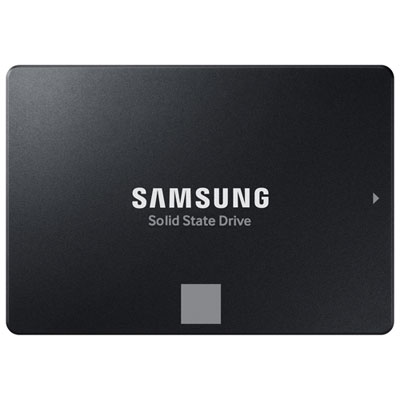 Your price for this item is $554.99
 -
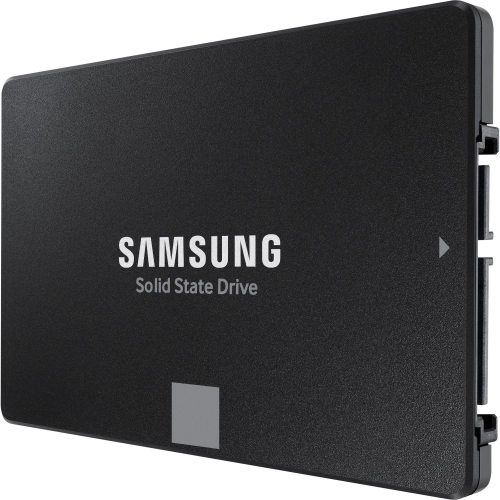 Your price for this item is $649.99
 -
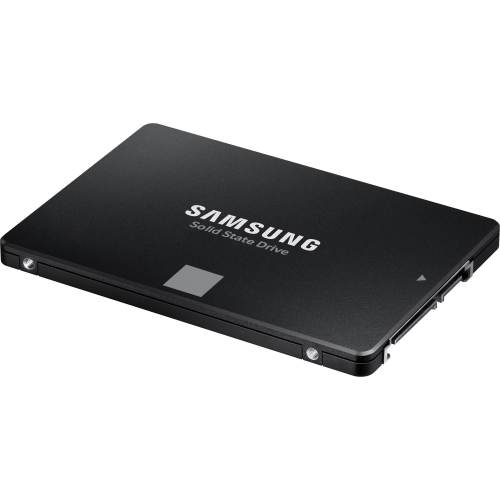 Your price for this item is $394.99
 -
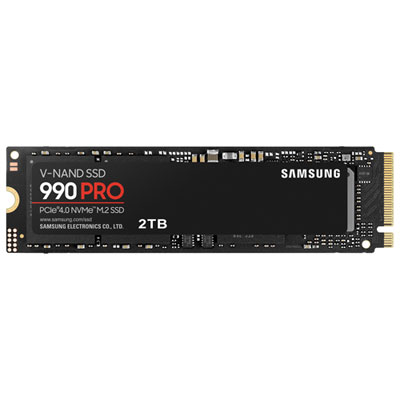 Your price for this item is $649.99
 -
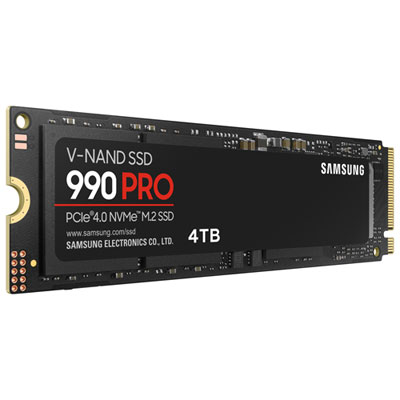 Your price for this item is $1199.97
 -
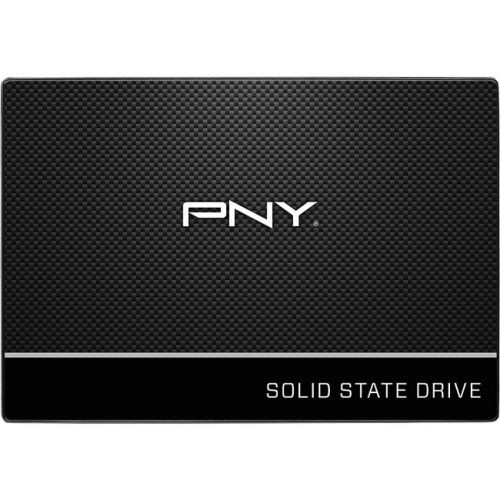 Your price for this item is $106.93
 -
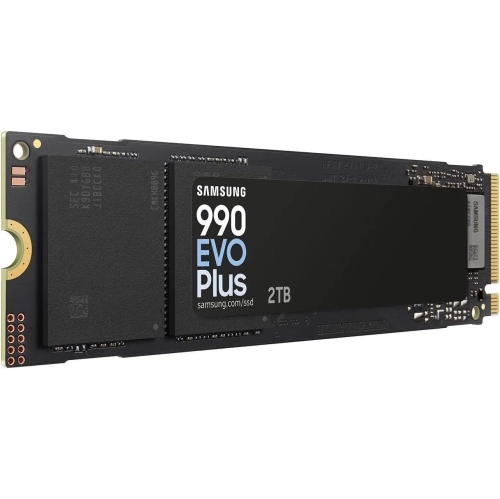 Your price for this item is $639.99
 -
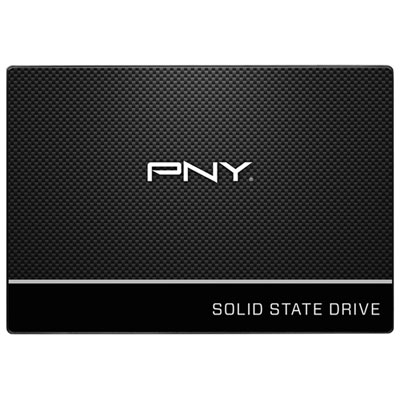 Your price for this item is $124.99
Discover more categories related to WD Blue SN580
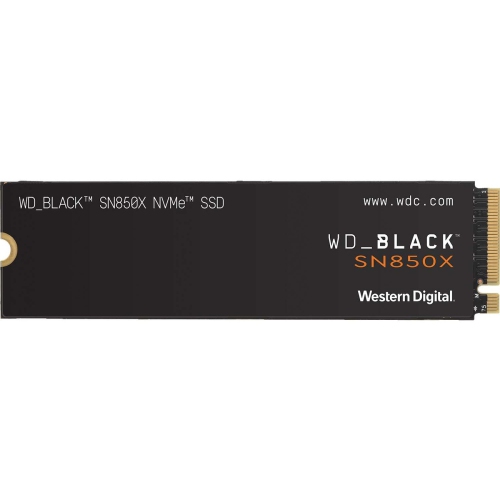
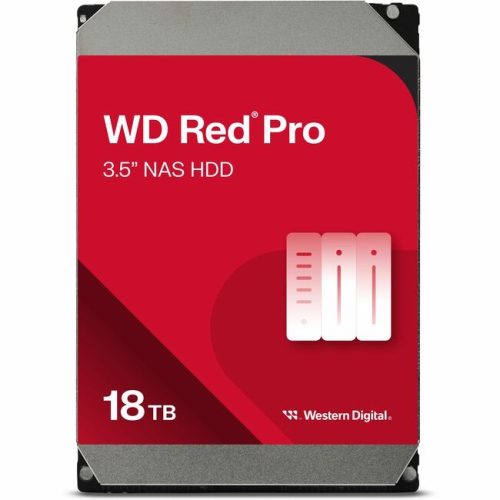
Top Collections:
Pokemon Centers, Kindle Devices, Best Budget Office Chairs, Apple iPhones 16, Best Laptops for Writers, iPhone 15 Apple, Canon G7X Cameras, Refurbished Apple Laptops, Alarm Clock, Motorola Razr Phones
Some products may be subject to Environmental Handling Fees
(EHF) depending on your province.
Learn more about EHFs.