WD Red Pro
Upgrade your storage solutions with WD Red Pro, designed to meet the demands of both home and business environments. Perfect for expanding your data capacity, these drives offer reliable performance for a wide range of applications. Whether you're building a new network or enhancing an existing setup, WD Red Pro delivers the dependability and efficiency you need to keep everything running smoothly. Explore options that make storing and accessing your important files easier than ever.
Sort
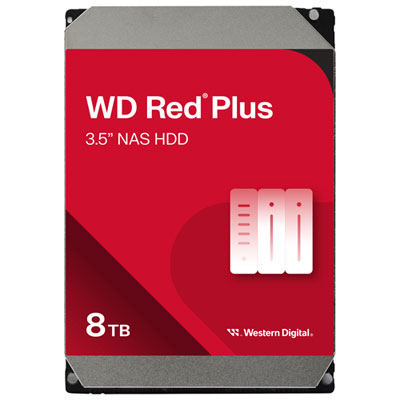
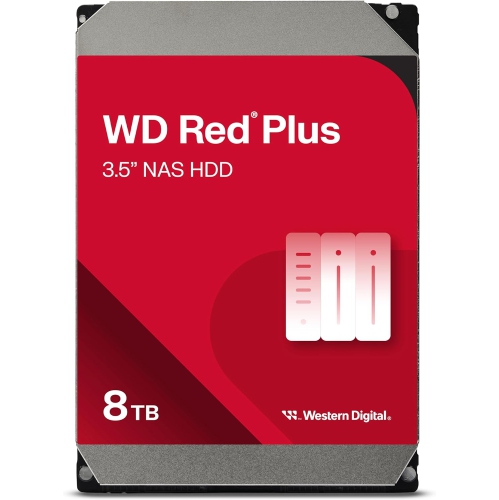
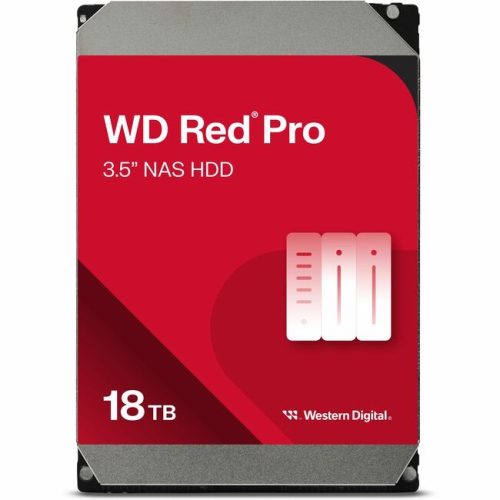
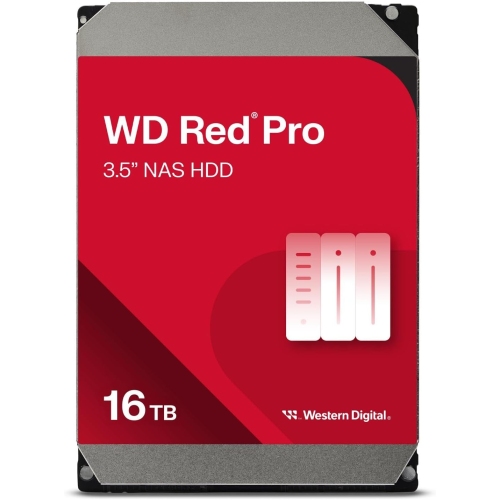

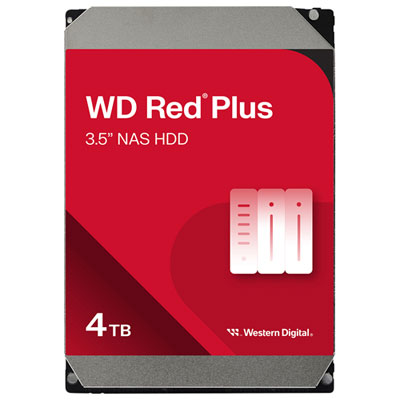
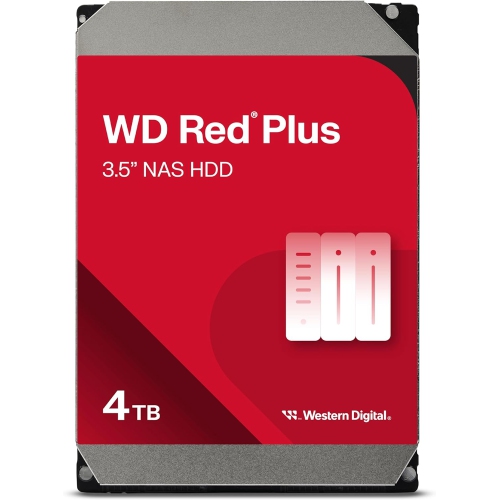
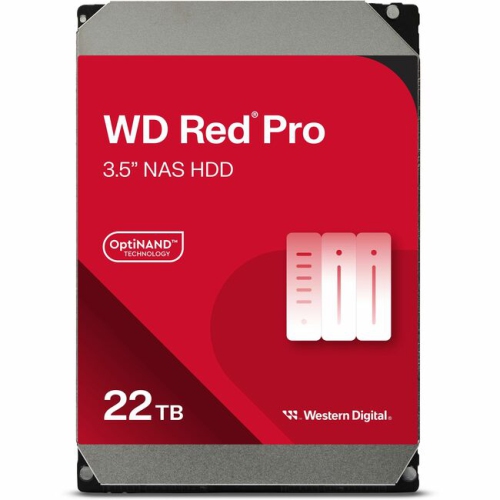
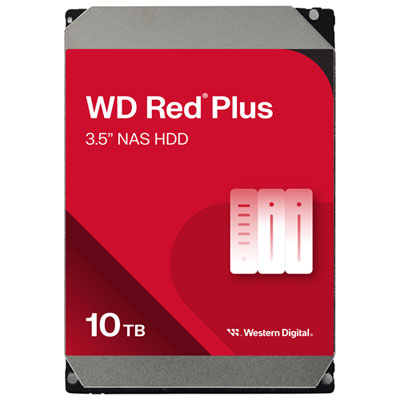
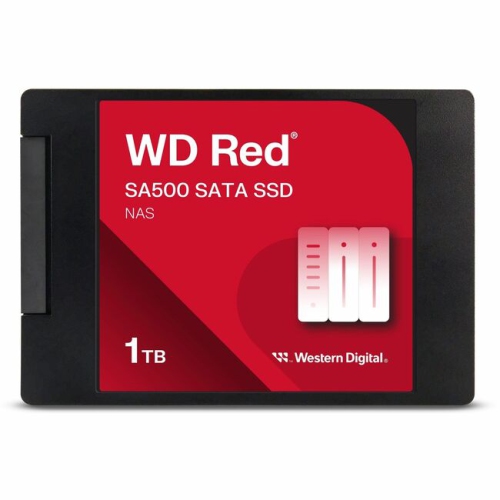

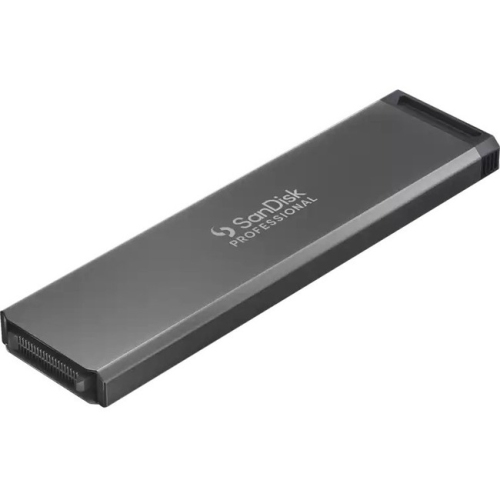
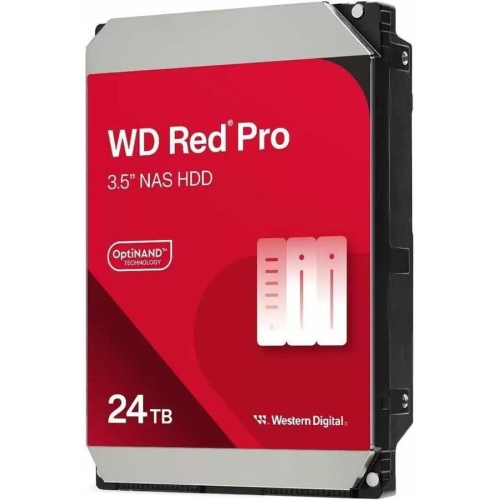
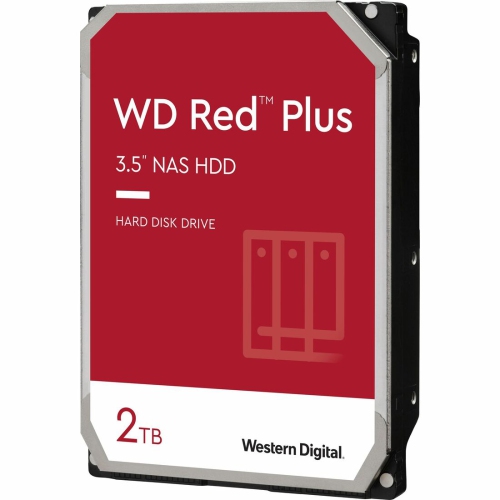
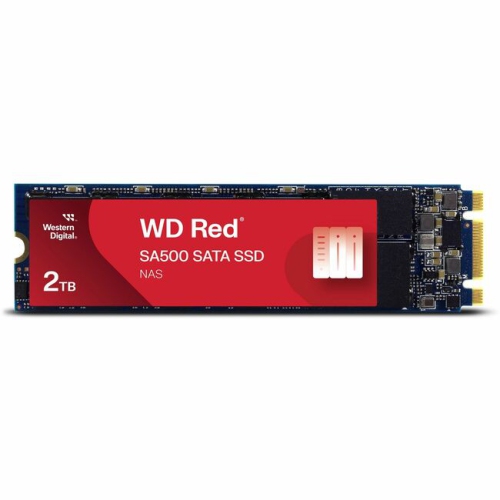
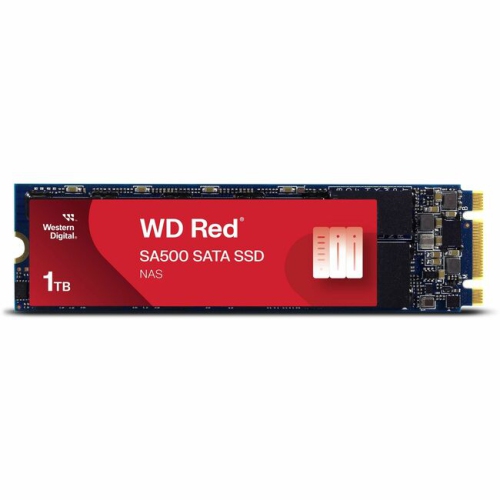
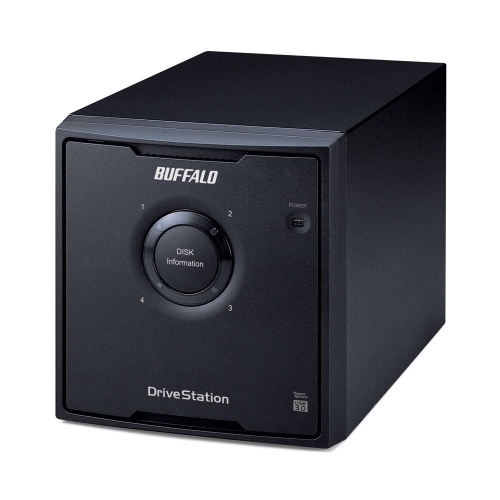
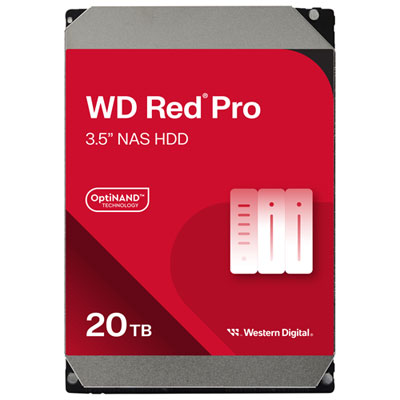
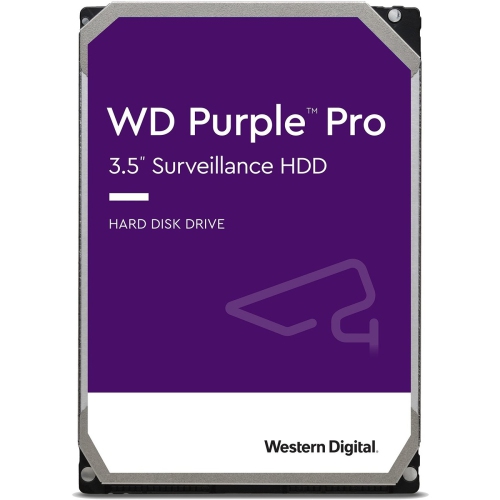
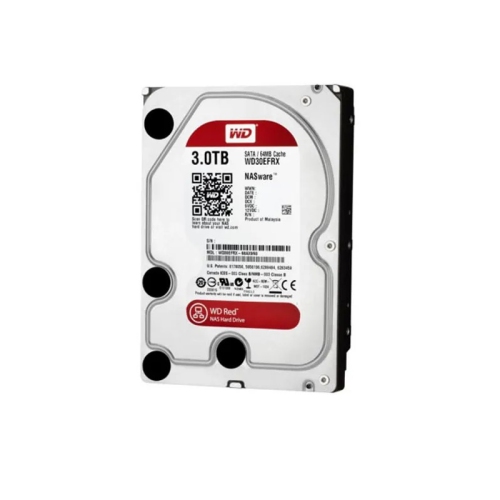
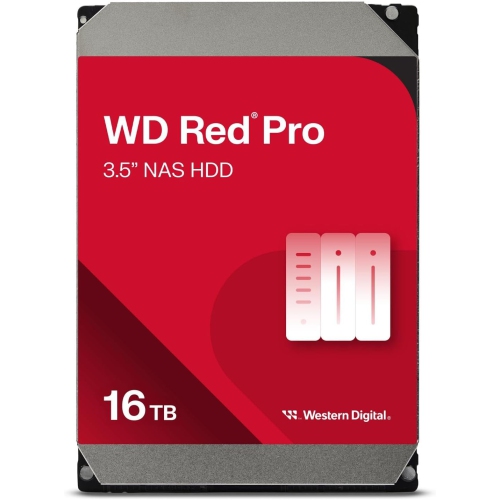
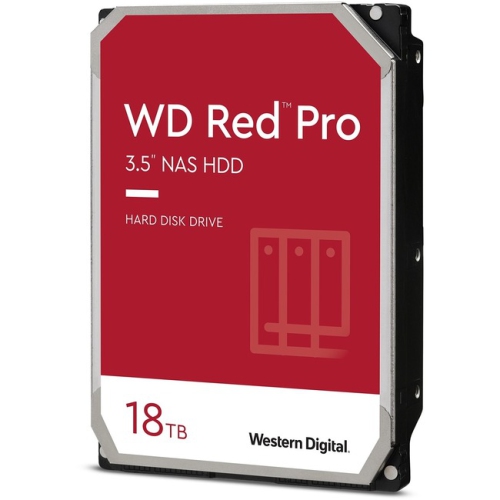
NAS hard drives built for continuous shared access
Professional NAS hard drives are internal storage drives designed for the steady demands of network attached storage, where files need to remain accessible to several people or devices throughout the day. Typically built in a 3.5-inch form factor with a SATA interface, these drives suit compatible multi-bay enclosures used for shared documents, photo libraries, video projects, business records, and centralized backups. Unlike a portable drive that connects directly to a single computer, a NAS drive works inside a storage system that manages access across a network. Its role might be as straightforward as holding a household’s photos and computer backups, or as demanding as serving large design files to a busy studio. Performance-oriented NAS hard drives commonly use 7200 RPM spindle speeds, onboard cache, and firmware tuned for continuous operation and RAID compatibility. Together, these features support sustained transfers and the overlapping requests that occur when one person opens a project while another saves files or runs a backup. Conventional magnetic recording, often listed as CMR, is another relevant specification for RAID-based storage because it supports predictable behaviour during sustained writes and array rebuilds. Exact capacities, cache sizes, workload ratings, and enclosure compatibility vary, so those details matter more than assuming every drive in a family has identical specifications. Shoppers browsing related NAS storage can also explore Western Digital Red for additional context within this storage category. Professional NAS storage is particularly relevant to photographers, video editors, small offices, and households whose shared files have outgrown a single computer. A family might keep years of school photos and home videos in one accessible location, while a creative team might use the same type of system to move completed projects off individual workstations. In both cases, the appeal is organized, expandable storage designed around regular access rather than occasional plug-in use.
Physical fit and system compatibility are central considerations for an internal NAS hard drive. A 3.5-inch drive needs an enclosure with the appropriate bay size, mounting hardware, SATA connection, and support for its capacity; it is not interchangeable with every laptop drive or compact storage module. An enclosure manufacturer’s compatibility list can help establish whether a particular drive has been validated for that system, including any relevant firmware requirements. Supported bay counts also deserve attention, especially in larger arrays where several spinning drives operate close together. Professional NAS designs may include rotational vibration sensors and shock-sensing features that help the drive respond to disturbances within a populated enclosure. These features support operation in shared chassis, but they do not make a hard drive drop-proof or suitable for rough handling. Inside the metal housing, precision mechanical components still depend on secure mounting, suitable temperatures, and steady power. Capacity planning is equally important to the everyday experience. The total capacity printed across a set of drives is not necessarily the space available for files: RAID protection, formatting, system data, and the enclosure’s storage layout all affect usable capacity. Mixing capacities can also limit how much space an array can use, depending on its configuration. A photographer retaining original image files alongside edited exports will need more room than someone storing only finished images, while a business retaining several generations of backups needs space for those older versions as well as active documents. Leaving practical headroom helps accommodate growing libraries without making every new project a storage decision. Performance depends on the whole system, not just the hard drive’s spindle speed or cache. Network connection speed, enclosure processing power, RAID layout, and the number of simultaneous users can all influence transfers. Large sequential files and many small documents place different demands on storage, so a drive’s headline specifications are only part of how responsive a shared folder will feel.
Long-term durability in a NAS setup comes from matching the drive’s intended workload with sensible installation and ongoing care. Ratings for continuous operation describe an intended usage pattern, not a promise that a drive cannot fail, and annual workload limits should be understood in relation to the volume of data being transferred. A storage array receiving scheduled office backups has a different workload from one that is constantly ingesting footage and serving large media files. Manufacturer specifications may also include reliability estimates and limited warranty coverage; these are useful comparison points, but neither replaces a separate backup of important files. RAID can help maintain access after certain drive failures, depending on the configuration, yet it does not protect against every accidental deletion, malicious software incident, theft, or hardware fault. Keeping another copy on a separate device or service adds protection beyond the array itself. Day to day, a NAS benefits from clear ventilation, an enclosure placed on a stable surface, and enough space around its vents for heat to escape. Dust should be managed according to the enclosure manufacturer’s care instructions, and internal drives should be handled by their edges with suitable precautions against static electricity. The sealed drive housing is not intended to be opened for cleaning or maintenance. Audible operation is another practical consideration: spinning platters, head movement, and enclosure fans can be noticeable in a quiet bedroom or home office, particularly when several drives are active. Placement can make a meaningful difference without compromising airflow or network access. Drive-health alerts, temperature monitoring, and scheduled checks supported by the NAS can help identify developing concerns, while an uninterruptible power supply can support an orderly shutdown during a power interruption. For a small team, that attention supports dependable access to shared work; for a household, it helps keep treasured photos and everyday files organized and protected. These drives are best understood as components of a complete storage system, with their usefulness shaped by the enclosure, network, backup plan, and the work they are expected to handle.
Physical fit and system compatibility are central considerations for an internal NAS hard drive. A 3.5-inch drive needs an enclosure with the appropriate bay size, mounting hardware, SATA connection, and support for its capacity; it is not interchangeable with every laptop drive or compact storage module. An enclosure manufacturer’s compatibility list can help establish whether a particular drive has been validated for that system, including any relevant firmware requirements. Supported bay counts also deserve attention, especially in larger arrays where several spinning drives operate close together. Professional NAS designs may include rotational vibration sensors and shock-sensing features that help the drive respond to disturbances within a populated enclosure. These features support operation in shared chassis, but they do not make a hard drive drop-proof or suitable for rough handling. Inside the metal housing, precision mechanical components still depend on secure mounting, suitable temperatures, and steady power. Capacity planning is equally important to the everyday experience. The total capacity printed across a set of drives is not necessarily the space available for files: RAID protection, formatting, system data, and the enclosure’s storage layout all affect usable capacity. Mixing capacities can also limit how much space an array can use, depending on its configuration. A photographer retaining original image files alongside edited exports will need more room than someone storing only finished images, while a business retaining several generations of backups needs space for those older versions as well as active documents. Leaving practical headroom helps accommodate growing libraries without making every new project a storage decision. Performance depends on the whole system, not just the hard drive’s spindle speed or cache. Network connection speed, enclosure processing power, RAID layout, and the number of simultaneous users can all influence transfers. Large sequential files and many small documents place different demands on storage, so a drive’s headline specifications are only part of how responsive a shared folder will feel.
Long-term durability in a NAS setup comes from matching the drive’s intended workload with sensible installation and ongoing care. Ratings for continuous operation describe an intended usage pattern, not a promise that a drive cannot fail, and annual workload limits should be understood in relation to the volume of data being transferred. A storage array receiving scheduled office backups has a different workload from one that is constantly ingesting footage and serving large media files. Manufacturer specifications may also include reliability estimates and limited warranty coverage; these are useful comparison points, but neither replaces a separate backup of important files. RAID can help maintain access after certain drive failures, depending on the configuration, yet it does not protect against every accidental deletion, malicious software incident, theft, or hardware fault. Keeping another copy on a separate device or service adds protection beyond the array itself. Day to day, a NAS benefits from clear ventilation, an enclosure placed on a stable surface, and enough space around its vents for heat to escape. Dust should be managed according to the enclosure manufacturer’s care instructions, and internal drives should be handled by their edges with suitable precautions against static electricity. The sealed drive housing is not intended to be opened for cleaning or maintenance. Audible operation is another practical consideration: spinning platters, head movement, and enclosure fans can be noticeable in a quiet bedroom or home office, particularly when several drives are active. Placement can make a meaningful difference without compromising airflow or network access. Drive-health alerts, temperature monitoring, and scheduled checks supported by the NAS can help identify developing concerns, while an uninterruptible power supply can support an orderly shutdown during a power interruption. For a small team, that attention supports dependable access to shared work; for a household, it helps keep treasured photos and everyday files organized and protected. These drives are best understood as components of a complete storage system, with their usefulness shaped by the enclosure, network, backup plan, and the work they are expected to handle.
Top selling and popular products
-
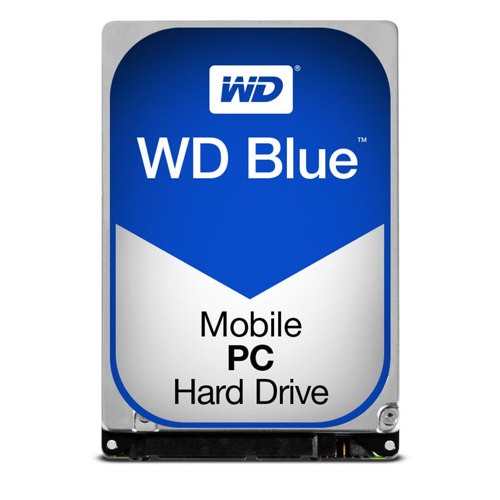 Your price for this item is $248.68
 -
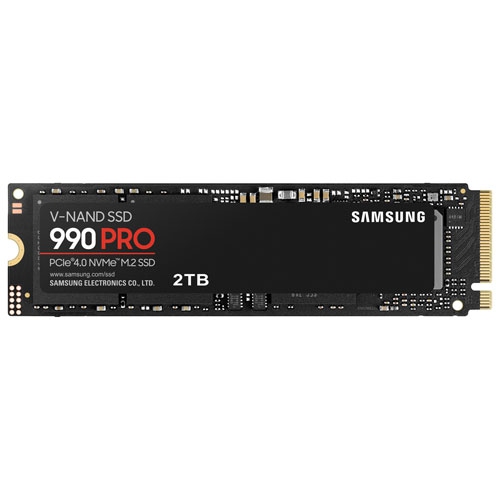 Your price for this item is $679.99
 -
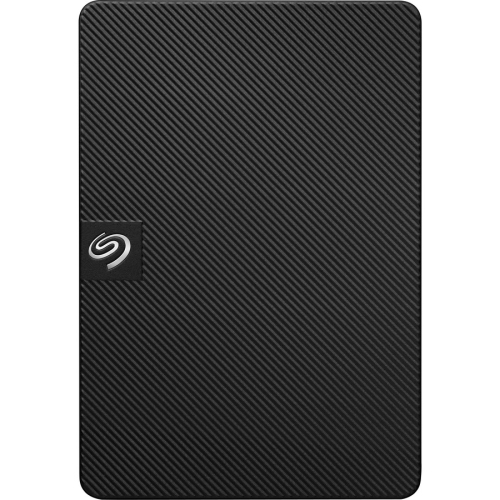 Your price for this item is $164.47
 -
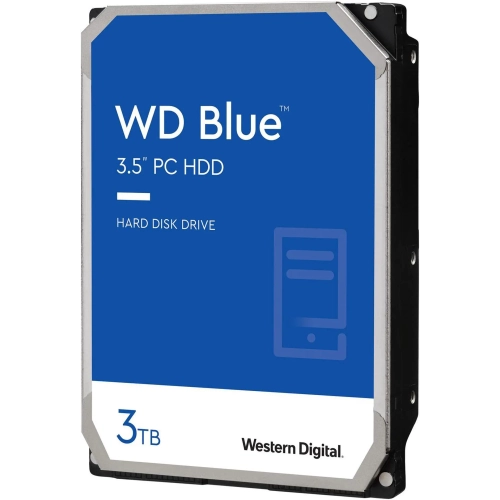 Your price for this item is $259.99
 -
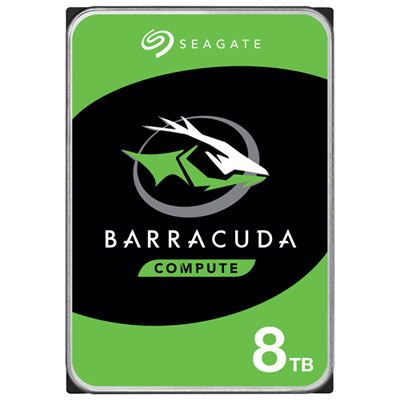 Your price for this item is $389.99
 -
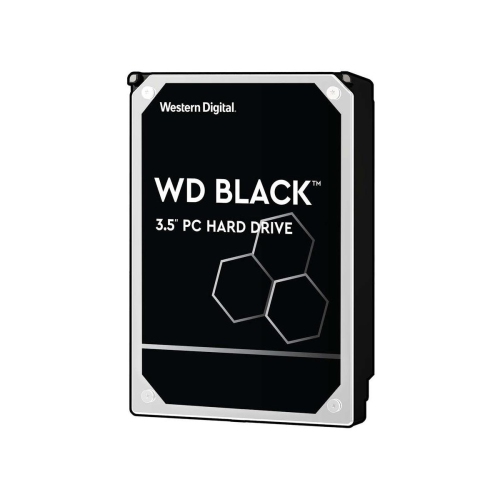 Your price for this item is $399.99
 -
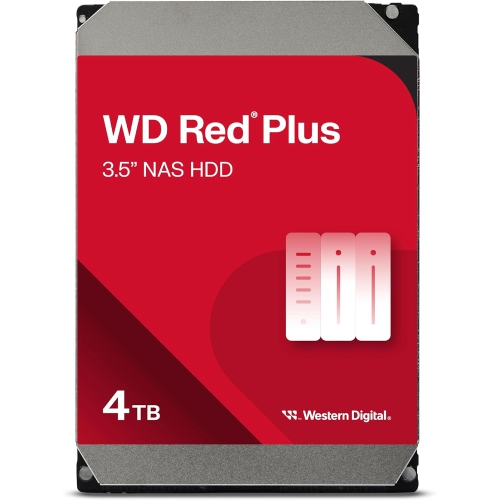 Your price for this item is $379.99
 -
 Your price for this item is $389.99
Discover more categories related to WD Red Pro
Top Collections:
Pokemon Centers, Kindle Devices, Best Budget Office Chairs, Apple iPhones 16, Best Laptops for Writers, iPhone 15 Apple, Canon G7X Cameras, Refurbished Apple Laptops, Alarm Clock, Motorola Razr Phones
Some products may be subject to Environmental Handling Fees
(EHF) depending on your province.
Learn more about EHFs.