Western Digital Black SN850X
Unlock new levels of performance with the Western Digital Black SN850X. Designed for those who demand speed and reliability, this storage solution is ideal for gaming, creative projects, and everyday computing. Whether you’re upgrading your system or building a new rig, the Western Digital Black SN850X delivers the power and efficiency needed to keep up with your digital lifestyle. Explore options that help maximize your setup and experience seamless data management with confidence.
Sort
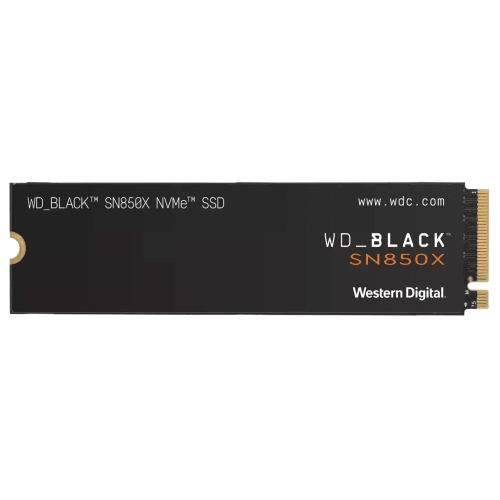
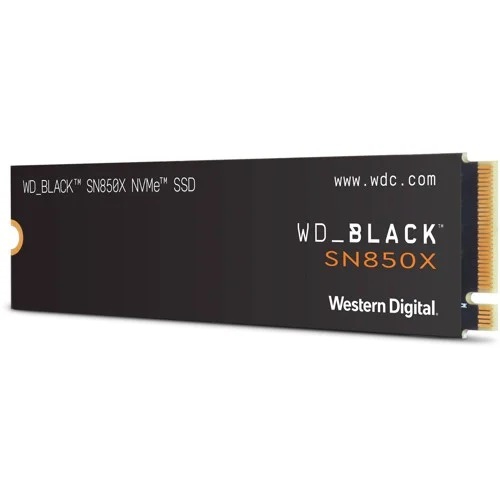
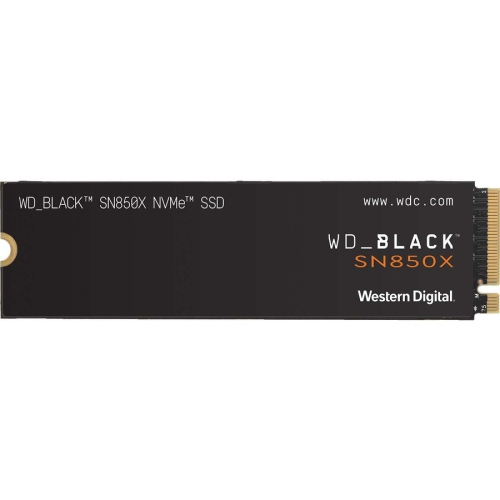
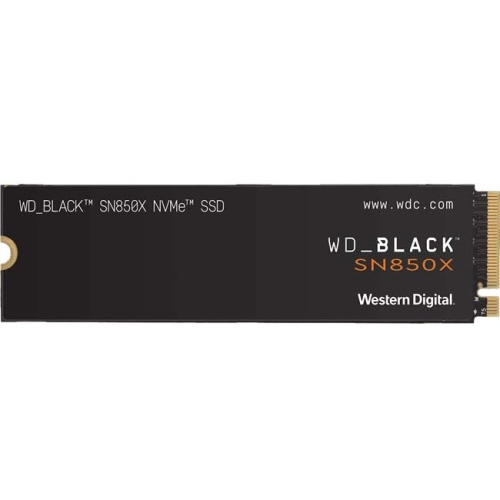
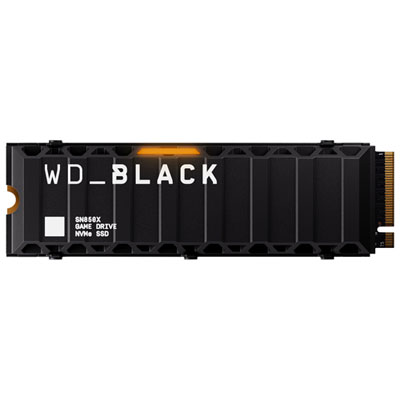
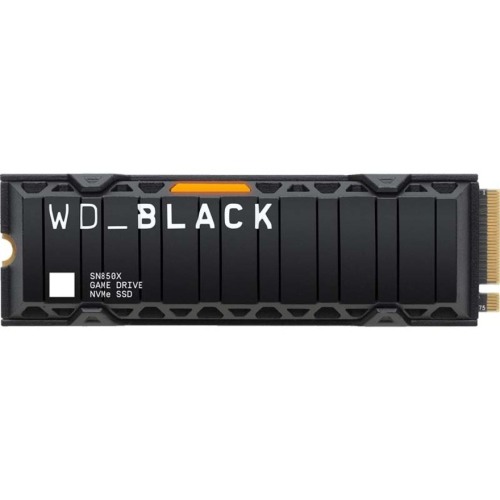
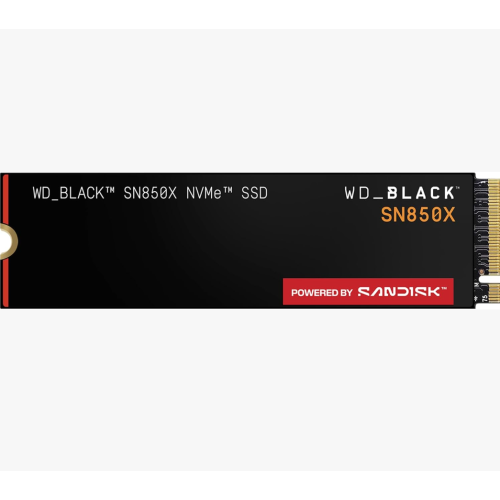

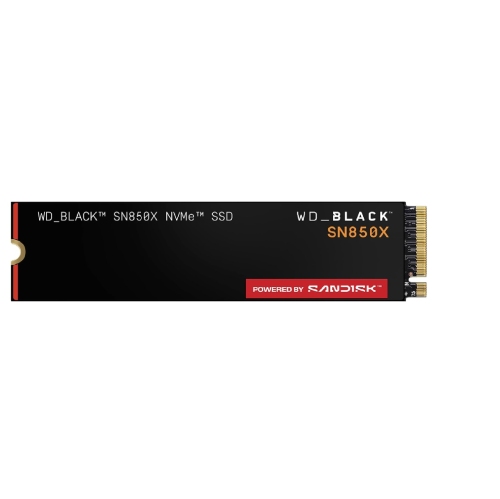
Faster game loading starts with compatible NVMe storage
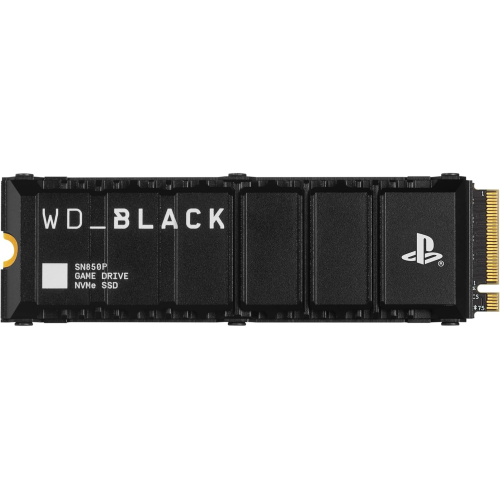
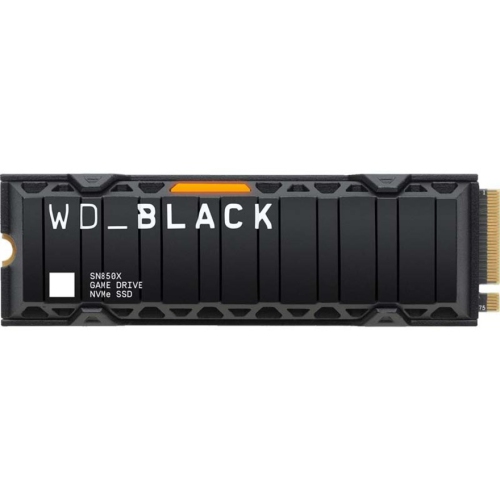
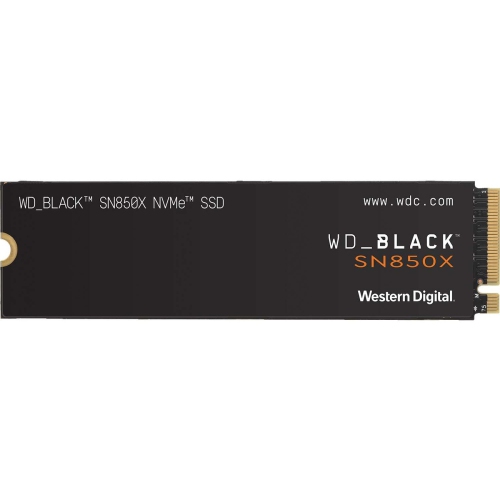
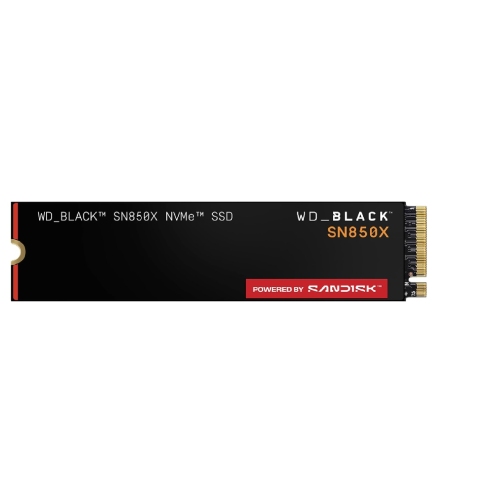
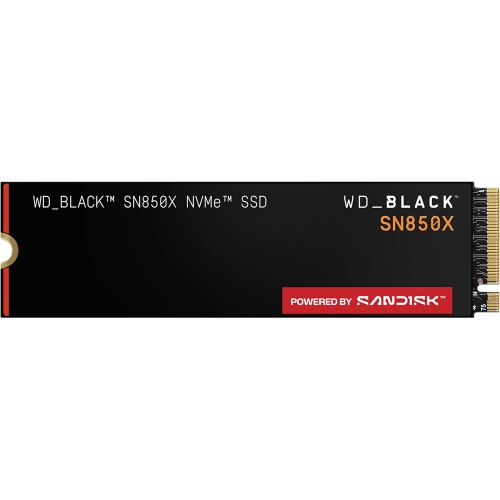
High-performance internal solid-state drives bring fast, responsive storage to gaming PCs, compatible laptops, and supported gaming consoles. Built around flash memory rather than spinning platters, these drives have no moving mechanical parts, operate silently, and fit into a much smaller space than a traditional desktop hard drive. PCIe Gen4 NVMe storage is particularly relevant for demanding games, large applications, and everyday multitasking, combining a high-bandwidth connection with a protocol designed for solid-state performance. The M.2 2280 designation describes the physical format: a narrow circuit board measuring 22 mm wide and 80 mm long. That compact shape suits many modern systems, but an M.2 slot alone does not establish compatibility. The slot must support PCIe NVMe storage, the correct drive length, and the capacity being installed. A compatible PCIe Gen4 drive can generally operate in a PCIe Gen3 slot, although transfer speeds are limited by the older connection. For a gaming desktop, this type of storage can hold the operating system, favourite games, and frequently used applications in one place. For a compatible laptop, it can provide more room for a growing game library without adding an external enclosure or another cable to carry. Faster storage can shorten loading screens, speed up large file transfers, and help supported games access assets efficiently, but it does not automatically raise frame rates or compensate for an underpowered graphics card. Advertised sequential read and write speeds describe particular test conditions; actual results depend on the drive capacity, workload, system hardware, temperature, and remaining free space. Opening a game, importing hundreds of photos, and copying a large video project each place different demands on a drive. Random-access performance and responsiveness during mixed workloads therefore matter alongside headline transfer rates. These distinctions make high-performance NVMe storage useful to more than competitive players: students working with large project folders, photographers sorting image libraries, and creators moving between editing applications can also benefit from quick access to locally stored files.
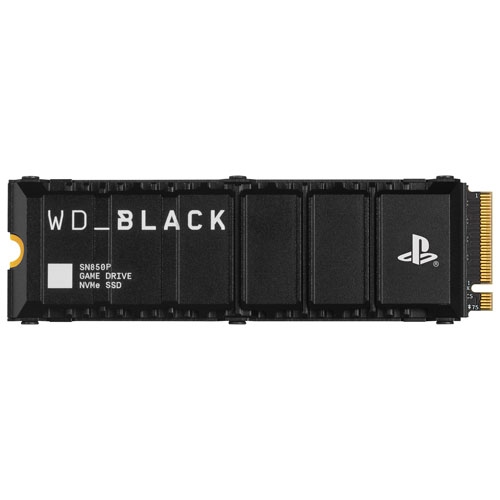
Capacity and physical fit are central to choosing internal gaming storage. A smaller capacity may suit a system dedicated to a few favourite titles, while a larger drive leaves more room for sprawling game installations, downloadable content, recorded gameplay, and creative work. Installation sizes can grow with updates, and temporary files can require additional space, so room beyond the initial download size is useful. Keeping some capacity free also gives the operating system and storage controller space to manage ongoing tasks. Formatted capacity shown by a computer will differ from the capacity stated on the packaging because of measurement conventions and space used by system functions. Alongside storage space, cooling design deserves attention. Some M.2 drives have a factory-fitted heatsink, often using metal fins or a low-profile metal cover to spread heat away from the controller and flash memory. Others have no attached heatsink and are intended to work with cooling provided by the host device or a suitable separate solution. In a desktop motherboard with an integrated M.2 cooling cover, the drive’s height and the cover’s mounting arrangement determine whether the parts fit together properly. Stacking a motherboard cover over a factory heatsink is generally not appropriate unless the hardware explicitly supports that arrangement. Laptop bays are often tighter, making component clearance and the manufacturer’s specifications especially important. Supported gaming consoles can also have precise requirements for the storage interface, drive dimensions, performance, and heatsink size. A drive that fits a desktop is not necessarily suitable for a console expansion bay. Effective cooling helps a drive maintain performance during sustained transfers, such as moving a large game library or writing lengthy video captures. If temperatures become too high, thermal management can reduce performance to protect the hardware. Clear airflow, correctly fitted thermal pads, and a cooling solution suited to the device help address that risk without assuming that the largest heatsink is always the best fit.
Long-term suitability also depends on how the storage will be used and cared for. Flash memory has a finite write endurance, commonly expressed as terabytes written, or TBW. This rating describes a specified volume of data written over the drive’s service life under the manufacturer’s terms; it is not a prediction of the exact day the drive will stop working. Larger capacities within a product family may carry higher endurance ratings, but the published specifications and warranty conditions remain the appropriate reference for each drive. Gaming workloads often involve reading installed files, while frequent video capture, large exports, and repeated transfers can write substantially more data. A student keeping coursework and a modest game library has different storage demands from a creator recording long sessions and editing footage every day. Although solid-state construction removes the moving mechanisms found in hard drives, an exposed M.2 circuit board still needs careful handling. Avoiding contact with the connector, protecting the board from static discharge, and using the correct mounting hardware help prevent damage during installation. Device-specific service instructions matter, particularly in compact laptops where batteries, covers, and internal cables may sit close to the storage bay. Once installed, compatible management software may provide drive-health information, temperature readings, and firmware updates, although software features can depend on the operating system and host device. Important files still need a separate backup: fast internal storage is not a substitute for another copy of saved projects, family photos, or personal documents. For households also considering centralised file storage, Western Digital Red is a related category with a different focus from high-performance gaming expansion, making the intended workload an important distinction. An internal SSD can also be a thoughtful gift for someone building a PC or expanding a compatible gaming setup, provided the recipient’s device specifications are known. Matching capacity, cooling, physical dimensions, and interface support makes the difference between an upgrade that fits neatly into an existing system and one that requires additional parts or cannot be installed.
Capacity and physical fit are central to choosing internal gaming storage. A smaller capacity may suit a system dedicated to a few favourite titles, while a larger drive leaves more room for sprawling game installations, downloadable content, recorded gameplay, and creative work. Installation sizes can grow with updates, and temporary files can require additional space, so room beyond the initial download size is useful. Keeping some capacity free also gives the operating system and storage controller space to manage ongoing tasks. Formatted capacity shown by a computer will differ from the capacity stated on the packaging because of measurement conventions and space used by system functions. Alongside storage space, cooling design deserves attention. Some M.2 drives have a factory-fitted heatsink, often using metal fins or a low-profile metal cover to spread heat away from the controller and flash memory. Others have no attached heatsink and are intended to work with cooling provided by the host device or a suitable separate solution. In a desktop motherboard with an integrated M.2 cooling cover, the drive’s height and the cover’s mounting arrangement determine whether the parts fit together properly. Stacking a motherboard cover over a factory heatsink is generally not appropriate unless the hardware explicitly supports that arrangement. Laptop bays are often tighter, making component clearance and the manufacturer’s specifications especially important. Supported gaming consoles can also have precise requirements for the storage interface, drive dimensions, performance, and heatsink size. A drive that fits a desktop is not necessarily suitable for a console expansion bay. Effective cooling helps a drive maintain performance during sustained transfers, such as moving a large game library or writing lengthy video captures. If temperatures become too high, thermal management can reduce performance to protect the hardware. Clear airflow, correctly fitted thermal pads, and a cooling solution suited to the device help address that risk without assuming that the largest heatsink is always the best fit.
Long-term suitability also depends on how the storage will be used and cared for. Flash memory has a finite write endurance, commonly expressed as terabytes written, or TBW. This rating describes a specified volume of data written over the drive’s service life under the manufacturer’s terms; it is not a prediction of the exact day the drive will stop working. Larger capacities within a product family may carry higher endurance ratings, but the published specifications and warranty conditions remain the appropriate reference for each drive. Gaming workloads often involve reading installed files, while frequent video capture, large exports, and repeated transfers can write substantially more data. A student keeping coursework and a modest game library has different storage demands from a creator recording long sessions and editing footage every day. Although solid-state construction removes the moving mechanisms found in hard drives, an exposed M.2 circuit board still needs careful handling. Avoiding contact with the connector, protecting the board from static discharge, and using the correct mounting hardware help prevent damage during installation. Device-specific service instructions matter, particularly in compact laptops where batteries, covers, and internal cables may sit close to the storage bay. Once installed, compatible management software may provide drive-health information, temperature readings, and firmware updates, although software features can depend on the operating system and host device. Important files still need a separate backup: fast internal storage is not a substitute for another copy of saved projects, family photos, or personal documents. For households also considering centralised file storage, Western Digital Red is a related category with a different focus from high-performance gaming expansion, making the intended workload an important distinction. An internal SSD can also be a thoughtful gift for someone building a PC or expanding a compatible gaming setup, provided the recipient’s device specifications are known. Matching capacity, cooling, physical dimensions, and interface support makes the difference between an upgrade that fits neatly into an existing system and one that requires additional parts or cannot be installed.
Top selling and popular products
-
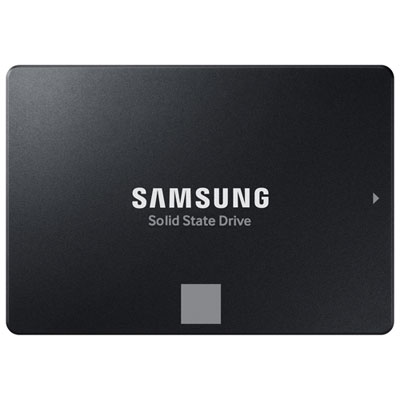 Your price for this item is $554.99
 -
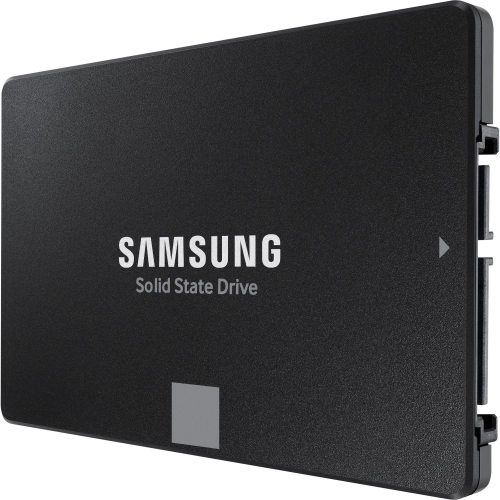 Your price for this item is $649.99
 -
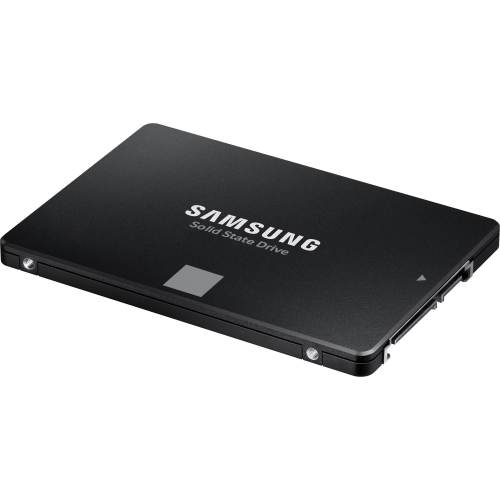 Your price for this item is $394.99
 -
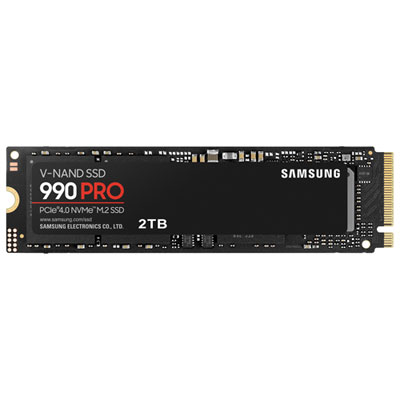 Your price for this item is $649.99
 -
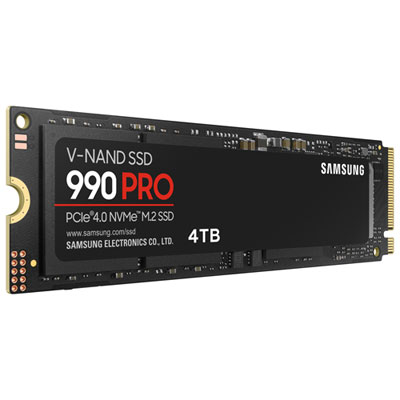 Your price for this item is $1199.97
 -
 Your price for this item is $106.93
 -
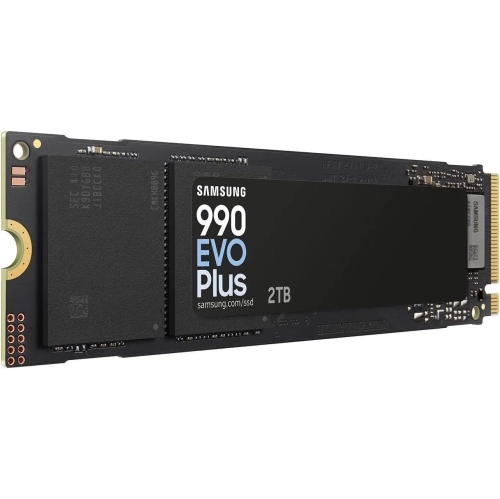 Your price for this item is $639.99
 -
 Your price for this item is $124.99
Discover more categories related to Western Digital Black SN850X


Top Collections:
Pokemon Centers, Kindle Devices, Best Budget Office Chairs, Apple iPhones 16, Best Laptops for Writers, iPhone 15 Apple, Canon G7X Cameras, Refurbished Apple Laptops, Alarm Clock, Motorola Razr Phones
Some products may be subject to Environmental Handling Fees
(EHF) depending on your province.
Learn more about EHFs.