WD Red Pro Hard Drives
Upgrade your storage solutions with the WD Red Pro Hard Drive, designed to meet the demands of both personal and professional environments. Ideal for users seeking reliable performance and ample capacity, this hard drive fits seamlessly into a variety of setups. Discover options that help keep your data organized and accessible, making it easier to manage important files and projects. Explore the WD Red Pro Hard Drive collection to find the perfect match for your storage needs.
Sort
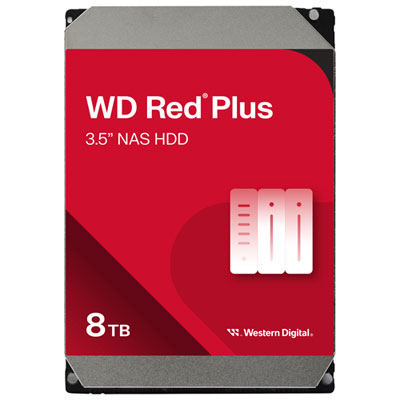
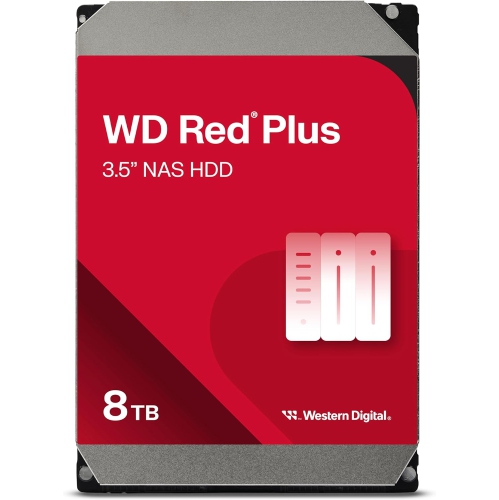
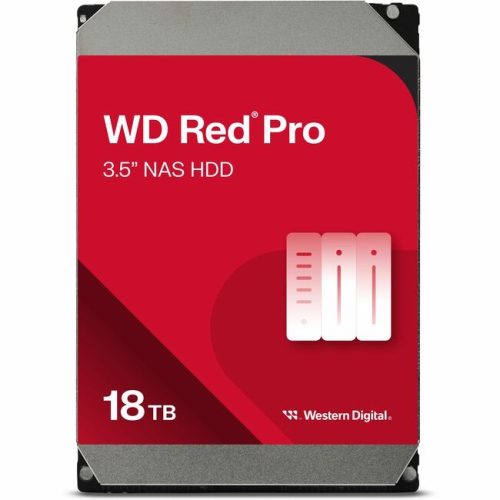
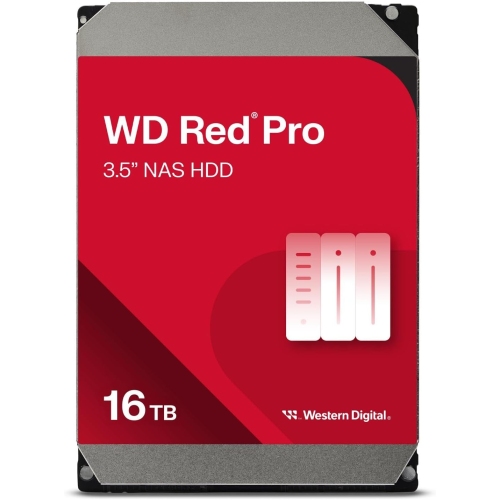
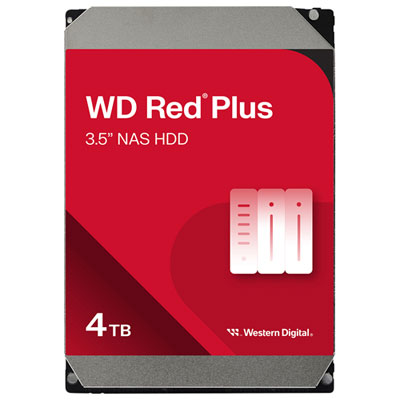
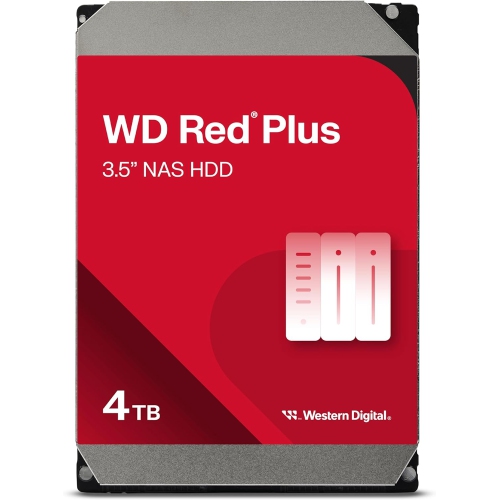
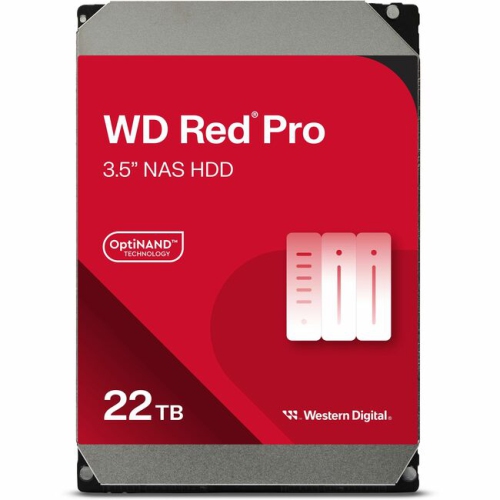
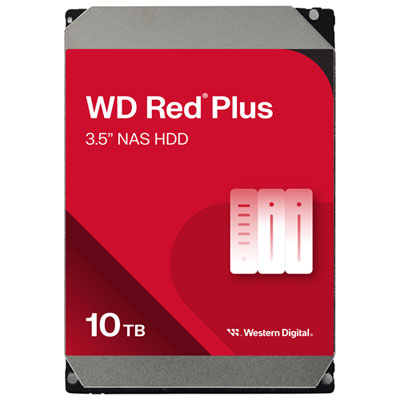
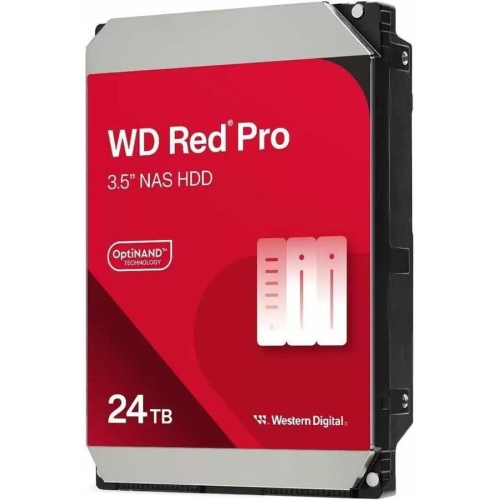
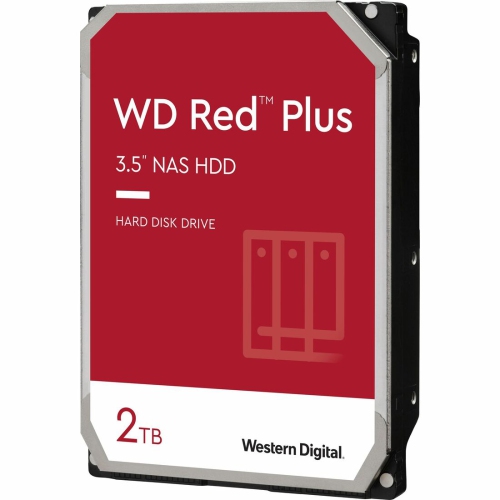
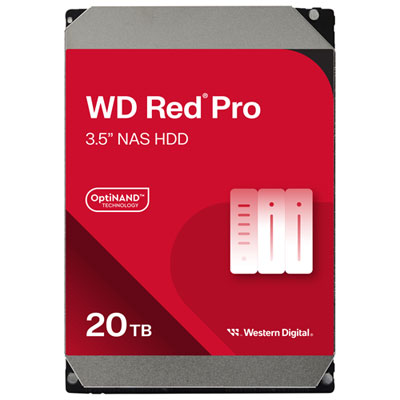
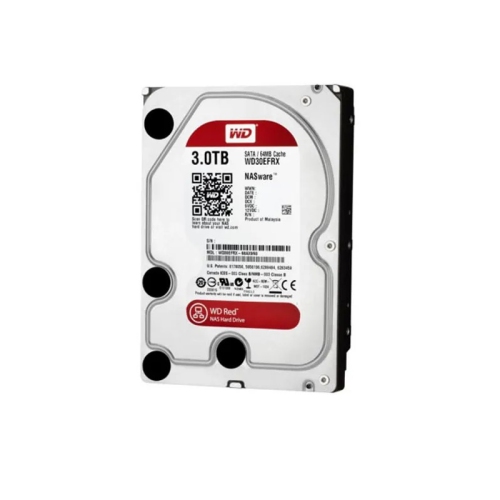
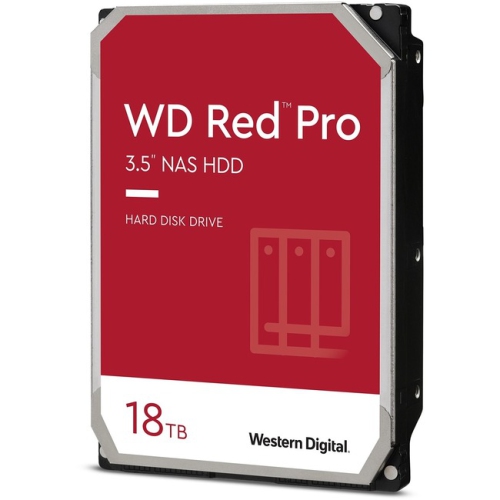
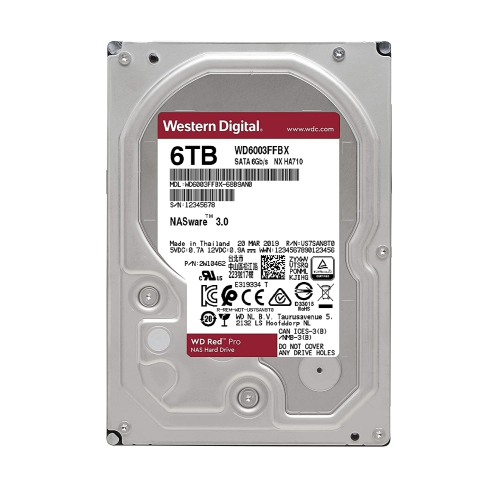
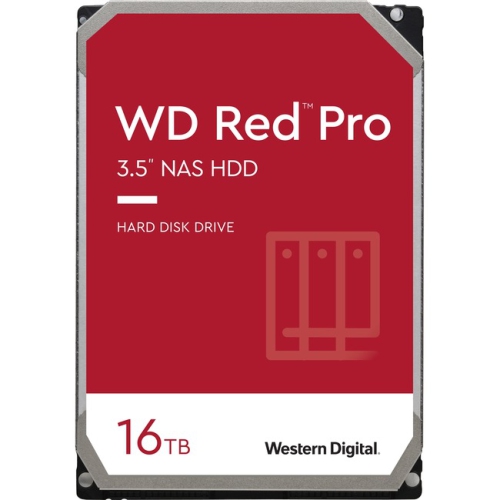

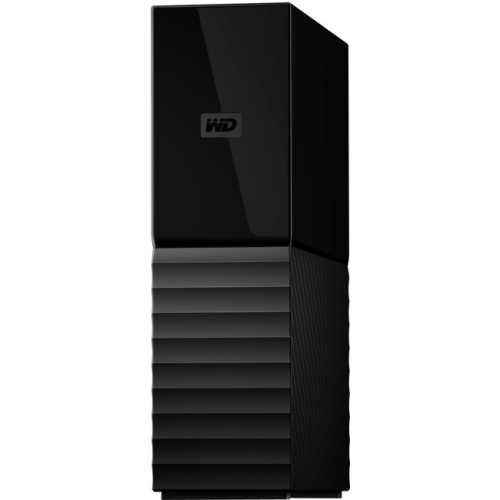

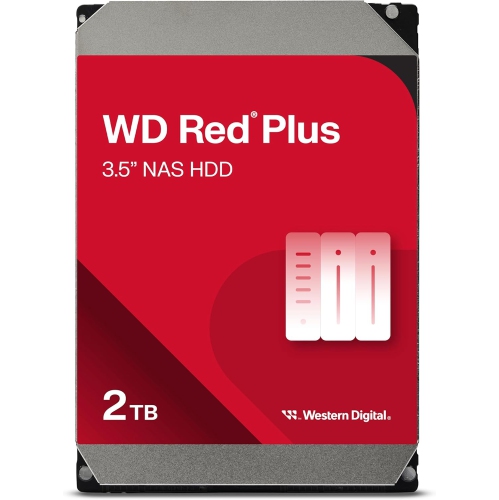
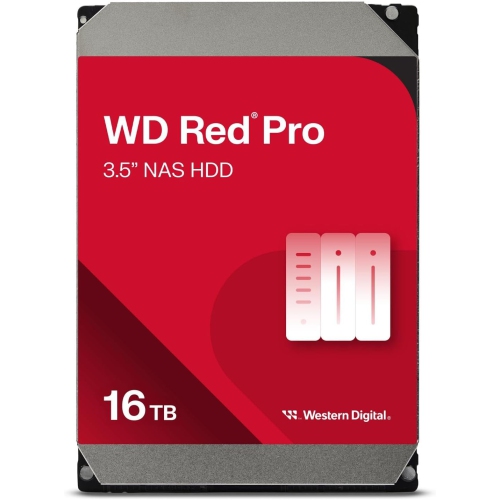
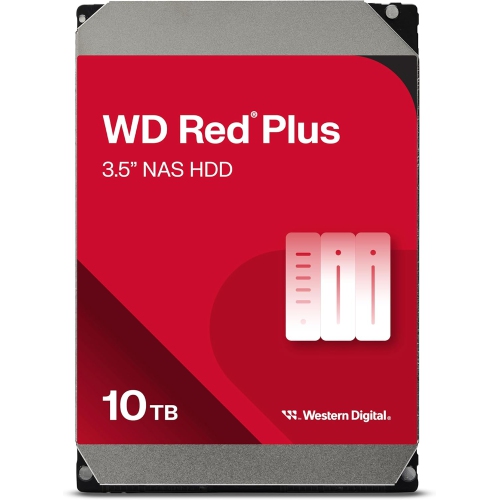
Built for demanding NAS workloads and continuous shared access
For dependable network-attached storage, WD Red Pro hard drives are designed for demanding environments where files need to remain available around the clock. These internal 3.5-inch hard drives are built for multi-bay NAS systems used in homes, studios, offices, and growing businesses. Unlike a drive intended mainly for occasional desktop use, a NAS drive supports continuous operation, shared access, and the repeated read-and-write activity that comes with storing large media libraries, project folders, security footage, backups, and business documents. Their 7200 RPM performance can help move data more quickly than lower-speed storage, which is useful when several people are accessing a shared folder or when large video files are being transferred. Capacity options can range from 2TB to 26TB, giving shoppers room to match a drive to an existing enclosure, a carefully planned storage upgrade, or a new multi-drive array. A smaller capacity may suit a compact home setup, while higher capacities can make more sense for photographers, videographers, designers, engineers, and small businesses managing years of files. Keep in mind that the usable capacity of a NAS may be lower than the number printed on the box after formatting and RAID protection are taken into account.
Choosing the right NAS hard drive starts with checking compatibility. Confirm that your enclosure accepts internal 3.5-inch drives, supports the capacity you are considering, and has enough bays for the storage arrangement you plan to use. Multi-bay systems can combine drives in RAID configurations to improve redundancy, performance, or both, but RAID is not a substitute for a separate backup. A practical setup might keep working files on the NAS, duplicate important folders to another storage device, and preserve especially valuable photos or records in an additional location. This layered approach can feel reassuring when a computer fails, a file is accidentally overwritten, or a household collection of irreplaceable memories needs to be restored. For business users, it can also help keep shared documents accessible while reducing the disruption caused by a single drive failure. Conventional Magnetic Recording, or CMR, technology is an important specification to look for in a NAS drive because it is well suited to sustained workloads and RAID environments. Rotational vibration sensors are another feature associated with multi-drive storage: as several drives spin beside one another, they can create small vibrations, and monitoring those conditions can help maintain consistent operation in an enclosure with many bays. These details matter more as a NAS grows from a quiet home file server into a central hub that may be accessed by several computers, media players, cameras, and mobile devices throughout the day.
Think about how the NAS will be used before settling on capacity or quantity. A household storing documents, phone photos, and streamed music may have different needs from a creative professional working with high-resolution video, raw photography, or large design files. A small business may prioritize dependable shared storage for accounting files, customer records, design assets, and scheduled backups, while a home office may need a quiet place for work documents that can be reached from a laptop and desktop. Surveillance applications and other continuous recording workloads can consume space quickly, so it is worth estimating how much footage or data will be retained and how often older files will be removed. Drive speed, cache, operating temperature, acoustic output, and power requirements can also affect the day-to-day experience, particularly when the NAS sits near a desk or in a living area. A 7200 RPM drive is intended to provide responsive performance, but it may produce more sound and heat than a slower desktop drive, making airflow and enclosure placement important. Leave adequate ventilation around the NAS, follow the enclosure manufacturer’s installation instructions, and check health alerts regularly through the NAS software. Capacity should be considered alongside redundancy: filling every bay with the largest possible drives may not be the best fit if the enclosure, network, backup destination, or budget cannot support the entire system. A five-year limited manufacturer warranty is a helpful point of reference for long-term planning, although warranty terms, registration requirements, and coverage conditions should always be reviewed before purchase. These drives are usually chosen for a specific storage project rather than given as a casual gift, but they can be a thoughtful present for a photographer, home lab enthusiast, content creator, or small-business owner who is expanding a NAS. During the cooler months, a well-organized NAS can quietly safeguard family photos, tax records, school projects, and creative work in one accessible place, ready to serve files whenever they are needed.
Choosing the right NAS hard drive starts with checking compatibility. Confirm that your enclosure accepts internal 3.5-inch drives, supports the capacity you are considering, and has enough bays for the storage arrangement you plan to use. Multi-bay systems can combine drives in RAID configurations to improve redundancy, performance, or both, but RAID is not a substitute for a separate backup. A practical setup might keep working files on the NAS, duplicate important folders to another storage device, and preserve especially valuable photos or records in an additional location. This layered approach can feel reassuring when a computer fails, a file is accidentally overwritten, or a household collection of irreplaceable memories needs to be restored. For business users, it can also help keep shared documents accessible while reducing the disruption caused by a single drive failure. Conventional Magnetic Recording, or CMR, technology is an important specification to look for in a NAS drive because it is well suited to sustained workloads and RAID environments. Rotational vibration sensors are another feature associated with multi-drive storage: as several drives spin beside one another, they can create small vibrations, and monitoring those conditions can help maintain consistent operation in an enclosure with many bays. These details matter more as a NAS grows from a quiet home file server into a central hub that may be accessed by several computers, media players, cameras, and mobile devices throughout the day.
Think about how the NAS will be used before settling on capacity or quantity. A household storing documents, phone photos, and streamed music may have different needs from a creative professional working with high-resolution video, raw photography, or large design files. A small business may prioritize dependable shared storage for accounting files, customer records, design assets, and scheduled backups, while a home office may need a quiet place for work documents that can be reached from a laptop and desktop. Surveillance applications and other continuous recording workloads can consume space quickly, so it is worth estimating how much footage or data will be retained and how often older files will be removed. Drive speed, cache, operating temperature, acoustic output, and power requirements can also affect the day-to-day experience, particularly when the NAS sits near a desk or in a living area. A 7200 RPM drive is intended to provide responsive performance, but it may produce more sound and heat than a slower desktop drive, making airflow and enclosure placement important. Leave adequate ventilation around the NAS, follow the enclosure manufacturer’s installation instructions, and check health alerts regularly through the NAS software. Capacity should be considered alongside redundancy: filling every bay with the largest possible drives may not be the best fit if the enclosure, network, backup destination, or budget cannot support the entire system. A five-year limited manufacturer warranty is a helpful point of reference for long-term planning, although warranty terms, registration requirements, and coverage conditions should always be reviewed before purchase. These drives are usually chosen for a specific storage project rather than given as a casual gift, but they can be a thoughtful present for a photographer, home lab enthusiast, content creator, or small-business owner who is expanding a NAS. During the cooler months, a well-organized NAS can quietly safeguard family photos, tax records, school projects, and creative work in one accessible place, ready to serve files whenever they are needed.
Top selling and popular products
-
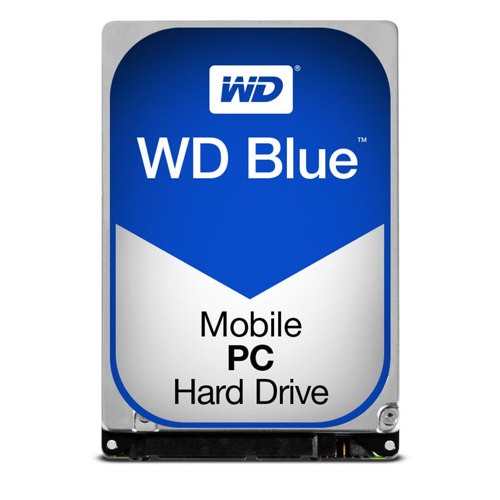 Your price for this item is $248.68
 -
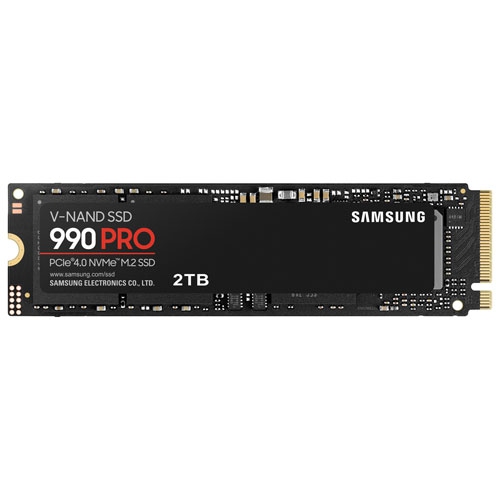 Your price for this item is $679.99
 -
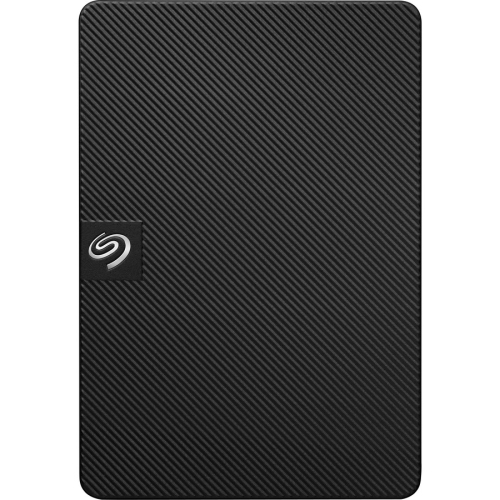 Your price for this item is $164.47
 -
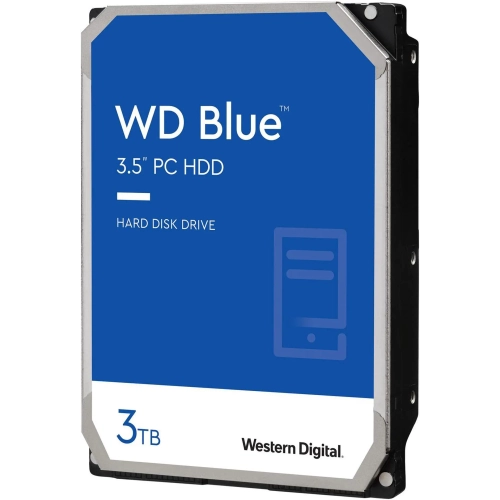 Your price for this item is $259.99
 -
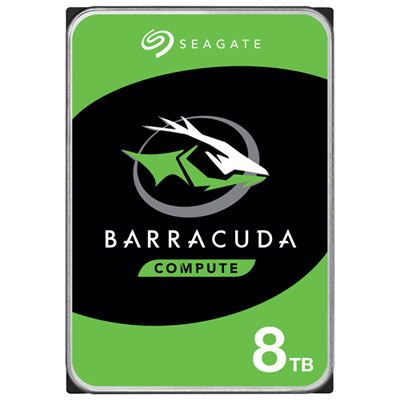 Your price for this item is $389.99
 -
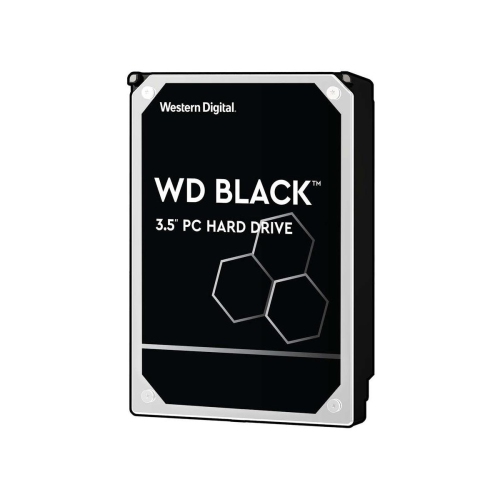 Your price for this item is $399.99
 -
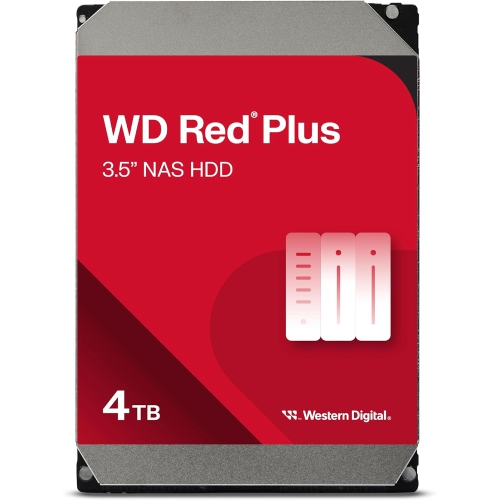 Your price for this item is $379.99
 -
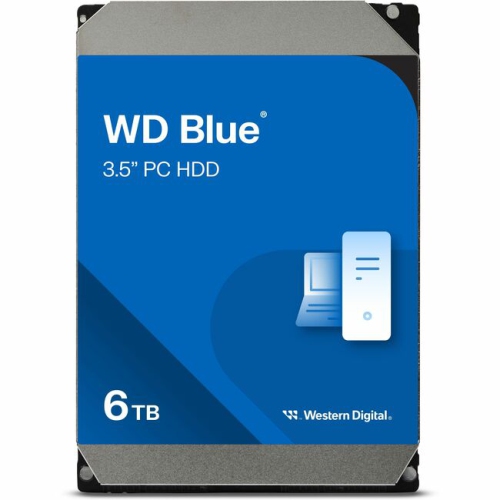 Your price for this item is $389.99
Discover more categories related to WD Red Pro Hard Drives
Top Collections:
Pokemon Centers, Kindle Devices, Best Budget Office Chairs, Apple iPhones 16, Best Laptops for Writers, iPhone 15 Apple, Canon G7X Cameras, Refurbished Apple Laptops, Alarm Clock, Motorola Razr Phones
Some products may be subject to Environmental Handling Fees
(EHF) depending on your province.
Learn more about EHFs.