Western Digital 1TB
Upgrade your storage solutions with the Western Digital 1TB selection, designed to help you keep important files, photos, videos, and more organized and accessible. Whether you're expanding your computer's capacity or looking for dependable backup options, these drives offer a reliable way to manage your digital world. Explore a variety of models to find the perfect fit for your needs and enjoy seamless integration with your devices. Discover how the Western Digital 1TB range can make data management easier and more efficient.
Sort


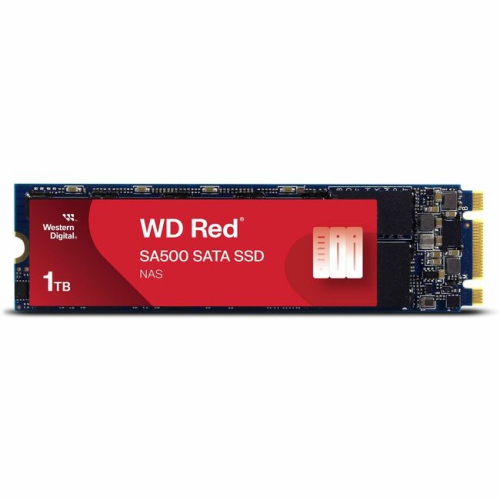
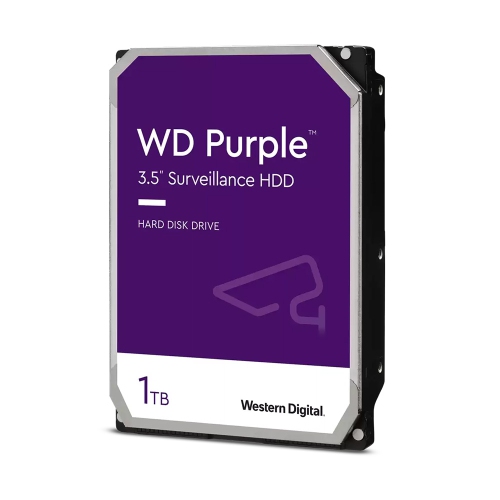
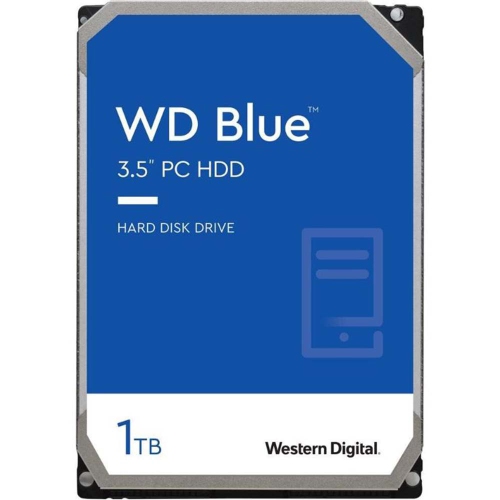
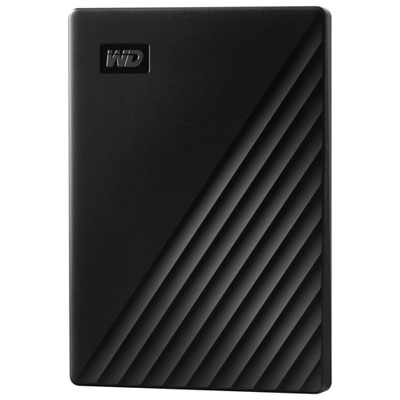
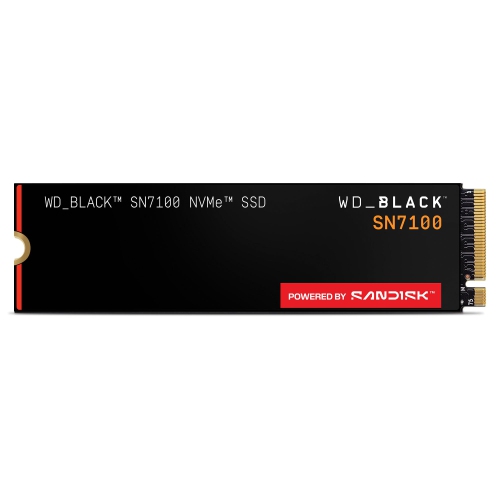
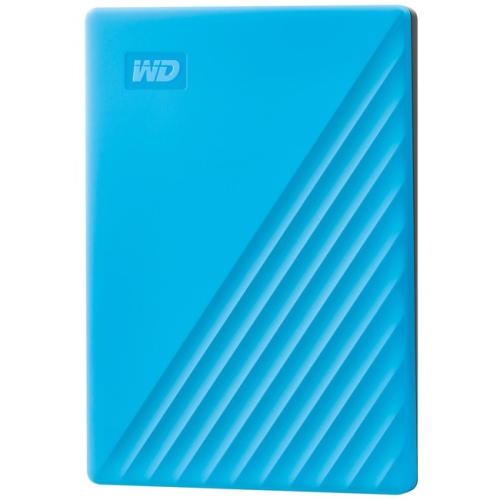
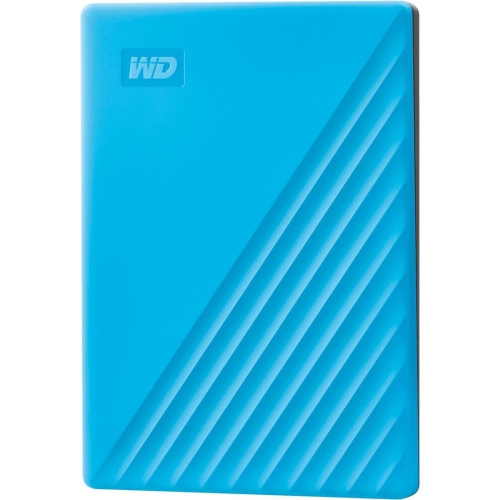
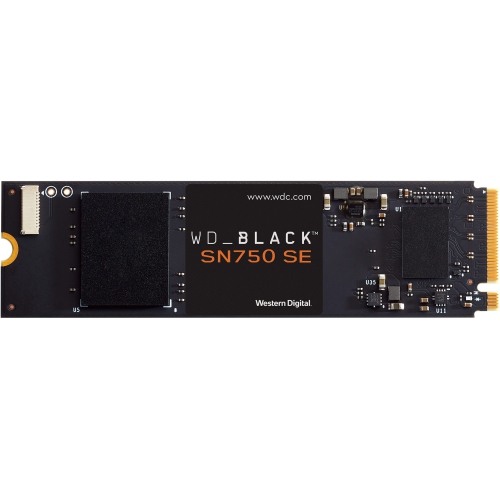
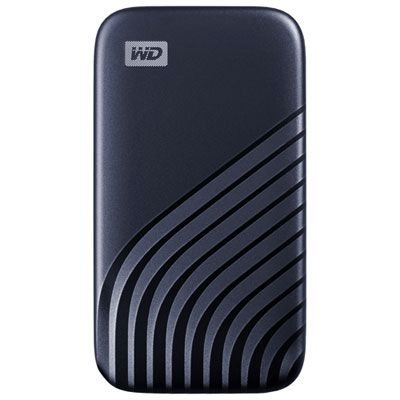
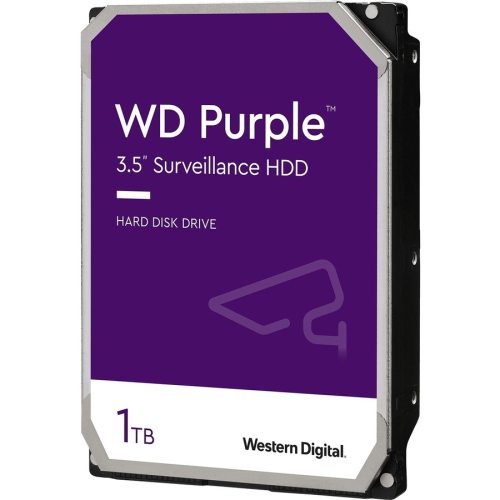


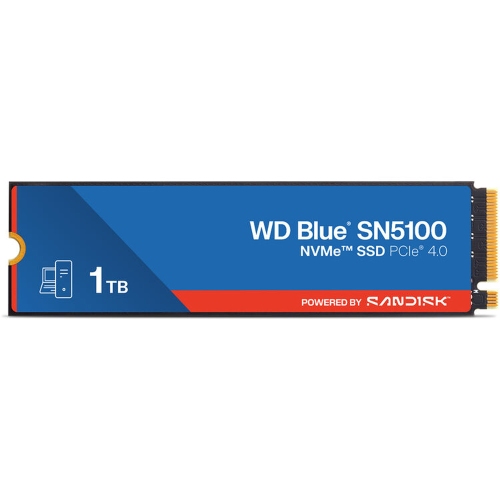
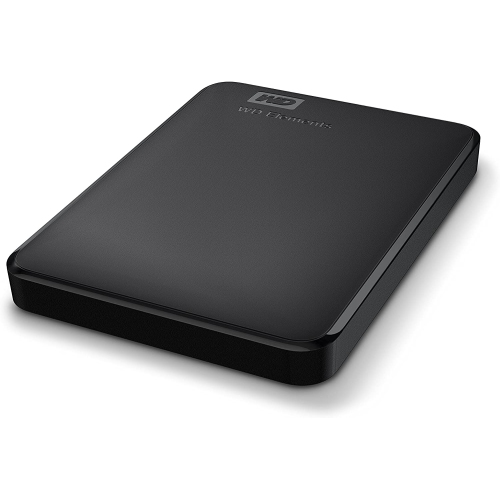
What 1TB of storage means for everyday use
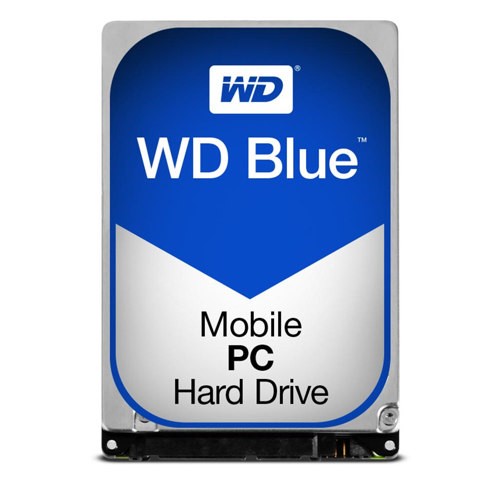
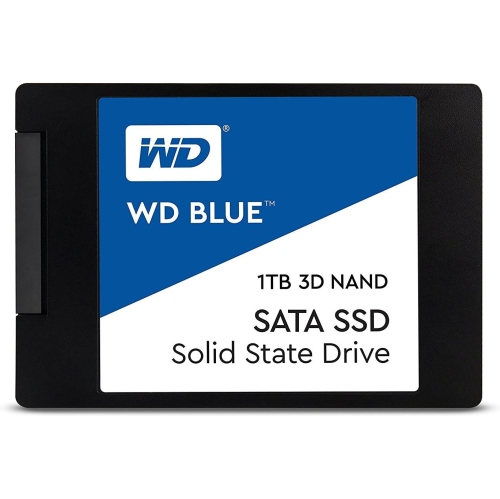
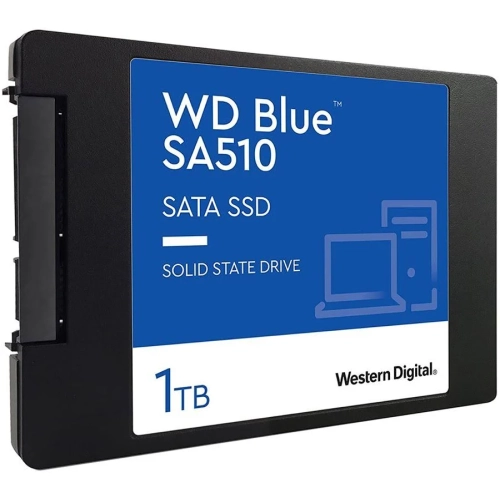
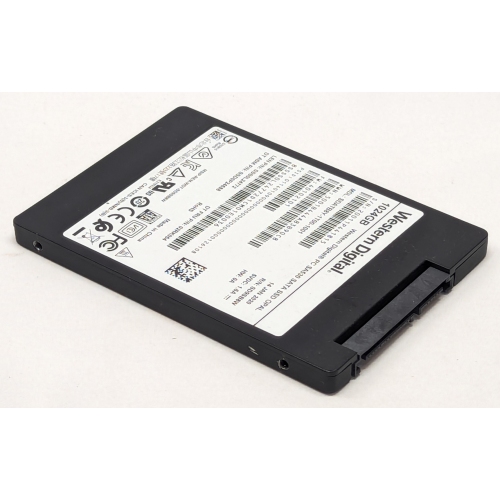
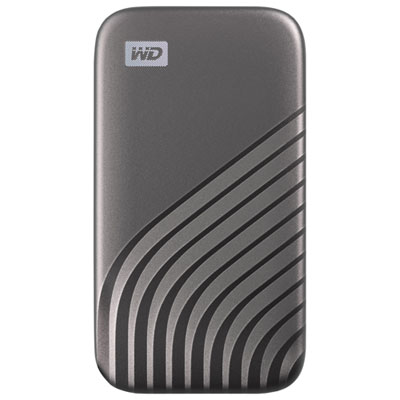
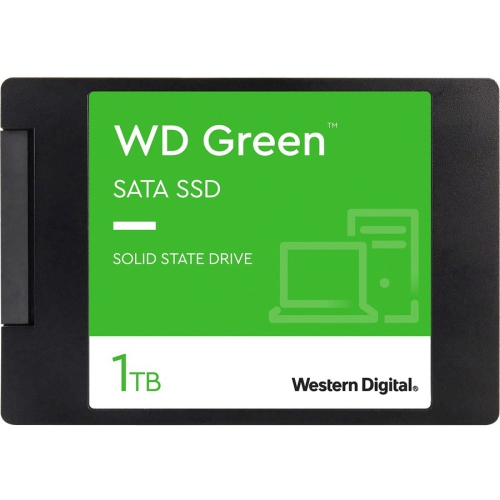
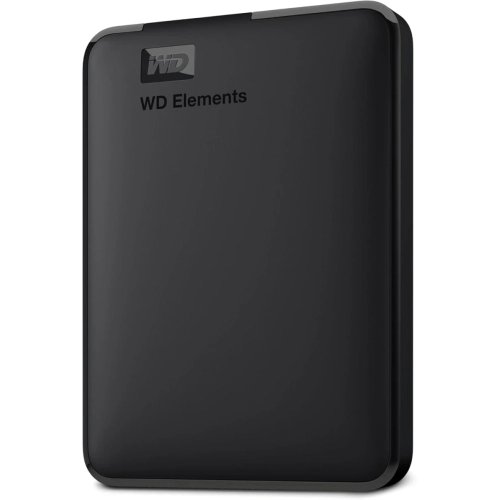
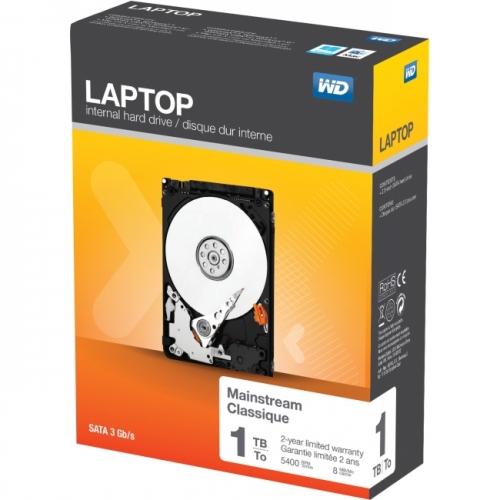
A 1TB storage drive offers one terabyte of manufacturer-rated capacity for documents, photos, videos, applications, games, and backups. That capacity describes how much data the drive can hold, not how quickly it transfers files or which devices it connects to. One terabyte equals 1,000,000,000,000 bytes, although the capacity displayed by a computer may be lower because of how its operating system reports storage and how much space formatting and system files require. For everyday use, 1TB can provide room for a substantial collection of personal files, but the amount it holds depends on file size. Text documents take up relatively little space, while high-resolution video, large photo libraries, and modern games can fill a drive much faster. Storage in this capacity range can serve several different purposes: expanding a computer’s working space, keeping a separate backup of important folders, carrying projects between locations, or maintaining a personal media library. A student might keep coursework, scanned notes, and presentation files together, while a photographer might use a separate drive for image transfers after a shoot. Someone working with video may use the same capacity for active projects rather than a complete long-term archive. The distinction between a hard disk drive and a solid-state drive also matters. A hard disk drive stores data on spinning magnetic platters and uses moving components to read and write information. A solid-state drive stores data in flash memory, with no moving mechanical parts. SSDs generally offer quicker access to files and better resistance to movement during use, while hard drives remain useful for file storage and routine backups. Actual performance depends on the drive, its connection, the host device, and the work being done. Copying a folder containing thousands of small files can behave differently from transferring one large video, even when both folders occupy the same amount of space. These differences make capacity only one part of understanding how a drive will fit into daily use.
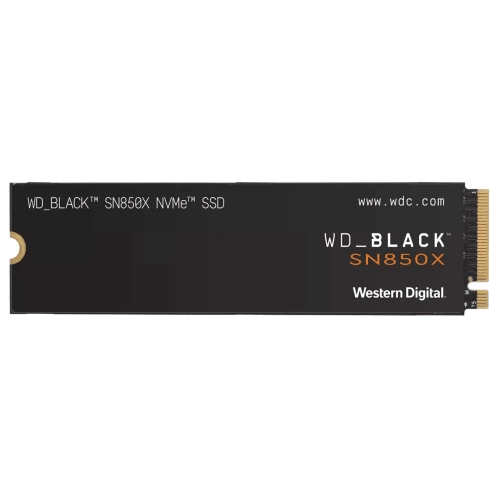
The physical format and connection determine where a 1TB drive can be used. Internal storage fits inside a compatible computer or other supported device, while external storage places the drive in an enclosure that connects through an external port. Internal upgrades require a match between the drive and the computer’s supported interface, dimensions, and mounting arrangement. A 2.5-inch SATA drive, for example, needs an appropriate bay or mounting solution and the required connections. An M.2 drive fits into a motherboard slot, but M.2 describes a physical format rather than a single connection standard; support for SATA or PCIe-based NVMe storage depends on the particular slot and system. For computers that use SATA connections, WD 1TB SATA storage offers a more focused category to explore, with physical fit and system compatibility still important considerations. Laptop upgrades can also depend on drive thickness, access to the storage compartment, and whether the existing storage is replaceable. External drives involve a different set of practical details. The connector on the cable needs to suit the computer or other host device, and a USB-C connector alone does not establish transfer speed. The USB standard supported by the drive, cable, and port all influence the connection’s capabilities. Some external drives draw power through their data cable, while others require a separate power supply. A compact enclosure can be convenient beside a laptop or in a work bag, whereas a larger enclosure may be better suited to a permanent place on a desk. Compatibility also extends beyond the plug. The file system affects whether a drive can be read and written by different operating systems, and reformatting usually erases existing data. Game consoles, televisions, and other devices may have their own storage requirements, supported formats, or restrictions on how external storage can be used. A drive intended for moving files between computers therefore has different requirements from one intended to run applications internally or store games for a particular console.
Everyday handling and backup habits have a direct effect on the usefulness of a 1TB drive. An enclosure’s plastic or metal exterior helps protect its internal components, but its material alone does not establish resistance to drops, dust, or liquids. Those protections depend on the construction and any stated ratings. Hard drives deserve particular care while operating because their internal parts are moving; placing one on a stable surface and avoiding sudden knocks helps reduce unnecessary risk. SSDs have no spinning platters, but their connectors, circuit boards, and enclosures can still be damaged. A padded compartment is useful when carrying a portable drive, and keeping cables loosely coiled avoids repeated strain near the plugs. On a desk, a little clear space around the enclosure helps preserve airflow and keeps cables from being caught by a chair or pulled by a passing bag. Safe removal through the operating system helps ensure pending writes are completed before an external drive is disconnected. For important files, a separate drive is most valuable as part of a backup routine rather than as the only place those files exist. Moving every family photo off a computer and onto one external drive creates a single copy, not an additional backup. Keeping another independent copy reduces the consequences of accidental deletion, hardware failure, or loss, and occasionally opening backed-up files helps confirm they remain accessible. Password protection and encryption, where supported, can help protect private documents, though access credentials need to be stored securely. Leaving some working space free also makes it easier to manage new files and ongoing projects without constant rearranging. For students, home-office users, photographers, and people sharing a family computer, these details often matter more than an eye-catching enclosure. A storage drive can also make a practical gift when the recipient’s device connections and intended use are known. The right fit is a drive whose capacity, format, connection, and care requirements suit the files it will hold and the person who will use it.
Top selling and popular products
-
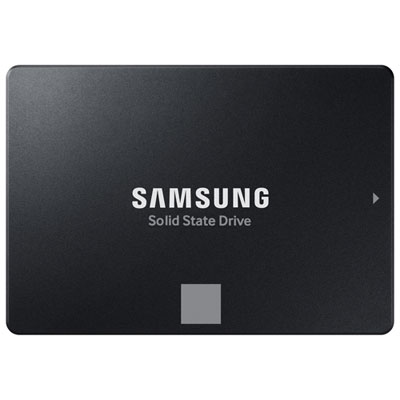 Your price for this item is $469.99
-
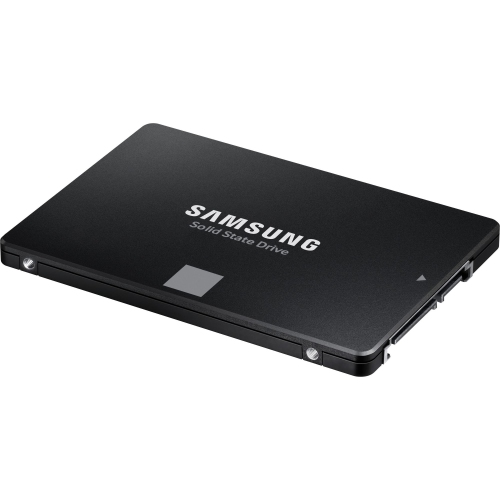 Your price for this item is $394.99
-
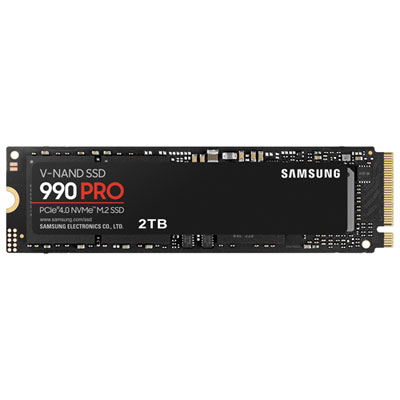 Your price for this item is $874.99
-
 Your price for this item is $1471.99
-
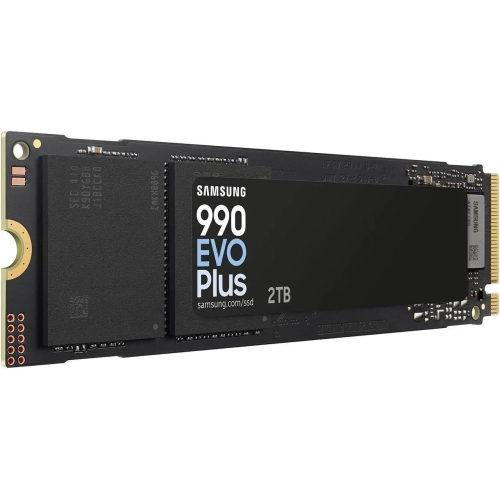 Your price for this item is $639.99
-
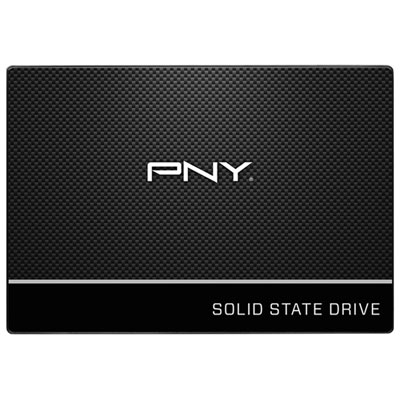 Your price for this item is $124.99
-
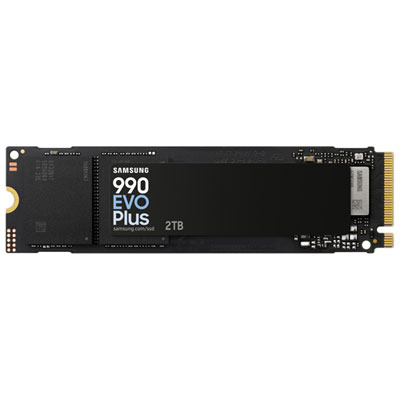 Your price for this item is $789.95
-
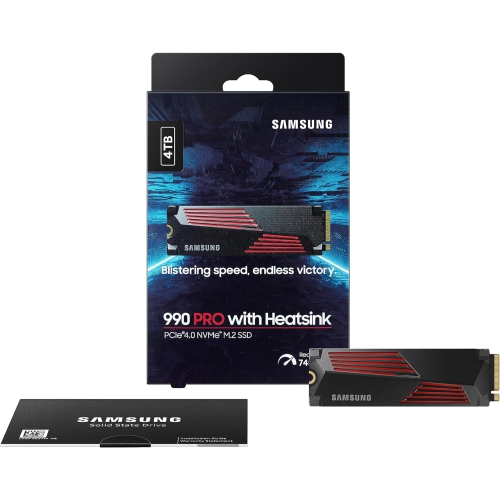 Your price for this item is $1449.99
Discover more categories related to Western Digital 1TB

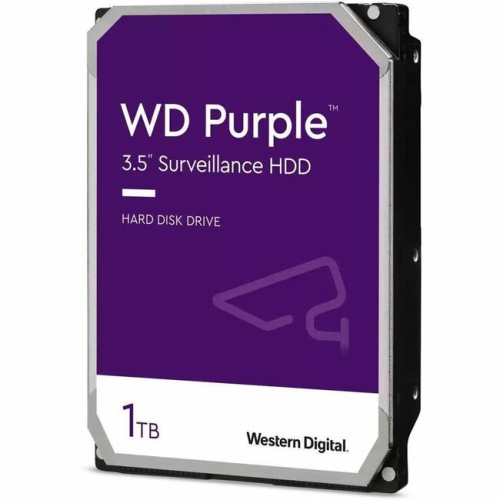
Top Collections:
Best Black Friday Deals This Year, Best Black Friday Deals On Electronics, Kindle Devices, Pokemon Centers, Best Black Friday Deals On Apple Products, Best Cameras for Sports Photography, Dyson Airwrap, Pokémon 30th Celebration Cards, Apple iPhone 17 Pro, Canon G7X Cameras
Some products may be subject to Environmental Handling Fees
(EHF) depending on your province.
Learn more about EHFs.