White 75 Keyboards
Elevate your workspace or gaming setup with a White 75 Keyboard, designed to deliver a sleek and modern look while maximizing desk space. Perfect for both casual users and enthusiasts, these keyboards offer a compact layout that balances functionality and style. Whether you're upgrading your home office or looking to enhance your typing experience, discover a range of options to suit your needs with the White 75 Keyboard collection.
Sort
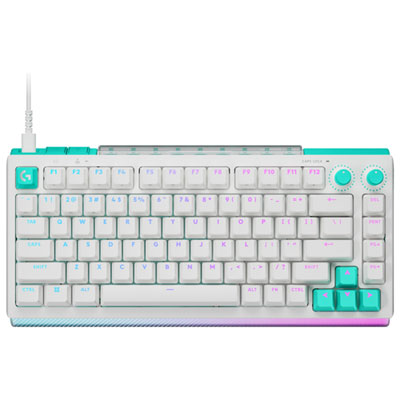
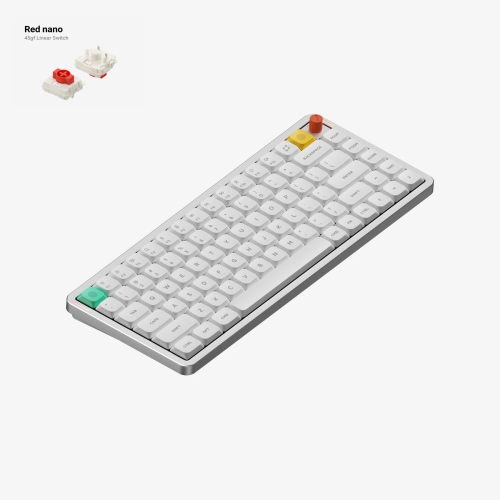
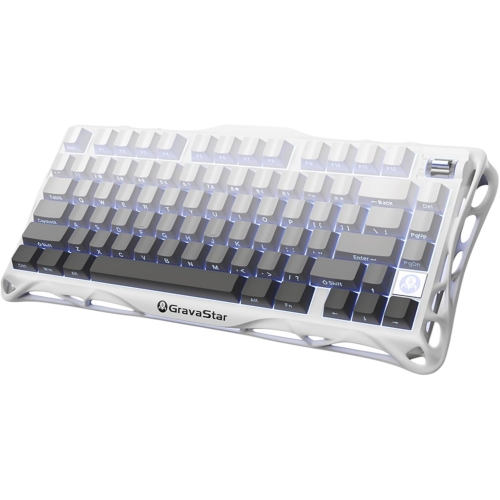
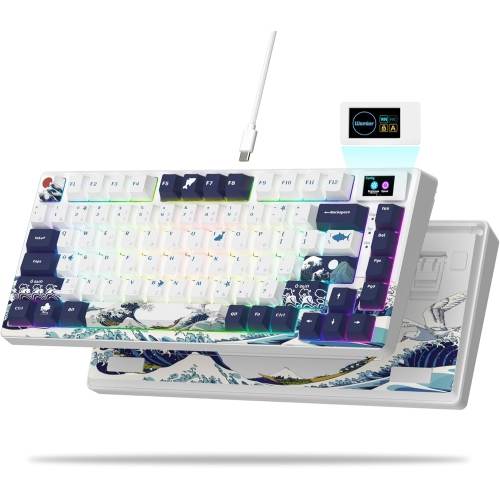
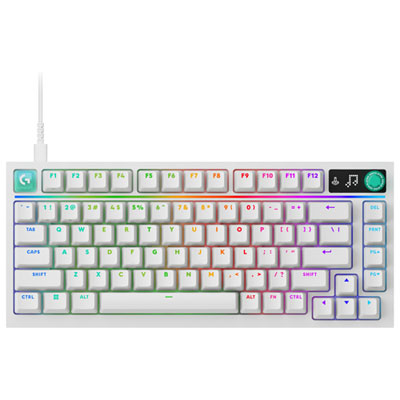
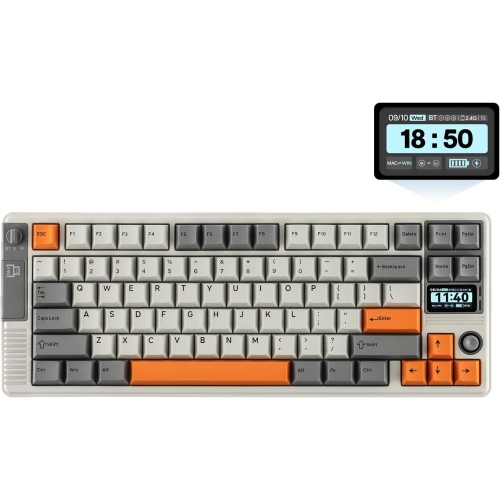
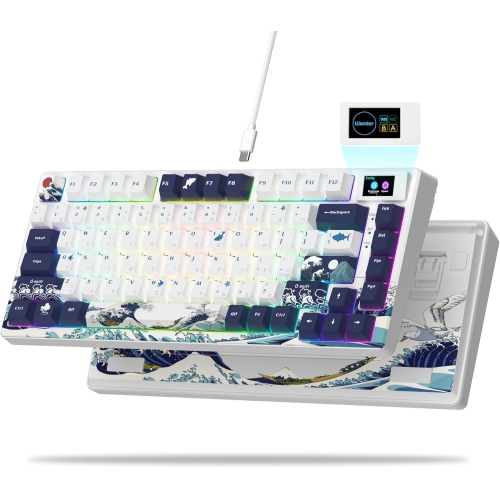
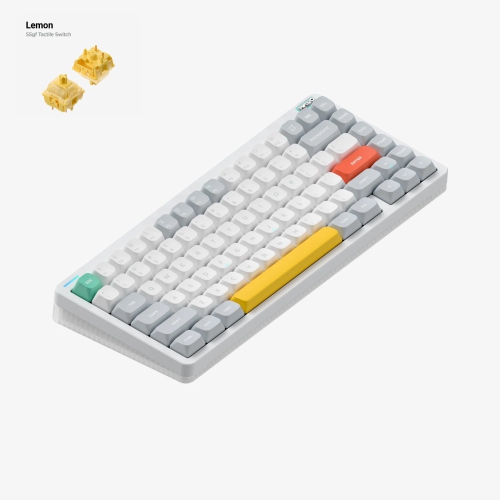
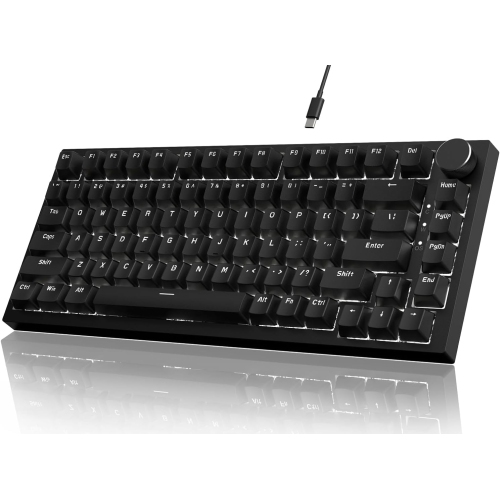
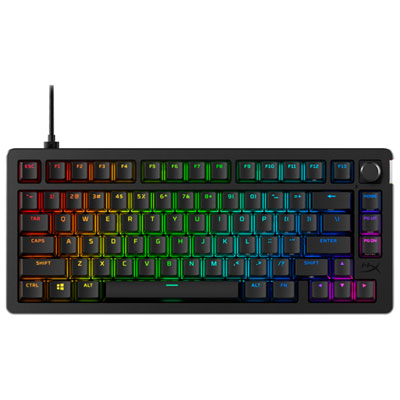
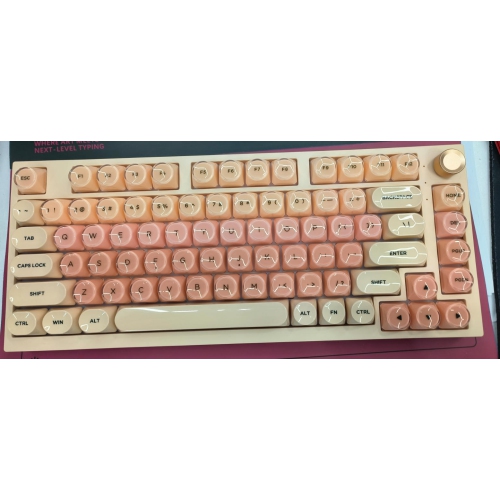
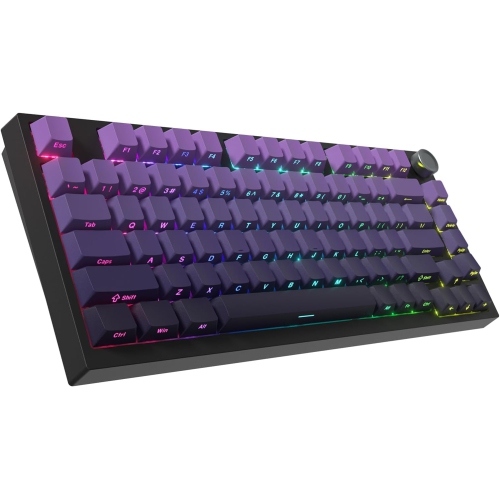
Familiar controls with more room for your mouse
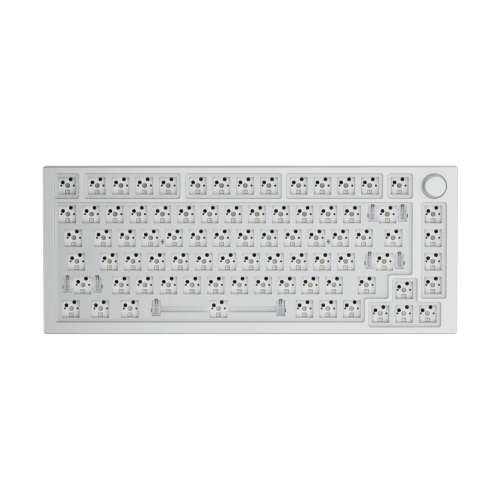
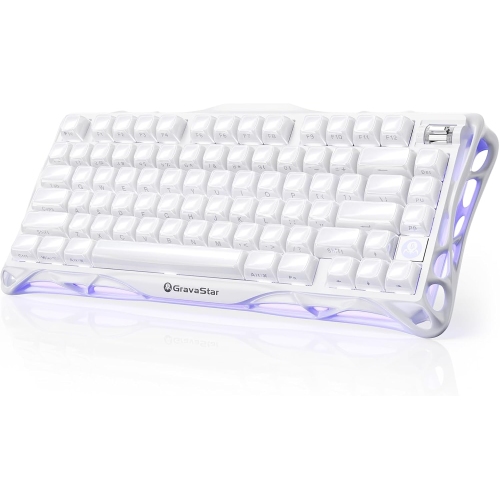
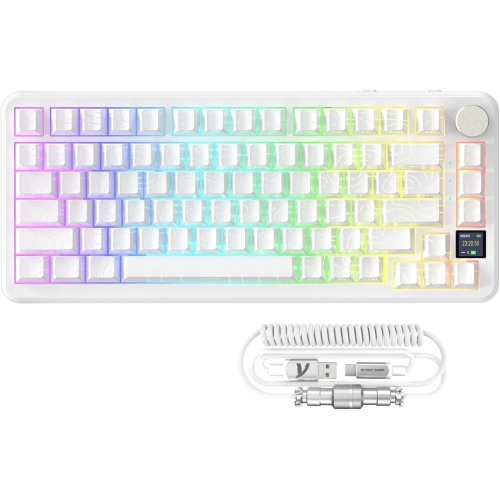
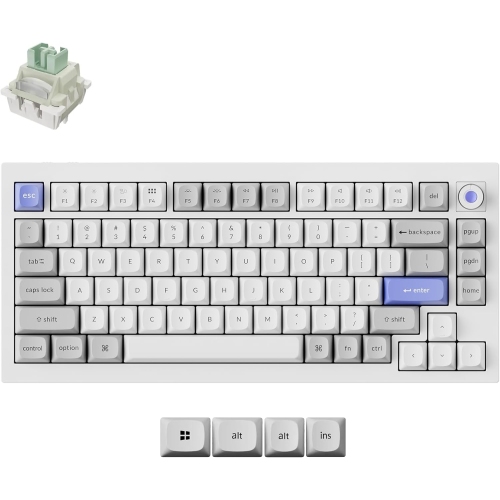
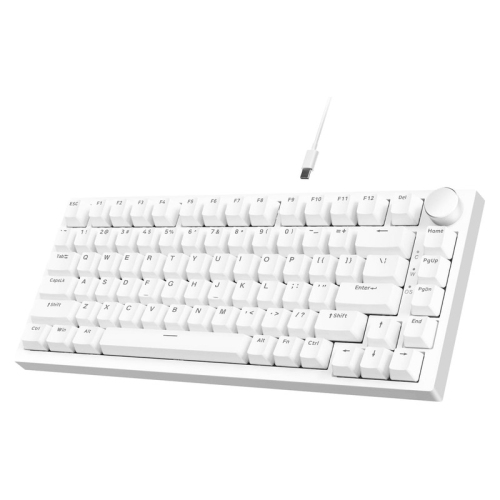
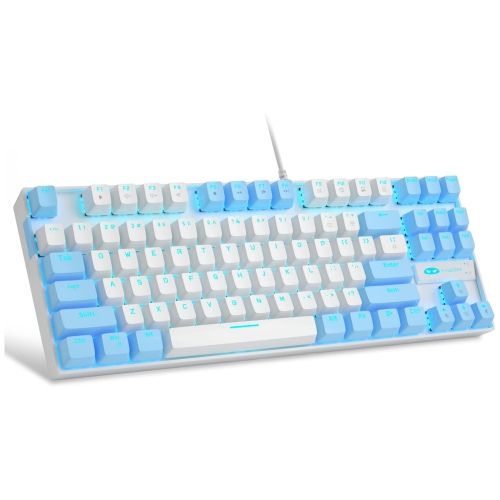
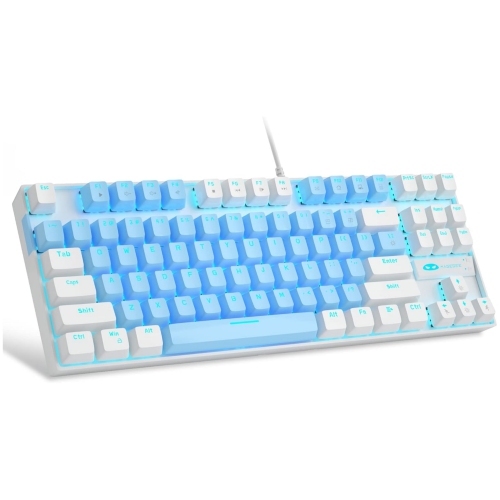
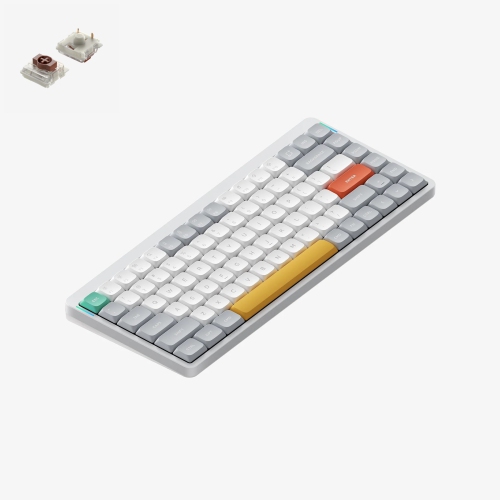
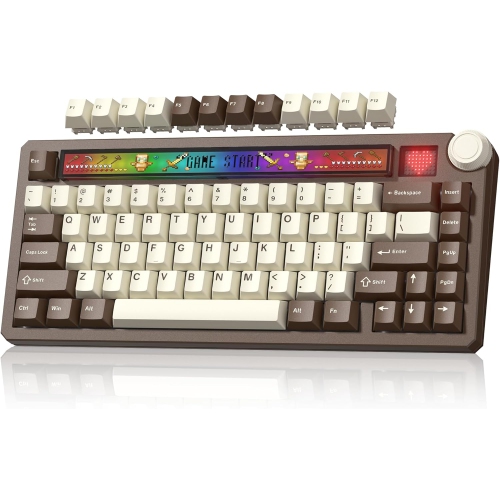
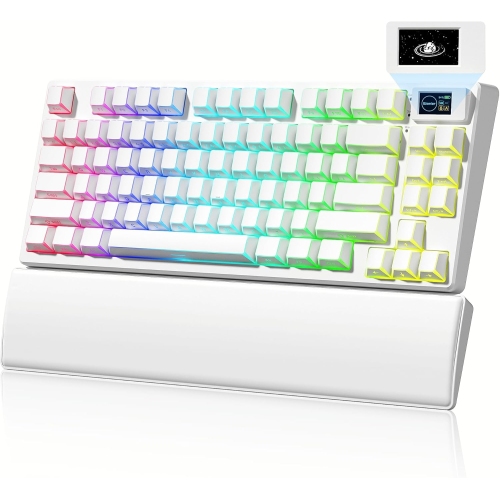
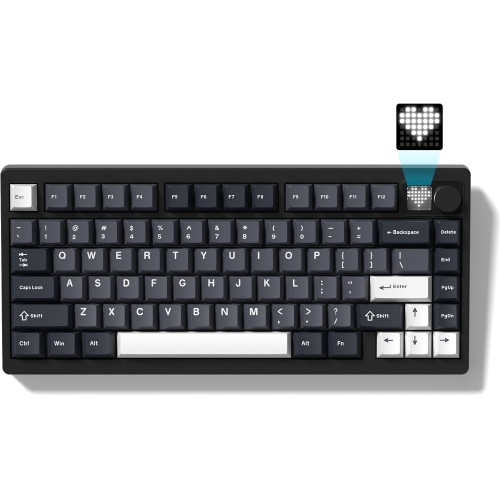
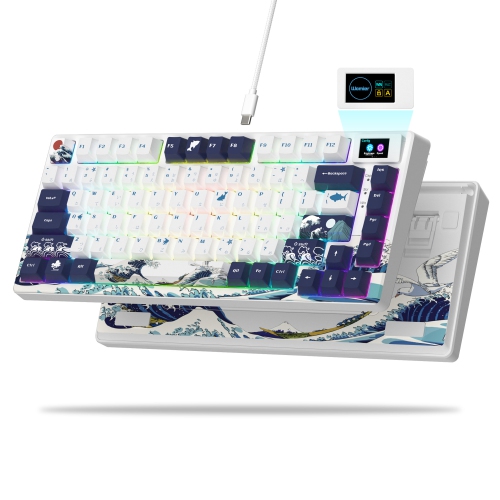
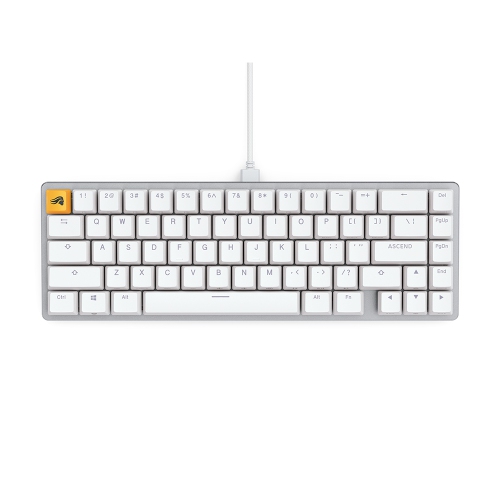
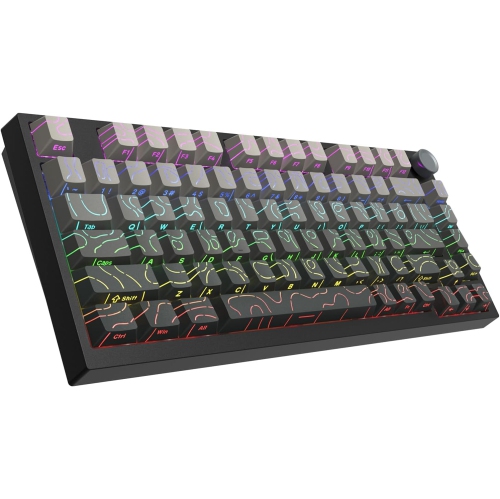
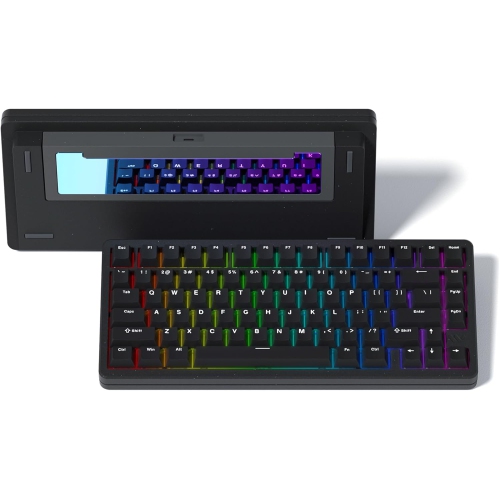
White 75% keyboards pair a light-coloured finish with a compact layout that typically retains the function row, arrow keys, and a selection of navigation keys while leaving out the number pad. The “75” refers to the layout category, not an exact count of 75 keys; the number and arrangement of keys vary by design. This format brings familiar desktop controls into a smaller footprint, making it useful for work, study, and gaming setups where mouse space matters. On a narrow desk, the reduced width can leave more room for a notebook or let the mouse sit closer to the typing area. Compared with smaller layouts that often place function keys behind shortcuts, a 75% keyboard keeps many frequently used controls directly accessible. That can make a difference when adjusting screen brightness, navigating a spreadsheet, or using function-key commands in a game. Anyone who enters long columns of figures may still prefer a separate number pad, while writers, students, programmers, and players may find the compact arrangement suits their daily tasks. White finishes range from bright, cool tones to softer shades, with some designs pairing a white case with contrasting legends or accent keys. The result can blend into a pale desktop or stand out against a dark desk mat without relying on lighting for visual interest. Backlighting, where included, adds another layer of personalisation, although illuminated key legends depend on the keycap construction rather than the case colour. The broader White Computer Keyboards category provides context for other layouts in the same colour family, while the 75% format offers a middle ground between a full-size keyboard and a more stripped-back compact design. Within that format, spacing also matters: a separated arrow cluster, a tightly packed navigation column, or a rotary dial can change how easily familiar controls are found by touch. Published dimensions are more useful than the layout name alone for judging how a keyboard will fit beside a laptop, monitor stand, or drawing tablet.
Typing feel depends on the switches, keycaps, case, and internal construction, not simply the keyboard’s size or colour. Mechanical white 75% keyboards may use linear switches with a smooth press, tactile switches with a noticeable bump, or clicky switches that add a distinct audible click. Switch weight and travel affect how each press feels during a long essay, a busy afternoon of messages, or repeated gaming inputs. A lighter switch may suit a gentle touch, while a firmer one may appeal to someone who prefers more resistance. Sound is a separate consideration: even a switch without a deliberate click can be audible when pressed firmly, and the desk surface, keycaps, and case can all influence the result. In a shared room, quieter switches and a soft desk mat may be more practical than a sharp, clicking sound. Some designs include internal foam or flexible mounting arrangements that change sound and typing feel, though neither feature guarantees silence or comfort. Case materials also affect everyday use. Plastic cases are often lighter, while metal cases can add weight and a more planted feel; overall durability still depends on construction and finish quality. Keycaps commonly use ABS or PBT plastic. ABS can have a smooth surface and may develop shine with repeated use, while PBT often has a textured feel and tends to resist visible polishing. Legend durability depends on how the lettering is made, with double-shot and dye-sublimated legends generally resisting wear better than surface printing. Standard-height and low-profile designs offer different hand positions, so keyboard height matters alongside footprint. A suitable wrist rest may support the hands between typing sessions, but it should match the keyboard’s front height rather than force the wrists upward. Adjustable feet change the angle, although a steeper slope is not automatically more comfortable. For a gift, the recipient’s preferred typing feel, tolerance for sound, and familiarity with compact layouts can matter more than decorative details.
Connectivity and compatibility determine how comfortably a white 75% keyboard fits into an existing setup. A wired USB connection suits a fixed desk and avoids battery charging, while Bluetooth can make it easier to move between compatible computers and tablets without a dedicated USB receiver. Some wireless designs use a separate receiver for a responsive connection suited to gaming, but wireless performance varies, and Bluetooth is not interchangeable with a dedicated low-latency mode. Multi-device switching, when supported, can be useful for someone who writes on a desktop computer and answers messages on another device. Operating-system support deserves attention because shortcut behaviour, modifier keys, and configuration software can differ between Windows and macOS. The printed legends may also favour one system even when basic typing works with both. For Canadian households that type in English and French, the physical layout and legends are worth noting alongside software language settings; selecting a different input language does not change what is printed on the keycaps. Customisation features vary just as much. Hot-swappable switch sockets, where present, allow compatible mechanical switches to be replaced without soldering, but socket type and switch format must match. Replacement keycap sets need the correct sizes for the particular layout, especially around the right Shift key and bottom row. Lighting controls, programmable keys, and onboard memory can add flexibility, although some settings may require supported software. Day-to-day care helps keep a white finish looking clean: disconnecting power before cleaning, clearing loose dust with a soft brush, and wiping suitable surfaces with a lightly dampened cloth are sensible habits when consistent with the manufacturer’s directions. Liquid should not be sprayed directly onto the keyboard, and harsh cleaners can damage coatings or legends. Food residue and hand oils are easier to manage with regular gentle cleaning than occasional heavy scrubbing. For a keyboard that travels between home and work, a correctly sized protective sleeve can help shield the case and keycaps from scratches. These practical details help distinguish a keyboard that simply matches the desk from one that also suits the way it is used.
Typing feel depends on the switches, keycaps, case, and internal construction, not simply the keyboard’s size or colour. Mechanical white 75% keyboards may use linear switches with a smooth press, tactile switches with a noticeable bump, or clicky switches that add a distinct audible click. Switch weight and travel affect how each press feels during a long essay, a busy afternoon of messages, or repeated gaming inputs. A lighter switch may suit a gentle touch, while a firmer one may appeal to someone who prefers more resistance. Sound is a separate consideration: even a switch without a deliberate click can be audible when pressed firmly, and the desk surface, keycaps, and case can all influence the result. In a shared room, quieter switches and a soft desk mat may be more practical than a sharp, clicking sound. Some designs include internal foam or flexible mounting arrangements that change sound and typing feel, though neither feature guarantees silence or comfort. Case materials also affect everyday use. Plastic cases are often lighter, while metal cases can add weight and a more planted feel; overall durability still depends on construction and finish quality. Keycaps commonly use ABS or PBT plastic. ABS can have a smooth surface and may develop shine with repeated use, while PBT often has a textured feel and tends to resist visible polishing. Legend durability depends on how the lettering is made, with double-shot and dye-sublimated legends generally resisting wear better than surface printing. Standard-height and low-profile designs offer different hand positions, so keyboard height matters alongside footprint. A suitable wrist rest may support the hands between typing sessions, but it should match the keyboard’s front height rather than force the wrists upward. Adjustable feet change the angle, although a steeper slope is not automatically more comfortable. For a gift, the recipient’s preferred typing feel, tolerance for sound, and familiarity with compact layouts can matter more than decorative details.
Connectivity and compatibility determine how comfortably a white 75% keyboard fits into an existing setup. A wired USB connection suits a fixed desk and avoids battery charging, while Bluetooth can make it easier to move between compatible computers and tablets without a dedicated USB receiver. Some wireless designs use a separate receiver for a responsive connection suited to gaming, but wireless performance varies, and Bluetooth is not interchangeable with a dedicated low-latency mode. Multi-device switching, when supported, can be useful for someone who writes on a desktop computer and answers messages on another device. Operating-system support deserves attention because shortcut behaviour, modifier keys, and configuration software can differ between Windows and macOS. The printed legends may also favour one system even when basic typing works with both. For Canadian households that type in English and French, the physical layout and legends are worth noting alongside software language settings; selecting a different input language does not change what is printed on the keycaps. Customisation features vary just as much. Hot-swappable switch sockets, where present, allow compatible mechanical switches to be replaced without soldering, but socket type and switch format must match. Replacement keycap sets need the correct sizes for the particular layout, especially around the right Shift key and bottom row. Lighting controls, programmable keys, and onboard memory can add flexibility, although some settings may require supported software. Day-to-day care helps keep a white finish looking clean: disconnecting power before cleaning, clearing loose dust with a soft brush, and wiping suitable surfaces with a lightly dampened cloth are sensible habits when consistent with the manufacturer’s directions. Liquid should not be sprayed directly onto the keyboard, and harsh cleaners can damage coatings or legends. Food residue and hand oils are easier to manage with regular gentle cleaning than occasional heavy scrubbing. For a keyboard that travels between home and work, a correctly sized protective sleeve can help shield the case and keycaps from scratches. These practical details help distinguish a keyboard that simply matches the desk from one that also suits the way it is used.
Top selling and popular products
-
 Your price for this item is $39.99
 -
 Your price for this item is $94.99
 -
 Your price for this item is $319.99
 -
 Your price for this item is $364.99
 -
 Your price for this item is $149.99
 -
 Your price for this item is $124
 -
 Your price for this item is $94.99
 -
 Your price for this item is $139.99
Discover more categories related to White 75 Keyboards
Top Collections:
Pokemon Centers, Best Cameras for Sports Photography, Kindle Devices, Samsung Galaxy Phones, Canon G7X Cameras, Pokémon 30th Celebration Cards, Refurbished Apple Laptops, iPhone 15 Apple, Laptops for Students, Budget Smartphones
Some products may be subject to Environmental Handling Fees
(EHF) depending on your province.
Learn more about EHFs.