Wide Monitors for Engineering and Design Students
Wide Monitors for Engineering and Design Students offer an expansive workspace that supports multitasking and detailed project work. With generous screen real estate, these monitors help streamline complex tasks, making it easier to view multiple windows or large-scale designs side by side. Whether working on CAD drawings, 3D modeling, or graphic layouts, wide monitors provide the flexibility and clarity needed to keep up with demanding coursework. Explore options that can enhance productivity and support creative workflows throughout your academic journey.
Sort
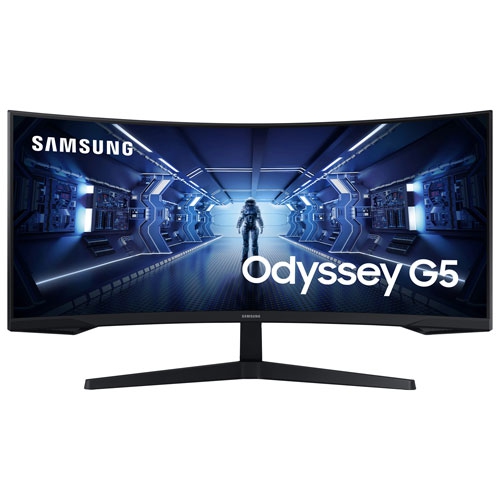
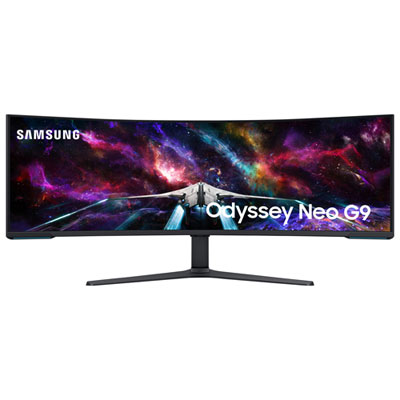

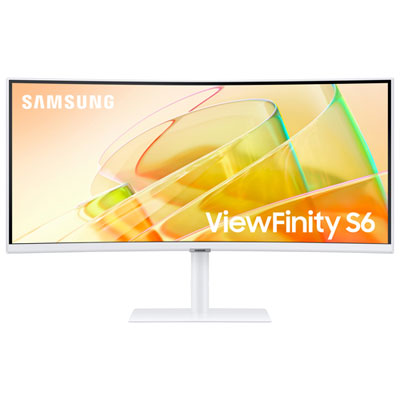

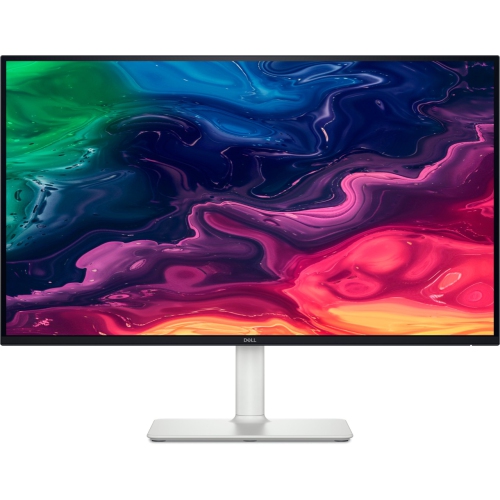
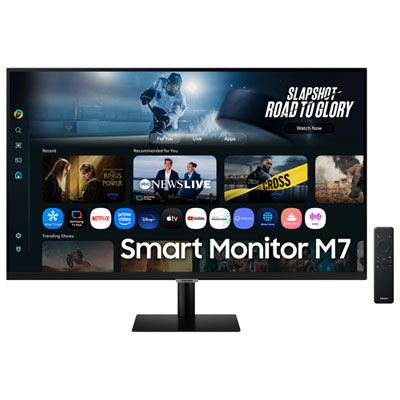
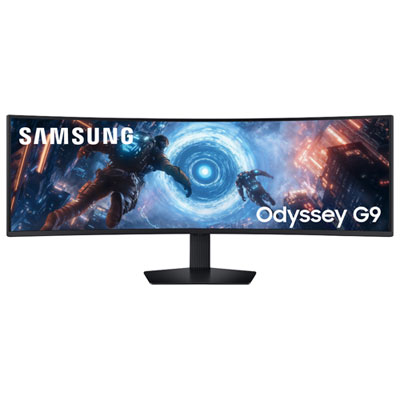
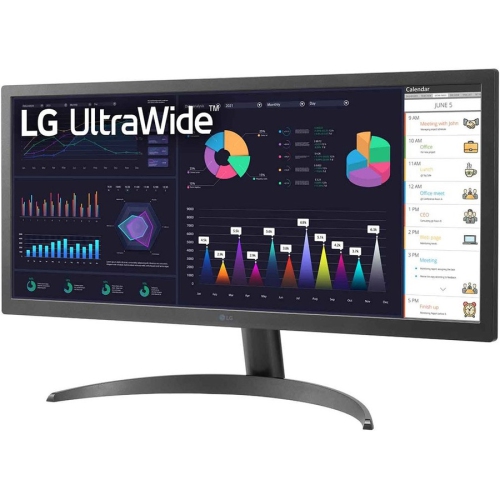
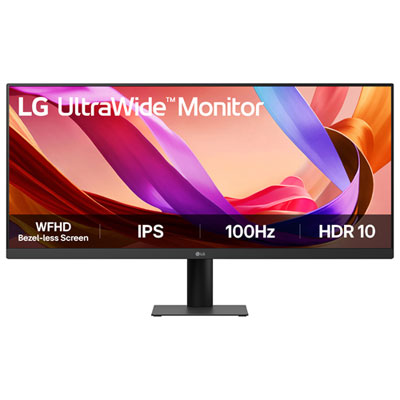
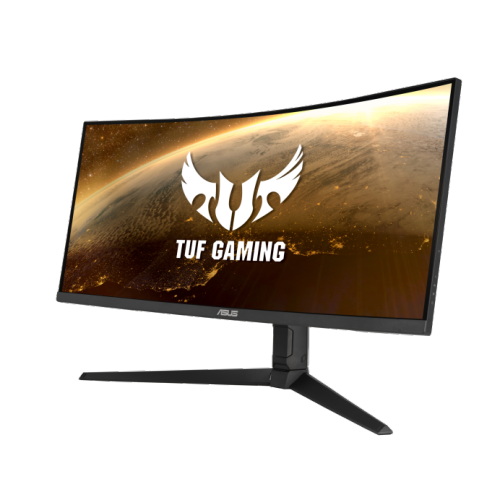
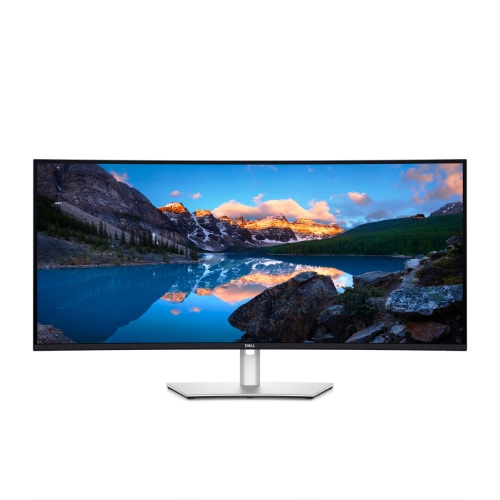
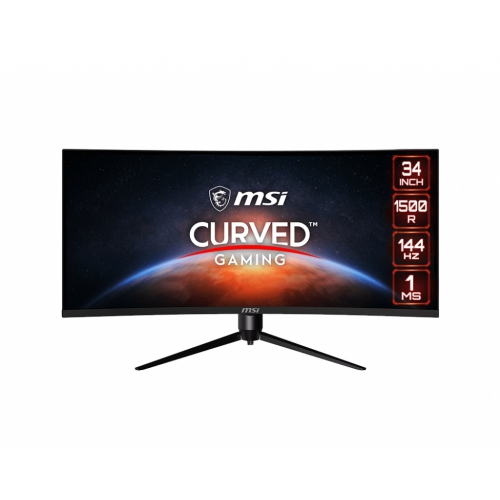
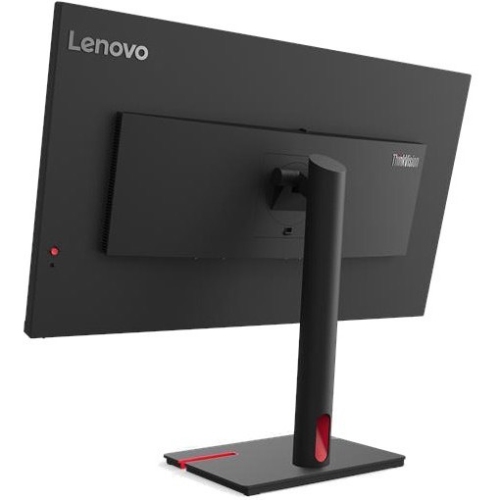
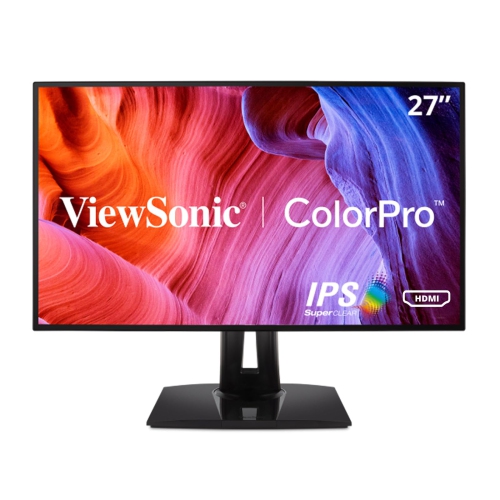
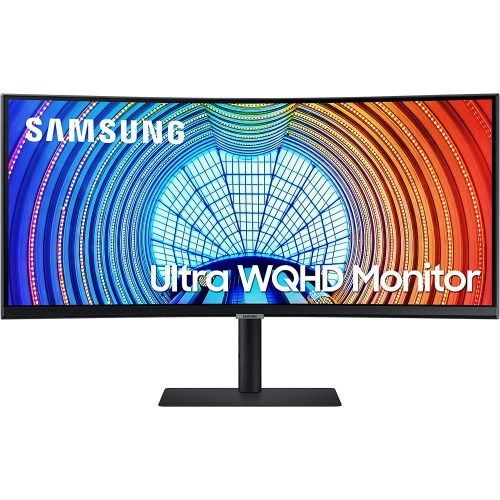

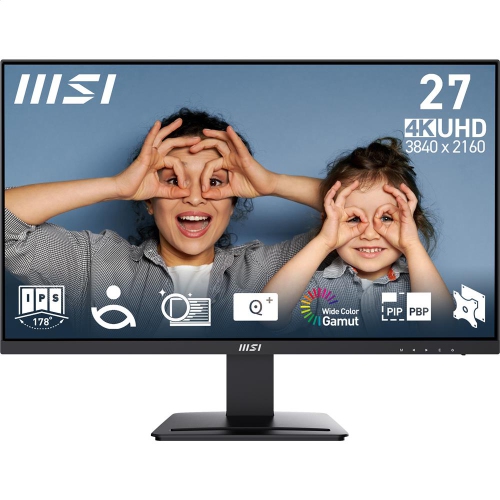
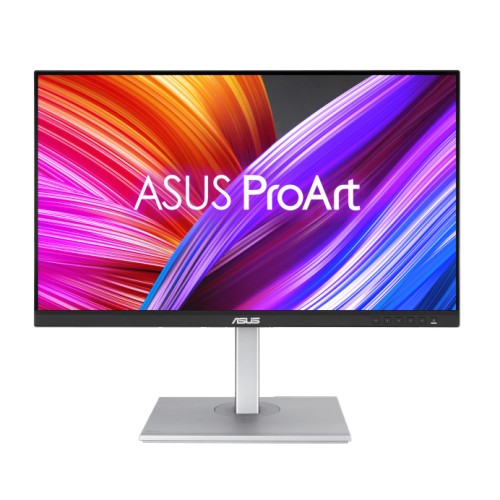
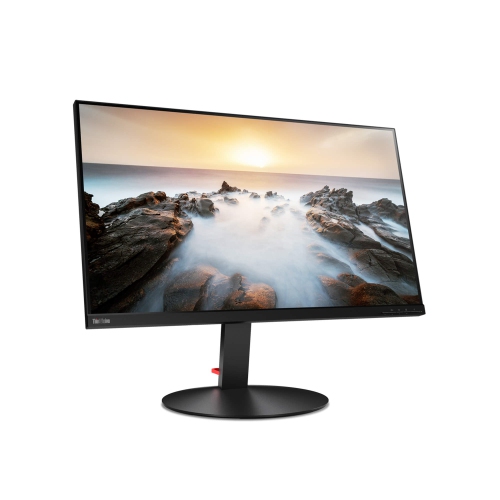
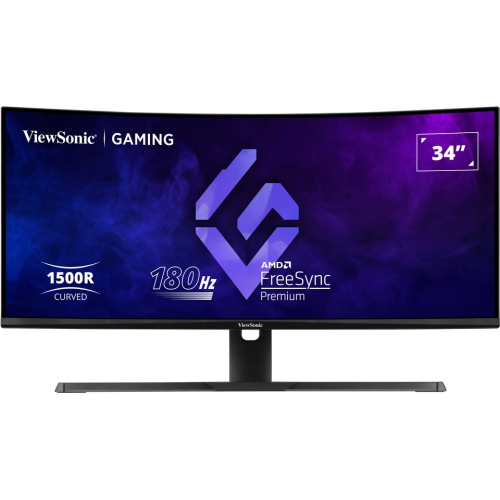
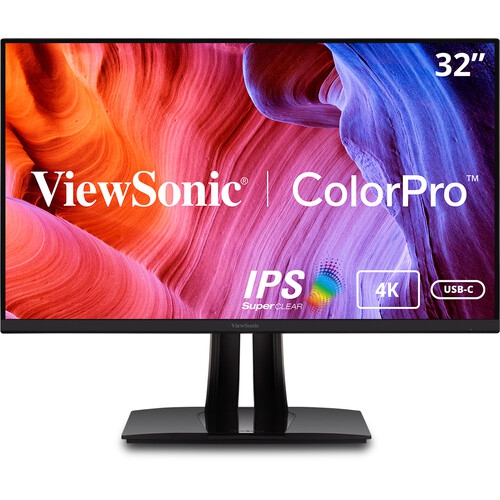
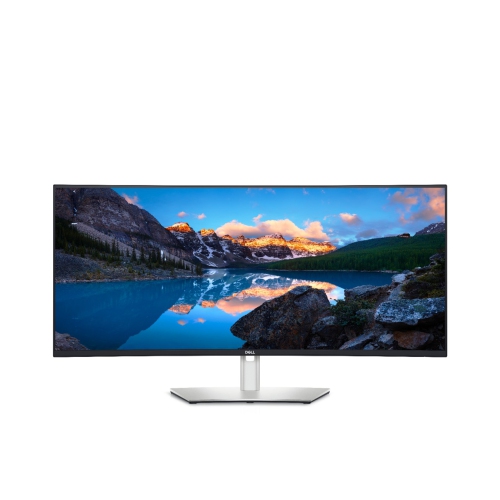

Extra screen space for detailed CAD and design work
For engineering and design students, wide monitors can be a game-changer, transforming the way projects are approached and completed. The expansive screen real estate offered by these monitors makes it easier to manage complex workflows, whether you are juggling CAD drawings, 3D modelling, or intricate graphic design layouts. With a wide monitor, it becomes possible to keep reference materials, tool palettes, and project windows open side by side, eliminating the constant need to toggle between tabs or shrink important details into cramped spaces. The clarity, resolution, and colour accuracy of wide monitors are especially valuable for students working with detailed schematics or high-fidelity visuals, ensuring that every line, shade, and pixel is rendered with precision. As the weather warms and students transition into summer internships, research projects, or prepare for the upcoming academic year, a wide monitor can provide a comfortable and efficient workspace both at home and in shared living spaces.
Selecting the right wide monitor involves considering a few key features that cater to the unique needs of engineering and design students. Look for monitors with high resolution—QHD or 4K options are particularly popular—as they allow for sharper images and more workspace on the screen. Refresh rates, panel types, and connectivity options also play a role; an IPS panel, for instance, offers better colour accuracy and viewing angles, which can be helpful during collaborative sessions or when sharing work with peers. Adjustable stands, low blue light settings, and built-in speakers can add comfort and convenience, especially during long study sessions or virtual meetings. Wide monitors make thoughtful gifts for students heading into demanding academic programs or for those who are passionate about digital creativity. They are equally suitable for recent graduates setting up a home office or for anyone looking to upgrade their productivity setup as the academic and professional demands evolve through the seasons. For those who want to explore even more options tailored to the needs of coding and design students, the Best Monitors For Coding And Design Students page offers additional recommendations and insights. Whether working on intricate engineering diagrams or crafting detailed illustrations, a wide monitor can help students stay organized, focused, and inspired throughout the year.
Selecting the right wide monitor involves considering a few key features that cater to the unique needs of engineering and design students. Look for monitors with high resolution—QHD or 4K options are particularly popular—as they allow for sharper images and more workspace on the screen. Refresh rates, panel types, and connectivity options also play a role; an IPS panel, for instance, offers better colour accuracy and viewing angles, which can be helpful during collaborative sessions or when sharing work with peers. Adjustable stands, low blue light settings, and built-in speakers can add comfort and convenience, especially during long study sessions or virtual meetings. Wide monitors make thoughtful gifts for students heading into demanding academic programs or for those who are passionate about digital creativity. They are equally suitable for recent graduates setting up a home office or for anyone looking to upgrade their productivity setup as the academic and professional demands evolve through the seasons. For those who want to explore even more options tailored to the needs of coding and design students, the Best Monitors For Coding And Design Students page offers additional recommendations and insights. Whether working on intricate engineering diagrams or crafting detailed illustrations, a wide monitor can help students stay organized, focused, and inspired throughout the year.
Top selling and popular products
-
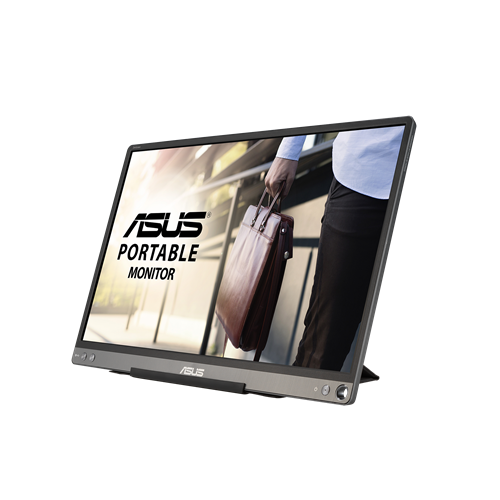 Your price for this item is $299
 -
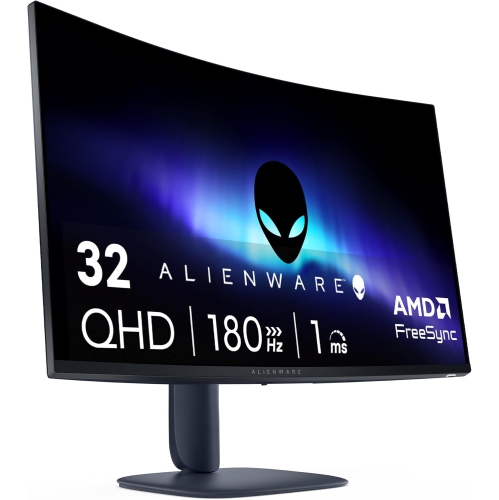 Your price for this item is $599
 -
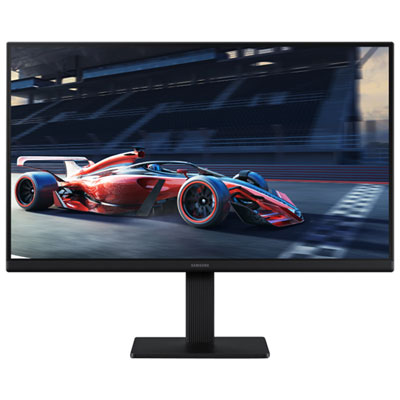 Your price for this item is $94.99
 -
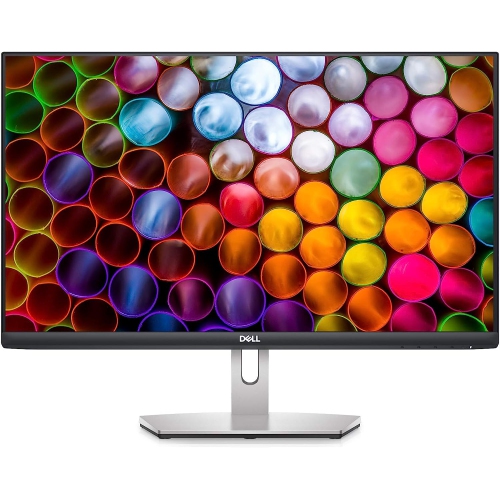 Your price for this item is $329.99
 -
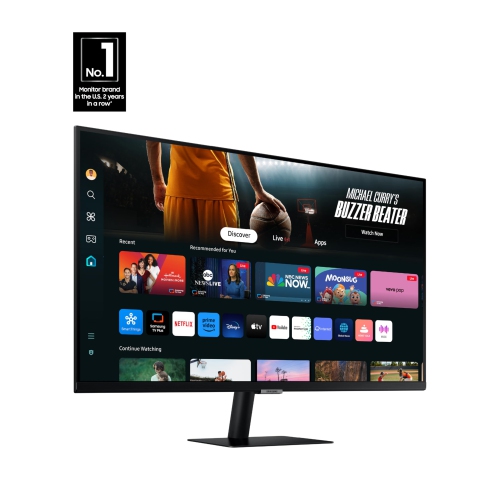 Your price for this item is $499
 -
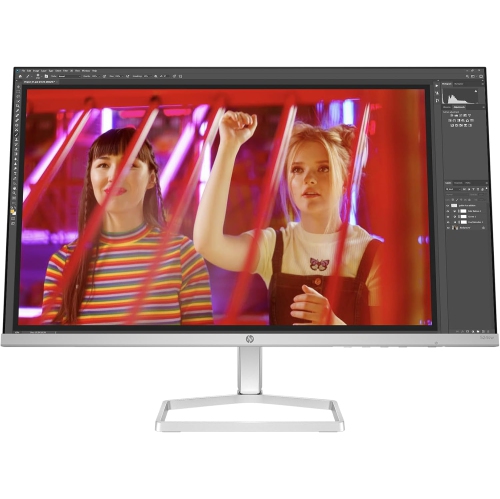 Your price for this item is $265.99
 -
 Your price for this item is $1299.97
 -
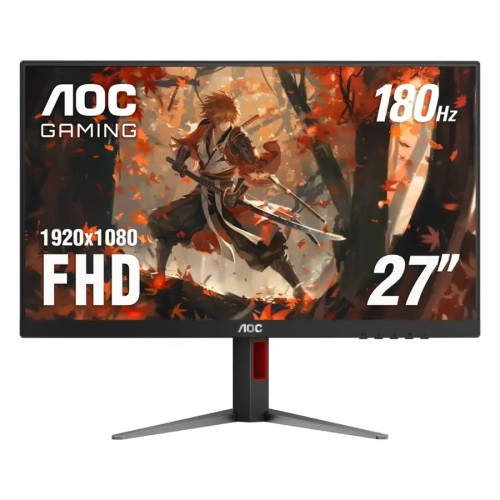 Your price for this item is $249.99
Discover more categories related to Wide Monitors for Engineering and Design Students

Top Collections:
Pokemon Centers, Kindle Devices, Best Budget Office Chairs, Apple iPhones 16, Best Laptops for Writers, iPhone 15 Apple, Canon G7X Cameras, Refurbished Apple Laptops, Alarm Clock, Motorola Razr Phones
Some products may be subject to Environmental Handling Fees
(EHF) depending on your province.
Learn more about EHFs.