Back To School Computer Monitors for Graphic Design Students
Find back-to-school computer monitors for graphic design students, with options for coursework in illustration, photo editing and layout design. Compare screen size, resolution and colour accuracy to choose a display that suits your projects, then check connectivity and desk space to find a fit for your laptop or desktop setup.


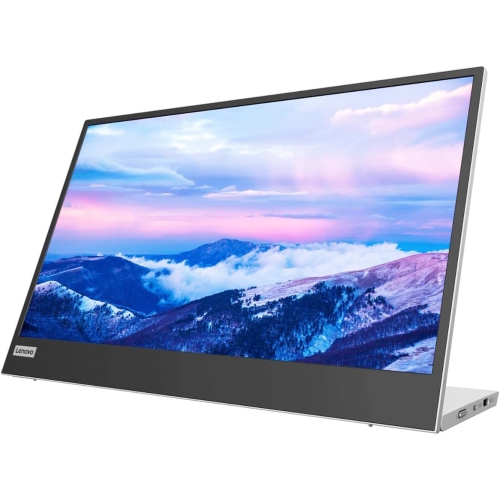
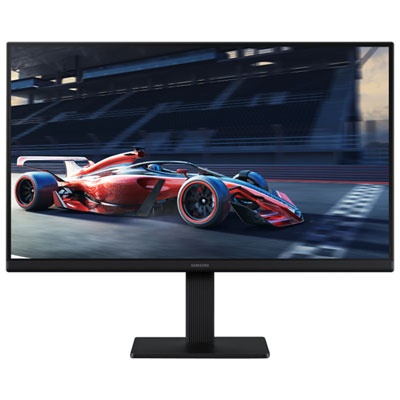

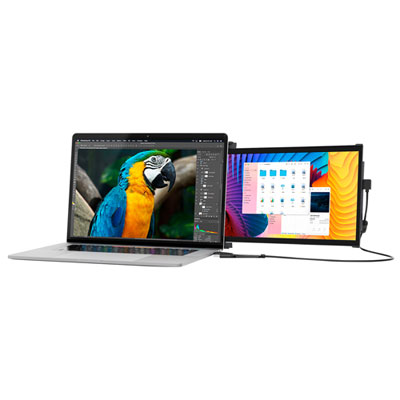
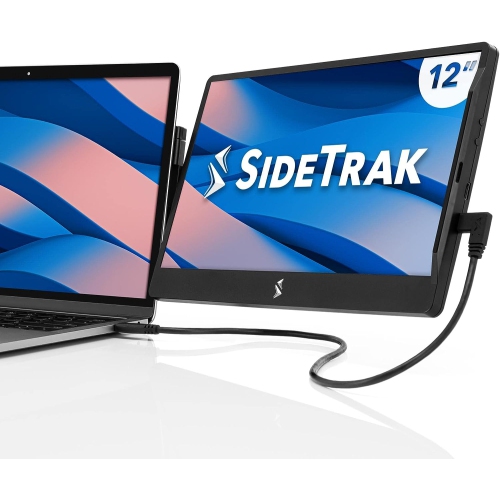


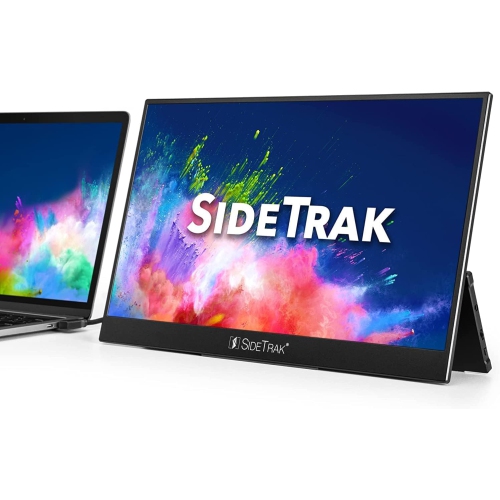

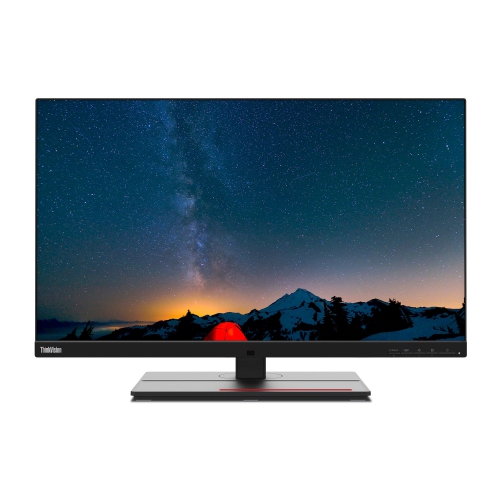

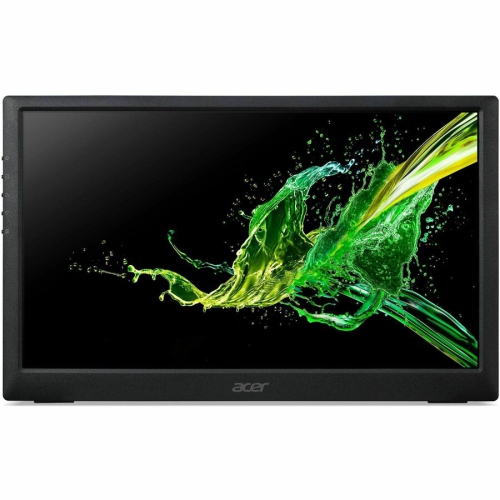
FAQ
sRGB is commonly used for web graphics and digital coursework, while Adobe RGB is relevant to colour-managed photography and print workflows. DCI-P3 is often associated with video and digital media. Check which colour spaces your courses use, and look for published colour gamut coverage rather than relying only on a monitor’s advertised colour count.
Factory calibration means the manufacturer has adjusted the monitor’s colour settings before sale, sometimes with an included calibration report. It is different from ongoing calibration, which uses a compatible colour measurement device and software to create or update a display profile. Graphic design students may encounter both calibration and colour profiles in their coursework.
Common connections include HDMI, DisplayPort and USB-C. For a USB-C connection, confirm that both the laptop port and monitor support video, as not every USB-C port does. Some monitors also offer USB Power Delivery for laptop charging and a USB hub for peripherals. Check the laptop’s charging requirements and the monitor’s listed power output.
A matte finish diffuses reflected light, while a glossy finish shows more distinct reflections. The choice depends partly on the lighting in your study space and your surface preference. Neither finish alone indicates colour accuracy, so review colour specifications separately.
Monitor stands may offer height adjustment, tilt, swivel and pivot. Pivot allows the display to rotate between landscape and portrait orientation, which may suit coursework involving posters or page layouts. If you plan to use a separate monitor arm, check the monitor’s VESA mounting compatibility and the arm’s supported weight.
Top selling and popular products
Discover more categories related to Back To School Computer Monitors for Graphic Design Students

Some products may be subject to Environmental Handling Fees (EHF) depending on your province. Learn more about EHFs.