Best Monitors For Coding And Design Students
Find the best monitors for coding and design students, ranked by user review ratings to help you compare your options. Whether you’re writing code, editing images, or building a portfolio, look for sharp resolution, accurate colours, and enough screen space to keep your projects in view. Adjustable stands and versatile connectivity can also help you create a comfortable, practical study setup.
What to look for in monitors for coding and design students
1. Screen Size and Resolution
2. Colour Accuracy and Panel Type
3. Ergonomics and Viewing Comfort
4. Connectivity and Laptop Compatibility
-
1
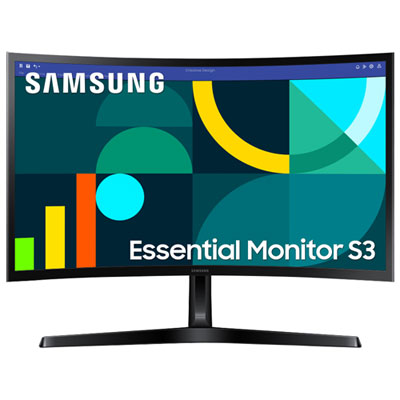
Samsung Essential S3 24" Curved 1080p HD VA LED Monitor (LS24D368GANXZA) - Flicker-Free/Blue Light - 100Hz
About this product
A black curved VA LED monitor delivering Full HD visuals, 100Hz refresh rate, and eye comfort features.
What customers like
(107)$99.99Your price for this item is $99.99SAVE $60 -
2

LENOVO Thinkvision 23.8" 1080P HD Ips Lcd Monitor (T24-40) - Low Light - 120Hz In Blue
About this product
A 23.8-inch monitor offering crisp visuals, ideal for both work and entertainment setups.
(12)$296.99Your price for this item is $296.99SAVE $52 -
3
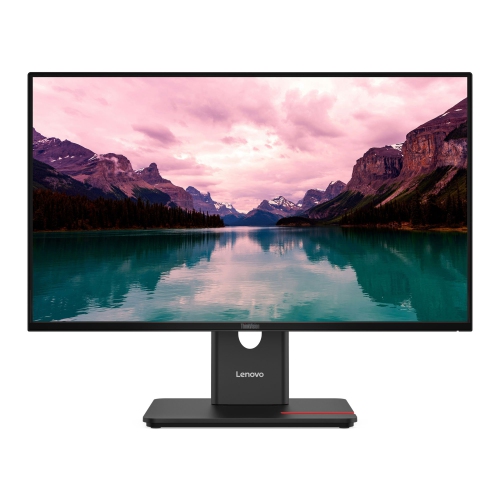
LENOVO Thinkvision 23.8" 1080P Fhd Ips Monitor (T24-40) - Light - 120Hz In Blue
About this product
A 23.8-inch monitor offering crisp visuals, ideal for work or entertainment setups.
(12)$258.99Your price for this item is $258.99SAVE $119 -
4
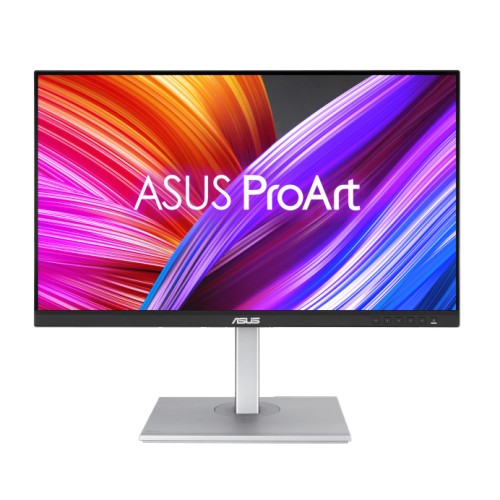
ASUS Proart Display 27" 1440P Qhd Ips Led Monitor (Pa278Cgv) - HDr400 - 95% Dci-P3 - 144Hz
About this product
A 27" WQHD IPS monitor with 144Hz refresh rate, FreeSync Premium, and versatile connectivity options.
(11)$479.00 Your price for this item is $479 -
5
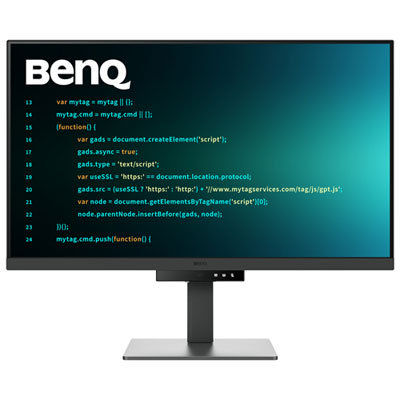
BenQ 31.5" 4K UHD IPS LCD Monitor (RD320U) - 98% P3 - Metallic Grey
About this product
A metallic grey 31.5" 4K IPS monitor with low-reflection panel and eye-friendly coding modes.
(4)$899.99 Your price for this item is $899.99 -
6
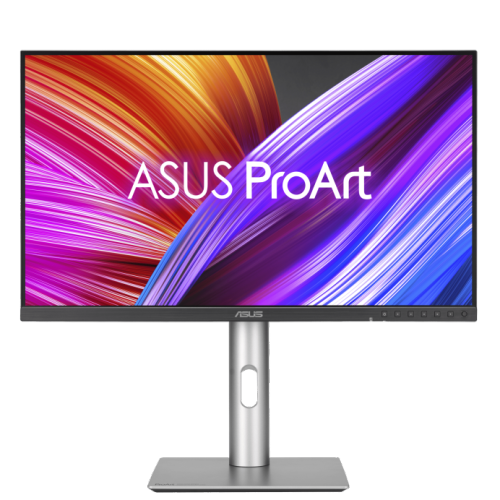
ASUS Proart 27" 1440P Qhd Ips Creator Monitor (Pa278Cfrv) - Displayhdr 400 - 95% Dci-P3 - 100Hz
About this product
A professional 27-inch QHD IPS monitor with 100Hz refresh rate, 95% DCI-P3, and ergonomic stand.
(3)$499.00 Your price for this item is $499 -
7
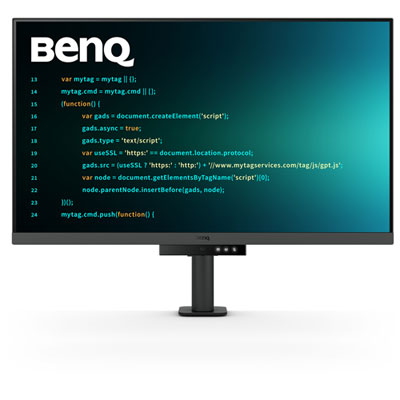
BenQ 31.5" 4K UHD IPS LCD Monitor (RD320UA) - Metallic Grey
About this product
A metallic grey 4K UHD IPS monitor with eye-care technology and a low-reflection nano matte panel.
(2)$899.98 Your price for this item is $899.98 -
8
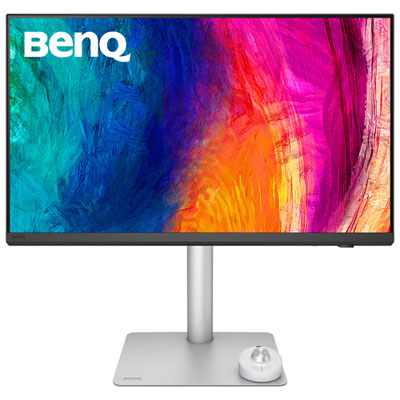
BenQ 27" 5K 60Hz 5ms GTG IPS LED Designer Monitor with Thunderbolt 4 Port (PD2730S) - Silver
About this product
A silver 27" IPS LED monitor with 5K resolution, Thunderbolt 4, and exceptional colour accuracy for creators.
(2)$1,499.99 Your price for this item is $1499.99 -
9
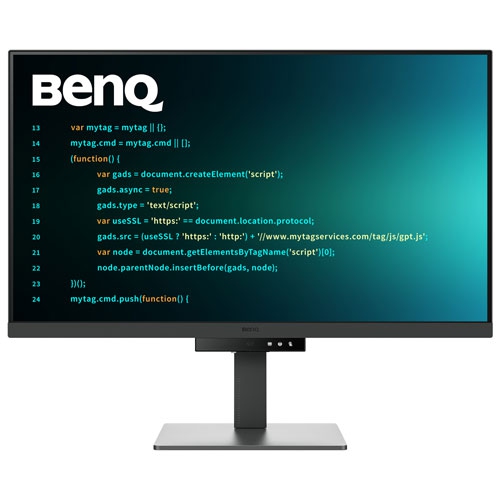
BENQ 31.5" 4K Uhd Ips Lcd Monitor (Rd320U) - HDr10 - USB-C 90W - Metallic In Grey
About this product
A metallic grey 4K IPS monitor with USB-C 90W, coding modes, and ergonomic, eye-care features.
$849.99Your price for this item is $849.99SAVE $50 -
10
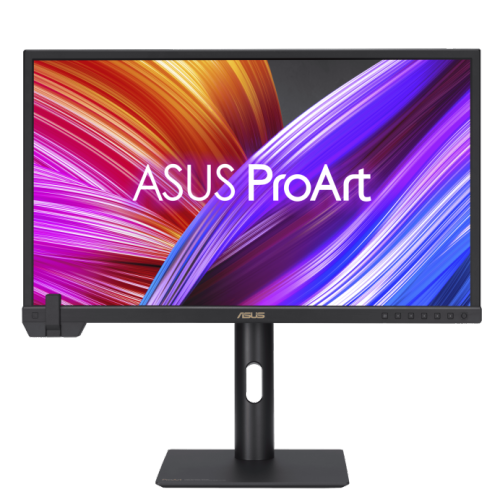
ASUS Proart Display 23.6" 4K Uhd Ips Monitor (Pa24Us) - Vesa Displayhdr 600 - 99% Adobe RGB - 95% Dci-P3
About this product
A professional 24-inch 4K UHD IPS monitor with built-in colorimeter, HDR-10, and wide color gamut.
$1,799.00 Your price for this item is $1799
FAQ
Look for clear text rendering, adjustable positioning, and connections that match your laptop or desktop. For design coursework, check colour gamut coverage, factory calibration details, and available colour modes. For coding, consider display settings and multitasking features that suit your editor, documentation, and preview windows.
Common panel types include IPS, VA, and OLED. IPS panels are known for consistent colours across viewing angles, while VA panels typically offer strong contrast. OLED panels offer deep blacks and high contrast, but require consideration of static interface elements such as toolbars and code editors. Panel type is one factor alongside colour accuracy, connectivity, and display settings.
For web graphics and digital coursework, sRGB coverage is a useful starting point. Some photography, print, and video workflows use Adobe RGB or DCI-P3 colour spaces. Check your course requirements and software workflow before choosing. Colour gamut coverage and colour accuracy are separate specifications, so review both rather than relying on a wide-gamut label alone.
Compare the monitor’s inputs with your computer’s display outputs. HDMI and DisplayPort are common options. USB-C can carry video, data, and power through one cable on compatible equipment, but not every USB-C port supports these functions. Check video support, power delivery specifications, and cable requirements. A built-in USB hub can also provide connections for peripherals.
Picture-by-picture can display two sources side by side, while picture-in-picture places one source in a smaller window over another. A built-in KVM switch lets you share a keyboard and mouse between connected computers. Some monitors also include desktop software for arranging application windows. Check compatibility and connection requirements for any feature you plan to use.
Top selling and popular products
Discover more categories related to Best Monitors For Coding And Design Students


Some products may be subject to Environmental Handling Fees (EHF) depending on your province. Learn more about EHFs.