Windows 10 Keyboard and Mice
Upgrade your workspace with a Windows 10 Keyboard and Mouse for smooth navigation and efficient control. Whether you're working, gaming, or browsing, the right keyboard and mouse can enhance your computing experience on any Windows 10 device. Explore a variety of designs and styles that offer comfort and reliability, making it easy to find the perfect match for your setup. Discover options that cater to both home and office environments, ensuring seamless compatibility with your Windows 10 system.
Sort
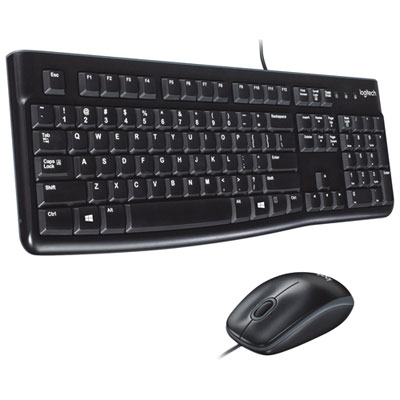
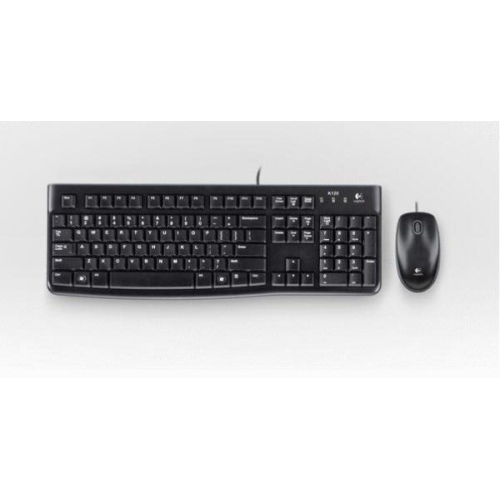
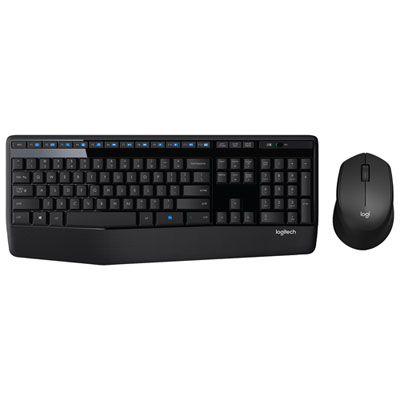
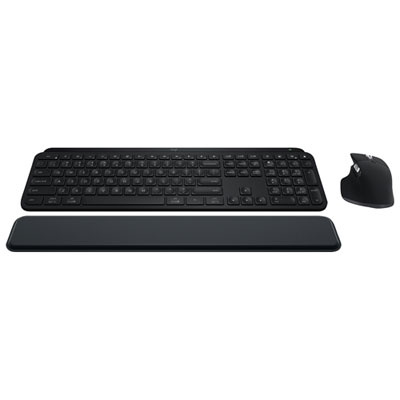
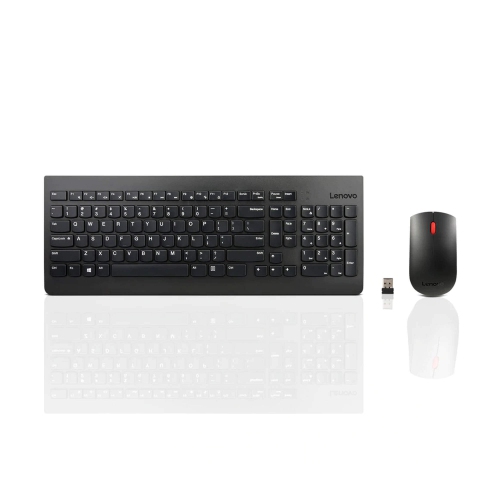
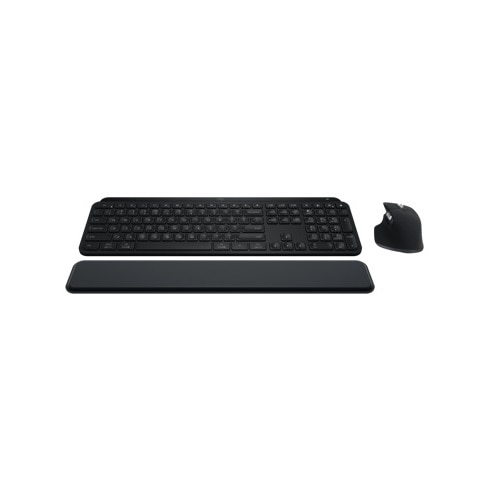
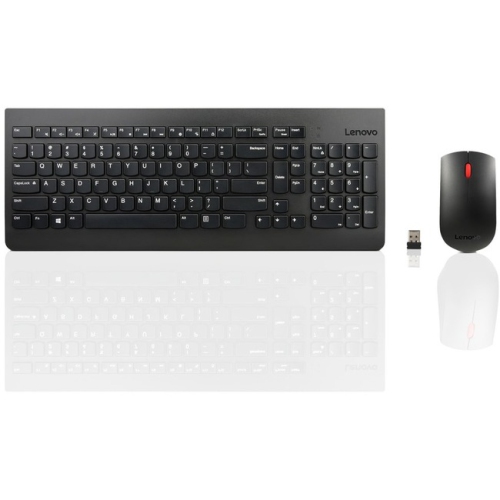
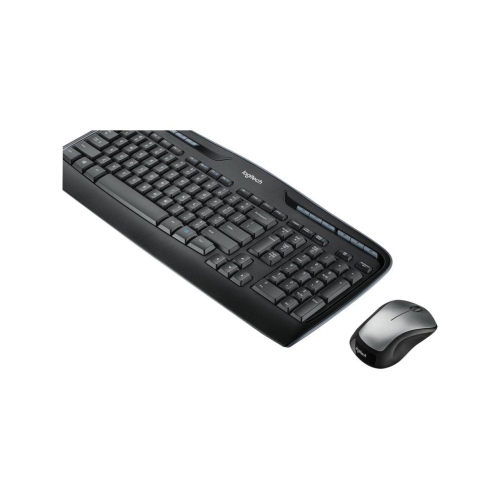
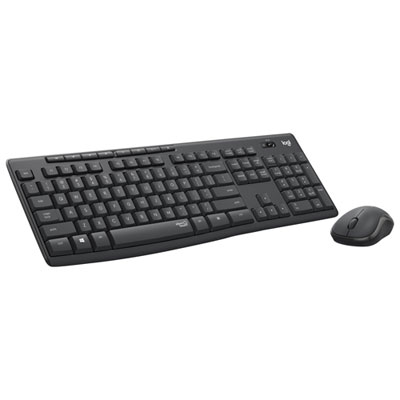
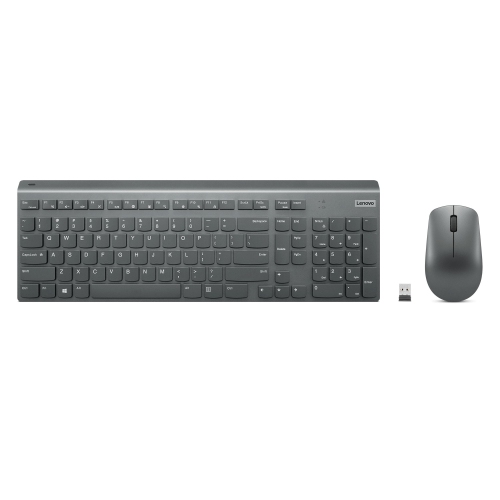
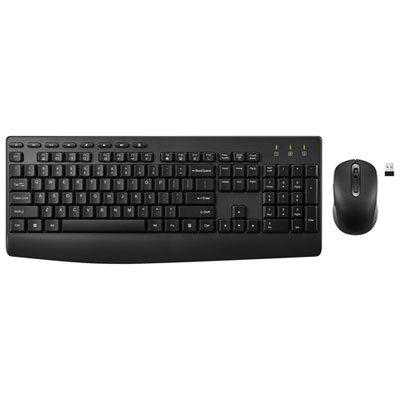
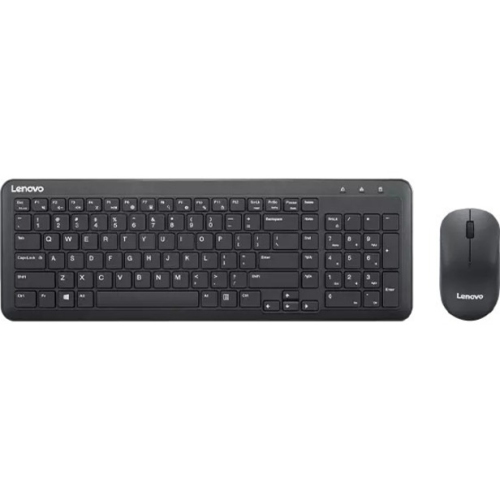
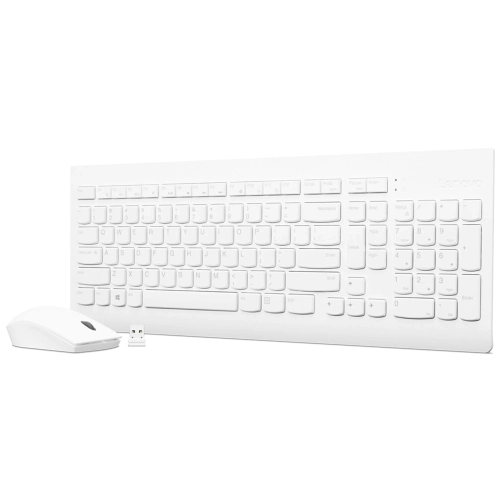
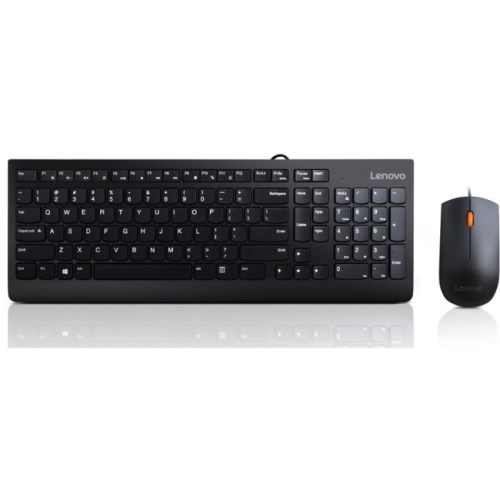

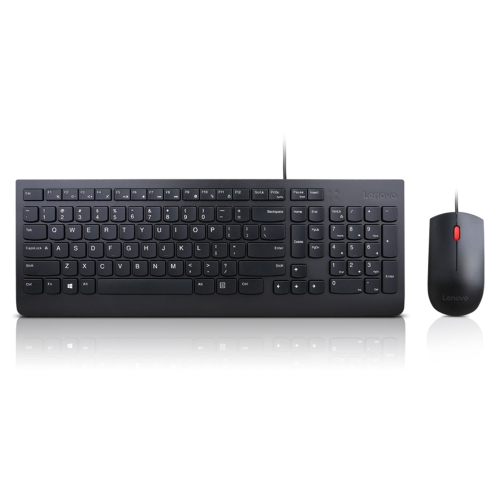
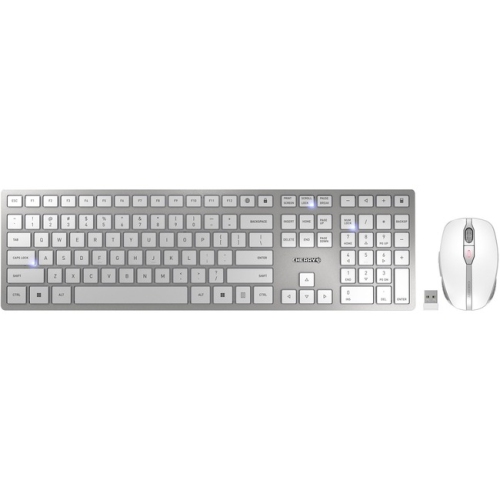
Practical Windows 10 accessories for comfort, flexibility, and control
Finding the right Windows 10 keyboard and mice can make a world of difference for anyone looking to enhance their computing experience, whether at home, in the office, or while on the go. With Windows 10 supporting a wide variety of both wired and wireless options, users can easily connect most devices via USB or Bluetooth for seamless plug-and-play functionality. Those who spend long hours at their computers—students, professionals, gamers, or creative enthusiasts—will appreciate the comfort and efficiency that come from choosing a keyboard and mouse tailored to their needs. Ergonomic designs help reduce strain during extended sessions, while compact and lightweight models are ideal for those who need a portable setup for travel or hybrid work environments. For families, upgrading to a new computer mouse and keyboard can also be a thoughtful gift, especially as the school year winds down and summer projects or gaming sessions pick up. The warm weather often brings with it a desire to refresh home offices or study spaces, making this an opportune time to consider new accessories that can boost productivity and comfort.
When selecting a Windows 10 keyboard and mice set, there are several important considerations to keep in mind. Wired devices offer reliable connectivity and are a great choice for stationary setups, while wireless models provide greater flexibility and help keep workspaces clutter-free. Many wireless options use 2.4GHz receivers or Bluetooth, allowing users to pair devices directly through the Windows 10 settings menu. For those who value customization, Windows 10 offers a range of settings to personalize key functions, button actions, and even pointer speed, ensuring that your setup works exactly as you like. Accessibility features such as Sticky Keys, Filter Keys, and Mouse Keys are easily enabled through the Ease of Access menu, making these devices suitable for users with a variety of needs. If troubleshooting is ever required, simple steps like checking USB connections, replacing batteries, or adjusting settings can quickly resolve most issues. This adaptability makes Windows 10 keyboards and mice a practical choice for busy households, shared workspaces, or anyone looking to upgrade their computing setup as routines shift from spring into summer.
Whether you’re setting up a new workstation, enhancing your gaming rig, or looking for a reliable gift for a tech-savvy friend or family member, a well-chosen computer mouse and keyboard can elevate the entire Windows 10 experience. The ability to fine-tune devices for comfort, speed, and accessibility ensures that everyone—from casual users to power users—can find a combination that fits their unique workflow. For those interested in exploring more options, including specialized mice designed for Windows 10, visit our dedicated page for Mice for Windows 10 to discover accessories that can help you get the most out of your device all season long.
When selecting a Windows 10 keyboard and mice set, there are several important considerations to keep in mind. Wired devices offer reliable connectivity and are a great choice for stationary setups, while wireless models provide greater flexibility and help keep workspaces clutter-free. Many wireless options use 2.4GHz receivers or Bluetooth, allowing users to pair devices directly through the Windows 10 settings menu. For those who value customization, Windows 10 offers a range of settings to personalize key functions, button actions, and even pointer speed, ensuring that your setup works exactly as you like. Accessibility features such as Sticky Keys, Filter Keys, and Mouse Keys are easily enabled through the Ease of Access menu, making these devices suitable for users with a variety of needs. If troubleshooting is ever required, simple steps like checking USB connections, replacing batteries, or adjusting settings can quickly resolve most issues. This adaptability makes Windows 10 keyboards and mice a practical choice for busy households, shared workspaces, or anyone looking to upgrade their computing setup as routines shift from spring into summer.
Whether you’re setting up a new workstation, enhancing your gaming rig, or looking for a reliable gift for a tech-savvy friend or family member, a well-chosen computer mouse and keyboard can elevate the entire Windows 10 experience. The ability to fine-tune devices for comfort, speed, and accessibility ensures that everyone—from casual users to power users—can find a combination that fits their unique workflow. For those interested in exploring more options, including specialized mice designed for Windows 10, visit our dedicated page for Mice for Windows 10 to discover accessories that can help you get the most out of your device all season long.
Top selling and popular products
-
 Your price for this item is $39.99
 -
 Your price for this item is $56.37
 -
 Your price for this item is $59.99
 -
 Your price for this item is $59.99
 -
 Your price for this item is $69.98
 -
 Your price for this item is $126.49
 -
 Your price for this item is $99.99
 -
 Your price for this item is $69.99
Discover more categories related to Windows 10 Keyboard and Mice


Top Collections:
Pokemon Centers, Kindle Devices, Best Budget Office Chairs, Apple iPhones 16, Best Laptops for Writers, iPhone 15 Apple, Canon G7X Cameras, Refurbished Apple Laptops, Alarm Clock, Motorola Razr Phones
Some products may be subject to Environmental Handling Fees
(EHF) depending on your province.
Learn more about EHFs.