Windows 8 Hard Drives
Upgrade your computer’s storage and performance with a Windows 8 Hard Drive. Whether you need extra space for important files, faster data access, or a reliable backup solution, there’s a wide selection of hard drives designed to work seamlessly with Windows 8 systems. Explore options that fit a variety of needs, from expanding storage capacity to enhancing everyday computing tasks. Find the right Windows 8 Hard Drive to keep your files secure and your workflow efficient.
Sort


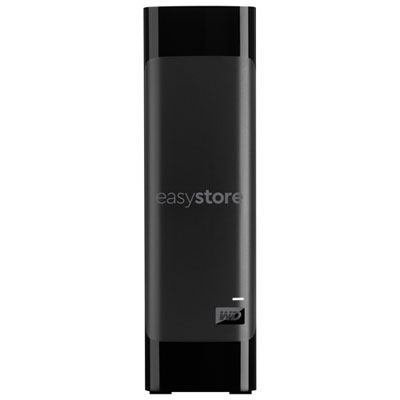
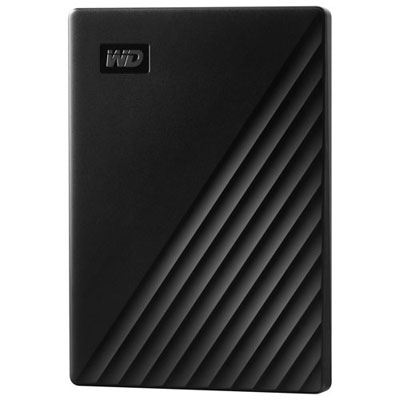
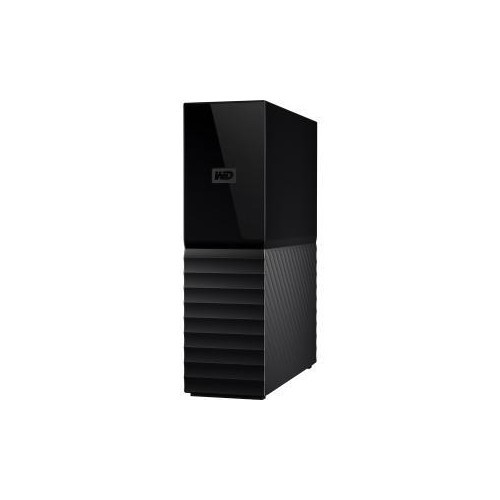

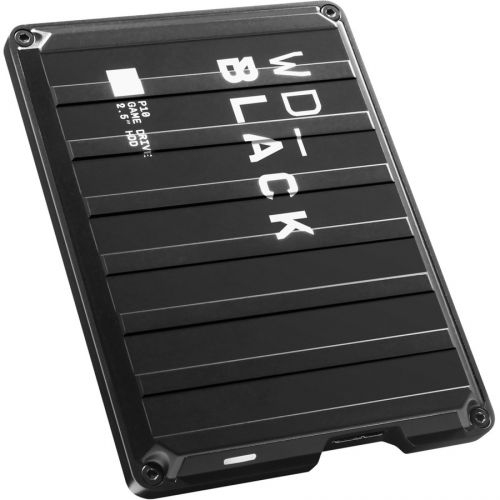
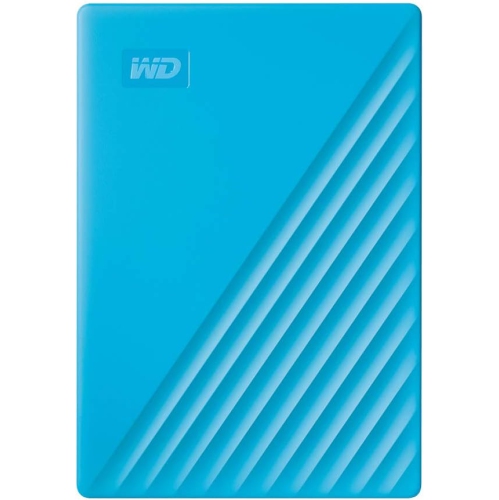
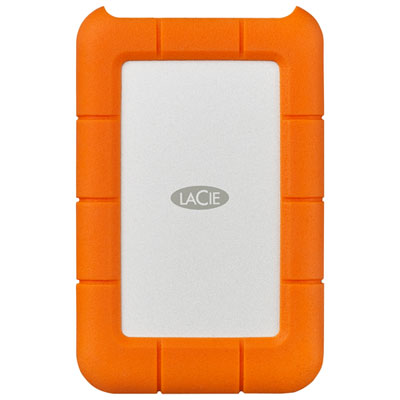
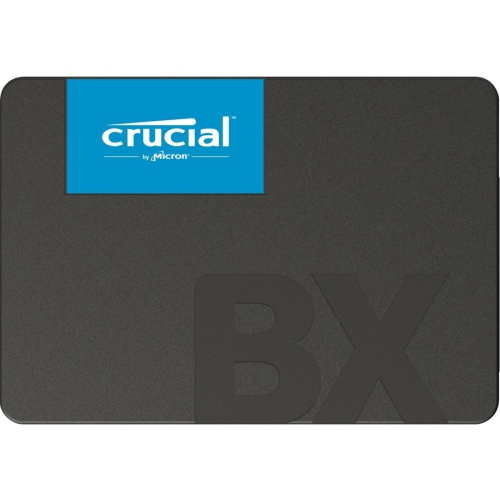
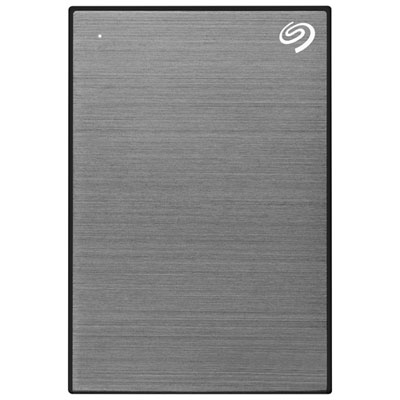
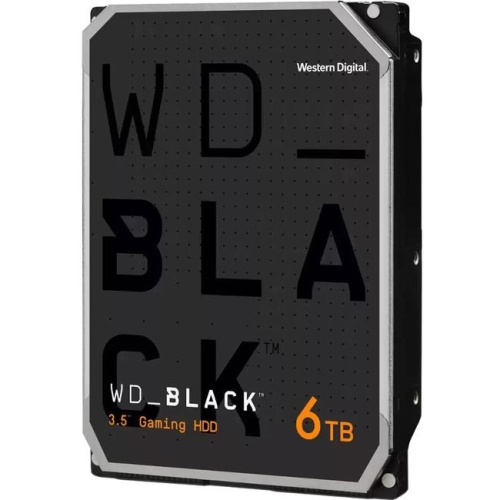
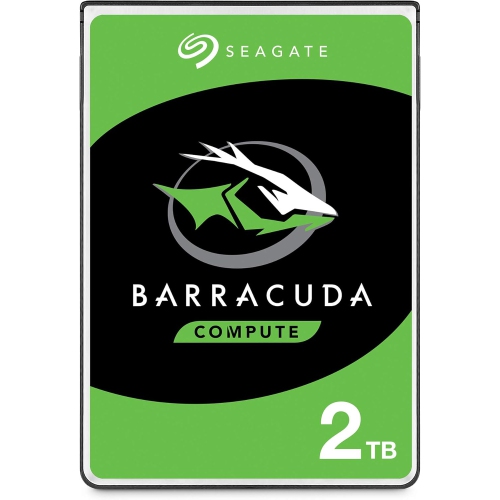
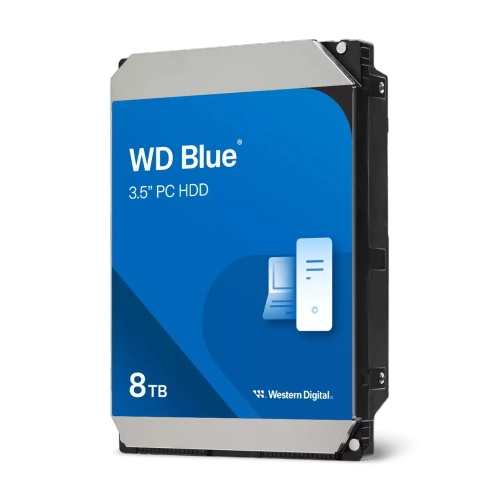

Compatibility and capacity shape a smoother Windows 8 experience
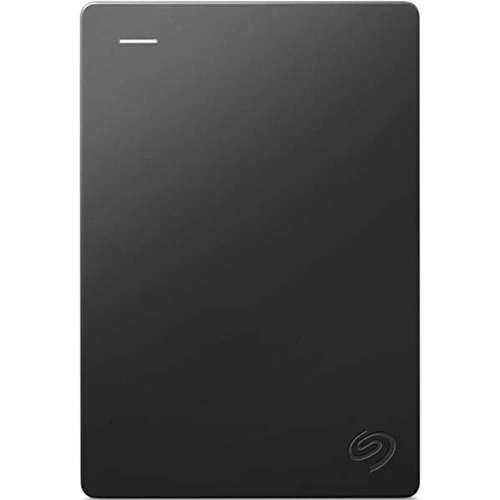
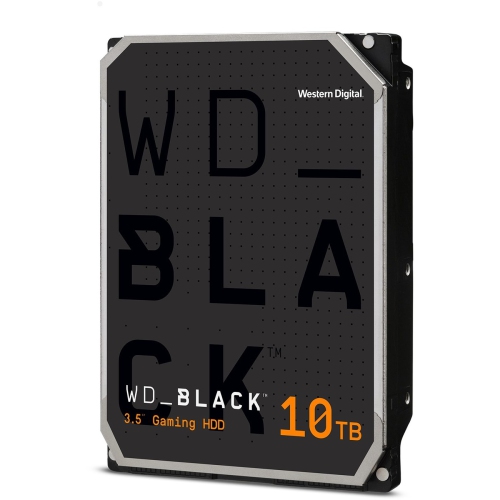
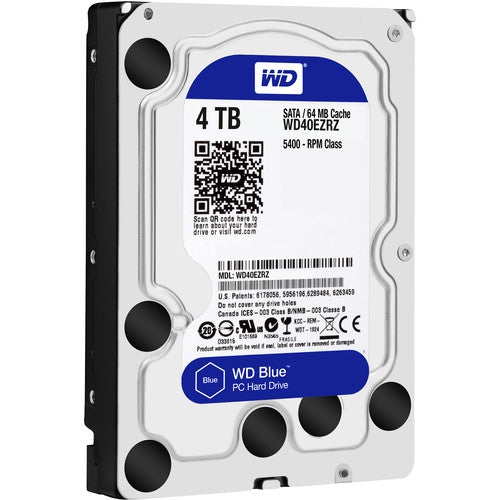
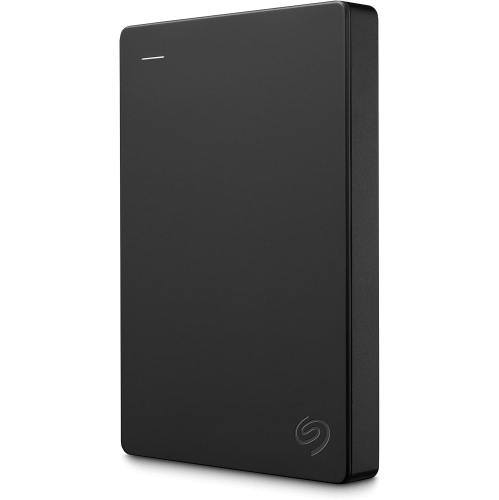
When considering hard drives for Windows 8 systems, it’s important to think about both compatibility and performance to ensure a smooth computing experience. Windows 8 supports a variety of hard drive types, including traditional HDDs and faster SSDs, and each offers distinct benefits depending on your needs. For those looking to upgrade an older PC, a new hard drive can breathe fresh life into a system, making everyday tasks like loading programs, storing photos, and managing documents much quicker and more reliable. Installing a new drive is straightforward: connect it via SATA, initialize it in Disk Management, and format it to create usable space, whether you’re setting up a primary drive for your operating system or adding extra storage for files and media. Partitioning drives is also simple, allowing you to organize your data or set up separate environments for work and personal use. As the weather warms and routines shift—whether you’re working on home projects, preparing for back-to-school, or managing a growing digital library—having the right hard drive ensures your files are secure and accessible whenever you need them.
Hard drives for Windows 8 are a practical choice for a wide range of users, from students needing reliable storage for assignments and projects, to professionals managing large databases, creative files, or software libraries. They also make thoughtful gifts for anyone setting up a new computer, upgrading an older device, or building a custom PC. When choosing a hard drive, consider factors such as storage capacity, data transfer speeds, and the physical size of the drive to ensure compatibility with your system. Many users appreciate the peace of mind that comes with having ample storage, especially during the busier seasons when digital clutter can accumulate quickly. If you’re running a 32-bit Windows 8 system, you’ll need at least 16GB of free space, while 64-bit systems require 20GB or more—so selecting a drive with plenty of headroom is key. For those managing servers or looking for robust, enterprise-grade solutions, it’s worth exploring specialized options like Server Hard Drives to meet more demanding storage needs. With the right hard drive, you can keep your Windows 8 system running smoothly, easily organize your files, and enjoy reliable access to your data throughout the changing seasons.
Hard drives for Windows 8 are a practical choice for a wide range of users, from students needing reliable storage for assignments and projects, to professionals managing large databases, creative files, or software libraries. They also make thoughtful gifts for anyone setting up a new computer, upgrading an older device, or building a custom PC. When choosing a hard drive, consider factors such as storage capacity, data transfer speeds, and the physical size of the drive to ensure compatibility with your system. Many users appreciate the peace of mind that comes with having ample storage, especially during the busier seasons when digital clutter can accumulate quickly. If you’re running a 32-bit Windows 8 system, you’ll need at least 16GB of free space, while 64-bit systems require 20GB or more—so selecting a drive with plenty of headroom is key. For those managing servers or looking for robust, enterprise-grade solutions, it’s worth exploring specialized options like Server Hard Drives to meet more demanding storage needs. With the right hard drive, you can keep your Windows 8 system running smoothly, easily organize your files, and enjoy reliable access to your data throughout the changing seasons.
Top selling and popular products
-
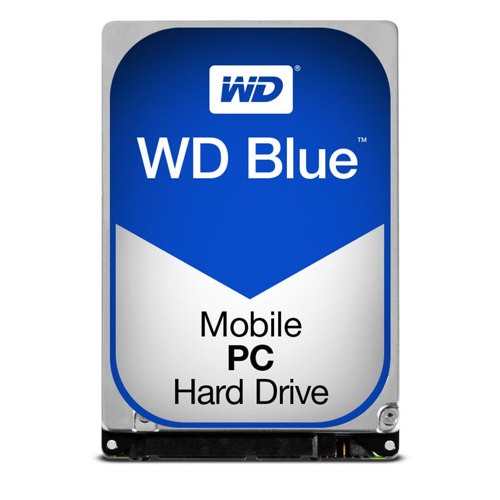 Your price for this item is $248.68
 -
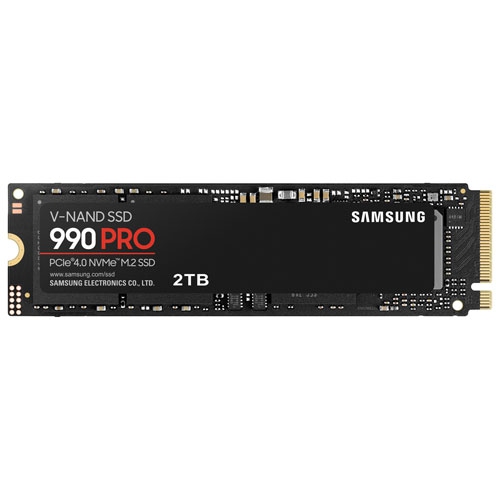 Your price for this item is $679.99
 -
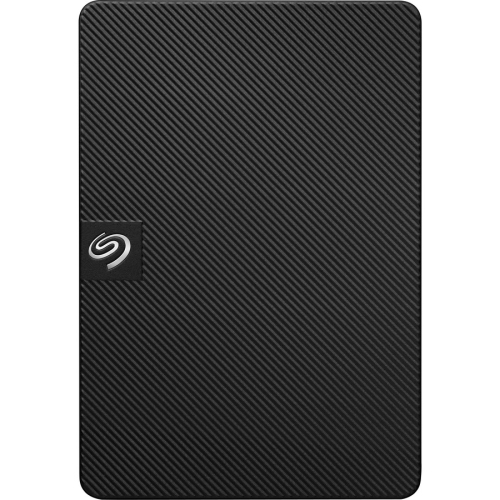 Your price for this item is $164.47
 -
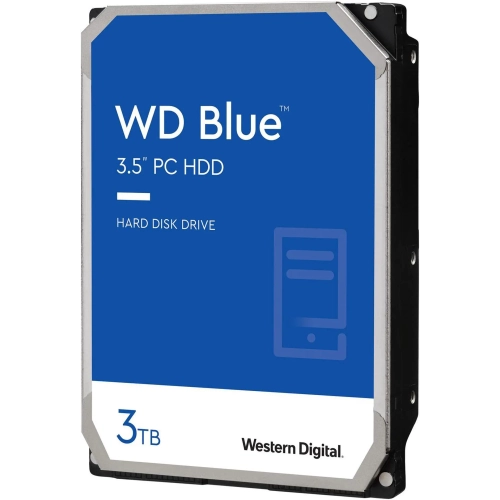 Your price for this item is $259.99
 -
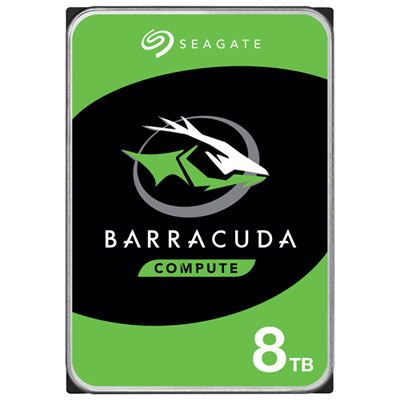 Your price for this item is $389.99
 -
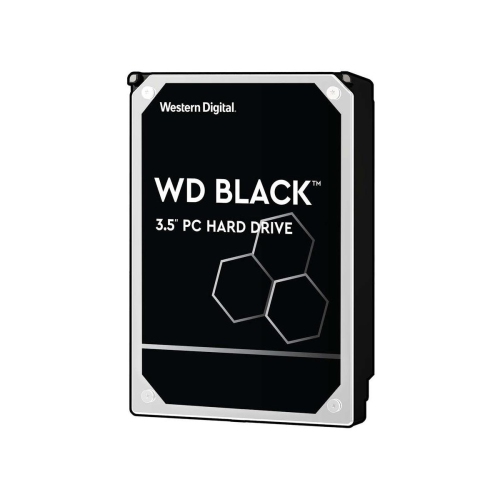 Your price for this item is $399.99
 -
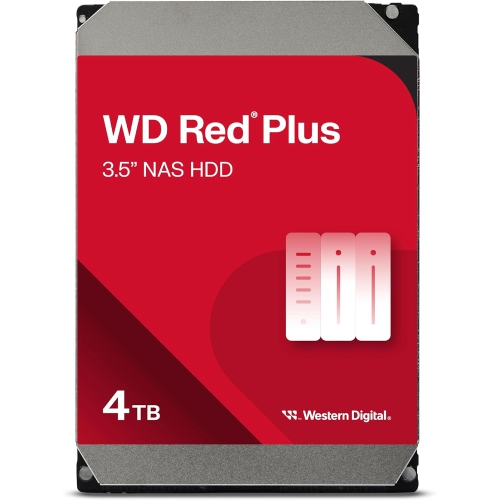 Your price for this item is $379.99
 -
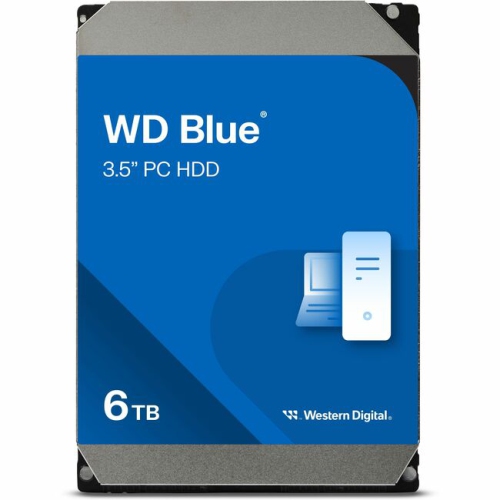 Your price for this item is $389.99
Discover more categories related to Windows 8 Hard Drives
Top Collections:
Pokemon Centers, Kindle Devices, Best Budget Office Chairs, Apple iPhones 16, Best Laptops for Writers, iPhone 15 Apple, Canon G7X Cameras, Refurbished Apple Laptops, Alarm Clock, Motorola Razr Phones
Some products may be subject to Environmental Handling Fees
(EHF) depending on your province.
Learn more about EHFs.