Windows Hard Drives
Upgrade your storage solutions with a Windows Hard Drive, designed to help you manage files, back up important data, and enhance your computing experience. Whether you're looking for additional space for photos, videos, or essential documents, these hard drives offer reliable performance for everyday use. Find the right Windows Hard Drive to meet your needs and keep your digital life organized and accessible. Explore a variety of options to expand your PC's capacity with ease.
Sort

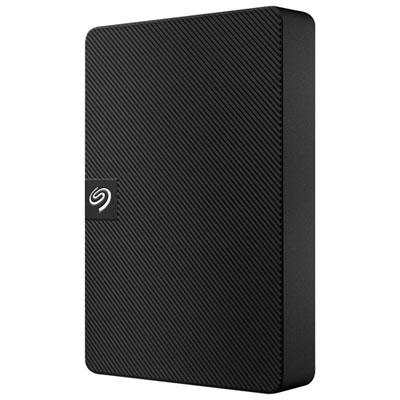
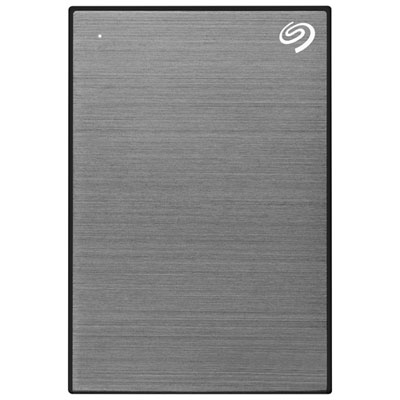
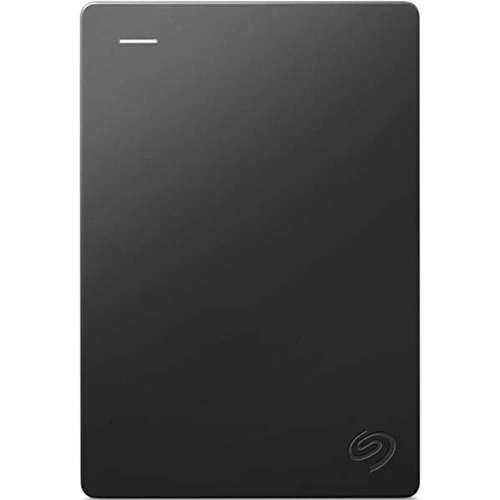
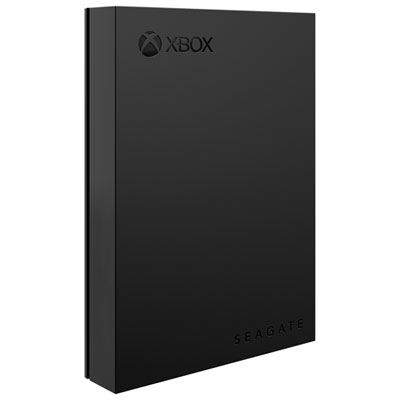
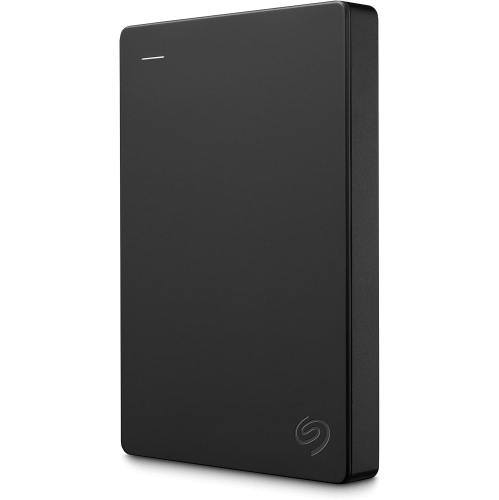
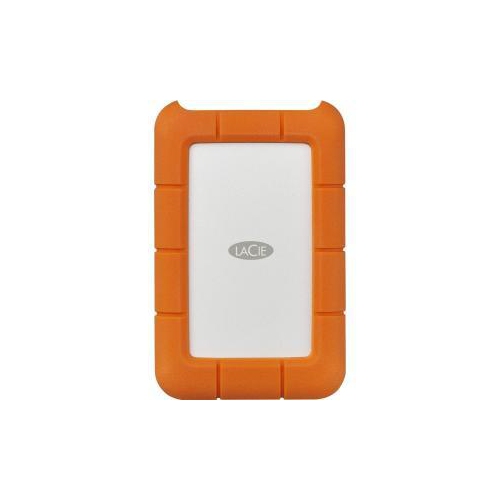
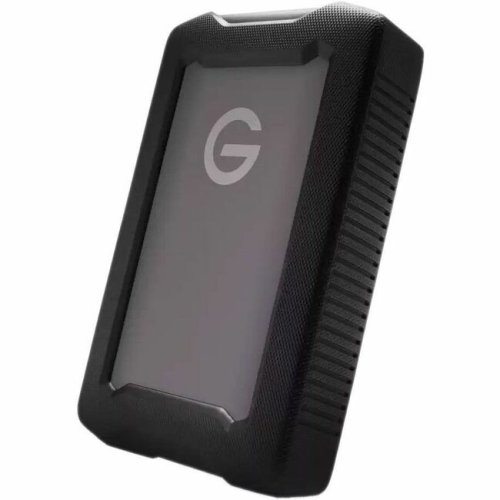

Speed, capacity, and backup for every Windows setup
Whether you’re upgrading your desktop, adding extra storage to your laptop, or building out a custom PC, choosing the right Windows hard drive is a key step in making the most of your system. Windows-compatible hard drives come in a range of form factors and capacities, from classic hard disk drives (HDDs) to cutting-edge solid-state drives (SSDs). Each offers its own strengths: HDDs are often chosen for their high capacity and value, making them ideal for backing up years of family photos, archiving important documents, or storing an extensive media library. On the other hand, SSDs deliver lightning-fast boot times and rapid data transfers, which can breathe new life into an older machine or give a new build that extra edge in performance. Whether you’re a student saving assignments, a professional managing large design files, or a gamer looking to load worlds in seconds, the right drive can make everyday computing smoother and more enjoyable. As spring approaches and you start fresh with new projects or school terms, it’s a great time to ensure your digital workspace is running at its best—adding or upgrading a hard drive can be a simple yet transformative step.
Windows hard drives also make thoughtful gifts for tech enthusiasts, students heading off to university, or anyone who works with large files or needs reliable backup solutions. Imagine the peace of mind that comes with knowing your photos, videos, and important documents are safely stored and easily accessible. For creative professionals, extra storage means more room for high-resolution images, project files, and software libraries. Families can use external drives to share cherished memories, while frequent travellers appreciate the portability of compact models that slip easily into a laptop bag. Upgrading to an SSD can be especially rewarding—users often notice faster system startups and reduced wait times when opening files or launching applications, making everyday computing feel brand new. For those managing several devices or working remotely, pairing a Windows hard drive with cloud storage or a dedicated Web Hard Drive solution can streamline file management and provide convenient access to data from anywhere.
Selecting the right Windows hard drive depends on your unique needs and computing habits. Consider how much storage you’ll require now and in the future—media collectors and gamers might opt for higher capacities, while students or office users may prioritise speed and reliability. It’s also important to think about compatibility with your system, whether you’re adding an internal drive to a desktop tower or plugging in a portable external drive via USB. Many drives come with helpful features like built-in encryption, shock resistance, or bundled backup software, offering added security and convenience. As you plan your next upgrade or look for a practical gift, remember that a well-chosen hard drive isn’t just about storage—it’s about keeping your digital life organized, accessible, and ready for whatever comes next.
Windows hard drives also make thoughtful gifts for tech enthusiasts, students heading off to university, or anyone who works with large files or needs reliable backup solutions. Imagine the peace of mind that comes with knowing your photos, videos, and important documents are safely stored and easily accessible. For creative professionals, extra storage means more room for high-resolution images, project files, and software libraries. Families can use external drives to share cherished memories, while frequent travellers appreciate the portability of compact models that slip easily into a laptop bag. Upgrading to an SSD can be especially rewarding—users often notice faster system startups and reduced wait times when opening files or launching applications, making everyday computing feel brand new. For those managing several devices or working remotely, pairing a Windows hard drive with cloud storage or a dedicated Web Hard Drive solution can streamline file management and provide convenient access to data from anywhere.
Selecting the right Windows hard drive depends on your unique needs and computing habits. Consider how much storage you’ll require now and in the future—media collectors and gamers might opt for higher capacities, while students or office users may prioritise speed and reliability. It’s also important to think about compatibility with your system, whether you’re adding an internal drive to a desktop tower or plugging in a portable external drive via USB. Many drives come with helpful features like built-in encryption, shock resistance, or bundled backup software, offering added security and convenience. As you plan your next upgrade or look for a practical gift, remember that a well-chosen hard drive isn’t just about storage—it’s about keeping your digital life organized, accessible, and ready for whatever comes next.
Top selling and popular products
-
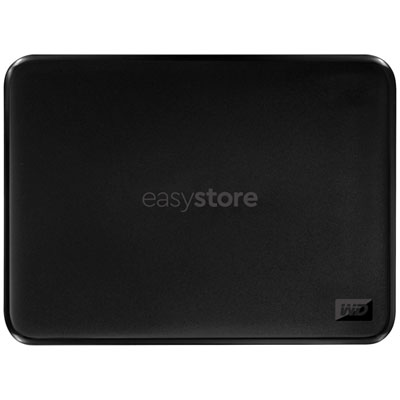 Your price for this item is $234.99
 -
 Your price for this item is $389.99
 -
 Your price for this item is $179.99
 -
 Your price for this item is $239.99
 -
 Your price for this item is $270.68
 -
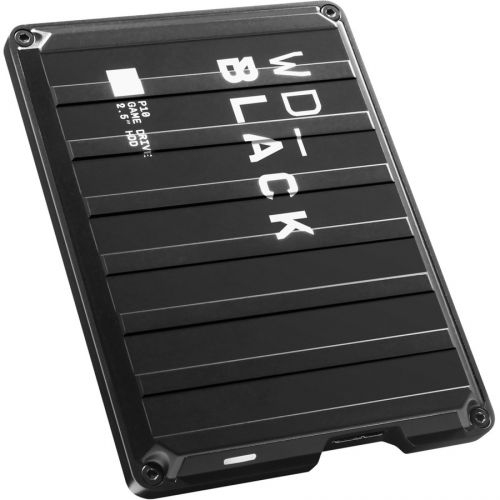 Your price for this item is $329.99
 -
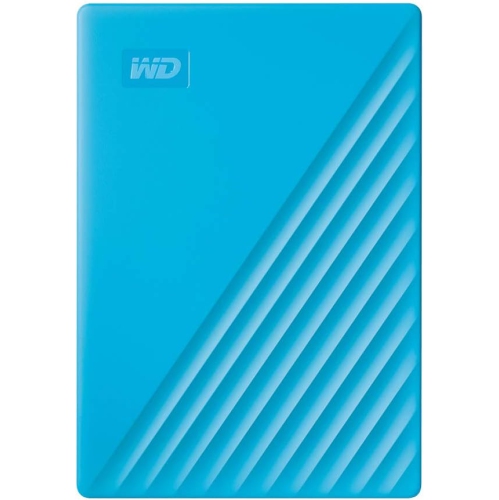 Your price for this item is $282.68
 -
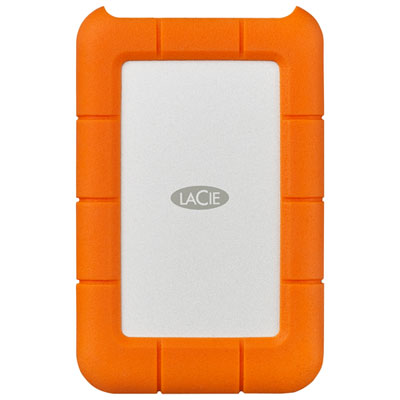 Your price for this item is $209.99
Discover more categories related to Windows Hard Drives
Top Collections:
Pokemon Centers, Kindle Devices, Best Budget Office Chairs, Apple iPhones 16, Best Laptops for Writers, iPhone 15 Apple, Canon G7X Cameras, Refurbished Apple Laptops, Alarm Clock, Motorola Razr Phones
Some products may be subject to Environmental Handling Fees
(EHF) depending on your province.
Learn more about EHFs.