Windows Antivirus
If you're using a Windows computer, it's important to protect your system with an antivirus program. These selections of antivirus programs can help keep your system safe from malicious software, viruses, and other threats. Whether you're a home user or a business user, antivirus softwares are an essential part of your security setup. Here are some of the great options.
Sort
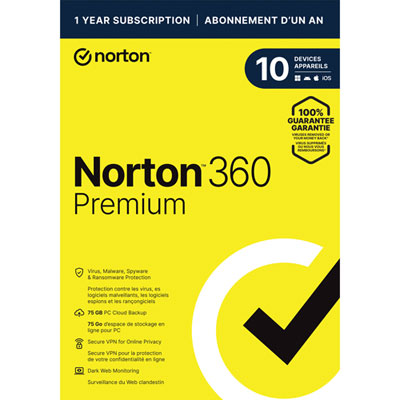
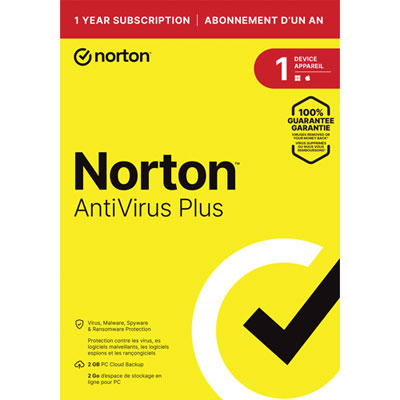
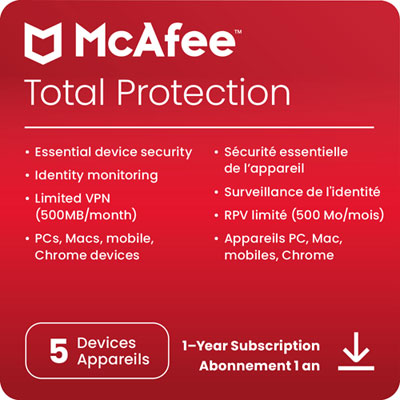
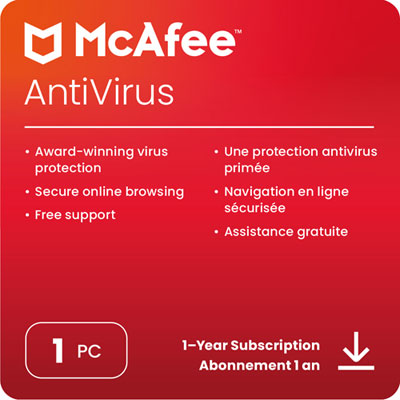
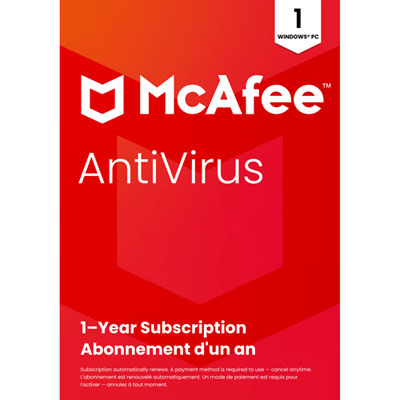
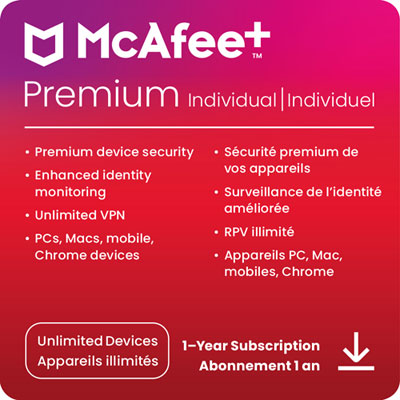
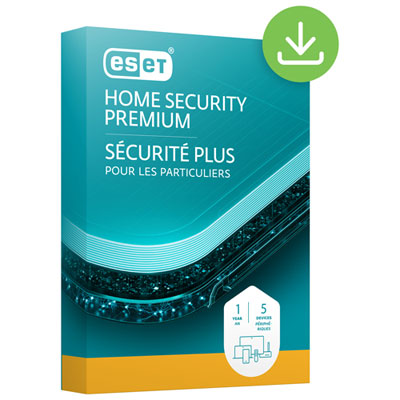

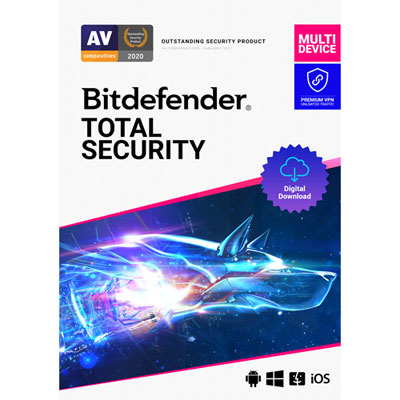
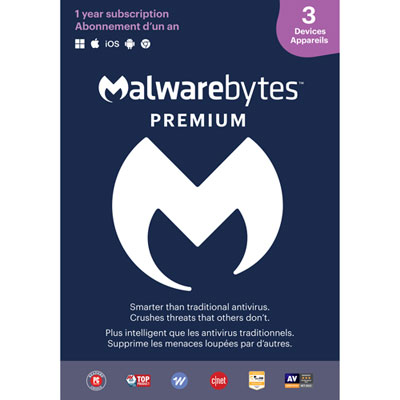
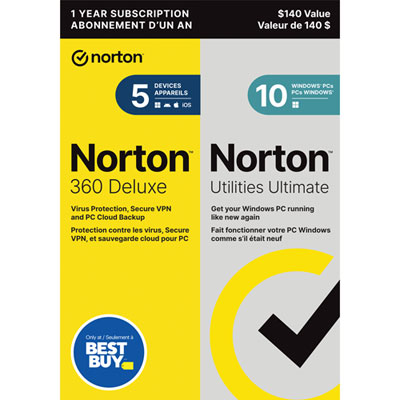
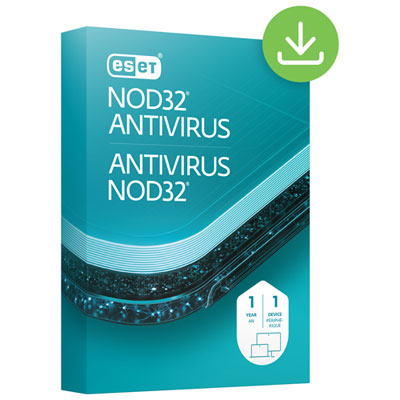
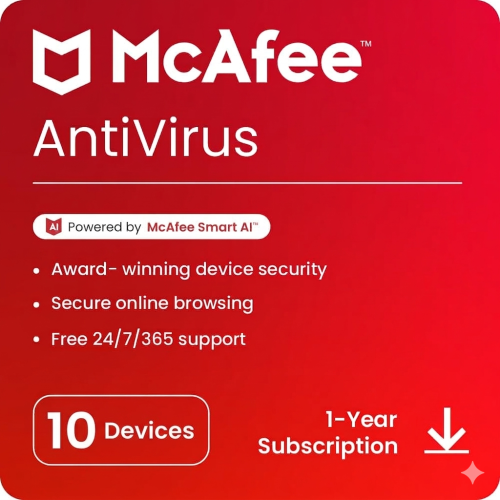
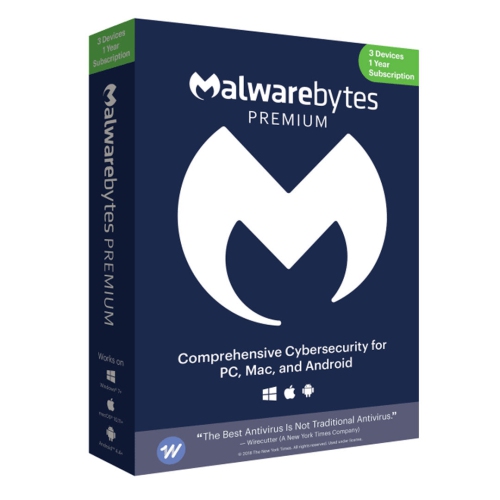
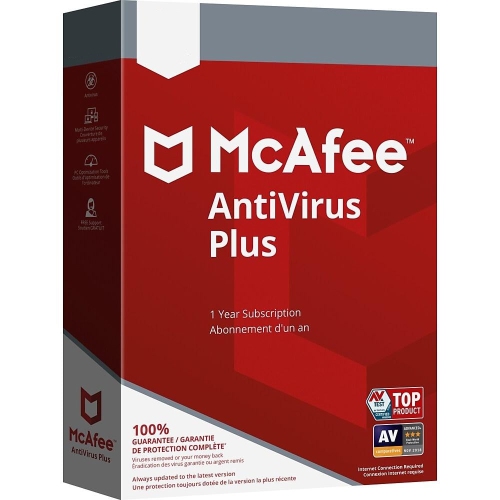
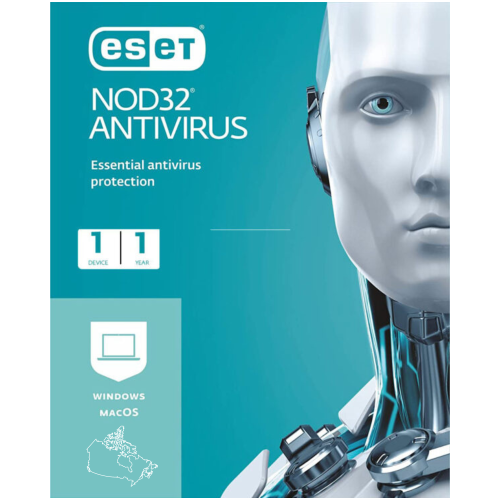
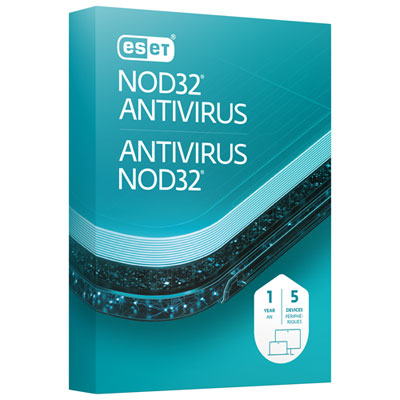
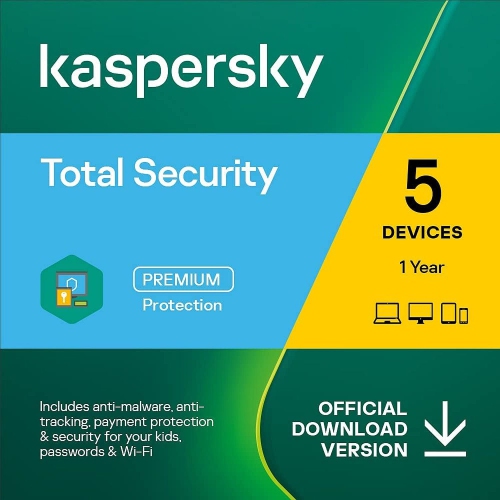
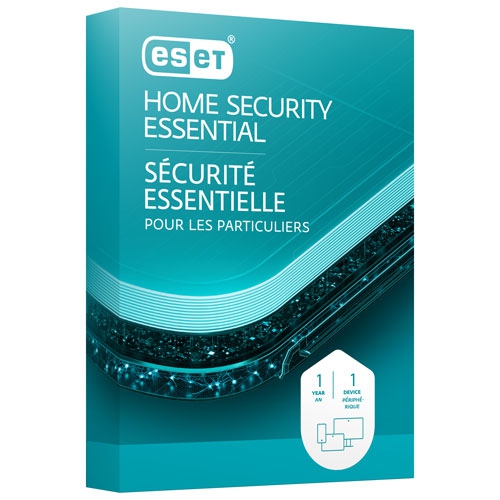
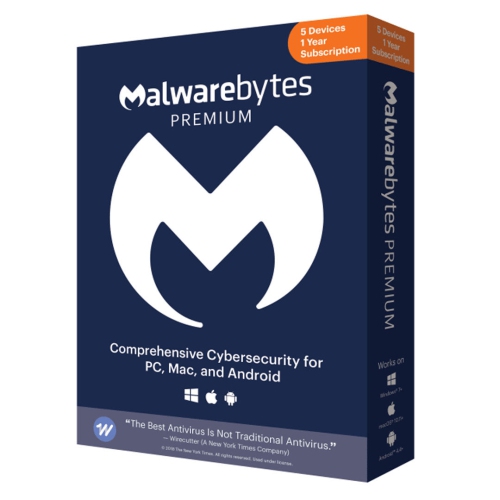
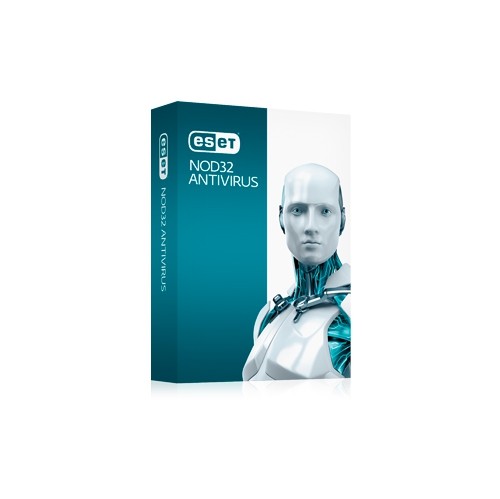
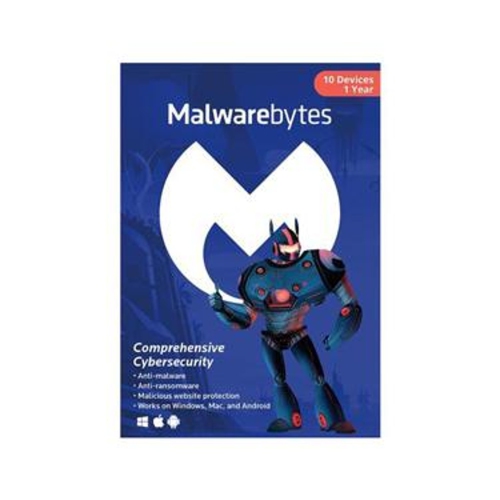

Protection features and compatibility for everyday Windows use
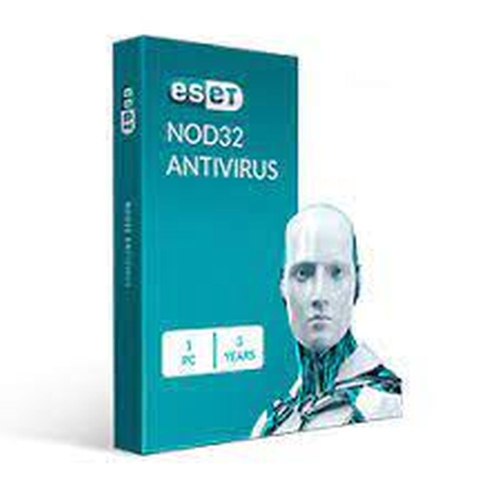
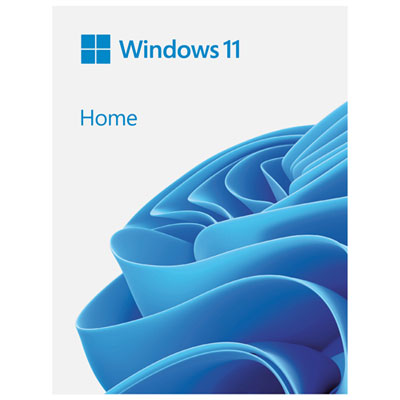
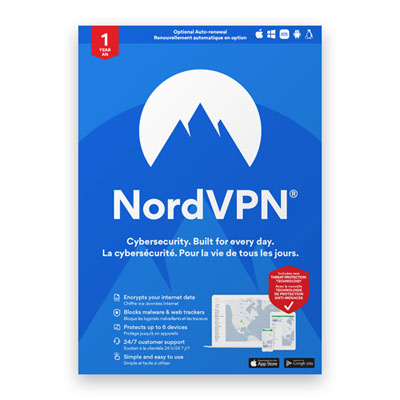
Windows antivirus software helps protect a Windows PC from common online threats, including viruses, spyware, ransomware, phishing attempts, malicious downloads, and other unwanted programs. Windows includes built-in security features that can scan files, monitor apps, check downloads, and update threat information automatically, making them a useful foundation for everyday protection. Additional antivirus software may be suitable for people who want more control, extra layers of monitoring, or tools that extend beyond basic malware detection. Depending on the software, features may include real-time scanning, web protection, email screening, password management, privacy alerts, secure browsing tools, firewall controls, parental controls, and ransomware safeguards that help prevent unauthorized changes to important files. Some options are designed to run quietly in the background with minimal impact on performance, while others offer a broader dashboard for managing security across several devices. When browsing Windows antivirus products, consider the version of Windows installed on the computer, whether the software supports Windows 10, Windows 11, or both, and whether the licence covers one PC or multiple devices. Compatibility can also depend on the computer’s processor, available memory, storage space, and whether other security software is already installed. Running overlapping antivirus programs can create conflicts or unnecessary slowdowns, so it is wise to review existing protection and follow the installation instructions carefully. For shoppers comparing options for an older computer, a lightweight program with simple controls may be preferable, while a newer family PC used for banking, schoolwork, gaming, shopping, and shared browsing may benefit from broader privacy and web protection features. Those looking for software specifically suited to an earlier version of Microsoft’s operating system can also explore Windows 10 Antivirus Software.
The right antivirus software depends on how a computer is used and who relies on it. A home office worker may place a high value on protection for downloaded documents, cloud storage, video calls, and online payment pages. A student may need straightforward security that does not interfere with research, assignments, streaming, or collaborative tools. Families often look for coverage that can help protect several Windows computers, along with controls that make it easier to manage browsing habits and app access on shared devices. Gamers may prefer a security program with a low-performance mode or settings that reduce notifications while a game is running, whereas someone who regularly handles financial records or personal documents may prioritize ransomware protection, secure browsing, and alerts about suspicious activity. Antivirus software can also be a practical gift for a relative who has recently purchased a laptop, upgraded a desktop, or moved more of their daily activities online. It can make a thoughtful addition to a back-to-school setup or a new home office, particularly for someone who wants added reassurance without spending time comparing technical specifications on their own. Before choosing a gift, check whether the recipient uses Windows, how many devices need coverage, and whether a subscription is already active. Many products are sold as annual licences, and some include automatic renewal, so review the term, renewal price, device limit, and cancellation conditions before completing a purchase. It is also worth checking whether the licence can be transferred to a replacement computer if the recipient upgrades during the coverage period. A clear installation process, accessible settings, and helpful notifications can be just as important as detection performance, especially for people who are not comfortable changing security settings. During the warmer season and into the cooler months, households often shift between travel, school routines, remote work, and indoor entertainment, making it useful to keep operating systems, browsers, apps, and antivirus tools updated together.
When comparing Windows antivirus products, look beyond a single detection-rate claim and consider how the software performs as part of daily computer use. Independent testing can provide useful information about malware detection, false alerts, resource usage, and response times, but practical details such as update frequency, support options, ease of installation, and the clarity of security notifications also matter. Real-time protection should be able to examine files as they are opened or downloaded, while web protection can warn users before they visit known dangerous sites or enter information on a suspicious page. Ransomware protection may help limit unauthorized changes to photos, work files, and other personal data, although no antivirus program replaces regular backups. Keep important files backed up to a separate location, install Windows and browser updates promptly, use strong and unique passwords, and be cautious with unexpected links, attachments, pop-ups, and requests for payment information. Antivirus software is an important layer of defence, but safe browsing habits remain essential. Look for a product that matches the user’s technical comfort level rather than choosing the most complicated option available. A simple interface with clear warnings can help someone make a sound decision when a suspicious download appears, while advanced controls may be useful for experienced users who want to customize scans and notifications. Also consider whether protection extends to removable drives, email attachments, web browsers, and multiple user accounts. With the right fit, Windows antivirus software can provide ongoing monitoring and useful alerts without becoming a distraction, helping protect everyday work, personal files, school projects, photos, and online activities throughout the licence period.
The right antivirus software depends on how a computer is used and who relies on it. A home office worker may place a high value on protection for downloaded documents, cloud storage, video calls, and online payment pages. A student may need straightforward security that does not interfere with research, assignments, streaming, or collaborative tools. Families often look for coverage that can help protect several Windows computers, along with controls that make it easier to manage browsing habits and app access on shared devices. Gamers may prefer a security program with a low-performance mode or settings that reduce notifications while a game is running, whereas someone who regularly handles financial records or personal documents may prioritize ransomware protection, secure browsing, and alerts about suspicious activity. Antivirus software can also be a practical gift for a relative who has recently purchased a laptop, upgraded a desktop, or moved more of their daily activities online. It can make a thoughtful addition to a back-to-school setup or a new home office, particularly for someone who wants added reassurance without spending time comparing technical specifications on their own. Before choosing a gift, check whether the recipient uses Windows, how many devices need coverage, and whether a subscription is already active. Many products are sold as annual licences, and some include automatic renewal, so review the term, renewal price, device limit, and cancellation conditions before completing a purchase. It is also worth checking whether the licence can be transferred to a replacement computer if the recipient upgrades during the coverage period. A clear installation process, accessible settings, and helpful notifications can be just as important as detection performance, especially for people who are not comfortable changing security settings. During the warmer season and into the cooler months, households often shift between travel, school routines, remote work, and indoor entertainment, making it useful to keep operating systems, browsers, apps, and antivirus tools updated together.
When comparing Windows antivirus products, look beyond a single detection-rate claim and consider how the software performs as part of daily computer use. Independent testing can provide useful information about malware detection, false alerts, resource usage, and response times, but practical details such as update frequency, support options, ease of installation, and the clarity of security notifications also matter. Real-time protection should be able to examine files as they are opened or downloaded, while web protection can warn users before they visit known dangerous sites or enter information on a suspicious page. Ransomware protection may help limit unauthorized changes to photos, work files, and other personal data, although no antivirus program replaces regular backups. Keep important files backed up to a separate location, install Windows and browser updates promptly, use strong and unique passwords, and be cautious with unexpected links, attachments, pop-ups, and requests for payment information. Antivirus software is an important layer of defence, but safe browsing habits remain essential. Look for a product that matches the user’s technical comfort level rather than choosing the most complicated option available. A simple interface with clear warnings can help someone make a sound decision when a suspicious download appears, while advanced controls may be useful for experienced users who want to customize scans and notifications. Also consider whether protection extends to removable drives, email attachments, web browsers, and multiple user accounts. With the right fit, Windows antivirus software can provide ongoing monitoring and useful alerts without becoming a distraction, helping protect everyday work, personal files, school projects, photos, and online activities throughout the licence period.
Top selling and popular products
-
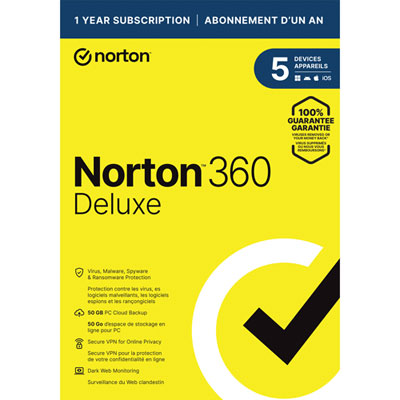 Your price for this item is $89.99
 -
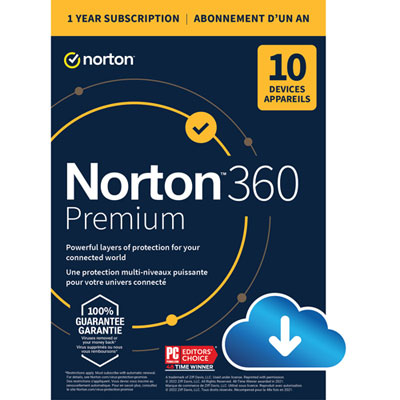 Your price for this item is $99.99
 -
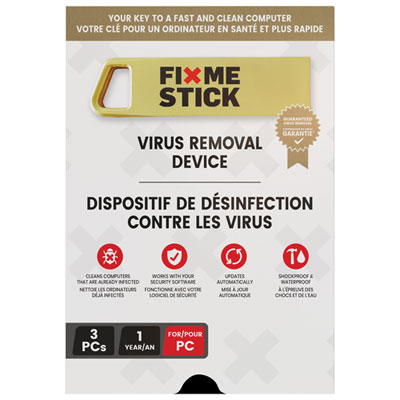 Your price for this item is $89.99
 -
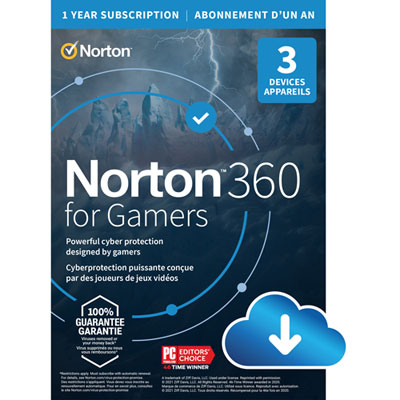 Your price for this item is $89.99
 -
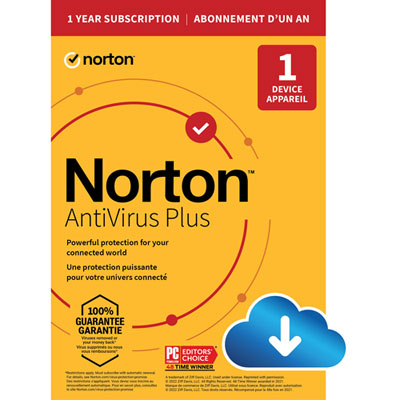 Your price for this item is $14.99
 -
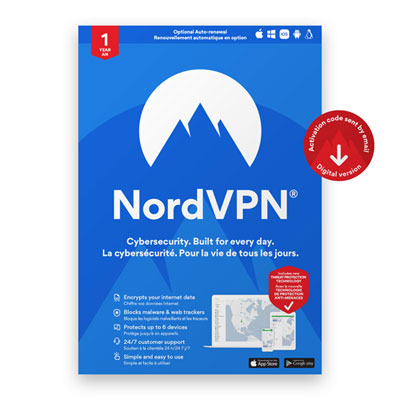 Your price for this item is $49.99
 -
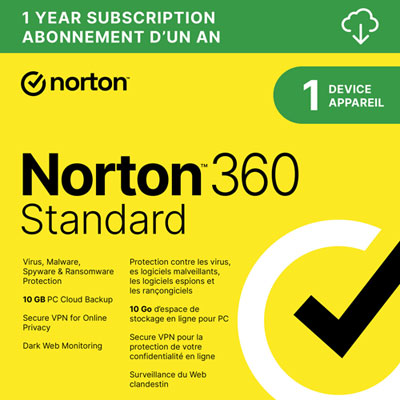 Your price for this item is $69.99
 -
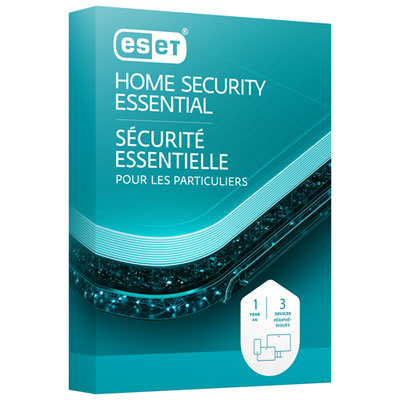 Your price for this item is $59.95
Discover more categories related to Windows Antivirus
Top Collections:
Pokemon Centers, Kindle Devices, Best Budget Office Chairs, Apple iPhones 16, Best Laptops for Writers, iPhone 15 Apple, Canon G7X Cameras, Refurbished Apple Laptops, Alarm Clock, Motorola Razr Phones
Some products may be subject to Environmental Handling Fees
(EHF) depending on your province.
Learn more about EHFs.