Anti Viruses
Protect your devices from harmful viruses and malware with our selection of top-rated anti-virus solutions. Safeguard your personal information, files, and online activities with powerful security software designed to keep your devices running smoothly and securely. Whether you're browsing the web, checking emails, or downloading files, ensure your digital safety with our range of anti-virus options that provide comprehensive protection against cyber threats.
Sort

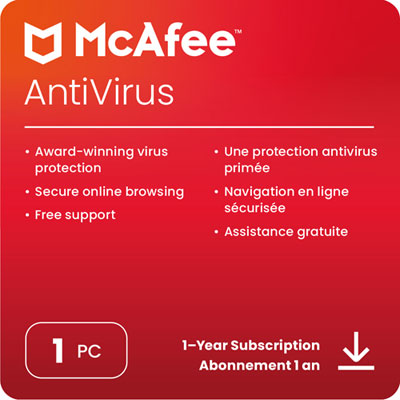
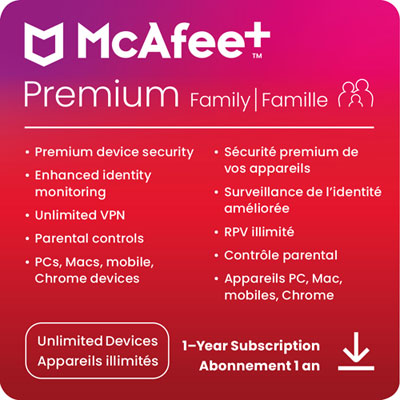
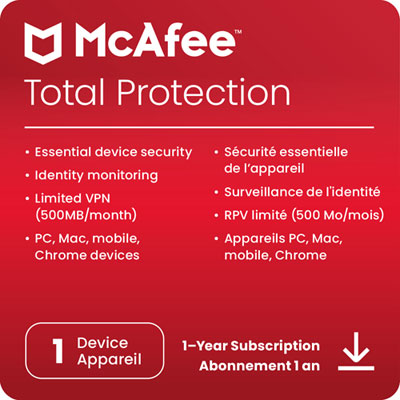
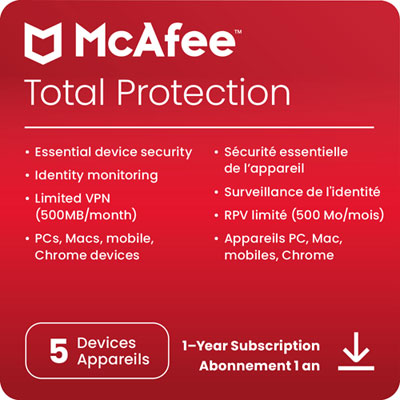
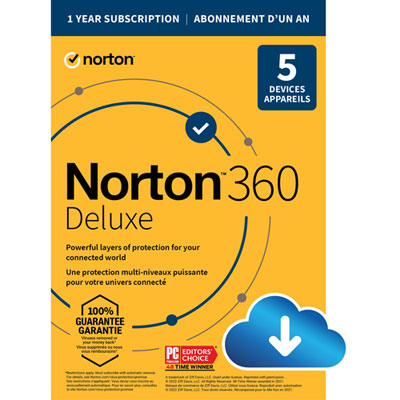

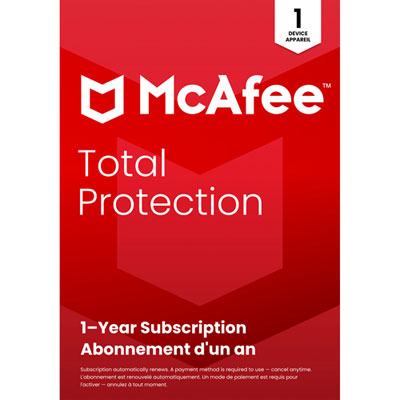

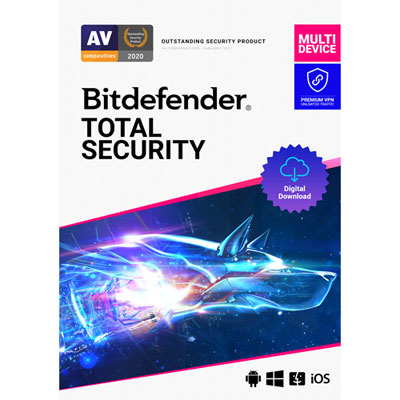
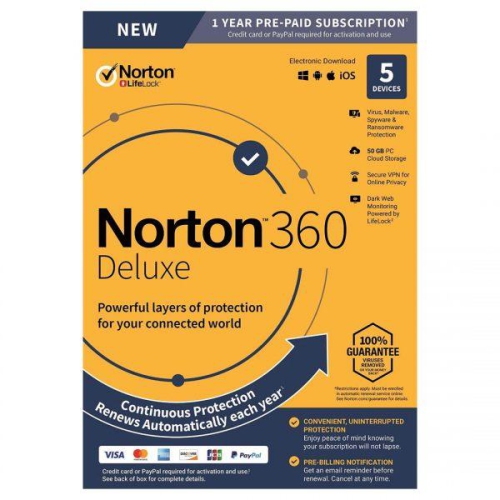
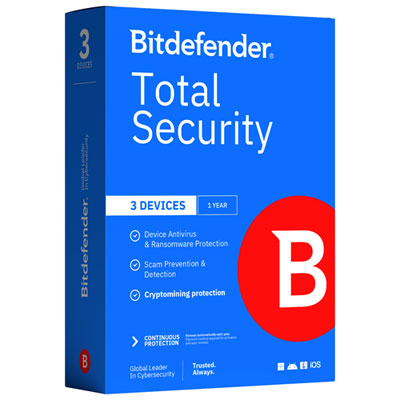
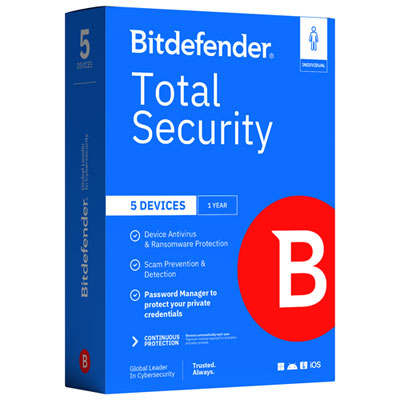
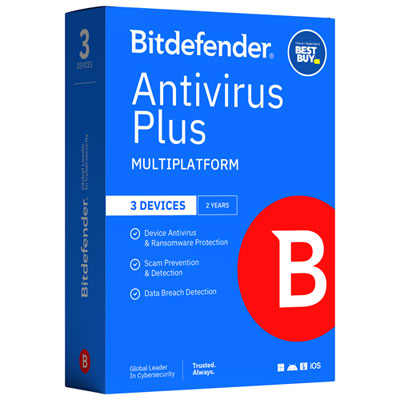
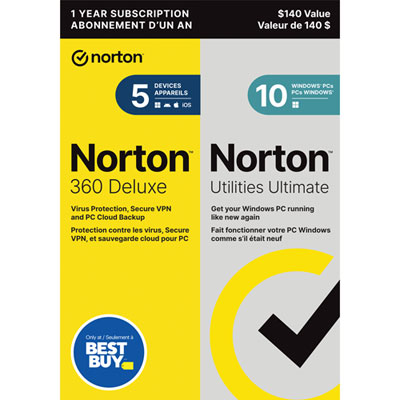

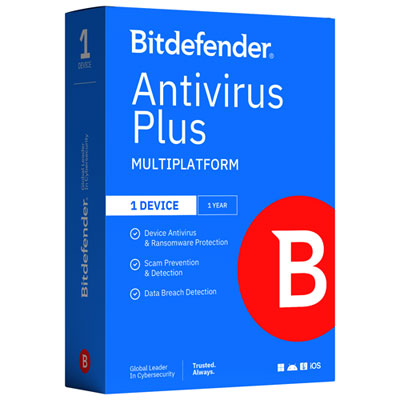
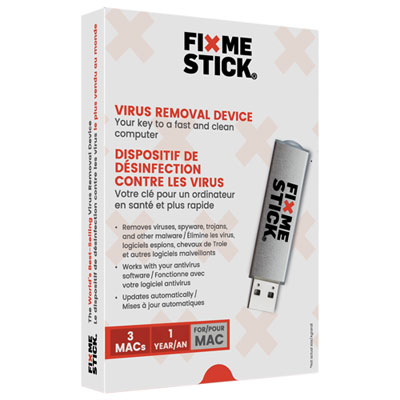
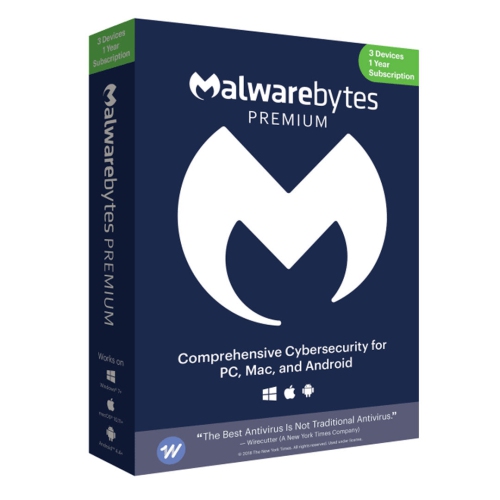
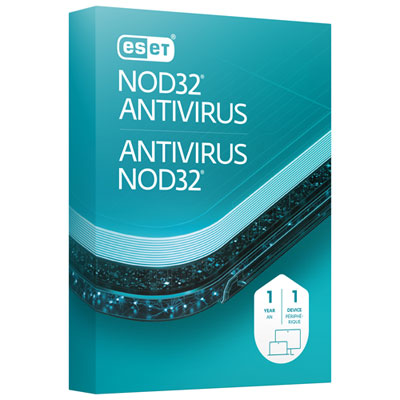
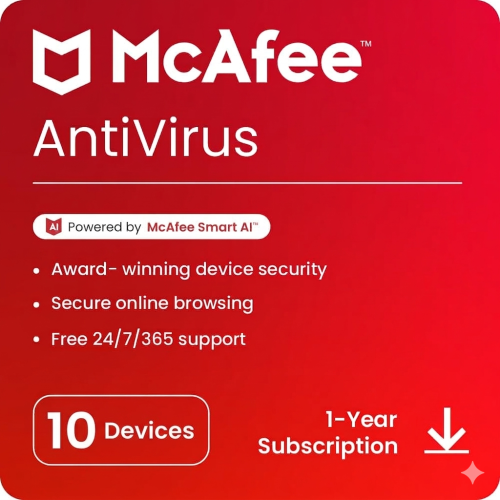

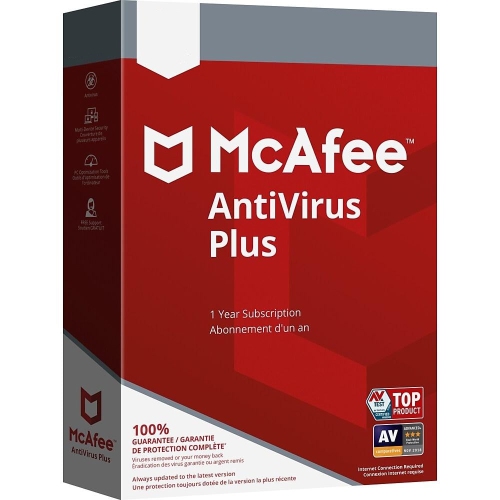
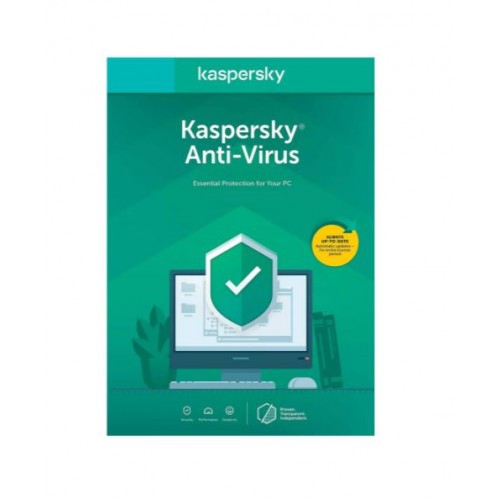
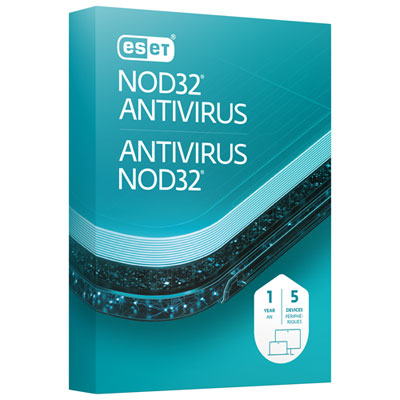
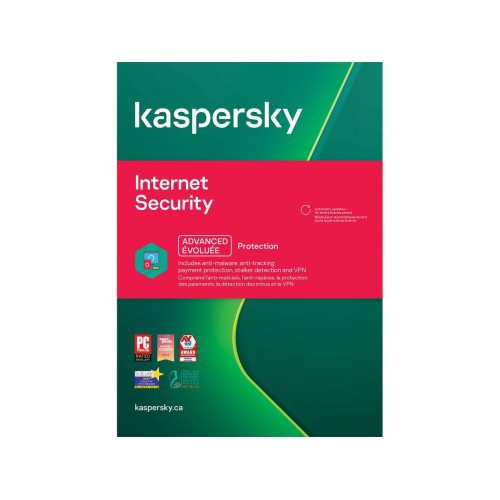
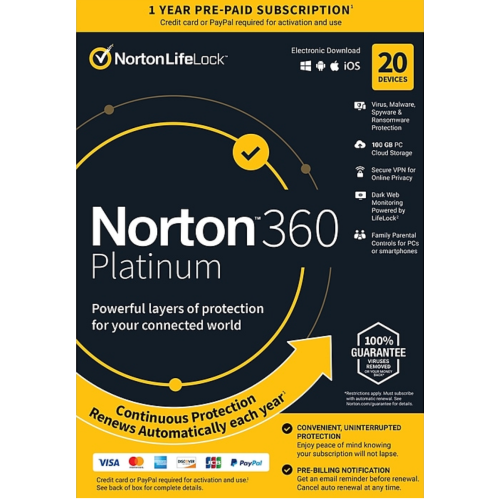

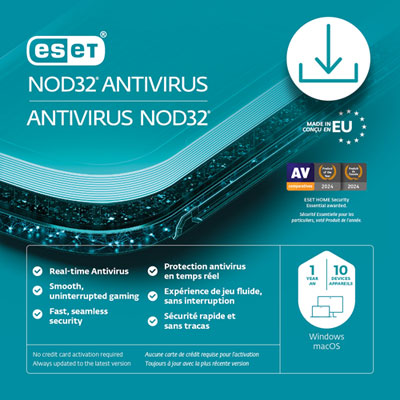
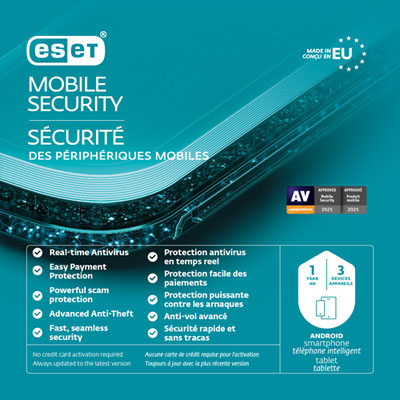
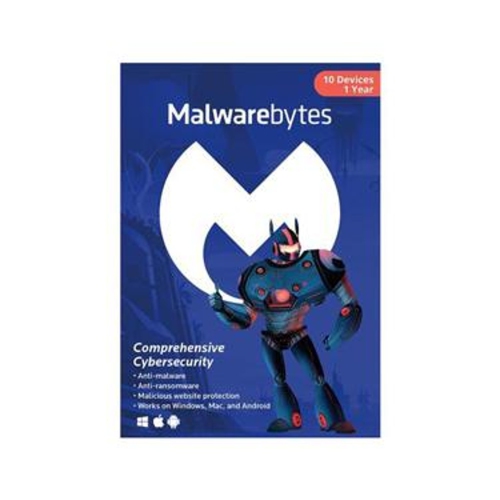



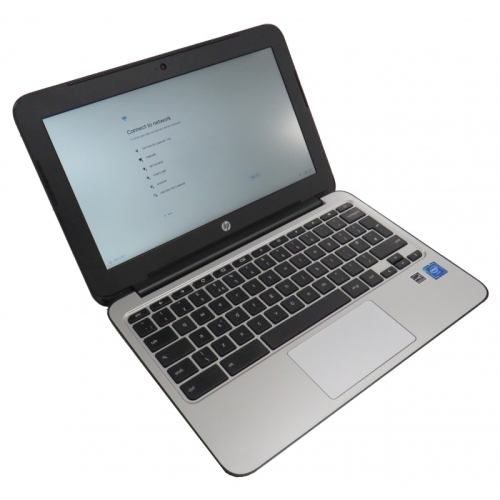

Understanding protection for devices, downloads and important files
Antivirus software helps protect computers, tablets and phones from harmful programs that can interrupt everyday tasks, expose personal information or lock important files. Modern threats include viruses, ransomware, spyware, phishing-related downloads, trojans and other forms of malware that may arrive through an email attachment, a compromised website, an unfamiliar app or a file shared by someone you know. The right antivirus solution can scan files before they are opened, check downloads as they arrive and monitor activity in the background while you browse, shop, work, study or stream. Real-time scanning is especially useful because it checks new files and applications at the moment they are accessed, rather than waiting for a scheduled scan. Signature matching compares code against a large database of known threats, while heuristic analysis looks for unusual or suspicious behaviour that may indicate a newer form of malware. When a threat is found, quarantine features can isolate the file so it cannot continue affecting the device, giving you time to review the alert and remove the problem safely. Some security software also includes quick scans for common trouble spots, full scans that examine the entire drive and scheduled scans that can run during times when the device is not being used. These features are helpful for households that share computers, families managing several devices and anyone who wants a straightforward layer of protection without having to monitor every download manually. Built-in operating-system security can provide a useful foundation, especially when automatic updates and basic protections are enabled, while a paid antivirus subscription may add broader device coverage, more detailed controls and additional security tools. When comparing options, check which operating systems are supported, how many devices are covered, whether the subscription renews automatically and whether the licence includes computers, mobile devices or both. A solution designed for a Windows PC may not offer the same features on another platform, so it is worth confirming compatibility before making a purchase. Customers looking specifically for protection for a Windows computer can browse Windows Antivirus options and compare coverage based on their device and household needs.
Choosing antivirus software is also about matching the level of protection to the way a device is used. A person who mainly reads news and uses familiar websites may prefer a simple package with real-time scanning, automatic updates and clear notifications. Someone who downloads files regularly, works remotely or stores tax documents, photographs and other irreplaceable information may appreciate stronger ransomware protection, web protection and tools that warn about unsafe links or suspicious websites before they are opened. Families can look for multi-device plans that cover several computers and phones under one account, making it easier to protect a shared home office, a child’s school computer and a partner’s personal device. Students moving between home, campus and public Wi-Fi may value an uncomplicated app that keeps running quietly in the background, while frequent travellers may look for a package that combines malware protection with a secure VPN for added privacy on unfamiliar networks. Some plans include cloud backup, which can provide a separate copy of important files if a device is damaged or affected by ransomware; others offer dark web monitoring, password-management tools, identity alerts or parental controls. These extras can be convenient, but they should be weighed against the features that matter most, the length of the subscription and the number of devices included. Antivirus software can also make a practical gift for a family member setting up a new computer, a student preparing for the school year or someone who has recently moved to a new home and is organizing household technology. It is a thoughtful way to support safer digital habits without requiring the recipient to understand every technical setting. During the warmer months and into the cooler months, devices often move between home, work, school and travel, creating more opportunities for unfamiliar networks, shared USB drives and downloaded files. Keeping the operating system, browser and antivirus software updated helps ensure that the device can recognize recent threats, while strong, unique passwords and two-factor authentication add further protection to important accounts. Antivirus software is not a replacement for careful browsing, secure backups or sensible account habits, but it can serve as a dependable first line of defence and a second set of eyes when something seems out of place. Look for clear scan results, accessible support, transparent renewal terms and controls that are easy to understand. The best choice is one that fits the devices in your home, runs comfortably in the background and gives you confidence when opening an attachment, installing an app or managing important files.
Choosing antivirus software is also about matching the level of protection to the way a device is used. A person who mainly reads news and uses familiar websites may prefer a simple package with real-time scanning, automatic updates and clear notifications. Someone who downloads files regularly, works remotely or stores tax documents, photographs and other irreplaceable information may appreciate stronger ransomware protection, web protection and tools that warn about unsafe links or suspicious websites before they are opened. Families can look for multi-device plans that cover several computers and phones under one account, making it easier to protect a shared home office, a child’s school computer and a partner’s personal device. Students moving between home, campus and public Wi-Fi may value an uncomplicated app that keeps running quietly in the background, while frequent travellers may look for a package that combines malware protection with a secure VPN for added privacy on unfamiliar networks. Some plans include cloud backup, which can provide a separate copy of important files if a device is damaged or affected by ransomware; others offer dark web monitoring, password-management tools, identity alerts or parental controls. These extras can be convenient, but they should be weighed against the features that matter most, the length of the subscription and the number of devices included. Antivirus software can also make a practical gift for a family member setting up a new computer, a student preparing for the school year or someone who has recently moved to a new home and is organizing household technology. It is a thoughtful way to support safer digital habits without requiring the recipient to understand every technical setting. During the warmer months and into the cooler months, devices often move between home, work, school and travel, creating more opportunities for unfamiliar networks, shared USB drives and downloaded files. Keeping the operating system, browser and antivirus software updated helps ensure that the device can recognize recent threats, while strong, unique passwords and two-factor authentication add further protection to important accounts. Antivirus software is not a replacement for careful browsing, secure backups or sensible account habits, but it can serve as a dependable first line of defence and a second set of eyes when something seems out of place. Look for clear scan results, accessible support, transparent renewal terms and controls that are easy to understand. The best choice is one that fits the devices in your home, runs comfortably in the background and gives you confidence when opening an attachment, installing an app or managing important files.
Top selling and popular products
-
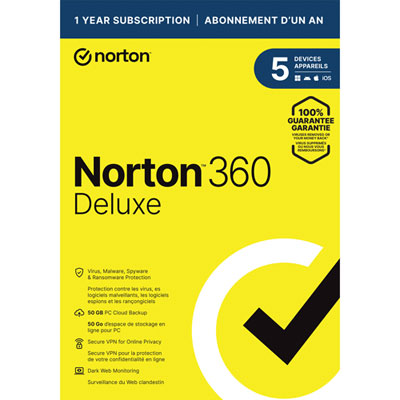 Your price for this item is $89.99
 -
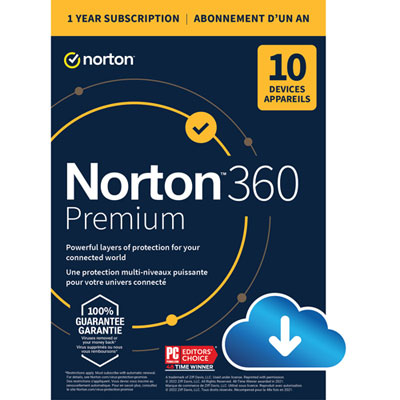 Your price for this item is $99.99
 -
 Your price for this item is $89.99
 -
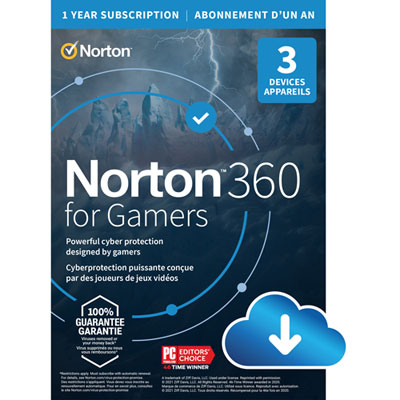 Your price for this item is $89.99
 -
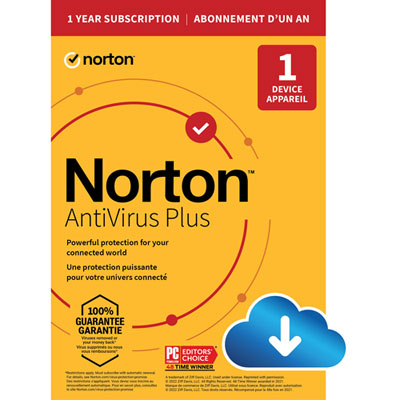 Your price for this item is $14.99
 -
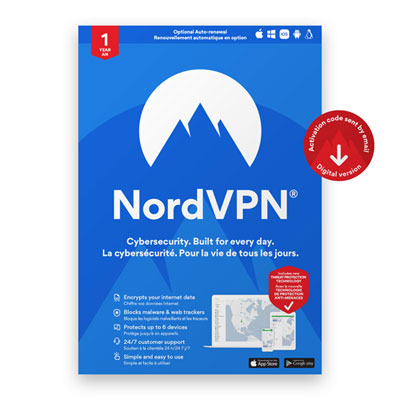 Your price for this item is $49.99
 -
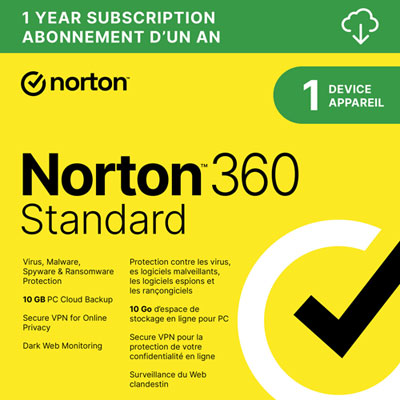 Your price for this item is $69.99
 -
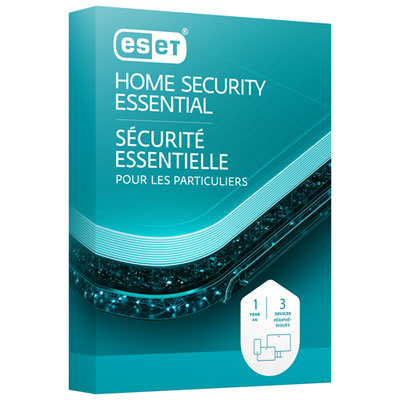 Your price for this item is $59.95
Discover more categories related to Anti Viruses
Top Collections:
Pokemon Centers, Kindle Devices, Best Budget Office Chairs, Apple iPhones 16, Best Laptops for Writers, iPhone 15 Apple, Canon G7X Cameras, Refurbished Apple Laptops, Alarm Clock, Motorola Razr Phones
Some products may be subject to Environmental Handling Fees
(EHF) depending on your province.
Learn more about EHFs.