Wireless Access Points for Small Businesses
Wireless Access Points for Small Businesses deliver reliable connectivity that helps keep your team productive and your customers satisfied. Whether you’re expanding coverage across multiple rooms or streamlining network management, these solutions are designed to support the unique needs of growing companies. Explore a range of options to find the ideal fit for your workspace and enjoy seamless wireless performance tailored to your business environment.
Sort
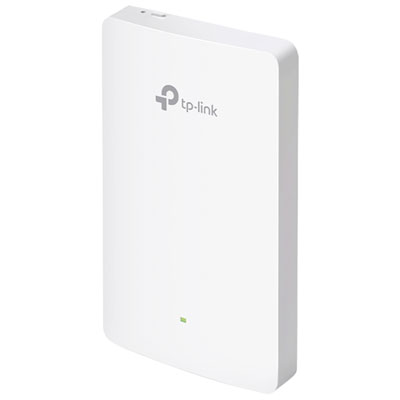
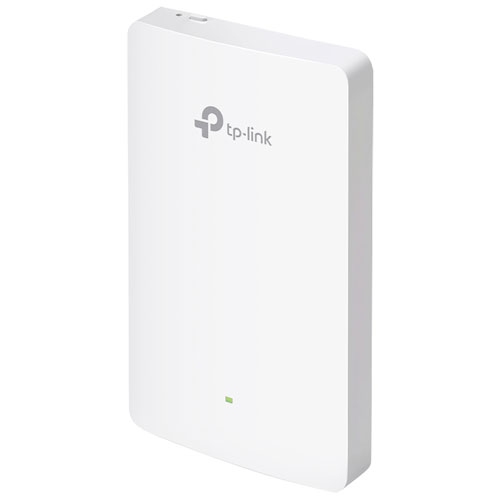
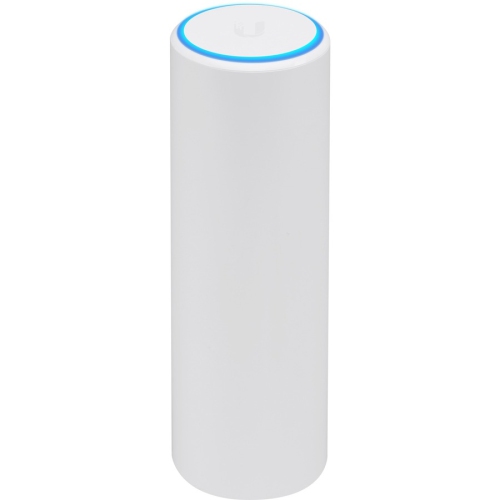
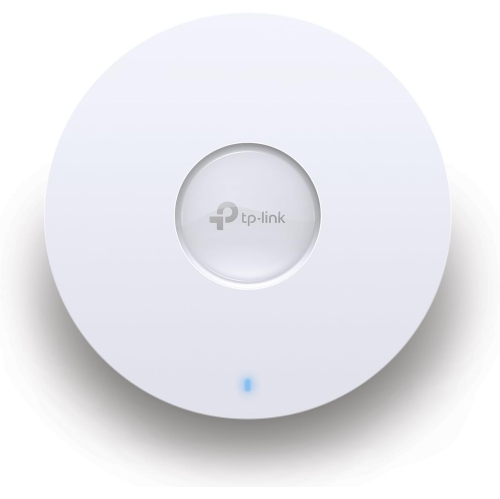
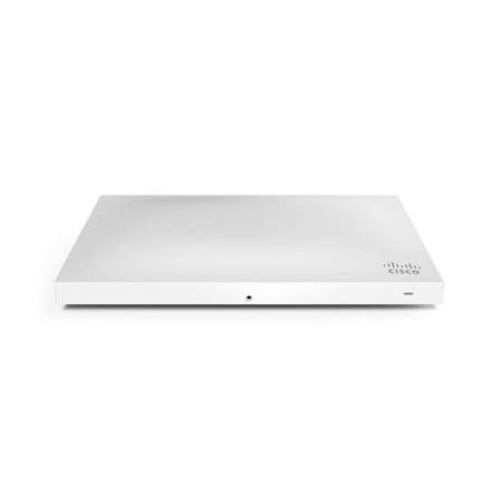
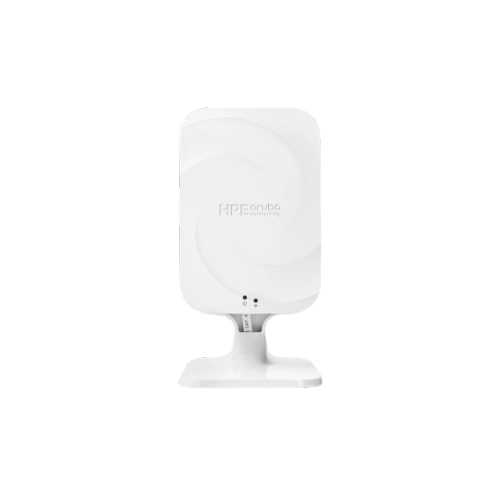
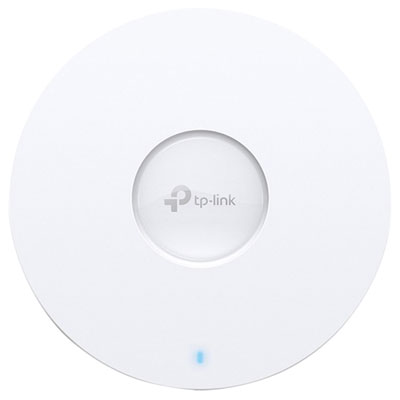
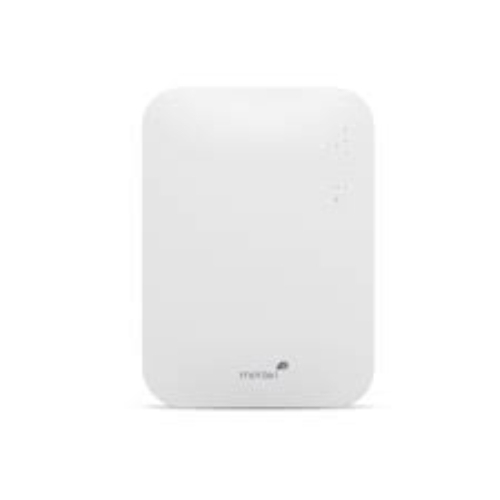
Business Wi-Fi that fits your space and workload
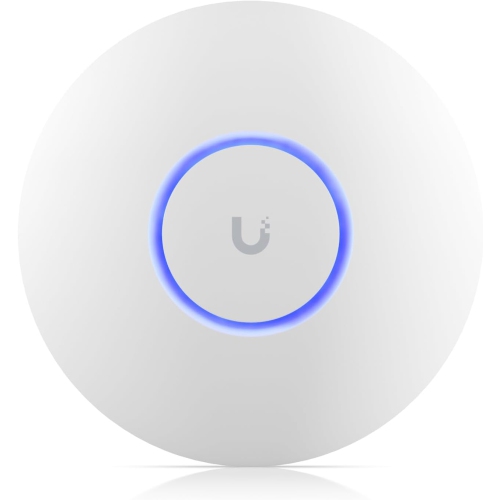
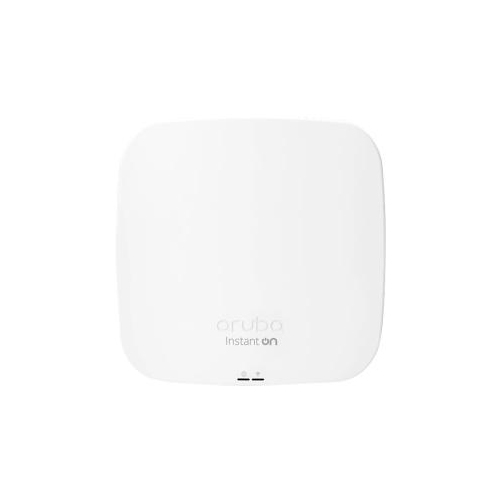
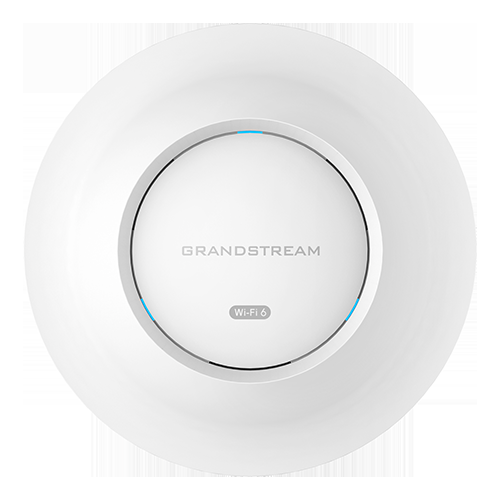
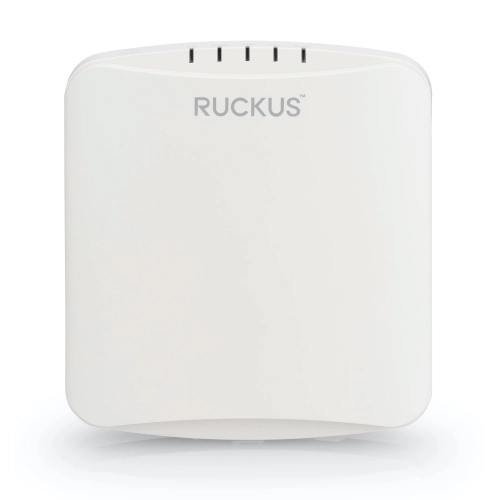
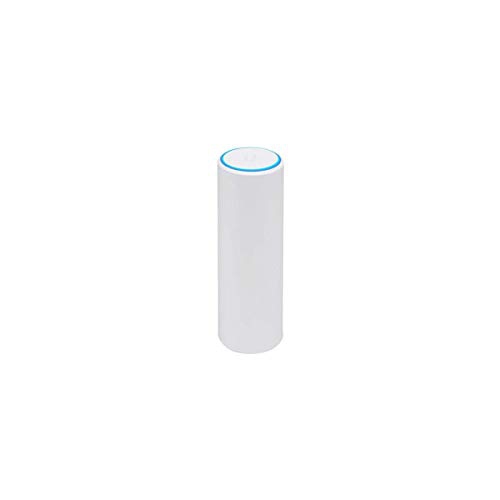
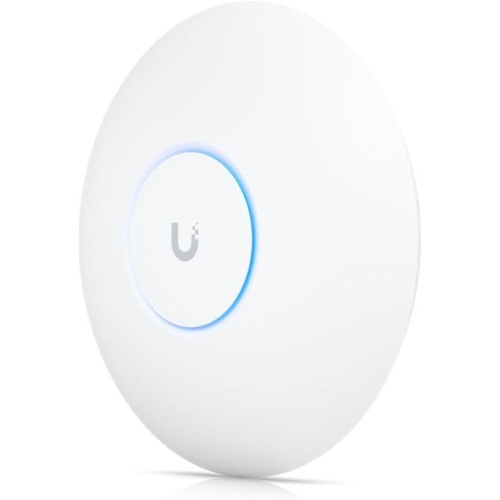
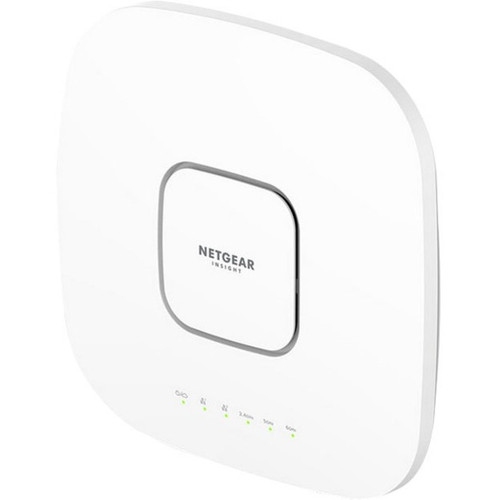
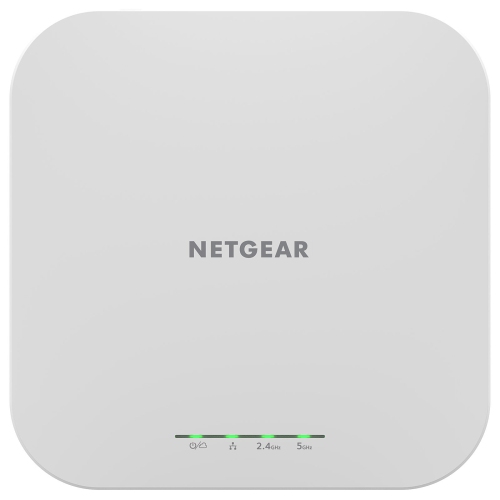
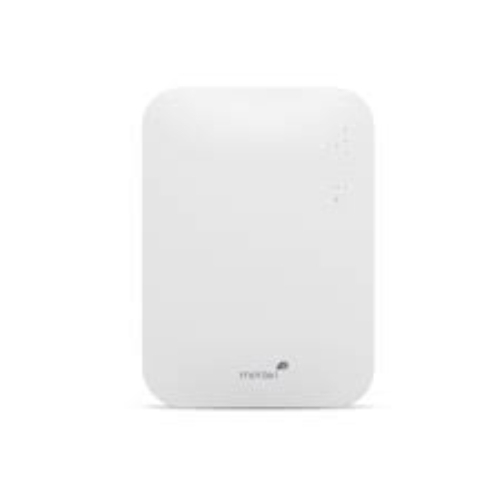
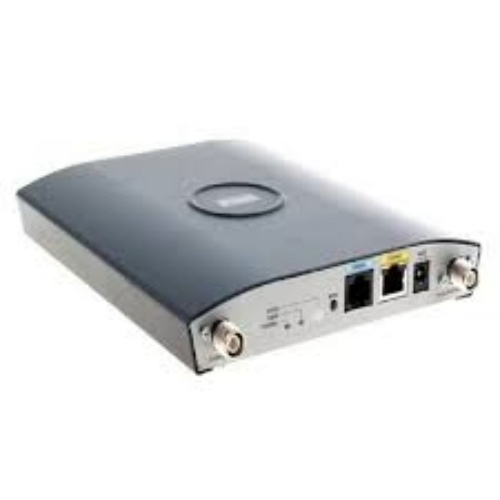
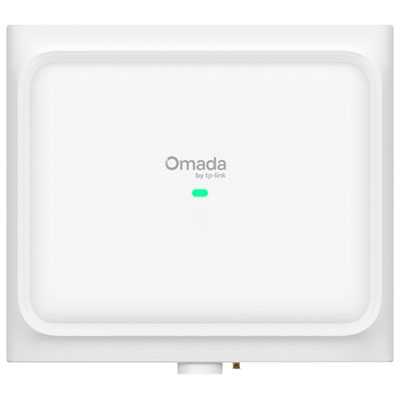
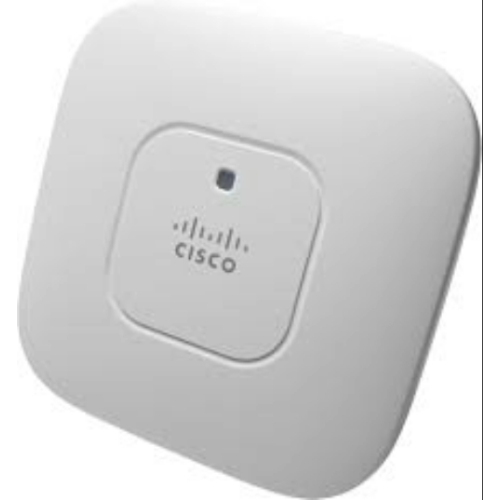
Wireless access points for small businesses provide Wi-Fi connectivity for staff, customers, and connected equipment, typically by linking wireless devices to an existing wired network. The right fit depends on the size and layout of the premises, the number of devices active at the same time, and how the network will be managed. A compact office with a few laptops has different requirements from a busy café where payment terminals, staff tablets, and customer phones share the connection. Unlike a router, which directs traffic between networks and often provides the connection to an internet service, an access point primarily gives wireless devices a way onto the local network. This distinction matters when expanding coverage: adding an access point does not necessarily replace the router, modem, or network switch already in use. It can, however, extend wireless service into a meeting room, reception area, or stockroom where the existing signal struggles to reach. Coverage is shaped by more than floor area. Concrete walls, metal shelving, elevator shafts, and neighbouring wireless networks can affect how signals travel, while a crowded meeting room can place greater demands on a network than a much larger space with only a handful of connected devices. For that reason, there is no single access point count that suits every small business. A floor plan and an assessment of signal coverage and busy periods provide a more useful starting point than a maximum coverage figure alone. A long, narrow shop may benefit from access points positioned along its length, while an office divided into enclosed rooms may need coverage on both sides of substantial walls. Multiple access points can create more consistent service when their placement, channels, and power settings are coordinated. The aim is dependable access where work actually happens, whether that means processing a sale at the back counter, joining a video call in a private office, or checking an appointment schedule at reception.
Wireless standards, radio bands, and wired connections all contribute to how an access point performs in daily use. Wi-Fi 6 includes features designed to use airtime efficiently when many compatible devices share a network. Wi-Fi 6E extends compatible connections into the 6 GHz band, while Wi-Fi 7 adds capabilities that can benefit supported devices and suitably equipped networks. A newer standard does not automatically make every laptop, scanner, or printer faster; each device still connects using the features it supports. The 2.4 GHz band can be useful for compatible equipment farther from an access point, while 5 GHz often provides more capacity at shorter distances. The 6 GHz band offers additional spectrum for compatible devices, although its reach through walls can be more limited. Advertised wireless speeds describe theoretical capabilities rather than the speed every user will experience. Internet service, interference, client hardware, and the wired uplink can all become limiting factors. For a design studio moving large files to local storage, the Ethernet connection may matter just as much as the wireless specification. For a salon handling bookings and card payments, consistent coverage and compatibility with existing equipment may take priority over peak speed. Power over Ethernet, or PoE, can carry power and data through one compatible network cable, making ceiling or wall placement more practical without a nearby electrical outlet. The access point’s required PoE standard and power level must match the switch or injector supplying it. Mounting style also affects fit: low-profile ceiling units can suit open offices, wall-mounted units can serve individual rooms, and desktop formats can work where permanent mounting is impractical. Enclosure materials vary, with plastic housings and metal components offering different mounting weights and construction characteristics. Secure brackets, protected cable runs, and a location away from accidental knocks help support durability. Accessible placement also makes routine inspection and gentle dust removal easier, with cleaning methods kept consistent with the manufacturer’s care instructions.
Business wireless access points also differ in how they handle security, administration, and expansion. A standalone unit can be practical for a straightforward location, while centrally managed access points allow settings and monitoring to be coordinated across several units or sites. Cloud management can make remote administration convenient for a business owner overseeing more than one location, whereas local management may suit a workplace that prefers administration within its own network. Some systems rely on a separate controller or an ongoing service agreement, so management requirements deserve attention alongside the hardware. Useful capabilities can include scheduled firmware updates, device status alerts, and visibility into connected clients, depending on the system. Security features are especially important where customer access and business operations share the same premises. A guest Wi-Fi network can provide a separate connection for visitors, but a different network name alone does not guarantee separation from staff computers or payment equipment. Effective isolation depends on the access point’s settings and, where applicable, compatible VLAN configuration on the router and switches. WPA3 can strengthen wireless security when supported by connected devices, while older equipment may require compatible security settings. A small clinic, accounting office, or retail counter may also benefit from distinct access rules for staff, visitors, and connected equipment. When employees move between rooms, coordinated access points and compatible roaming features can help maintain a connection, although the phone or laptop ultimately influences when it switches between access points. Businesses with guest rooms, shared lounges, or several accommodation buildings may find the related needs reflected in Wireless Access Points for Hotels. Across these settings, room to expand is valuable: adding staff, opening another service area, or introducing wireless scanners should not require overlooking the existing network’s limits. Matching coverage, connection capacity, power, and management features to everyday tasks helps create a network that remains practical as the business develops.
Top selling and popular products
-
 Your price for this item is $189.99
-
 Your price for this item is $189.99
-
 Your price for this item is $219
-
 Your price for this item is $899.99
-
 Your price for this item is $299.99
-
 Your price for this item is $139.99
-
 Your price for this item is $499.99
-
 Your price for this item is $349.99
Discover more categories related to Wireless Access Points for Small Businesses
Top Collections:
Best Black Friday Deals This Year, Best Black Friday Deals On Electronics, Kindle Devices, Pokemon Centers, Best Black Friday Deals On Apple Products, Best Cameras for Sports Photography, Dyson Airwrap, Pokémon 30th Celebration Cards, Apple iPhone 17 Pro, Canon G7X Cameras
Some products may be subject to Environmental Handling Fees
(EHF) depending on your province.
Learn more about EHFs.