Work From Home Headphones
Work from home headphones are essential for creating a productive and comfortable remote workspace. Whether you’re joining virtual meetings, focusing on important tasks, or enjoying music during breaks, the right pair can make all the difference. Explore a wide range of options designed to help you stay connected and focused throughout your workday. Find work from home headphones that suit your needs and enhance your daily routine.
Sort
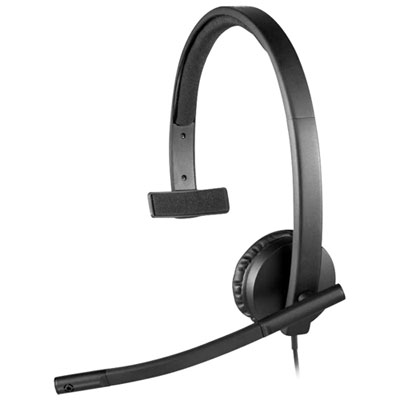
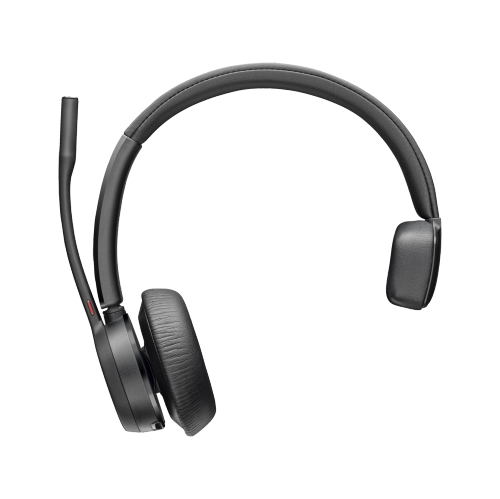
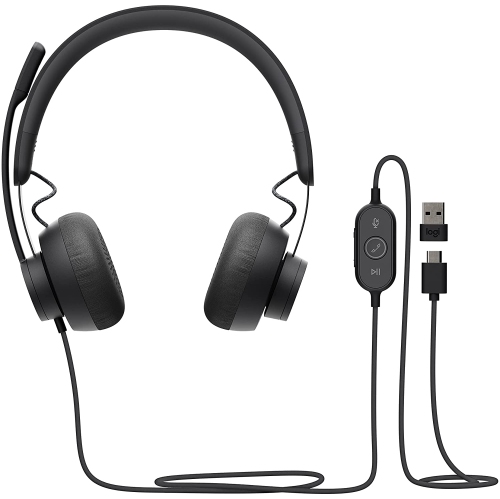
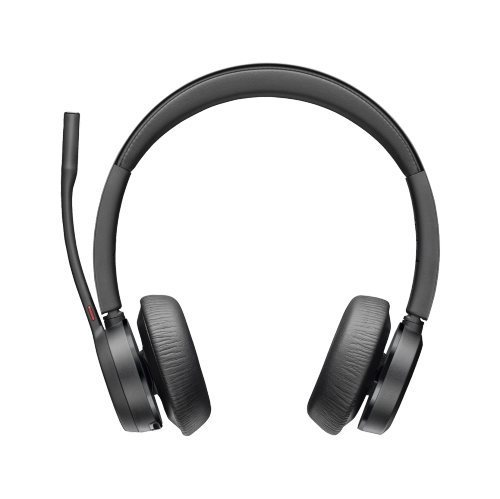


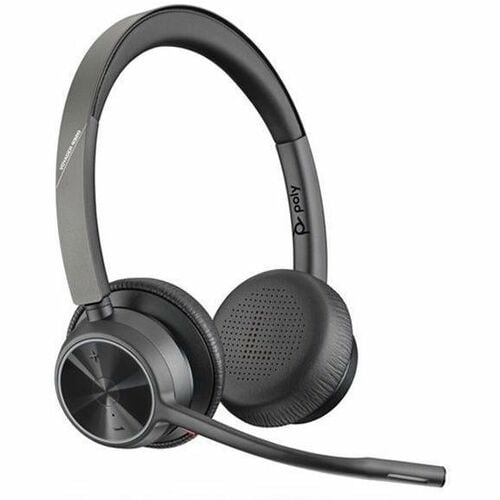
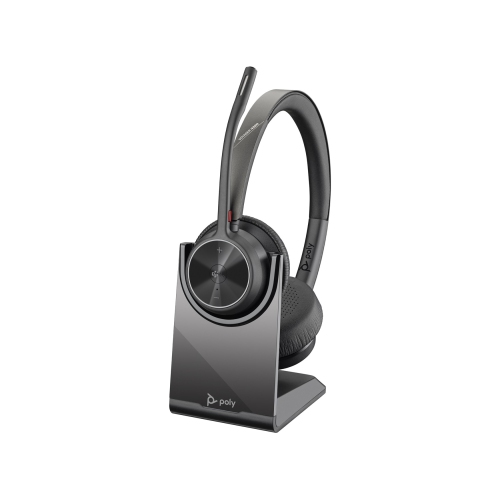
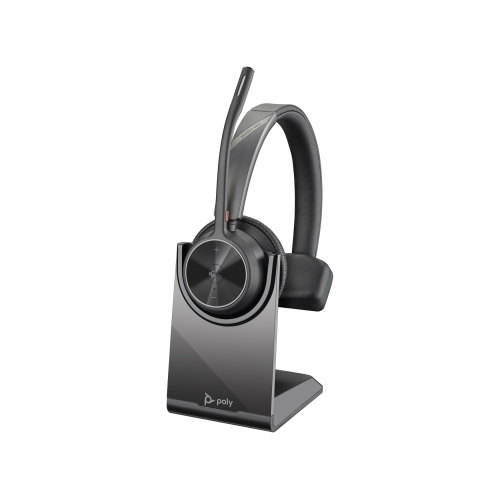
Clear calls start with more than a microphone
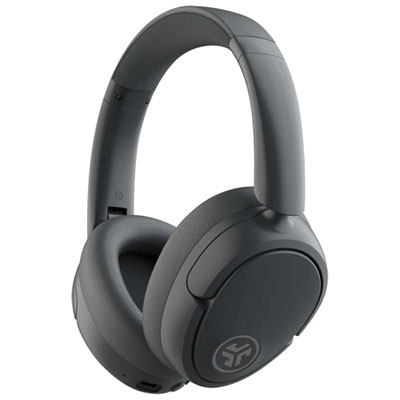
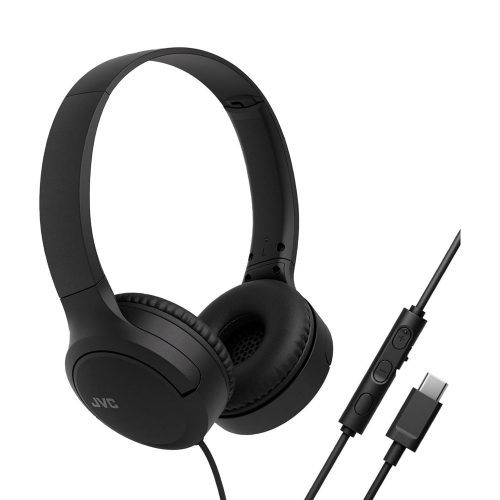
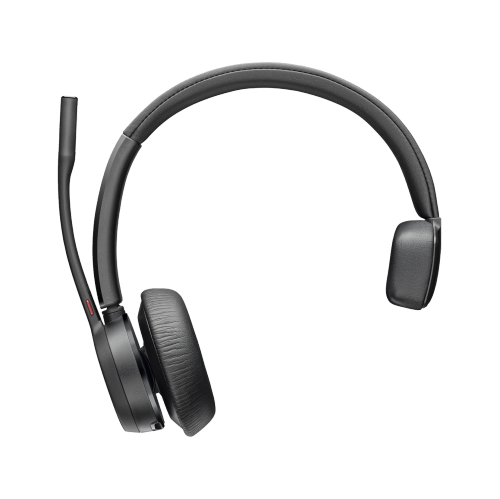
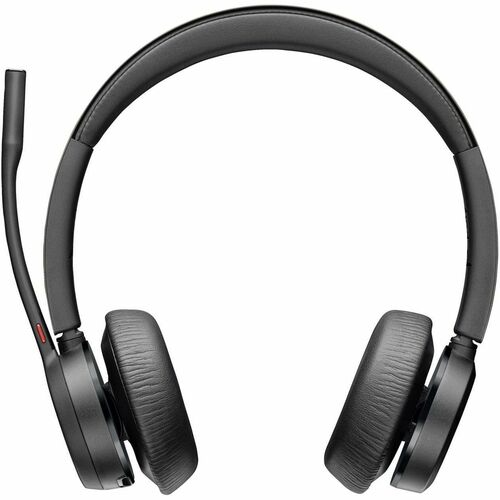
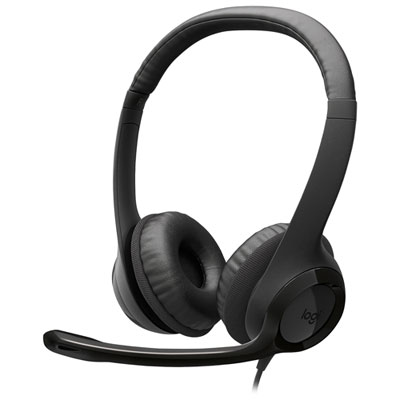
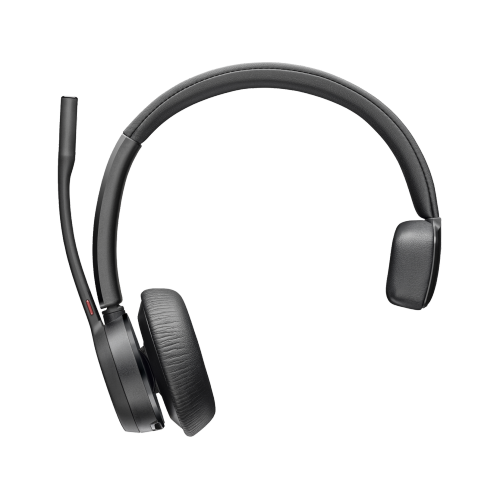
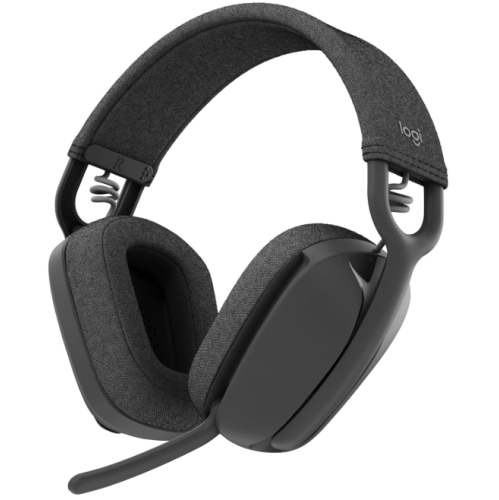
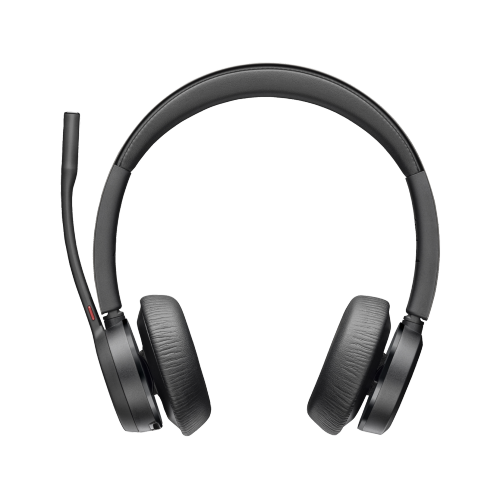
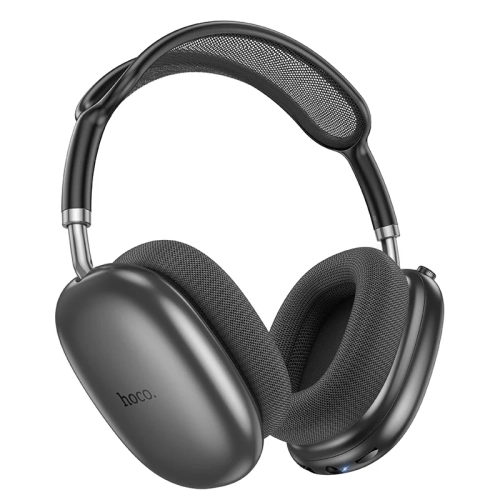
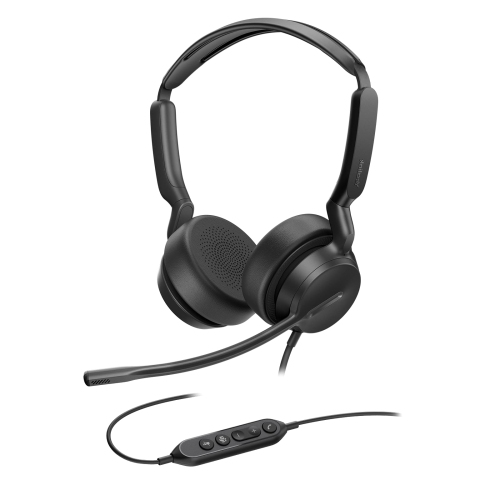
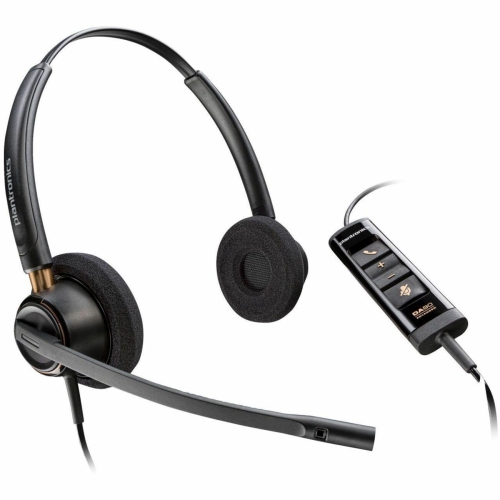
Work from home headphones support clear conversations, comfortable listening, and fewer distractions throughout the working day. The most useful features for remote work are a clear microphone, a comfortable fit, dependable connectivity, and, for wireless models, enough battery life to cover regular calls and focused work. Headphones and headsets serve slightly different needs: headphones often prioritize listening, while headsets typically include a microphone designed for conversation, sometimes on an adjustable boom. Both can suit a home office, depending on how much time is spent in meetings, listening to audio, or moving between tasks. For someone handling customer calls or presenting to colleagues, a boom microphone can help maintain a consistent distance from the mouth. Built-in microphones offer a less conspicuous design for people who switch between video meetings, music, and recorded training sessions. Microphone noise reduction and active noise cancellation are separate features with different purposes. Microphone noise reduction helps limit the background sound transmitted to other people, while active noise cancellation reduces some of the sound heard by the wearer. Active noise cancellation generally works better on steady sounds, such as a humming fan, than on sudden voices or a barking dog. A close-fitting earcup also provides passive isolation by forming a physical barrier around the ear. These distinctions matter at a dining table beside a busy kitchen just as much as at a dedicated desk. Clear speech depends on microphone placement and room acoustics as well as the headset itself; a microphone rubbing against clothing or facing away from the mouth can undermine an otherwise capable setup. Some headsets include sidetone, which lets the wearer hear a little of their own voice and can make conversations feel more natural. Accessible volume controls, a physical mute button, and a visible mute indicator can also simplify the small moments between speaking and listening. A busy light, where supported, gives others nearby a useful signal that a call is in progress.
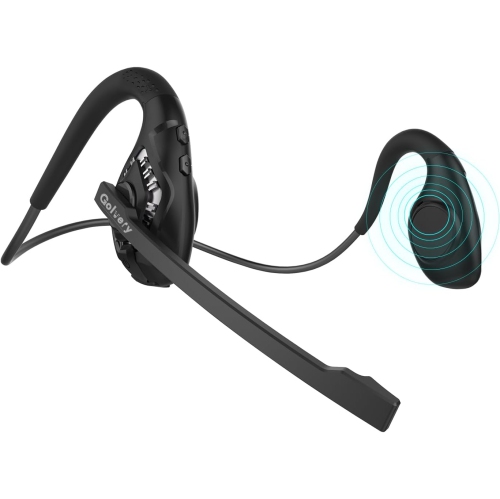
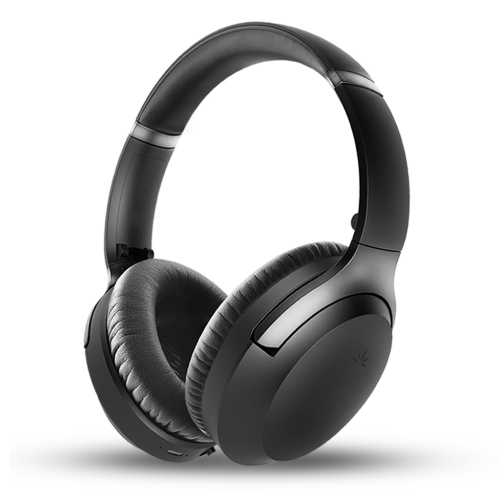
Comfort becomes especially important when a quick morning check-in turns into several meetings followed by concentrated work. Over-ear headphones surround the ears, with cushions that distribute pressure across the head and help reduce outside sound. On-ear styles rest directly on the ears and can feel lighter or take up less space, although their pressure points differ. In-ear headphones and earbuds keep the headband out of the equation and suit people who prefer a compact setup, but their comfort and isolation depend heavily on the fit of the ear tips. A headset with one earpiece leaves the other ear uncovered, which can be useful when remaining aware of a doorbell or someone speaking nearby matters more than blocking distractions. Headband adjustment, earcup movement, weight, and clamping force all influence how a pair feels over time. Glasses can affect the seal around over-ear cushions, and thick padding does not automatically mean a better fit. Memory foam can conform to the contours around the ears, while fabric, mesh, and synthetic leather coverings have different textures and care requirements. Breathable fabric may feel pleasant during extended wear; smooth coverings can be easier to wipe, provided the cleaning method suits the material. For daily use, durable hinges, well-supported cable connections, and replaceable ear cushions can help extend the useful life of a headset. Removable cables or microphones, where included, may also make individual components easier to replace. Routine care is straightforward: keep microphone openings clear, wipe contact surfaces according to the manufacturer’s directions, and allow cleaned cushions to dry before wearing them again. Headphones belong on a stand or in a protective case rather than under a laptop or loose beneath desk accessories. Listening at a moderate volume and taking breaks also support comfortable use; noise cancellation is not a substitute for certified hearing protection. For a remote-working partner, a student attending online seminars, or a family member setting up a home office, headphones can be a thoughtful gift when their preferred fit, device connections, and calling needs are known.
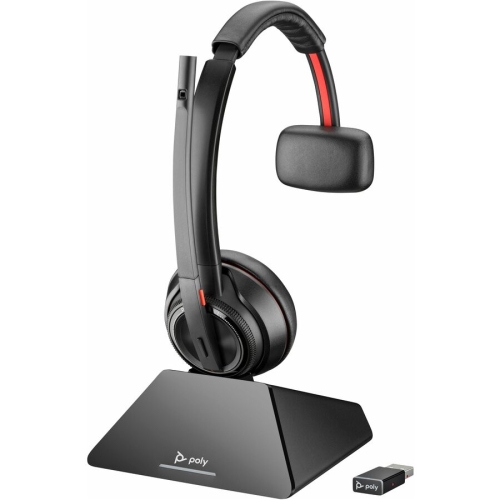
Connectivity shapes how easily work from home headphones fit into an existing desk setup. Wired USB headsets avoid battery charging and can provide a straightforward connection to a compatible computer, while models with a 3.5 mm plug depend on the device having a suitable audio connection. Some computers separate microphone input from headphone output, so the connector arrangement matters as much as the plug size. Wireless headphones offer freedom to stand during a presentation or reach a nearby shelf without pulling a cable across the desk. Bluetooth support alone does not guarantee that every call control or microphone feature will work with every computer and meeting application. A compatible USB wireless adapter can offer a more predictable connection on supported systems, particularly for headsets designed around workplace calling. Multipoint connectivity allows supported headphones to stay connected to more than one device, such as a laptop and phone, although it generally does not mean audio from both devices plays simultaneously. Switching behaviour also varies, which matters when a phone call arrives during a computer meeting. Wireless battery figures deserve context: stated listening time may differ from talk time, and microphone use, noise cancellation, volume, and other enabled features can affect the result. Fast charging can be convenient between meetings, while charging during use or switching to a wired connection is possible only on models that support it. Wireless range also varies with walls, interference, and the connected device, so movement within a home is not unlimited. People whose work mixes calls with audio editing or watching recorded presentations may also care about connection delay and how the sound changes when the microphone is active. The Best Headphones for Work collection is another place to explore options for professional use. Whether the day centres on client conversations, teaching online, collaborative projects, or quiet administrative tasks, the right combination of fit, microphone performance, and connection type helps headphones feel like a natural part of the workspace rather than another device to manage.
Top selling and popular products
-
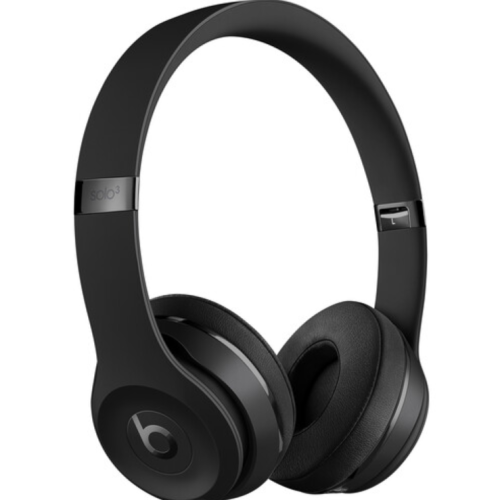 Your price for this item is $183
-
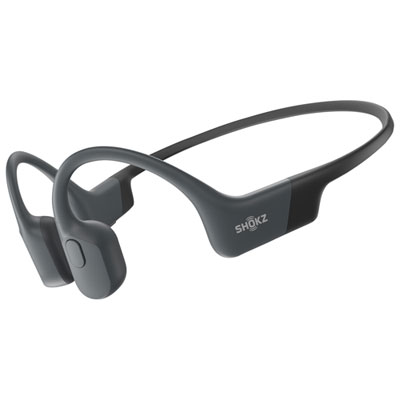 Your price for this item is $169.99
-
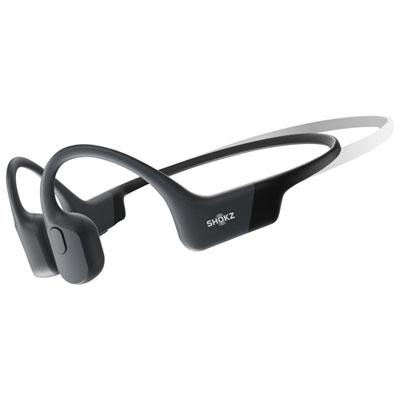 Your price for this item is $169.99
-
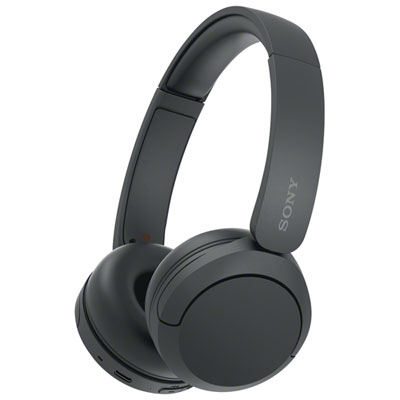 Your price for this item is $99.99
-
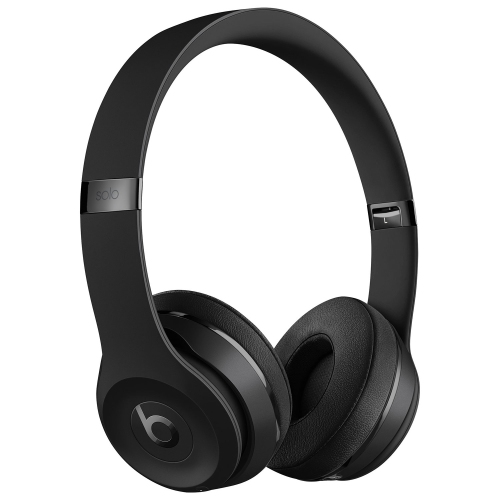 Your price for this item is $89.98
-
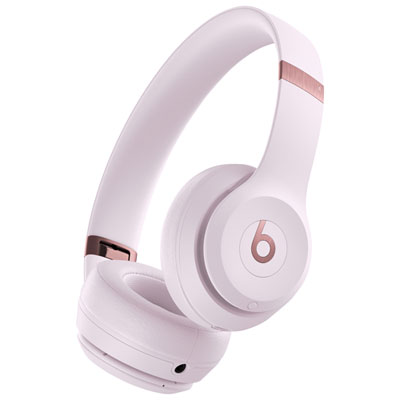 Your price for this item is $279.99
-
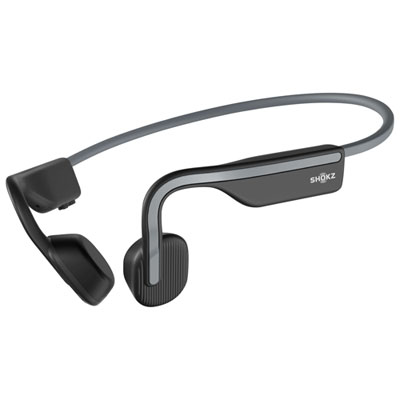 Your price for this item is $69.99
-
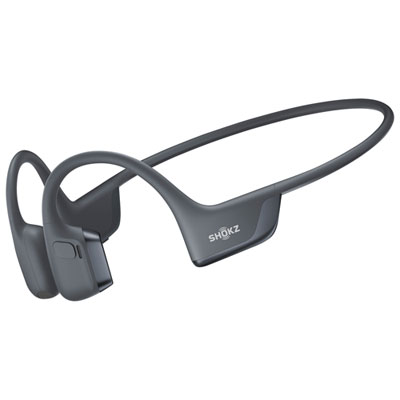 Your price for this item is $249.99
Discover more categories related to Work From Home Headphones

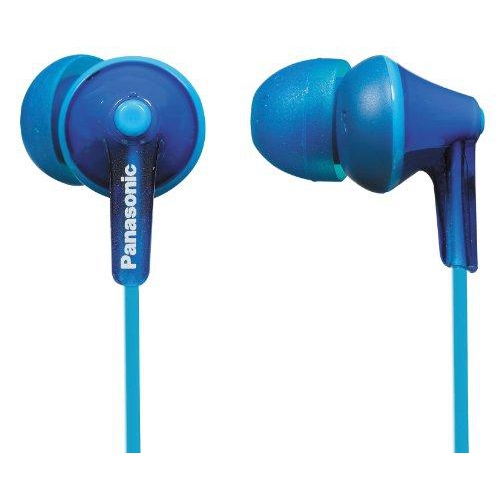
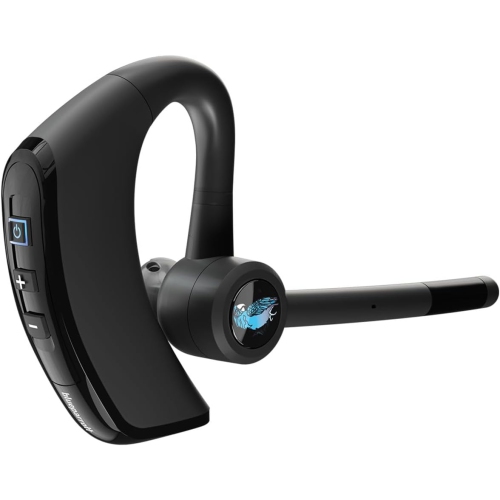
Top Collections:
Best Black Friday Deals This Year, Best Black Friday Deals On Electronics, Kindle Devices, Pokemon Centers, Best Black Friday Deals On Apple Products, Best Cameras for Sports Photography, Dyson Airwrap, Pokémon 30th Celebration Cards, Apple iPhone 17 Pro, Canon G7X Cameras
Some products may be subject to Environmental Handling Fees
(EHF) depending on your province.
Learn more about EHFs.