Network Attached Storage NAS
Network Attached Storage NAS solutions offer a reliable way to centralize and manage your digital files, making it easier to store, access, and share data across multiple devices. Perfect for home offices, creative professionals, and growing businesses, these systems help streamline your workflow and provide convenient data organization. Explore a wide selection of Network Attached Storage NAS options designed to fit various needs and capacities, ensuring you have the flexibility to expand as your storage requirements grow. Find the right NAS solution to keep your important files secure and easily accessible.
Sort
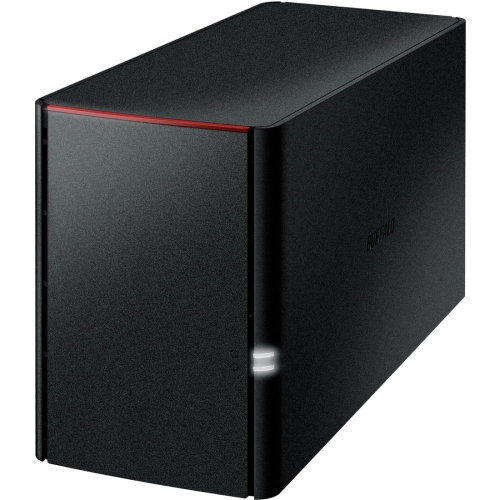
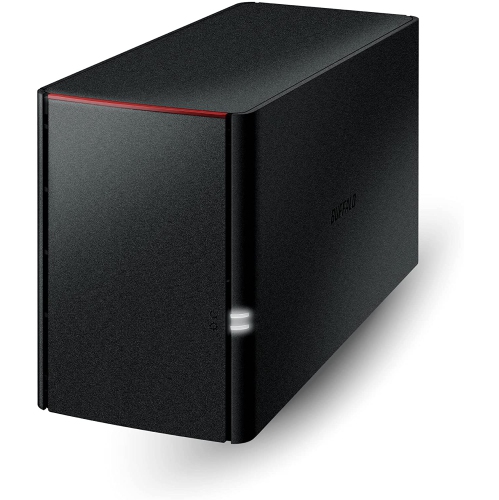
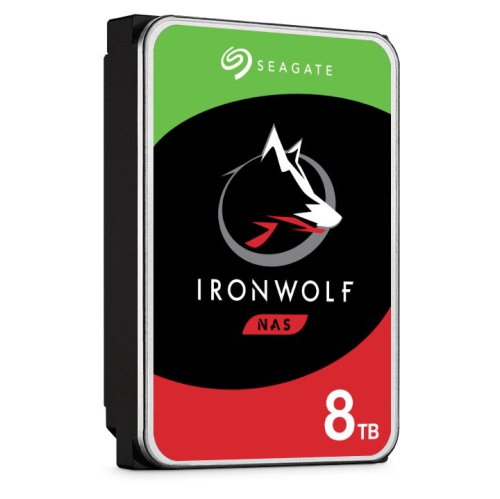
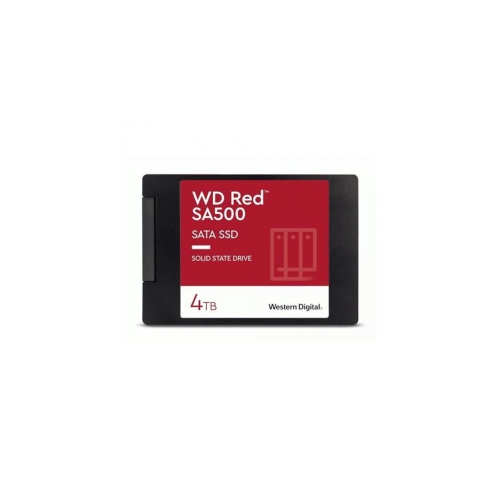
Shared storage that goes beyond a single computer
Network attached storage (NAS) is a dedicated file storage system that connects to a home or office network, allowing multiple users and devices to access, share, and back up files from a central location. Unlike an external hard drive connected to one computer, a NAS operates independently, typically connecting to a router or network switch through Ethernet. Computers, phones, and tablets can then reach its shared folders over the same network, including through Wi-Fi when supported by their connection and the NAS software. This makes network attached storage useful for households with several devices, home offices, creative workspaces, and small businesses that need an organized place for growing collections of documents, photos, videos, and project files. A family might keep full-resolution photo libraries together while giving each person a private folder. A photographer might store completed shoots separately from active projects, while a small team could share approved artwork without passing a portable drive between desks. Access permissions help distinguish between files that everyone can view and folders reserved for particular users. Depending on the system and its applications, a NAS may also support automatic computer backups, phone photo uploads, media streaming, and file synchronization. These functions vary, so the operating systems, file formats, and applications used across a household or business matter as much as storage capacity. Compatible media server software can make a central video library accessible to supported televisions and streaming devices, although playback support depends on both the NAS and the receiving device. Local access does not ordinarily require files to travel through an internet service, but access from outside the network needs a supported, securely configured remote connection. A NAS can complement online storage rather than replace it, keeping frequently used files close at hand while a separate backup protects important copies elsewhere. Its appeal is the combination of shared access, flexible organization, and storage that serves more than a single device.
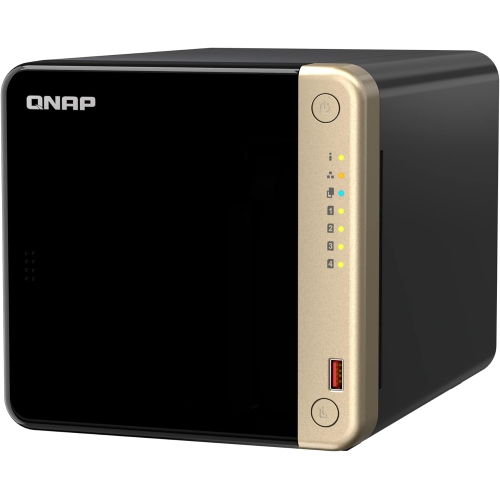
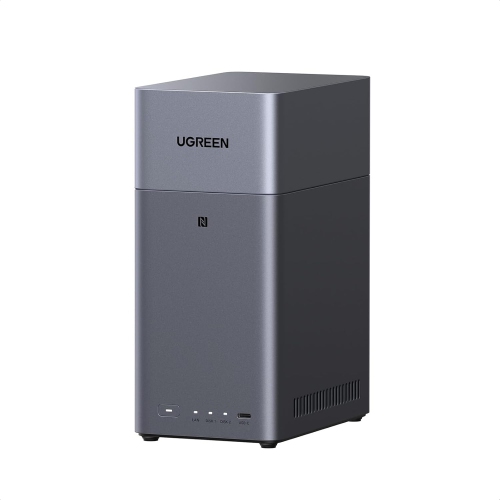
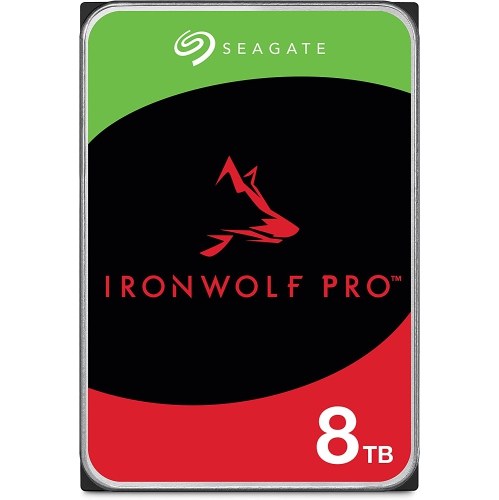
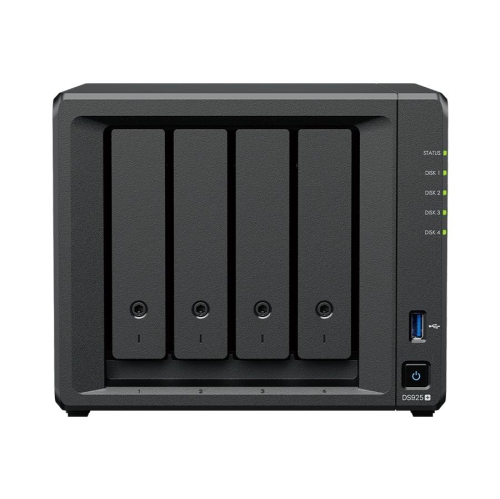
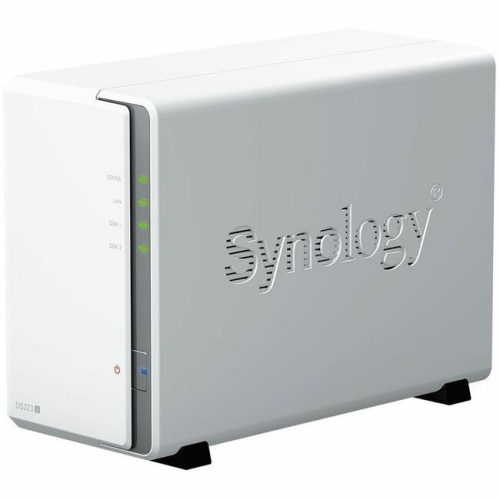
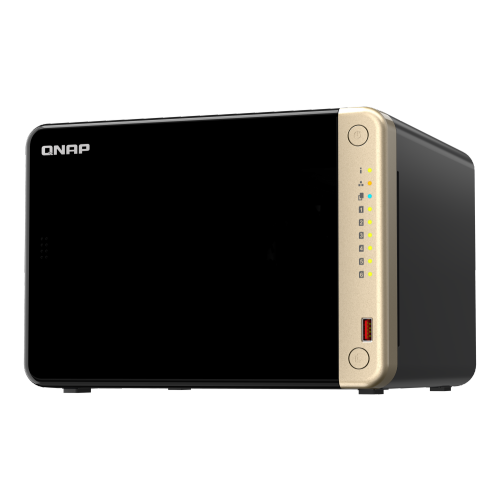
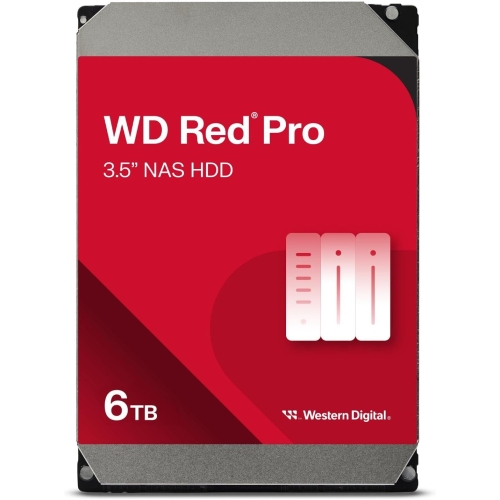
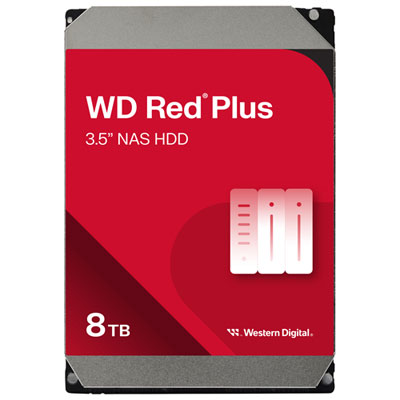
The physical configuration of a NAS shapes how it fits into everyday use and how much room it offers for future files. Drive bays hold the storage drives, and the number of bays affects capacity, storage layout options, and potential expansion. A compact enclosure can suit personal documents and a modest photo collection, while larger configurations may better accommodate multiple computer backups, extensive video libraries, or collaborative work. Usable capacity depends on more than the combined capacity printed on the drives: formatting, system requirements, storage protection settings, and reserved space can all reduce the amount available for files. Systems supplied with drives offer a different starting point from Diskless Network Attached Storage, which requires compatible storage drives to be added separately. Drive compatibility includes the supported size, interface, capacity, and any restrictions listed by the NAS manufacturer. Hard drives designed for NAS workloads are commonly suited to extended operation and multi-drive use, while supported solid-state drives can provide quieter operation and faster access for certain workloads. Some systems use SSDs for primary storage; others support them for caching, which may help with repeated access to frequently used data rather than every type of transfer. Processor capability and memory also influence performance, particularly when several people access files at once or when the system runs additional applications. Video transcoding, where supported, has different hardware demands from simply storing and sharing documents. Network connections are another practical consideration: a faster Ethernet port delivers its full benefit only when the switch, cabling, and connected devices support the necessary speeds. A laptop using Wi-Fi may transfer files more slowly than a computer with a suitable wired connection, even when both access the same NAS. For large photo imports or video projects, the full path between the computer and the storage system matters. Expansion support also varies, and adding drives or replacing existing ones is not equally straightforward across every storage configuration.
Reliable storage involves both the enclosure itself and the way files are protected over time. NAS housings commonly use plastic, metal, or a combination of materials, with ventilation openings, cooling fans, and drive trays that support regular operation and servicing. Physical dimensions matter when the unit needs to fit on a shelf or beside a router, while drive vibration and fan noise can be noticeable in a quiet workspace. A stable surface, clear ventilation openings, and enough room to reach the network and power connections make an enclosure easier to live with. Accessible drive trays can simplify supported drive replacements, although hot-swapping is a feature to confirm rather than assume. Dust removal in line with the manufacturer’s care instructions helps keep vents clear, and drive health notifications can provide useful warning of developing problems. These features support maintenance, but no storage device is immune to failure. RAID configurations can provide protection against certain drive failures, depending on the arrangement, yet RAID is not a substitute for a separate backup. Accidental deletion, malware, theft, and damage can still affect files stored on the NAS. Snapshots and version history, when supported and configured, may help restore earlier versions, while a separate external or off-site backup adds protection beyond the enclosure. Backup capacity and retention settings matter because keeping several versions of large files uses more space than keeping a single copy. Security features deserve similar attention, especially where personal records or client documents are involved. Individual user accounts, limited folder permissions, supported multifactor authentication, and timely software updates help control access. Remote access should use the system’s supported security methods rather than expose shared folders directly to the internet. A compatible uninterruptible power supply can also allow a supported NAS to shut down safely during a power interruption. Together, suitable hardware, clear access settings, and a dependable backup routine make network attached storage a practical home for files that need to remain organized, accessible, and protected across multiple devices.
Top selling and popular products
-
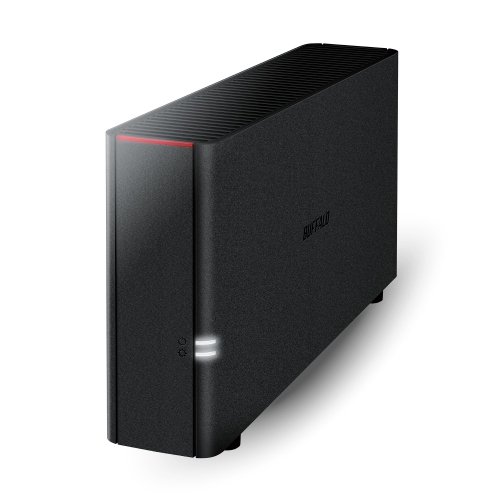 Your price for this item is $263.68
-
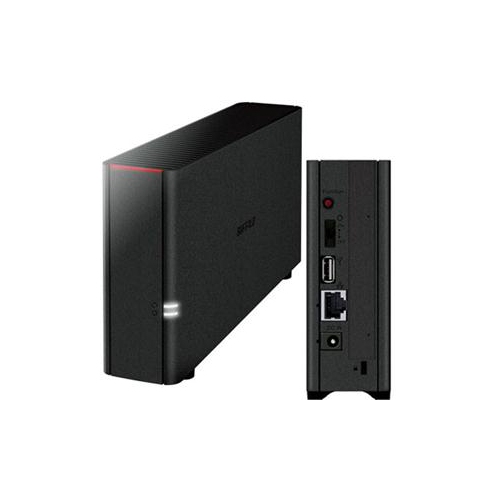 Your price for this item is $328.37
-
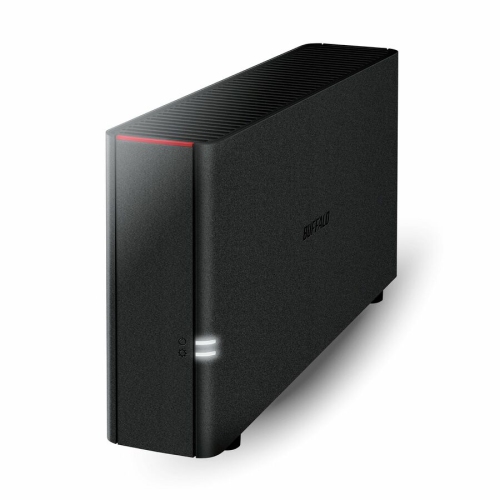 Your price for this item is $285.99
-
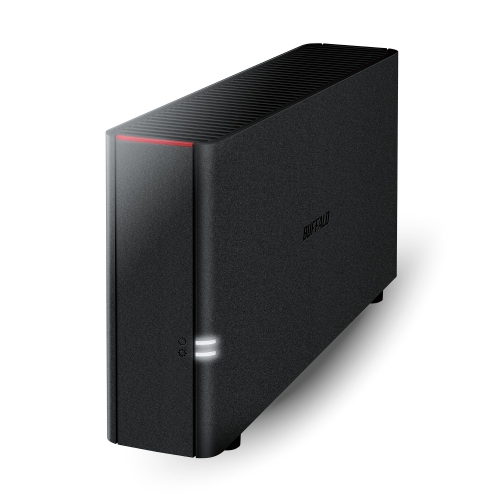 Your price for this item is $452.99
-
 Your price for this item is $1059
-
 Your price for this item is $293.99
-
 Your price for this item is $519.49
-
 Your price for this item is $1299.99
Discover more categories related to Network Attached Storage NAS
Top Collections:
Best Black Friday Deals This Year, Best Black Friday Deals On Electronics, Kindle Devices, Best Black Friday Deals On Apple Products, Best Budget Office Chairs, Best Cameras for Sports Photography, Dyson Airwrap, Canon G7X Cameras, Best Laptops for Writers, Samsung Galaxy Phones
Some products may be subject to Environmental Handling Fees
(EHF) depending on your province.
Learn more about EHFs.