Back To School High Capacity NAS Storage Devices
Keep coursework, research files and group projects organised with high-capacity NAS storage devices for back to school. Browse network-attached storage options with room for growing file libraries, and compare drive bays, supported capacity and backup features to find a setup that fits your study needs.


FAQ
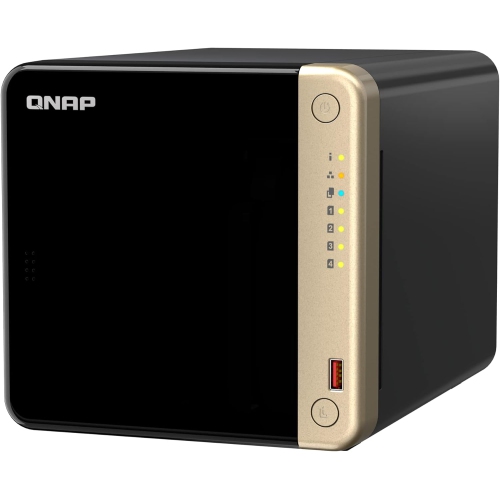
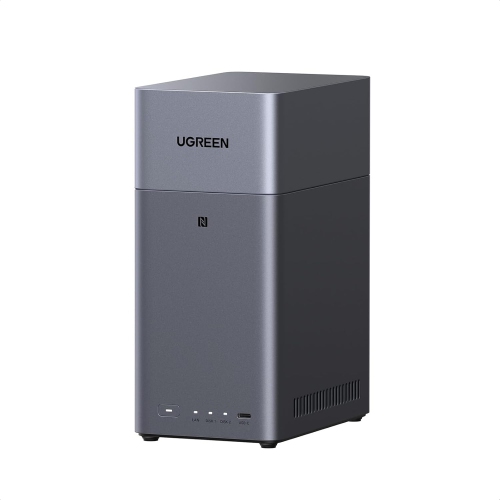
A network-attached storage (NAS) device stores files on drives connected to your home network rather than directly to one computer. Students can use it as a central location for coursework, research materials and creative projects, with access from compatible laptops, desktops and mobile devices.
A NAS can store documents, presentations, spreadsheets, photos, audio recordings, videos and project archives. Opening or editing those files still requires compatible software on your device. Separate folders can help organize materials by course, semester or assignment.
Most NAS devices connect to a router or network switch using Ethernet. Laptops and other compatible devices can then access shared files over the same network using Wi-Fi or Ethernet. Depending on the NAS, access may be available through your computer’s file browser, a web browser or a dedicated app.
Many NAS systems support individual user accounts, personal folders and shared folders. An administrator can assign permissions so each student has their own workspace while group members share selected project files. Account and sharing features vary by NAS operating system.
RAID organizes data across multiple drives, and some configurations allow continued access if a drive fails. A backup is a separate copy of your files that you can restore after data loss or accidental deletion. RAID does not replace a backup; NAS backup options may include an external drive, another NAS or a compatible cloud service.
Top selling and popular products
Discover more categories related to Back To School High Capacity NAS Storage Devices

Some products may be subject to Environmental Handling Fees (EHF) depending on your province. Learn more about EHFs.