Cyber Monday Deals Coming Soon
Our Cyber Monday Sale returns in December 2026. In the meantime, shop our current top deals below.

Cyber Monday Deals On Graphics Cards
Looking to upgrade your gaming experience? Look no further than our Cyber Monday deals on graphics cards! Whether you're a casual gamer or a hardcore enthusiast, finding the perfect graphics card can make all the difference in delivering stunning visuals and smooth gameplay. At Best Buy Canada, we understand the importance of having top-notch hardware to enhance your gaming performance. That's why we've curated an amazing selection of Cyber Monday deals on graphics cards, offering you the opportunity to level up your gaming rig without breaking the bank. Get ready to experience unparalleled graphics and immerse yourself in the virtual world like never before with our incredible Cyber Monday offers on graphics cards. Remember, our Low Price Guarantee means you can shop confidently knowing that you'll find the best price at Best Buy, all year round. We encourage you to check our website frequently for the most up-to-date information on our latest offers and savings opportunities.



What matters when matching graphics cards to your PC
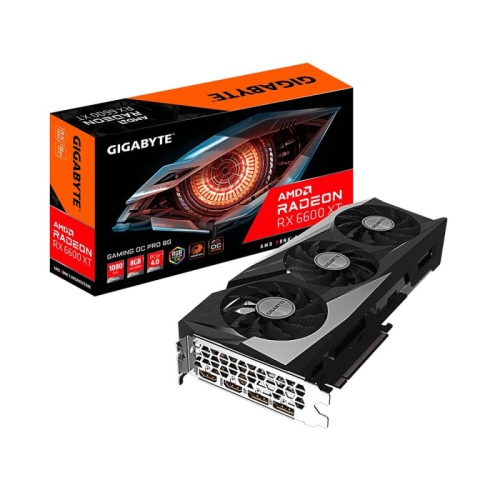
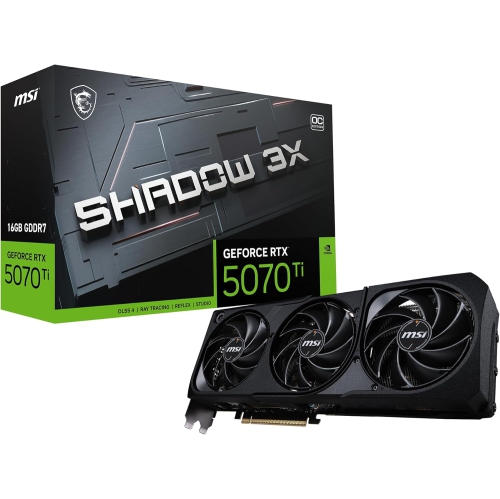
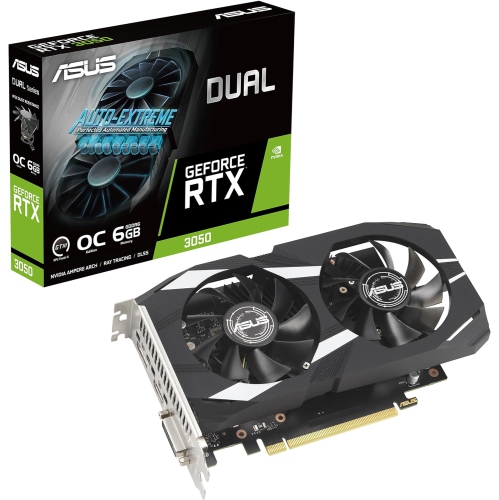
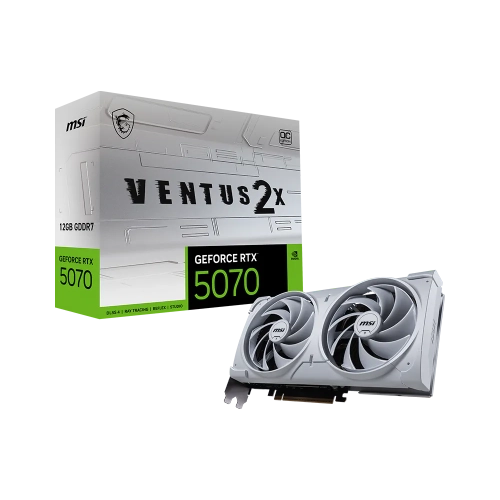
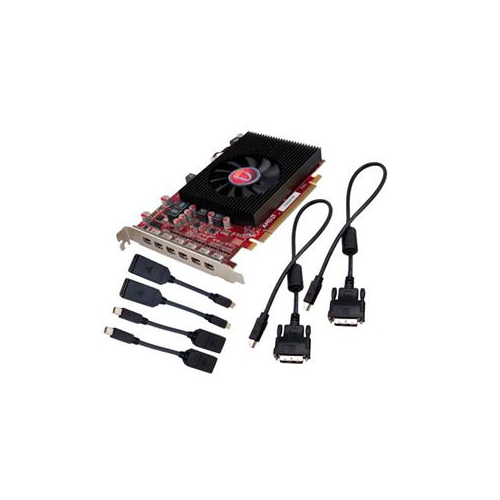
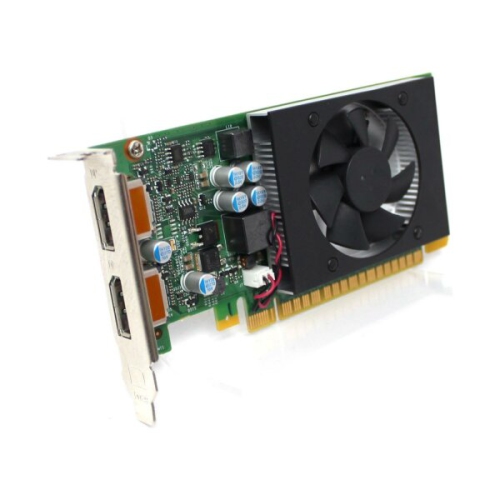
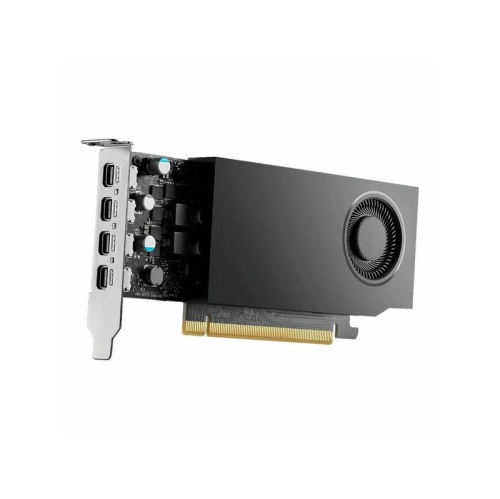
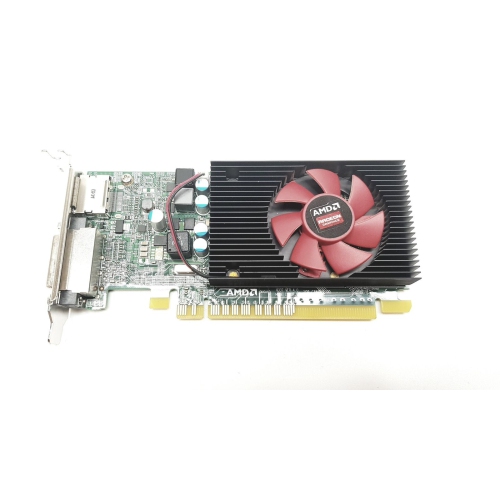
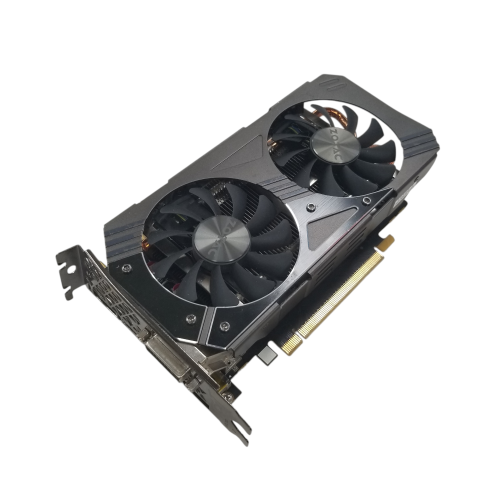
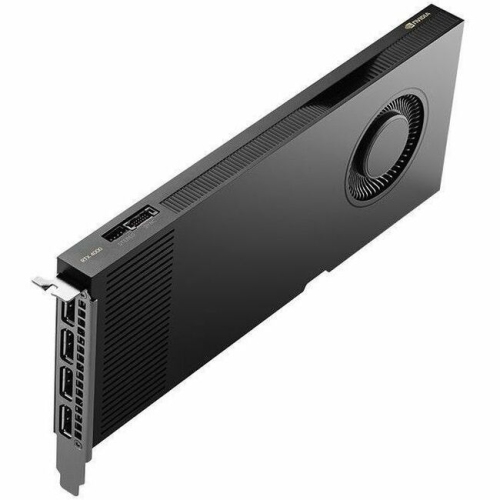
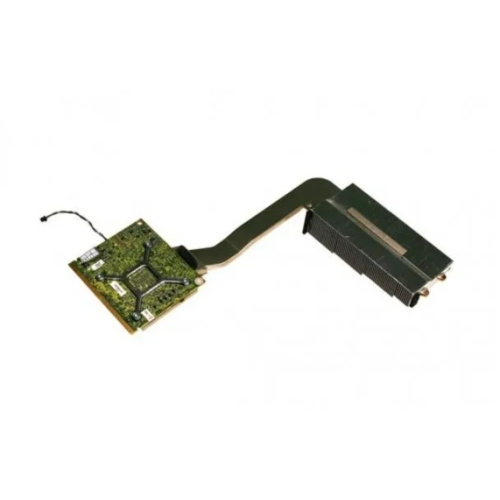
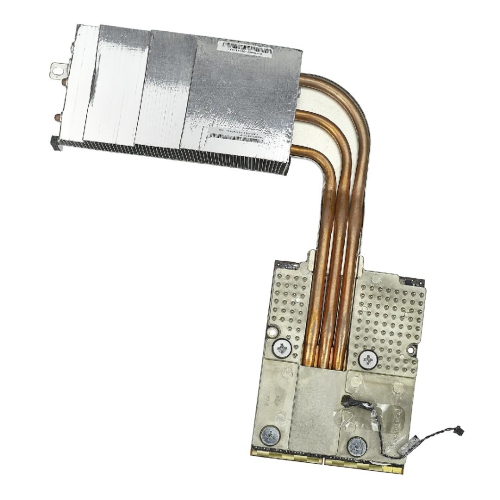
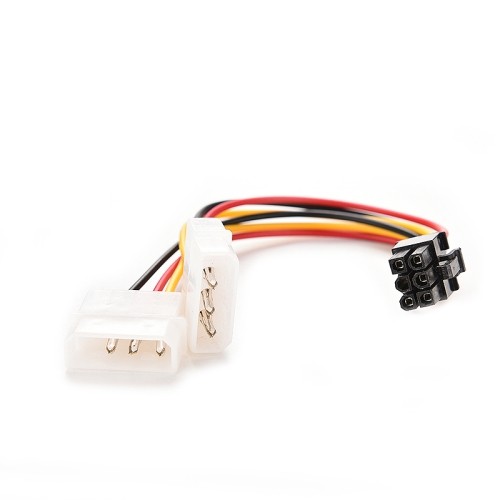
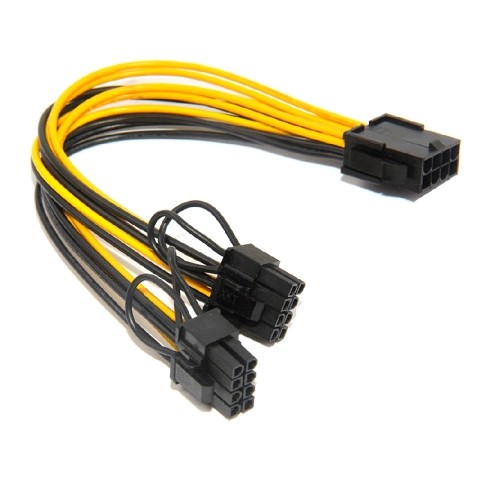
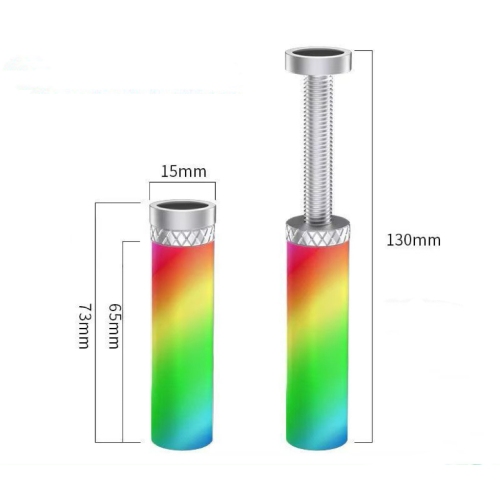
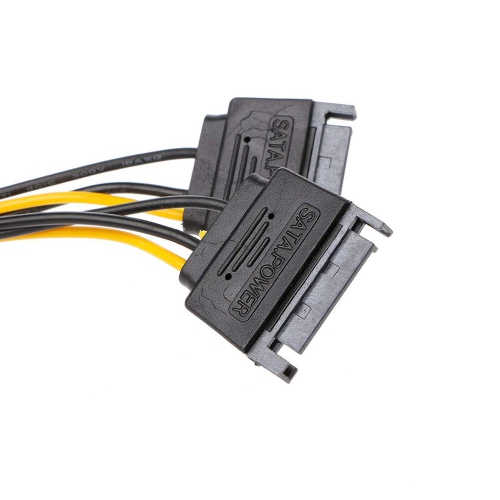
Physical fit and electrical requirements are just as important as graphics performance, especially when upgrading an existing desktop rather than assembling a new one. Graphics cards connect to a compatible motherboard expansion slot, but their length, height, and thickness vary considerably. A compact case may have limited clearance beside front-mounted fans or a liquid-cooling radiator, while a thick cooling assembly can occupy several expansion-slot positions and cover neighbouring motherboard connections. Space above the card also matters because power cables need room to connect without being pressed tightly against the side panel. Published case clearance and card dimensions provide a more dependable basis for compatibility than the exterior size of the computer alone. The power supply must have sufficient capacity for the complete system, along with the connectors required by the card; wattage by itself is not the whole picture. Manufacturer specifications can clarify connector requirements, recommended system power, and installation details. Many desktop cards use aluminium heatsinks, often paired with copper heat pipes or contact surfaces, to transfer heat away from the processor, while fans move air through the cooling assembly. Some designs include metal backplates or support brackets, which may add rigidity or help support a heavier card. Cooling design affects operating temperatures, fan noise, and the amount of space needed inside the case. A computer used for voice recording or placed on a desk beside its owner may benefit from particular attention to measured noise levels under load. Display connections deserve similar consideration: the card and monitor need compatible ports and sufficient connection bandwidth for the intended resolution, refresh rate, and display features. Multiple-monitor setups also depend on the number of supported displays and the card’s output capabilities. These details help distinguish a straightforward upgrade from one that would also require changes to the case, power supply, cables, or monitor. Most laptop graphics hardware is not replaceable in the same way as a desktop expansion card, so a desktop card should not be assumed to work in a portable computer.
Beyond gaming, a dedicated graphics card can support video editing, animation, 3D modelling, livestreaming, and other visual projects when the software can use its capabilities. A student building an animated scene, a photographer working across multiple displays, and a creator editing high-resolution footage may have quite different requirements, even when all three use a desktop PC. Application compatibility matters because acceleration features, rendering support, and hardware encoding capabilities differ between graphics processors and software packages. For someone who streams gameplay, supported hardware encoding can handle part of the video-processing workload while the computer continues running the game. For an editor, smooth playback may depend on the footage format, effects, storage speed, and system memory as well as the graphics card. These distinctions make intended use more informative than a single performance figure. A graphics card can also be a thoughtful gift for a PC gamer or an aspiring digital artist, provided the recipient’s computer specifications and preferred software are known. Someone planning a first desktop setup may find broader context through Cyber Monday Deals on PC Gaming, particularly when considering how graphics performance relates to the display and the rest of the system. Once installed, everyday care centres on unobstructed airflow, secure mounting, and keeping dust from accumulating around fans and heatsinks. Cleaning should follow the equipment manufacturer’s directions, with the computer shut down and disconnected from power before internal maintenance. A heavy card should have the support specified for its design, and a desktop being transported needs care to avoid placing unnecessary strain on the expansion slot. Driver updates can bring application support and fixes, while important creative workflows may benefit from using a driver version validated for the software involved. Durability depends on the complete installation and operating conditions, not simply on the appearance of a large cooler or metal exterior. With appropriate fit, reliable power, and suitable software support, a graphics card becomes a practical part of a computer built around the activities its owner enjoys most.
Top selling and popular products
-
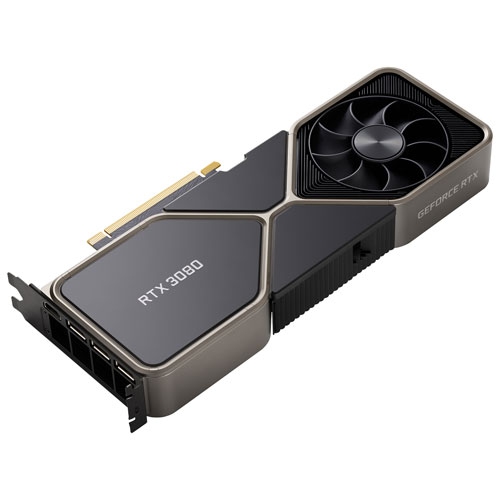 Your price for this item is $1399.99
 -
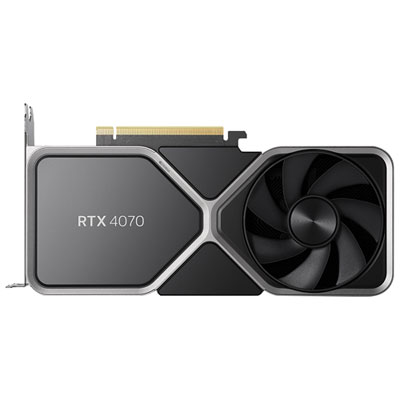 Your price for this item is $739.99
 -
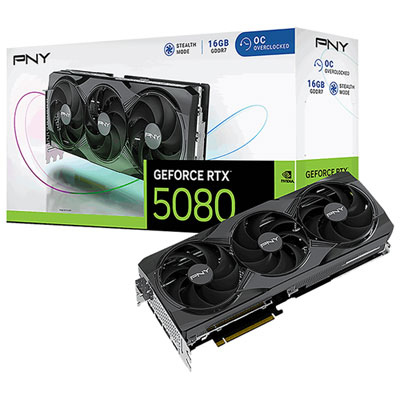 Your price for this item is $2399.99
 -
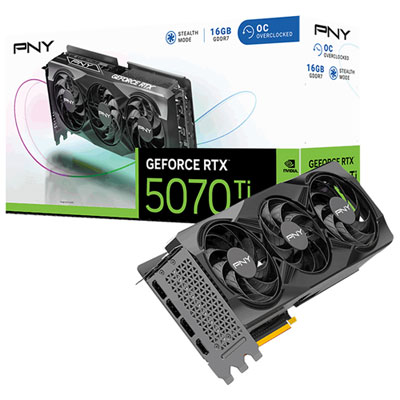 Your price for this item is $1769.99
 -
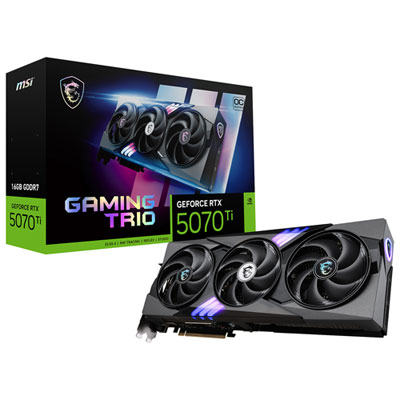 Your price for this item is $1799.99
 -
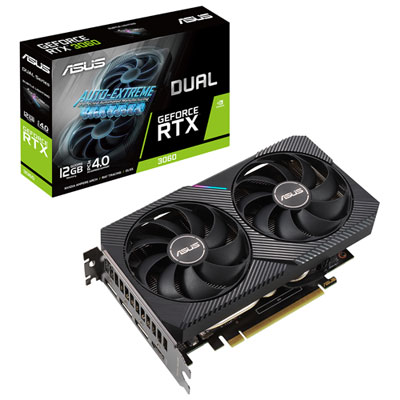 Your price for this item is $699.99
 -
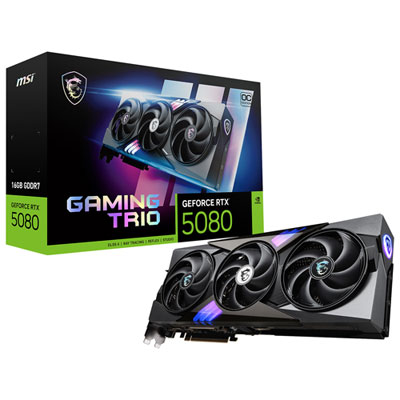 Your price for this item is $2749.99
 -
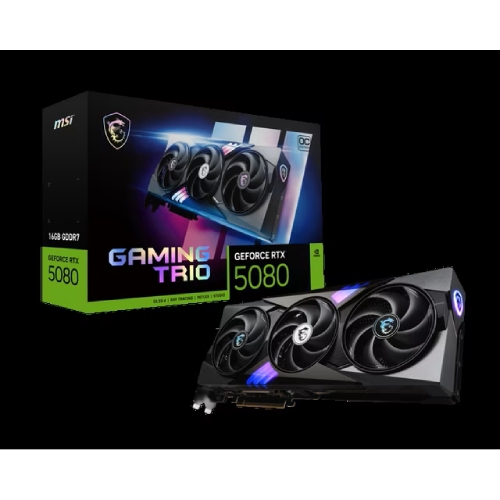 Your price for this item is $5699.99