Cyber Monday Deals Coming Soon
Our Cyber Monday Sale returns in December 2026. In the meantime, shop our current top deals below.

Cyber Monday Deals On PC Components
Get ready to upgrade your PC with incredible savings on Cyber Monday! Discover unbeatable deals on a wide range of PC components at Best Buy Canada. Whether you're looking to enhance your gaming experience, boost your productivity, or simply give your computer a much-needed performance boost, our Cyber Monday deals have got you covered. Don't miss out on these amazing discounts—shop our Cyber Monday PC component deals today and unleash the full potential of your computer at a fraction of the price! Remember, our Low Price Guarantee means you can shop confidently knowing that you'll find the best price at Best Buy, all year round. We encourage you to check our website frequently for the most up-to-date information on our latest offers and savings opportunities.
Why component compatibility matters for your next build
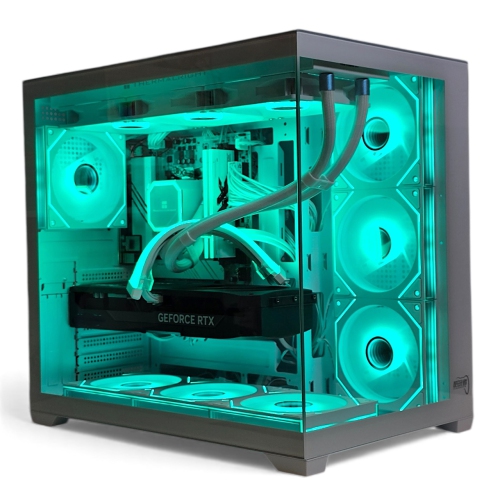
Storage, cases, and cooling shape how a desktop feels to use and how comfortably its hardware fits together. Solid-state drives provide responsive access to operating systems, applications, and files, while hard drives can serve larger media libraries and other capacity-focused needs. Storage compatibility depends on both the physical connection and the interface: an M.2 slot describes a form factor, but supported drive lengths and SATA or PCIe connections vary by motherboard. Available motherboard connections, storage bays, and operating-system requirements influence whether a drive works as an addition or a replacement. For a photo enthusiast, enough space for original files and edited copies can matter as much as transfer speed; for a gamer, installation sizes can make capacity a practical priority. A separate backup remains important because additional internal storage does not, by itself, protect files from accidental deletion or a system failure. The case provides the structure around those components. Steel and aluminium panels offer different combinations of weight, rigidity, and finish, while tempered-glass panels put the internal layout on display. Mesh sections, fan mounts, and removable dust filters affect airflow and routine cleaning. External dimensions tell only part of the fit story: graphics-card length and thickness, processor-cooler height, radiator placement, and power-supply dimensions all need sufficient internal clearance. A compact case can suit a desk with limited space, while a larger enclosure may provide more room for expansion and cable routing. Cooling carries heat away from working components through heatsinks, fans, or liquid-cooling assemblies. Air coolers commonly use metal fins and heat pipes, while liquid coolers require compatible mounting points and room for a radiator. Neither approach suits every build equally. Fan size, speed control, component heat output, and airflow restrictions all influence operating noise. A computer beside a microphone during calls or recording sessions benefits from thoughtful cooling just as a gaming tower does. Accessible filters and uncluttered cable paths also make regular dust removal easier, helping airflow remain consistent over time.
Power supplies support the entire system, making electrical compatibility and build quality important considerations even though the unit is usually tucked out of sight. The appropriate wattage depends on the combined demands of the processor, graphics card, drives, cooling, and other connected hardware, with room for brief power spikes and sensible future changes. Connector types matter alongside wattage: the motherboard, processor, and graphics card may each require different power connections. Modular power supplies allow unused cables to remain outside the case, which can simplify routing, but modular cables are not universally interchangeable between units. Using only cables specified as compatible with the particular power supply helps prevent damage. A power supply should never be opened for cleaning or repair. Across the rest of the build, durable construction, secure mounting points, and well-supported connectors contribute to a computer that is easier to maintain. Dust removal should follow the component manufacturer’s instructions, with the computer shut down and disconnected from power before internal cleaning. Handling circuit boards by their edges and taking appropriate precautions against static discharge also helps protect sensitive parts during installation. These details matter whether the project is a first desktop assembled for school, a quieter workstation for a home office, or a gaming system intended to support future upgrades. PC components can also make thoughtful gifts for an experienced builder, although the recipient’s existing hardware and intended project need to be known. The exact processor socket, memory specification, available storage connections, and case clearances are more useful than a general description such as “a gaming computer.” Someone who enjoys selecting and assembling individual parts may appreciate that level of compatibility, while another person may prefer a complete desktop or laptop. For that broader approach, Cyber Monday Deals on Computers provides a related category to explore. Individual components are most relevant when control over performance, size, connectivity, appearance, or the upgrade path is part of the goal, allowing the finished computer to reflect how it will actually be used.
Top selling and popular products
-
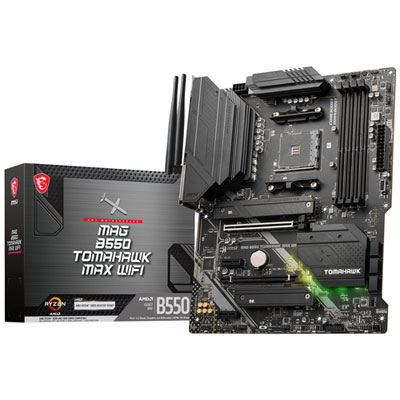 Your price for this item is $224.95
-
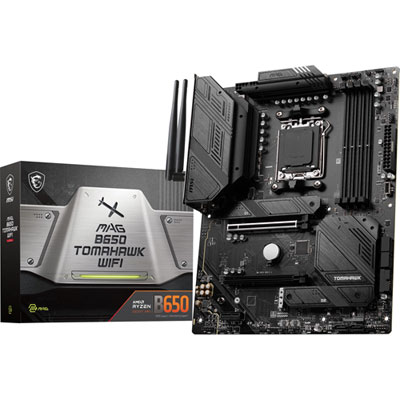 Your price for this item is $199.99
-
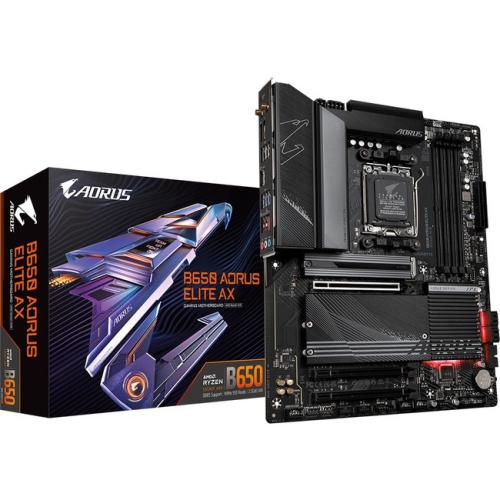 Your price for this item is $331.68
-
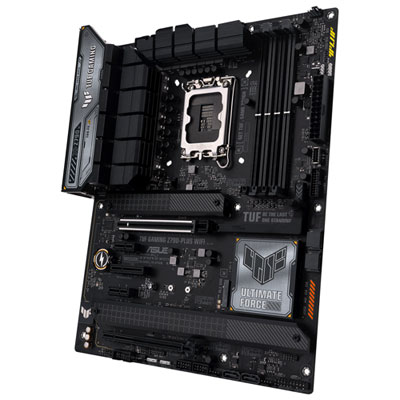 Your price for this item is $349.99
-
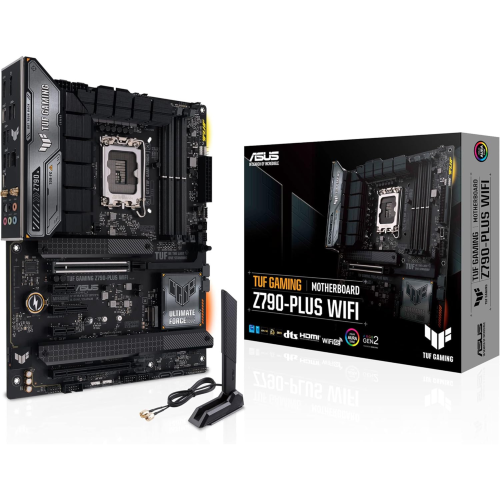 Your price for this item is $361
-
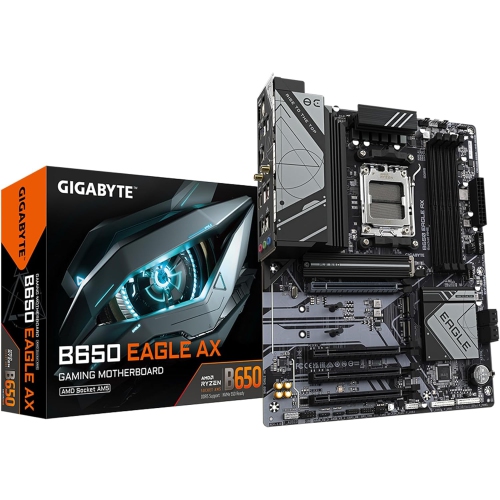 Your price for this item is $172.99
-
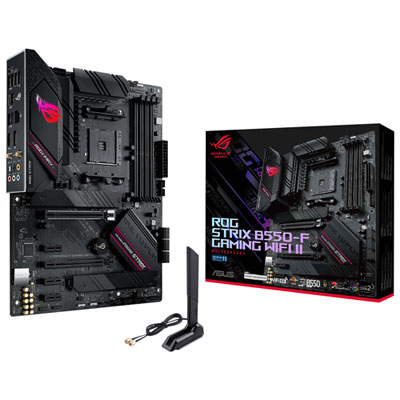 Your price for this item is $259.99
-
 Your price for this item is $587.68