Cyber Monday Deals Coming Soon
Our Cyber Monday Sale returns in December 2026. In the meantime, shop our current top deals below.

PS5 SSD Cyber Monday
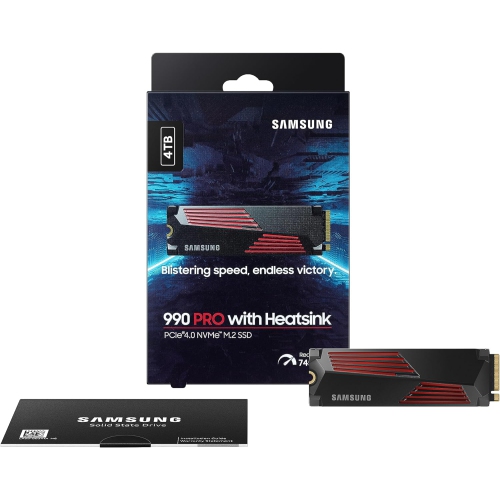
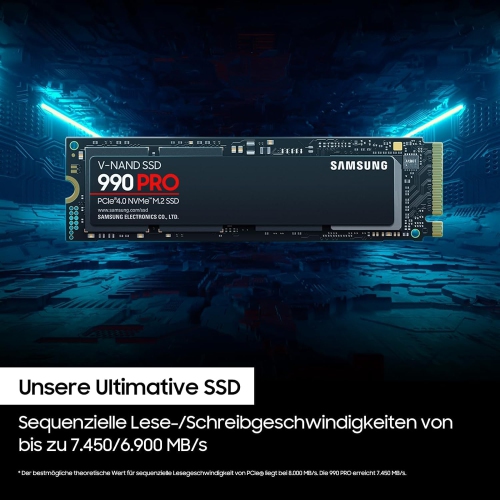
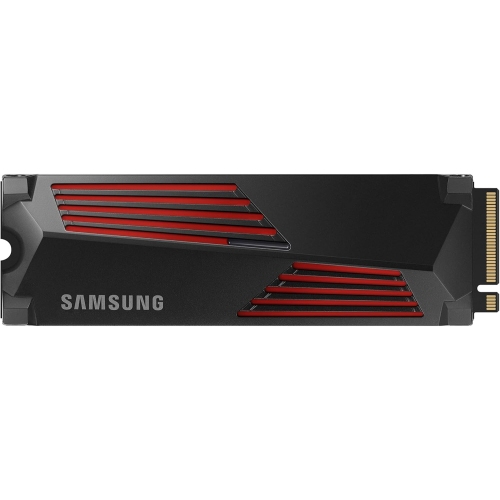
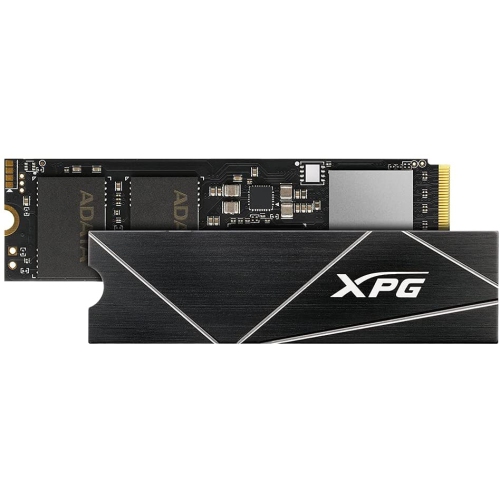
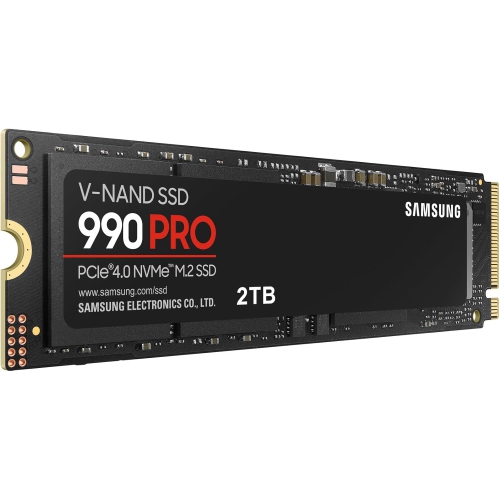
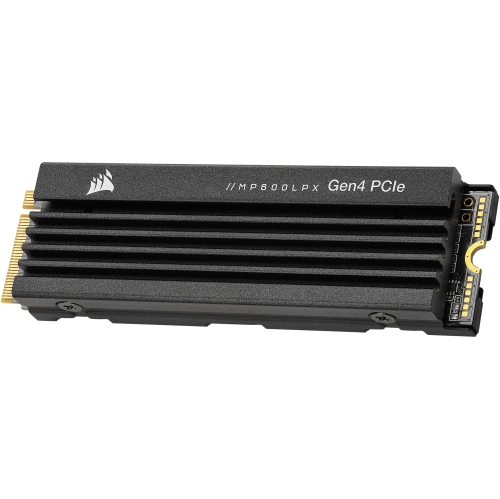
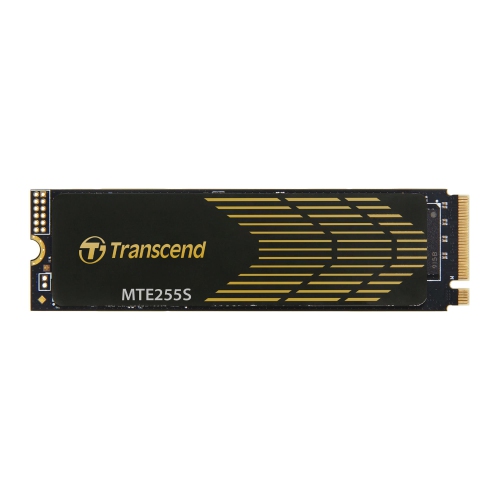
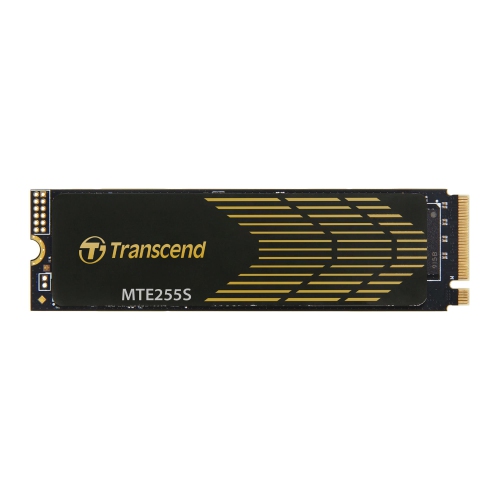
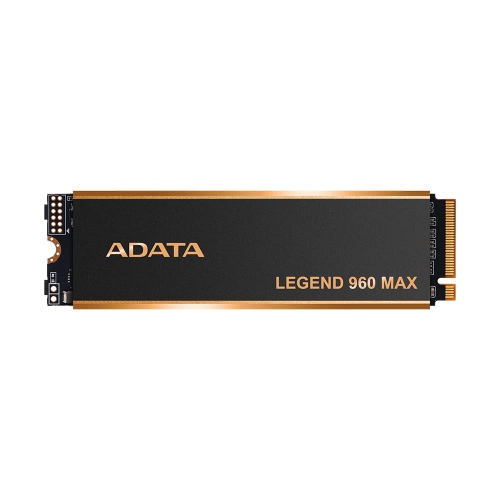
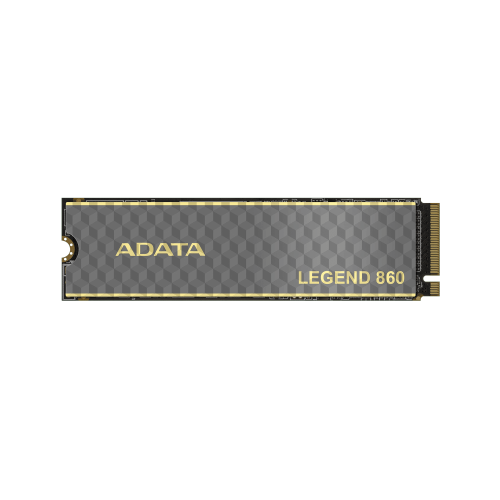
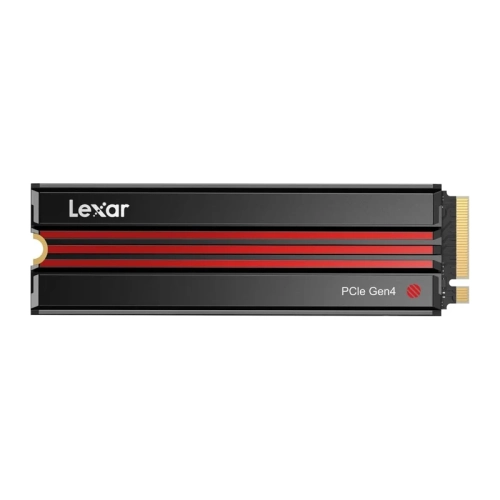
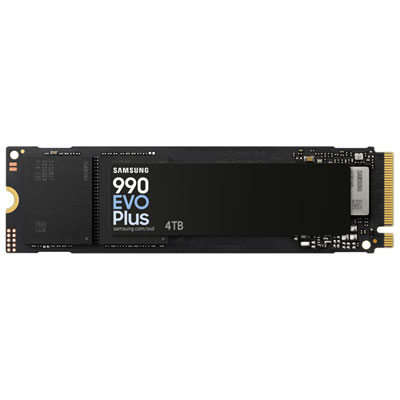
Shop PS5 SSD Cyber Monday deals to find storage upgrades for your PlayStation 5 and make more room for games. Compare compatible M.2 NVMe SSDs by capacity, read speed, and heatsink requirements, and check each drive’s PS5 compatibility before choosing. Remember, our Low Price Guarantee means you can shop confidently knowing that you'll find the best price at Best Buy, all year round. We encourage you to check our website frequently for the most up-to-date information on our latest offers and savings opportunities.
FAQ
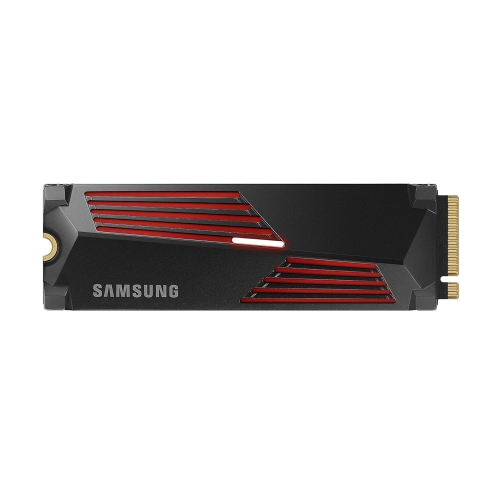
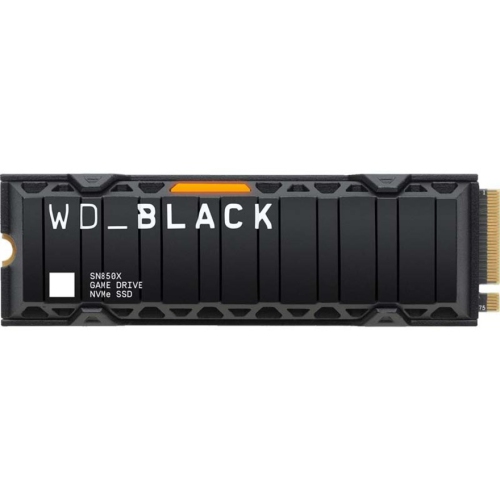
Look for an M.2 NVMe SSD with a PCIe Gen4 x4 interface that meets Sony’s PS5 compatibility requirements. SATA SSDs are not compatible with the console’s internal expansion slot. An internal PS5 SSD also needs a cooling structure, such as a heatsink, so check whether one is included or required separately.
A compatible internal M.2 SSD lets you install and play PS5 and PS4 games directly from the drive. An external USB SSD can store PS5 games, but you must copy them to the console’s internal storage or an installed M.2 SSD before playing. PS4 games can be played directly from compatible USB extended storage.
Yes. When your PS5 first detects a newly installed M.2 SSD, it prompts you to format the drive before using it for games and apps. Formatting erases any existing data on that SSD. Follow the console’s on-screen instructions to complete setup.
Yes. Once a compatible M.2 SSD is installed and formatted, you can move installed games through the PS5’s Settings > Storage menu. You can also choose the M.2 SSD as the installation location for future game downloads.
No. PS5 saved game data stays in the console’s storage rather than on the added M.2 SSD. Moving a game installation to the SSD does not move its saved data. PlayStation Plus members can also use cloud storage for supported saved game data.
Top selling and popular products
Discover more categories related to PS5 SSD Cyber Monday
Some products may be subject to Environmental Handling Fees (EHF) depending on your province. Learn more about EHFs.