Dell Latitude 7400
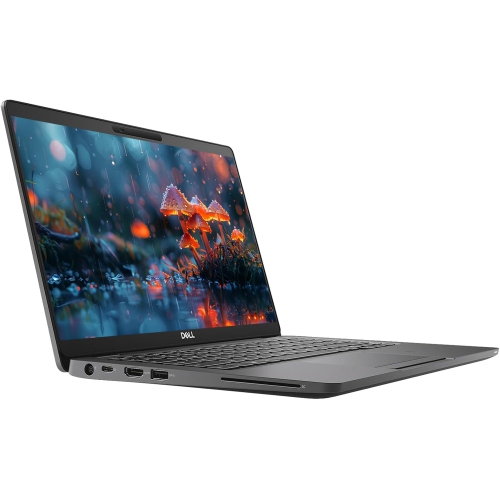
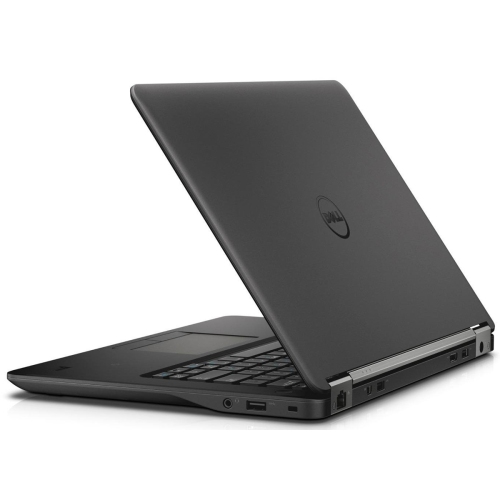
Discover the Dell Latitude 7400, designed to support productivity and performance for professionals and students alike. Whether you’re working from home, managing tasks on the go, or setting up a reliable workstation, the Dell Latitude 7400 delivers versatility to match your needs. Explore options that fit a range of preferences and find the right device to keep you connected and efficient throughout your day.
Sort


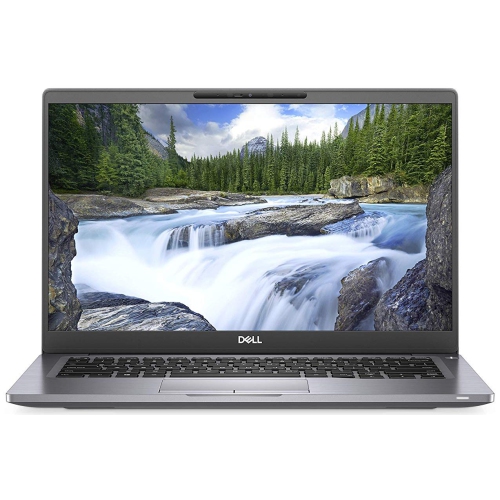
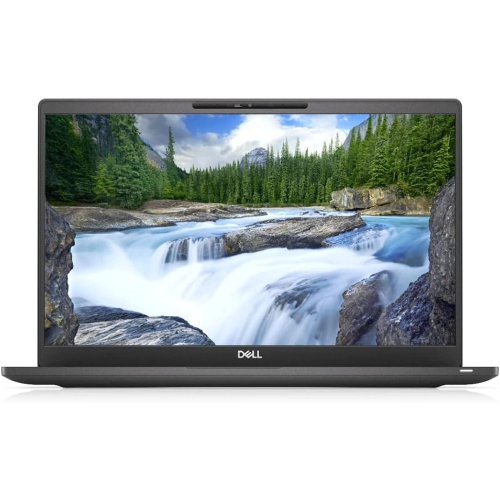
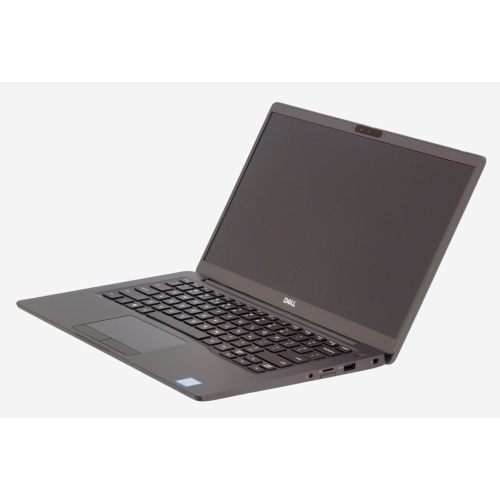
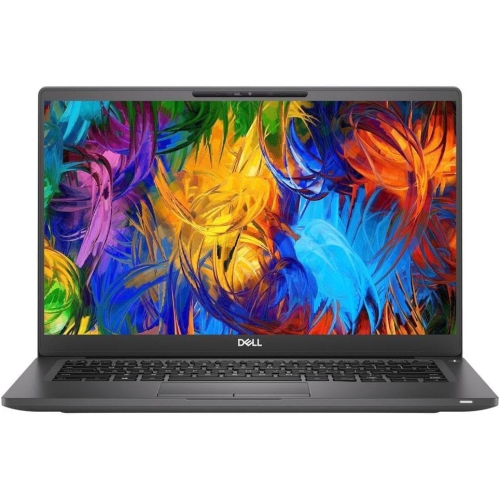
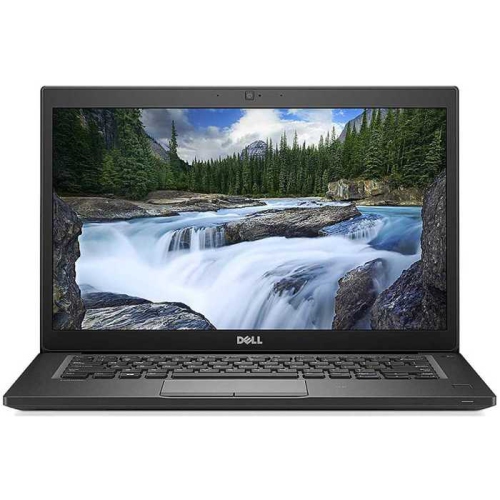
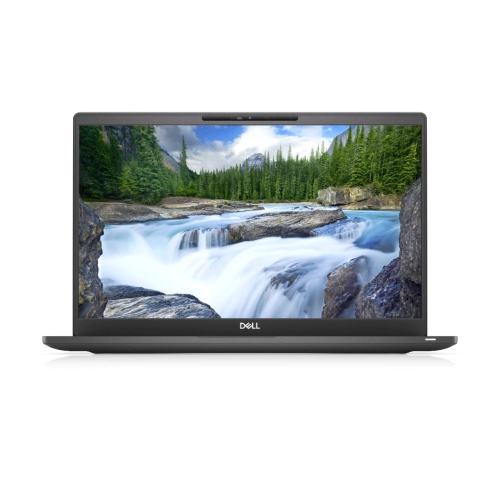
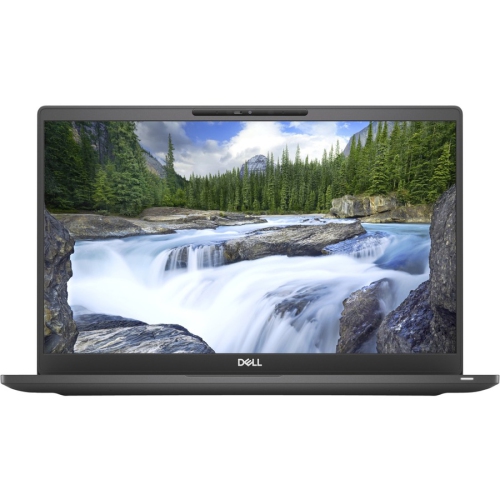
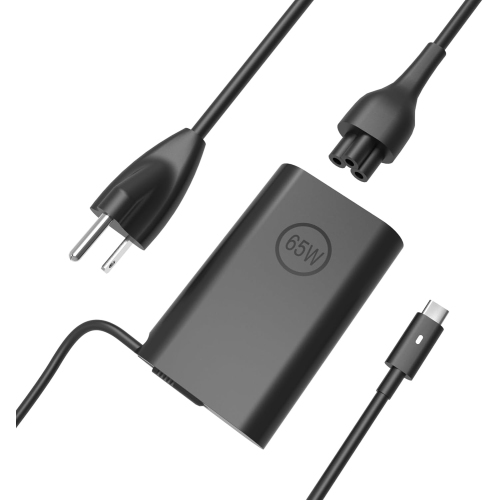
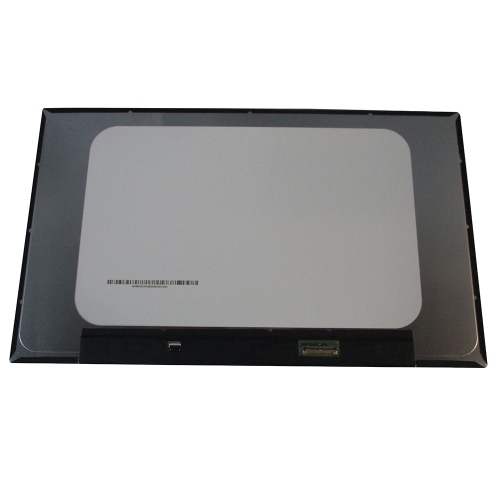
A 14-inch business laptop for life between desks
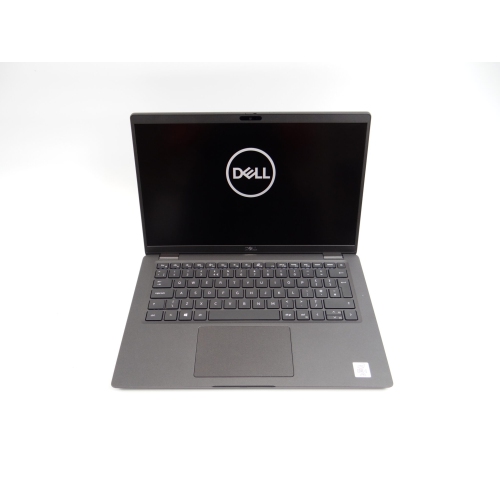
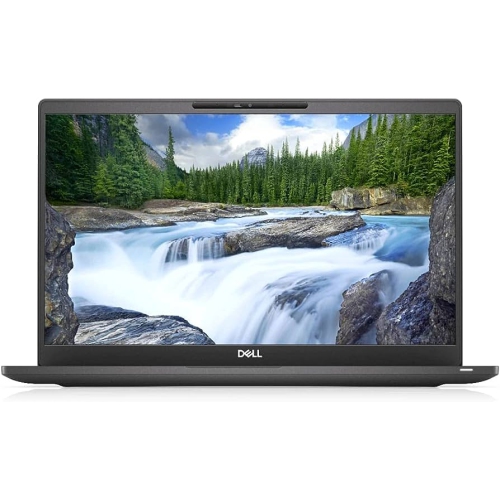
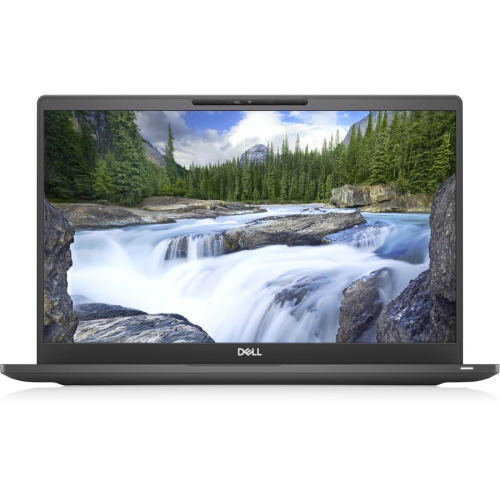
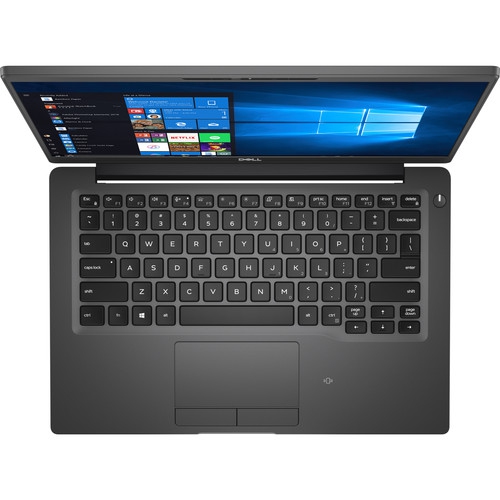
A 14-inch business laptop brings together a practical screen size, a portable frame, and the everyday performance needed for work and study. This class of notebook is designed around tasks such as preparing documents, managing spreadsheets, attending video meetings, and moving between browser-based applications. It suits a home office where desk space is limited, a student carrying a computer between lectures, or a professional who divides the day between a workstation and meeting rooms. The traditional clamshell shape provides a familiar typing setup, while some business-laptop families also include convertible designs with touchscreens and hinges that allow different viewing positions. Those formats serve different needs: a conventional notebook keeps the focus on keyboard-and-mouse work, whereas a convertible can make reviewing a document or showing a presentation across a table more convenient. Materials and finishes vary by configuration, with metal panels or reinforced composite construction contributing to the feel and rigidity of the chassis. A firm palm rest, a stable display hinge, and a keyboard with clear feedback can matter more during a long writing session than a decorative finish. A 14-inch Full HD display, where specified, has a resolution of 1920 × 1080 pixels and offers useful workspace for reading, editing, and arranging documents side by side. Anti-glare finishes help reduce distracting reflections near a window or under overhead lighting, while touchscreen functionality adds another way to navigate compatible software. Brightness, viewing angles, and colour performance still differ between panels, so the screen type deserves attention alongside its resolution. Physical fit also extends beyond the display measurement: the laptop’s overall dimensions determine whether it slides comfortably into a bag or sleeve, and its weight, together with the charger, affects how it feels on a daily commute. For someone working at a kitchen table in the morning and a shared office in the afternoon, these details shape the experience every time the computer is opened.
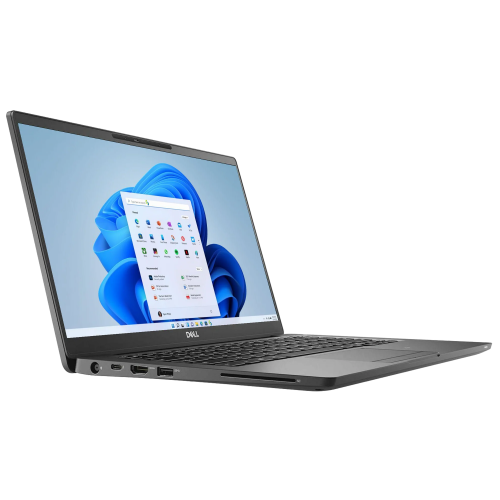
Performance in a compact business notebook depends on the complete configuration rather than the processor label alone. Processor generation, memory capacity, storage type, cooling, and software requirements all influence how smoothly everyday tasks run. Older business-class systems can remain useful for document editing, email, web research, and other routine workloads when their hardware and operating system meet the requirements of the applications involved. A configuration with 16GB of memory gives more room for a video call, a large spreadsheet, and several browser tabs to stay open together than one with 8GB, although actual demands vary with the software. Programming tools and light virtual-machine use may also be practical with suitable specifications, but larger development projects can require more memory and processing power. Integrated graphics generally suit office applications and media playback better than demanding 3D work, complex visual effects, or graphics-intensive games. Solid-state storage helps applications launch and files open promptly; a PCIe NVMe drive is one storage type found in this category. Capacity is a separate consideration from speed. A 256GB drive may accommodate a modest collection of documents and applications, while 512GB provides additional room for local files, downloaded course material, and larger software installations. Neither capacity removes the need for regular backups. Memory and storage upgrade options depend on the exact hardware design, and a conventional notebook and a convertible within a similar family may have different internal layouts. Connectivity is equally important to a comfortable setup. USB-A can support familiar peripherals, HDMI can connect a compatible monitor or presentation display, and an audio jack provides a straightforward option for a wired headset. A USB-C connector does not, by itself, confirm charging, video output, or Thunderbolt support; those capabilities need to be listed for the configuration. Compatible docking equipment can simplify the transition from mobile use to a desk with a larger screen, keyboard, and mouse. Wi-Fi capabilities, webcam specifications, and microphone quality also deserve attention when online meetings are part of the working day.
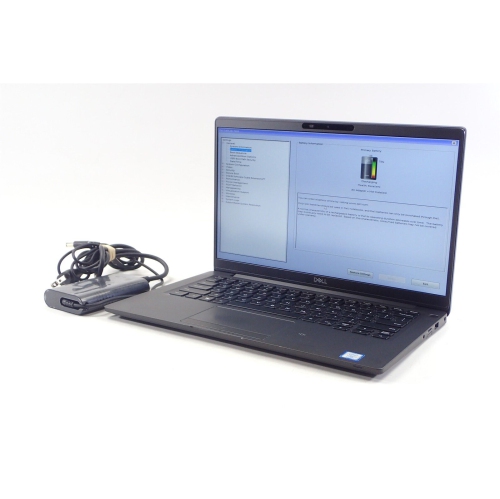
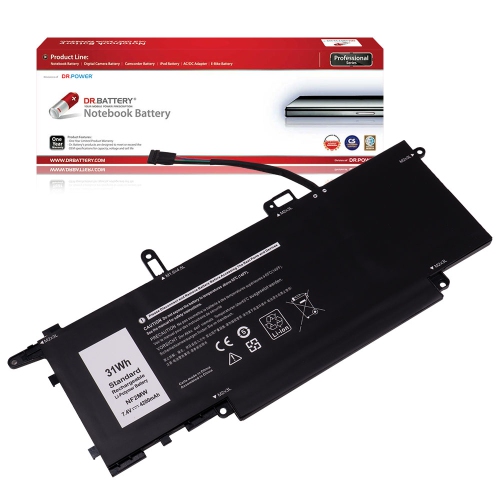
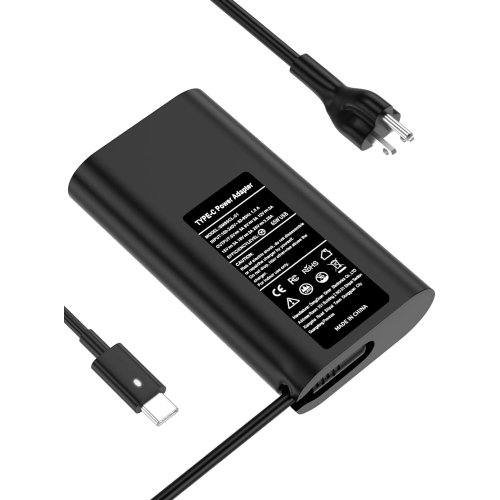
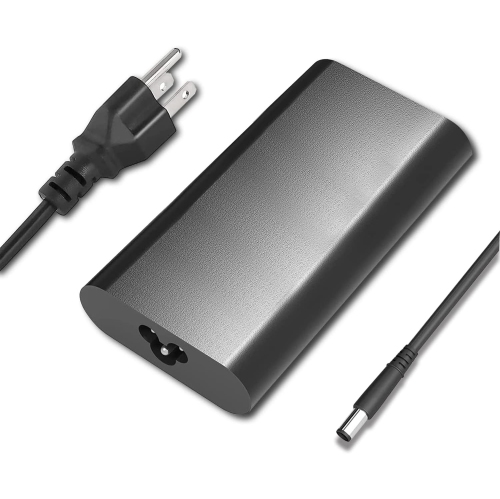
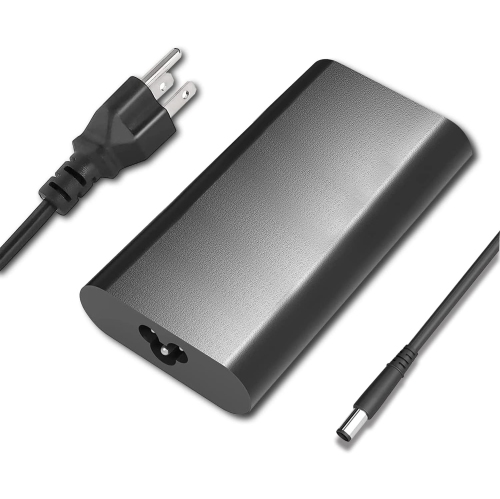
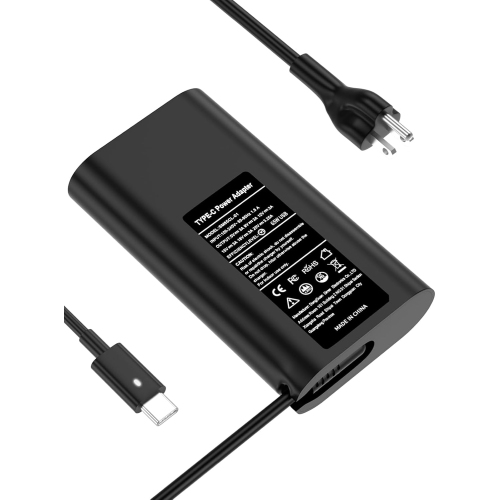
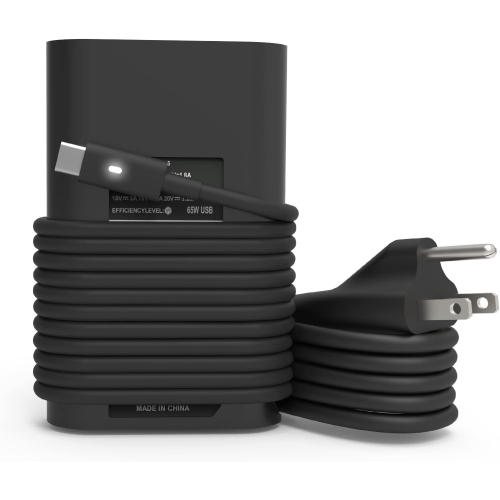
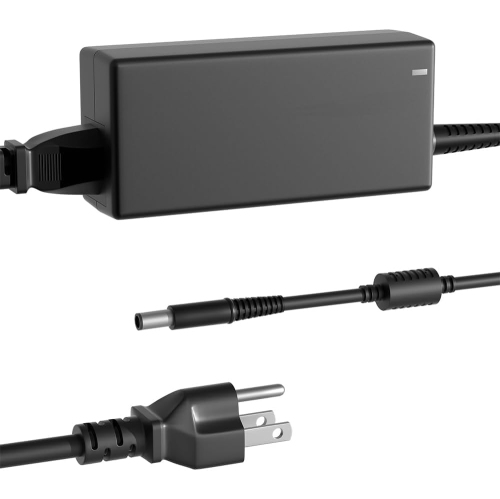
Condition, battery health, and included accessories have a significant effect on the experience of owning a business laptop, particularly when considering a refurbished or previously used computer. Refurbished does not describe one universal cosmetic standard: surface marks, keyboard wear, testing procedures, and warranty coverage depend on the listing and seller. A clearly described condition helps set expectations for the finish around the palm rest, the lid, and frequently used ports. Battery runtime is especially variable because it depends on battery age and capacity as well as screen brightness, workload, wireless activity, and power settings. An original battery-life claim is not a reliable prediction for a used machine. Someone who works near an outlet may place less emphasis on unplugged runtime than a student taking notes through several classes or a commuter working during a train journey. A correctly rated, compatible charger matters in either case. Security features also vary: a fingerprint reader, an infrared camera for compatible facial sign-in, or a smart card reader should be treated as configuration-specific features rather than assumed equipment. Operating-system eligibility, access to security updates, and compatibility with workplace or school software are important parts of long-term usefulness. For a related business-laptop range, the Dell Latitude 7490 page offers another place to explore this category. Day-to-day care helps preserve both appearance and function. A padded sleeve limits rubbing against keys and other objects in a bag, while carrying the computer with its lid closed reduces strain on the display. A soft, lint-free cloth and cleaning methods appropriate to the screen finish help prevent damage from abrasive materials or excess moisture. Clear ventilation openings and a firm working surface allow heat to escape more effectively than a blanket or cushion. At a permanent desk, an external keyboard and a raised display can support a more comfortable working position. As a practical gift for a student, a family member handling household paperwork, or someone setting up a home workspace, a compact business notebook is most useful when its keyboard layout, accessibility features, software compatibility, and physical condition match the recipient’s daily routine.
Performance in a compact business notebook depends on the complete configuration rather than the processor label alone. Processor generation, memory capacity, storage type, cooling, and software requirements all influence how smoothly everyday tasks run. Older business-class systems can remain useful for document editing, email, web research, and other routine workloads when their hardware and operating system meet the requirements of the applications involved. A configuration with 16GB of memory gives more room for a video call, a large spreadsheet, and several browser tabs to stay open together than one with 8GB, although actual demands vary with the software. Programming tools and light virtual-machine use may also be practical with suitable specifications, but larger development projects can require more memory and processing power. Integrated graphics generally suit office applications and media playback better than demanding 3D work, complex visual effects, or graphics-intensive games. Solid-state storage helps applications launch and files open promptly; a PCIe NVMe drive is one storage type found in this category. Capacity is a separate consideration from speed. A 256GB drive may accommodate a modest collection of documents and applications, while 512GB provides additional room for local files, downloaded course material, and larger software installations. Neither capacity removes the need for regular backups. Memory and storage upgrade options depend on the exact hardware design, and a conventional notebook and a convertible within a similar family may have different internal layouts. Connectivity is equally important to a comfortable setup. USB-A can support familiar peripherals, HDMI can connect a compatible monitor or presentation display, and an audio jack provides a straightforward option for a wired headset. A USB-C connector does not, by itself, confirm charging, video output, or Thunderbolt support; those capabilities need to be listed for the configuration. Compatible docking equipment can simplify the transition from mobile use to a desk with a larger screen, keyboard, and mouse. Wi-Fi capabilities, webcam specifications, and microphone quality also deserve attention when online meetings are part of the working day.
Condition, battery health, and included accessories have a significant effect on the experience of owning a business laptop, particularly when considering a refurbished or previously used computer. Refurbished does not describe one universal cosmetic standard: surface marks, keyboard wear, testing procedures, and warranty coverage depend on the listing and seller. A clearly described condition helps set expectations for the finish around the palm rest, the lid, and frequently used ports. Battery runtime is especially variable because it depends on battery age and capacity as well as screen brightness, workload, wireless activity, and power settings. An original battery-life claim is not a reliable prediction for a used machine. Someone who works near an outlet may place less emphasis on unplugged runtime than a student taking notes through several classes or a commuter working during a train journey. A correctly rated, compatible charger matters in either case. Security features also vary: a fingerprint reader, an infrared camera for compatible facial sign-in, or a smart card reader should be treated as configuration-specific features rather than assumed equipment. Operating-system eligibility, access to security updates, and compatibility with workplace or school software are important parts of long-term usefulness. For a related business-laptop range, the Dell Latitude 7490 page offers another place to explore this category. Day-to-day care helps preserve both appearance and function. A padded sleeve limits rubbing against keys and other objects in a bag, while carrying the computer with its lid closed reduces strain on the display. A soft, lint-free cloth and cleaning methods appropriate to the screen finish help prevent damage from abrasive materials or excess moisture. Clear ventilation openings and a firm working surface allow heat to escape more effectively than a blanket or cushion. At a permanent desk, an external keyboard and a raised display can support a more comfortable working position. As a practical gift for a student, a family member handling household paperwork, or someone setting up a home workspace, a compact business notebook is most useful when its keyboard layout, accessibility features, software compatibility, and physical condition match the recipient’s daily routine.
Top selling and popular products
-
 Your price for this item is $449
 -
 Your price for this item is $3099
 -
 Your price for this item is $299.95
 -
 Your price for this item is $664.05
 -
 Your price for this item is $599.68
 -
 Your price for this item is $869.99
 -
 Your price for this item is $259
 -
 Your price for this item is $418.98
Discover more categories related to Dell Latitude 7400
Top Collections:
Pokemon Centers, Kindle Devices, Best Budget Office Chairs, Apple iPhones 16, Best Laptops for Writers, iPhone 15 Apple, Canon G7X Cameras, Refurbished Apple Laptops, Alarm Clock, Motorola Razr Phones
Some products may be subject to Environmental Handling Fees
(EHF) depending on your province.
Learn more about EHFs.