Desktop Monitors With Built In Camera
Upgrade your workspace with desktop monitors with built in camera, designed to streamline your video calls and virtual meetings. These innovative displays help you stay connected and productive, whether you're working from home, collaborating with colleagues, or catching up with friends and family online. Explore a range of sizes and styles to find the perfect fit for your setup, and enjoy the convenience of integrated technology that keeps your desk clutter-free. Discover how desktop monitors with built in camera can enhance your daily routine at Best Buy Canada.
Sort
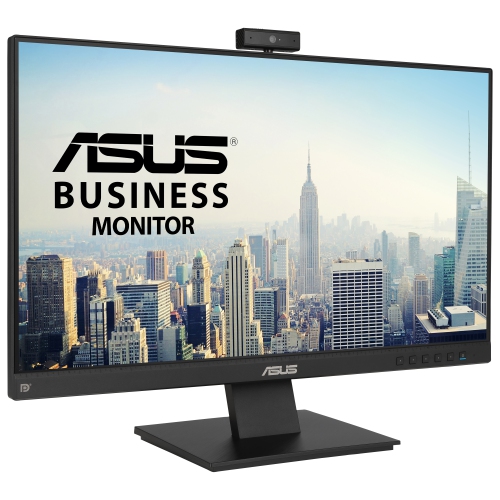
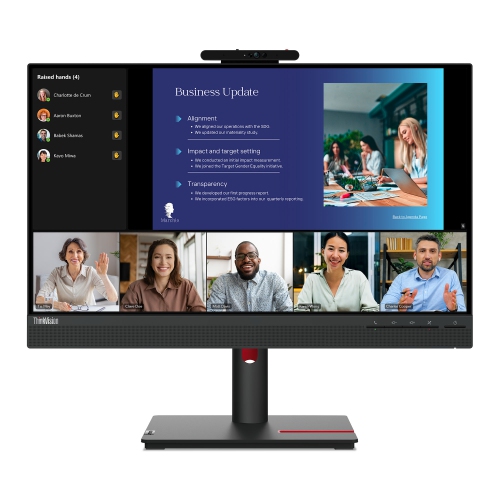
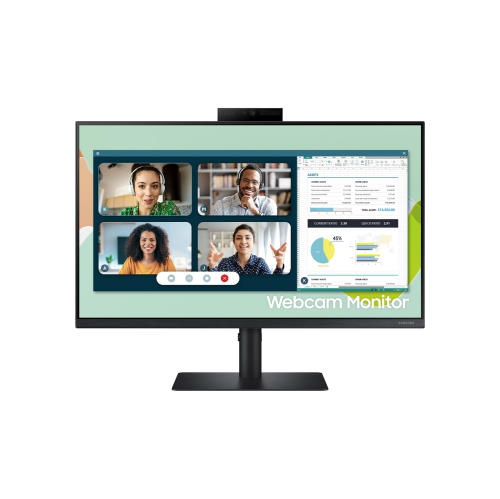


A tidier desk for video calls and everyday work
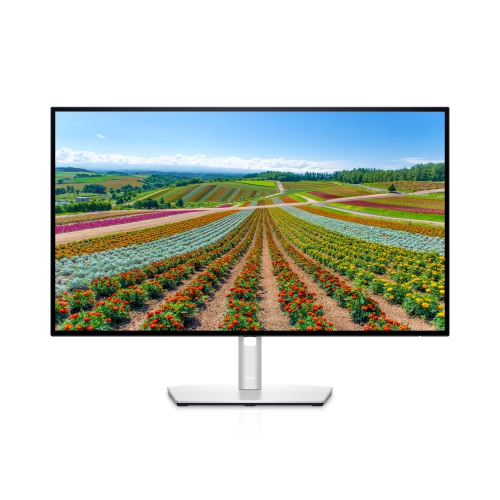
Desktop monitors with built-in cameras combine a computer display and an integrated webcam, creating a tidy setup for video calls, remote work, online learning, and conversations with friends and family. Depending on the monitor, microphones and speakers may also be included, reducing the number of separate accessories around a keyboard and mouse. These displays generally connect to a desktop computer or laptop; a built-in camera does not, by itself, make a monitor a standalone computer or allow it to run meeting software. The appeal is straightforward: the camera sits above the screen, the desk has fewer loose components, and joining a call can involve less setup. For someone who moves between spreadsheets, shared documents, and face-to-face discussions throughout the day, that combination keeps everyday tools close together. Screen size and resolution still deserve as much attention as the webcam. A 24-inch display can fit comfortably on a compact desk, while a 27-inch or larger screen offers more room for side-by-side windows, subject to resolution and text scaling. Full HD provides 1920 x 1080 pixels, QHD provides 2560 x 1440 pixels, and 4K provides 3840 x 2160 pixels. Higher resolutions can make text and fine details look sharper at a similar screen size, although comfortable reading also depends on viewing distance and scaling settings. An anti-glare screen finish helps reduce distracting reflections from nearby lighting, while an IPS panel typically offers wide viewing angles, useful when reviewing a document with someone seated beside the desk. For photography, design, or other colour-sensitive work, colour accuracy and coverage are separate considerations from camera quality. A monitor that looks clear during a meeting should also suit the tasks that fill the hours between calls, whether that means reading small spreadsheet entries, editing presentations, or keeping reference material open beside a main document.
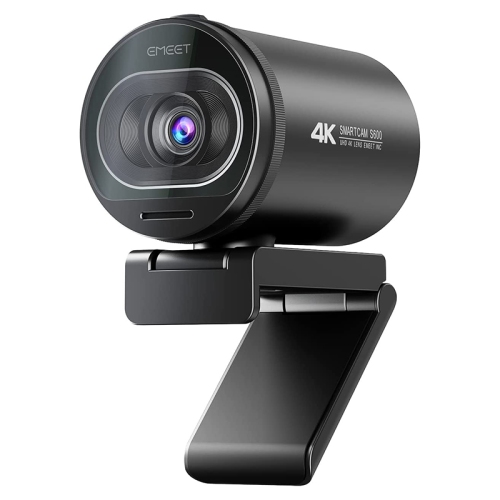
The quality of an integrated webcam depends on more than the resolution printed in its specifications. A 1080p camera captures Full HD video, but lens quality, exposure handling, focus, and the light falling on a person’s face all influence the result. Webcam resolution is independent of display resolution: a 4K screen does not necessarily include a 4K camera. Soft light from in front of the desk usually produces a clearer face than a bright window directly behind the chair. Camera placement matters, too. A lens near eye level creates a more natural angle, while a tilting or adjustable camera can help frame someone correctly without requiring an awkward screen position. Some monitors offer pop-up cameras, physical privacy shutters, autofocus, or automatic framing; these features vary and should not be assumed to come with every integrated webcam. A physical shutter blocks the lens, but microphone muting remains a separate function. Facial sign-in also requires specific compatible camera hardware, software, and operating-system support rather than simply any built-in webcam. For calls, an integrated microphone can be convenient, and a microphone array may help emphasize speech, but keyboard noise and nearby conversations can still affect clarity. Built-in speakers are useful for spoken audio, while a headset can provide greater privacy in a shared room. Connectivity is another important distinction. HDMI or DisplayPort commonly carries the screen image, but the camera, microphone, and USB hub typically need a separate USB data connection to the computer. A compatible USB-C connection may combine video, USB data, and laptop charging through one cable, provided the monitor, laptop port, and cable support those functions. Charging capability and power output vary, so a laptop’s power requirements still matter. In a two-computer setup, switching the visible screen input does not necessarily switch the webcam and microphone. A supported USB switching feature can make that arrangement easier, particularly when a work laptop and personal computer share the same desk.
Physical fit makes a noticeable difference over a full day of use. The monitor’s footprint includes its stand, not just its screen, so a deep base can leave less room for a keyboard, notebook, or drawing tablet. Height adjustment, tilt, and swivel help position the display comfortably while keeping the camera at a useful angle. A compatible VESA mounting pattern offers another option for desks that use a monitor arm, although the arm must support the monitor’s size and weight. Rotating a screen into portrait orientation can be useful for long documents, but an attached camera may not offer the same framing in that position. Housings commonly use plastic, with metal often incorporated into stands or support structures; stable construction and smooth adjustment mechanisms matter more in daily use than a decorative finish alone. Cable routing through or behind the stand helps keep connections away from moving parts and leaves the work surface easier to wipe down. For routine care, power off the display and follow its cleaning instructions, using a soft, lint-free cloth and avoiding direct sprays on the screen, lens, microphones, or ports. Pressure on the panel and abrasive cleaners can damage delicate surfaces, while a dusty camera lens can soften video even when the camera itself is working properly. These monitors can suit home offices, study spaces, and shared family desks, and may make a practical gift for someone who regularly attends virtual meetings or lessons, provided the connections and desk dimensions are compatible. Integrated designs are especially appealing when a fixed camera position and fewer separate accessories match the way the desk is used. For setups that need a camera placed beside the screen, mounted above multiple displays, or moved between computers, Computer Cameras With Microphones offer a separate-accessory approach. The most useful arrangement balances screen comfort, dependable connections, clear speech, and camera positioning rather than treating the webcam as the only feature that matters.
The quality of an integrated webcam depends on more than the resolution printed in its specifications. A 1080p camera captures Full HD video, but lens quality, exposure handling, focus, and the light falling on a person’s face all influence the result. Webcam resolution is independent of display resolution: a 4K screen does not necessarily include a 4K camera. Soft light from in front of the desk usually produces a clearer face than a bright window directly behind the chair. Camera placement matters, too. A lens near eye level creates a more natural angle, while a tilting or adjustable camera can help frame someone correctly without requiring an awkward screen position. Some monitors offer pop-up cameras, physical privacy shutters, autofocus, or automatic framing; these features vary and should not be assumed to come with every integrated webcam. A physical shutter blocks the lens, but microphone muting remains a separate function. Facial sign-in also requires specific compatible camera hardware, software, and operating-system support rather than simply any built-in webcam. For calls, an integrated microphone can be convenient, and a microphone array may help emphasize speech, but keyboard noise and nearby conversations can still affect clarity. Built-in speakers are useful for spoken audio, while a headset can provide greater privacy in a shared room. Connectivity is another important distinction. HDMI or DisplayPort commonly carries the screen image, but the camera, microphone, and USB hub typically need a separate USB data connection to the computer. A compatible USB-C connection may combine video, USB data, and laptop charging through one cable, provided the monitor, laptop port, and cable support those functions. Charging capability and power output vary, so a laptop’s power requirements still matter. In a two-computer setup, switching the visible screen input does not necessarily switch the webcam and microphone. A supported USB switching feature can make that arrangement easier, particularly when a work laptop and personal computer share the same desk.
Physical fit makes a noticeable difference over a full day of use. The monitor’s footprint includes its stand, not just its screen, so a deep base can leave less room for a keyboard, notebook, or drawing tablet. Height adjustment, tilt, and swivel help position the display comfortably while keeping the camera at a useful angle. A compatible VESA mounting pattern offers another option for desks that use a monitor arm, although the arm must support the monitor’s size and weight. Rotating a screen into portrait orientation can be useful for long documents, but an attached camera may not offer the same framing in that position. Housings commonly use plastic, with metal often incorporated into stands or support structures; stable construction and smooth adjustment mechanisms matter more in daily use than a decorative finish alone. Cable routing through or behind the stand helps keep connections away from moving parts and leaves the work surface easier to wipe down. For routine care, power off the display and follow its cleaning instructions, using a soft, lint-free cloth and avoiding direct sprays on the screen, lens, microphones, or ports. Pressure on the panel and abrasive cleaners can damage delicate surfaces, while a dusty camera lens can soften video even when the camera itself is working properly. These monitors can suit home offices, study spaces, and shared family desks, and may make a practical gift for someone who regularly attends virtual meetings or lessons, provided the connections and desk dimensions are compatible. Integrated designs are especially appealing when a fixed camera position and fewer separate accessories match the way the desk is used. For setups that need a camera placed beside the screen, mounted above multiple displays, or moved between computers, Computer Cameras With Microphones offer a separate-accessory approach. The most useful arrangement balances screen comfort, dependable connections, clear speech, and camera positioning rather than treating the webcam as the only feature that matters.
Top selling and popular products
-
 Your price for this item is $299
 -
 Your price for this item is $469
 -
 Your price for this item is $94.99
 -
 Your price for this item is $329.99
 -
 Your price for this item is $499
 -
 Your price for this item is $199.99
 -
 Your price for this item is $249.99
 -
 Your price for this item is $569.99
Discover more categories related to Desktop Monitors With Built In Camera

Top Collections:
Pokemon Centers, Kindle Devices, Best Cameras for Sports Photography, Best Budget Office Chairs, Pokémon 30th Celebration Cards, Apple iPhones 16, Canon G7X Cameras, iPhone 15 Apple, Flip Phones, Samsung Galaxy Phones
Some products may be subject to Environmental Handling Fees
(EHF) depending on your province.
Learn more about EHFs.