Laptops With 720P Webcam
Laptops With 720P Webcam are designed to make video calls, online meetings, and virtual learning clear and convenient. Whether you’re working from home, connecting with friends and family, or attending online classes, these laptops offer built-in webcams that help you stay connected. Explore a variety of models and find the right fit for your everyday computing needs at Best Buy.
Sort
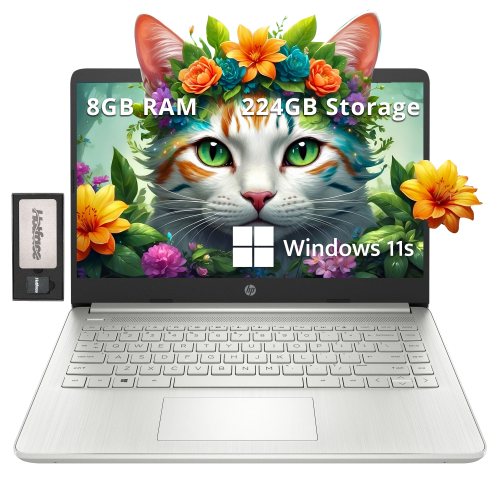
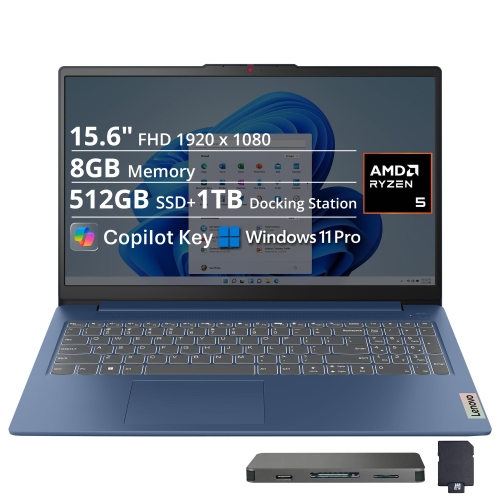
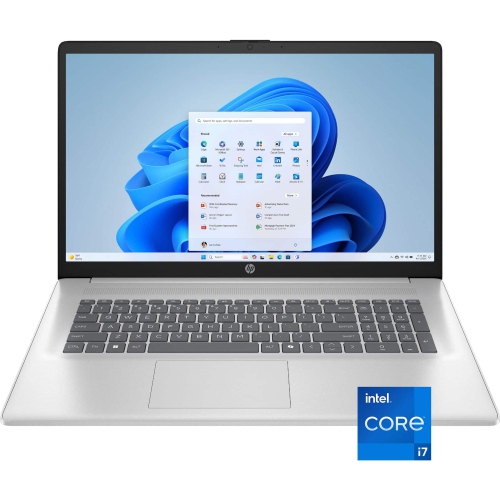
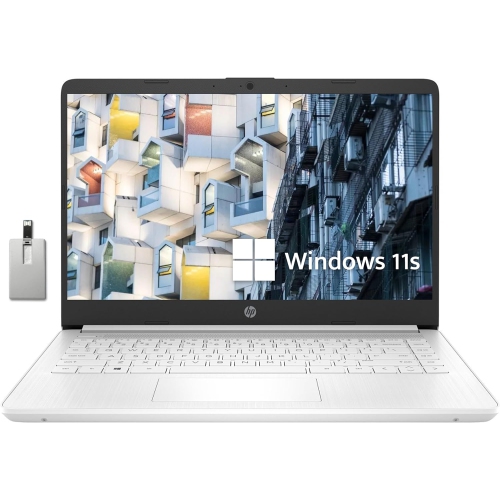
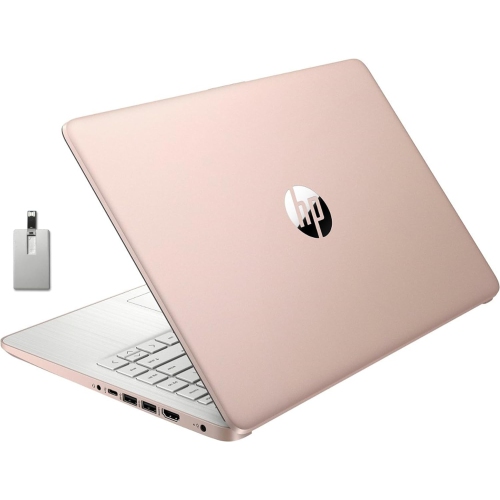
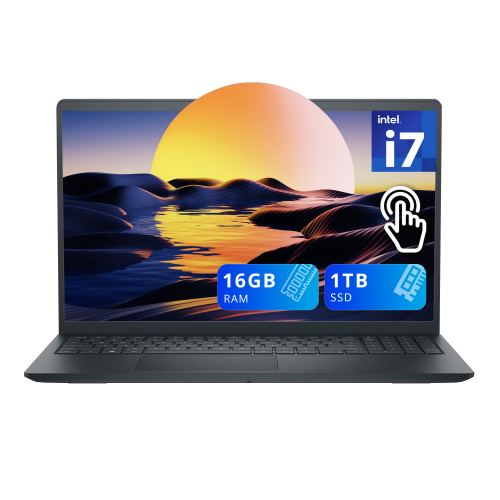
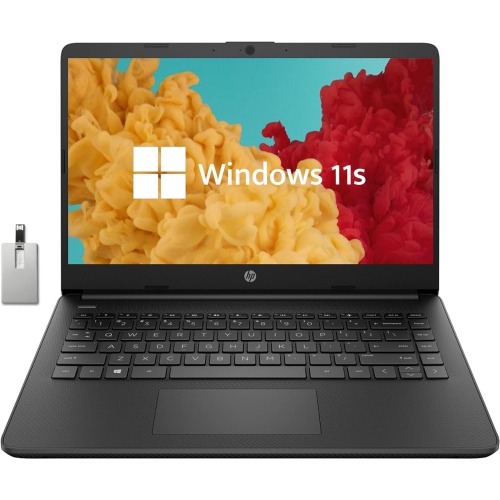
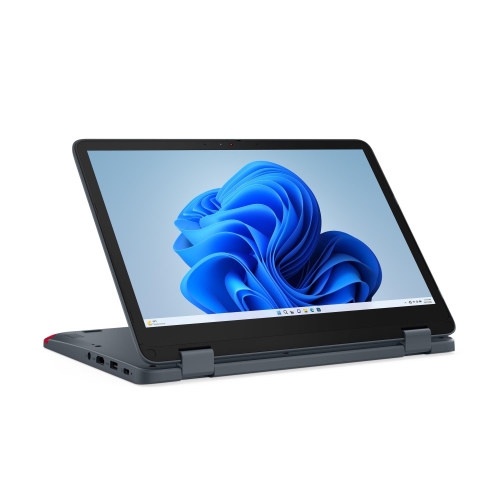
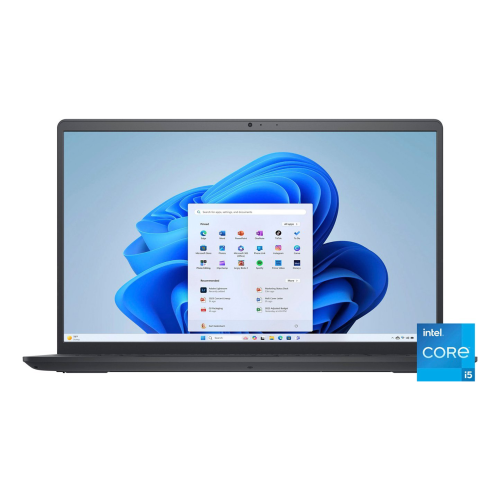
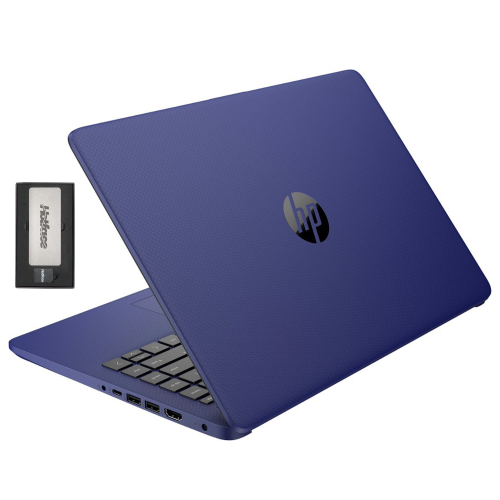
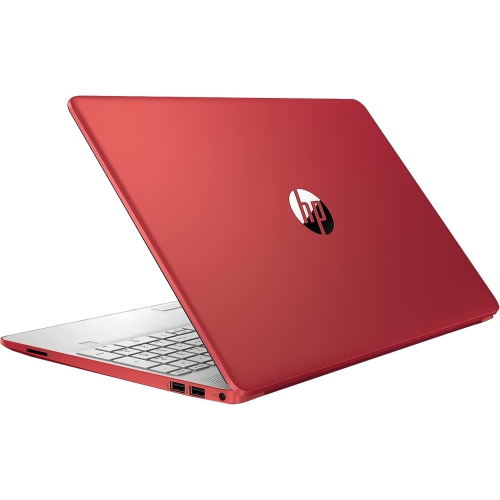
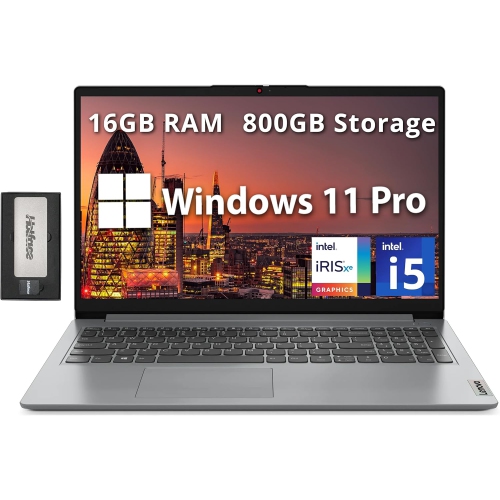
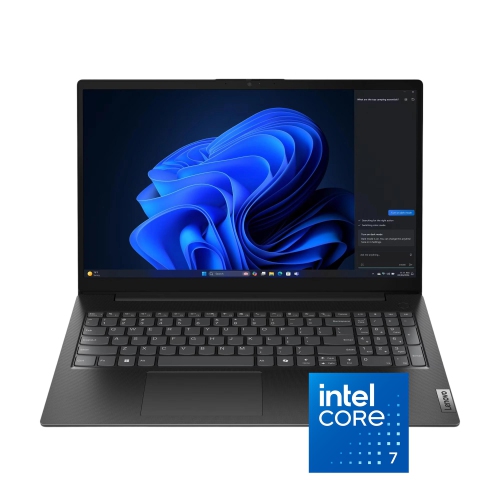
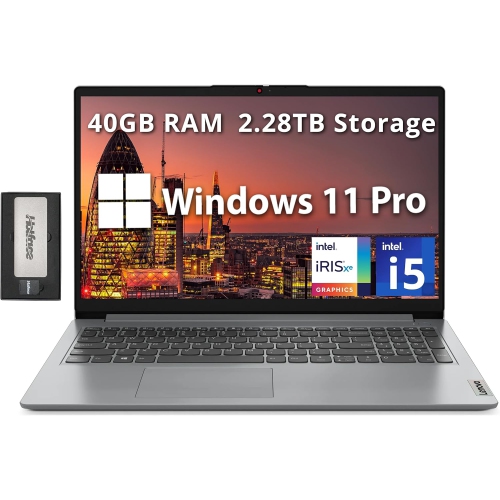
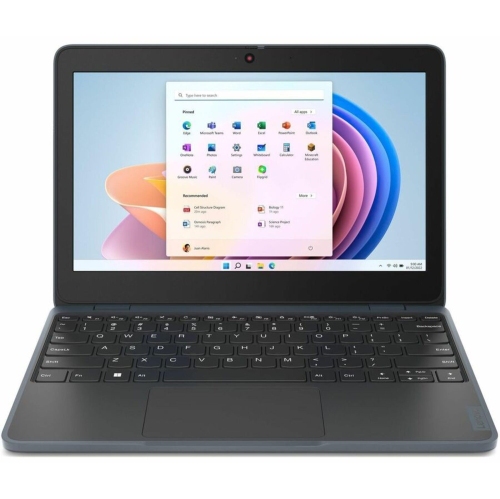
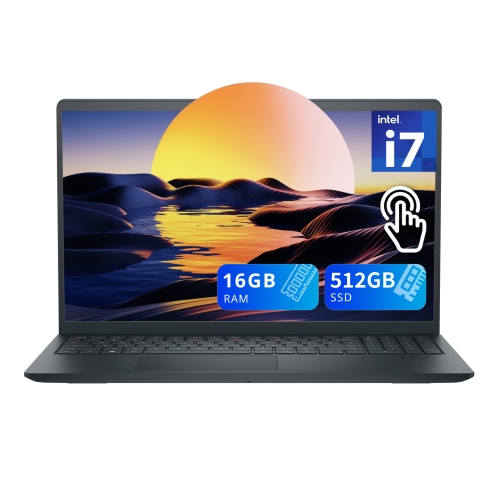
What matters beyond webcam resolution for everyday calls
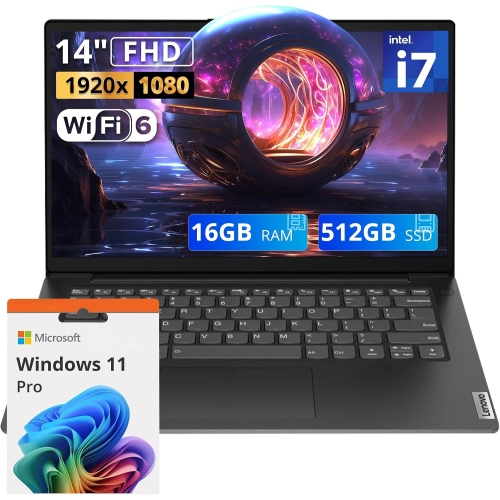
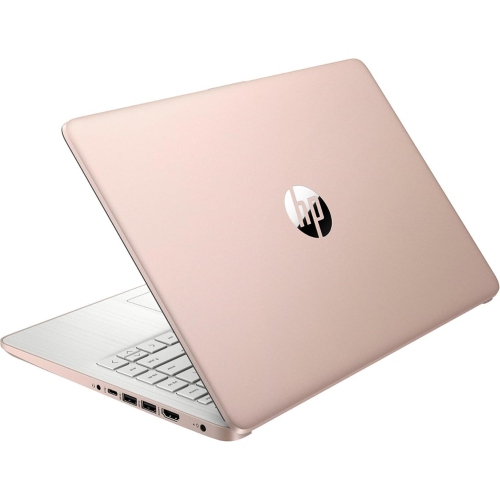
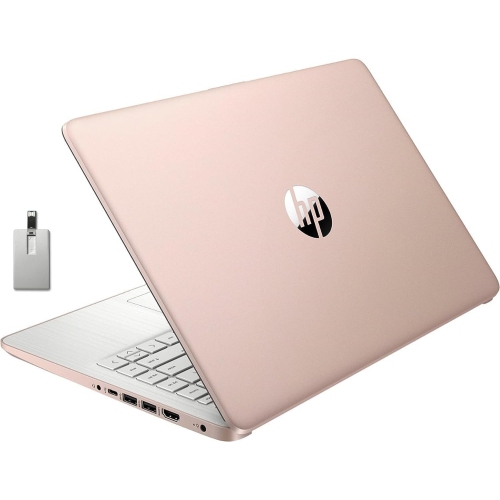
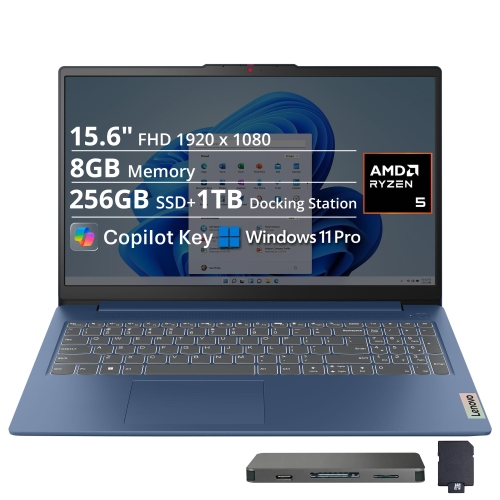
Laptops with 720p webcams combine everyday computing with a built-in camera for video calls, online classes, remote appointments, and conversations with family and friends. A 720p webcam captures HD video at a resolution of 1280 × 720 pixels, usually in a widescreen format. That resolution can be suitable for ordinary face-to-face communication, especially when the person on camera appears in a small meeting window rather than filling a large display. It is less suited to showing fine print, detailed artwork, or small objects close to the lens, where a higher-resolution camera may capture more detail. Resolution alone does not determine how a webcam looks in use: the camera sensor, lens, exposure adjustment, image processing, and available light all affect the picture. A person seated facing a softly lit window or desk lamp will generally appear clearer than someone sitting with a bright window behind them. Video calling software and connection quality can also reduce the detail that reaches other participants, regardless of the webcam’s stated resolution. For a student joining a seminar, a remote worker checking in with colleagues, or a grandparent catching up with relatives, the appeal is straightforward: the camera is already part of the laptop, with no separate device to position or pack. Placement matters, too. A camera centred above the display tends to provide a more natural angle than one positioned near the keyboard, although the exact arrangement varies by laptop. Built-in microphones complete the basic calling setup, while a headset can make speech easier to hear in a shared room. A physical privacy shutter, where included, provides a visible way to cover the lens between calls. Camera permissions offer another layer of control over which applications can use it. These features help distinguish laptops that share the same 720p specification but may feel quite different during a conversation.
The laptop surrounding the webcam is just as important to its intended use. A system used mainly for email, documents, browsing, and occasional calls has different demands from one expected to handle large spreadsheets, programming tools, creative software, or several applications during a meeting. The processor and memory influence how comfortably those tasks run together, while solid-state storage helps with opening applications and accessing saved files. A video call alongside a presentation, multiple browser tabs, and a shared document can place more demand on a computer than the camera resolution suggests. Display quality deserves separate attention because a 720p webcam does not mean the laptop’s screen is limited to 720p. A higher-resolution screen can still show crisp text and detailed images even when the integrated camera records at a lower resolution. Screen size also shapes daily comfort: a compact laptop takes up less room in a bag or on a small desk, while a larger display provides more space for meeting participants, notes, and reference material. Keyboard spacing, touchpad responsiveness, and a readable screen can make a noticeable difference during long assignments or work sessions. For frequent travel between home, school, and the office, overall weight, charger size, and battery performance may matter more than a small difference in camera specifications. Video calls use the camera, microphones, screen, and network connection at the same time, so battery life during meetings can differ from figures based on lighter tasks. Reliable Wi-Fi helps support a steady connection, although results also depend on the router, signal strength, internet service, and other activity on the network. Ports are useful for connecting a headset, external display, wired network adapter, or separate webcam when the necessary connections are supported. Operating system and application compatibility also matter for school platforms, workplace tools, and accessibility features. For a broader view of integrated-camera configurations, Laptops With Webcam brings the focus beyond a single camera resolution.
Materials, construction, and care affect how well a laptop fits into a daily routine. Plastic housings can help keep a machine light, while aluminium designs often have a firmer feel; neither material alone establishes durability. Hinge construction, chassis rigidity, and how the laptop is carried also influence wear over time. A padded sleeve or properly sized laptop compartment helps protect the lid and corners from contact with keys, chargers, and other objects in a bag. Carrying a laptop by its base rather than its display avoids unnecessary strain on the hinges, and keeping cables clear of walkways reduces the chance of an accidental pull. On a desk, a stable stand can raise the webcam closer to eye level, making conversations feel more natural while leaving room for an external keyboard and mouse. Ventilation openings need clear space, particularly during longer calls with several applications running; a firm surface is more suitable than a cushion that can obstruct airflow. The webcam lens benefits from gentle cleaning with a clean, dry microfibre cloth, following the manufacturer’s care directions. Smudges can soften an image, and cleaning fluid should not be sprayed directly onto the camera or display. For households sharing a computer, separate user accounts can help keep documents, settings, and application access distinct, while camera and microphone controls remain useful for everyone. A laptop with a 720p webcam can also be a practical gift for someone whose main activities are writing, browsing, studying, and staying in touch, provided its software compatibility, screen size, and performance match their needs. Someone who regularly records detailed demonstrations or presents visual work may benefit from a higher-resolution built-in camera or a compatible external webcam instead. For everyday conversations, though, a well-positioned 720p camera paired with clear audio, comfortable controls, and dependable overall performance can provide a straightforward way to participate from a desk, dining table, or shared workspace.
Top selling and popular products
-
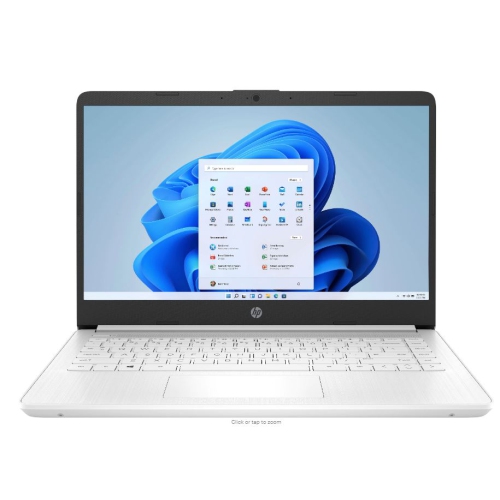 Your price for this item is $449
-
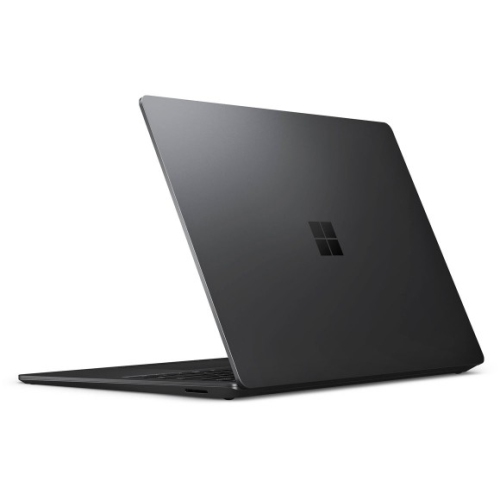 Your price for this item is $3099
-
 Your price for this item is $1800.68
-
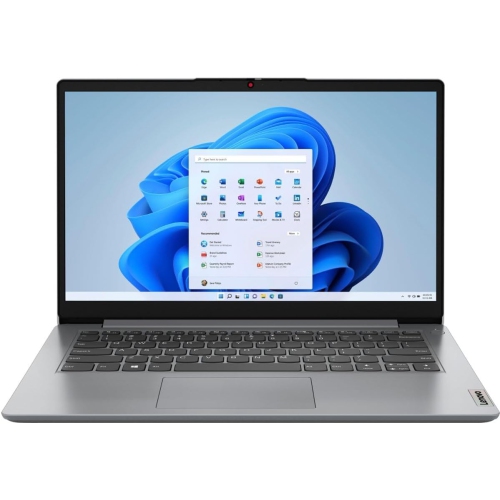 Your price for this item is $664.05
-
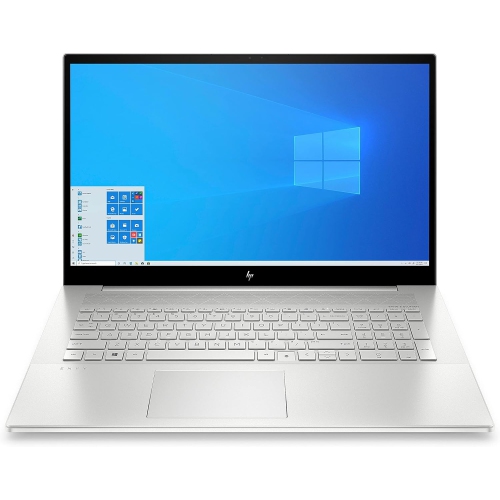 Your price for this item is $869.99
-
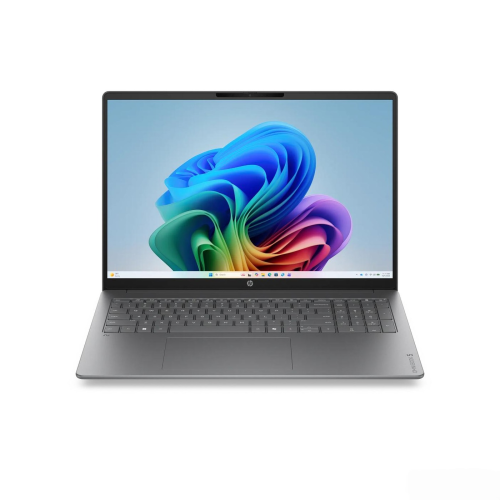 Your price for this item is $2960.48
-
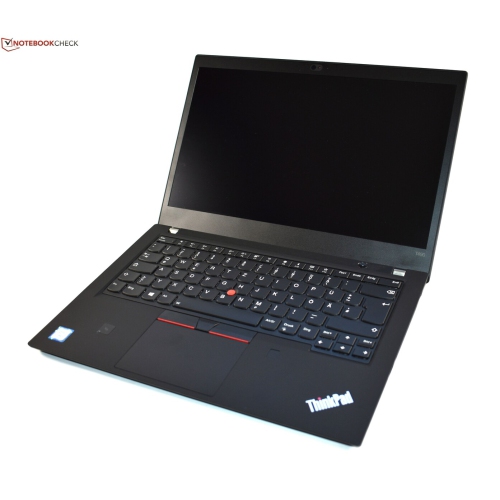 Your price for this item is $499.68
-
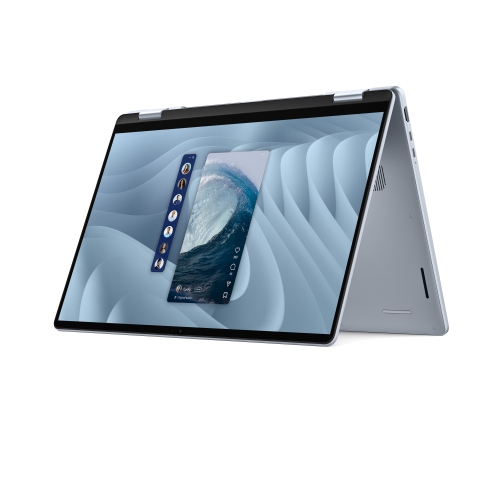 Your price for this item is $1951.79
Discover more categories related to Laptops With 720P Webcam

Top Collections:
Best Black Friday Deals This Year, Best Black Friday Deals On Electronics, Kindle Devices, Pokemon Centers, Best Black Friday Deals On Apple Products, Best Cameras for Sports Photography, Dyson Airwrap, Pokémon 30th Celebration Cards, Apple iPhone 17 Pro, Canon G7X Cameras
Some products may be subject to Environmental Handling Fees
(EHF) depending on your province.
Learn more about EHFs.