Laptops With Webcam

Laptops with webcams make it easy to join video calls, attend online classes, and stay in touch without connecting a separate camera. Compare options by webcam resolution, microphone features, screen size, and battery life to find a laptop that suits your work, study, and everyday needs.

Read More

Sort

Laptops With Webcam

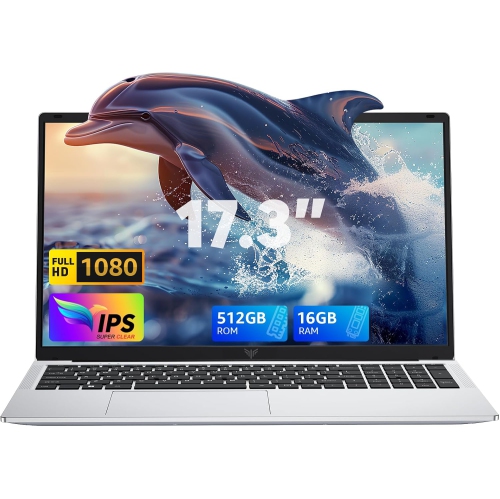
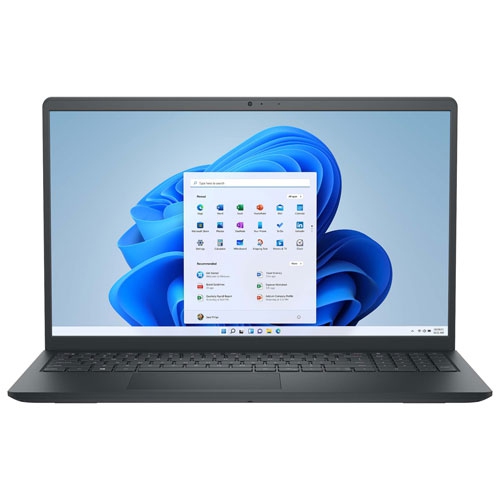
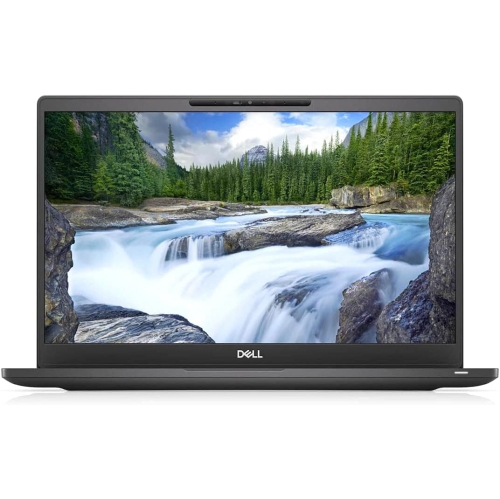
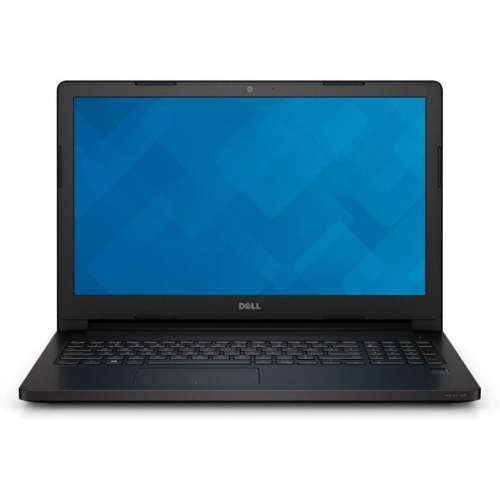
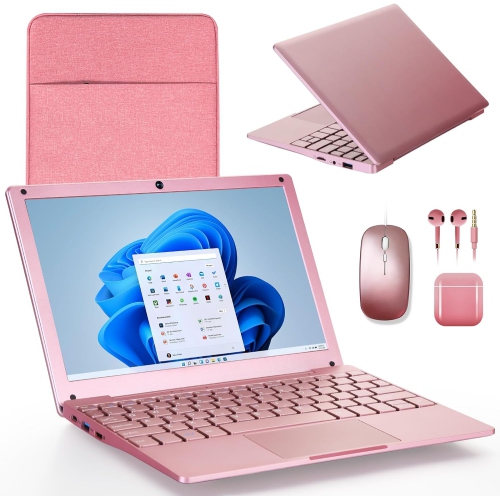
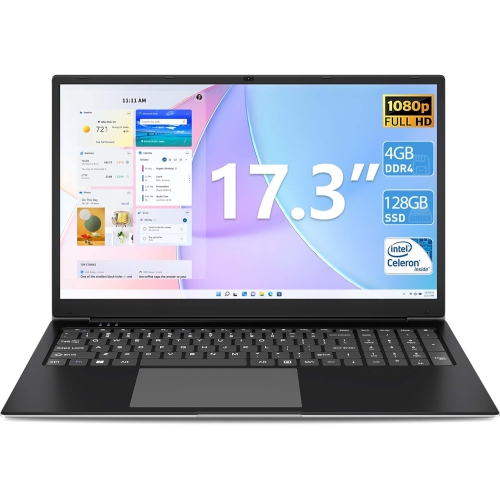
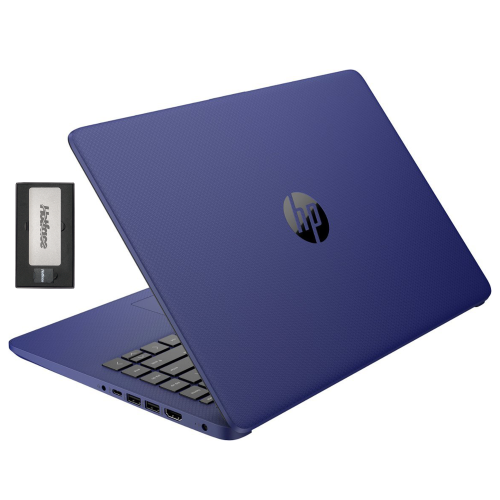
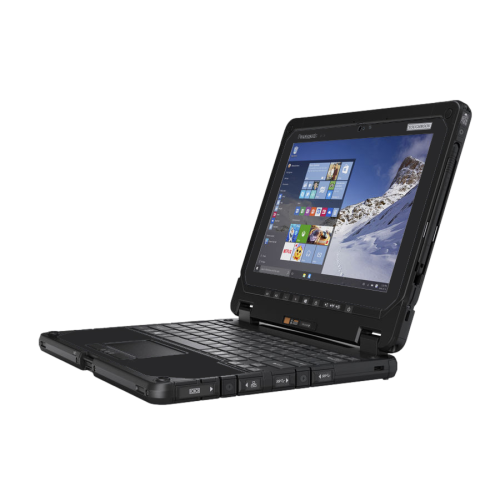
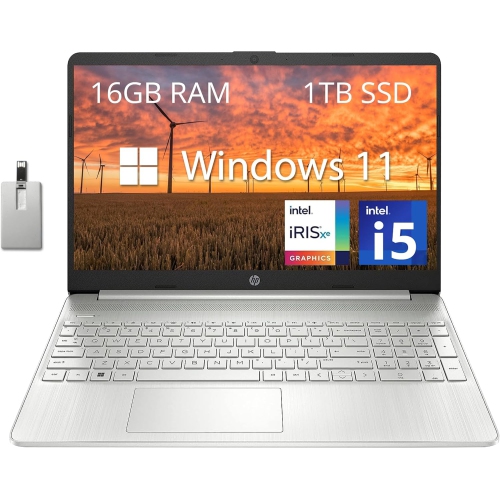
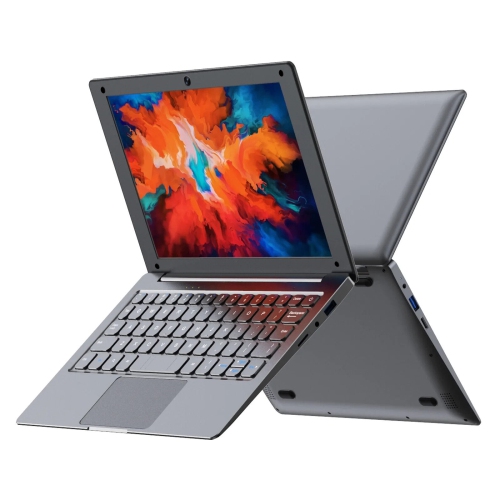
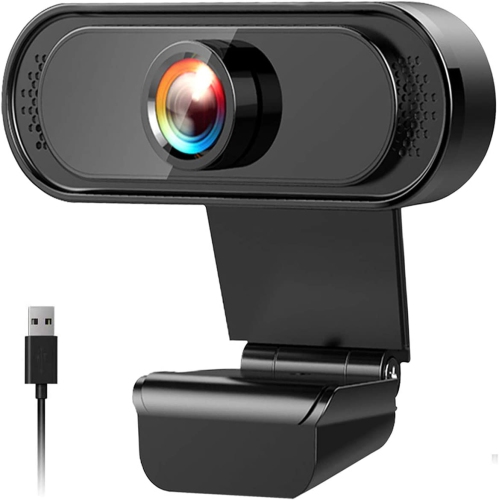
Laptops with Webcam bring everyday computing and face-to-face connection together in one convenient device. From joining a morning team meeting at the kitchen table to catching up with family across Canada, a built-in camera makes it easier to stay in touch without packing a separate accessory. For students, that can mean attending an online class, meeting with a tutor, or collaborating on a group assignment between lectures. For people working from home, it means moving from spreadsheets to a video call without rearranging the desk. Camera quality deserves a close look, especially if video calls are part of your daily routine. A 1080p webcam generally captures more detail than a 720p camera, though resolution alone does not determine how natural the picture looks. Sensor quality, exposure adjustment, and available light also matter. Sitting near a window with the light facing you, rather than behind you, can make a noticeable difference. Features such as automatic framing and low-light adjustment may help keep your image clear as you shift in your chair or the afternoon light fades, but availability varies by laptop.

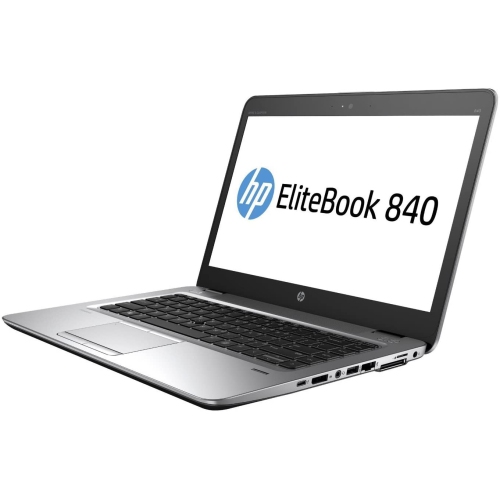
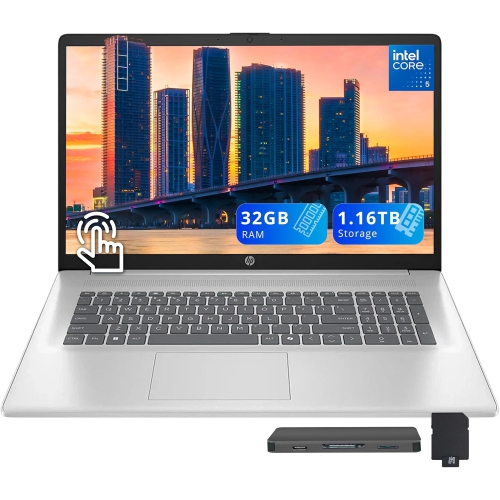
A comfortable video-calling experience depends on more than the webcam. Built-in microphones, clear speakers, and dependable Wi-Fi all play a part in making conversations feel less like a technical exercise and more like being in the same room. Microphone noise reduction can help limit distractions such as keyboard taps or a nearby fan, while headphones are useful when you need privacy in a shared space. Look at the laptop’s processor and memory alongside its camera specifications: keeping a call open while switching between a presentation, several browser tabs, and a shared document asks more of a computer than a casual weekend chat. For frequent multitasking, 16 GB of RAM can provide useful headroom, while lighter everyday tasks may be comfortable with less. A solid-state drive helps applications open promptly and gives you space for coursework, photos, and work files. Screen size is another practical consideration. A compact 13-inch or 14-inch laptop slips more easily into a bag, while a 15-inch or 16-inch display offers more room to view participants alongside notes. A readable screen, comfortable keyboard, and well-positioned camera can matter just as much as specifications during a long day.

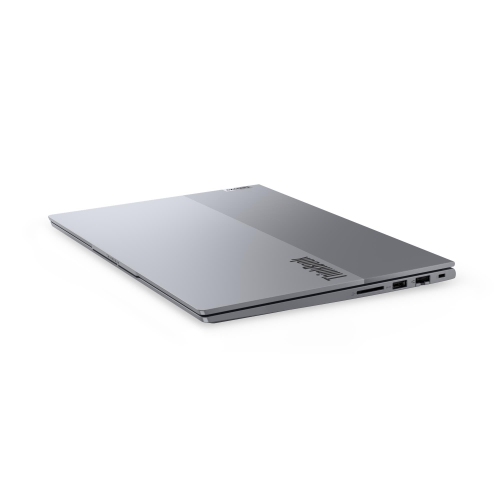
When choosing a laptop with a webcam for yourself or as a gift, think about where it will spend most of its time and how its owner likes to connect. A student carrying it across campus may appreciate a lighter design and a charger that does not weigh down a backpack. Someone who mainly uses it at home might prefer a larger display for family calls, online appointments, and everyday browsing. Battery-life estimates deserve attention, but video calls can use power more quickly than lighter tasks, so access to charging is worth considering. Check for the ports needed for a headset, external display, or other accessories, and confirm compatibility with the calling apps you use most often. A physical camera shutter is a useful privacy feature, providing a visible way to cover the lens between calls; a microphone mute control offers separate control over audio. Some laptops also include an infrared camera for supported facial sign-in, which is different from a standard webcam and should be verified in the specifications. The right combination makes those small daily moments easier, whether that is presenting confidently from a spare-room desk or opening the lid just in time to see a familiar face.

Read More

FAQ

Some products may be subject to Environmental Handling Fees (EHF) depending on your province. Learn more about EHFs.