DJI Pro 3
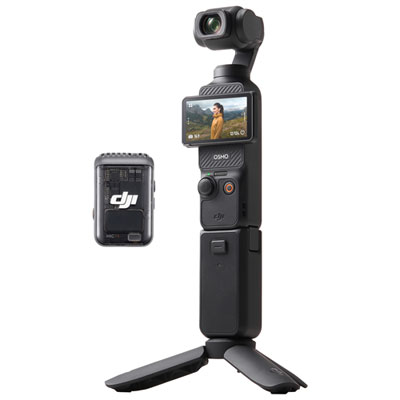
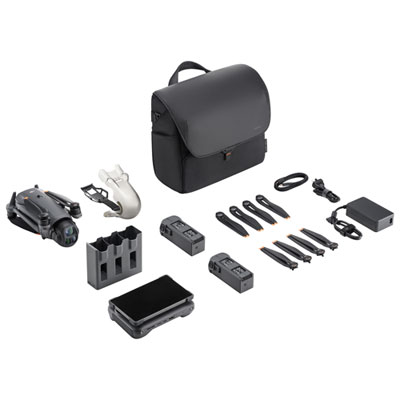
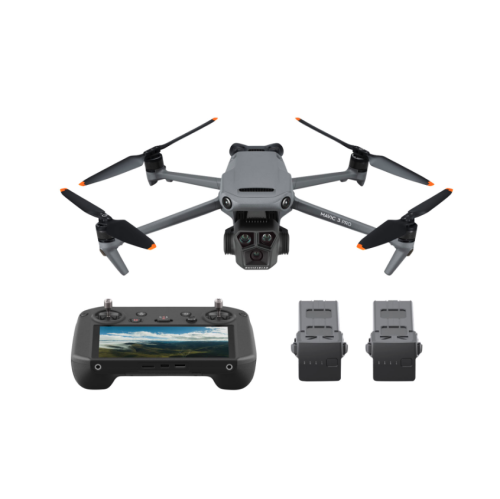
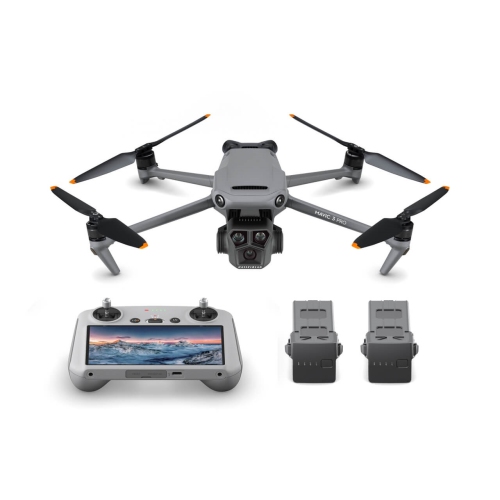
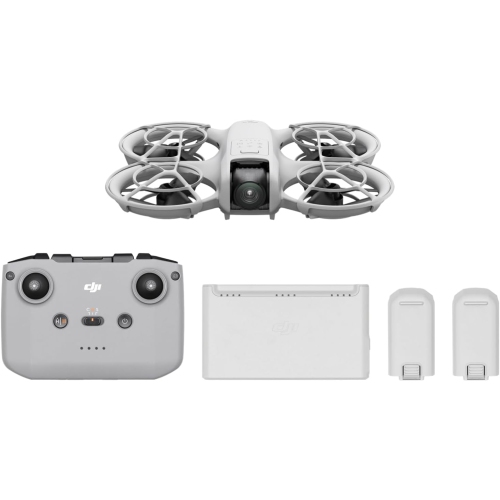
Shopping for DJI Pro 3? Check the full model name to distinguish the DJI Mini 3 Pro from the DJI Mavic 3 Pro. Compare available drone listings by camera features, size, controller options, and included accessories to find a setup that suits your aerial photography needs.

FAQ
Consider sensor format, photo resolution, available video formats and manual exposure controls. RAW photo support provides more editing options, while adjustable frame rates let you choose how motion appears in your footage. Some camera drones also offer vertical shooting for portrait-oriented content.
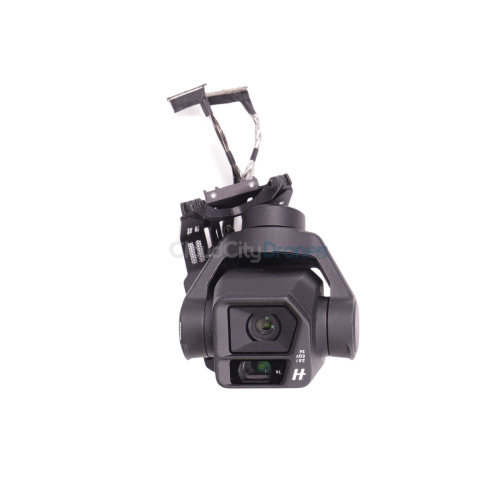
A gimbal is a motorized mount that controls the camera’s orientation as the drone moves. Three-axis gimbals adjust tilt, roll and pan. Depending on the drone, you can also tilt the camera from the controller to change your composition during flight.
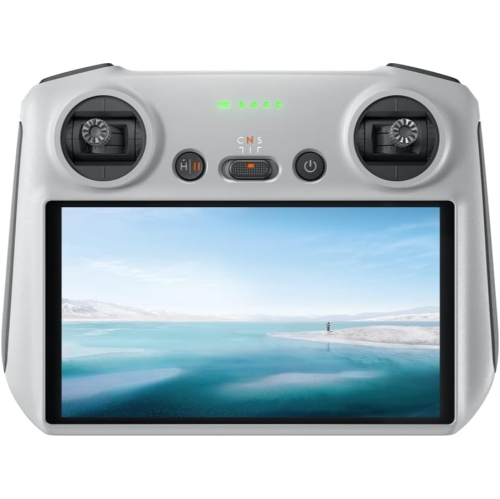
Camera drones typically use compatible dedicated controllers, either with a built-in screen or a connection to a smartphone running the manufacturer’s app. Controller compatibility varies by aircraft and transmission system, so check the supported models before choosing one.
Depending on the model, camera drones may offer single photos, burst shooting, exposure bracketing, panoramas, time-lapse and hyperlapse modes. Some also include programmed camera movements, such as orbiting a subject or pulling away while filming. Available modes can vary with the selected resolution and camera settings.
Common transfer methods include removing a compatible memory card, connecting the drone to a computer with a USB cable or using wireless transfer through the manufacturer’s app. Some drones also have internal storage. For editing, transfer the original files rather than relying on preview files saved by the app.
Top selling and popular products
Discover more categories related to DJI Pro 3
Some products may be subject to Environmental Handling Fees (EHF) depending on your province. Learn more about EHFs.