Drawing Stylus for Laptop
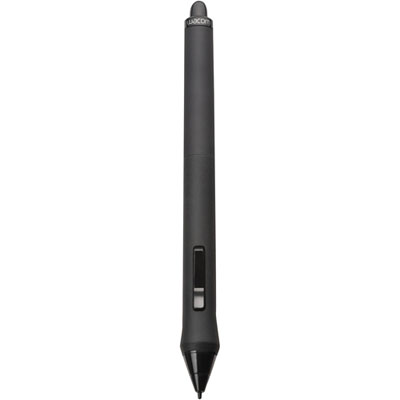
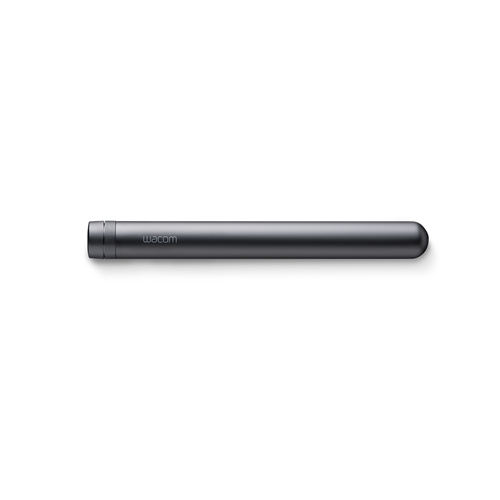
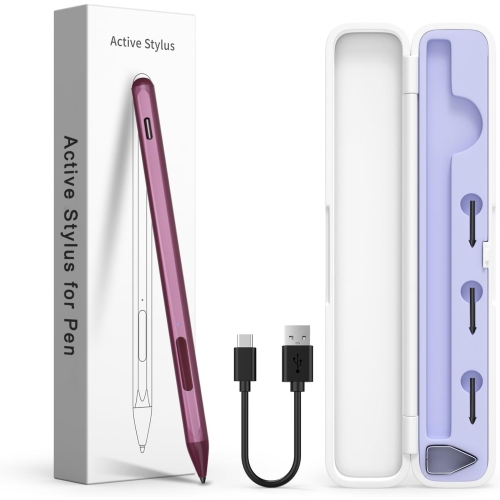
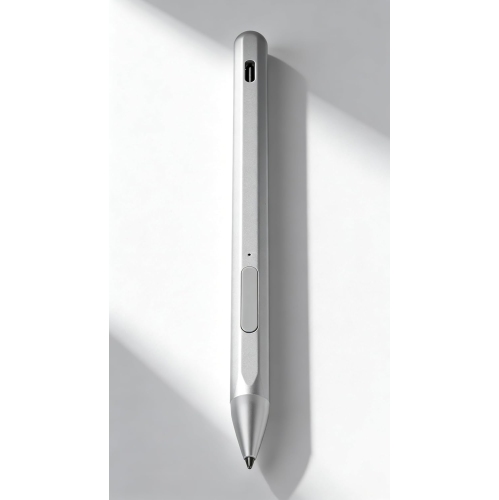
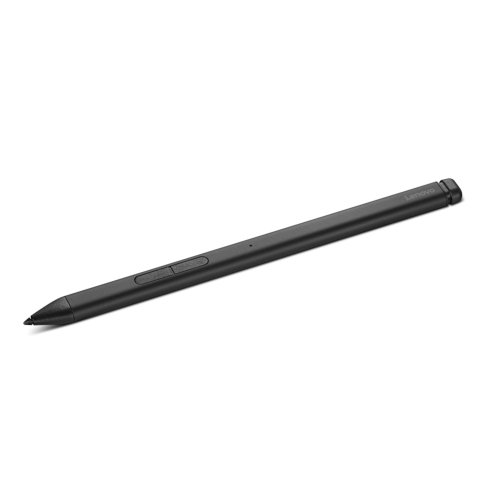
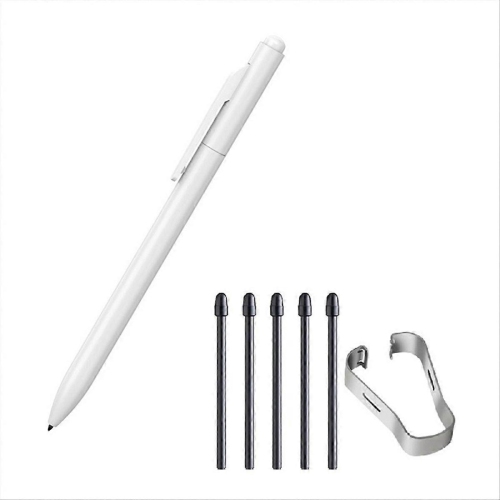
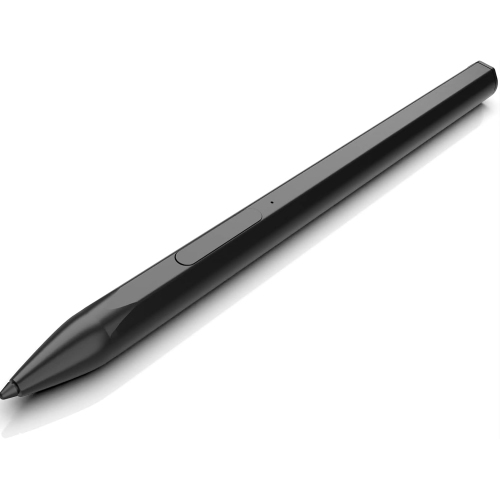
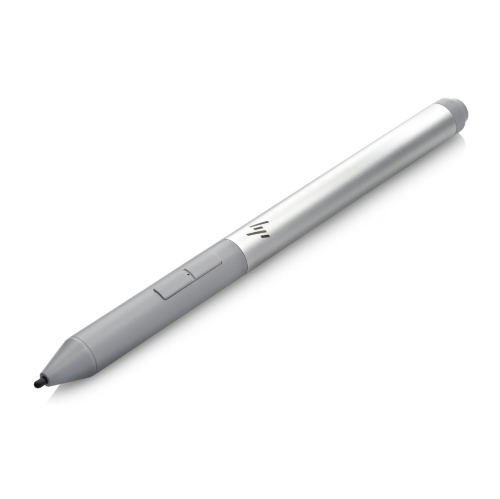
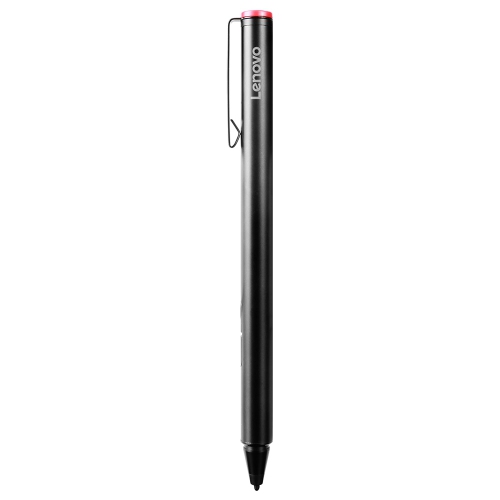
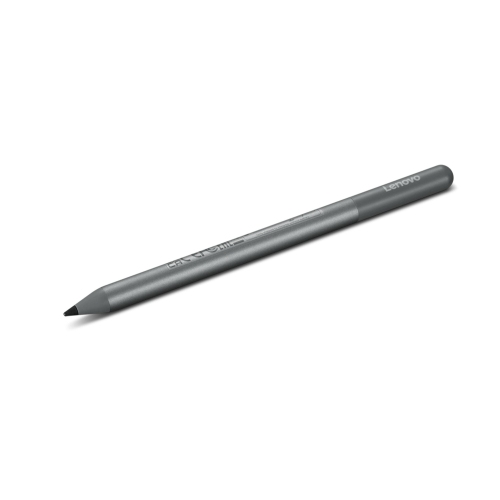
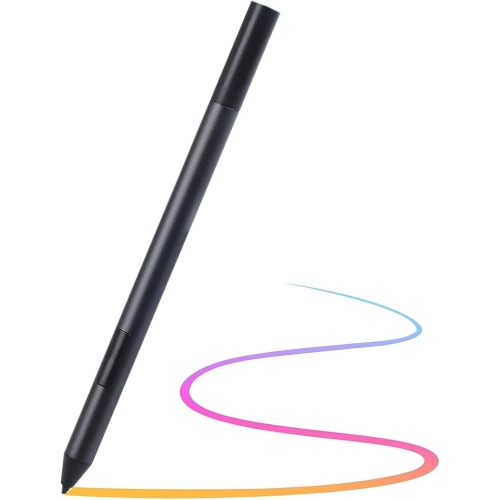
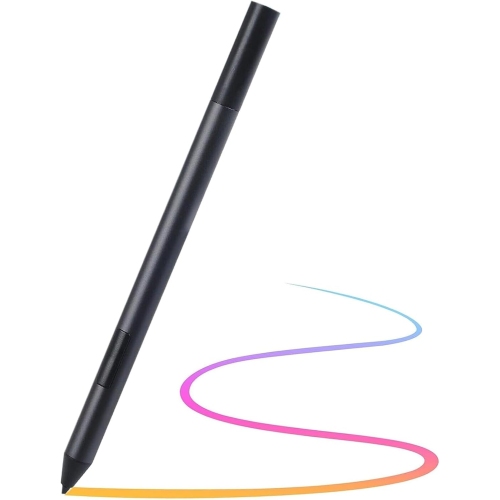
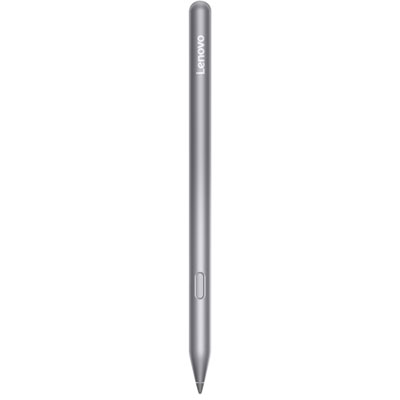
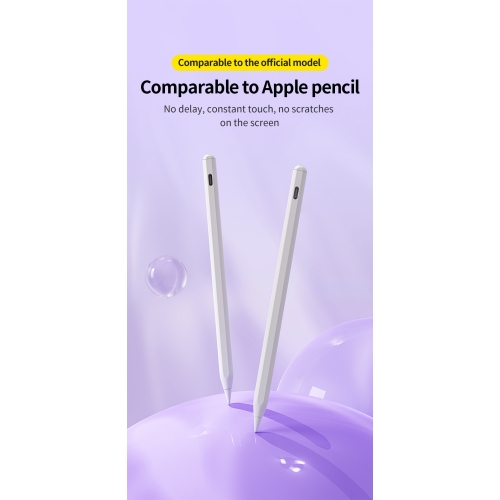
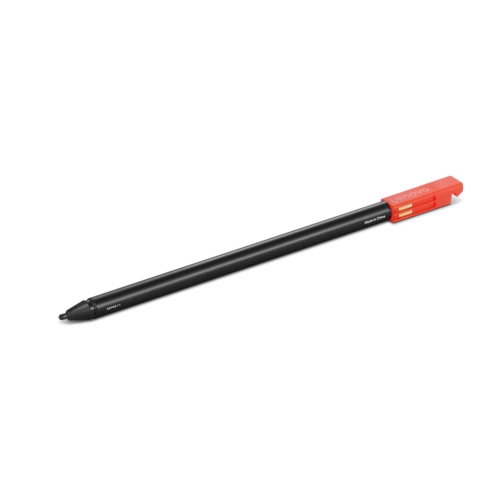
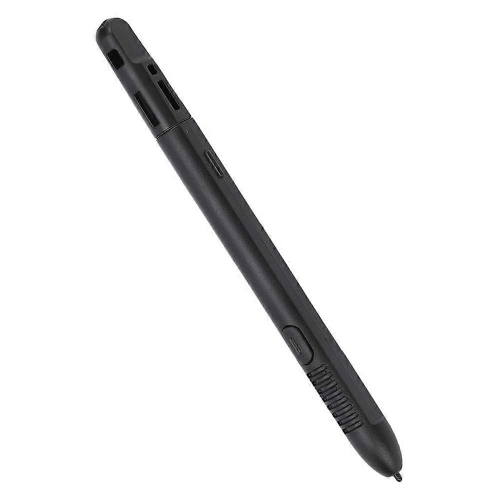
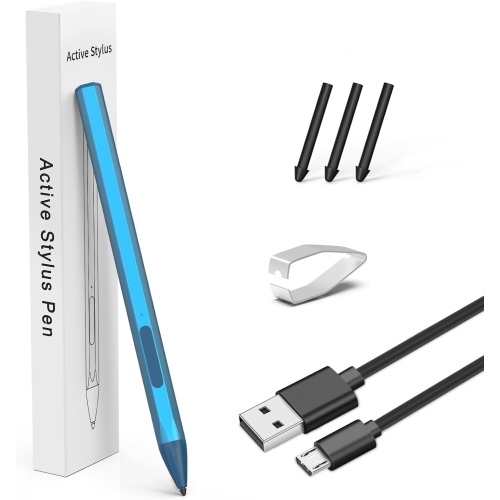
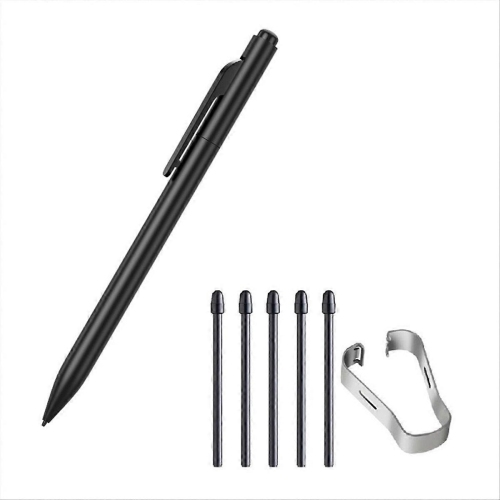
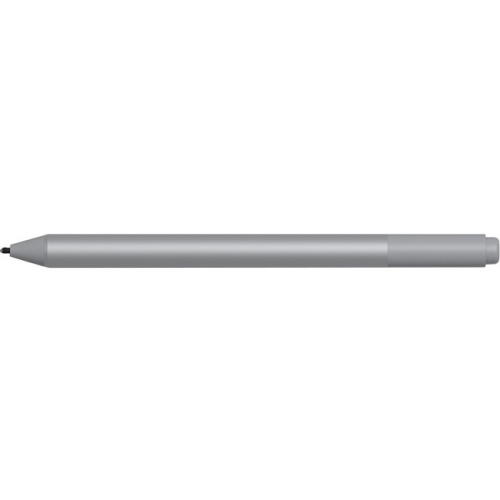
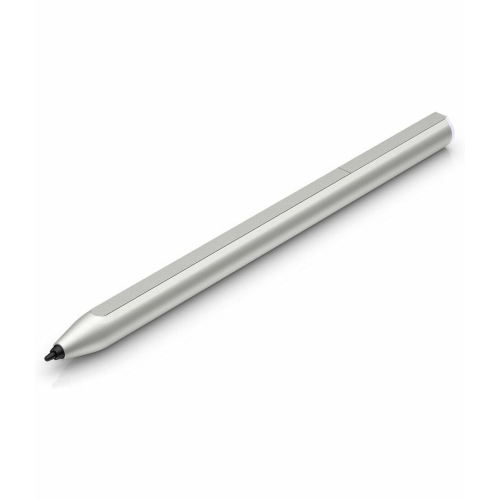
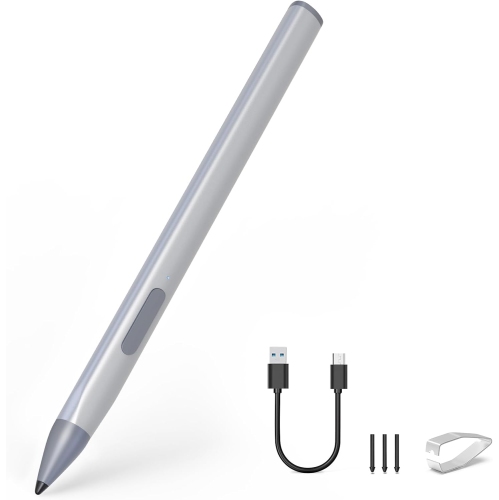
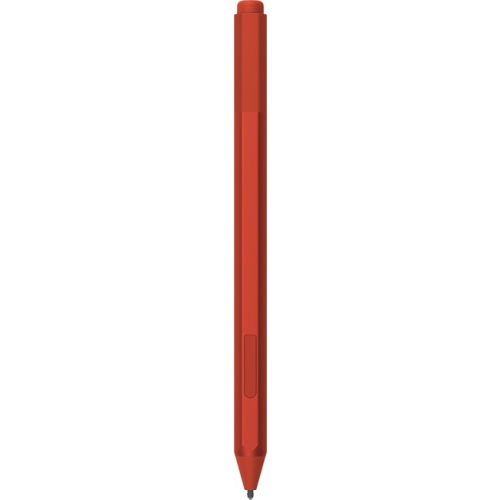
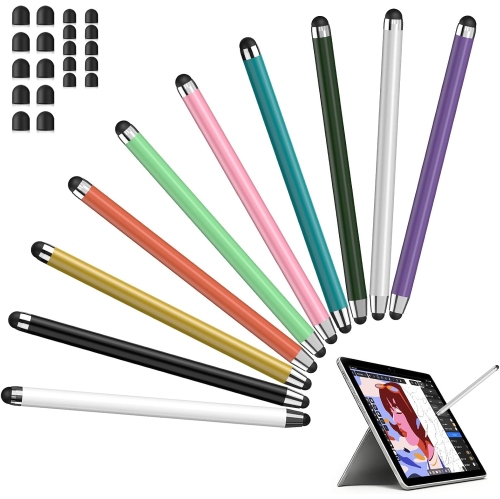
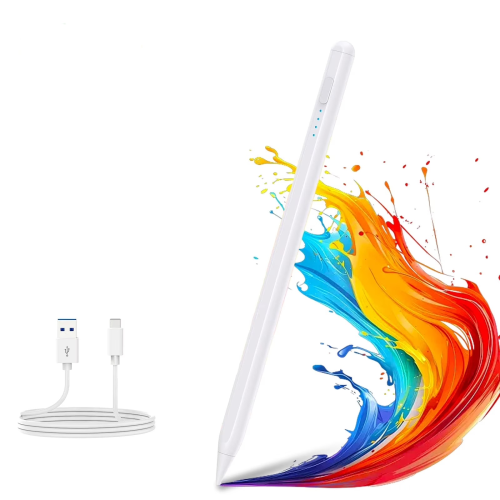
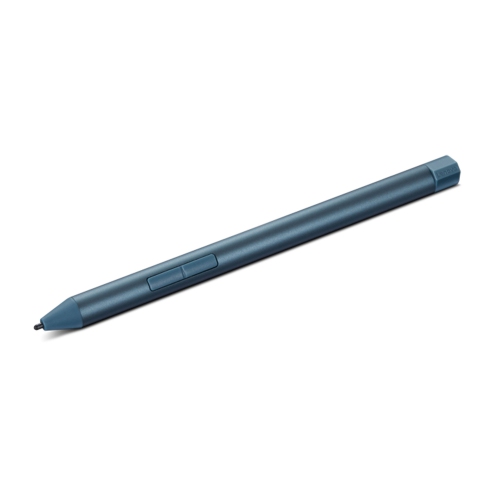
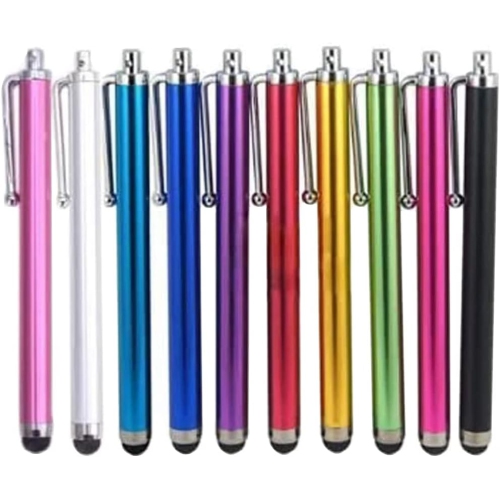
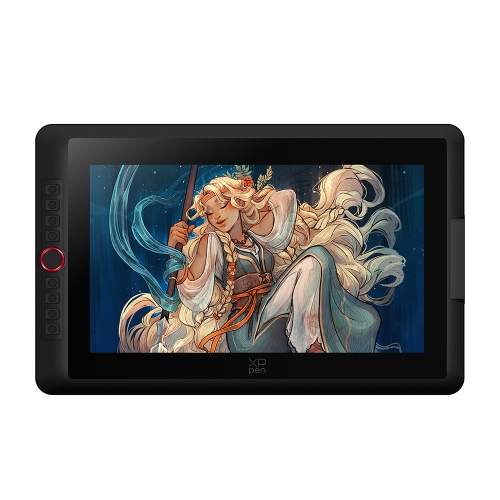
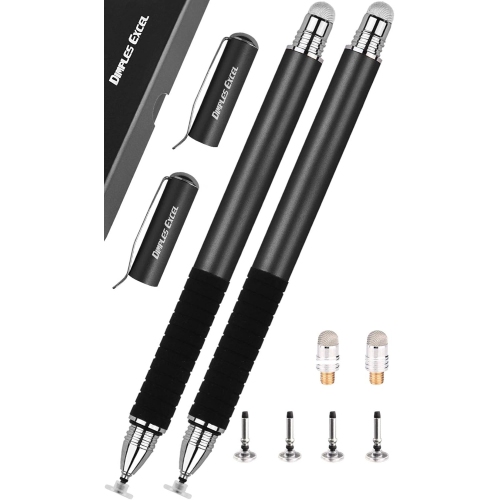
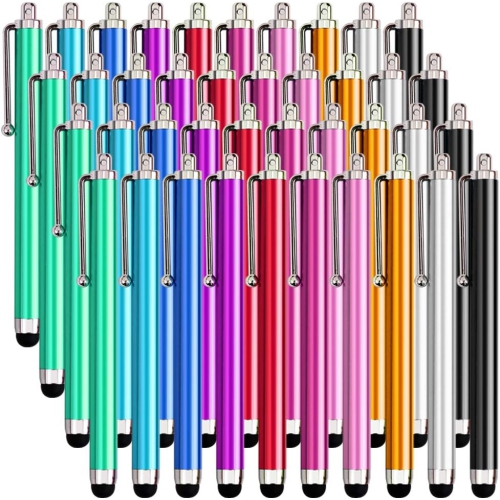
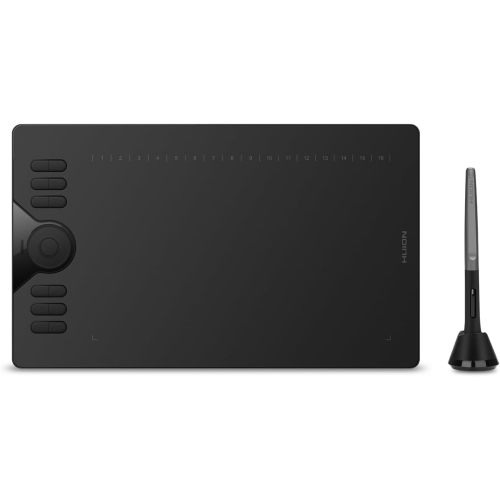
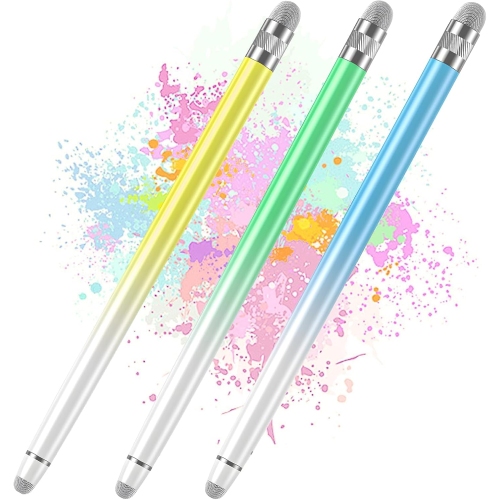
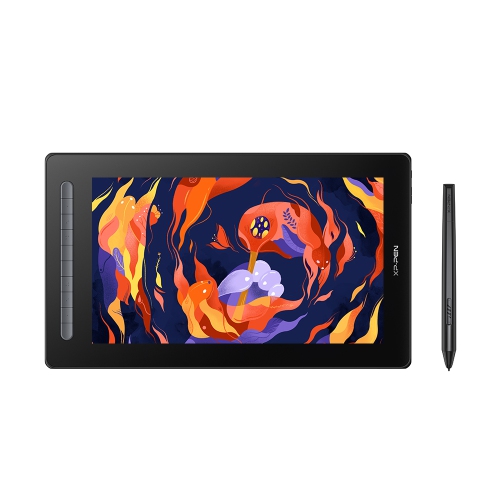
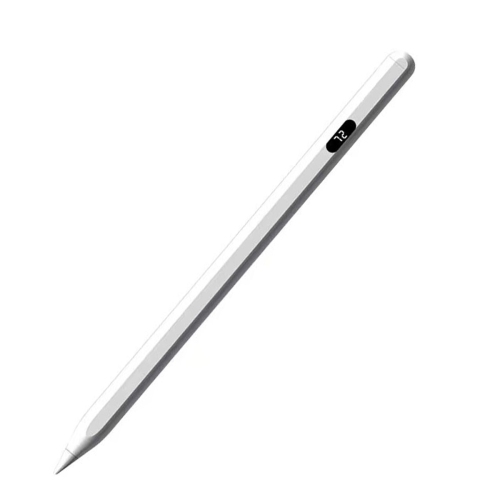
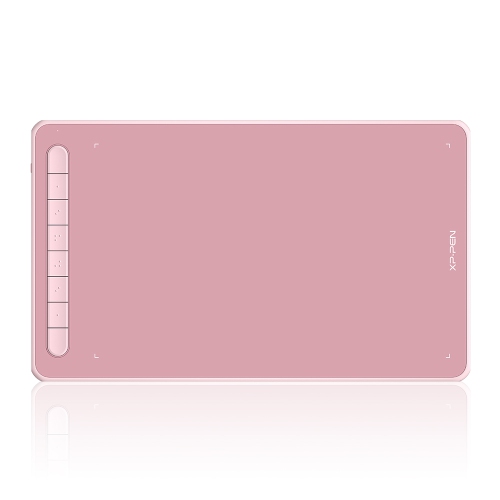
Whether you're an artist, a designer, or just someone who likes to take notes on their laptop, a stylus can help you get the most out of your device. A stylus is a pen-shaped tool that you can use to draw, tap on the screen, make selections, or write on the screen. Here are some great drawing styluses available on the market.
Sort
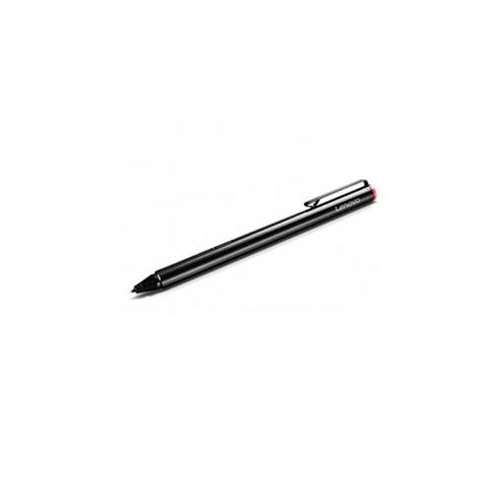
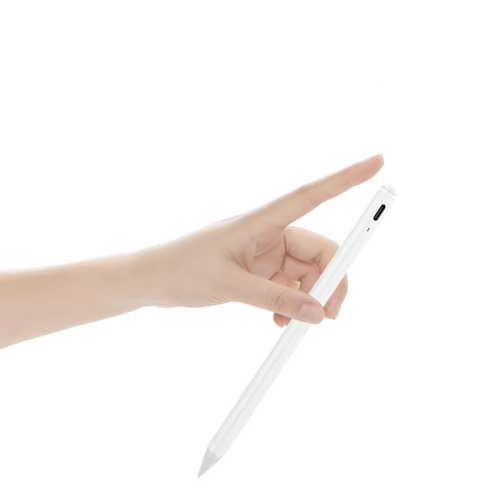
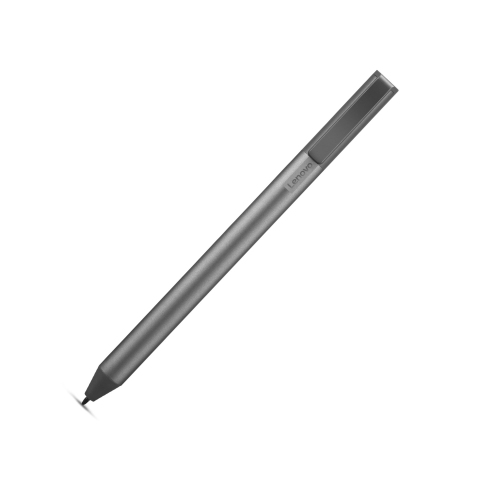
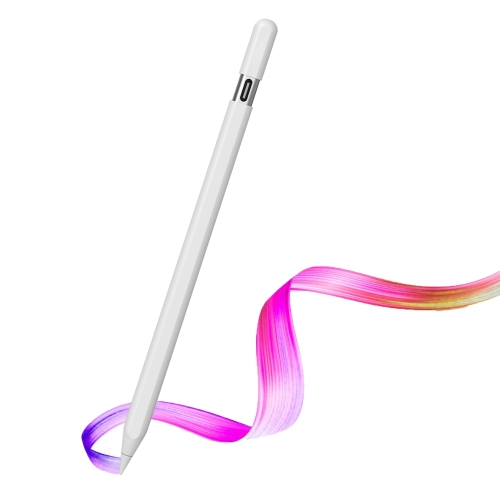

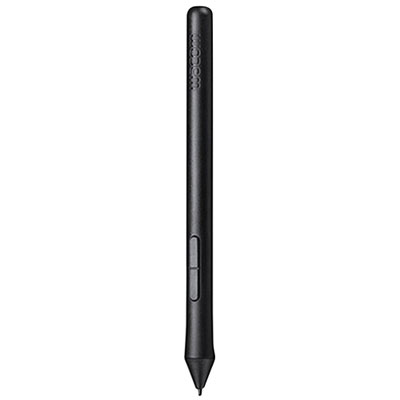
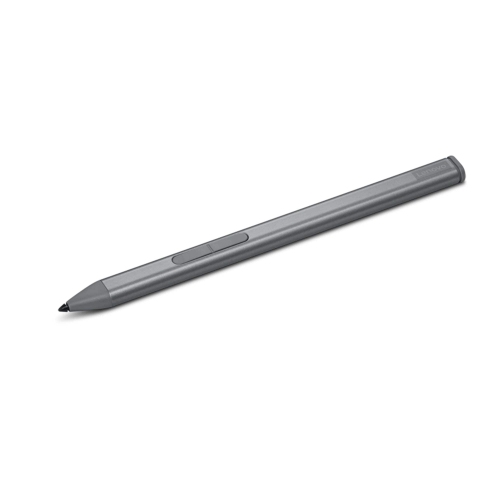


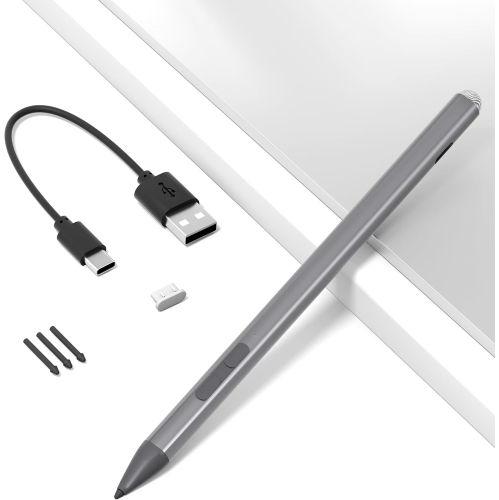
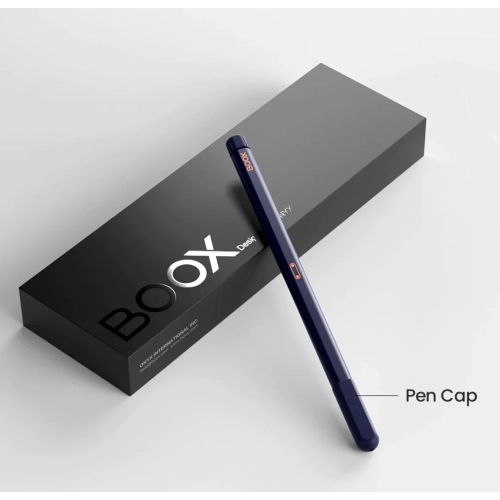
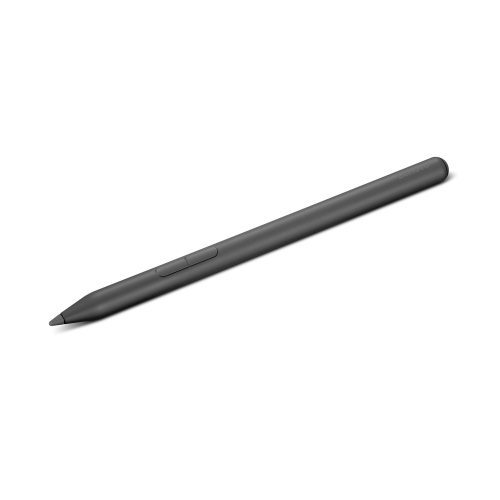
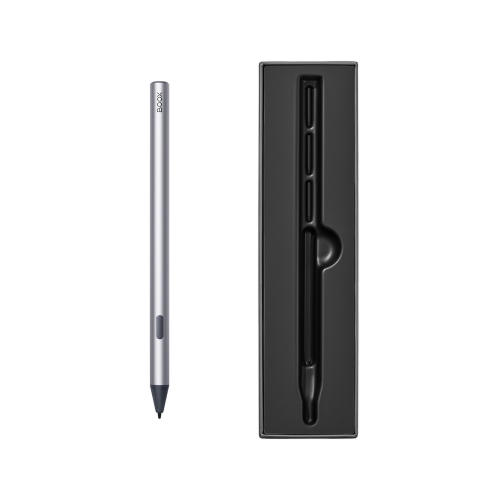
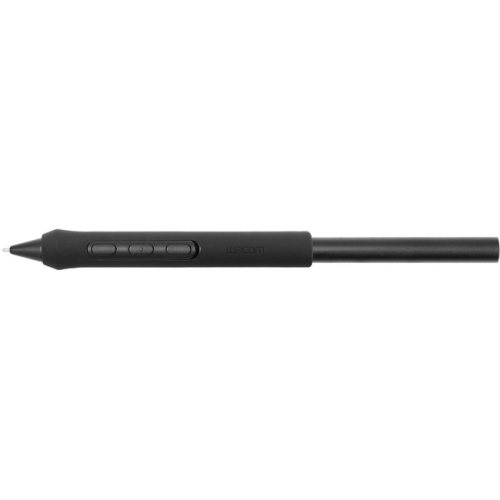
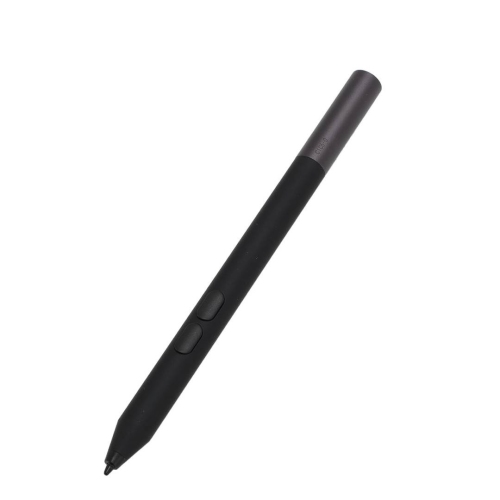
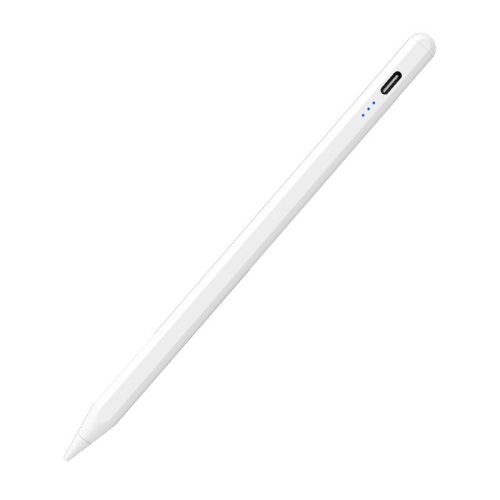
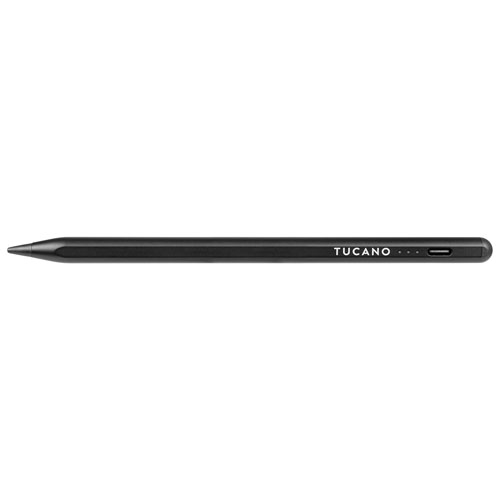

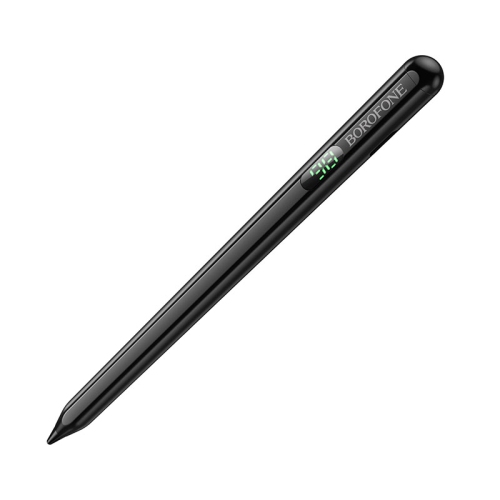
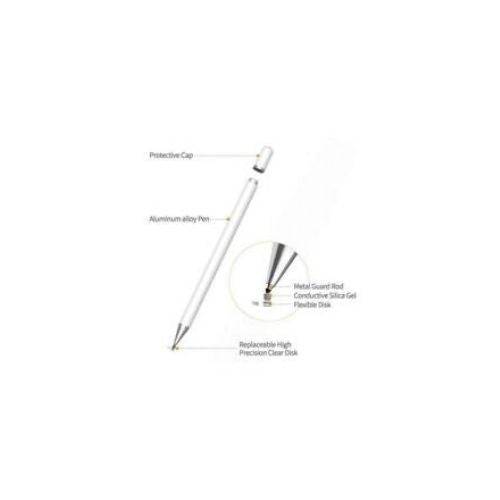
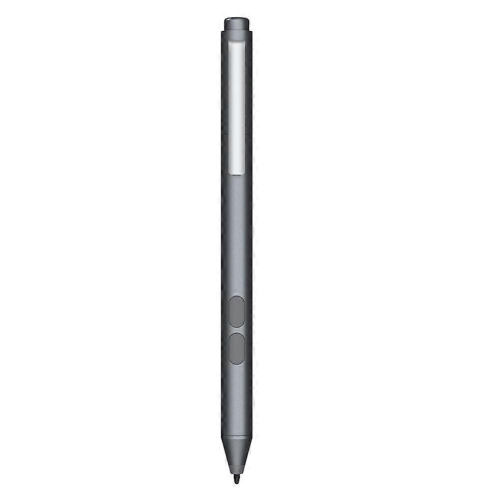

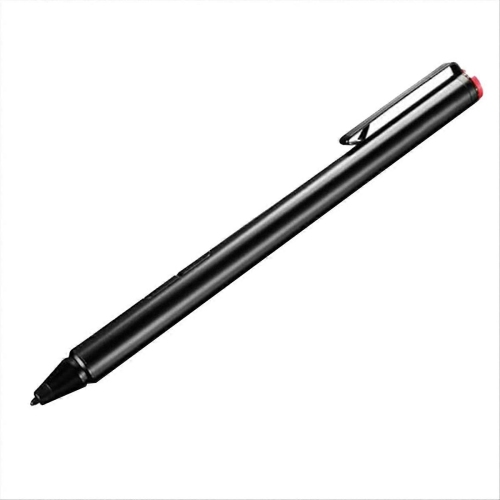
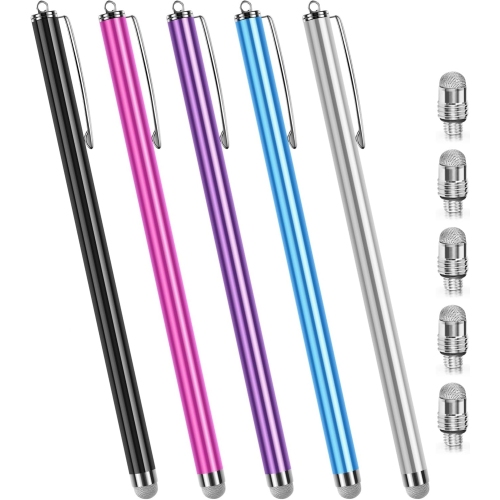
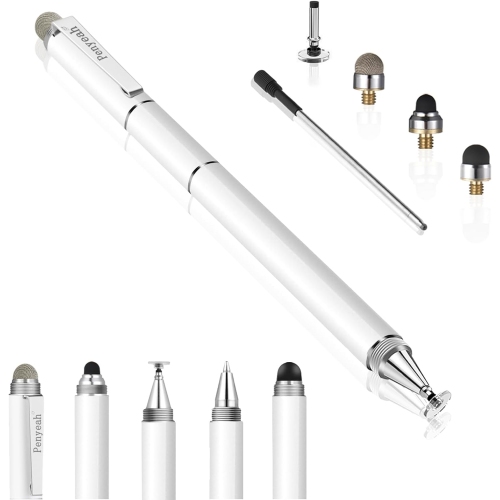
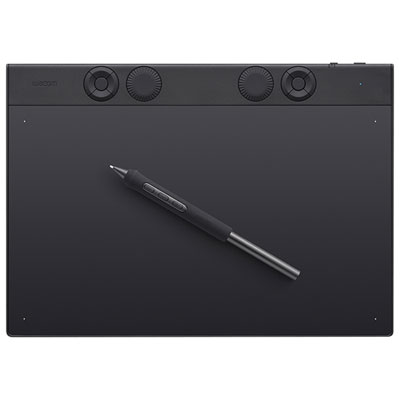
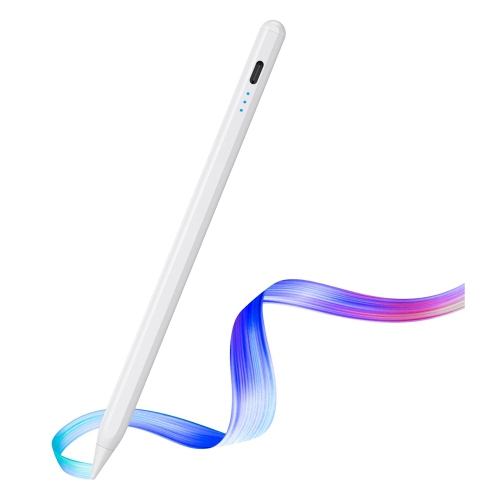

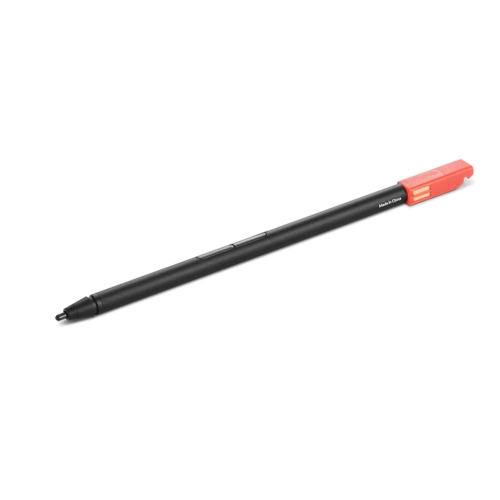
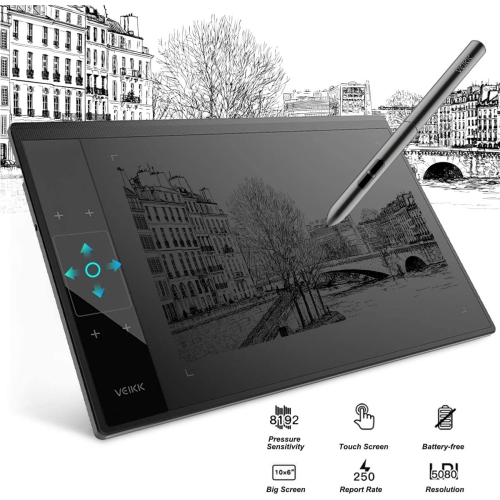
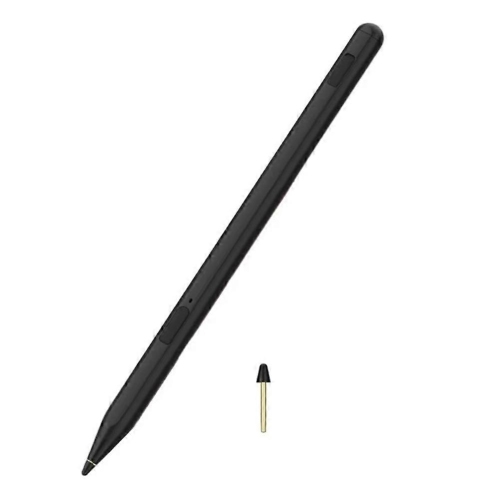
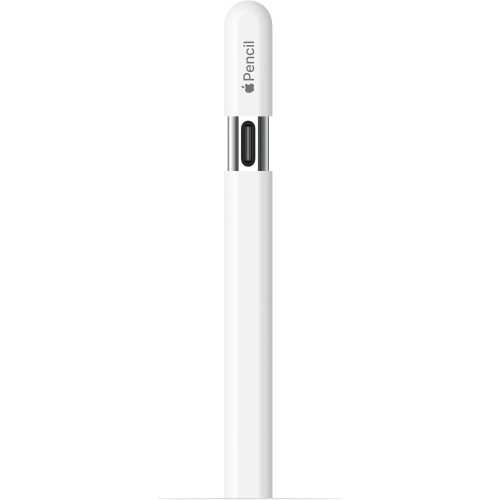
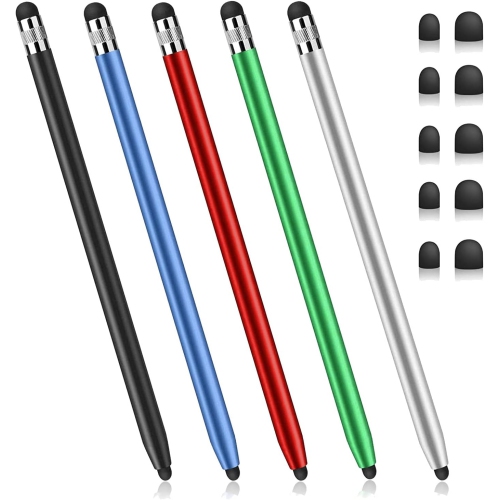
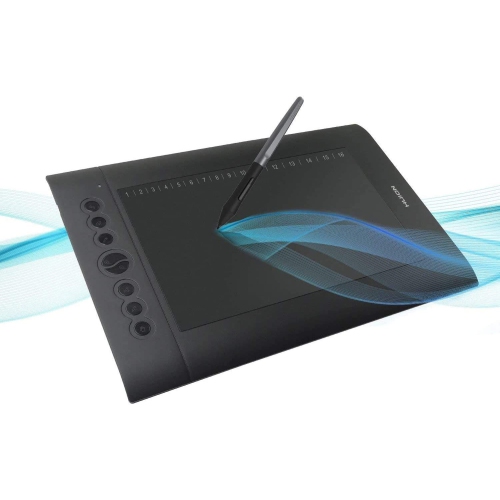
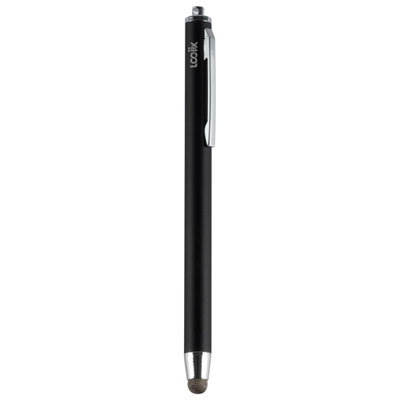
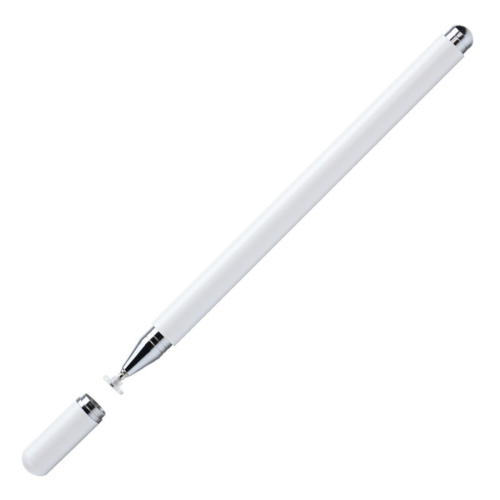
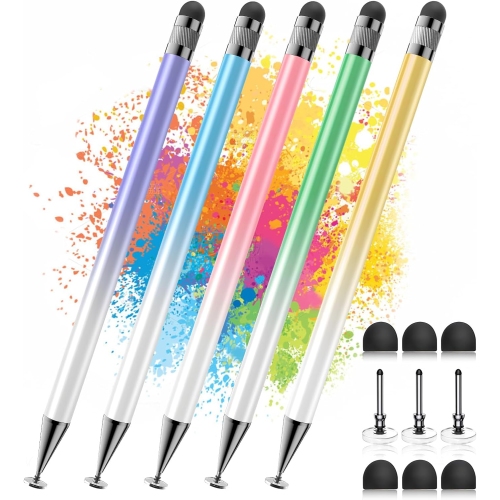
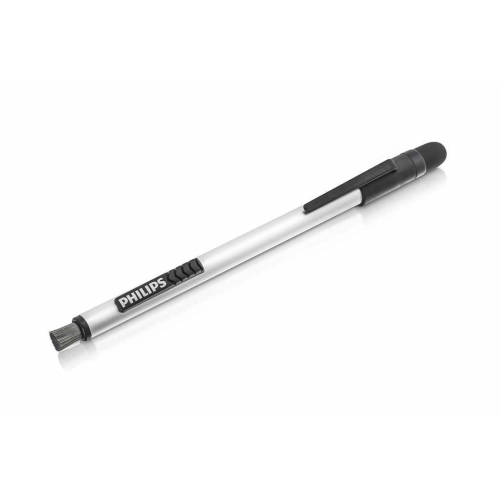
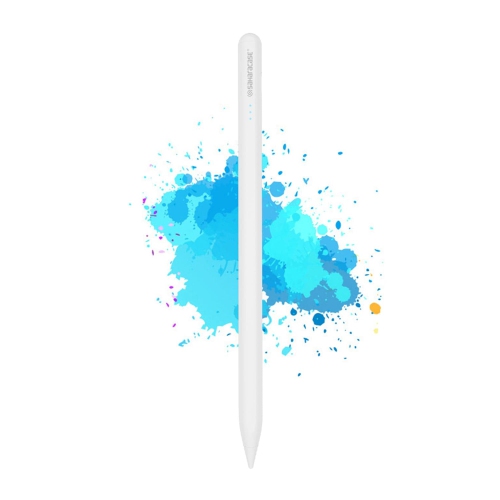
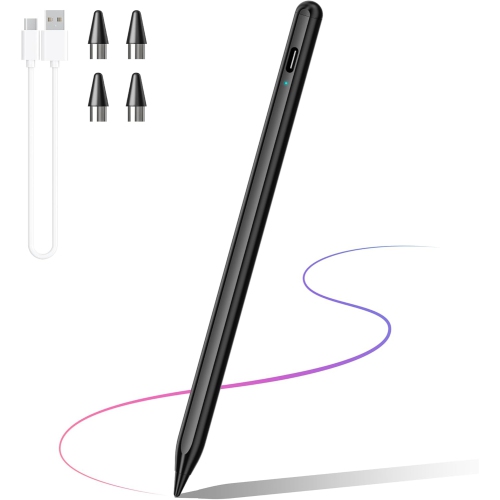
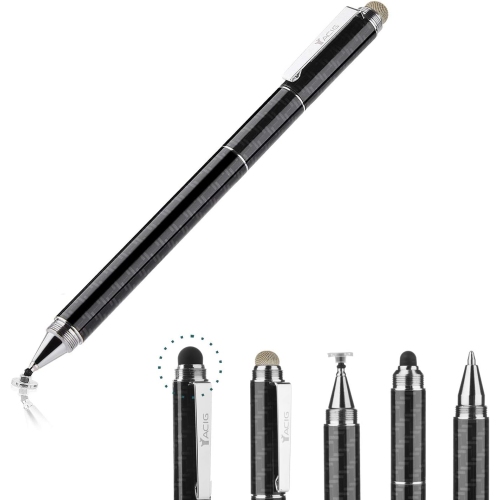
![DOLAER Capacitive Stylus Pen (4 Pack), Universal Stylist Pens [2 In 1 Precision Series] Fine Point Disc Stylus Touch Screen Pens For](https://multimedia.bbycastatic.ca/multimedia/products/500x500/165/16580/16580707.jpeg)
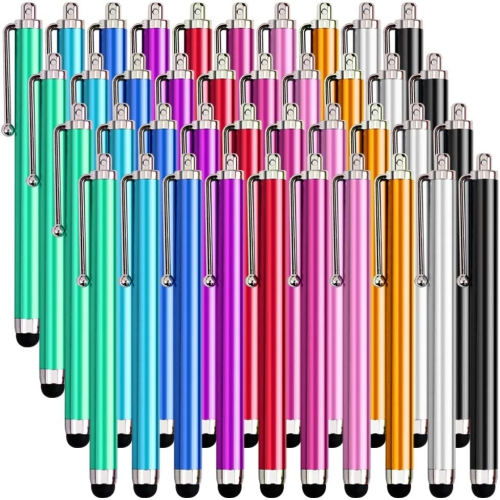
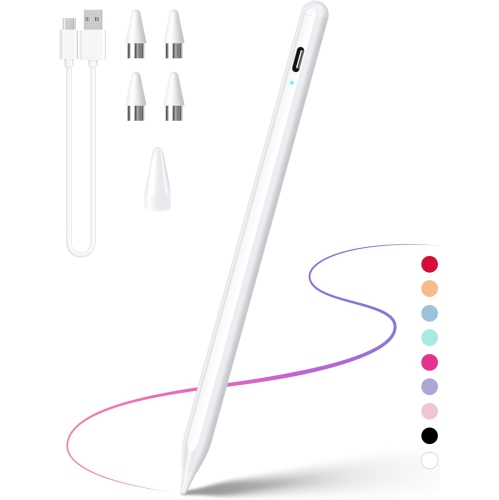
![GENERIC Stylus Pen for Ipad - [4-In-1] High Sensitivity And Precision Touch Screen Stylus Disc Tip, Black Rubber Tip &](https://multimedia.bbycastatic.ca/multimedia/products/500x500/199/19943/19943719.jpeg)
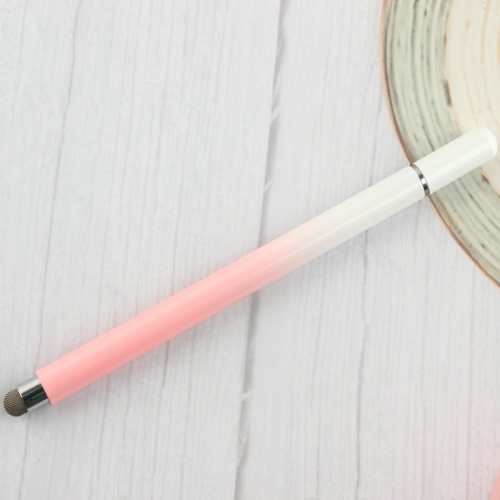
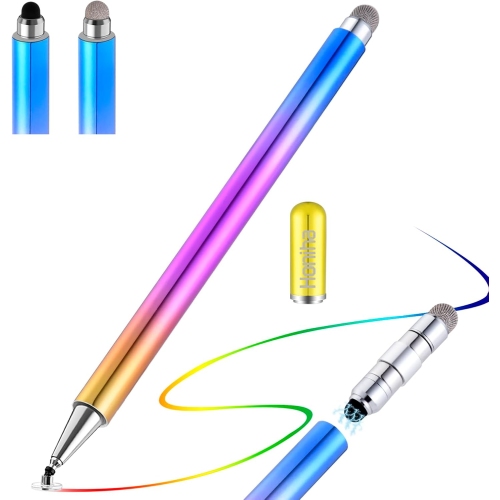
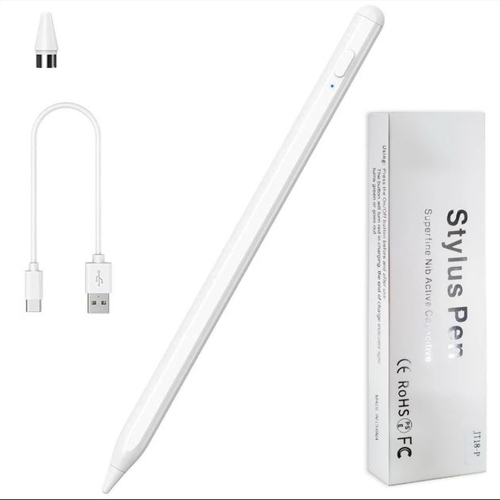
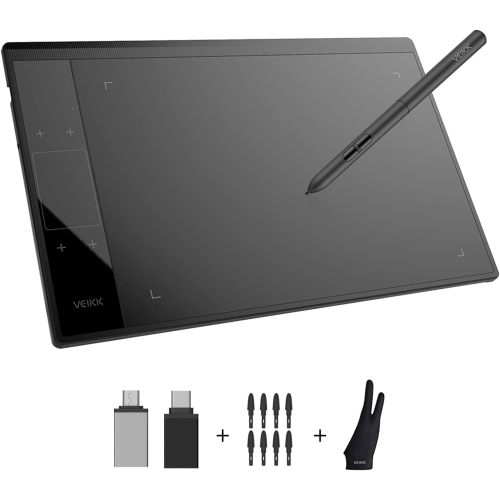
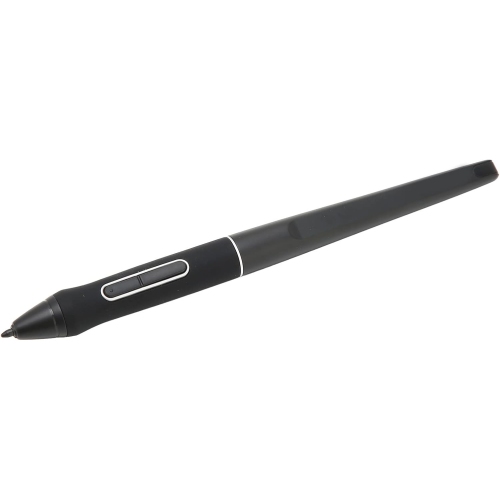
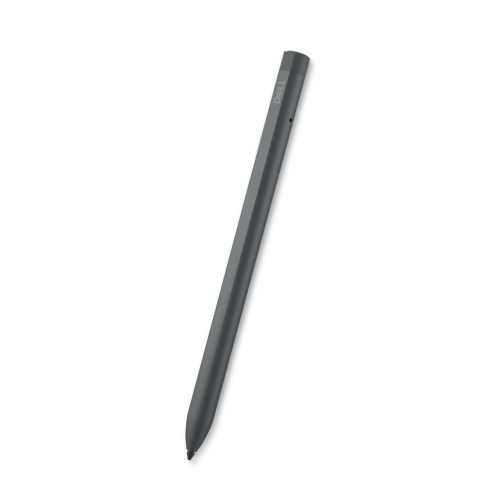
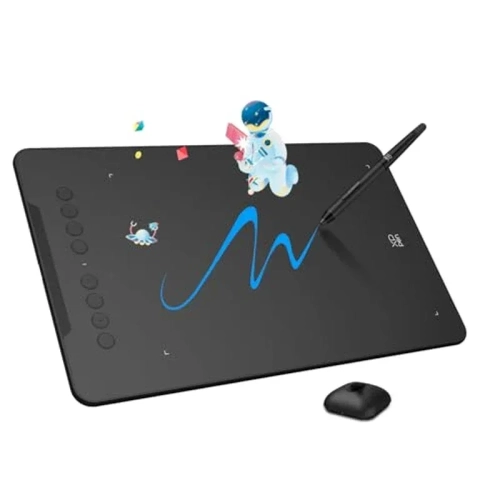
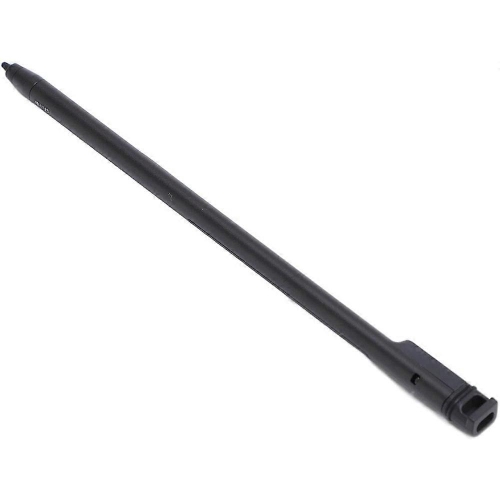
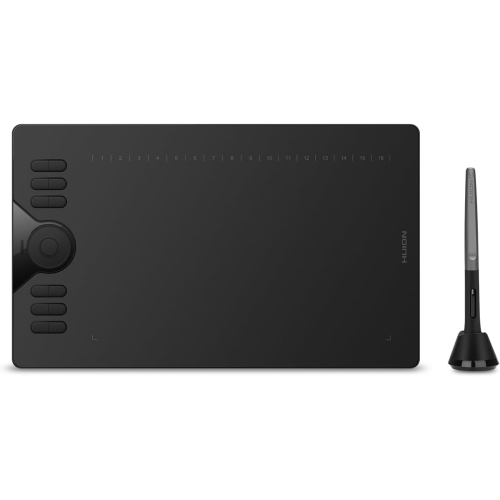
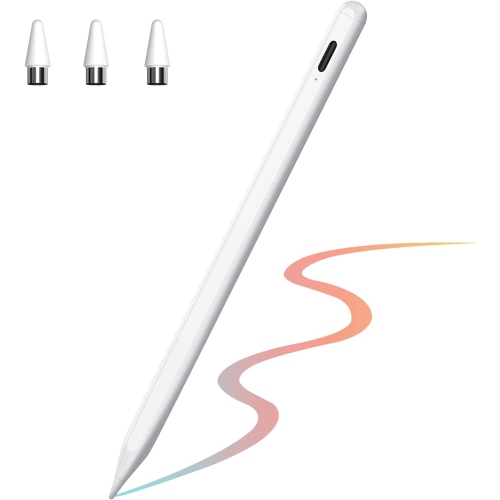
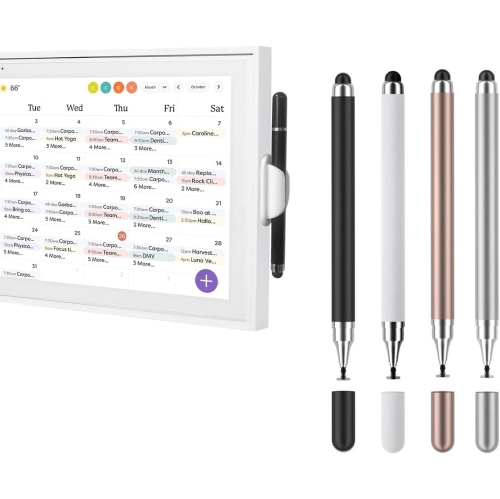
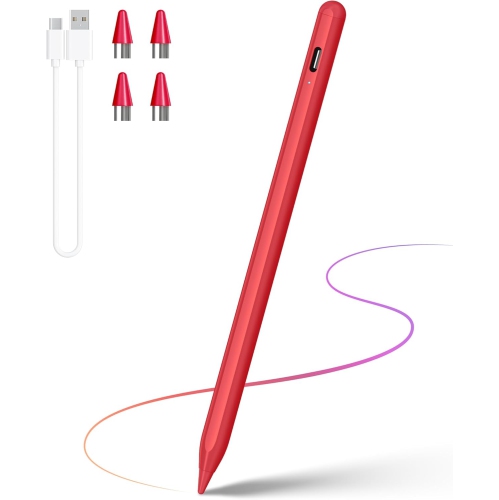
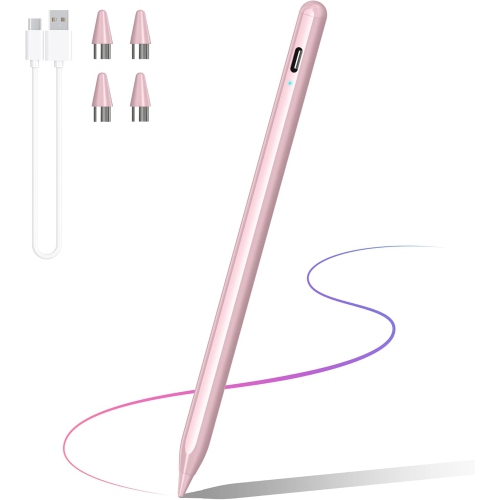
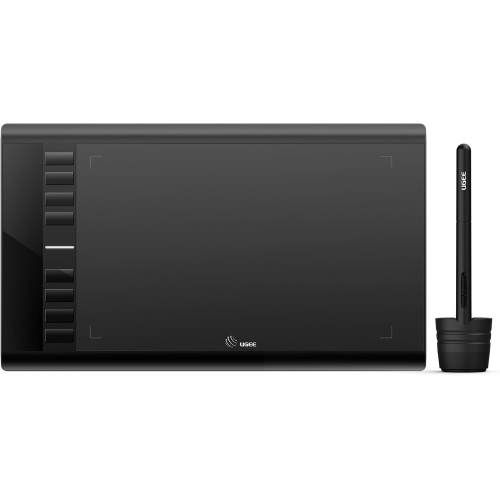
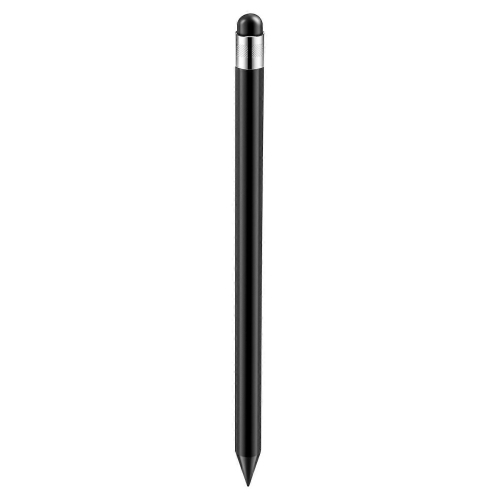
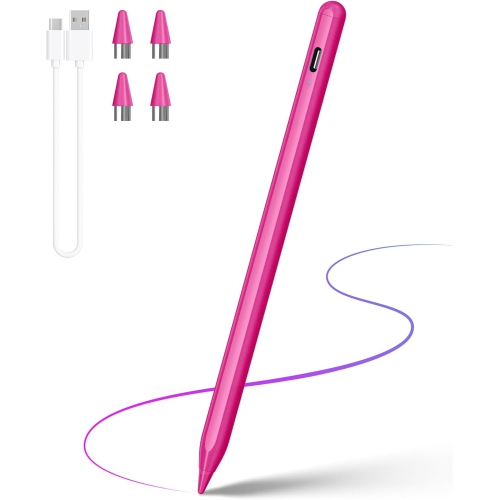
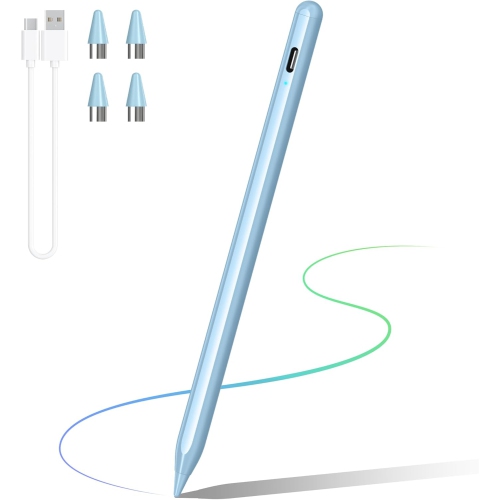
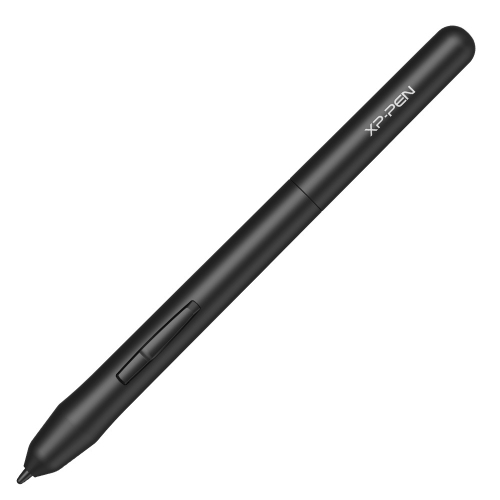
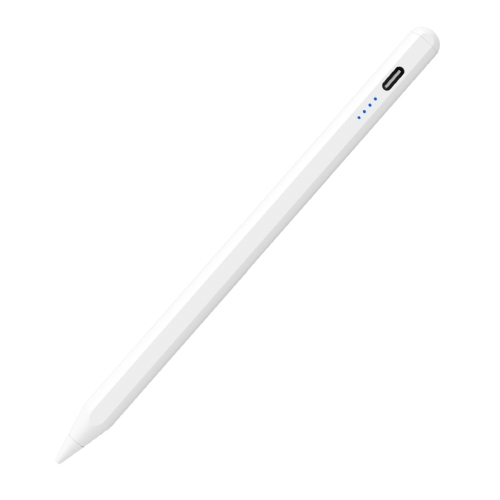
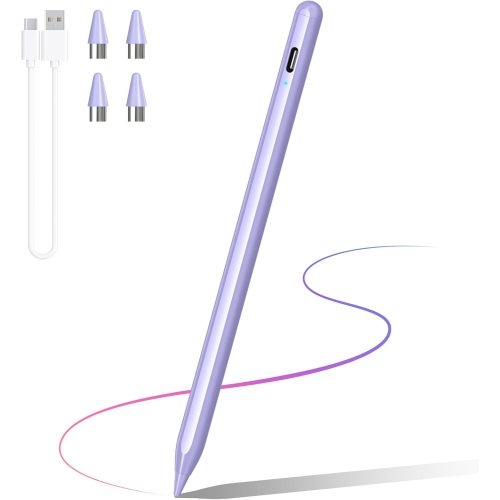
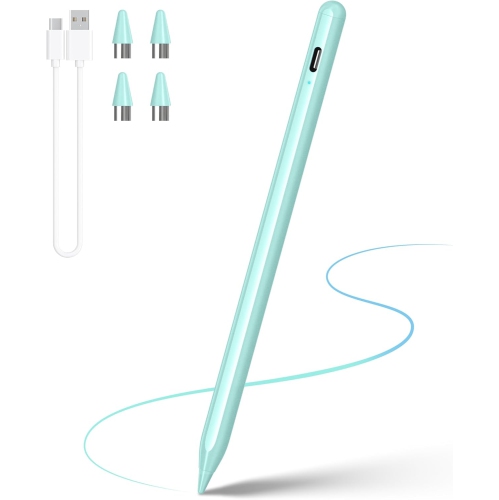
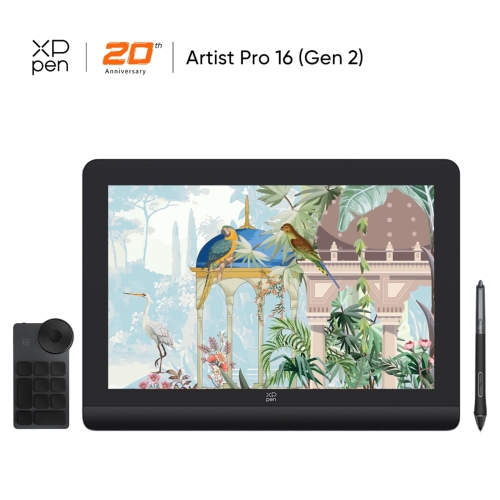
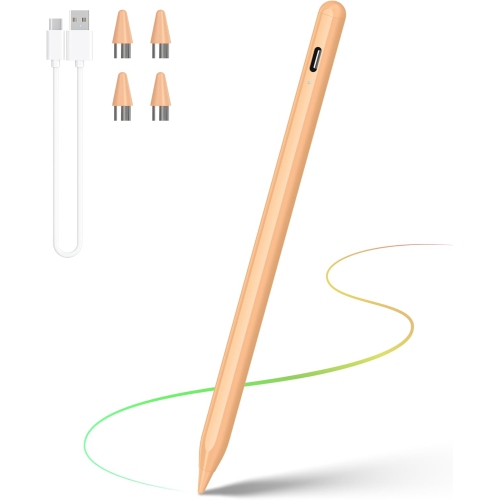
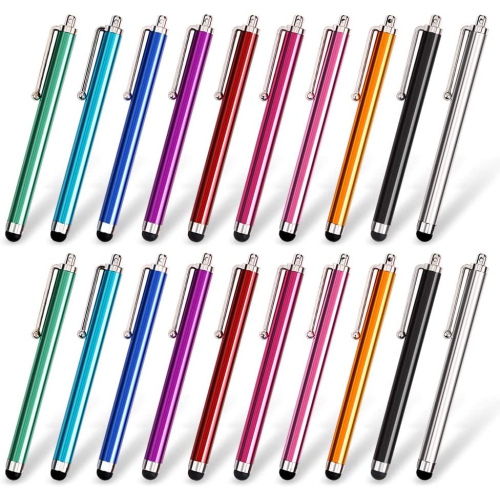
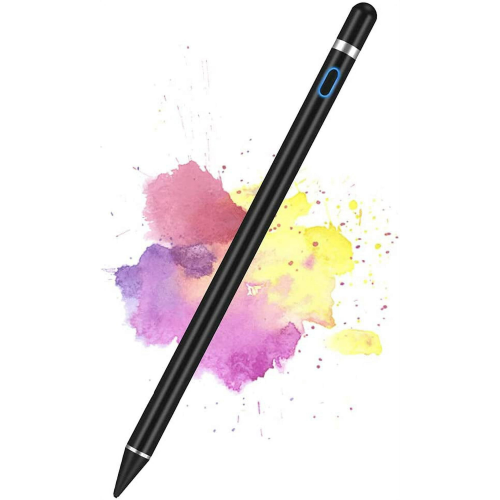
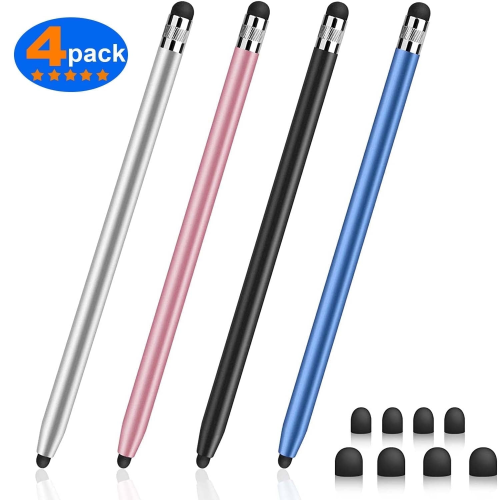
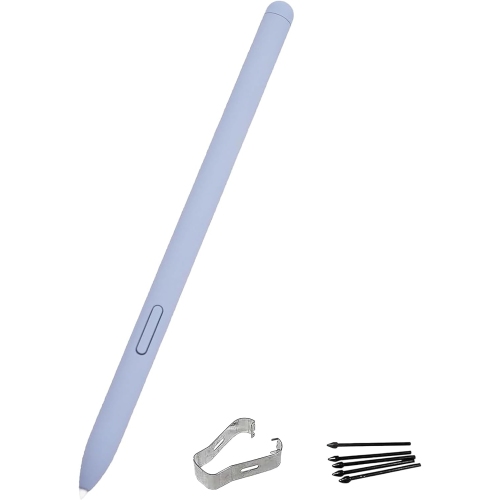
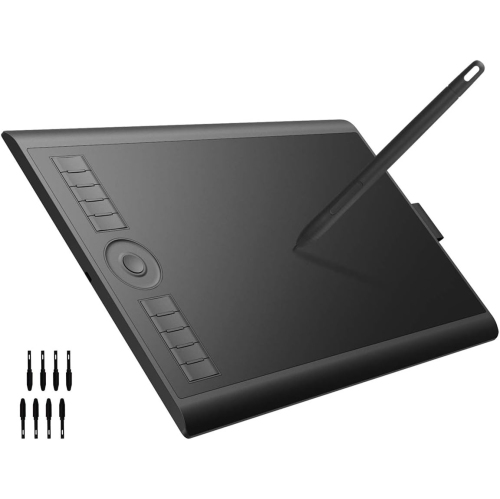
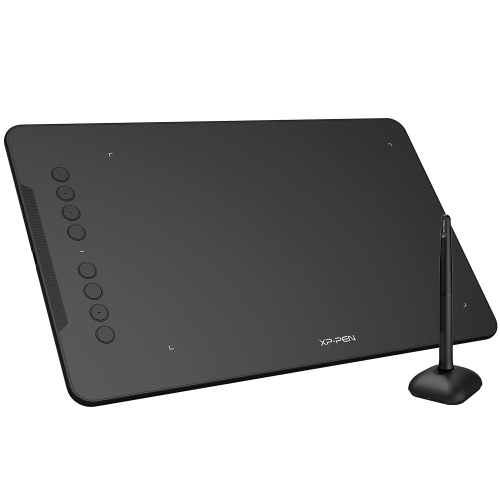
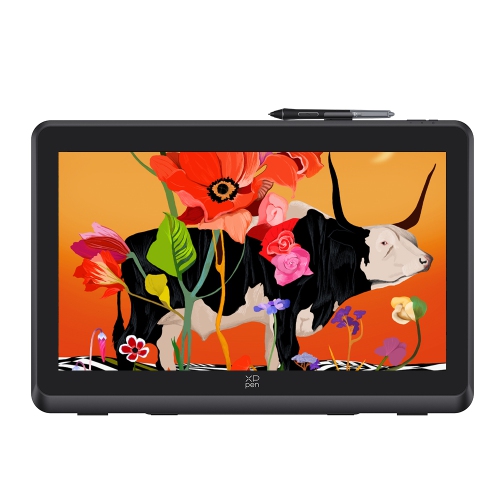
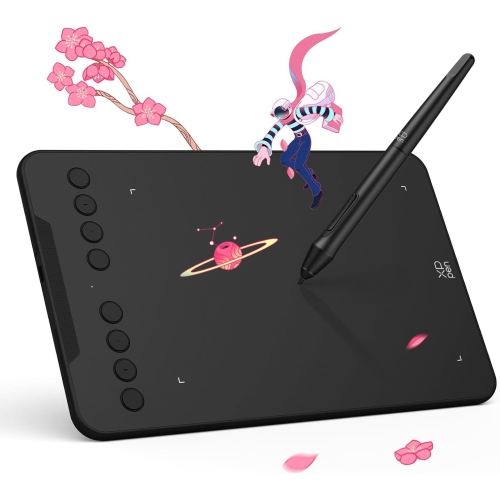
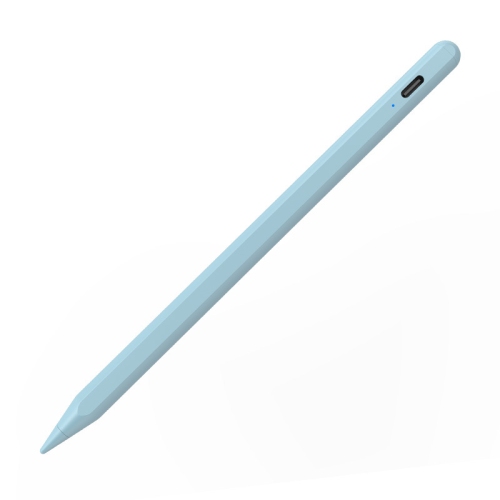

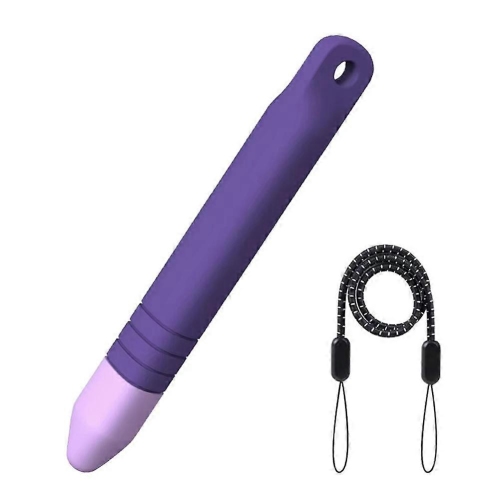
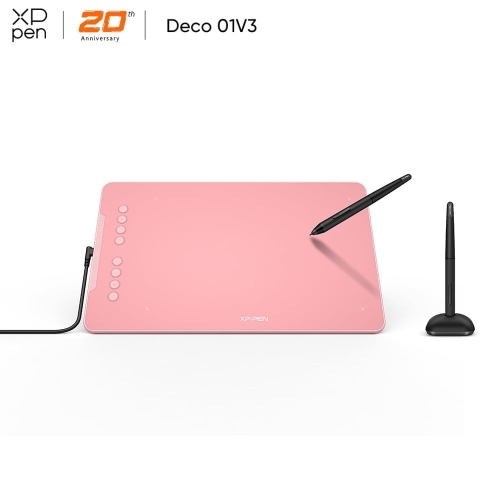
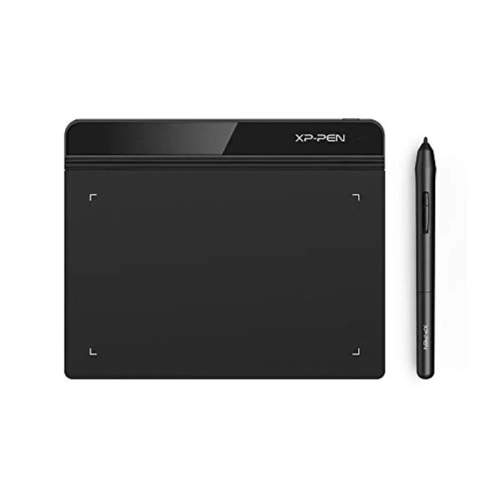
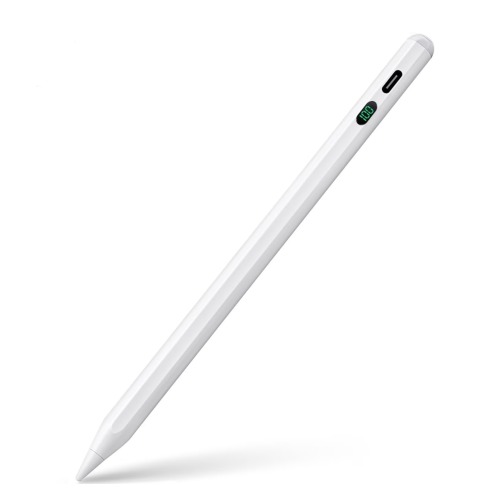
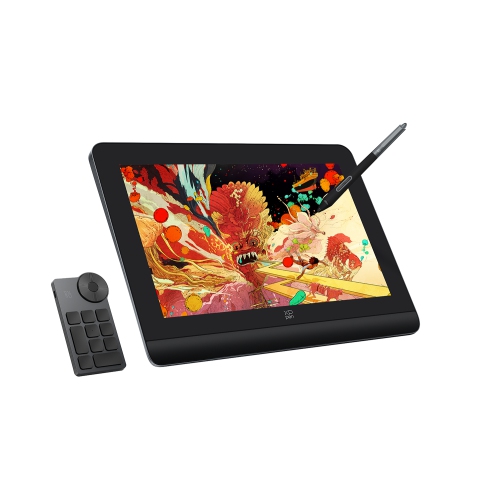
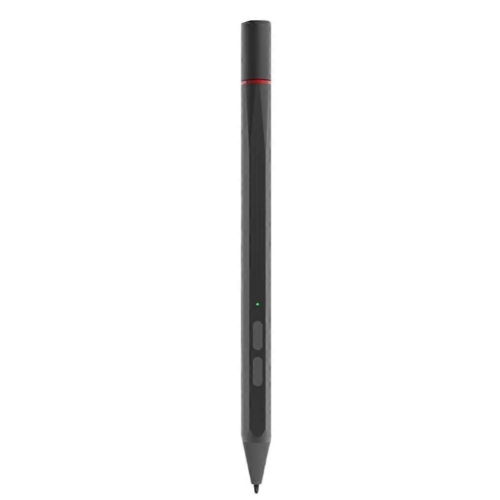
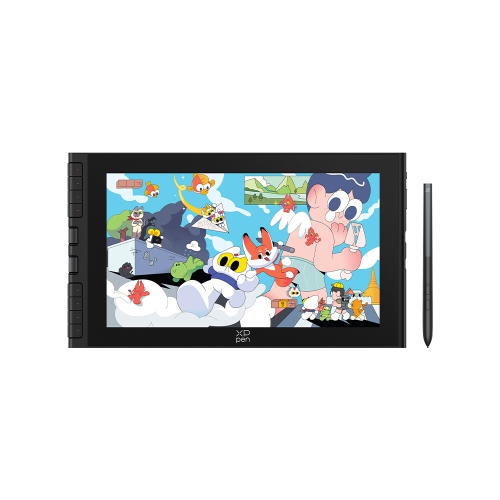
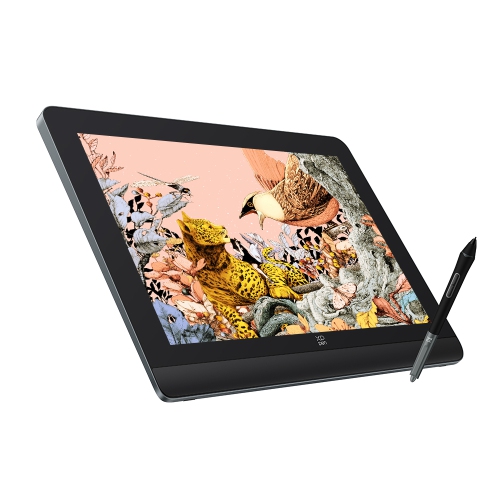
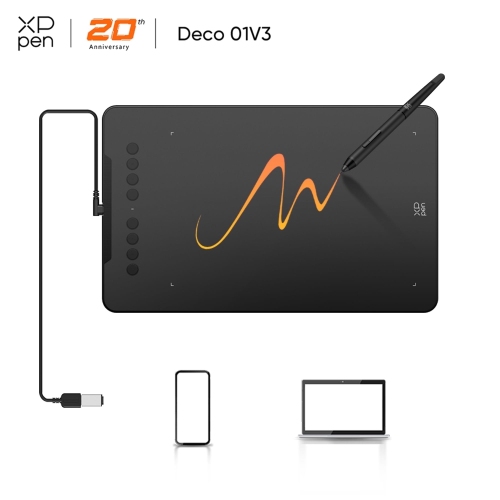

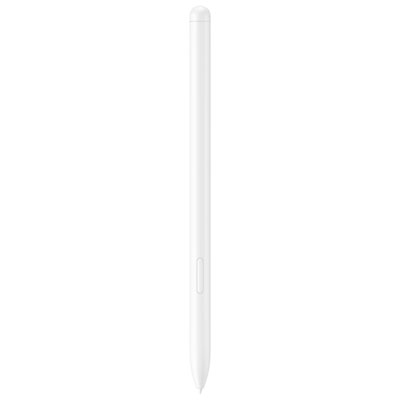
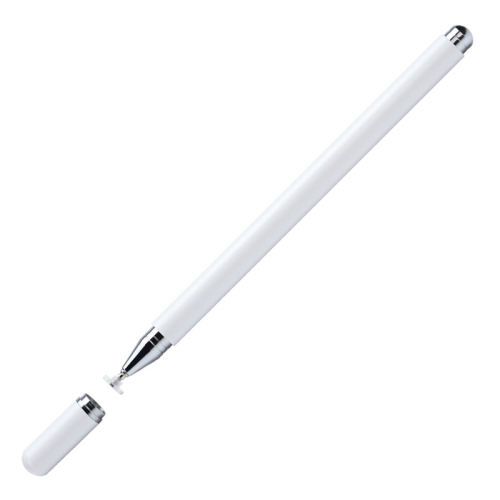
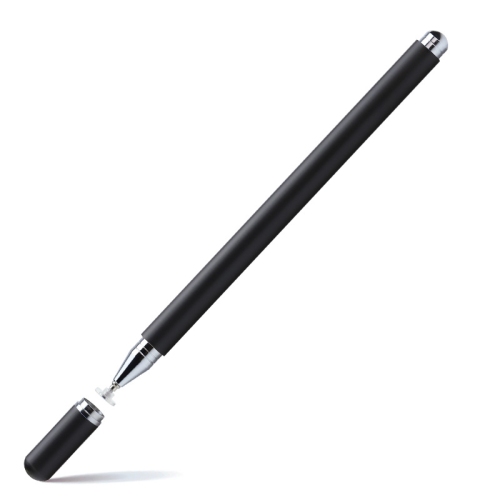
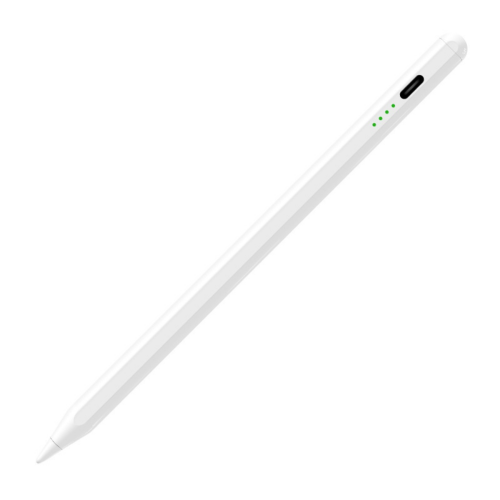
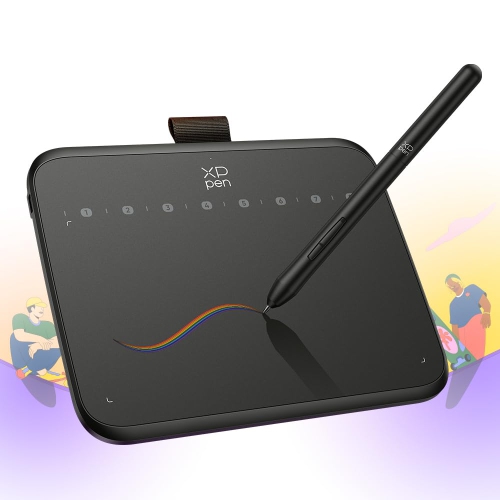
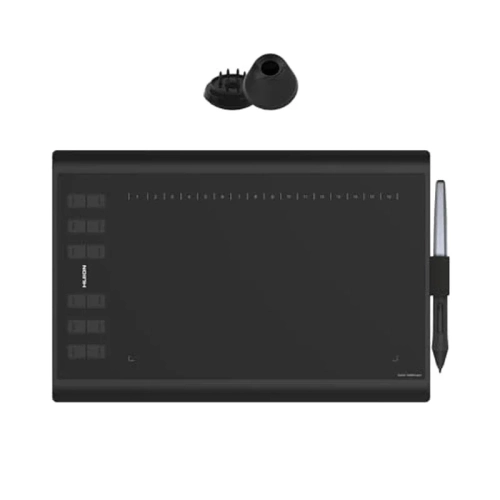
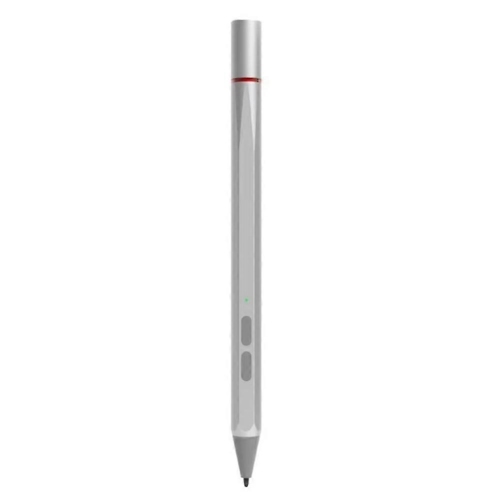
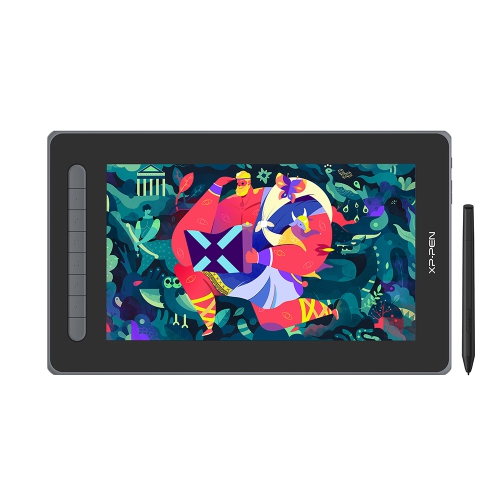
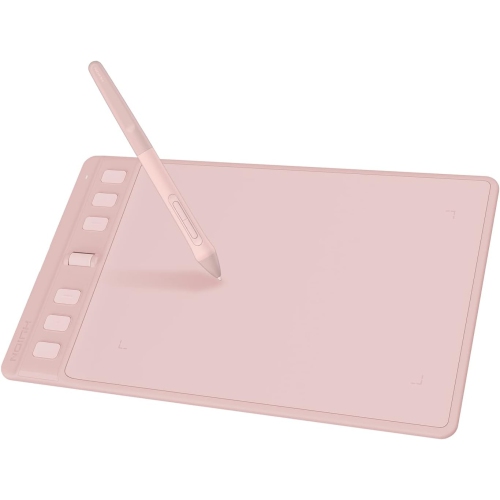
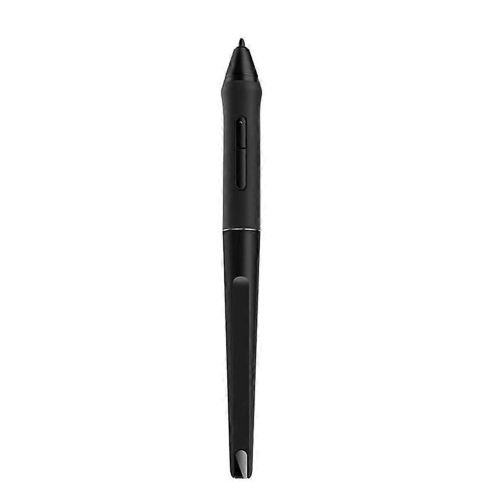
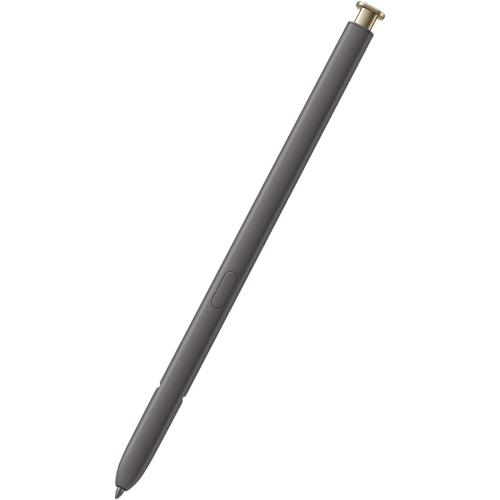
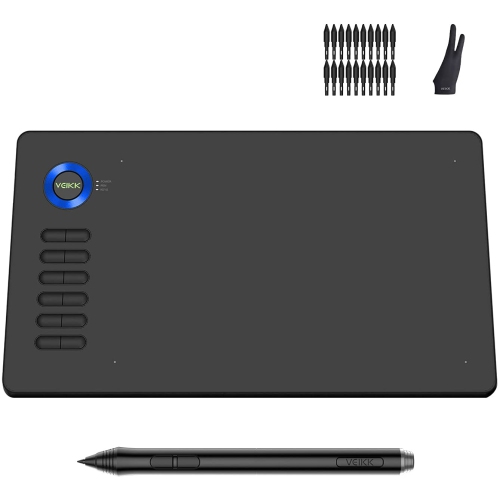
Natural pen control for sketches, notes, and designs
As the days grow longer and the sun lingers into the evening, many creative minds find themselves inspired to bring their ideas to life—whether sketching outdoors on a patio or refining digital artwork at a cozy desk as the cooler months approach. Drawing styluses for laptops have become essential tools for artists, students, designers, and professionals who want to transform their laptops into dynamic canvases. These styluses are not just for seasoned illustrators; they are equally valuable for note-takers, educators, and anyone who prefers the tactile feel of pen on screen over a mouse or trackpad. The right stylus can make brainstorming sessions more intuitive, allow for detailed markups on presentations, or even turn a casual doodle into a digital masterpiece. For students heading back to class, a drawing stylus can streamline notetaking and diagramming, making it a thoughtful gift for those embarking on new academic journeys or creative pursuits.
When selecting a drawing stylus for your laptop, there are a few important features to consider to ensure compatibility and performance. Pressure sensitivity is a key factor, especially for artists who rely on nuanced line work and shading; many modern styluses offer up to 4,096 levels of pressure sensitivity, mimicking the experience of traditional drawing tools. Palm rejection is another essential feature, letting you rest your hand naturally on the screen without unwanted marks or interruptions. Compatibility is crucial as well—laptops often use specific protocols like Microsoft Pen Protocol (MPP) or Active Electrostatic (AES), so it’s important to confirm that your stylus and laptop are a match. Battery life and charging options, such as USB-C quick charge, can also make a difference for those who use their stylus throughout the day, whether in meetings, classrooms, or during creative marathons. Some styluses include programmable buttons for shortcuts, adding another layer of efficiency to your workflow. For those who need versatility, universal styluses that support multiple devices offer a flexible solution for households or studios with a mix of laptops and tablets. Exploring the full range of options on the Drawing Stylus page can help you find the perfect fit for your needs.
A drawing stylus is more than just a tool; it’s an invitation to explore creativity and productivity in new ways. Whether you’re gifting one to a budding artist, a student preparing for a new semester, or treating yourself to an upgrade, the right stylus can unlock new possibilities. Imagine capturing the textures of a breezy summer landscape, annotating documents during a busy workday, or designing intricate graphics as the leaves begin to turn. With advancements in technology, today’s styluses offer precise control, natural feel, and seamless integration with a wide range of laptops. As you browse for the ideal stylus, consider how features like tilt support, pressure sensitivity, and protocol compatibility can enhance your digital experience, making every stroke, note, or sketch feel effortless and true to your vision.
When selecting a drawing stylus for your laptop, there are a few important features to consider to ensure compatibility and performance. Pressure sensitivity is a key factor, especially for artists who rely on nuanced line work and shading; many modern styluses offer up to 4,096 levels of pressure sensitivity, mimicking the experience of traditional drawing tools. Palm rejection is another essential feature, letting you rest your hand naturally on the screen without unwanted marks or interruptions. Compatibility is crucial as well—laptops often use specific protocols like Microsoft Pen Protocol (MPP) or Active Electrostatic (AES), so it’s important to confirm that your stylus and laptop are a match. Battery life and charging options, such as USB-C quick charge, can also make a difference for those who use their stylus throughout the day, whether in meetings, classrooms, or during creative marathons. Some styluses include programmable buttons for shortcuts, adding another layer of efficiency to your workflow. For those who need versatility, universal styluses that support multiple devices offer a flexible solution for households or studios with a mix of laptops and tablets. Exploring the full range of options on the Drawing Stylus page can help you find the perfect fit for your needs.
A drawing stylus is more than just a tool; it’s an invitation to explore creativity and productivity in new ways. Whether you’re gifting one to a budding artist, a student preparing for a new semester, or treating yourself to an upgrade, the right stylus can unlock new possibilities. Imagine capturing the textures of a breezy summer landscape, annotating documents during a busy workday, or designing intricate graphics as the leaves begin to turn. With advancements in technology, today’s styluses offer precise control, natural feel, and seamless integration with a wide range of laptops. As you browse for the ideal stylus, consider how features like tilt support, pressure sensitivity, and protocol compatibility can enhance your digital experience, making every stroke, note, or sketch feel effortless and true to your vision.
Top selling and popular products
-
 Your price for this item is $175.68
 -
 Your price for this item is $169
 -
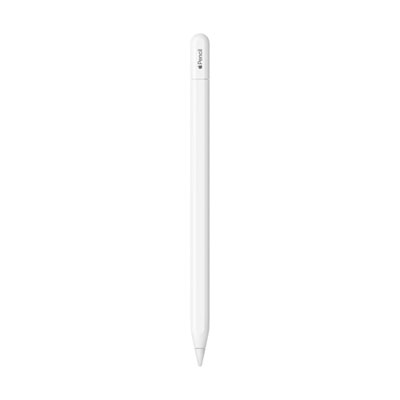 Your price for this item is $109
 -
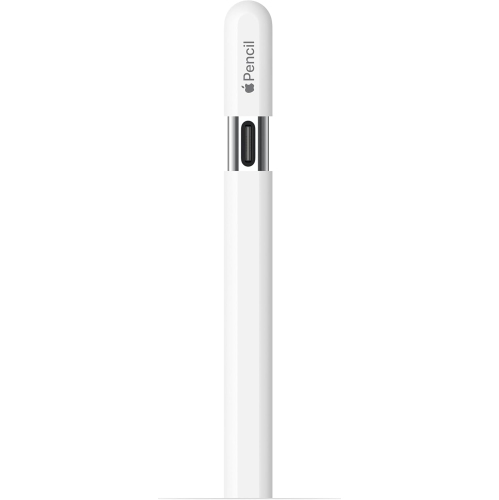 Your price for this item is $96.9
 -
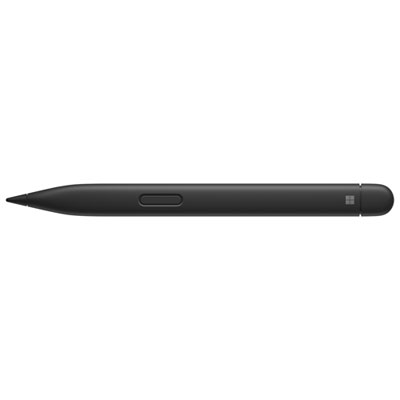 Your price for this item is $189.99
 -
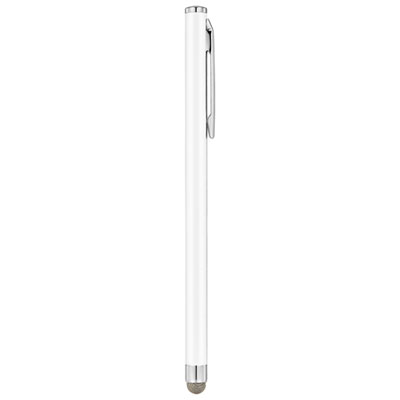 Your price for this item is $9.99
 -
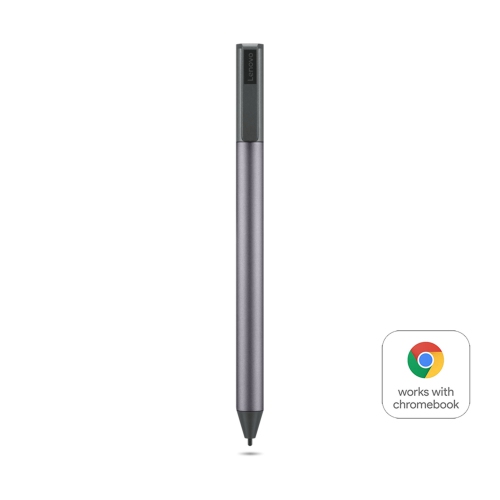 Your price for this item is $71.99
 -
 Your price for this item is $21.99
Discover more categories related to Drawing Stylus for Laptop
Top Collections:
Pokemon Centers, Kindle Devices, Best Cameras for Sports Photography, Pokémon 30th Celebration Cards, Apple iPhones 16, Canon G7X Cameras, iPhone 15 Apple, Flip Phones, Samsung Galaxy Phones, Alarm Clock
Some products may be subject to Environmental Handling Fees
(EHF) depending on your province.
Learn more about EHFs.