Digital Electronics
The world of digital electronics is a vast one, with a wide range of devices that can be used for all sorts of purposes. From simple components to complex systems, there is something for everyone in this category. Here are some great options.
Sort
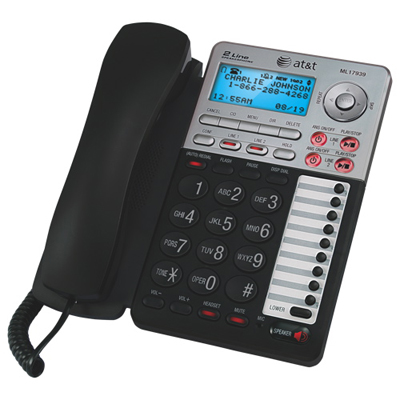

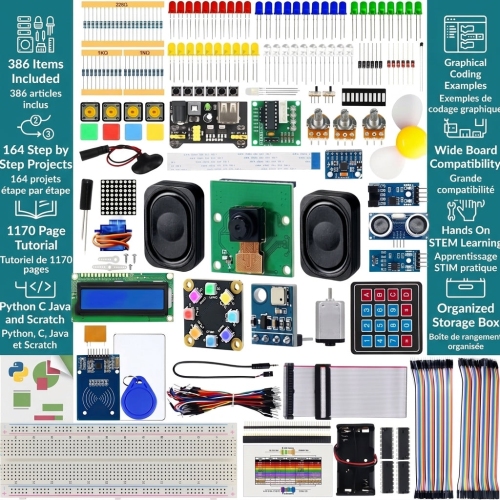
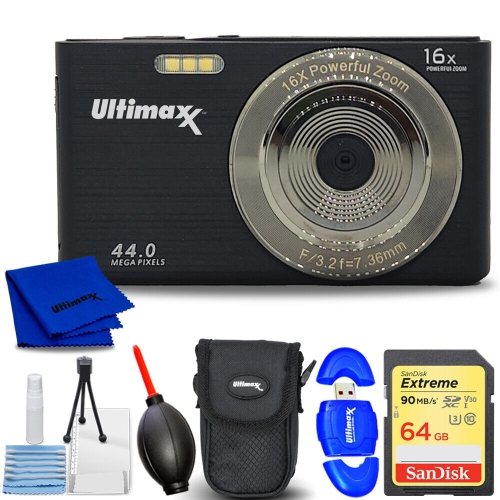
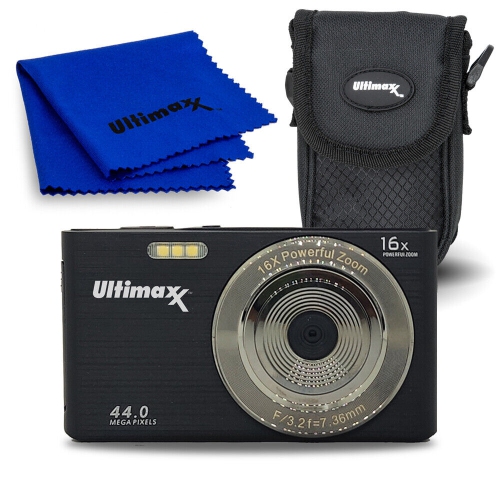
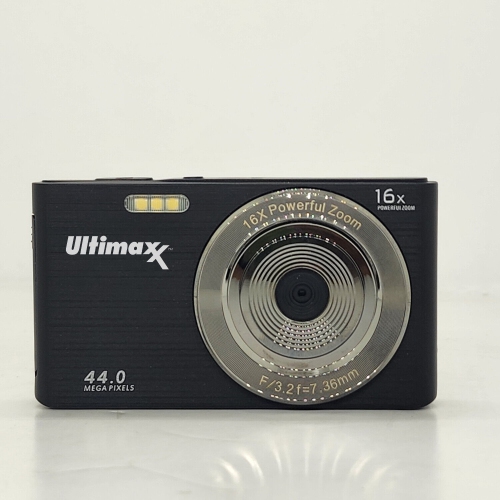
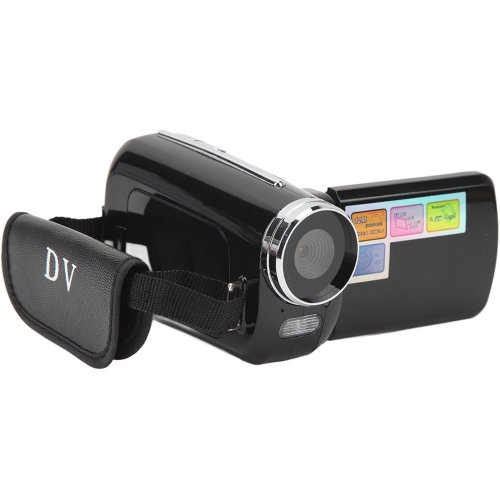
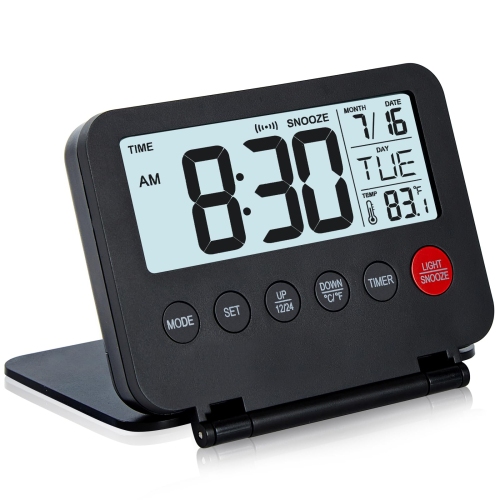
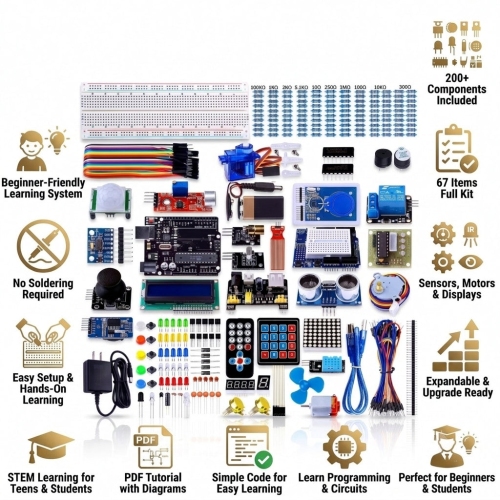




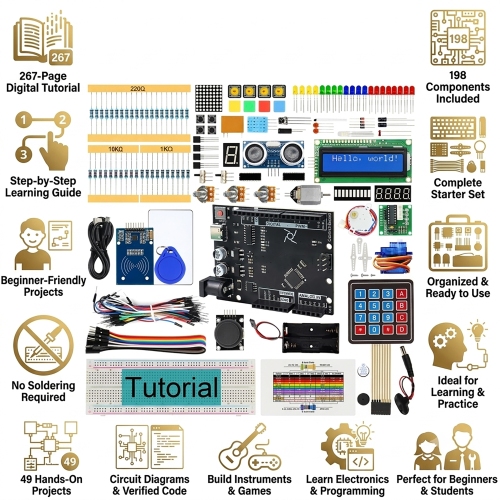


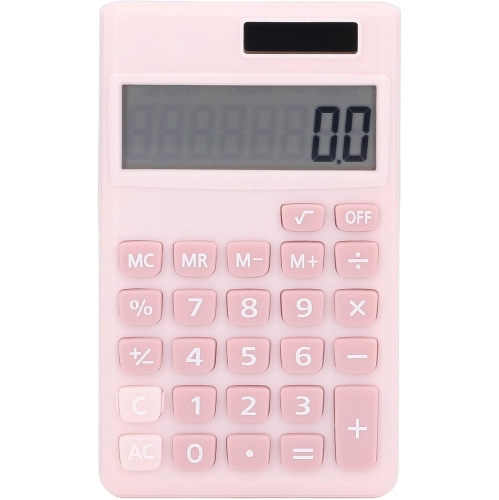
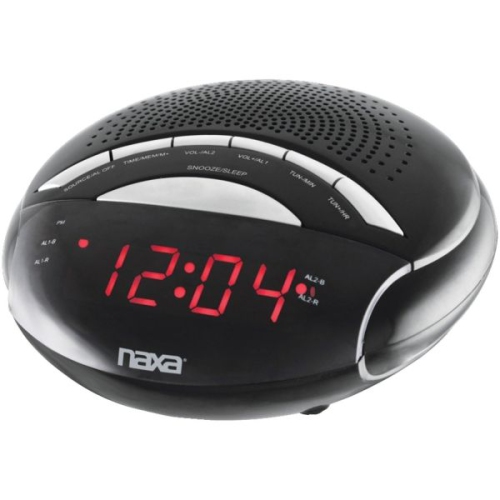

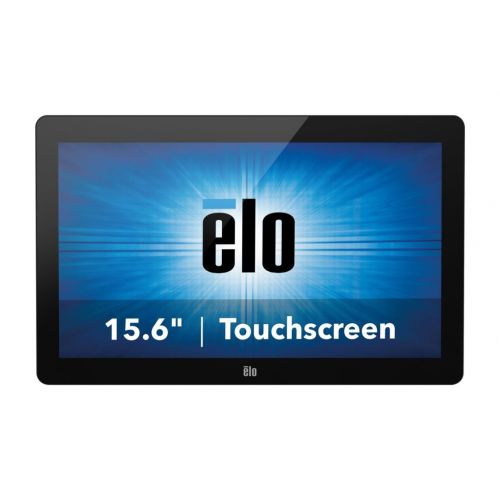
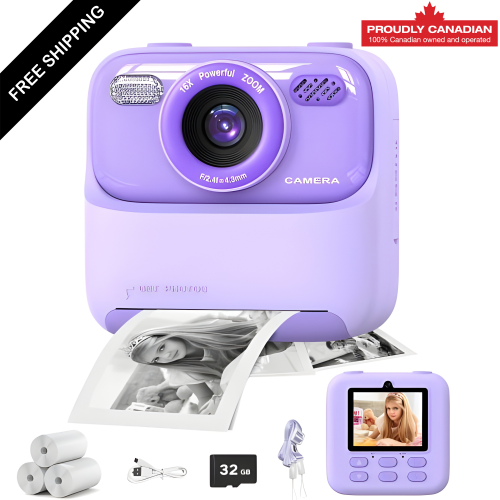


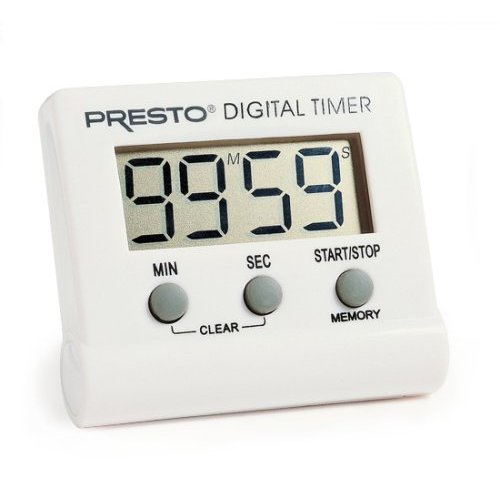
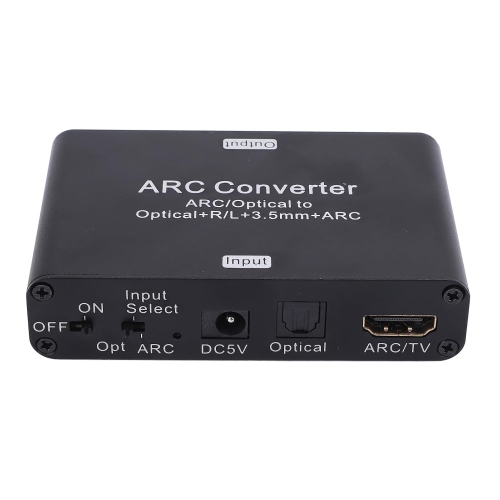


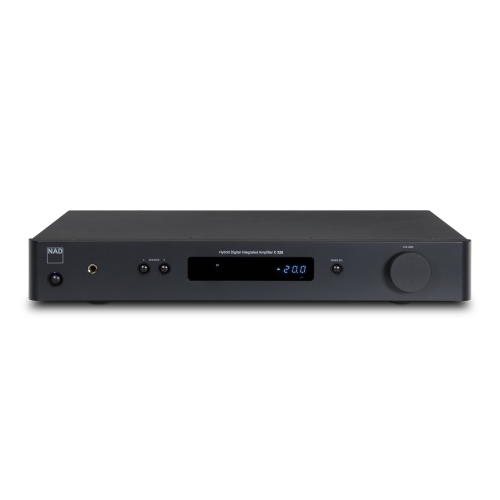
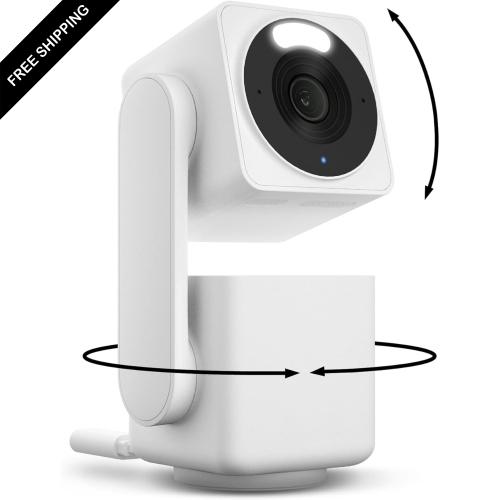
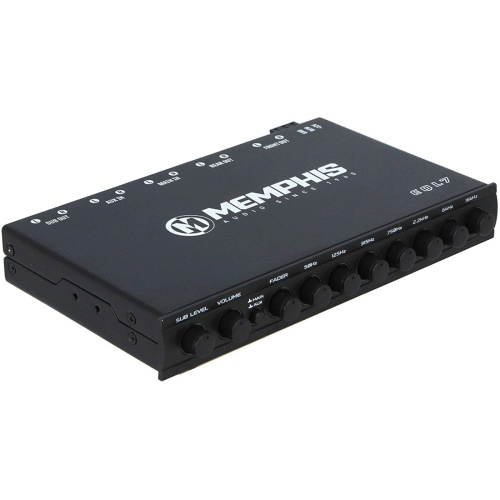


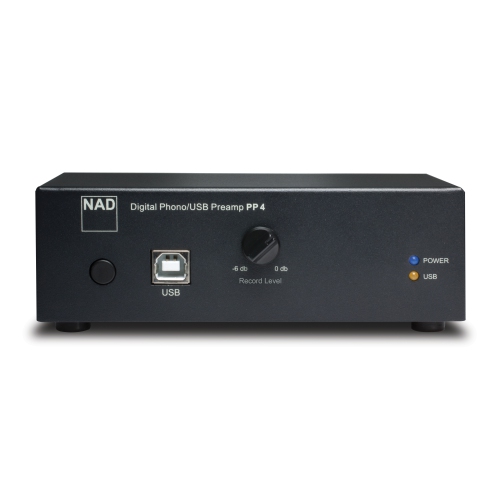
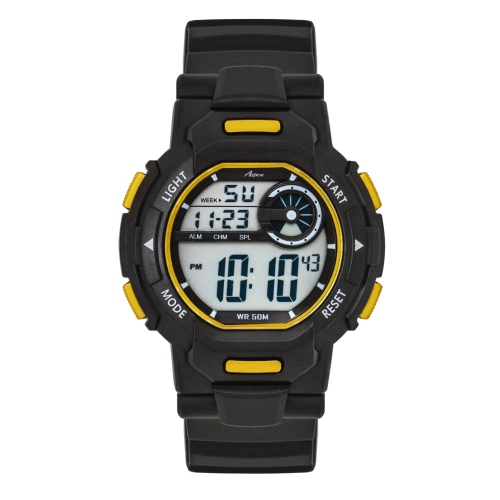










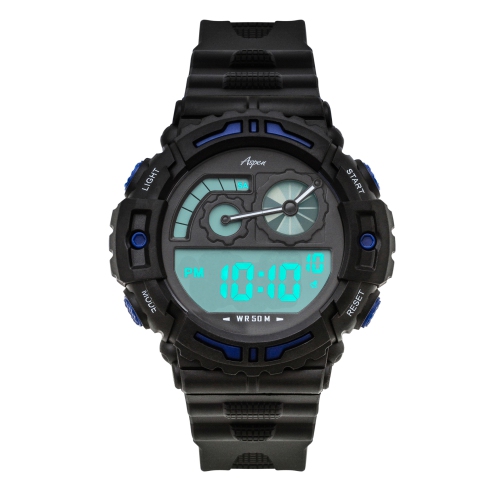
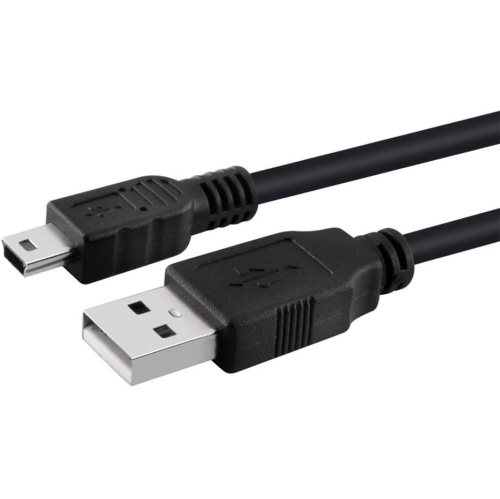
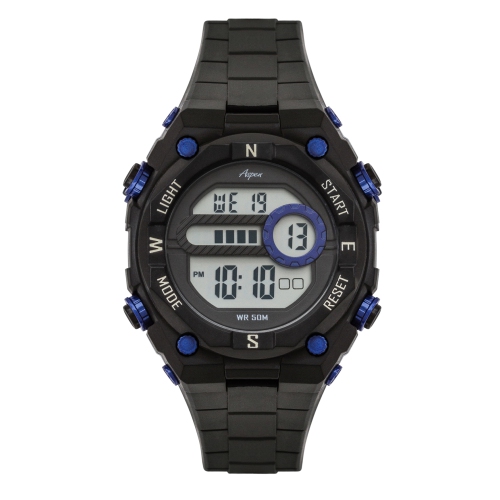

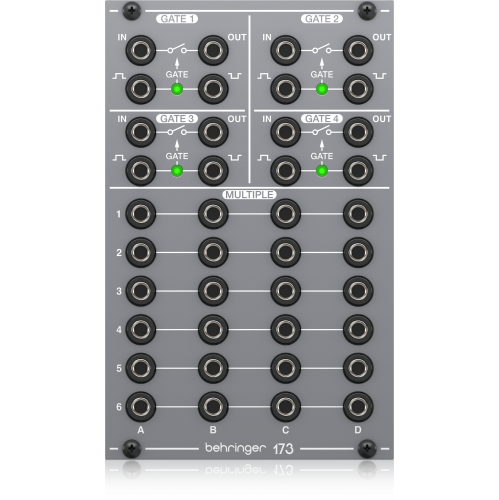
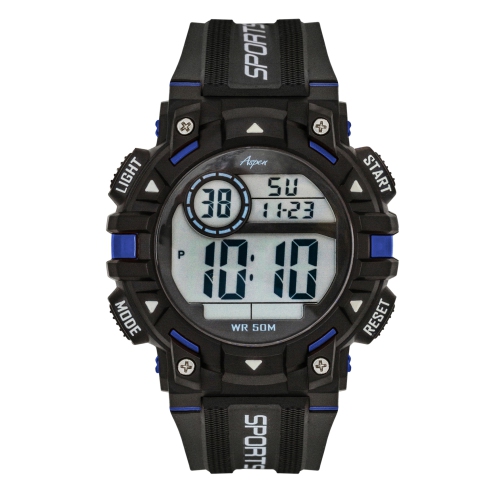

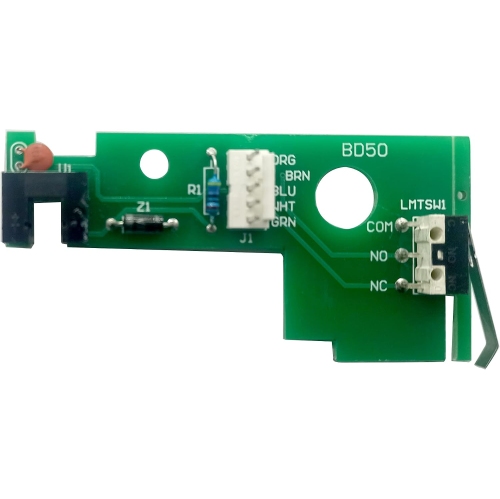
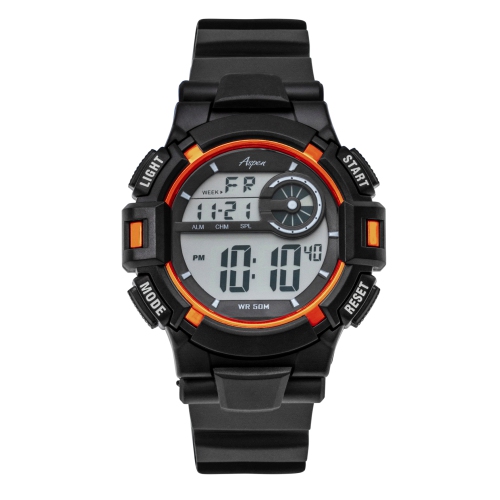




How binary signals power your everyday devices
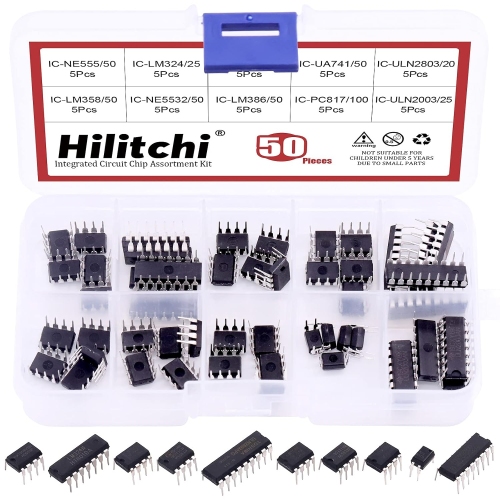
Digital electronics is the branch of electronics that processes, stores, and transmits information using discrete signals, usually represented by the binary digits 0 and 1. In a digital circuit, defined voltage ranges represent these two states, allowing information to be handled as numbers, text, images, sound, and instructions. This differs from analogue electronics, where a signal varies continuously. Many everyday devices combine both approaches: a microphone captures an analogue sound signal, for example, before circuitry converts it into digital data for recording or transmission. At the circuit level, logic gates such as AND, OR, and NOT perform basic operations on binary inputs. NAND and NOR are called universal gates because either type can be combined to create any Boolean logic function. Combinational circuits produce outputs from their present inputs, while sequential circuits also retain information about an earlier state through elements such as flip-flops and registers. These principles underpin the processors, memory, and controllers inside familiar digital devices, from computers and cameras to audio equipment and connected home technology. Defined signal levels help digital circuits tolerate some electrical noise without changing the intended information, although connections and transmission conditions still affect reliability. Integrated circuits bring many electronic components together on a small chip, supporting compact designs with substantial processing capability. For everyday use, that technical foundation becomes something tangible: a clear video conversation, a photo saved for later, a document shared between devices, or music played in another room. Digital electronics spans equipment for work, study, entertainment, communication, and creative projects, with different combinations of controls, displays, connectivity, and processing power suited to each purpose. A student moving between lectures and independent study may value portability, while someone organizing a permanent workspace may place greater importance on screen space, comfortable controls, and room for connected accessories. The most useful features are those that support the tasks a device will perform regularly.
Performance in digital electronics depends on how several parts work together rather than on one headline specification. Processor capability influences how quickly instructions are handled, memory supports active tasks, and storage holds applications, documents, recordings, and other files. A busy household computer running a video call beside a presentation has different demands from a device used mainly for reading messages or playing audio. Creative work can introduce further considerations, including file sizes, display detail, colour reproduction, and the connections needed for cameras or recording equipment. Display resolution describes the number of pixels, while screen size determines how much physical space those pixels occupy; neither alone establishes how comfortable a screen will be to use. Brightness, viewing angles, text scaling, and the distance between the viewer and the display also contribute to the experience. For audio, microphone quality, speaker placement, and supported connection types can matter as much as the device doing the playback. Compatibility keeps these separate parts working as a useful whole. A matching connector does not always guarantee matching capabilities, since ports and cables can support different data rates, charging levels, or display functions. Wireless connections deserve similar attention: Wi-Fi performance depends partly on the network and its placement, while Bluetooth support varies by device and intended function. Related browsing through Fast Electronics can broaden a comparison centred on responsive everyday technology. Physical details remain just as important as specifications. A compact device may be easier to carry between rooms, but a larger keyboard or display can be more comfortable for extended sessions. Battery-powered equipment offers flexibility away from an outlet, with actual running time affected by brightness, wireless activity, workload, and battery condition. For a desk or media cabinet, dimensions, cable access, and ventilation space help determine whether the equipment fits neatly without obstructing controls or trapping heat. A setup feels more cohesive when its components suit both the task and the space around them.
Materials, construction, and care influence how digital electronics stands up to daily handling. Aluminium housings can provide rigidity, while moulded plastics can reduce weight and allow a wider range of shapes and textures. Glass surfaces offer a smooth feel but may need protection from impacts, and hinges, buttons, cable joints, and charging ports experience repeated mechanical wear. Durability is therefore more than the finish on the outside: secure connections, a stable base, well-supported moving parts, and appropriate protection during transport all contribute to long-term usability. For portable equipment, a properly fitted sleeve or case can help prevent scuffs and reduce movement inside a bag, although protection depends on its design and the conditions of use. Any stated water or dust resistance should be understood according to the manufacturer’s rating and limitations rather than treated as permission for unrestricted exposure. Routine care is usually straightforward. A soft, lint-free cloth and manufacturer-approved cleaning methods help protect surfaces, while keeping liquids away from openings reduces the risk of damage. Clear ventilation openings allow heat to escape, and cables placed without sharp bends or tension are less likely to strain their connectors. Software support is another practical consideration because compatible updates can address faults, improve security, and maintain useful connections with other devices and services. Personal information also deserves attention when equipment is shared, handed down, or replaced, making account controls, backups, and secure data removal part of responsible ownership. As gifts, digital electronics is most meaningful when it matches the recipient’s interests and existing setup. Someone who enjoys photography may appreciate tools that make organizing and viewing images easier, while a frequent video caller may value straightforward controls and clear sound. For children or less experienced users, accessible menus, suitable account settings, and manageable controls can matter more than advanced functions. Thoughtful choices leave room for the person’s routines, available space, and comfort with technology, helping digital devices become useful parts of everyday life rather than equipment that is difficult to integrate.
Top selling and popular products
-
 Your price for this item is $299
-
 Your price for this item is $139.99
-
 Your price for this item is $259.99
-
 Your price for this item is $29.92
-
 Your price for this item is $164.62
-
 Your price for this item is $455.07
-
 Your price for this item is $549.99
-
 Your price for this item is $389.99
Discover more categories related to Digital Electronics

Top Collections:
Best Black Friday Deals This Year, Best Black Friday Deals On Electronics, Kindle Devices, Best Black Friday Deals On Apple Products, Best Budget Office Chairs, Best Cameras for Sports Photography, Dyson Airwrap, Canon G7X Cameras, Best Laptops for Writers, Samsung Galaxy Phones
Some products may be subject to Environmental Handling Fees
(EHF) depending on your province.
Learn more about EHFs.