High Quality Electronics
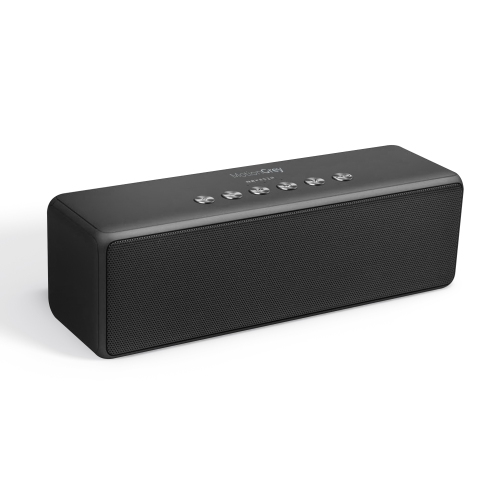
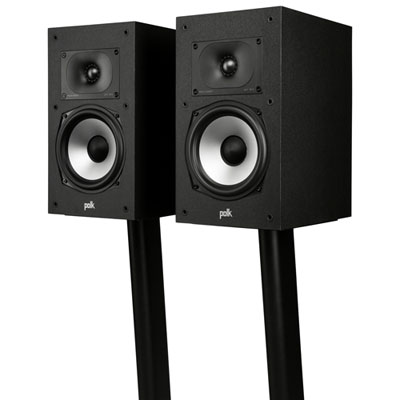
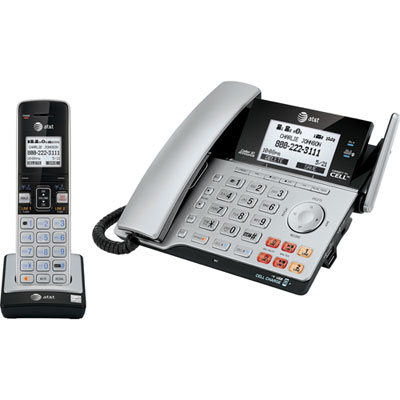
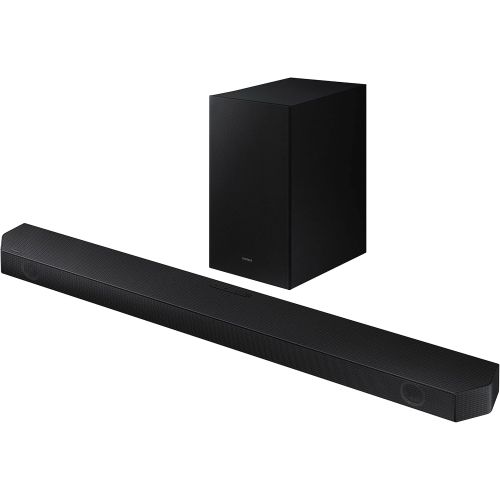
The electronics industry is a big one, and it's growing all the time. The market for electronics is huge, and it's growing every year. The reason for this is simple: we're living in a digital age, and we need electronics to help us navigate our way through it. Here are some high-quality options on the market.
Sort




![GREEN SCENIC Audio-Quality Mp3 Player – High-Fidelity Sound Quality, Album Cover Display, Durable Metal Material, High Quality [64GB]](https://multimedia.bbycastatic.ca/multimedia/products/500x500/192/19286/19286249.jpeg)

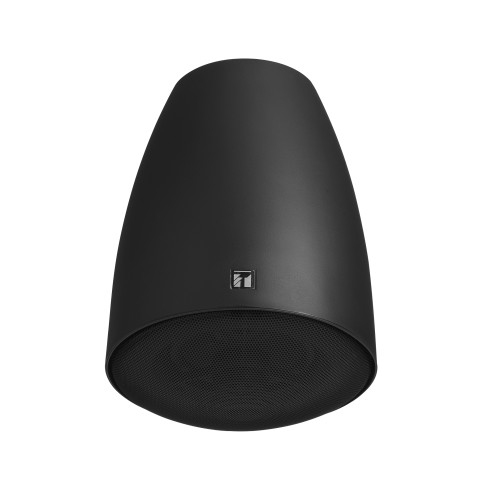
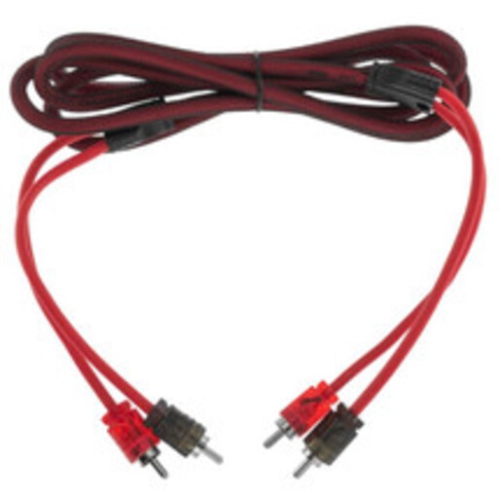


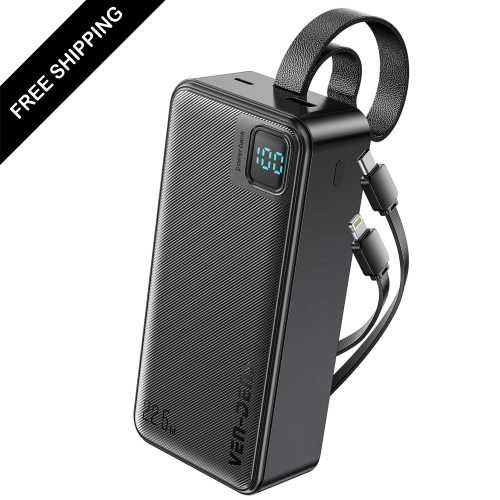
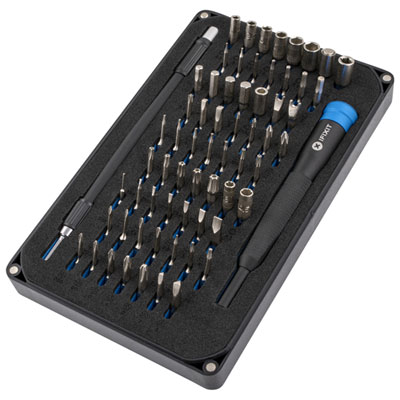


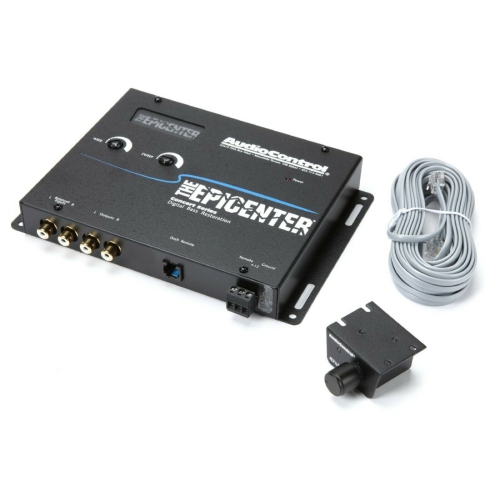

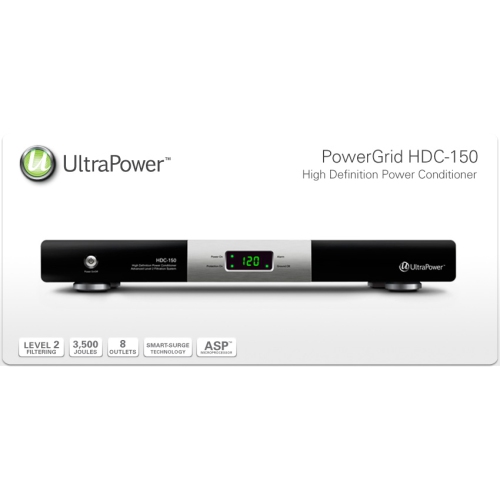
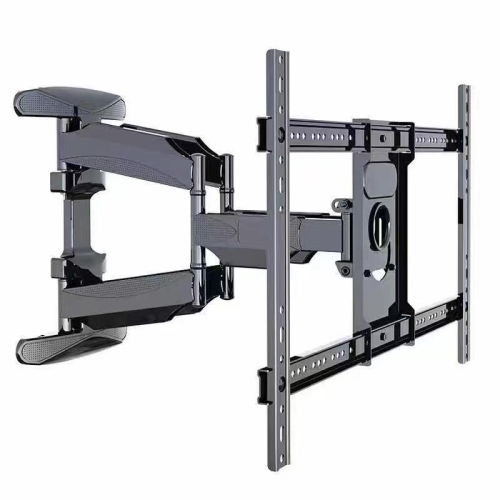
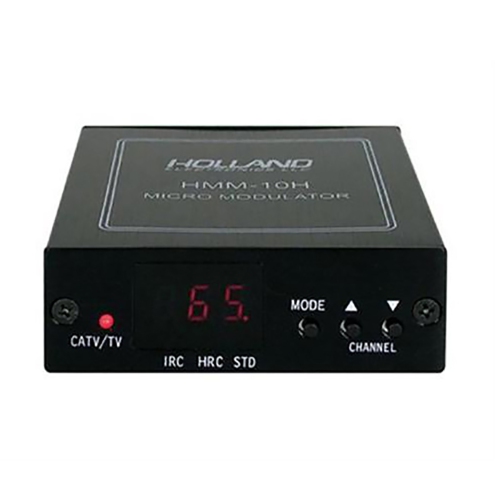

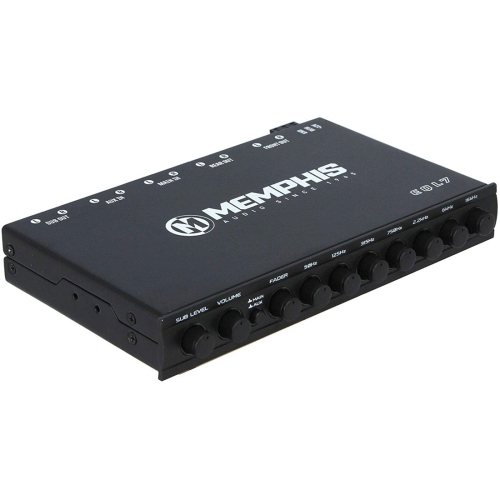
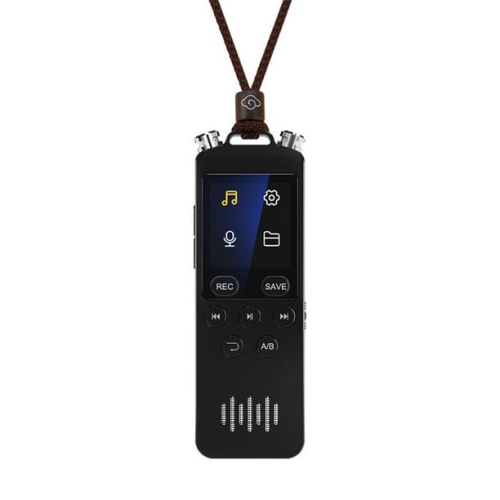

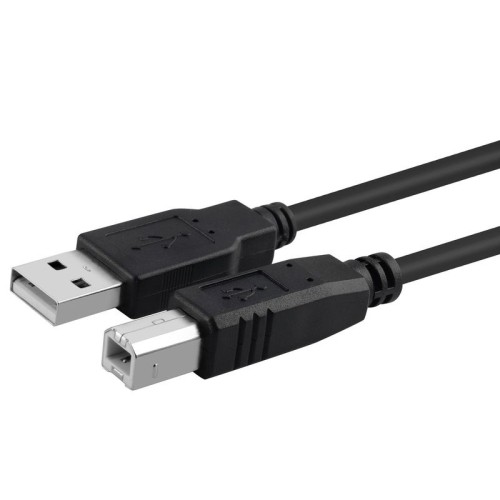
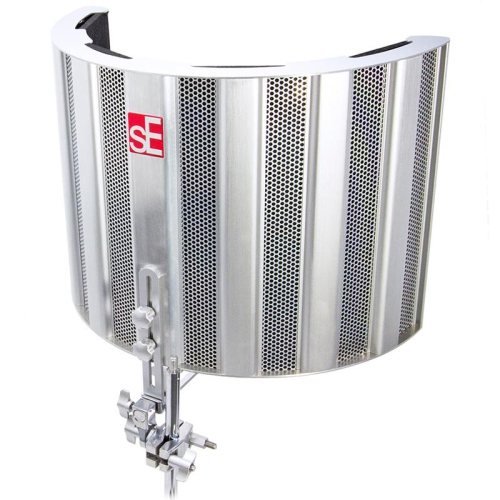

































Why everyday performance matters more than specifications alone
High-quality electronics bring together dependable performance, thoughtful construction, and features that suit the way people listen, watch, work, and play. Quality is not defined by a single specification or a long list of functions. It is the combination of clear sound, convincing picture detail, responsive controls, comfortable handling, and reliable connections that makes technology satisfying to use day after day. In home entertainment, that might mean hearing quiet dialogue clearly without losing the impact of a film’s soundtrack, or seeing detail in a dimly lit scene rather than a flat patch of black. For computing, it can mean moving between a video call, a spreadsheet, and a presentation without disruptive pauses. Portable electronics bring another set of priorities, including manageable weight, useful battery life, secure charging connections, and controls that are easy to operate on the move. These differences make intended use central to what counts as a good fit. A shared living room calls for different strengths than a compact study, a gaming setup, or a workspace used for detailed visual projects. Premium electronics can offer refined materials and advanced capabilities, but their value in everyday use depends on how well those capabilities match the task. A sharp display benefits someone editing photographs; a comfortable headset with a clear microphone matters more during back-to-back calls. Families may place greater importance on straightforward controls and individual profiles, while frequent travellers often appreciate compact designs and fewer separate accessories to carry. For anyone exploring related categories, Top Electronics offers another starting point for browsing technology for home and personal use. Across these different needs, the most meaningful signs of quality remain practical: consistent operation, accessible settings, compatibility with existing equipment, and construction suited to regular handling. Electronics that make familiar tasks feel smooth and uncomplicated can be just as rewarding as technology built for demanding creative or entertainment applications.
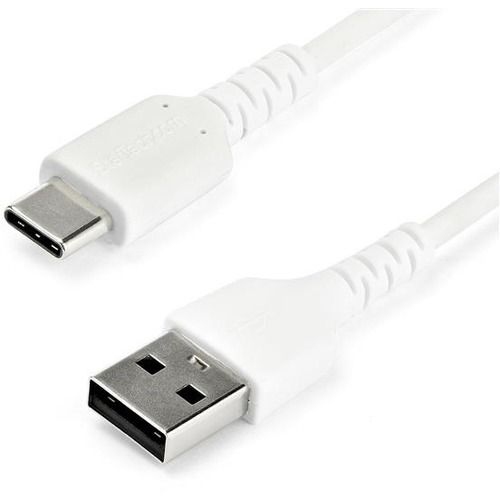
Picture and sound quality become easier to appreciate when considered in the spaces where electronics will actually be used. A television viewed from a wide sofa needs to maintain a pleasing picture from seats away from the centre, while a desktop display should keep text legible at a comfortable working distance. Screen size alone does not determine the experience. Resolution, contrast, brightness, reflection handling, and viewing angles all affect how images appear, and their relative importance changes between film viewing, office work, and gaming. OLED displays can produce deep blacks through individually controlled pixels, while Mini-LED backlighting can provide strong brightness and localized light control; results still depend on the panel and its implementation. Higher refresh rates can make movement look smoother when supported by the content and connected equipment. Audio has similar nuances. Balanced sound keeps voices intelligible and instruments distinct, rather than allowing bass to overwhelm everything else. Speaker placement, room dimensions, and soft furnishings influence what reaches the listener, so a large power rating does not tell the whole story. Headphones add a physical consideration: ear cushion shape, headband adjustment, weight distribution, and the pressure of the fit can matter as much as sound character over a long listening session. Noise cancellation may help reduce steady background noise, while awareness modes can make nearby conversations easier to hear without removing the headphones. For computers, useful performance comes from the balance of processing capability, memory, storage, and, where needed, graphics hardware. Enough memory supports working across several applications, while fast storage helps with opening software and accessing large files. Connectivity ties these experiences together. Wi-Fi capabilities, Bluetooth support, display connections, and charging requirements affect whether new equipment works smoothly with what is already at home. A connector’s shape does not guarantee every function: USB-C ports, for example, can differ in their support for charging, video, and data transfer. Clear compatibility information helps distinguish features that will be useful from those that may require additional equipment.
Build quality shows up in the parts of electronics that hands touch most often: a hinge that moves smoothly, buttons with a consistent response, a stand that holds its position, or a cable connection that stays secure during ordinary use. Aluminium, glass, and engineered plastics each have a place in well-made devices. Metal can add rigidity, glass can provide a smooth touch surface, and thoughtfully designed plastics can reduce weight without making a device feel flimsy. No single material guarantees durability; assembly, reinforcement, finish, and the design of moving parts matter too. Size and fit extend beyond what a device feels like in the hand. A monitor and its stand need enough desk depth for comfortable viewing, speakers need suitable placement, and portable equipment should fit the bag or case used to carry it. Accessible ports and sensible cable routing help keep a shared desk or entertainment unit organized. Routine care protects both appearance and function. A soft, lint-free cloth, cleaning methods approved by the manufacturer, and clear ventilation openings support everyday upkeep without risking damage from unsuitable liquids or abrasive materials. Protective cases can reduce scratches and minor knocks during transport, although protection varies by design and should not be assumed to cover every impact. Water-resistance claims also have defined limits and are not a promise against all liquid damage. Beyond physical care, software updates, security settings, and account controls are important parts of ownership, especially for connected electronics used by several people. Warranty terms, service options, and access to replacement accessories can influence how practical a device remains over time. These details also matter when electronics are chosen as gifts. A student may appreciate comfortable equipment for study sessions, a music enthusiast may enjoy clearer listening, and someone working from home may benefit from a more capable workspace. Familiar controls, accessible features, and compatibility with the recipient’s existing setup help make the gift useful from the start. The strongest match combines enjoyable performance with a design that feels comfortable, manageable, and dependable through repeated daily use.
Picture and sound quality become easier to appreciate when considered in the spaces where electronics will actually be used. A television viewed from a wide sofa needs to maintain a pleasing picture from seats away from the centre, while a desktop display should keep text legible at a comfortable working distance. Screen size alone does not determine the experience. Resolution, contrast, brightness, reflection handling, and viewing angles all affect how images appear, and their relative importance changes between film viewing, office work, and gaming. OLED displays can produce deep blacks through individually controlled pixels, while Mini-LED backlighting can provide strong brightness and localized light control; results still depend on the panel and its implementation. Higher refresh rates can make movement look smoother when supported by the content and connected equipment. Audio has similar nuances. Balanced sound keeps voices intelligible and instruments distinct, rather than allowing bass to overwhelm everything else. Speaker placement, room dimensions, and soft furnishings influence what reaches the listener, so a large power rating does not tell the whole story. Headphones add a physical consideration: ear cushion shape, headband adjustment, weight distribution, and the pressure of the fit can matter as much as sound character over a long listening session. Noise cancellation may help reduce steady background noise, while awareness modes can make nearby conversations easier to hear without removing the headphones. For computers, useful performance comes from the balance of processing capability, memory, storage, and, where needed, graphics hardware. Enough memory supports working across several applications, while fast storage helps with opening software and accessing large files. Connectivity ties these experiences together. Wi-Fi capabilities, Bluetooth support, display connections, and charging requirements affect whether new equipment works smoothly with what is already at home. A connector’s shape does not guarantee every function: USB-C ports, for example, can differ in their support for charging, video, and data transfer. Clear compatibility information helps distinguish features that will be useful from those that may require additional equipment.
Build quality shows up in the parts of electronics that hands touch most often: a hinge that moves smoothly, buttons with a consistent response, a stand that holds its position, or a cable connection that stays secure during ordinary use. Aluminium, glass, and engineered plastics each have a place in well-made devices. Metal can add rigidity, glass can provide a smooth touch surface, and thoughtfully designed plastics can reduce weight without making a device feel flimsy. No single material guarantees durability; assembly, reinforcement, finish, and the design of moving parts matter too. Size and fit extend beyond what a device feels like in the hand. A monitor and its stand need enough desk depth for comfortable viewing, speakers need suitable placement, and portable equipment should fit the bag or case used to carry it. Accessible ports and sensible cable routing help keep a shared desk or entertainment unit organized. Routine care protects both appearance and function. A soft, lint-free cloth, cleaning methods approved by the manufacturer, and clear ventilation openings support everyday upkeep without risking damage from unsuitable liquids or abrasive materials. Protective cases can reduce scratches and minor knocks during transport, although protection varies by design and should not be assumed to cover every impact. Water-resistance claims also have defined limits and are not a promise against all liquid damage. Beyond physical care, software updates, security settings, and account controls are important parts of ownership, especially for connected electronics used by several people. Warranty terms, service options, and access to replacement accessories can influence how practical a device remains over time. These details also matter when electronics are chosen as gifts. A student may appreciate comfortable equipment for study sessions, a music enthusiast may enjoy clearer listening, and someone working from home may benefit from a more capable workspace. Familiar controls, accessible features, and compatibility with the recipient’s existing setup help make the gift useful from the start. The strongest match combines enjoyable performance with a design that feels comfortable, manageable, and dependable through repeated daily use.
Top selling and popular products
-
 Your price for this item is $24
 -
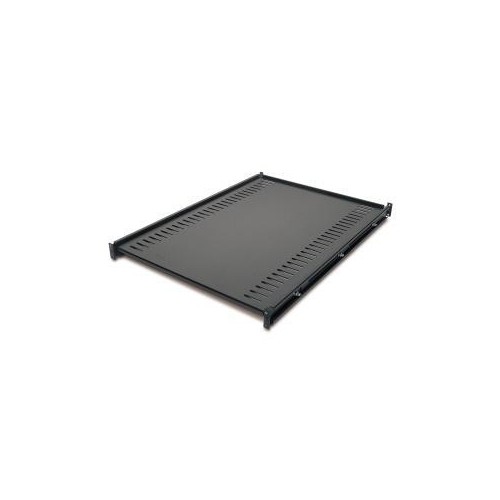 Your price for this item is $224.68
 -
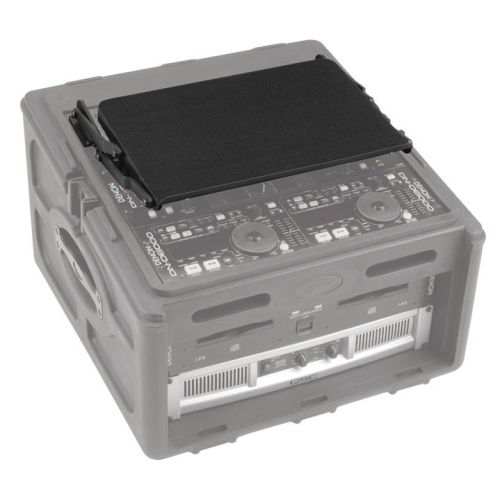 Your price for this item is $179.99
 -
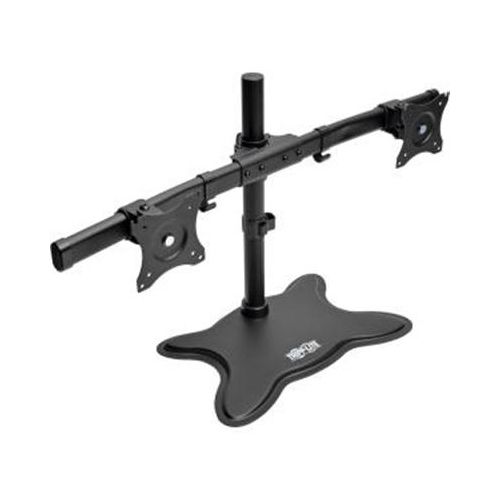 Your price for this item is $209.37
 -
 Your price for this item is $49.99
 -
 Your price for this item is $39.99
 -
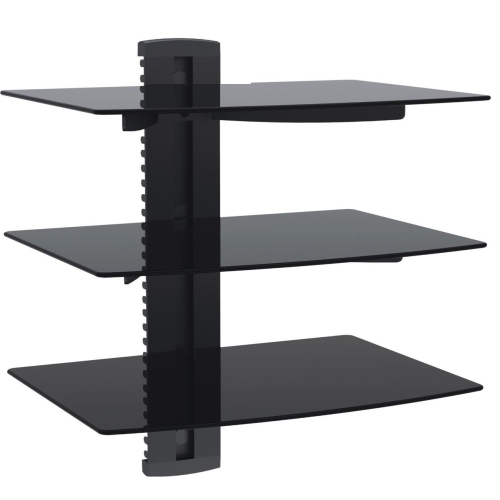 Your price for this item is $39.99
 -
 Your price for this item is $399.91
Discover more categories related to High Quality Electronics

Top Collections:
Pokemon Centers, Kindle Devices, Best Budget Office Chairs, Apple iPhones 16, Best Laptops for Writers, iPhone 15 Apple, Canon G7X Cameras, Refurbished Apple Laptops, Alarm Clock, Motorola Razr Phones
Some products may be subject to Environmental Handling Fees
(EHF) depending on your province.
Learn more about EHFs.