Powerful Wi-Fi Routers
A router is a device that allows multiple devices to connect to the Internet. These powerful devices allow you to access the Internet faster and more reliably. They can also provide more stable connections and better coverage for your home or office. Here are some great powerful WiFi router options on the market.
Sort
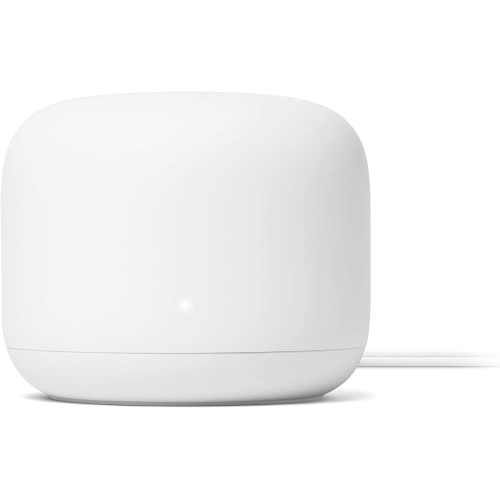

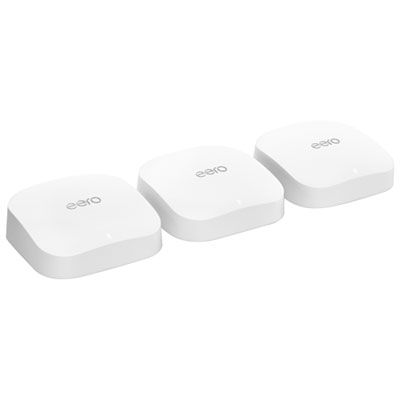
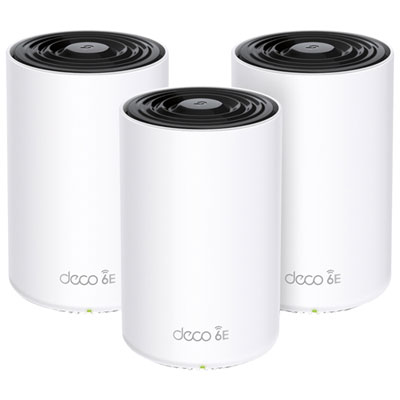

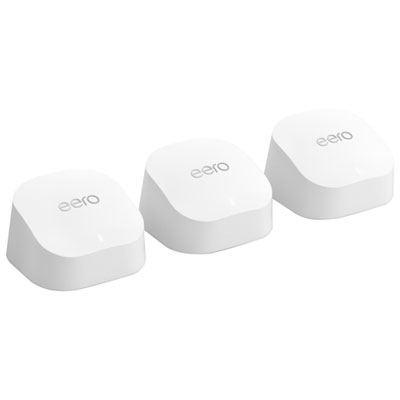
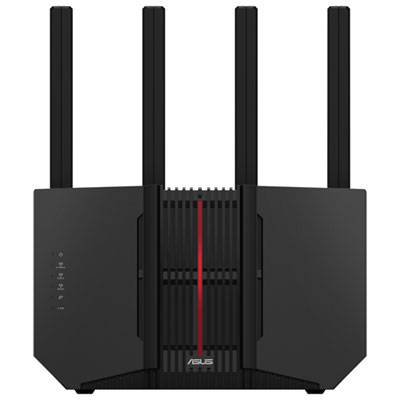
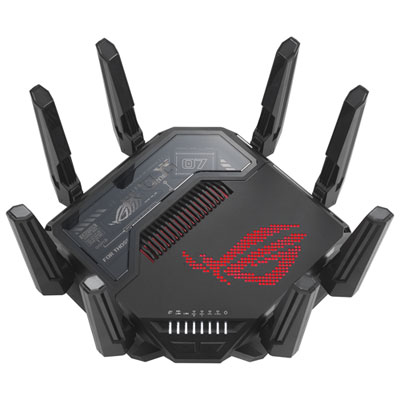
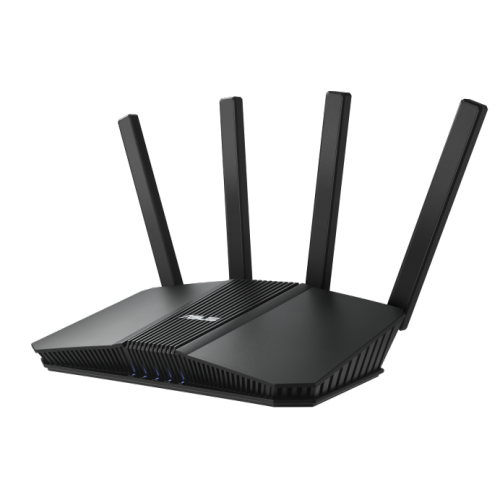
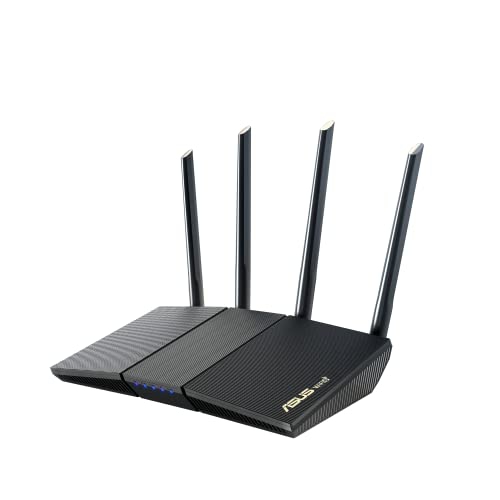
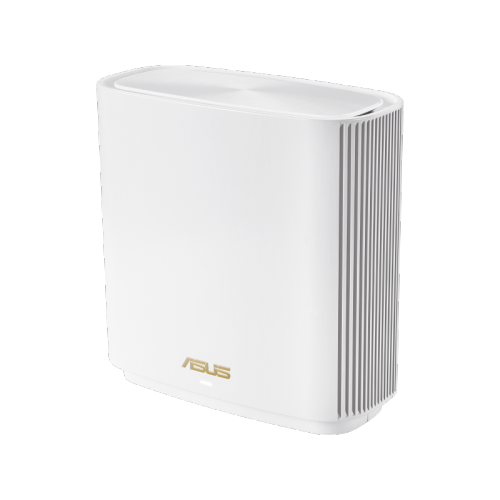
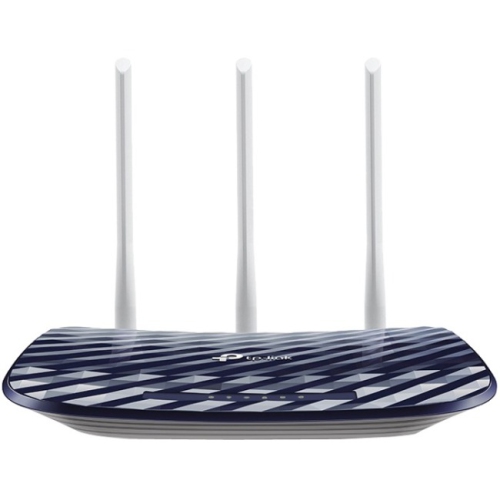
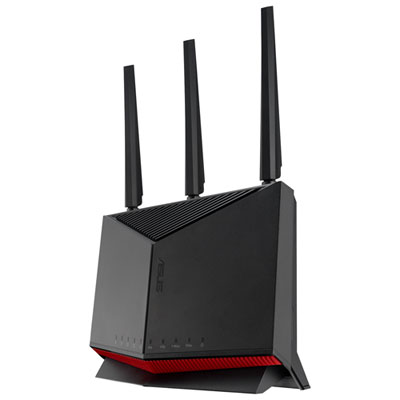
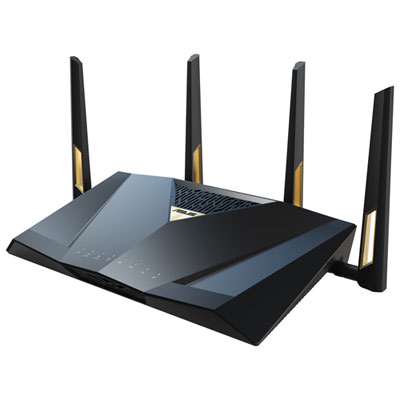
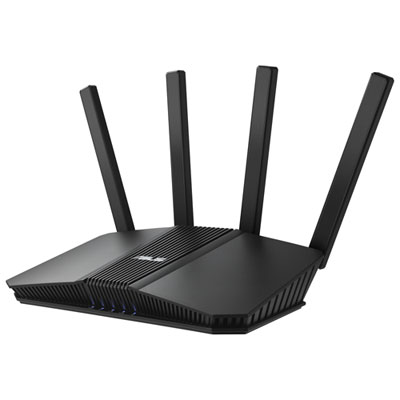
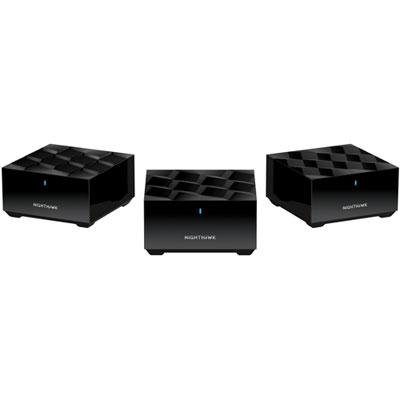
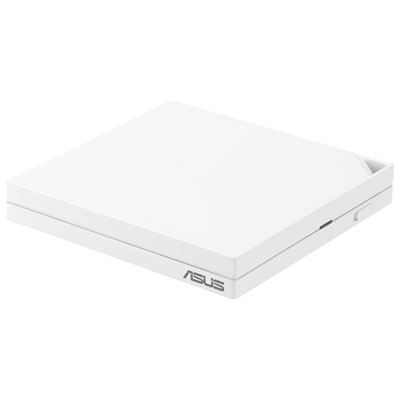
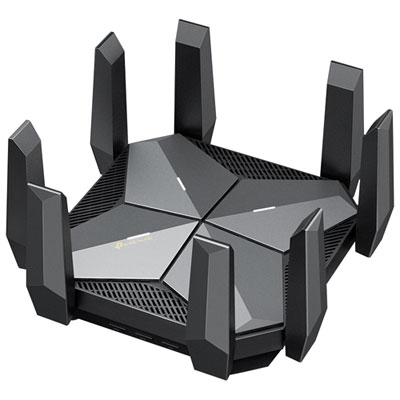
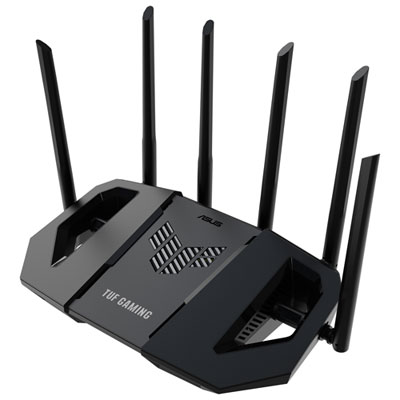
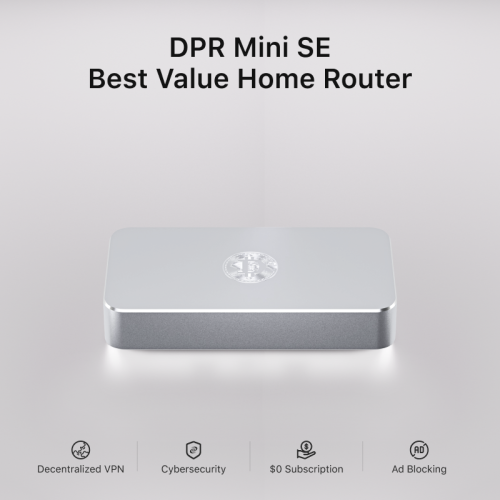
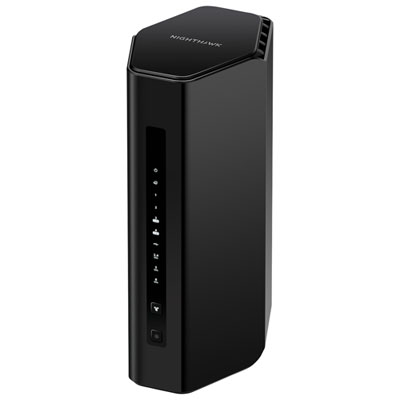
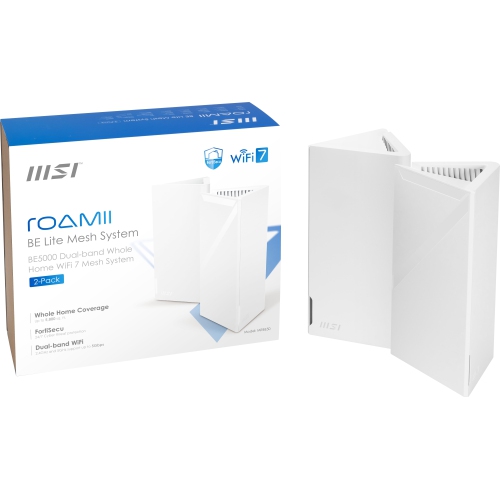
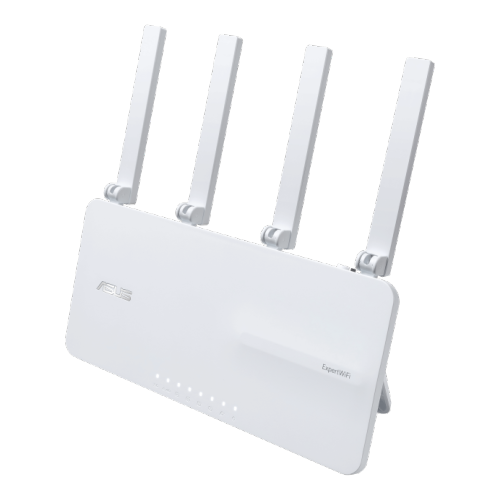
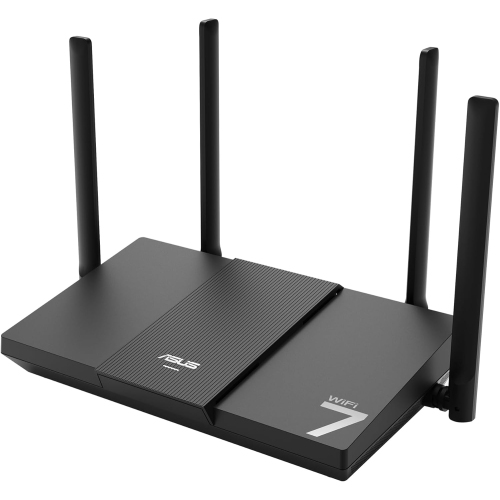
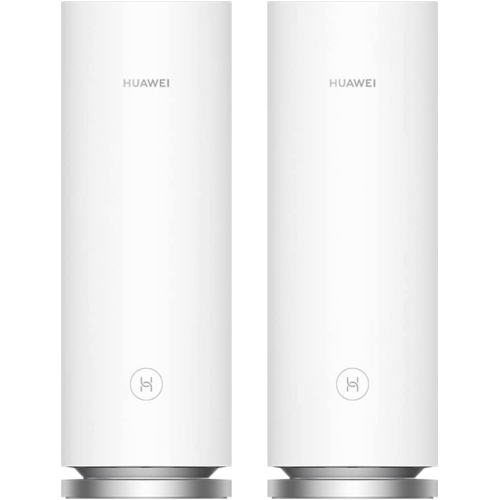
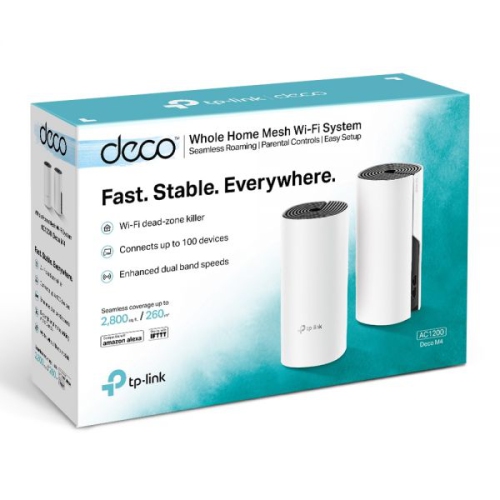
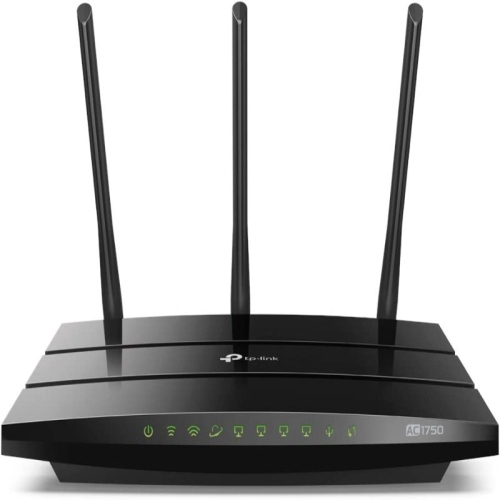
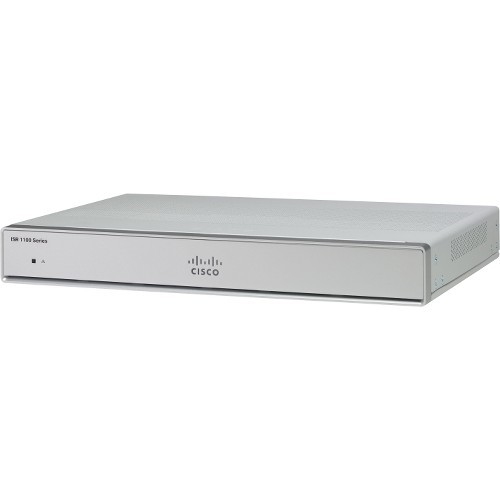
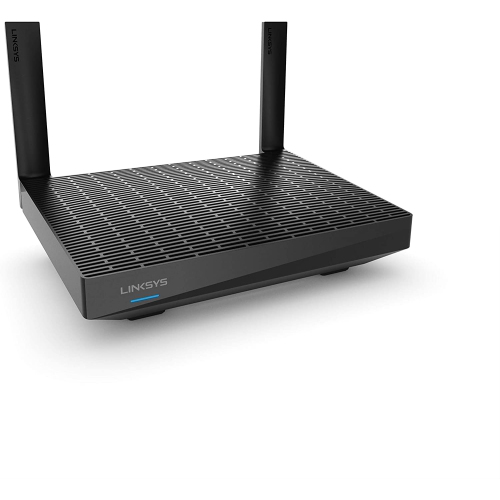
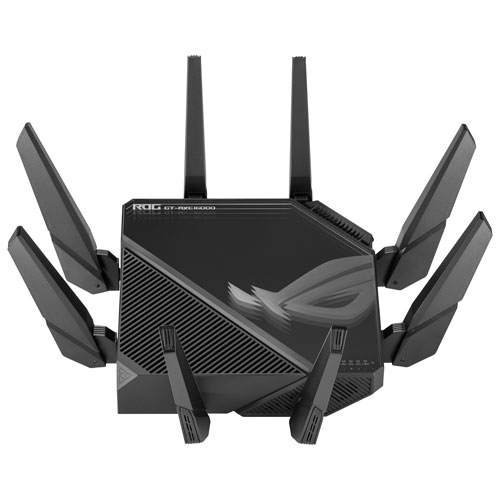

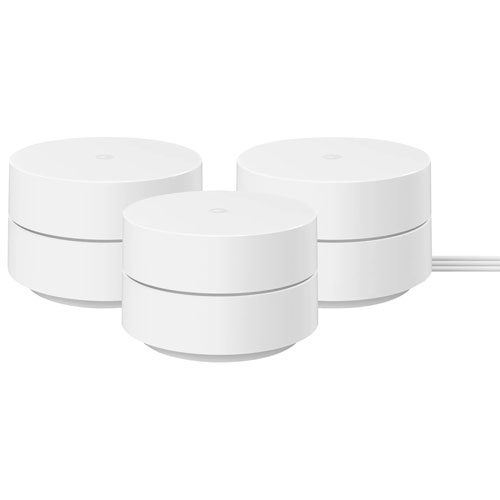
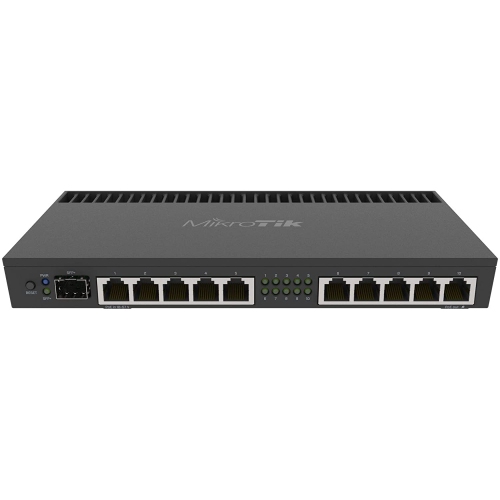
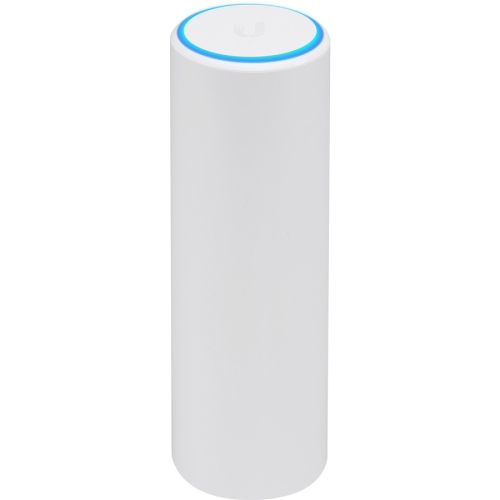
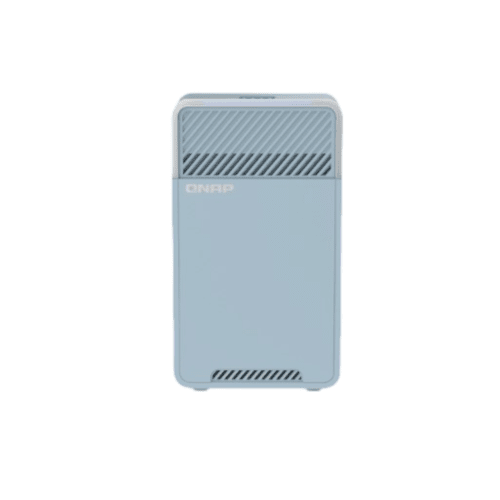
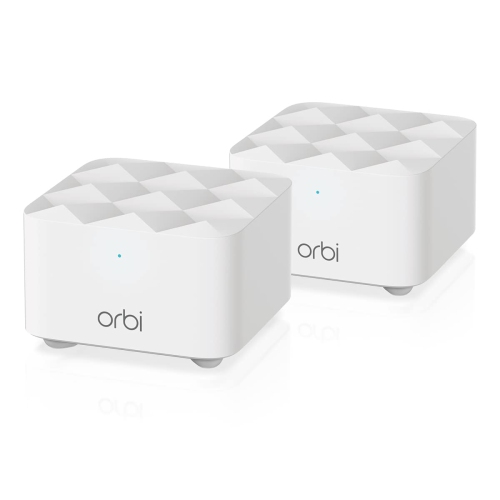

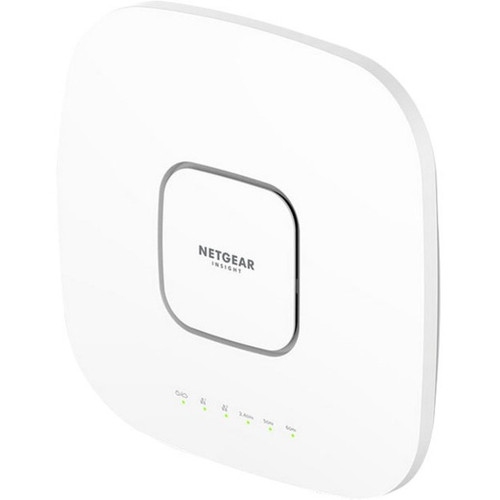
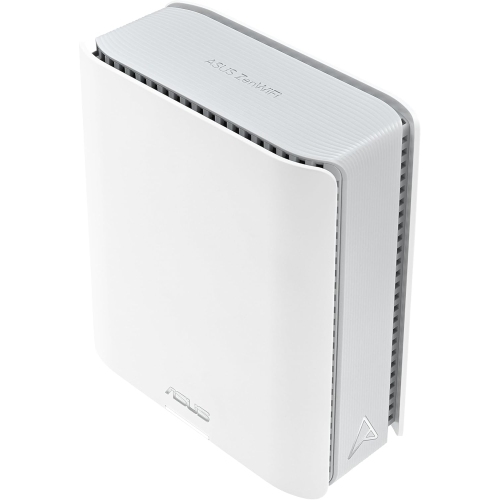
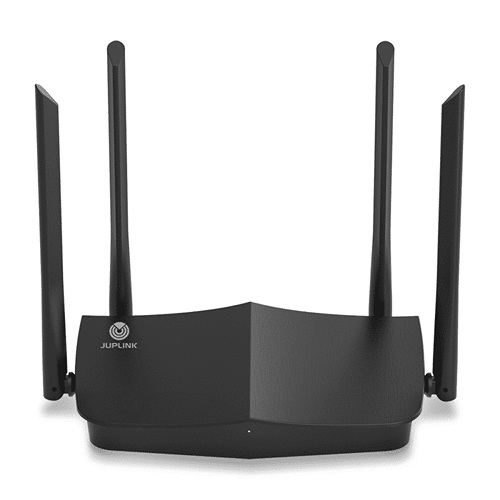
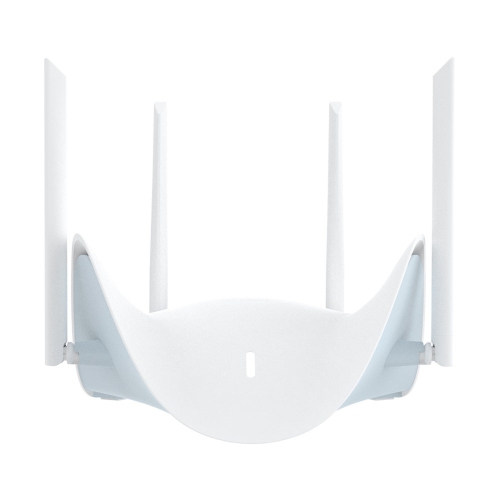
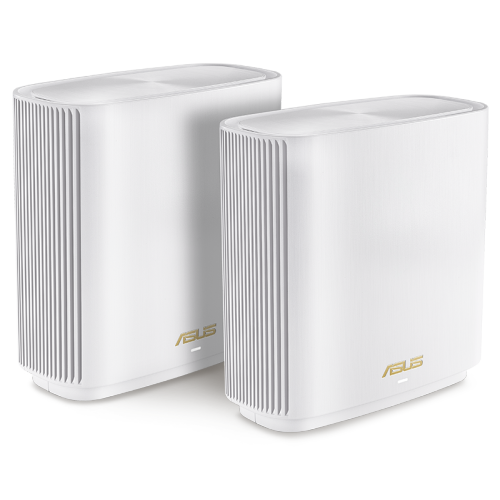
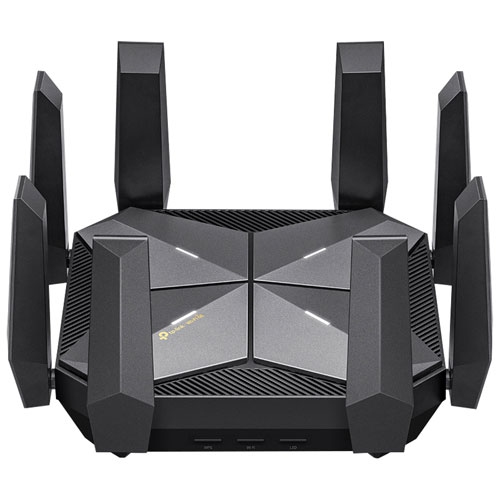
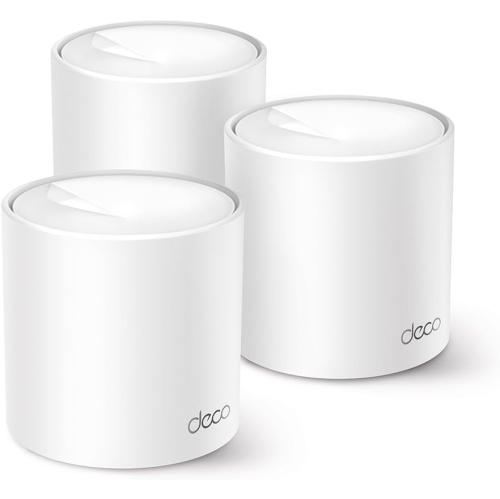

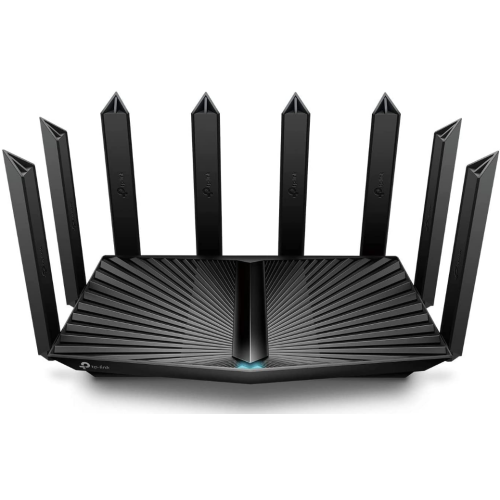
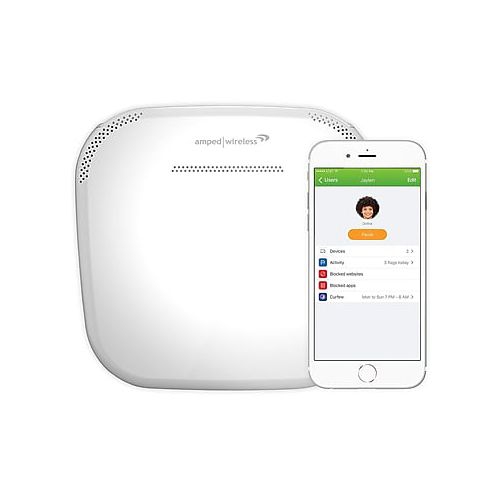
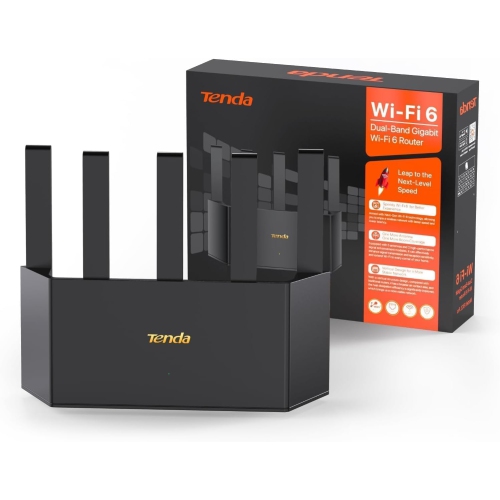
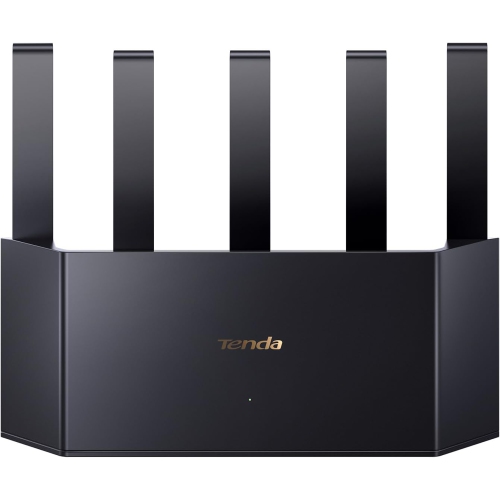
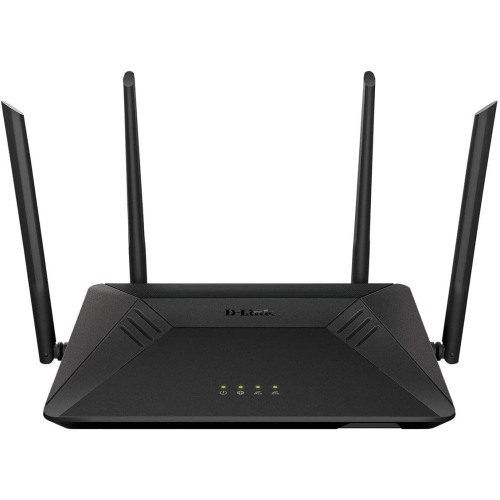
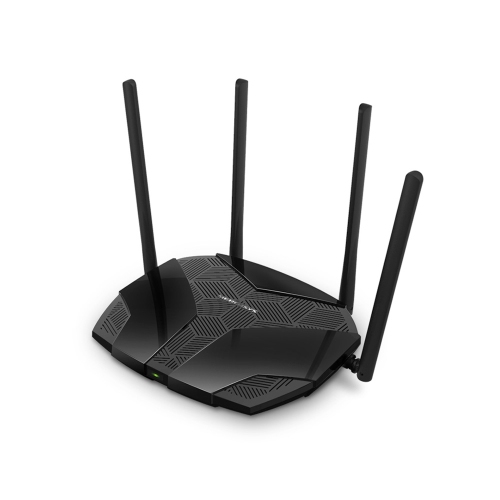
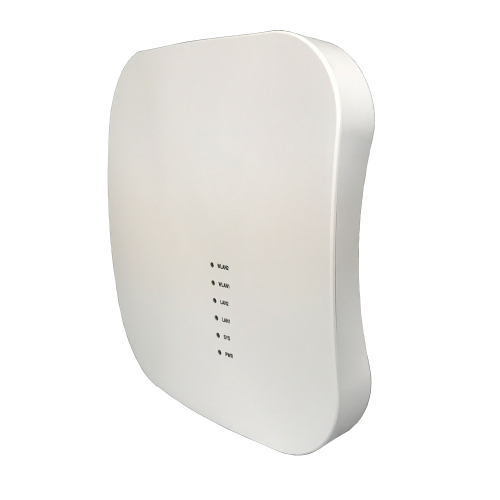
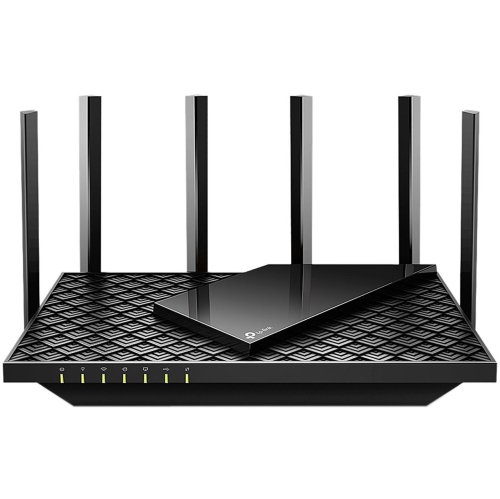
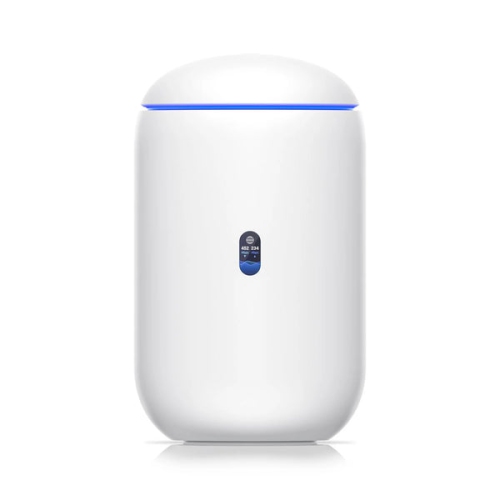
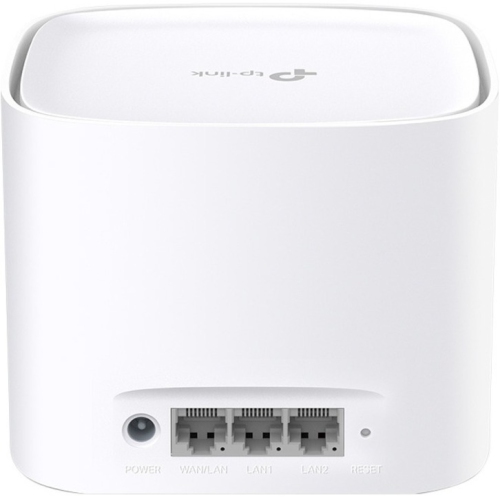
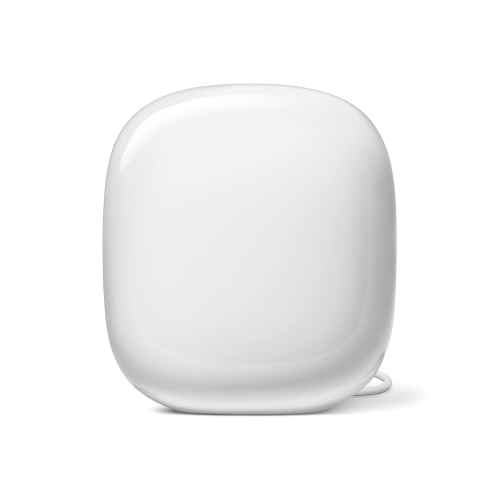
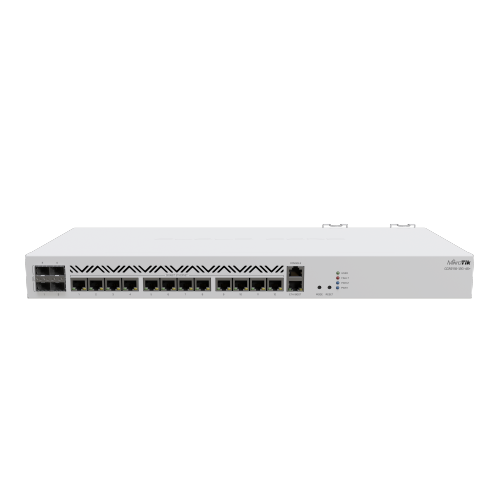
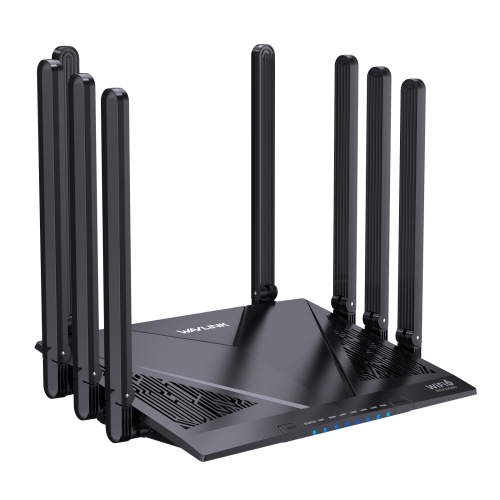
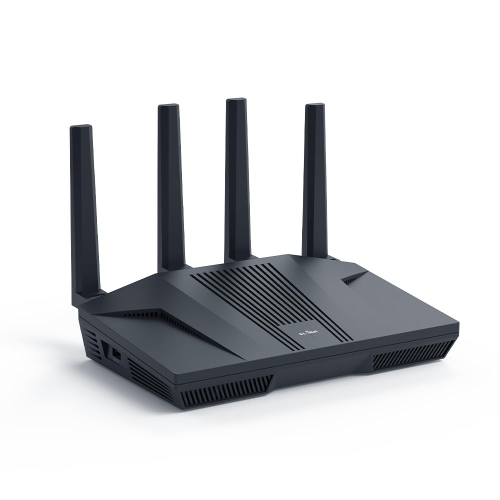
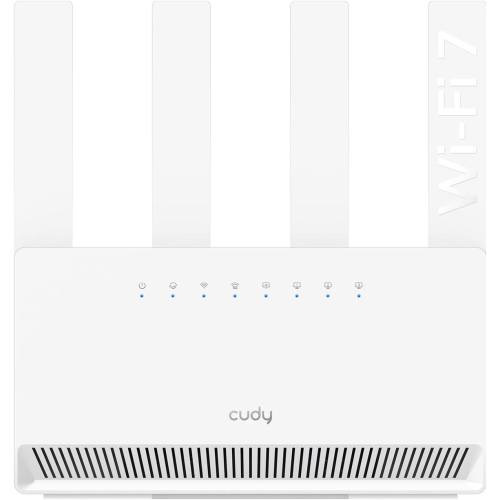
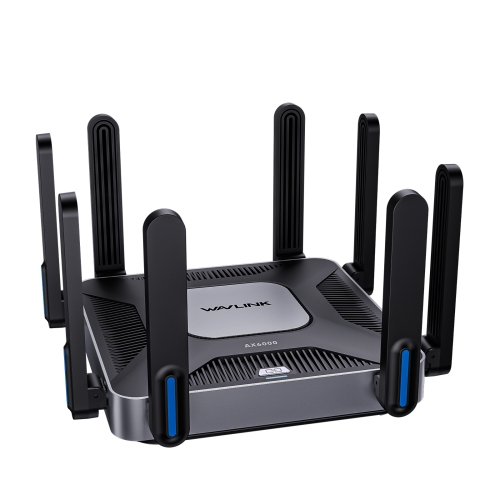
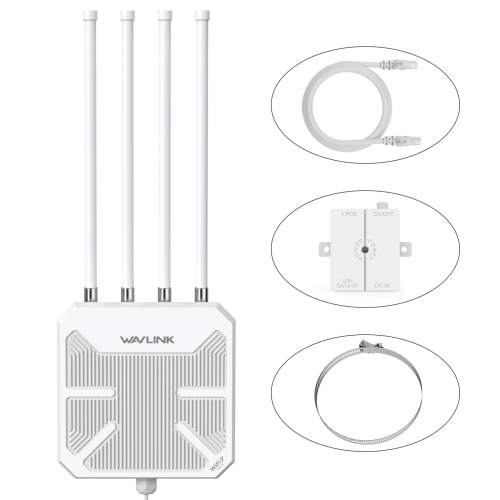
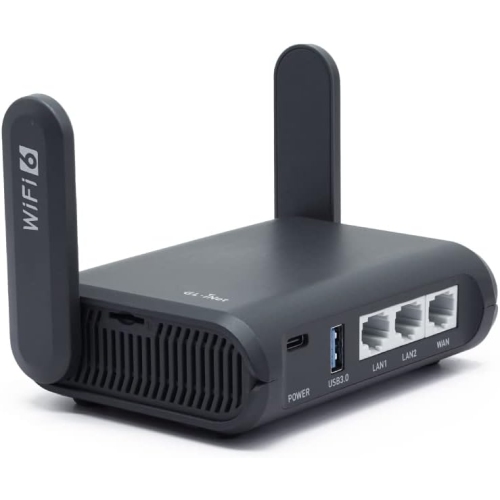
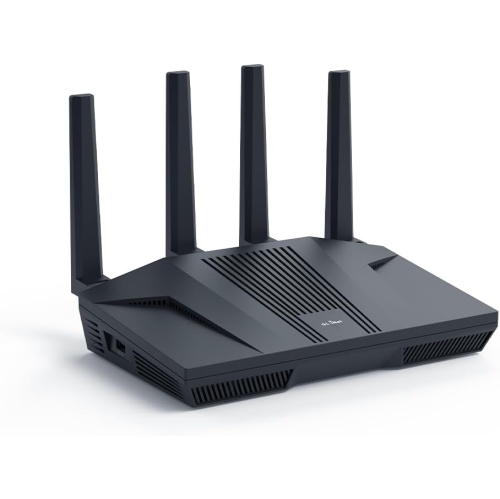
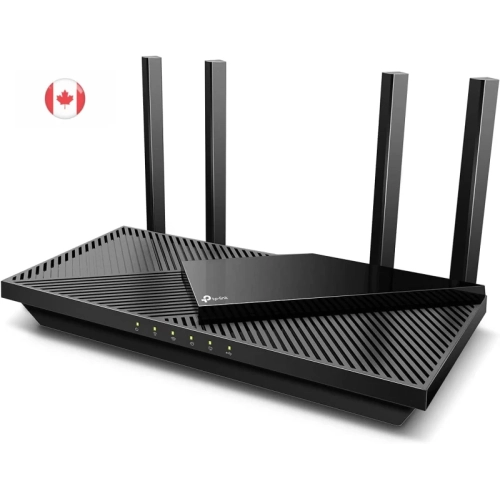
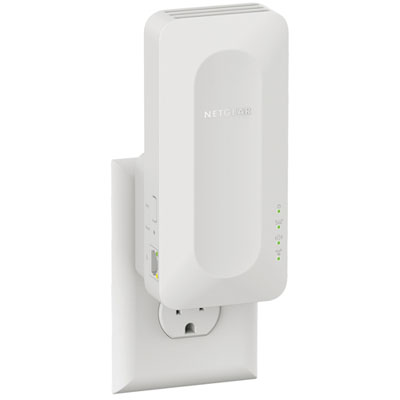
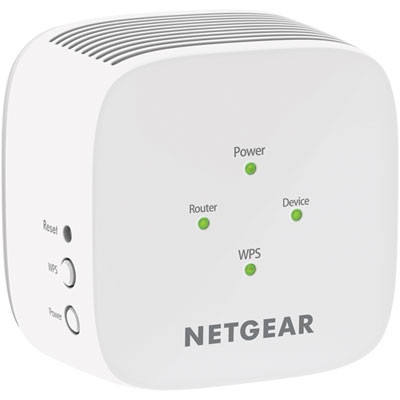
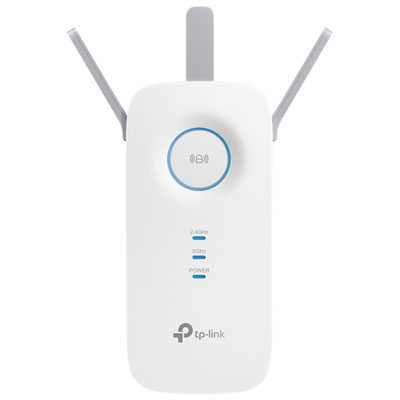

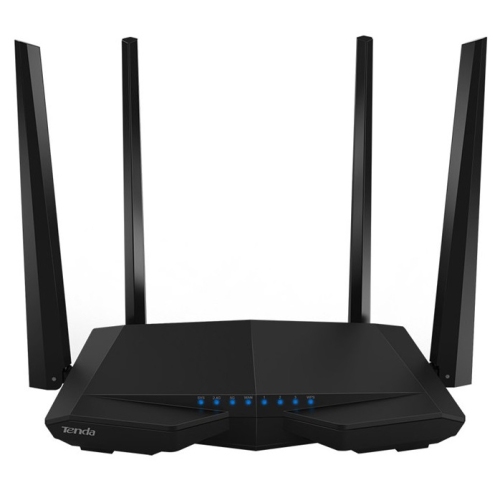
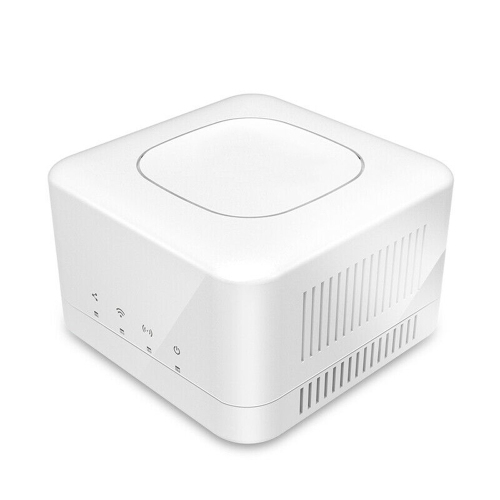
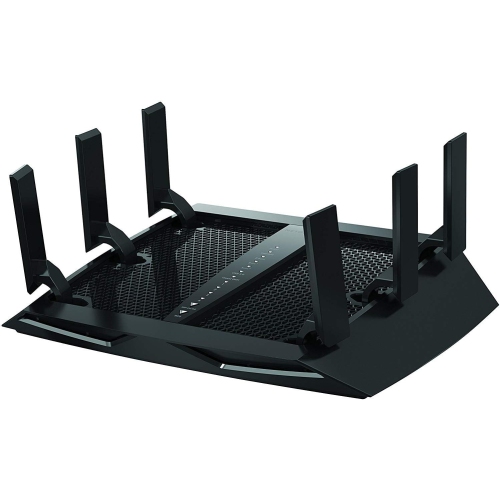
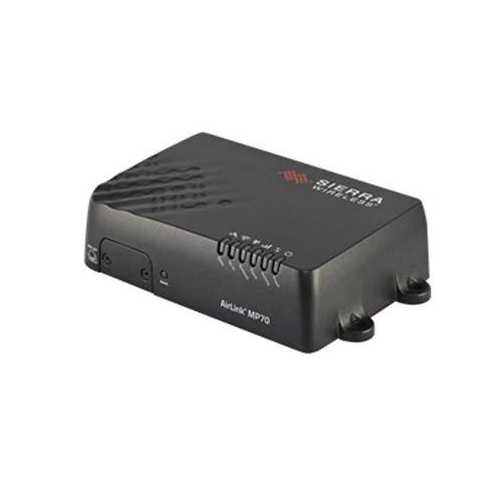


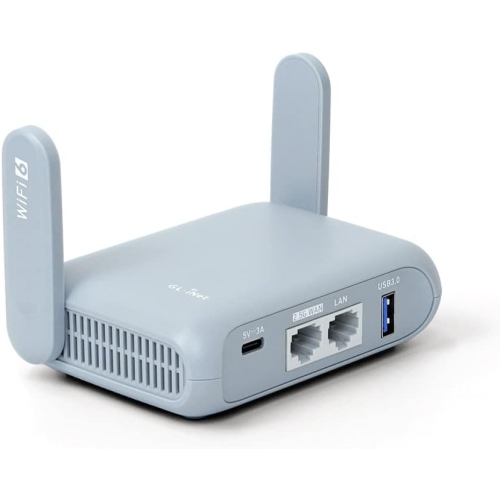
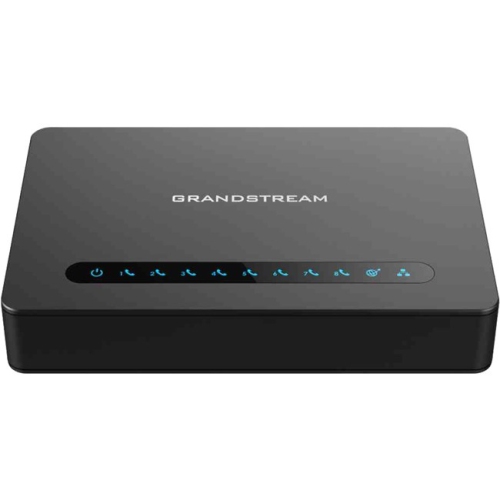
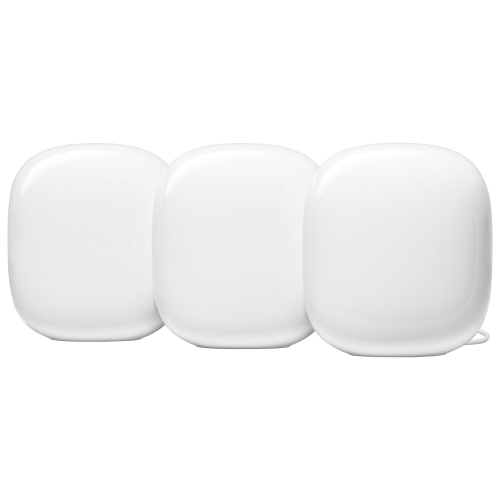
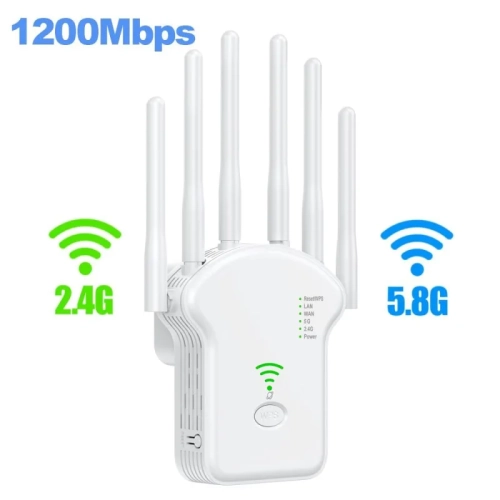
Busy households need more than headline Wi-Fi speeds
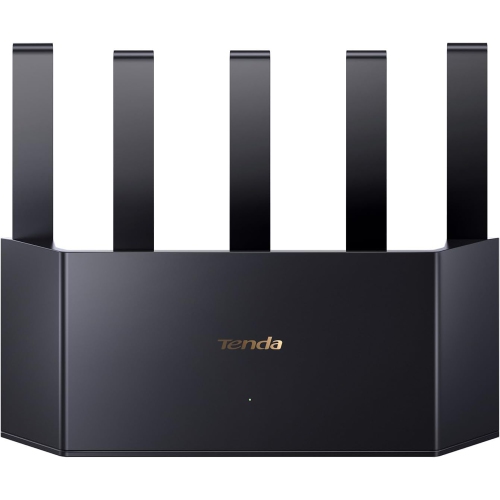
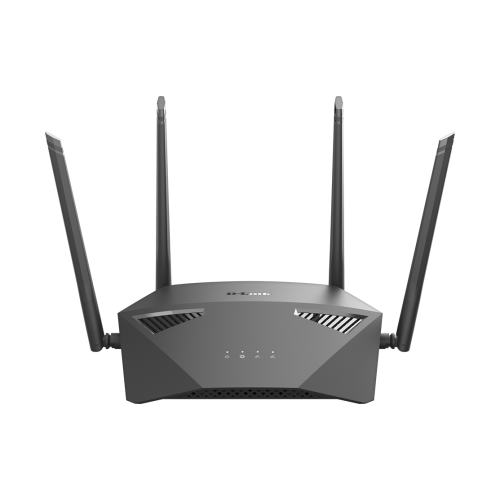
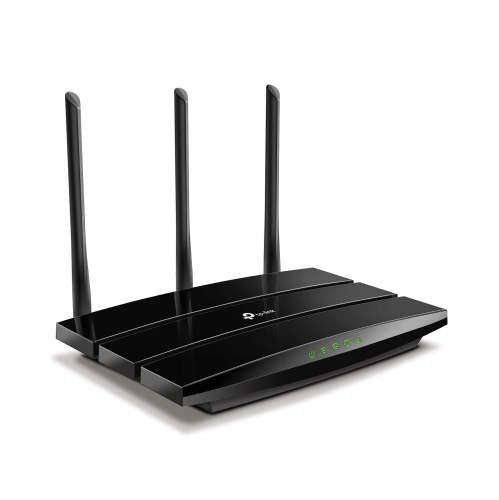
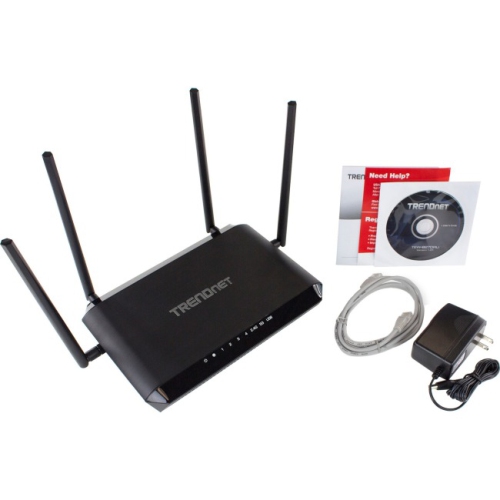
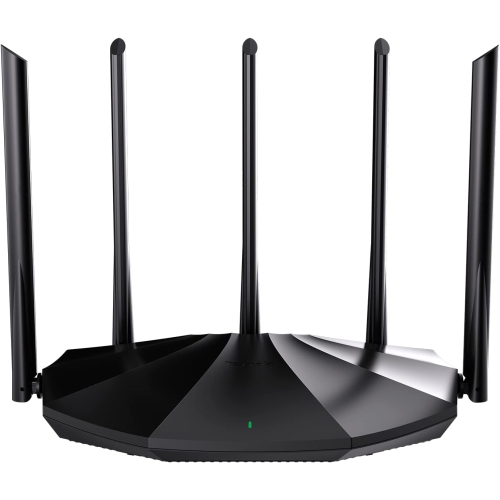
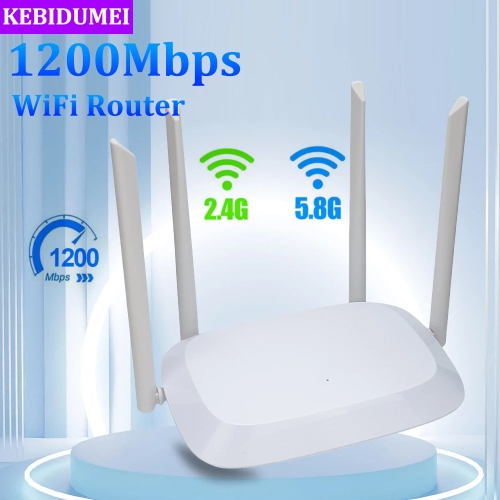
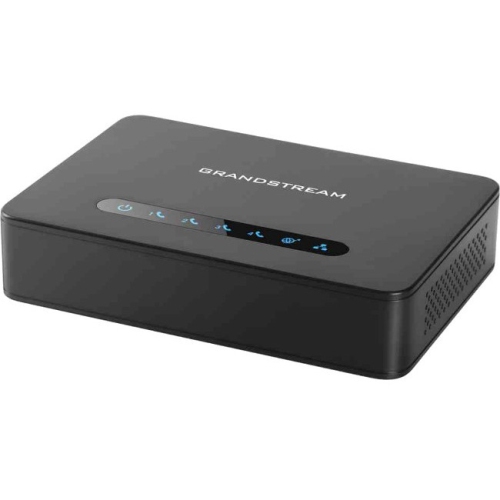
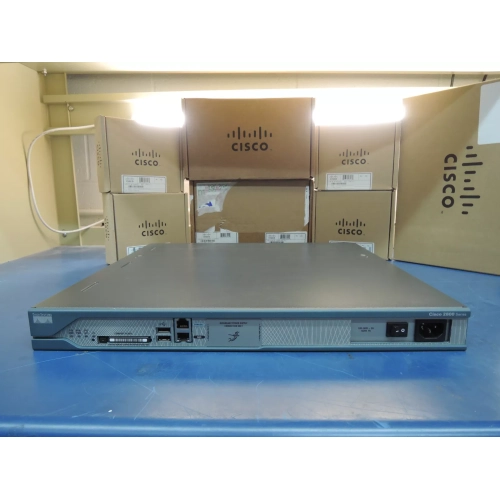
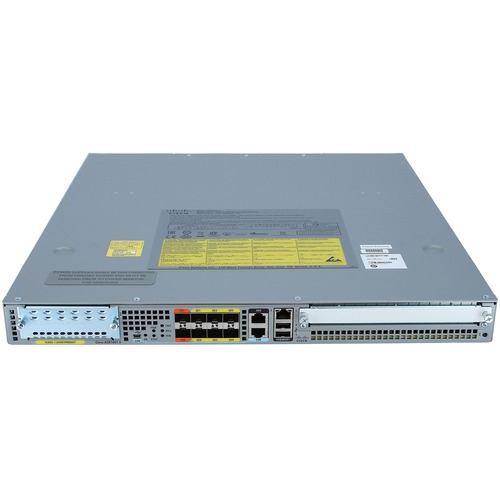
Powerful Wi-Fi routers help busy households share a connection without every video call, game download, or movie stream competing for the same slice of wireless capacity. Their strength comes from a combination of radio design, processing capability, antenna placement, and traffic management—not simply a signal that transmits farther than every other router. Wireless transmit power is subject to Canadian regulatory limits, so a higher advertised speed does not automatically mean greater coverage through walls or across floors. A capable router can make a noticeable difference in a home where someone is taking a video meeting upstairs while a television streams in the living room and connected cameras upload footage. Wi-Fi 6 adds features that can improve efficiency when many compatible devices share a network, while Wi-Fi 6E extends connectivity into the 6 GHz band for compatible equipment. Wi-Fi 7 introduces further capabilities, including wider channels where supported and Multi-Link Operation, which allows compatible devices to use multiple wireless links. The benefits depend on the router, connected devices, settings, and local radio conditions. An older laptop will still connect to many newer routers, but it will not gain features its own wireless hardware does not support. Advertised router speeds generally represent theoretical rates added across multiple bands rather than the speed a single phone or computer will receive. Actual performance also depends on the internet plan, distance, interference, and the device at the other end of the connection. For households with demanding daily use, a powerful router is therefore as much about handling overlapping activities smoothly as it is about reaching high peak speeds. Remote workers, students, gamers, and families sharing several screens may all benefit from that extra capacity. During the cooler months, when more entertainment and everyday activity move indoors, dependable wireless access can help keep the kitchen playlist, homework session, and evening film running alongside one another.
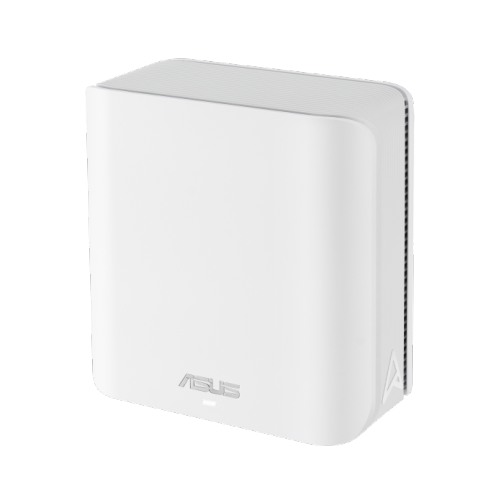
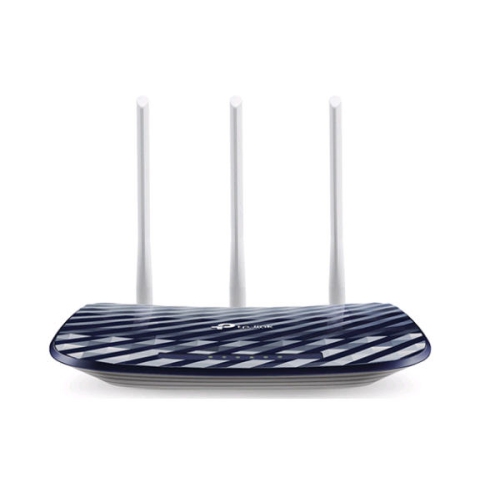
Coverage depends on the shape and construction of a home as much as its floor area. A compact apartment with nearby networks crowding the airwaves presents a different challenge from a narrow townhouse with three floors or a detached home with an office behind brick walls. The 2.4 GHz band generally reaches farther and penetrates obstacles better than higher-frequency bands, though it often has more interference and less capacity. The 5 GHz and 6 GHz bands can offer greater throughput under suitable conditions, with 6 GHz particularly useful for compatible devices nearer the router. Neither a large antenna array nor a high speed rating guarantees a strong connection through concrete, metal, or masonry. Beamforming can help direct transmissions towards supported devices, but it does not remove these physical barriers. A well-positioned standalone router can suit a home with a central location and relatively open rooms. Mesh-capable routers offer another approach, working with compatible nodes to spread wireless access across a larger or more awkward layout. Those nodes need a reliable connection back to the main router; placing one deep inside an existing dead zone can leave it with too little signal to share effectively. A dedicated wireless backhaul band can help manage communication between nodes, while wired Ethernet backhaul can reduce dependence on wireless conditions where cabling is practical. Mesh compatibility varies, so support for additional nodes and wired connections matters when planning for a basement workspace or a future room conversion. Physical fit deserves attention too: router housings, external antennas, power adapters, and connected cables all need enough shelf space without blocking ventilation. Indoor routers are generally not built to tolerate rain or freezing temperatures. For connections beyond the house, Outdoor Wi-Fi Routers address a different set of placement and weather-resistance needs. A patio, detached garage, or garden workspace may require purpose-built hardware rather than an indoor router placed beside a window.
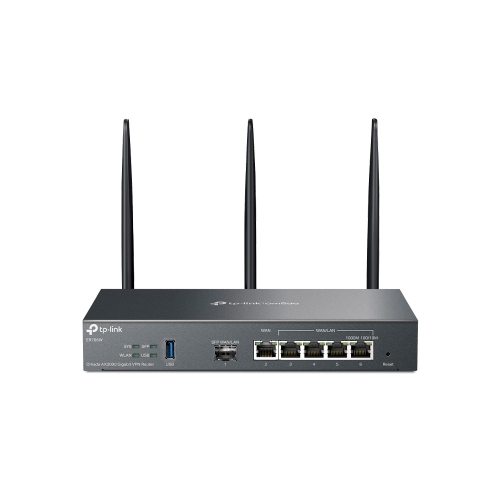
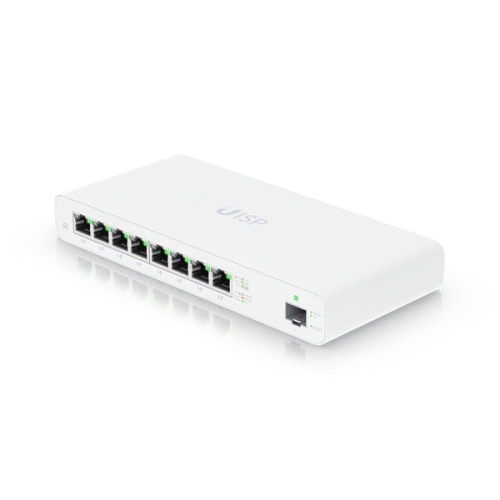
The connections and controls built into a router can be just as important as its wireless specification. Gigabit Ethernet ports suit many everyday wired devices, while multi-gigabit ports can support faster internet service or demanding local transfers when the rest of the hardware supports those speeds. Port roles matter: a fast internet-facing WAN port does not necessarily mean every LAN port offers the same rate. A desktop computer moving large files to network storage, for example, depends on the capabilities of both wired connections as well as the storage hardware itself. For gaming and video meetings, responsiveness and consistency often matter more than a headline speed figure. Quality of Service settings can help prioritize selected traffic when a connection is busy, although they cannot create bandwidth beyond the internet service or eliminate delays elsewhere on the network. Ethernet remains a useful option for a stationary console or work computer, leaving wireless capacity for phones, tablets, and other mobile devices. Router software also shapes daily ownership. Clear setup controls, supported firmware updates, WPA3 security where compatible, and a separate guest network can make a busy household network easier to maintain. Parental controls and scheduling features vary, as do the requirements for app access or optional services. Compatibility with an internet provider’s equipment is another practical consideration, since a router does not necessarily replace the modem or fibre terminal that delivers service to the home. Durability involves both the physical unit and continued software support. Many routers use lightweight plastic housings with ventilation openings; sturdy antenna joints and a stable base are useful where cables might tug at the unit. An open, dry shelf away from direct heat is more suitable than a closed cabinet crowded with warm electronics. Occasional dust removal with a soft, dry cloth, following the manufacturer’s care directions, helps keep vents clear without introducing moisture. Together, suitable coverage, capable ports, practical controls, and thoughtful placement make powerful Wi-Fi routers a useful foundation for connected homes, whether the busiest corner holds a work desk, a gaming setup, or a television shared by the whole household.
Coverage depends on the shape and construction of a home as much as its floor area. A compact apartment with nearby networks crowding the airwaves presents a different challenge from a narrow townhouse with three floors or a detached home with an office behind brick walls. The 2.4 GHz band generally reaches farther and penetrates obstacles better than higher-frequency bands, though it often has more interference and less capacity. The 5 GHz and 6 GHz bands can offer greater throughput under suitable conditions, with 6 GHz particularly useful for compatible devices nearer the router. Neither a large antenna array nor a high speed rating guarantees a strong connection through concrete, metal, or masonry. Beamforming can help direct transmissions towards supported devices, but it does not remove these physical barriers. A well-positioned standalone router can suit a home with a central location and relatively open rooms. Mesh-capable routers offer another approach, working with compatible nodes to spread wireless access across a larger or more awkward layout. Those nodes need a reliable connection back to the main router; placing one deep inside an existing dead zone can leave it with too little signal to share effectively. A dedicated wireless backhaul band can help manage communication between nodes, while wired Ethernet backhaul can reduce dependence on wireless conditions where cabling is practical. Mesh compatibility varies, so support for additional nodes and wired connections matters when planning for a basement workspace or a future room conversion. Physical fit deserves attention too: router housings, external antennas, power adapters, and connected cables all need enough shelf space without blocking ventilation. Indoor routers are generally not built to tolerate rain or freezing temperatures. For connections beyond the house, Outdoor Wi-Fi Routers address a different set of placement and weather-resistance needs. A patio, detached garage, or garden workspace may require purpose-built hardware rather than an indoor router placed beside a window.
The connections and controls built into a router can be just as important as its wireless specification. Gigabit Ethernet ports suit many everyday wired devices, while multi-gigabit ports can support faster internet service or demanding local transfers when the rest of the hardware supports those speeds. Port roles matter: a fast internet-facing WAN port does not necessarily mean every LAN port offers the same rate. A desktop computer moving large files to network storage, for example, depends on the capabilities of both wired connections as well as the storage hardware itself. For gaming and video meetings, responsiveness and consistency often matter more than a headline speed figure. Quality of Service settings can help prioritize selected traffic when a connection is busy, although they cannot create bandwidth beyond the internet service or eliminate delays elsewhere on the network. Ethernet remains a useful option for a stationary console or work computer, leaving wireless capacity for phones, tablets, and other mobile devices. Router software also shapes daily ownership. Clear setup controls, supported firmware updates, WPA3 security where compatible, and a separate guest network can make a busy household network easier to maintain. Parental controls and scheduling features vary, as do the requirements for app access or optional services. Compatibility with an internet provider’s equipment is another practical consideration, since a router does not necessarily replace the modem or fibre terminal that delivers service to the home. Durability involves both the physical unit and continued software support. Many routers use lightweight plastic housings with ventilation openings; sturdy antenna joints and a stable base are useful where cables might tug at the unit. An open, dry shelf away from direct heat is more suitable than a closed cabinet crowded with warm electronics. Occasional dust removal with a soft, dry cloth, following the manufacturer’s care directions, helps keep vents clear without introducing moisture. Together, suitable coverage, capable ports, practical controls, and thoughtful placement make powerful Wi-Fi routers a useful foundation for connected homes, whether the busiest corner holds a work desk, a gaming setup, or a television shared by the whole household.
Top selling and popular products
-
 Your price for this item is $189.99
 -
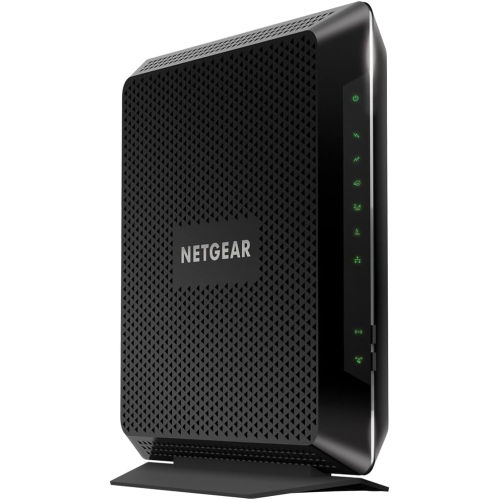 Your price for this item is $189.99
 -
 Your price for this item is $219
 -
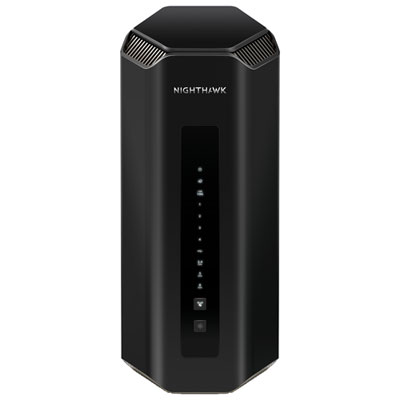 Your price for this item is $749.99
 -
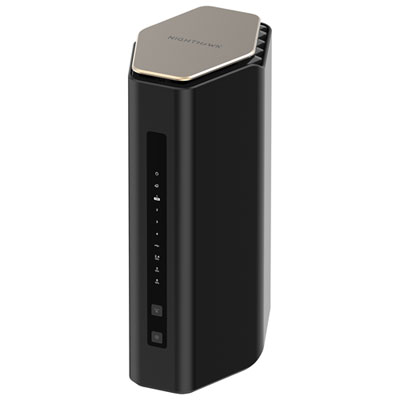 Your price for this item is $249.99
 -
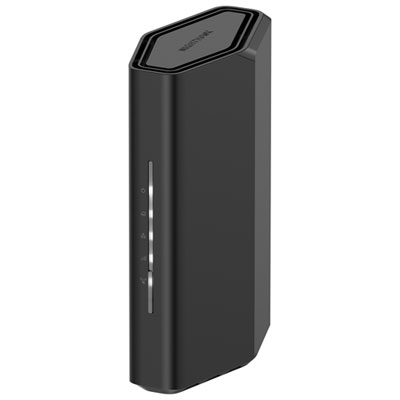 Your price for this item is $199.99
 -
 Your price for this item is $134.99
 -
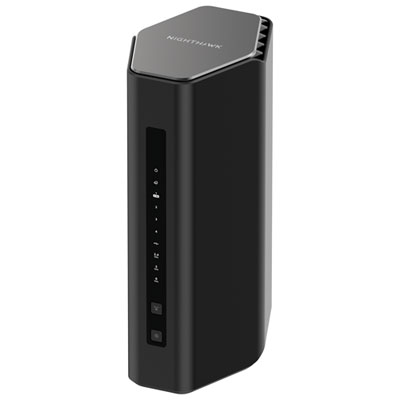 Your price for this item is $399.99
Discover more categories related to Powerful Wi-Fi Routers
Top Collections:
Pokemon Centers, Kindle Devices, Best Budget Office Chairs, Apple iPhones 16, Best Laptops for Writers, iPhone 15 Apple, Canon G7X Cameras, Refurbished Apple Laptops, Alarm Clock, Motorola Razr Phones
Some products may be subject to Environmental Handling Fees
(EHF) depending on your province.
Learn more about EHFs.