High Speed Wi-Fi Routers
A high-speed Wi-Fi router is key to a strong wireless network, and the best ones can handle multiple devices at once and provide fast speeds for all of them. But with so many options on the market, it can be hard to know which one is right for you. That's why we've done the work for you. Here are some great options.
Sort
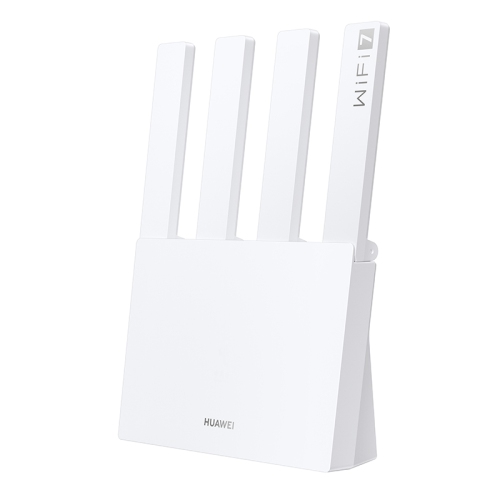
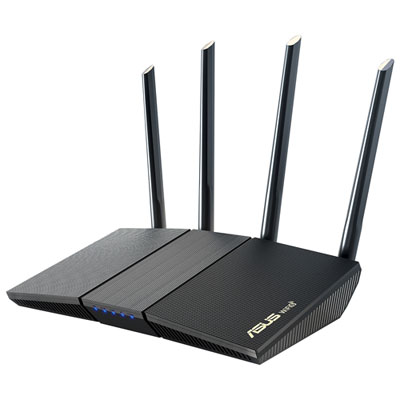
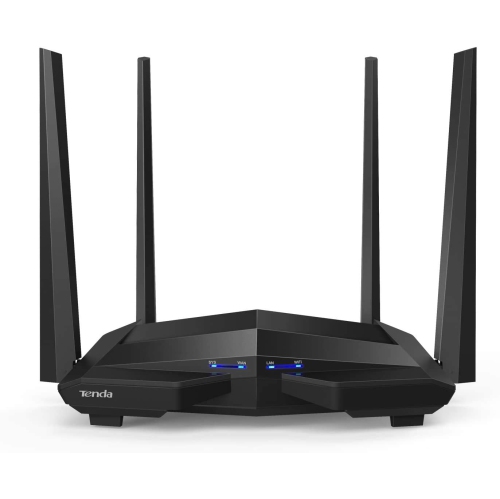
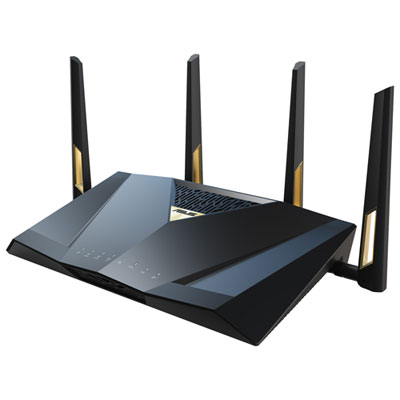
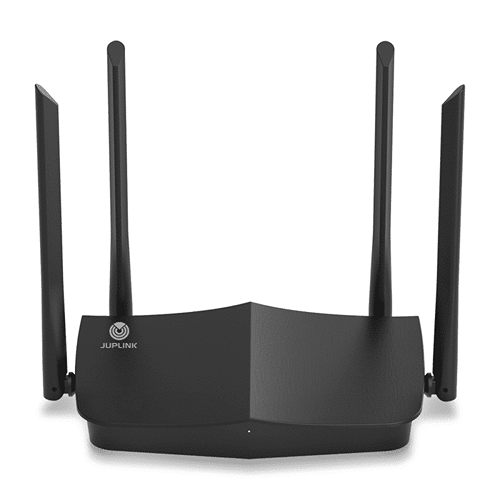
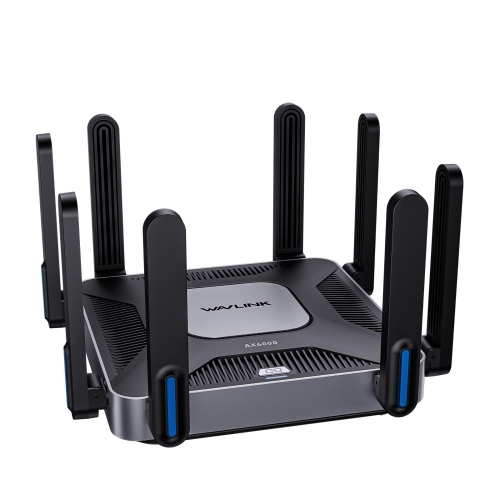
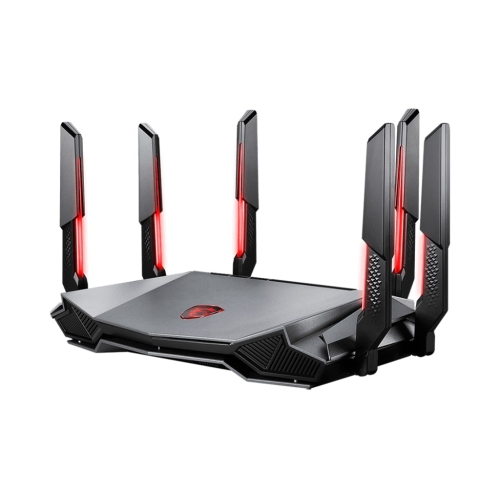
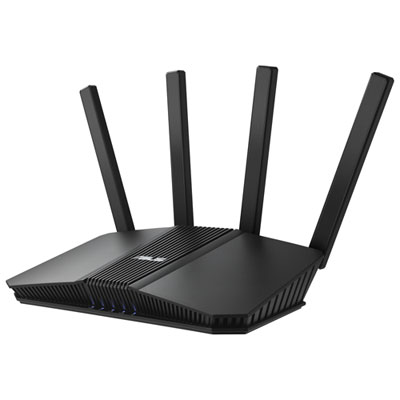
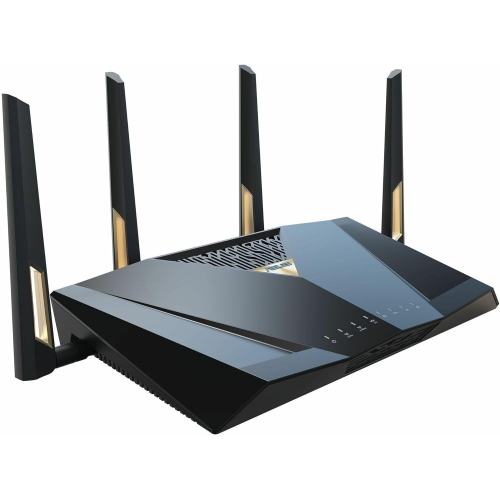
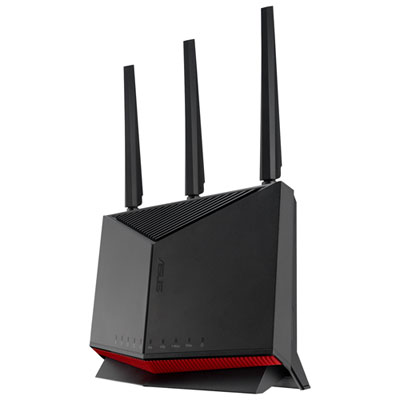
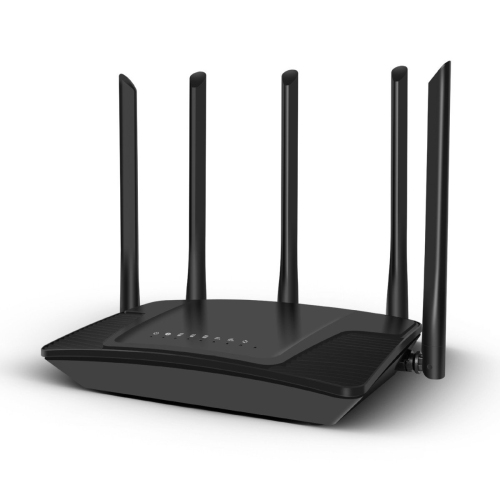
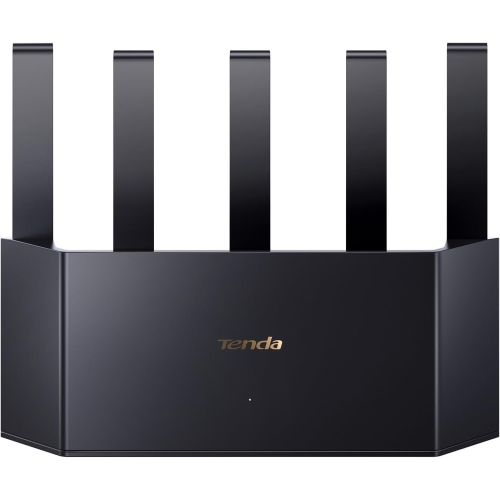
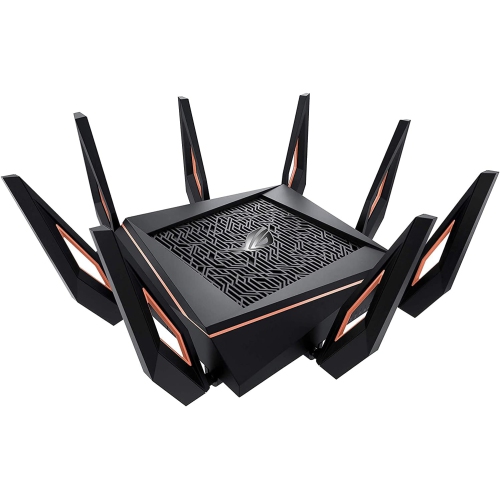
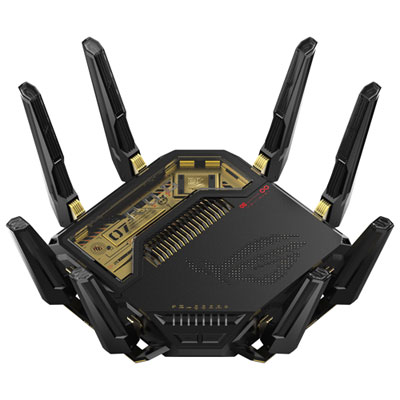
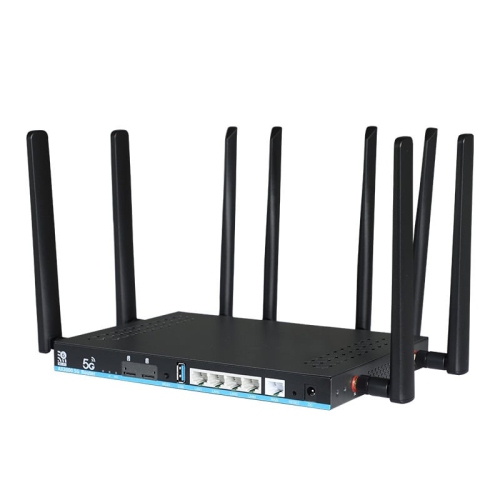
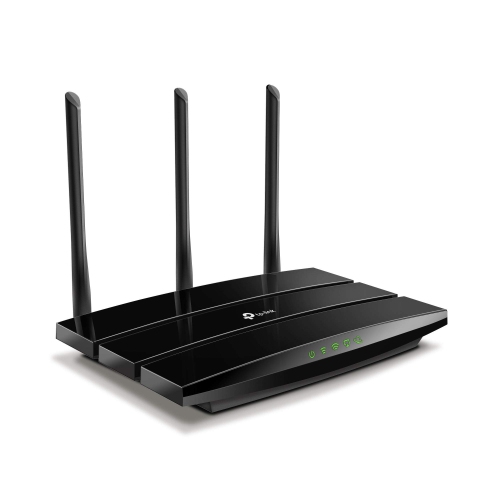

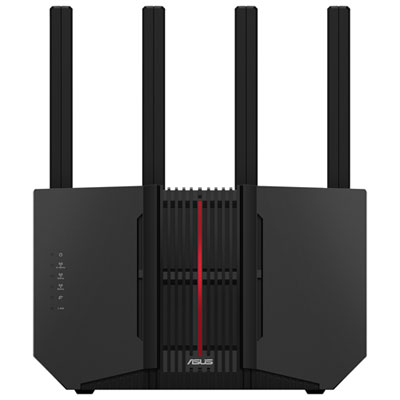
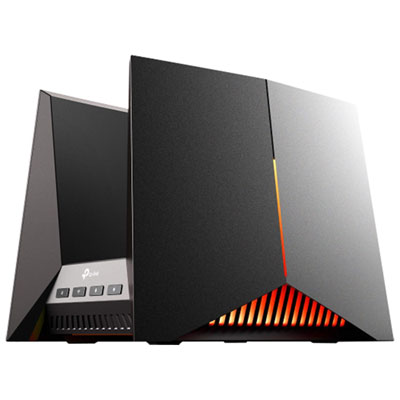
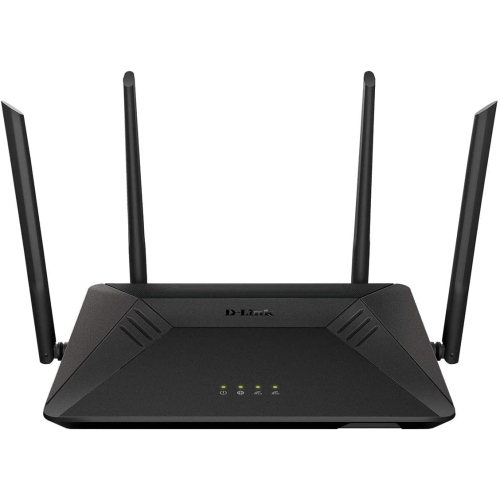
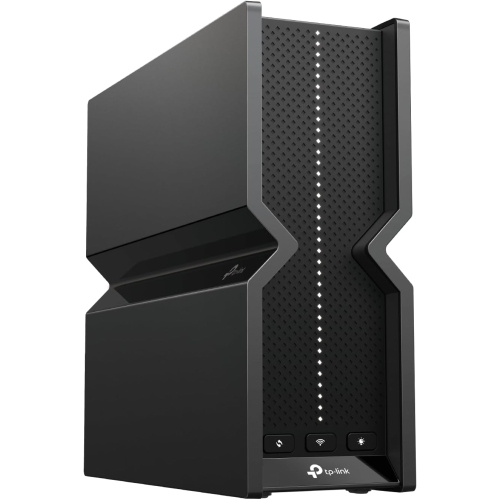


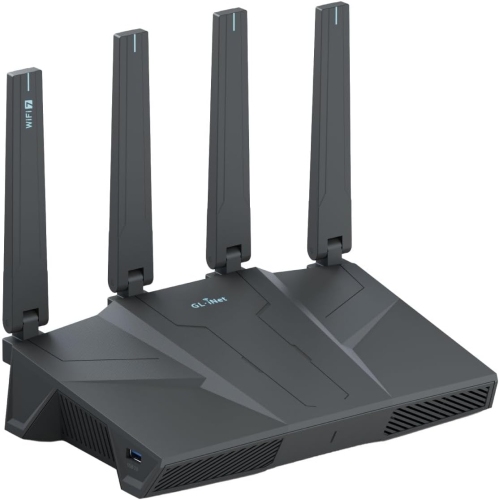

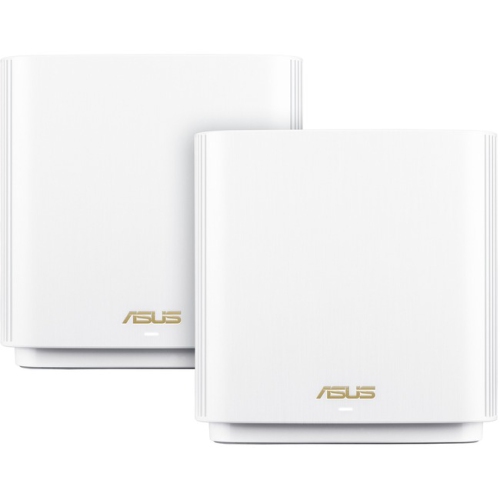
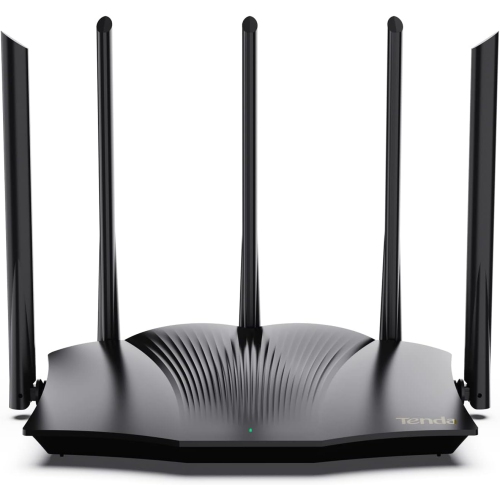
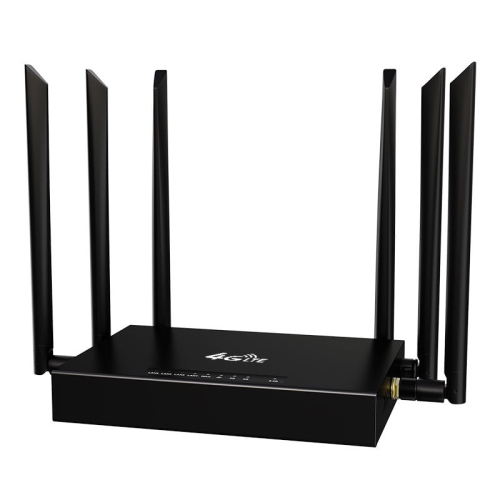
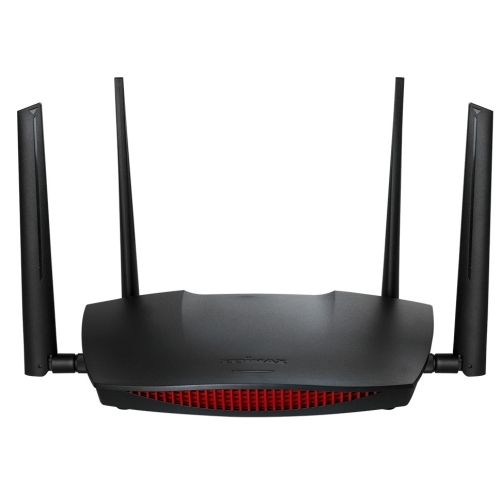
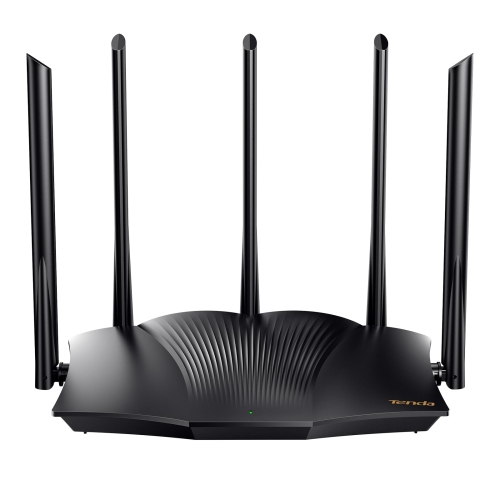
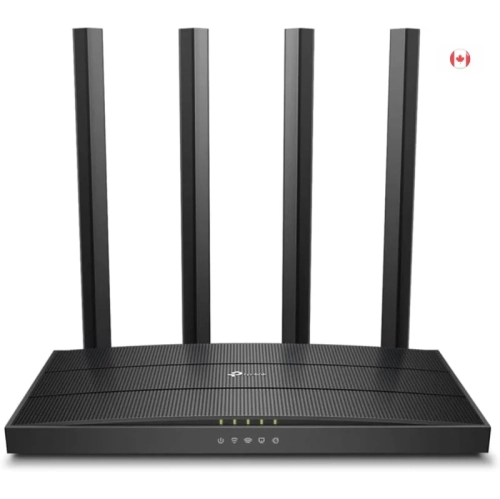
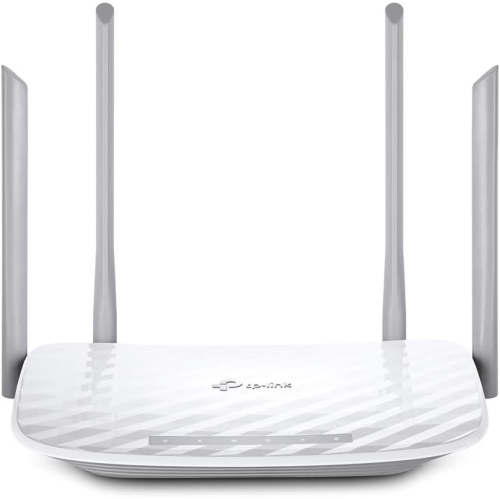
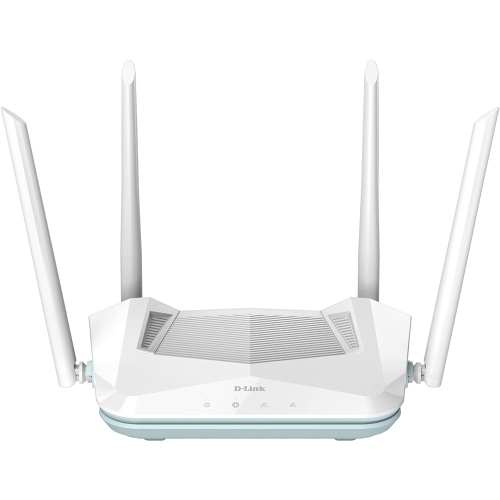
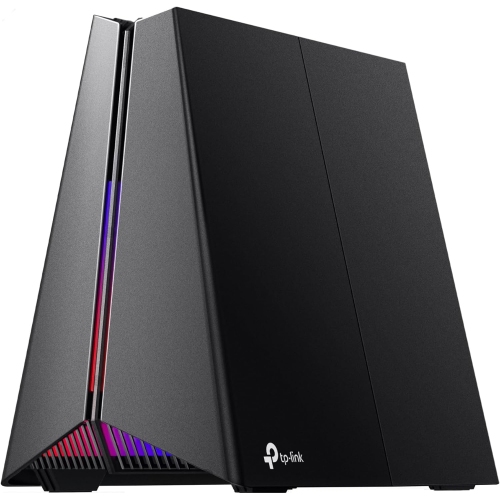
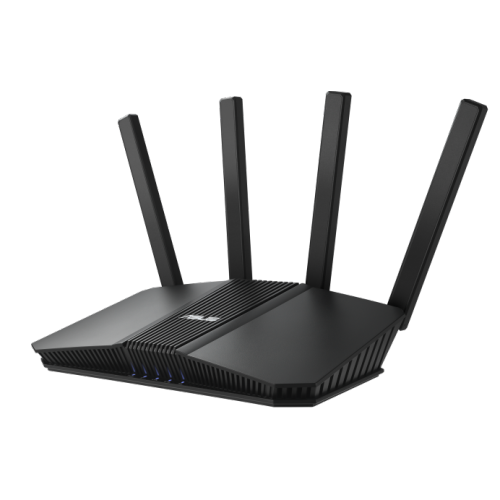
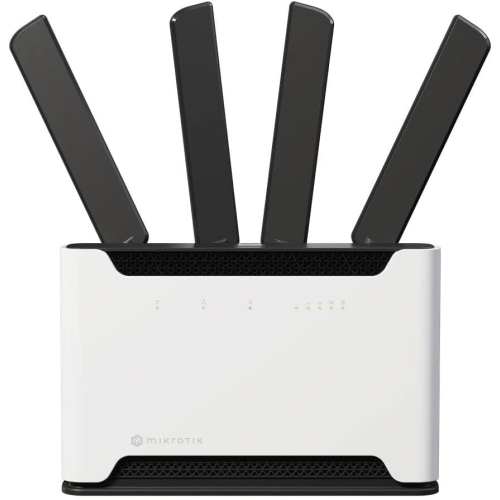

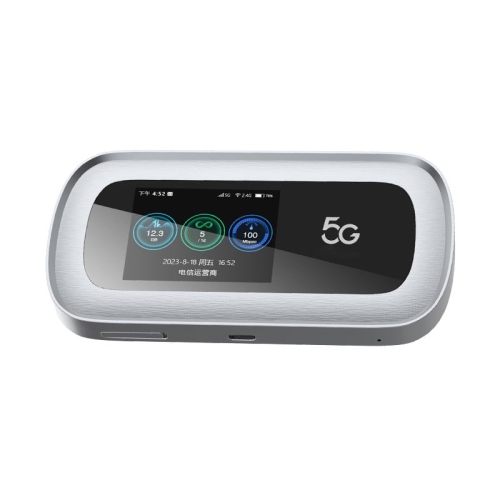
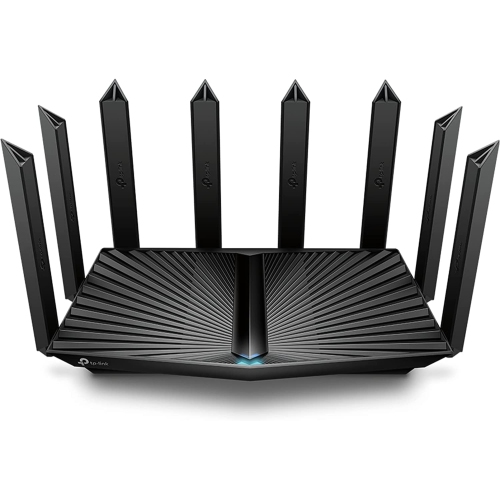
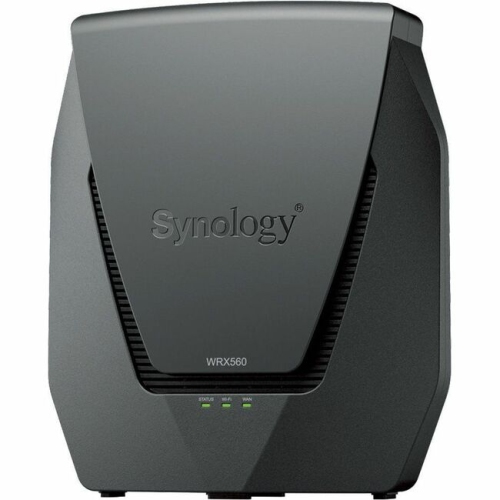
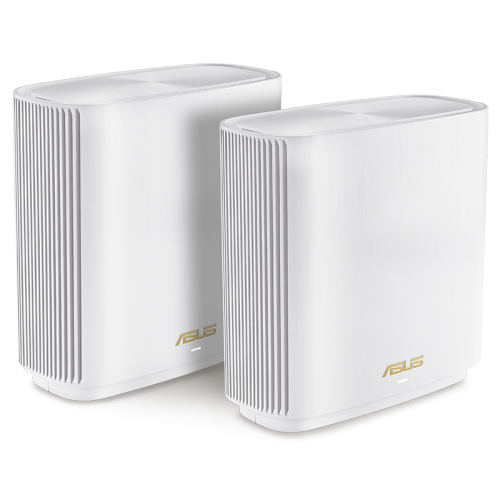

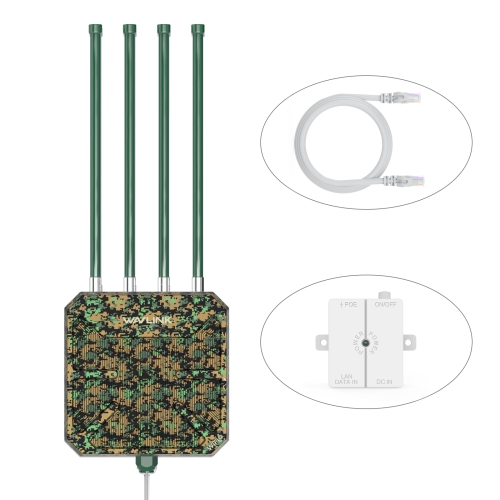
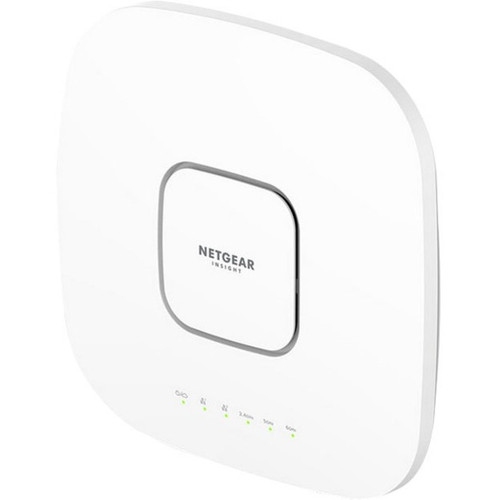
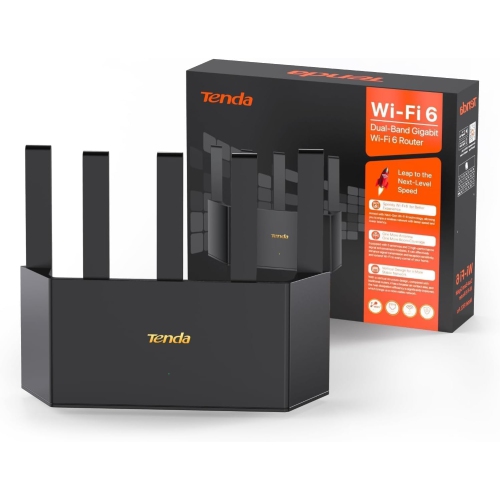

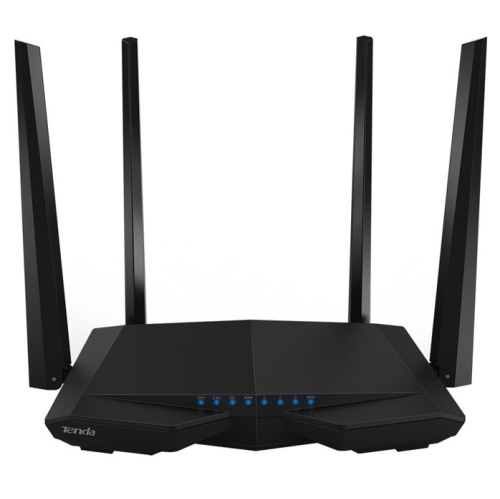
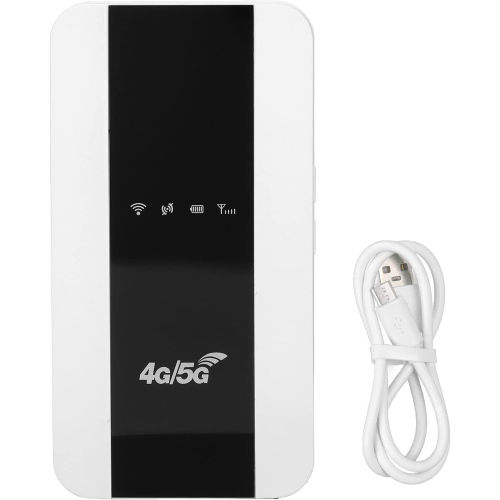
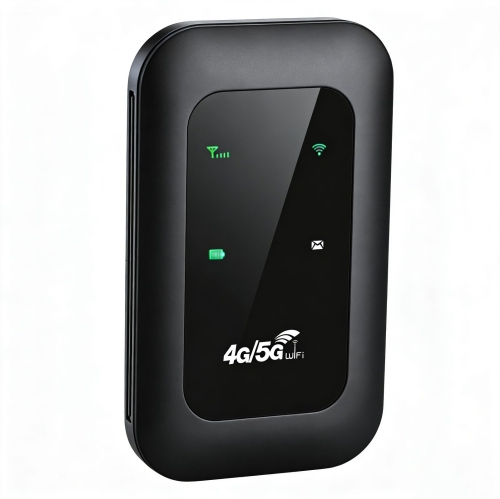
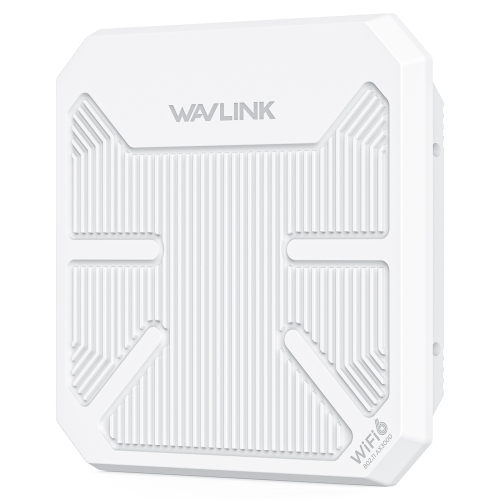
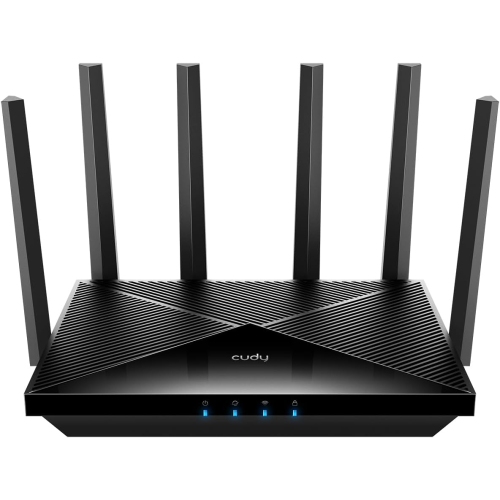
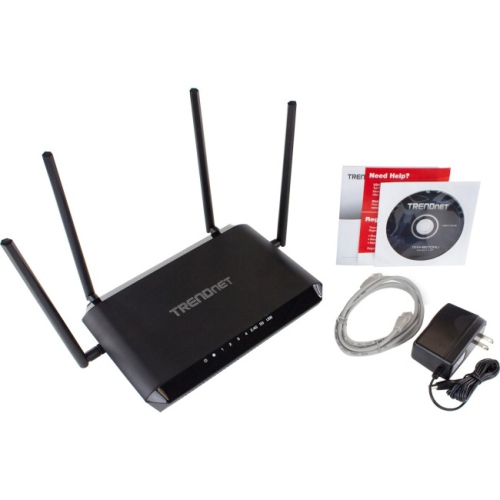
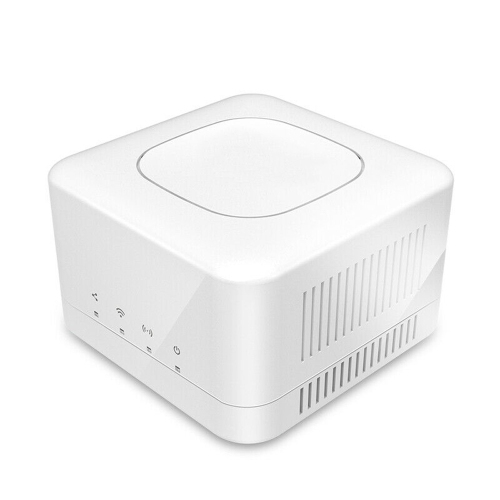
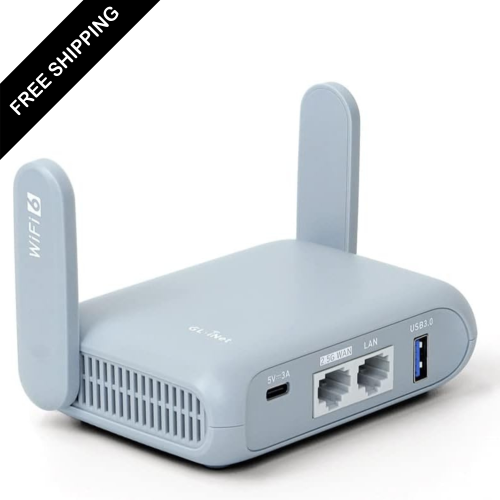
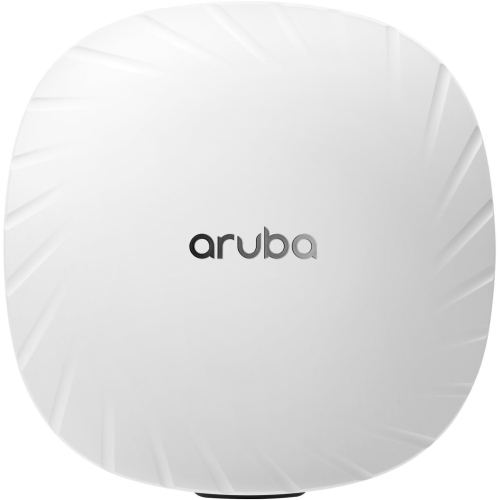
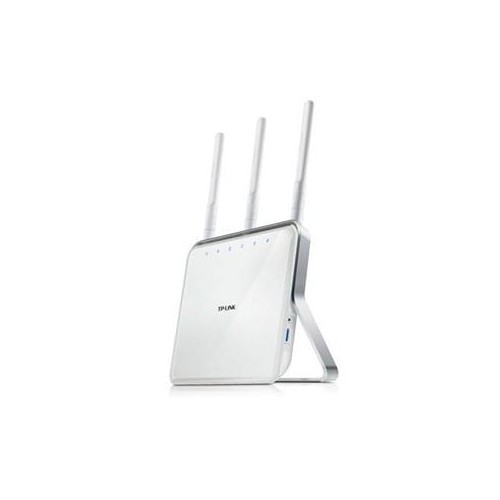
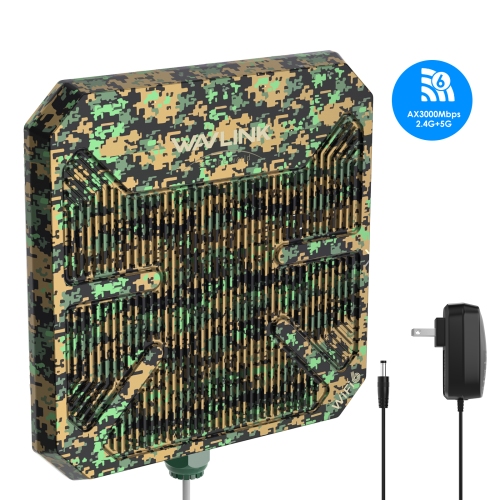
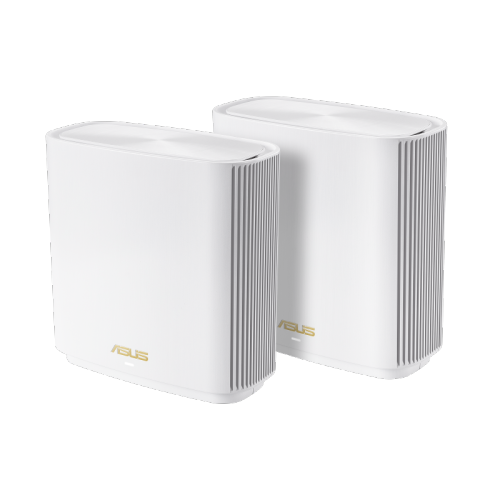


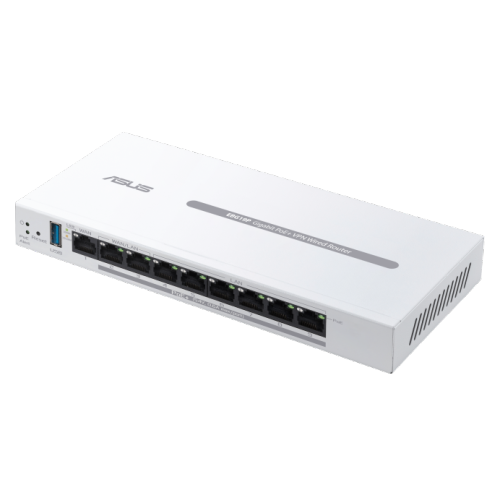
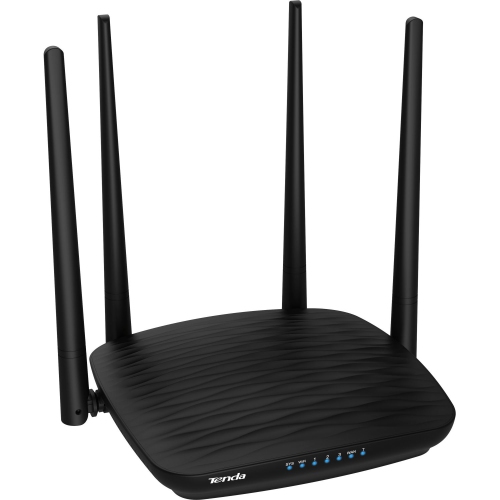
Why router performance goes beyond advertised Wi-Fi speeds
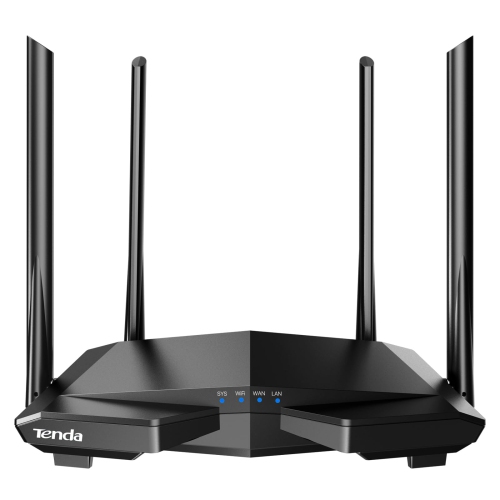
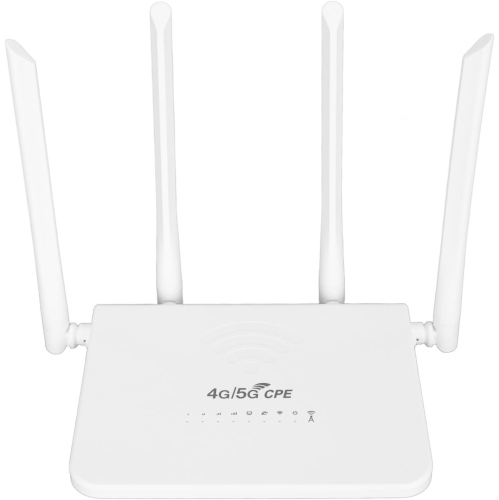
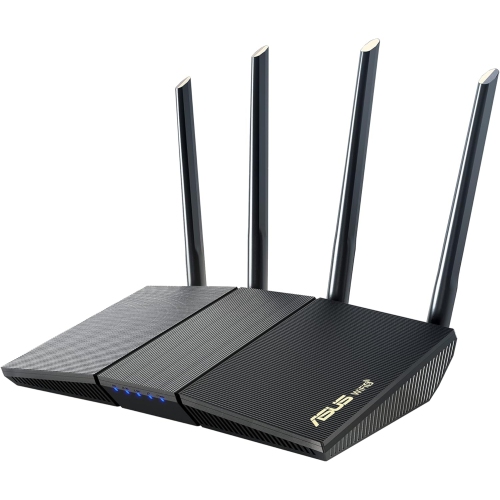
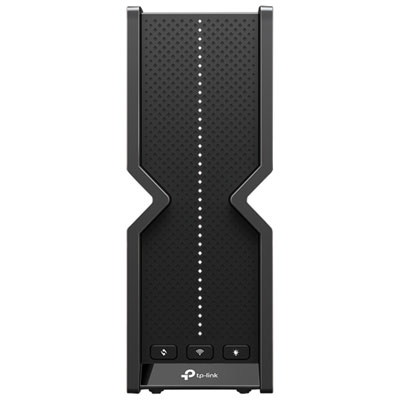
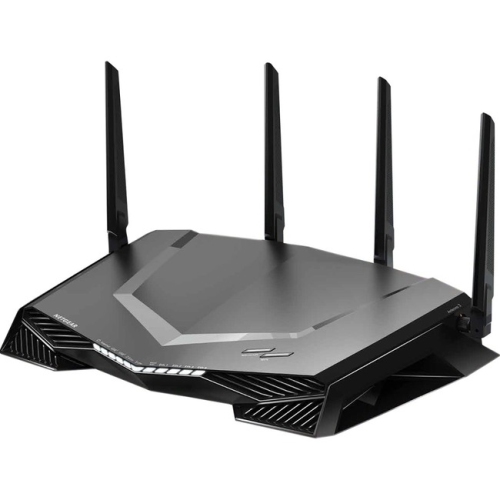
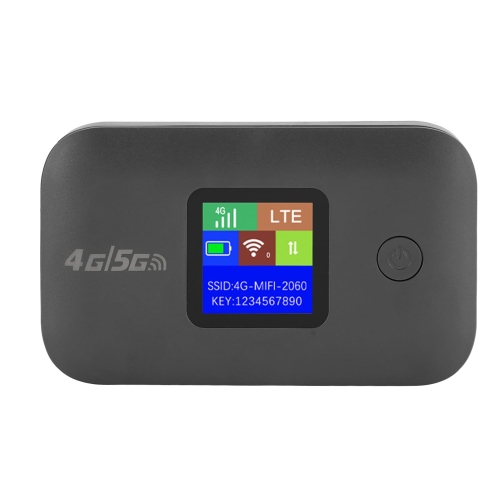
High-speed Wi-Fi routers help keep connected households running smoothly, from a video meeting at the kitchen table to a multiplayer game upstairs and a 4K movie in the living room. The right fit depends on more than the largest speed printed on the packaging: wireless performance also reflects the internet plan, the capabilities of connected devices, the layout of the home, and competing network traffic. Advertised router speeds typically combine the theoretical maximum rates of several wireless bands, rather than describing the speed a single laptop or phone will receive. Actual throughput is lower and varies with distance, interference, and connection conditions. Wi-Fi 6 routers bring efficient handling of busy networks, particularly when several compatible devices are active together. Wi-Fi 6E adds access to the 6 GHz band for compatible devices, while Wi-Fi 7 introduces features such as wider channels and multi-link operation, where supported, to help increase capacity and responsiveness. These features require compatible client devices, and their benefits depend on the network setup. Older devices can generally connect to newer routers using supported earlier Wi-Fi standards, although they will not gain every capability of the newer standard. The different bands also serve distinct purposes. The 2.4 GHz band generally reaches farther and supports many smart home accessories, while 5 GHz offers more capacity for demanding activities at suitable distances. The 6 GHz band provides additional spectrum for compatible equipment but is more easily affected by walls and distance. For a household juggling cloud backups, large game downloads, and video calls, extra network capacity can make simultaneous use more manageable. For someone working mainly with email and browsing, reliable coverage may matter more than a higher theoretical peak speed. A faster router cannot increase service beyond the limits of an internet plan, but it can help prevent older networking hardware from becoming the bottleneck between that connection and the devices using it.
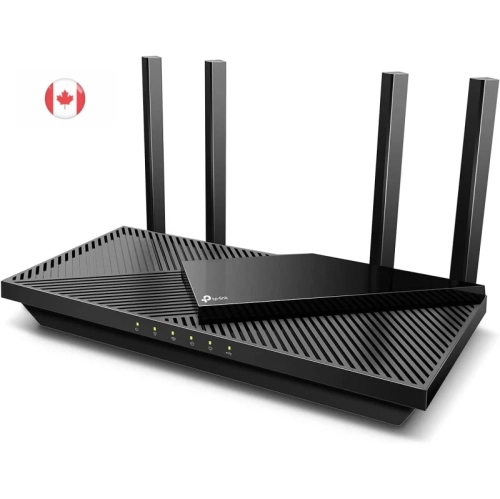
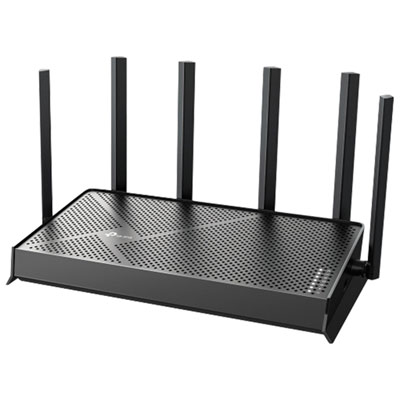
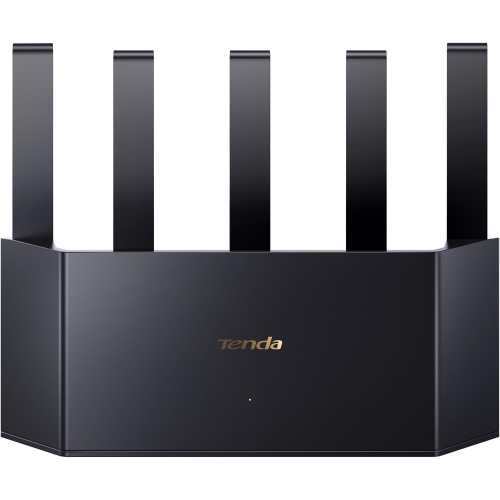
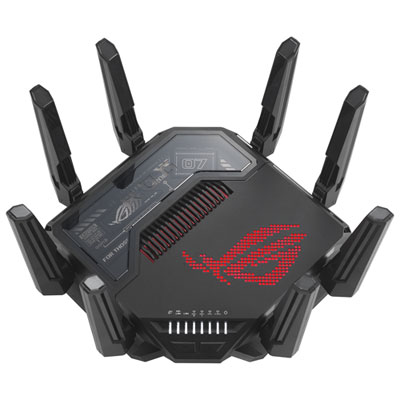
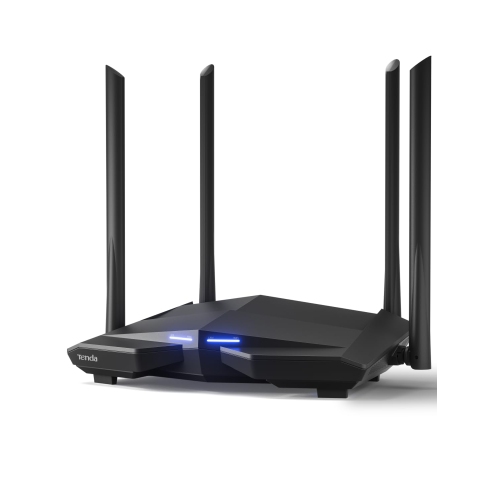
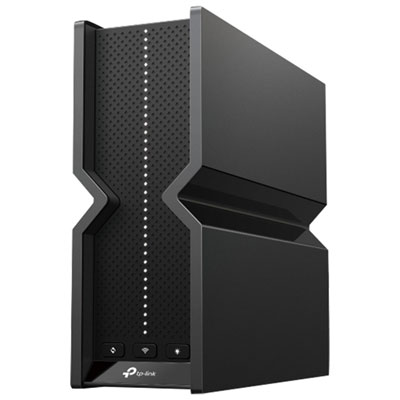
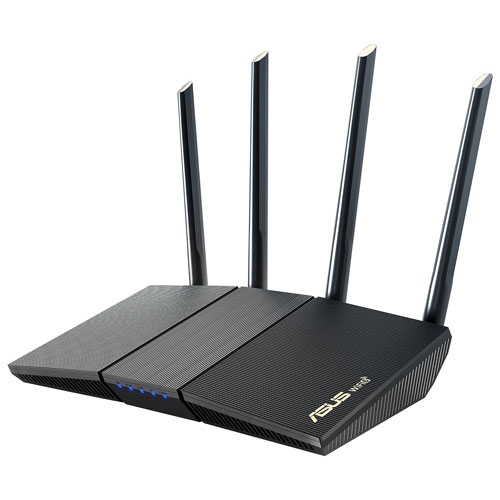
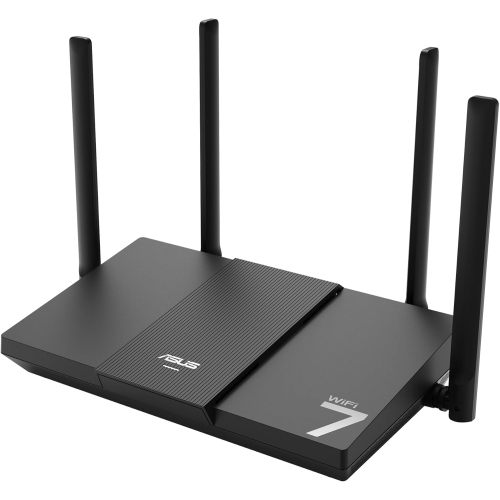
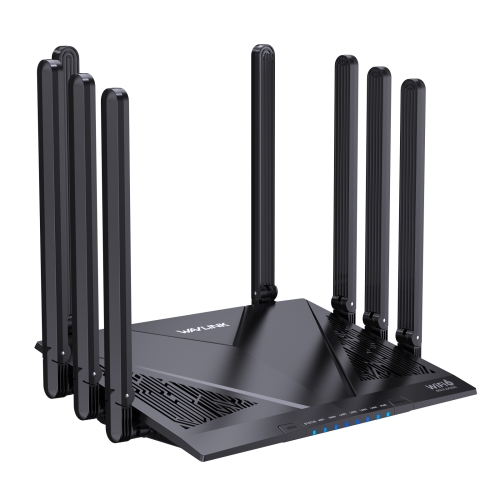
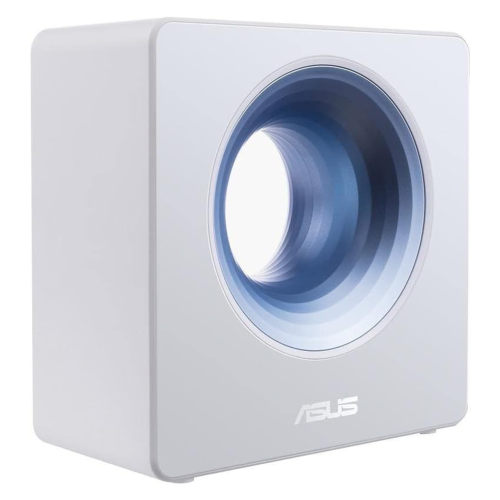
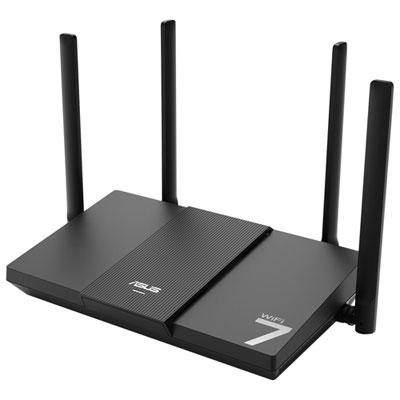
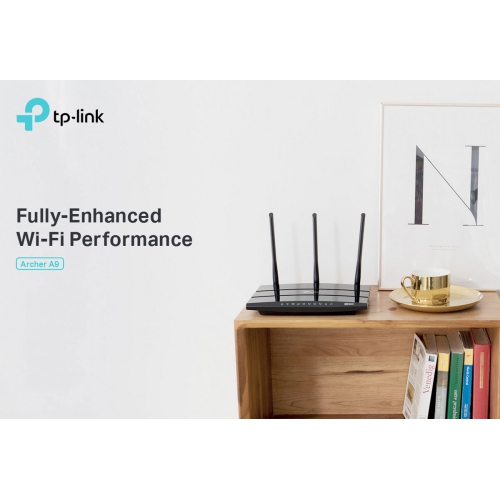
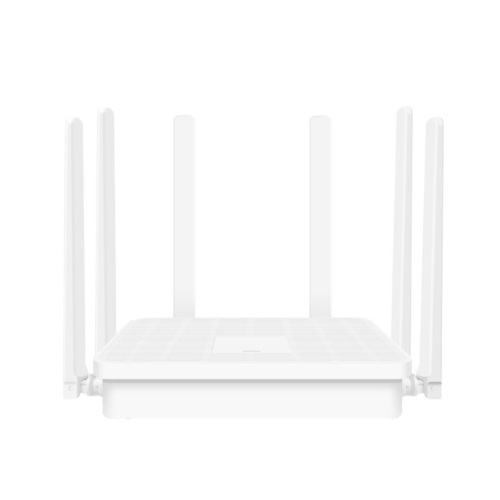
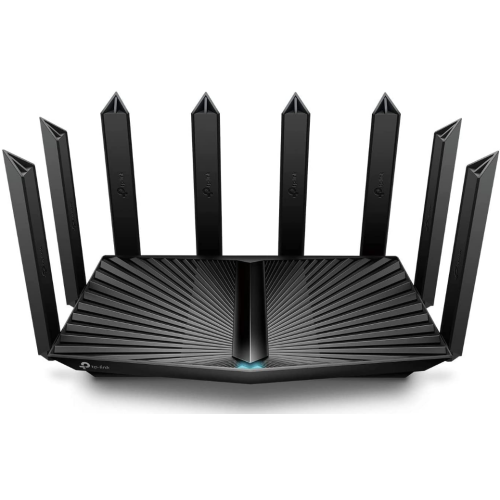
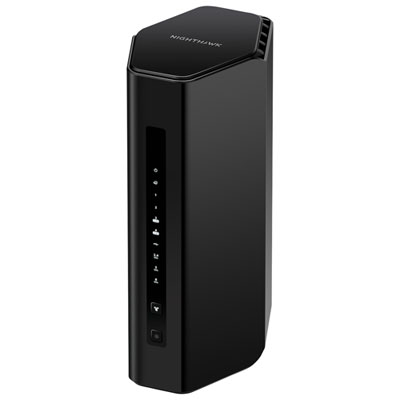
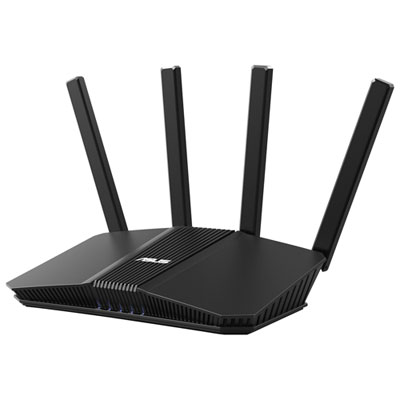
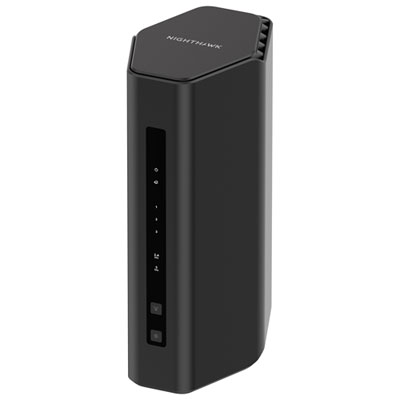
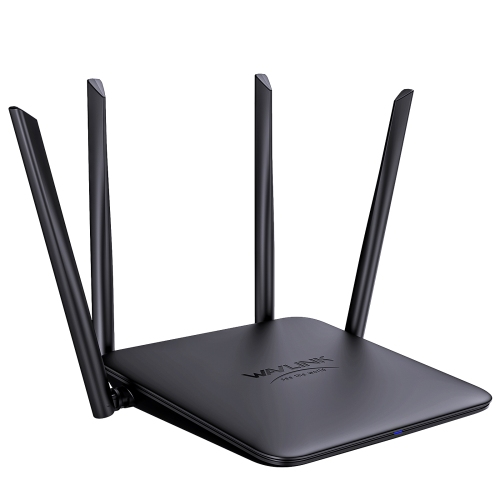
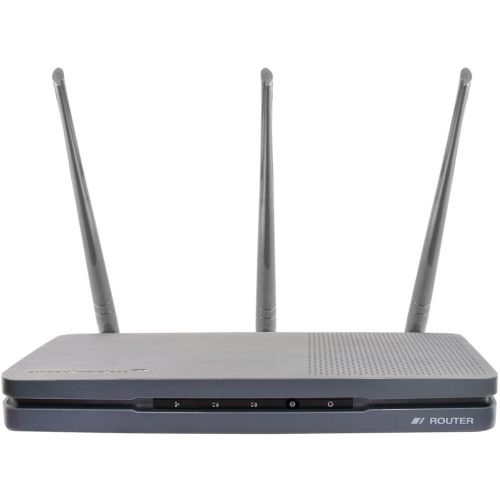
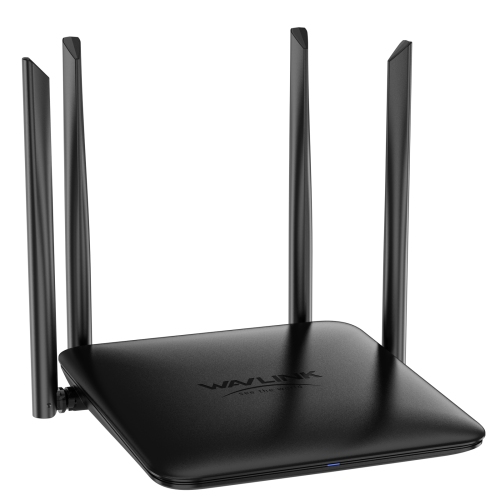
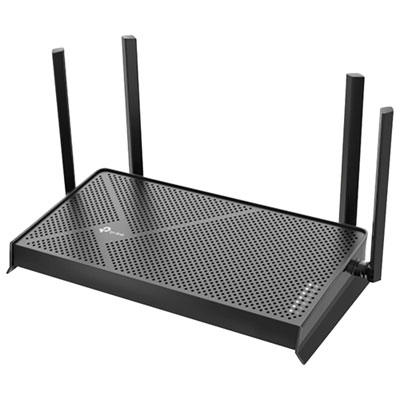
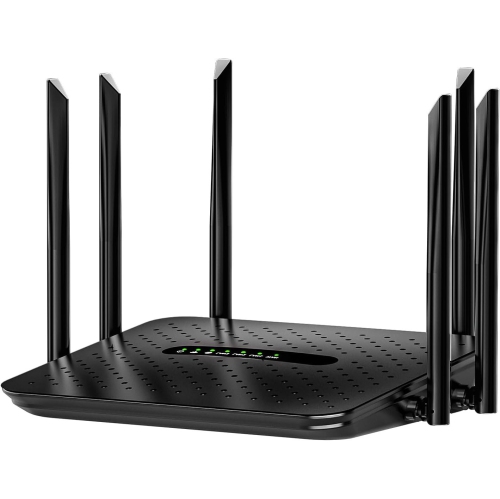
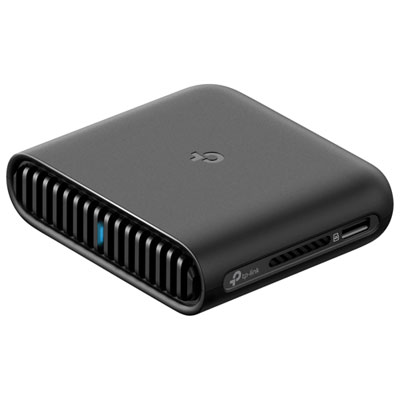
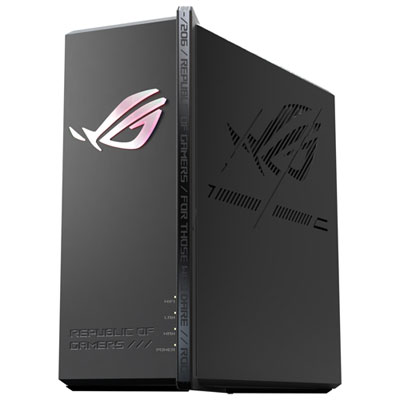
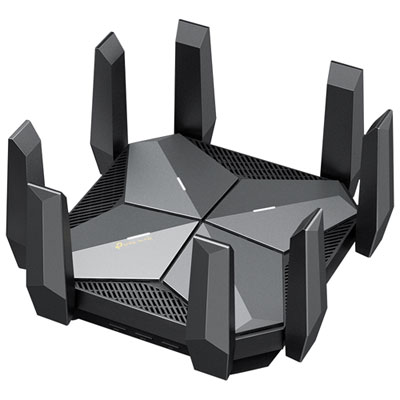
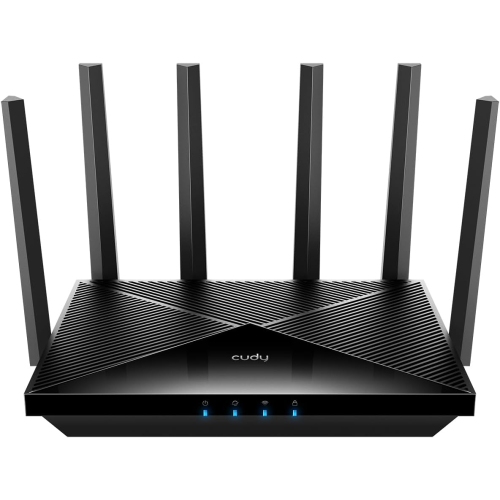
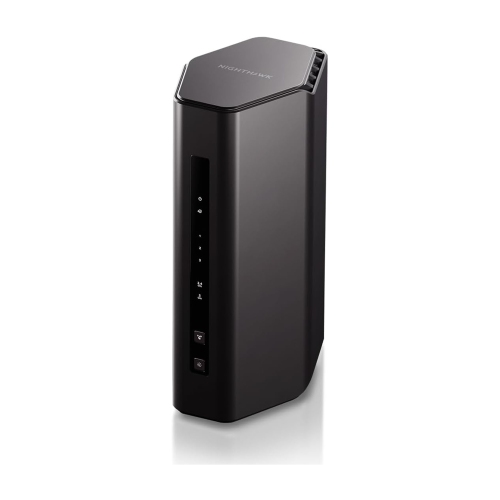
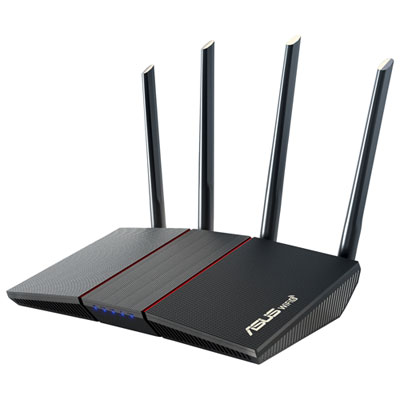
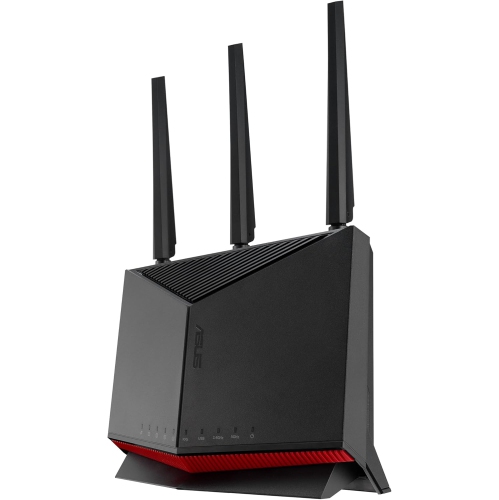
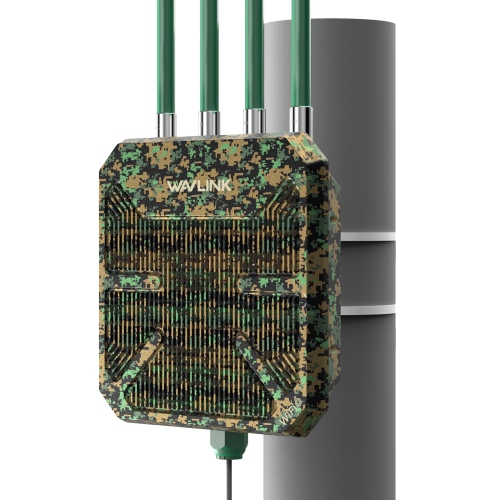
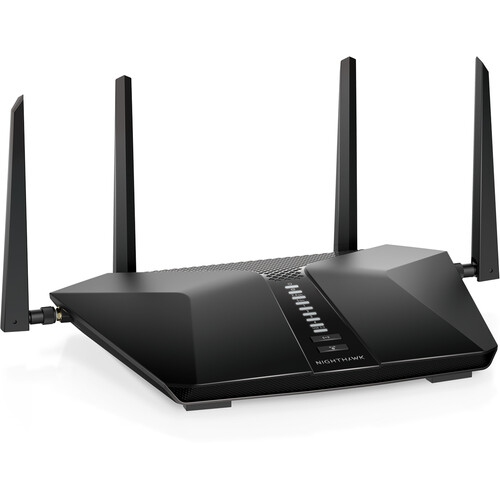
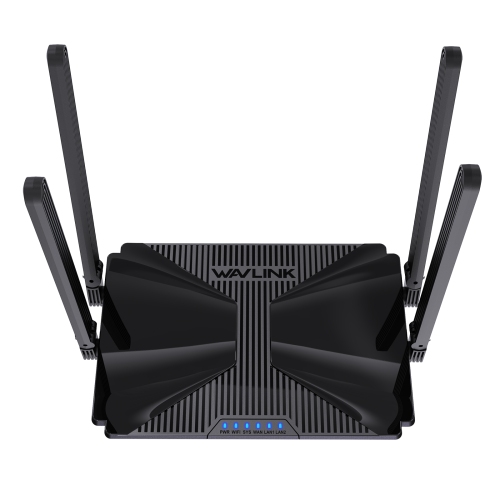
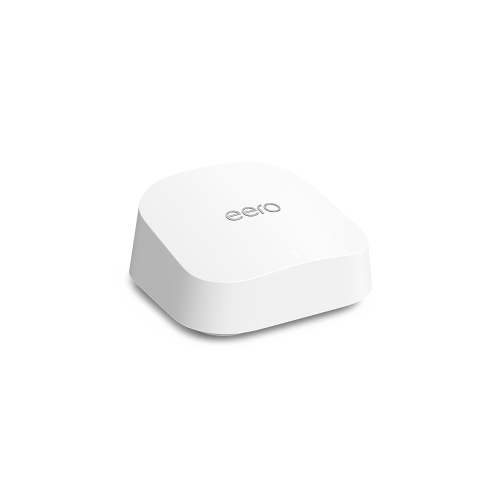
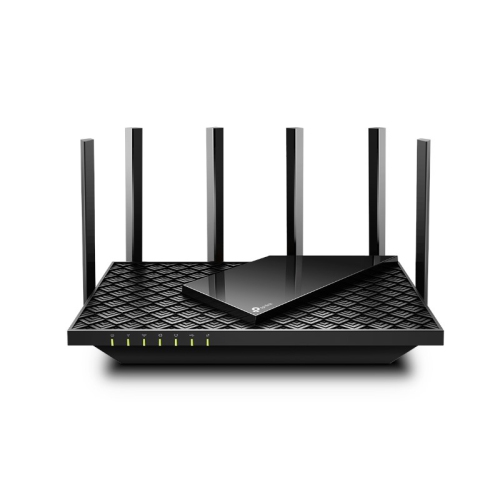
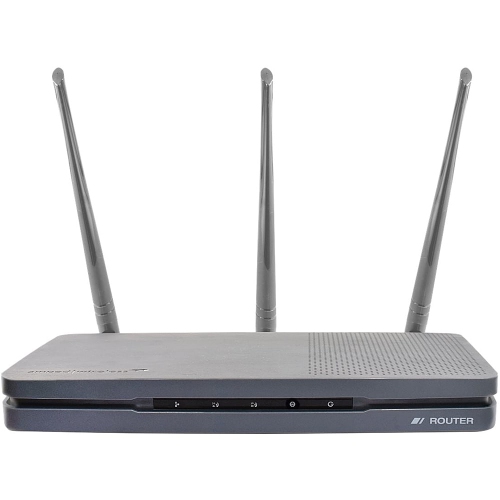
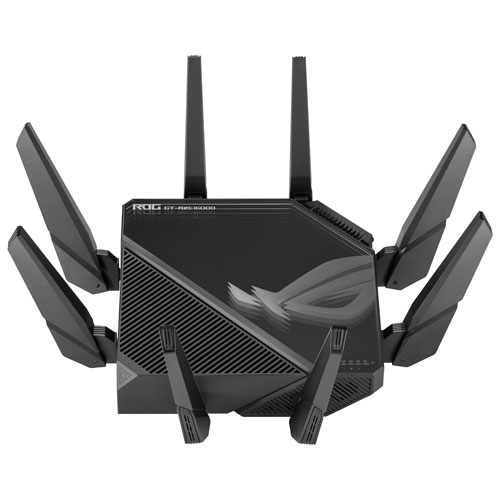
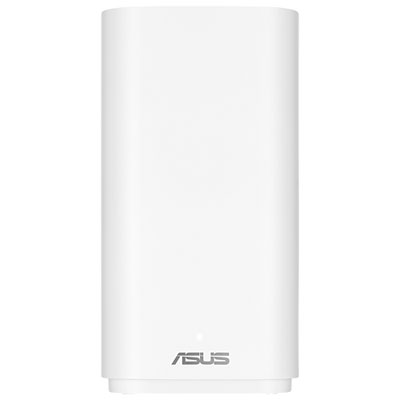
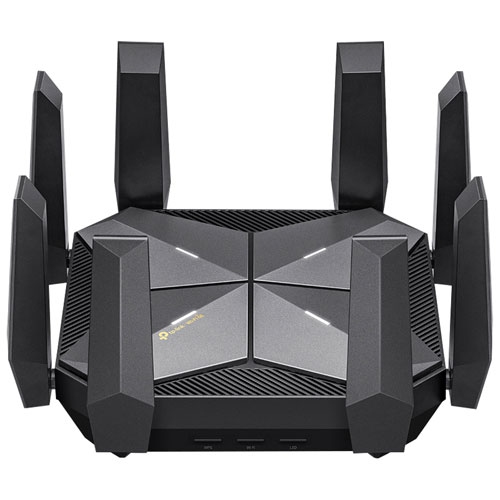
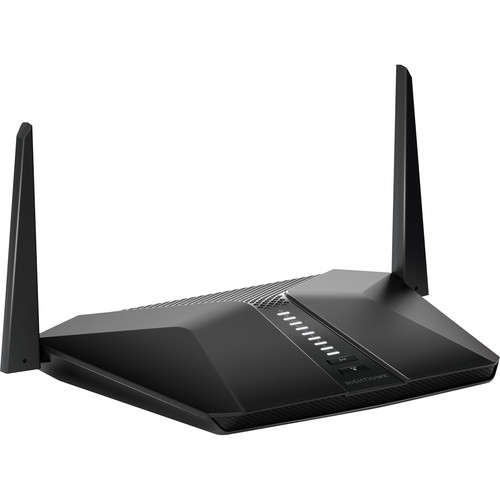
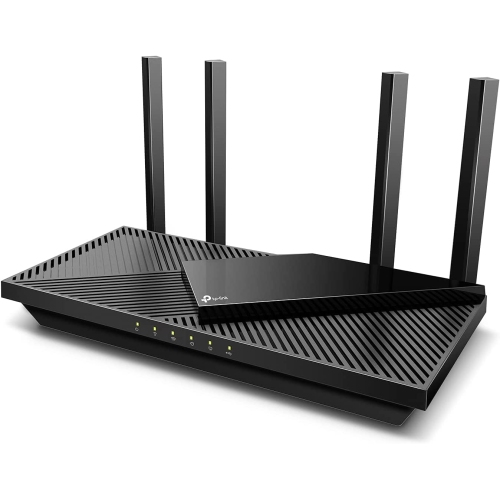
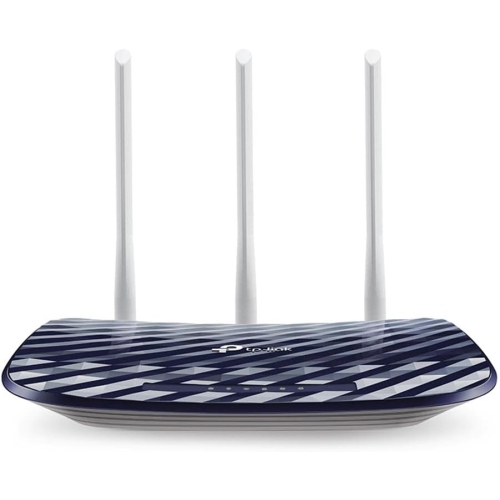
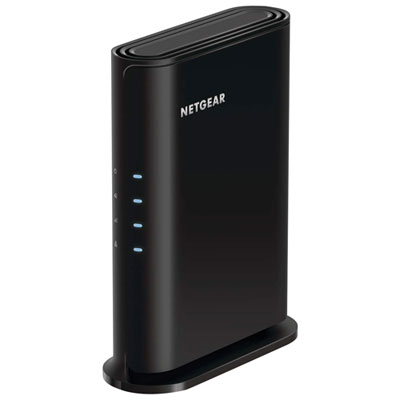
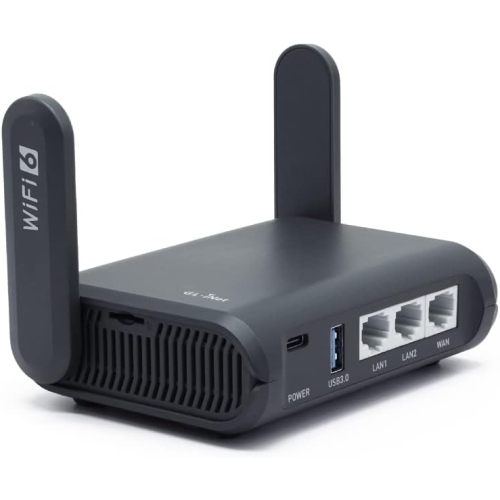
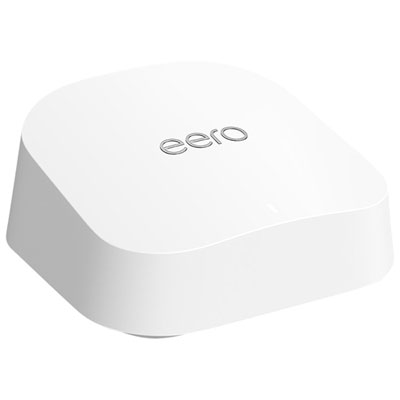
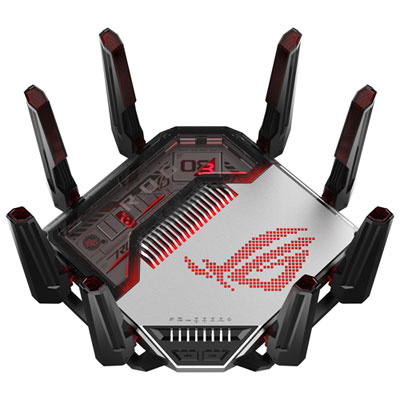
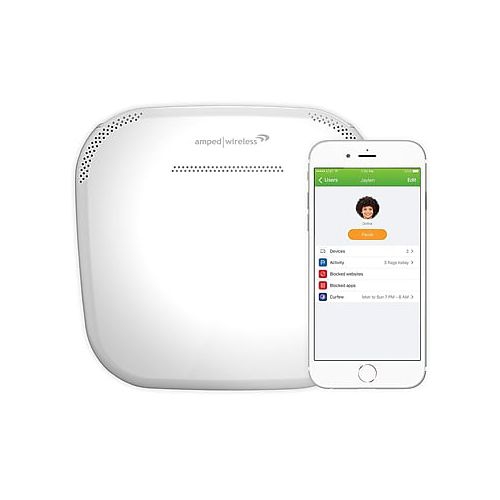
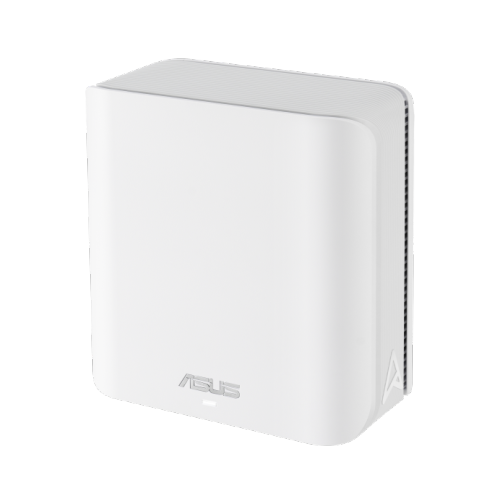
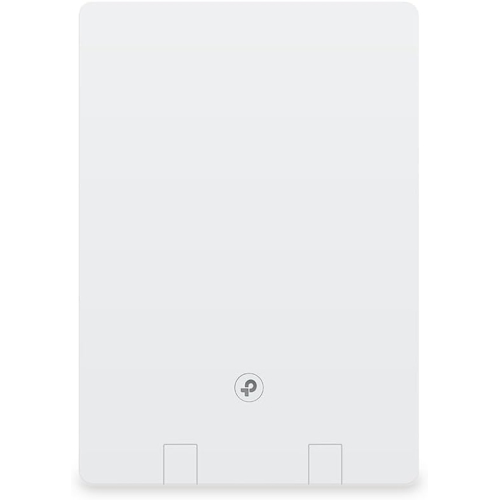
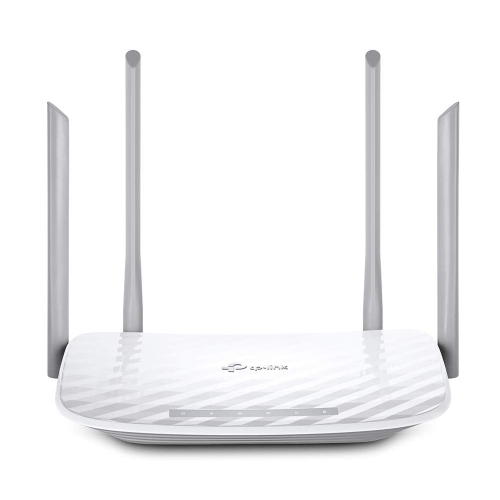
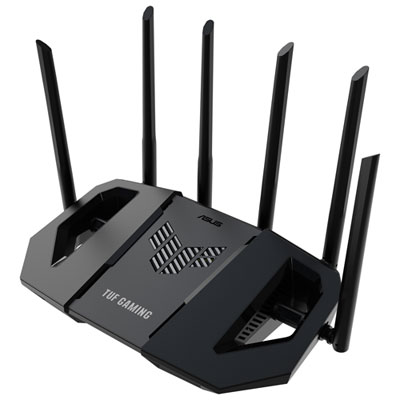
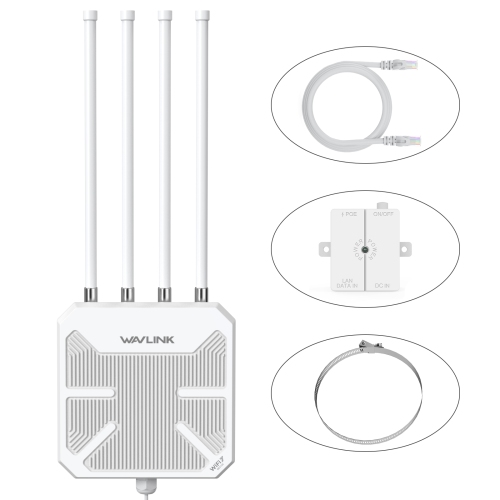
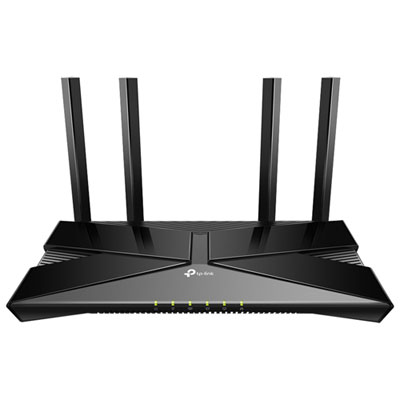
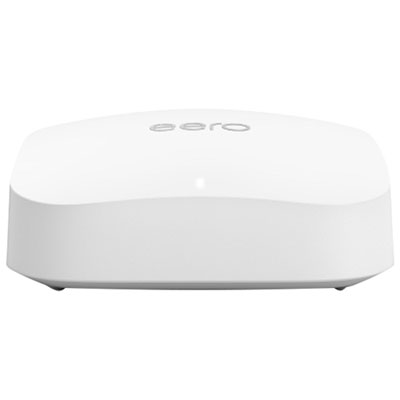
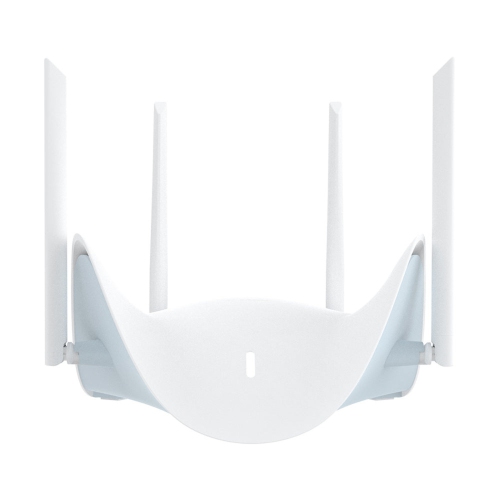
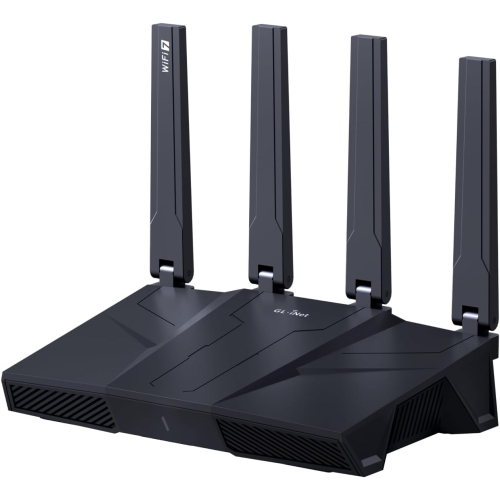
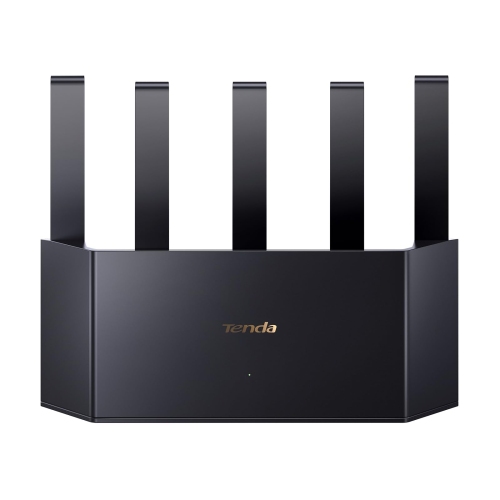
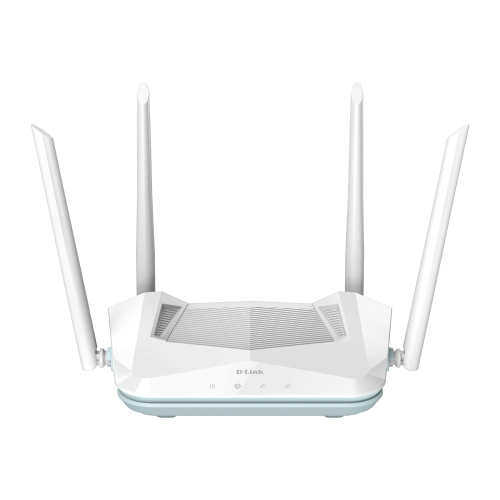
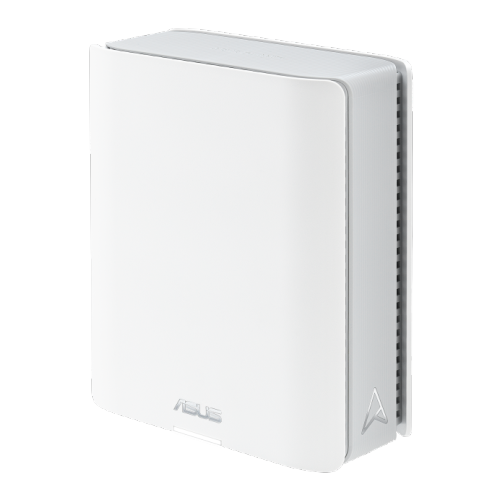
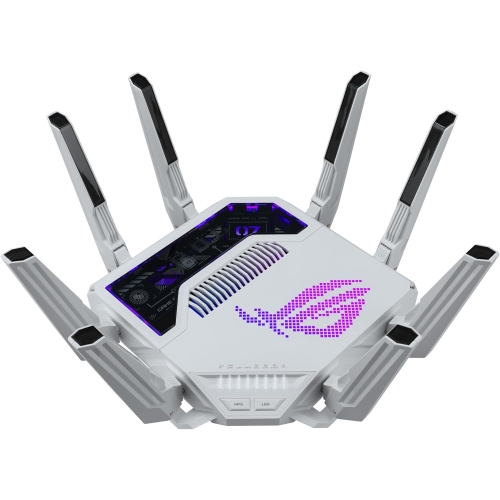
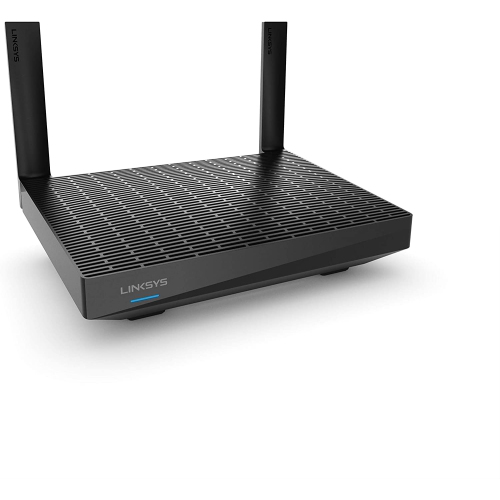
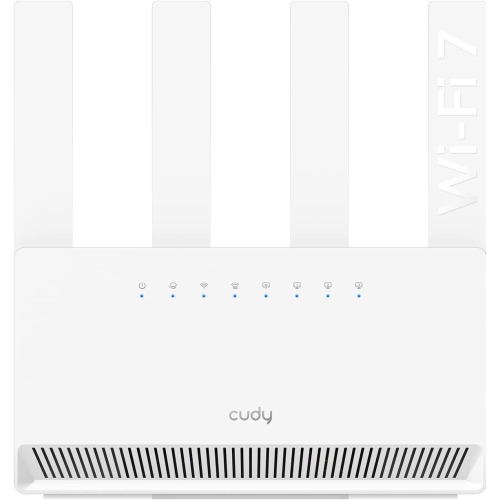
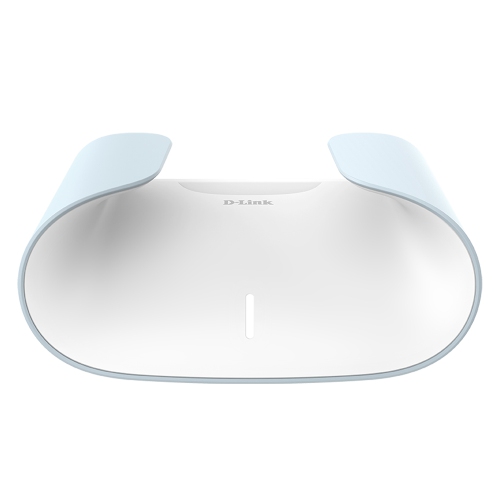
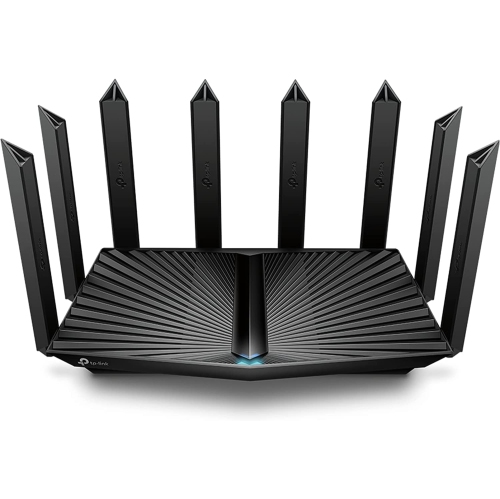
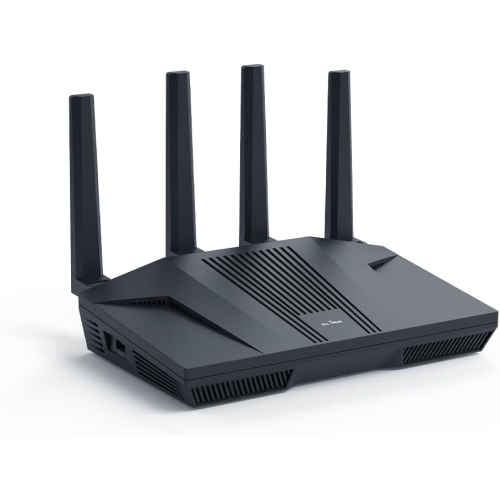
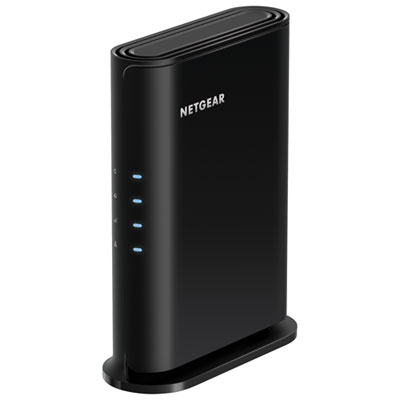
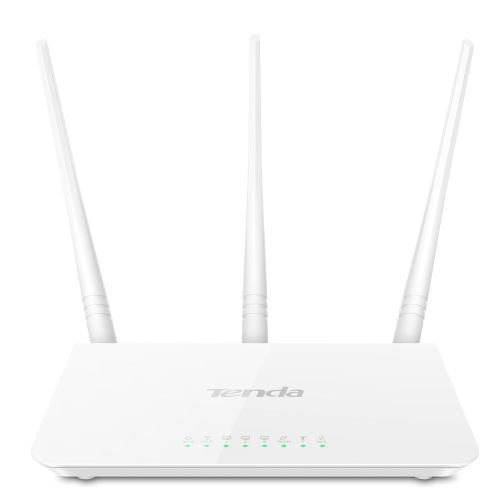
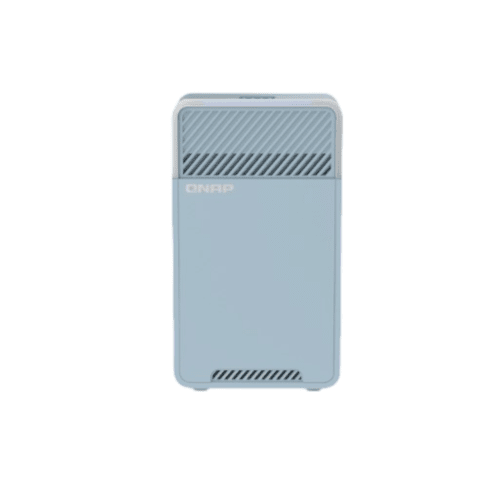
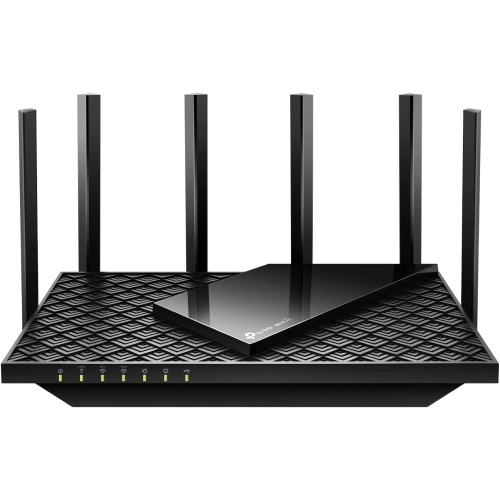
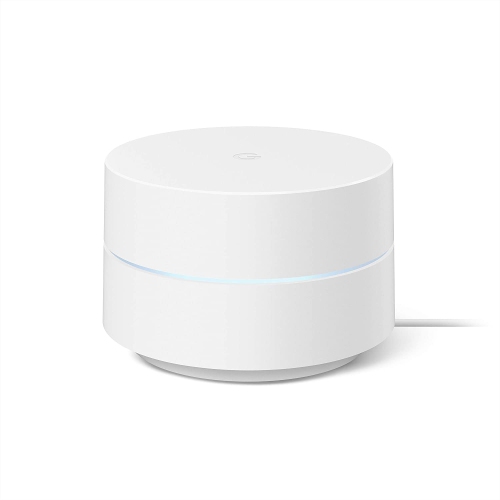
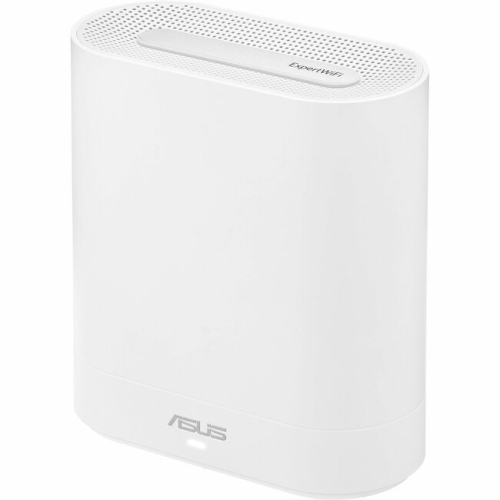
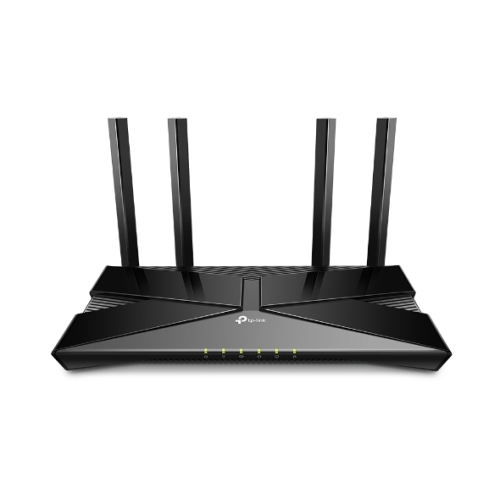
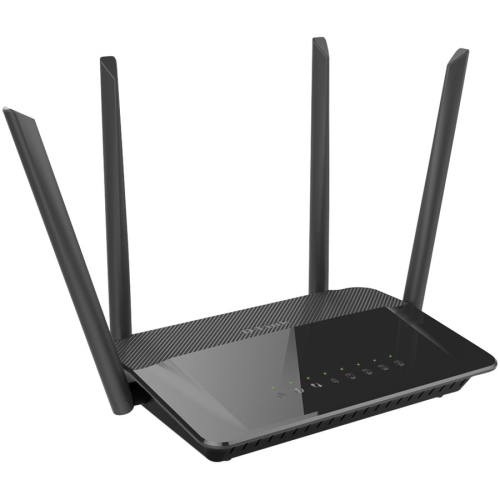
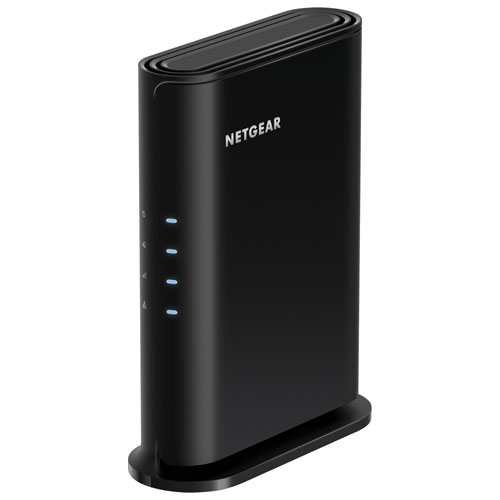
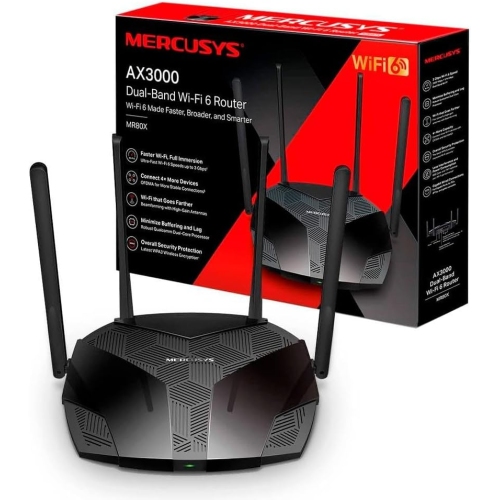
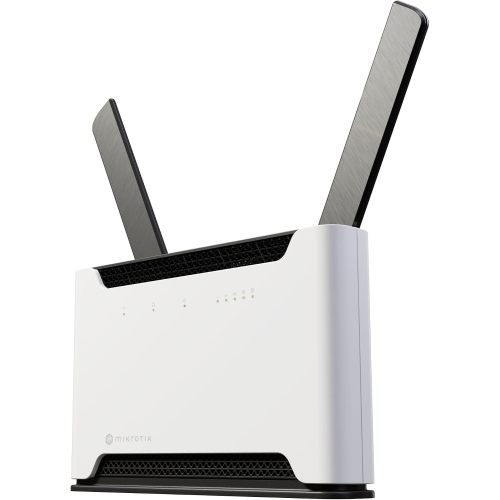
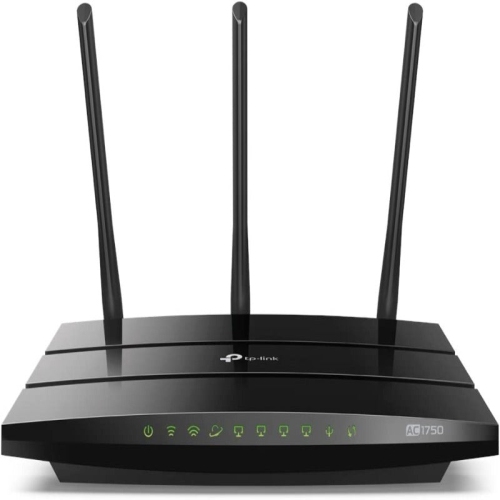
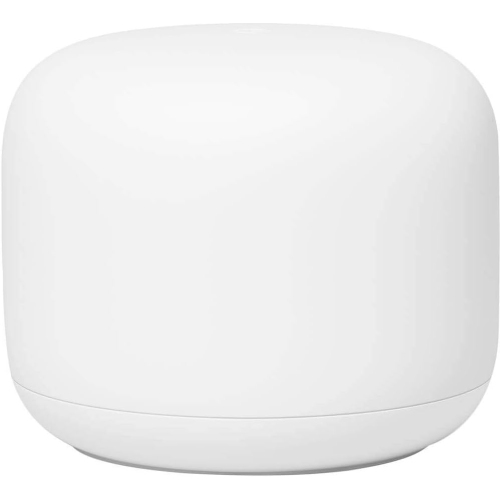
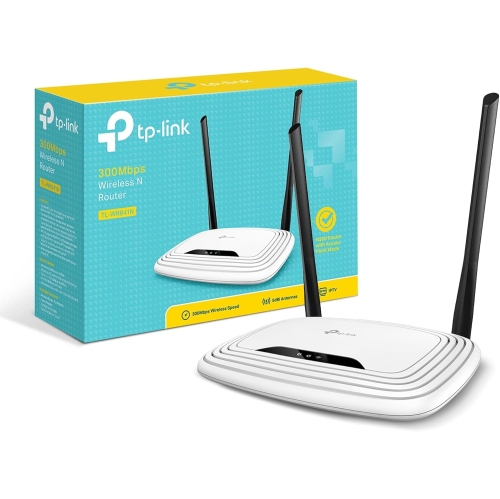
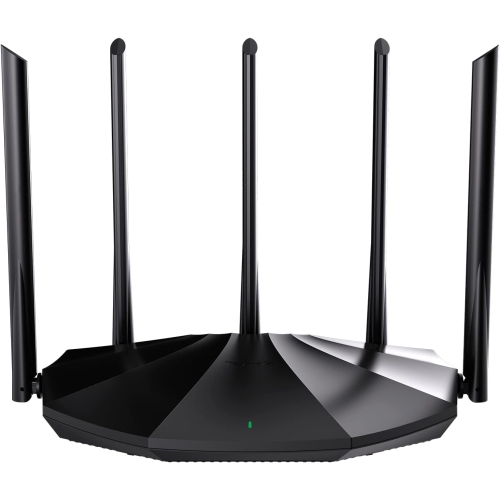
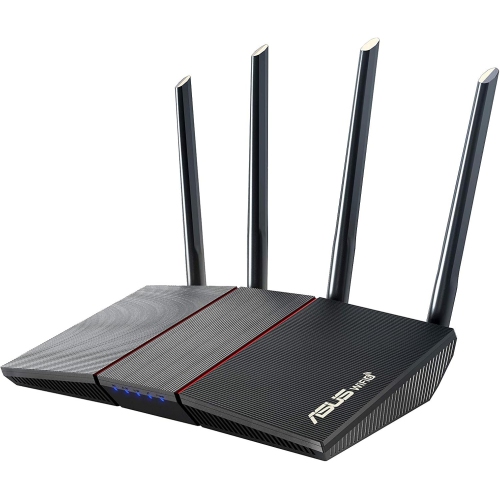
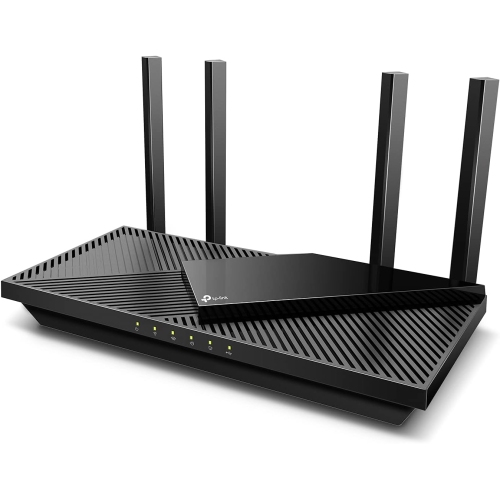
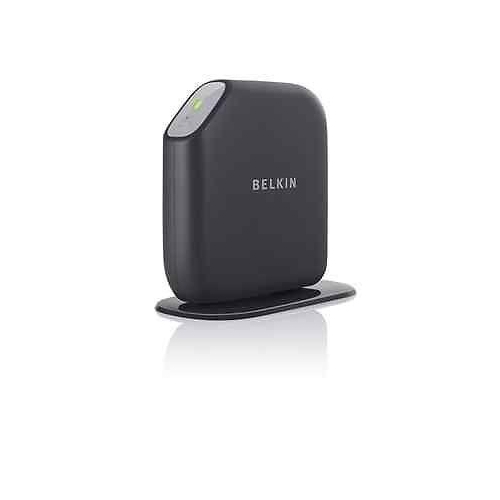
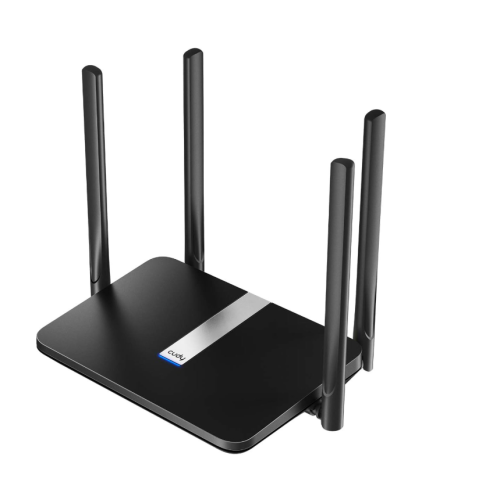
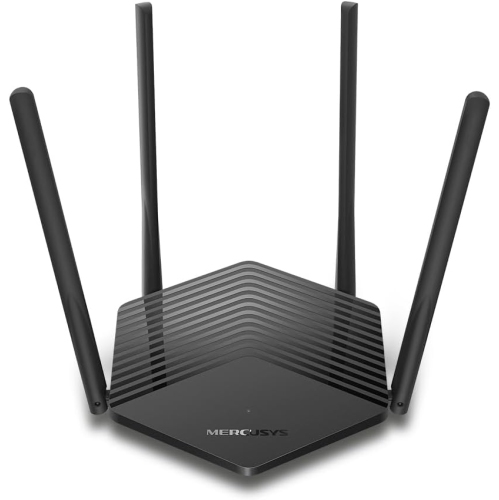
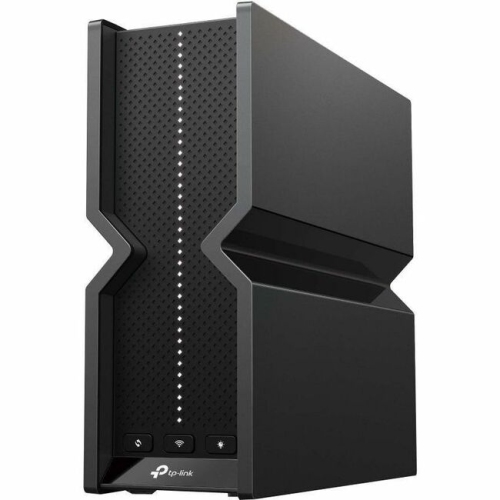
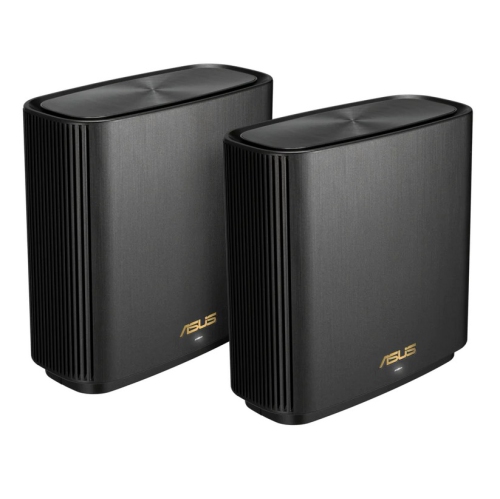
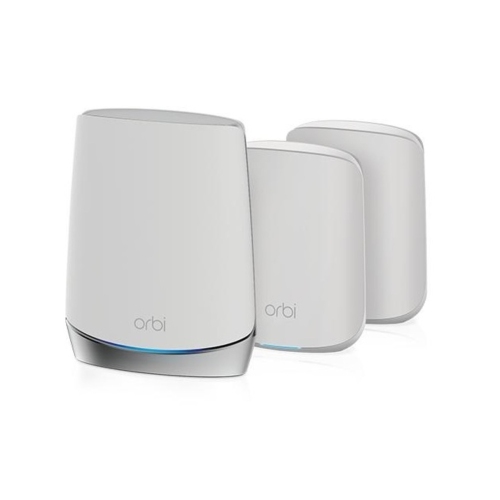
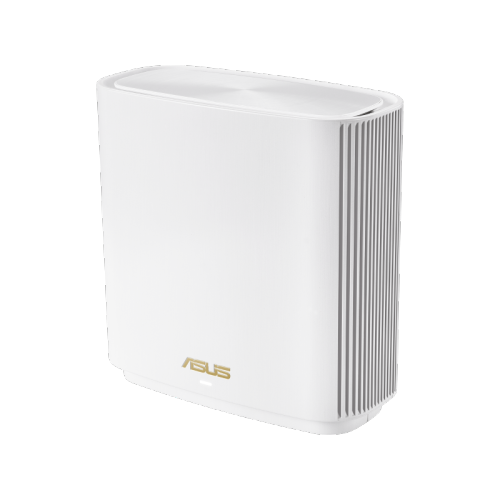
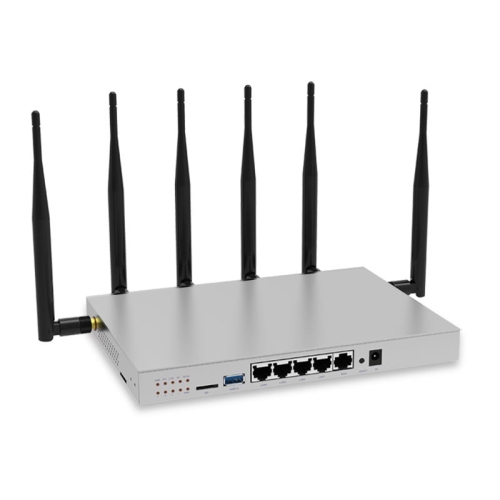
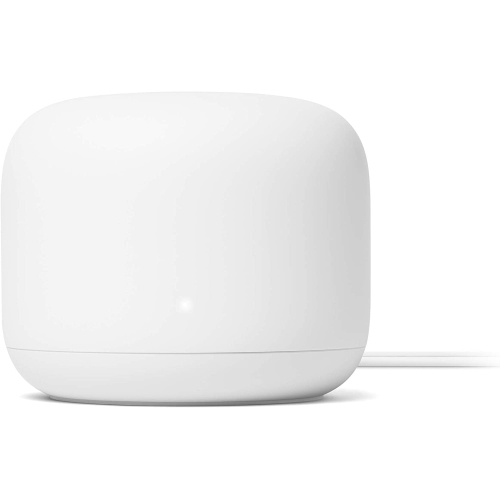
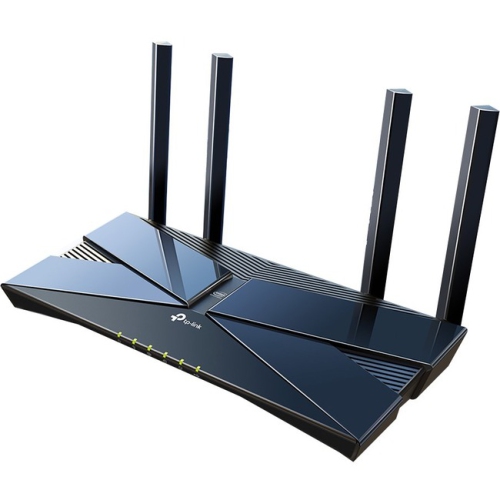
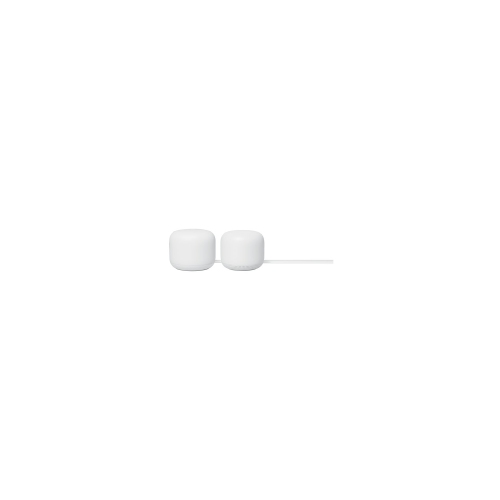
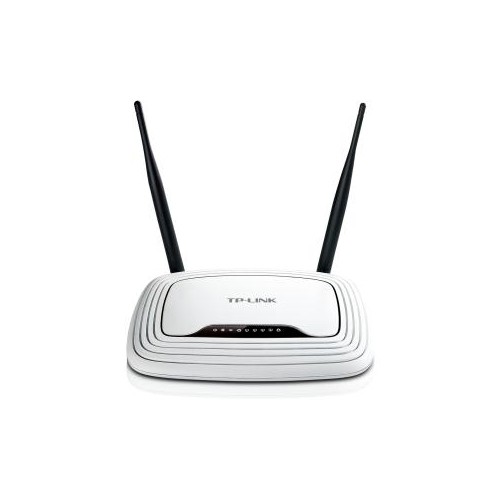
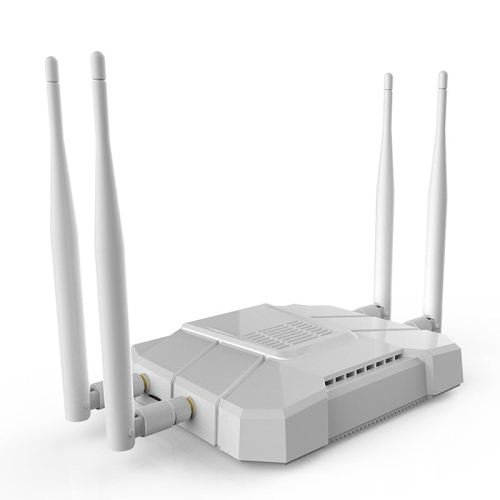
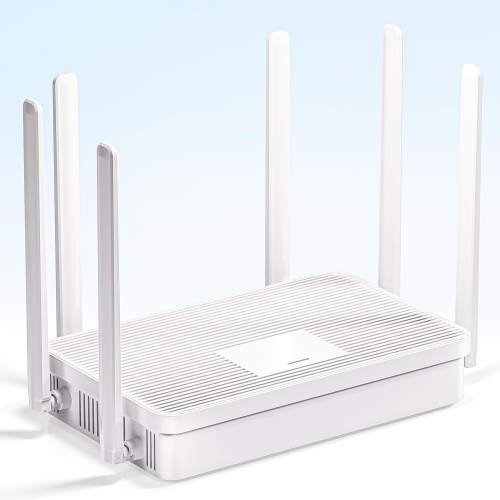
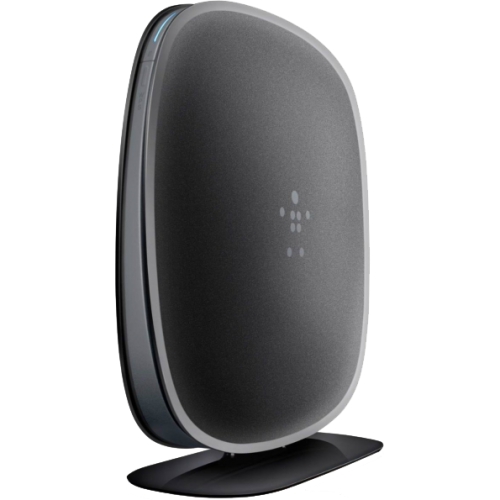
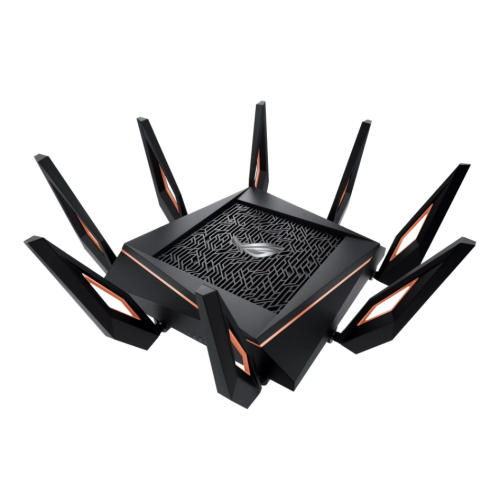
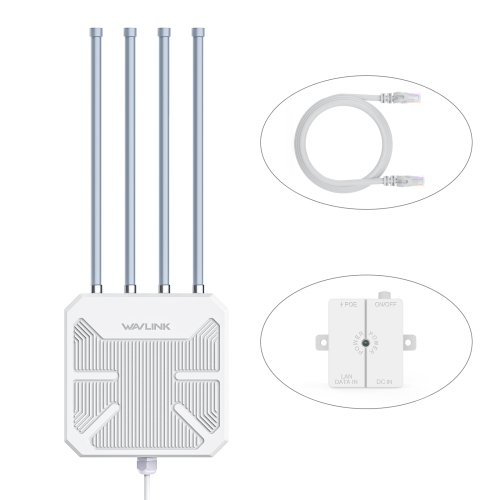
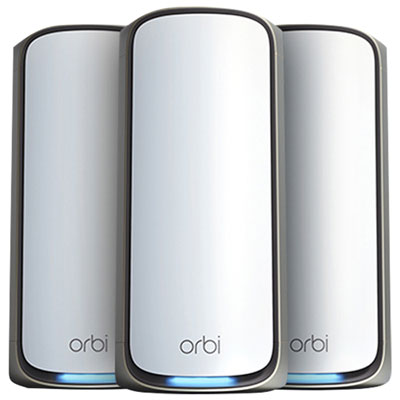
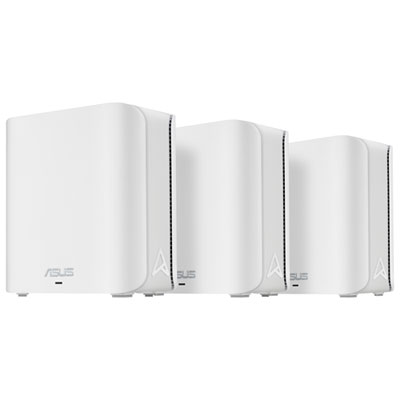
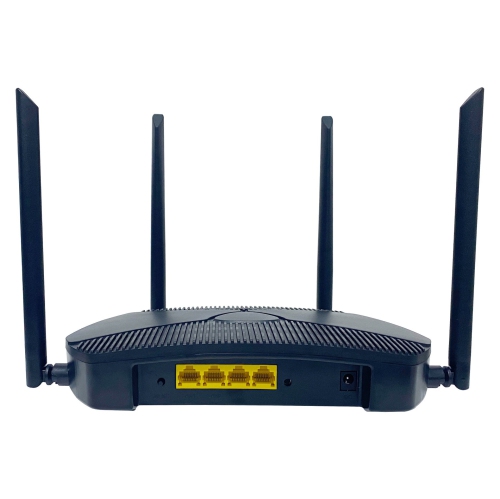
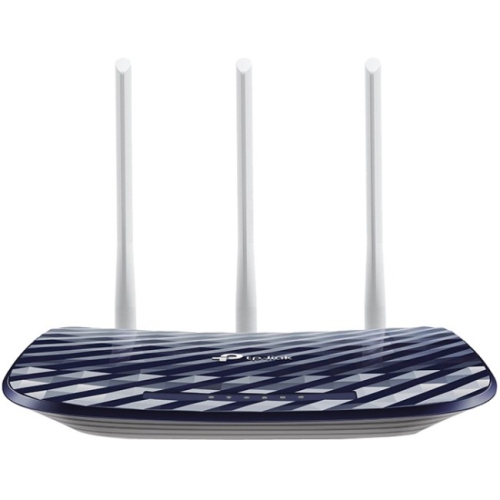
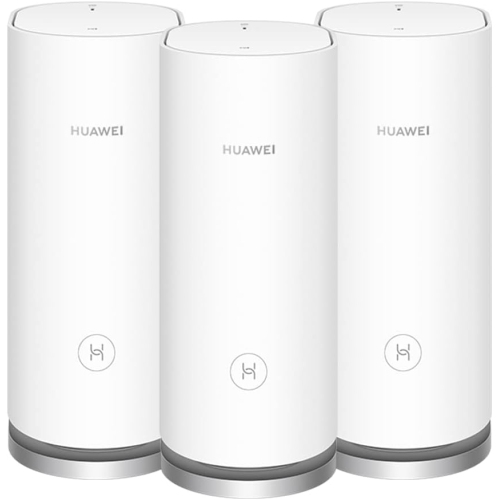
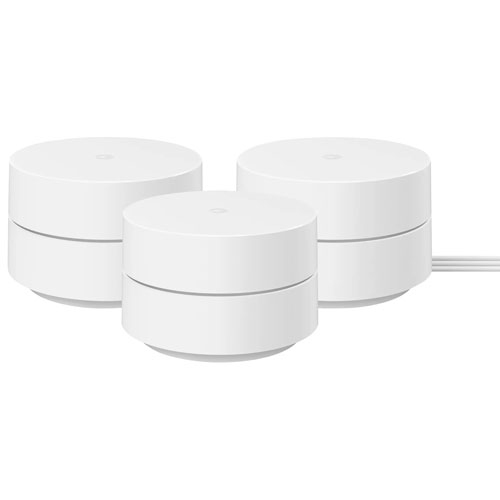
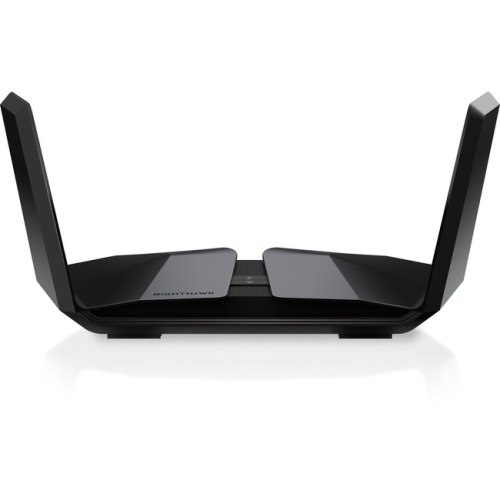
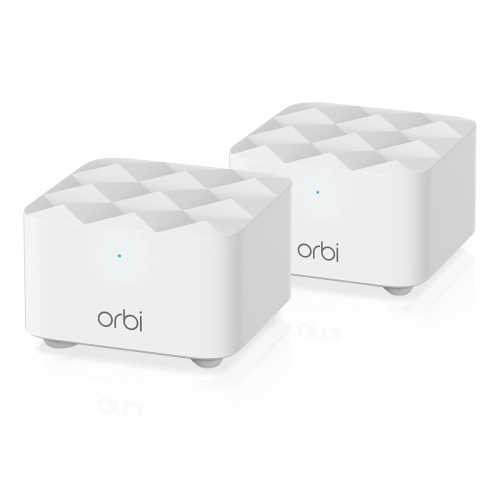
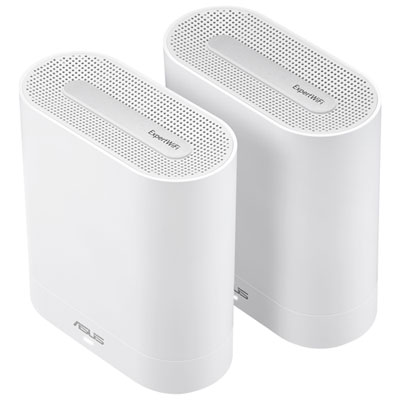
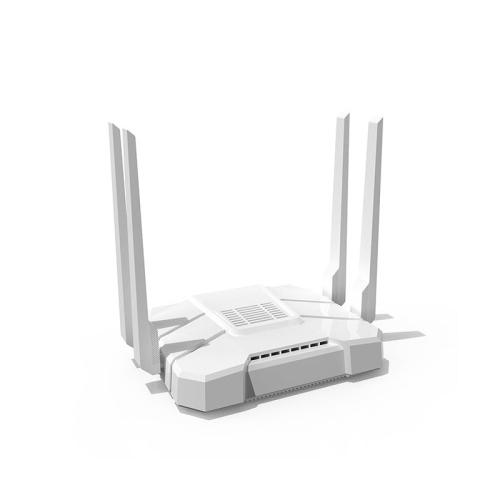
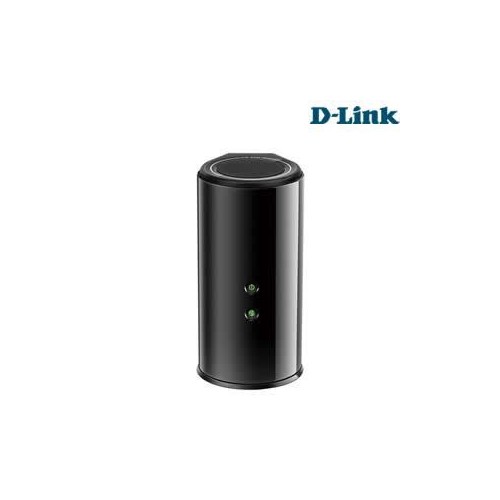
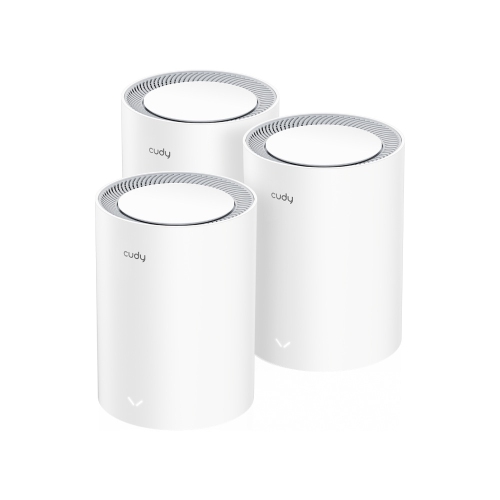
Coverage is just as important as speed, especially in homes where the internet connection enters through a basement utility room or a corner far from the main living spaces. A single router can suit a smaller apartment or an open-plan home, while a mesh router system can spread coverage through multiple rooms or storeys using connected units. The number of units needed depends on the building, not simply its floor area. Concrete walls, metal ductwork, large appliances, and dense construction can weaken wireless signals, leaving a bedroom or home office with a less reliable connection than a nearby room. Mesh units work best where they can still communicate effectively with the rest of the system; placing one in an existing dead zone may leave it struggling to relay traffic. Some systems use a dedicated wireless link between units, while others share wireless capacity with connected devices. Ethernet backhaul, where supported, links the units by cable and can preserve more wireless capacity for phones, tablets, and laptops. Physical design matters in everyday use, too. Routers commonly have rigid plastic housings, ventilation openings, and either internal antennas or adjustable external antennas. A compact enclosure may fit neatly on an open shelf, while a larger design needs enough clearance for its antennas, cables, and airflow. Antenna count alone does not establish how well a router will cover a particular home. An open, reasonably central position usually gives wireless signals a better path than a closed cabinet, a spot behind a television, or a shelf crowded with metal objects. Stable placement also protects cable connections from repeated pulling or bending. Routine care is straightforward: keep vents clear, remove surface dust according to the manufacturer’s instructions, and avoid covering the housing or exposing it to spills. For families with young children or pets, a secure location away from busy walkways helps protect the equipment without hiding it somewhere that compromises reception.
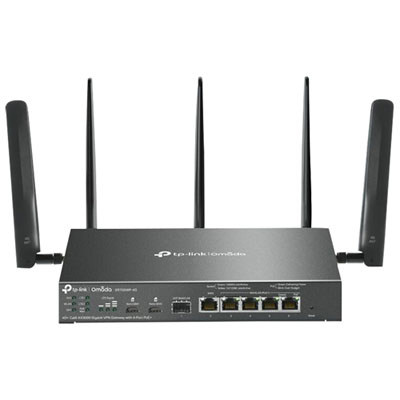
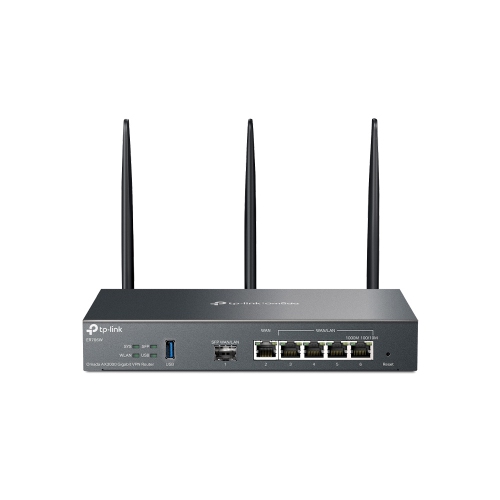
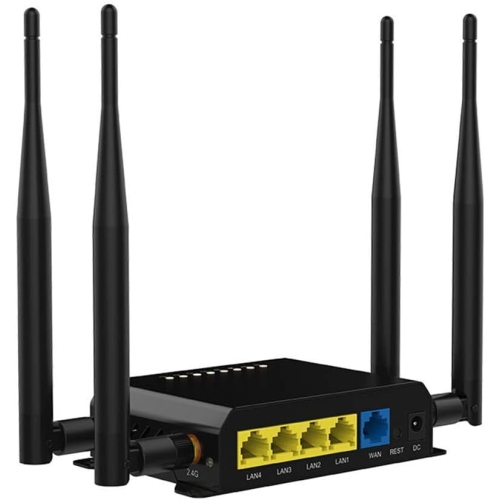
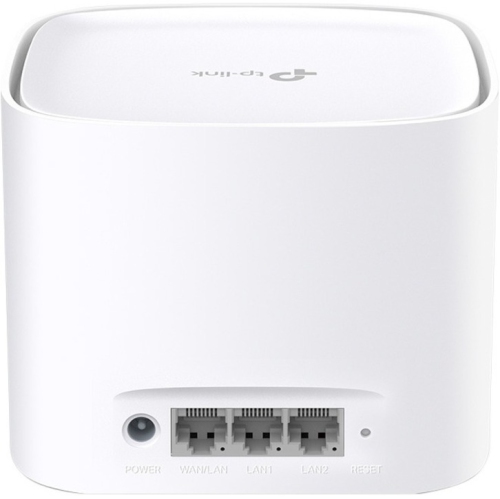
Wired connections and network features round out what high-speed Wi-Fi routers can offer. Ethernet ports provide a dependable option for desktop computers, game consoles, televisions, and network storage, particularly when consistent performance matters more than moving around the house. The speed of both the internet-facing WAN port and the local LAN ports affects what the router can deliver over cable. A router with gigabit Ethernet ports can suit many household connections, while internet service above 1 Gbps calls for compatible multi-gigabit ports throughout the relevant connection path to take fuller advantage of that service. The Gigabit Speed Routers collection is relevant to households looking for that class of networking performance. Wireless capability and Ethernet port speed are separate specifications, so a high advertised Wi-Fi rate does not automatically mean every wired port supports the same rate. For online gaming and video meetings, low latency and stable connections matter alongside download speed. Quality of service settings can help prioritize selected traffic when a connection is busy, although they cannot eliminate delays elsewhere on the internet. Security and administration features also shape everyday ownership. WPA3 support provides newer wireless security for compatible devices, while guest networking can give visitors internet access without sharing the main network password. Some routers offer separate networks for smart home equipment, parental controls, scheduled access, or tools that show which devices are connected. The scope of these features varies, as do app requirements and any optional service terms. Ongoing firmware support is valuable for security fixes and dependable operation. Compatibility with an existing modem or fibre terminal also matters, since a router does not necessarily replace the equipment supplied by an internet provider. For students sharing a rental, remote workers, gamers, and families with many connected devices, a well-matched router supports the everyday mix of concentrated work, entertainment, and communication without making network management a constant task.
Top selling and popular products
-
 Your price for this item is $189.99
-
 Your price for this item is $189.99
-
 Your price for this item is $219
-
 Your price for this item is $899.99
-
 Your price for this item is $299.99
-
 Your price for this item is $139.99
-
 Your price for this item is $499.99
-
 Your price for this item is $349.99
Discover more categories related to High Speed Wi-Fi Routers
Top Collections:
Best Black Friday Deals This Year, Best Black Friday Deals On Electronics, Kindle Devices, Pokemon Centers, Best Black Friday Deals On Apple Products, Best Cameras for Sports Photography, Dyson Airwrap, Pokémon 30th Celebration Cards, Apple iPhone 17 Pro, Canon G7X Cameras
Some products may be subject to Environmental Handling Fees
(EHF) depending on your province.
Learn more about EHFs.