Wi-Fi Electronics
If you're looking to buy new electronics for your home, there are plenty of options. These devices can connect to the Internet and do all sorts of things. These can entertain you, help you learn, or even help you with your daily activities. Here are some of the best Wi-Fi electronics available today.
Sort

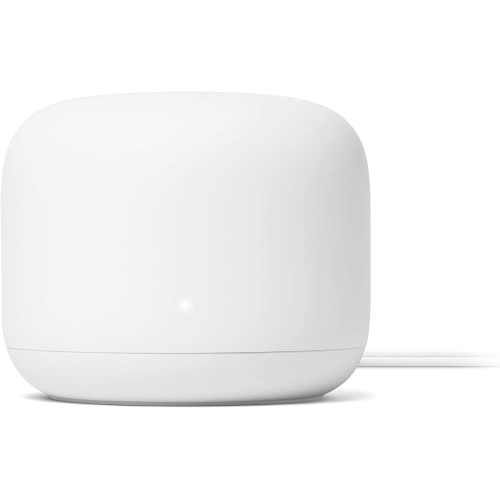
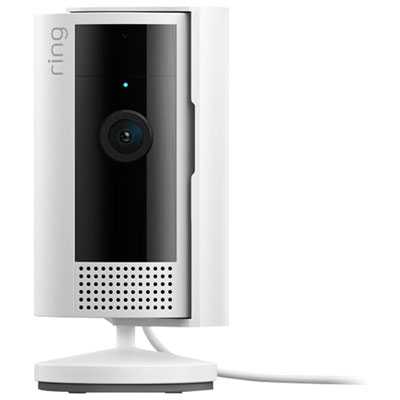
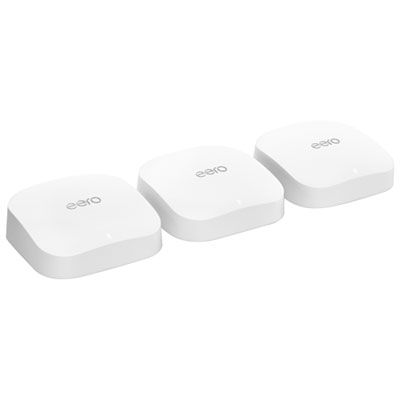
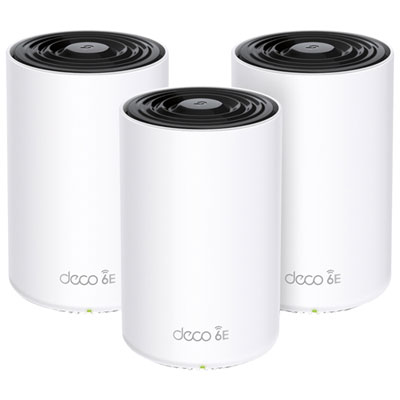

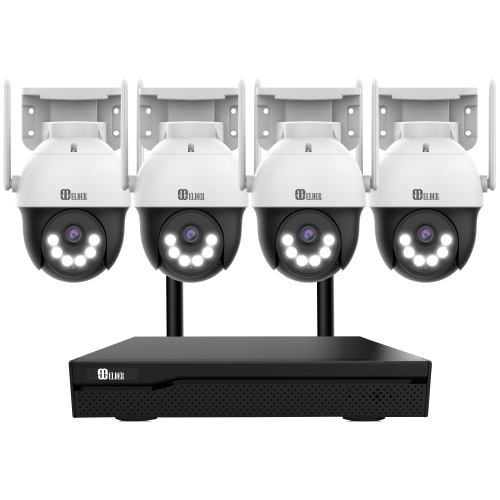
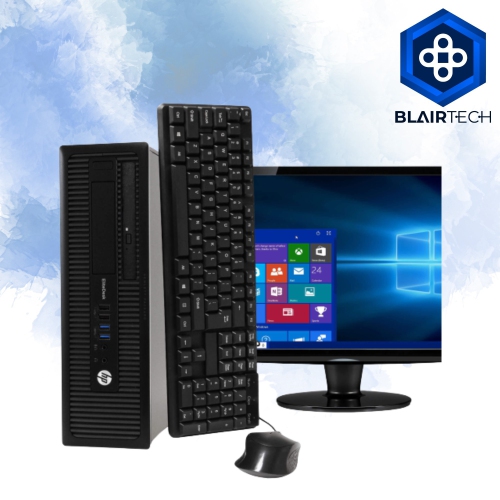
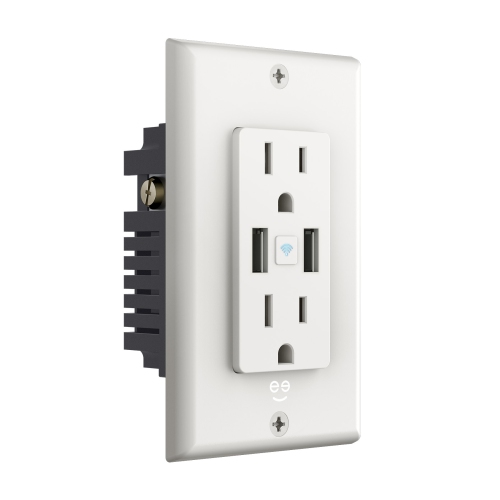
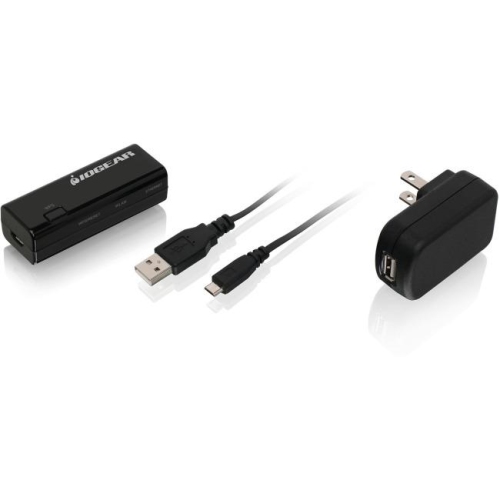
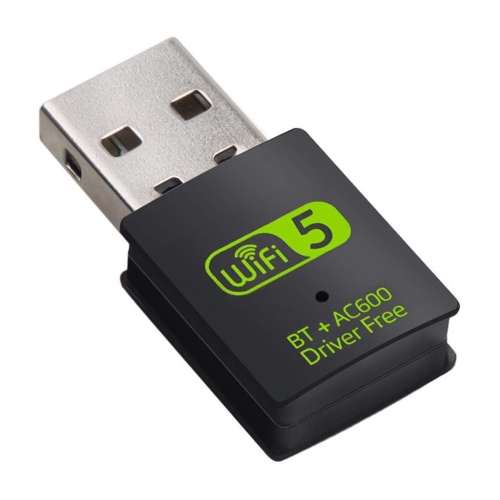
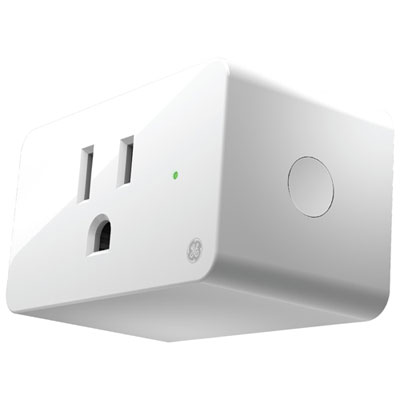
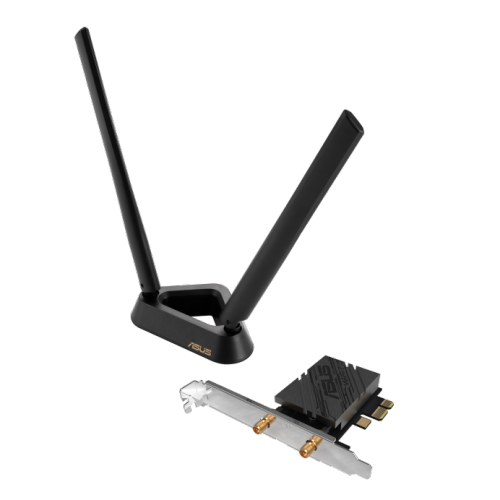
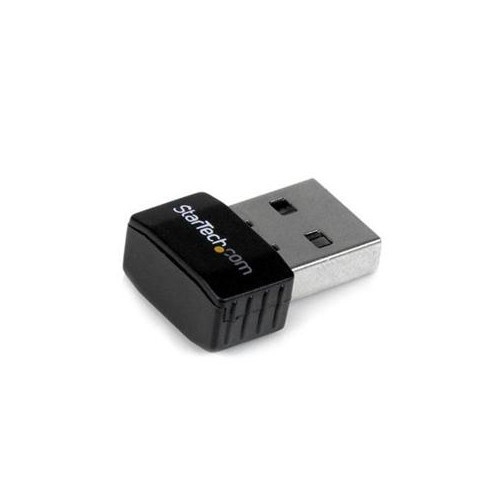
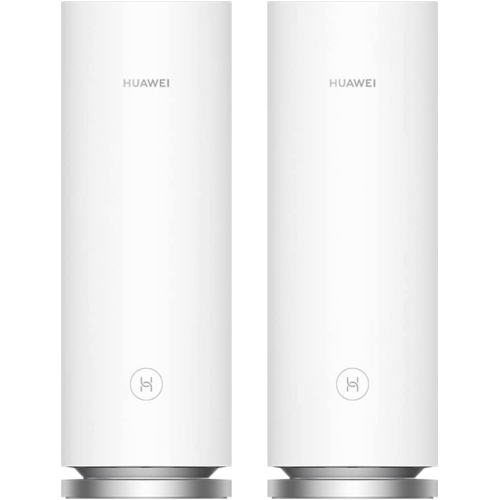
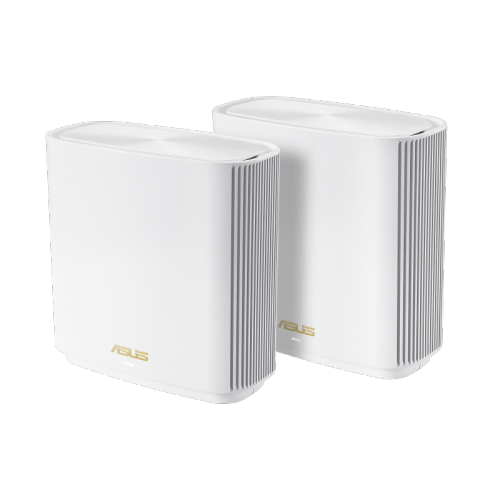
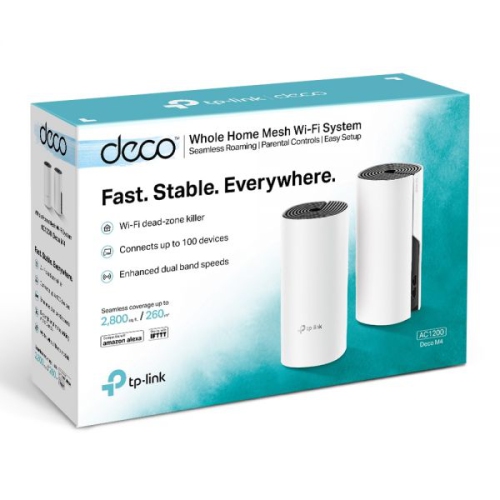
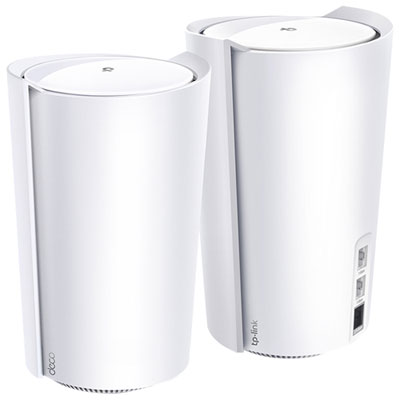
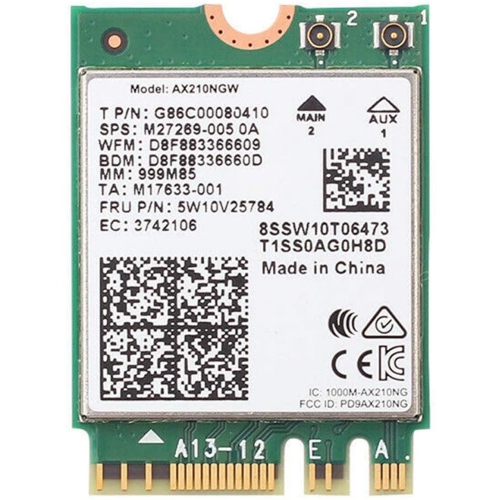
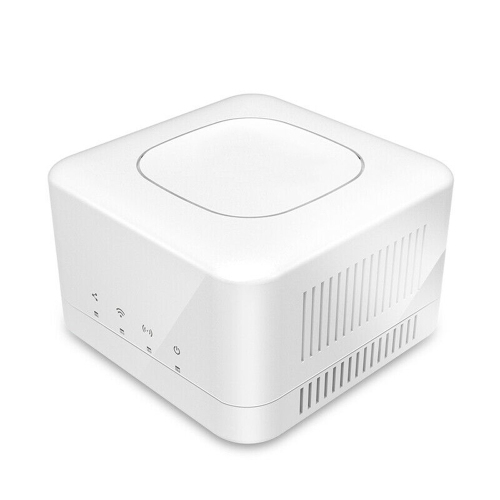
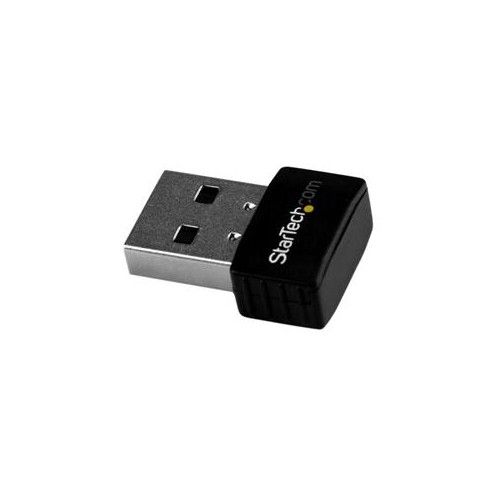
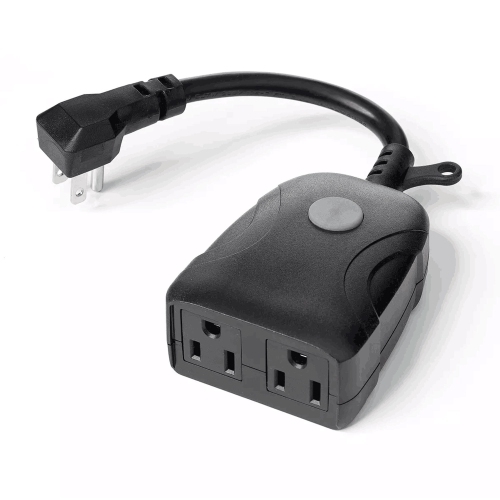
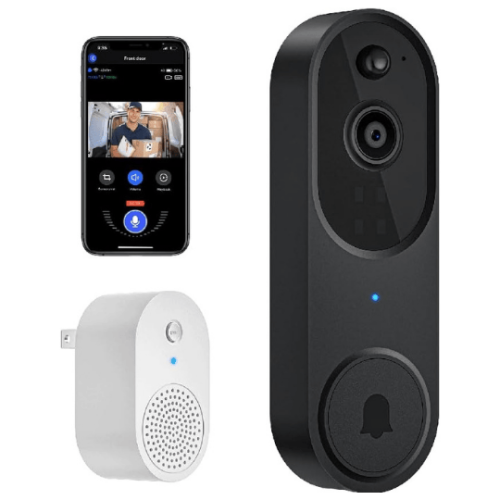
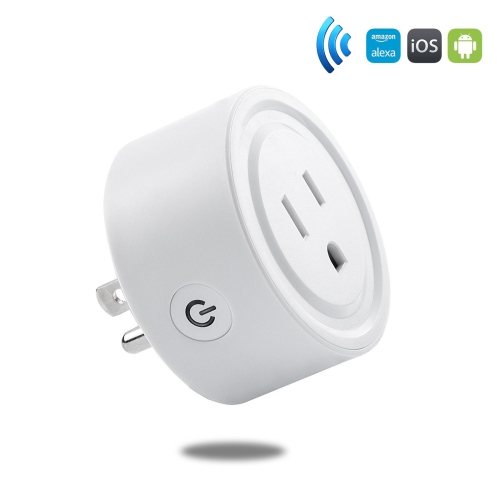
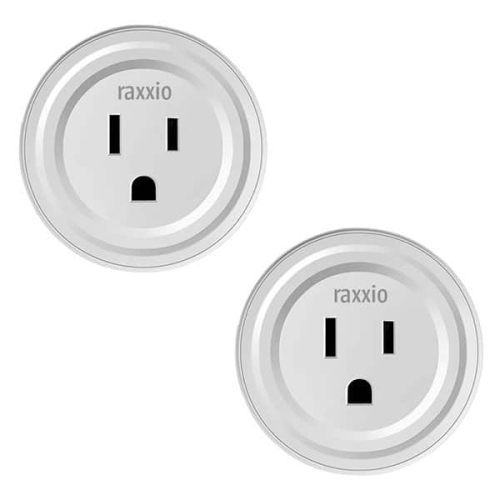
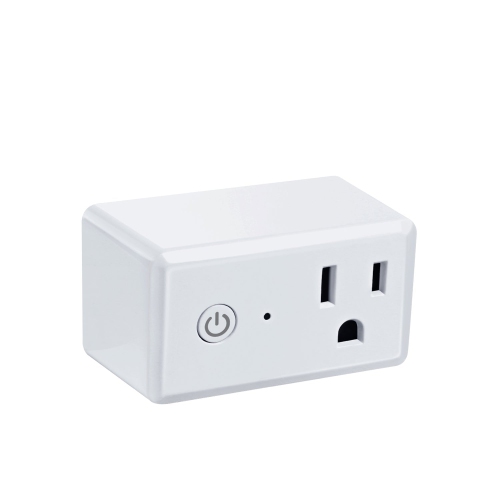



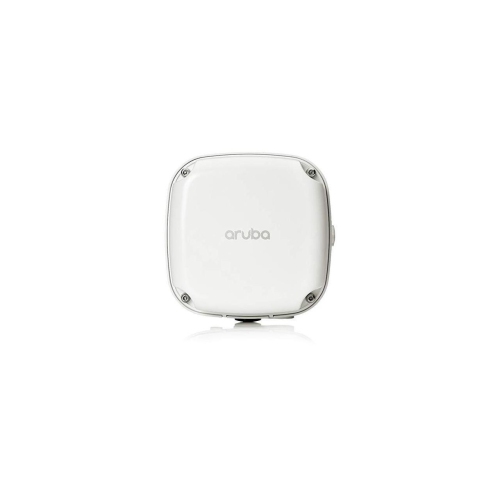
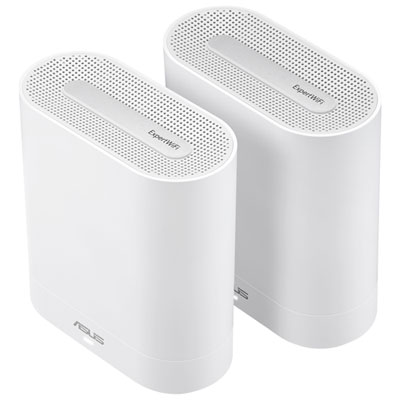
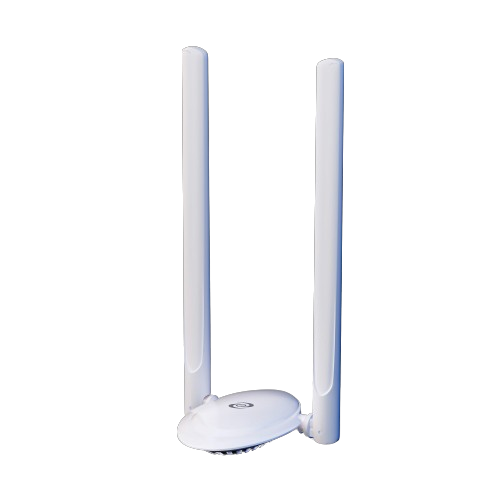
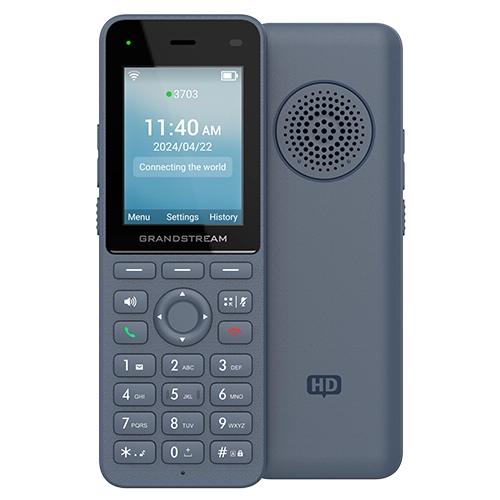






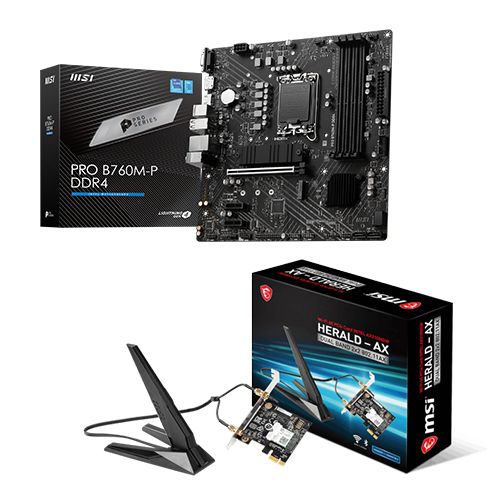
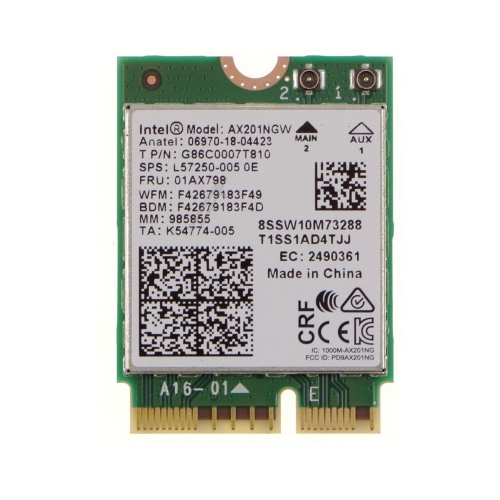
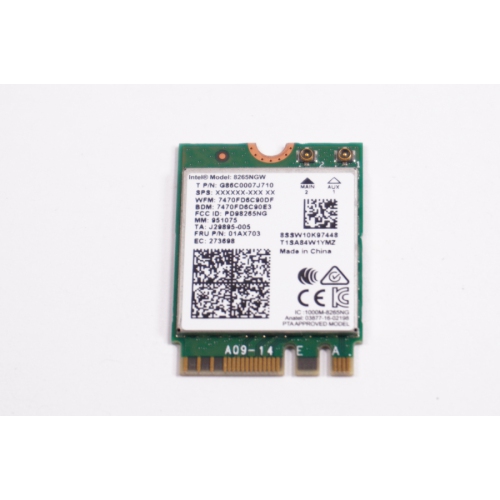
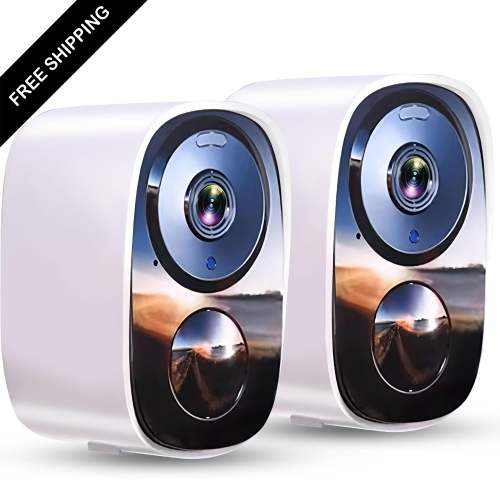
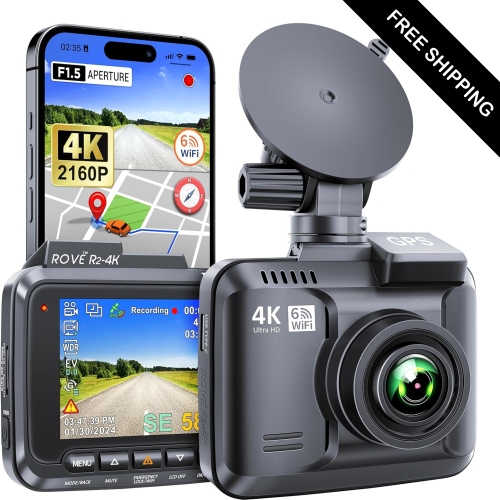
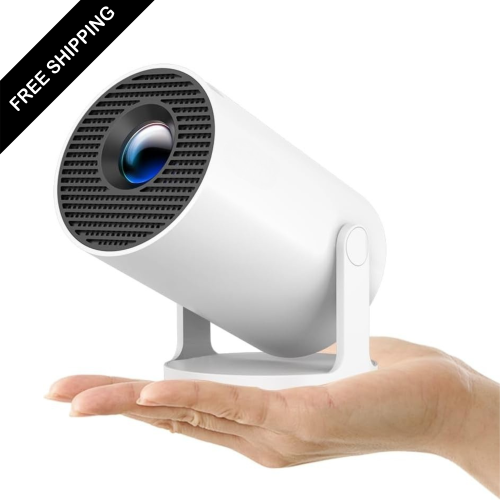
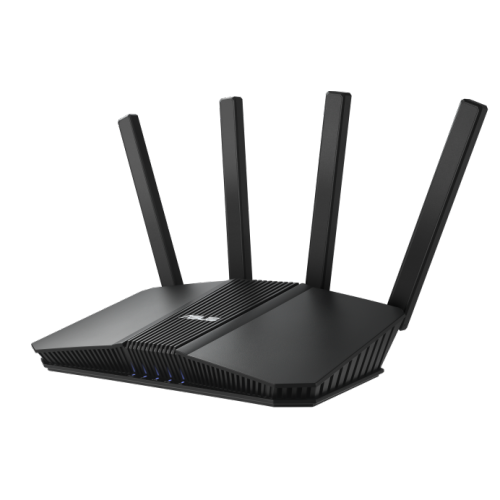
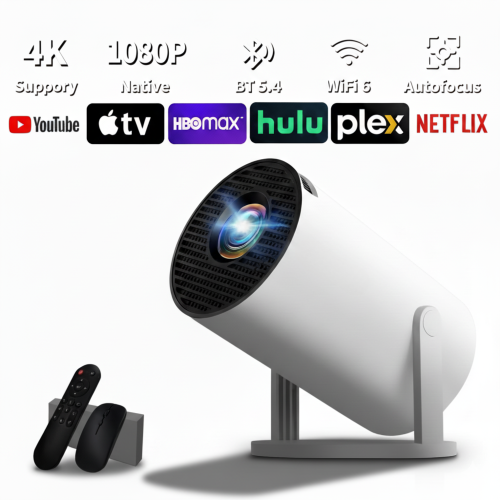
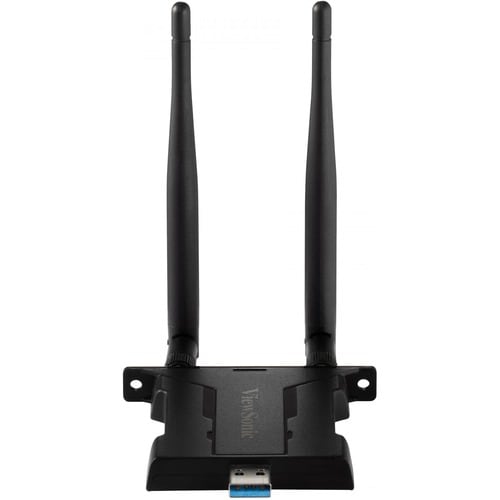
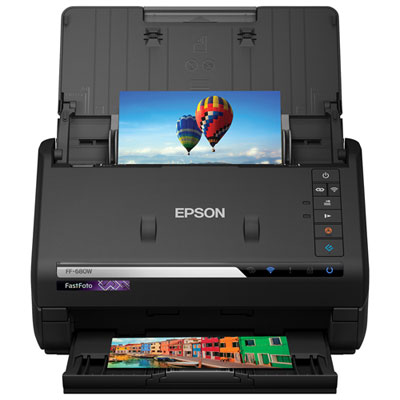

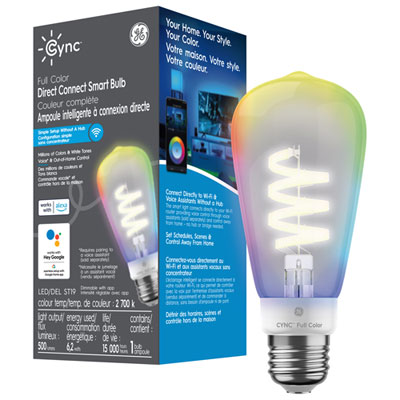
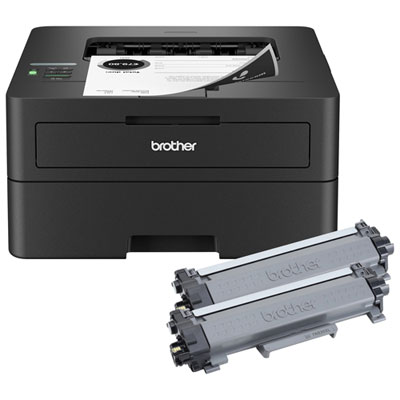
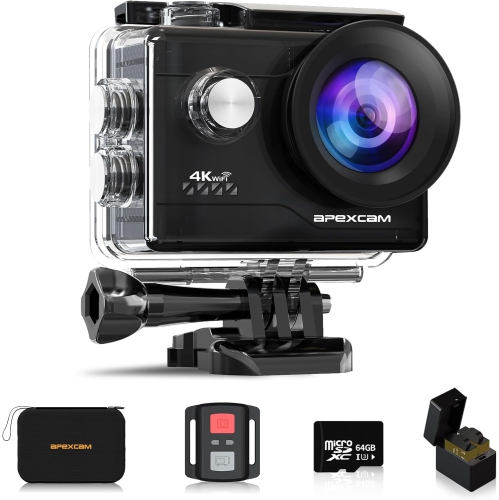
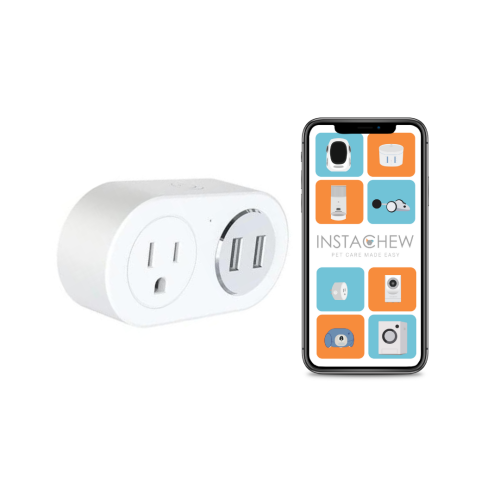
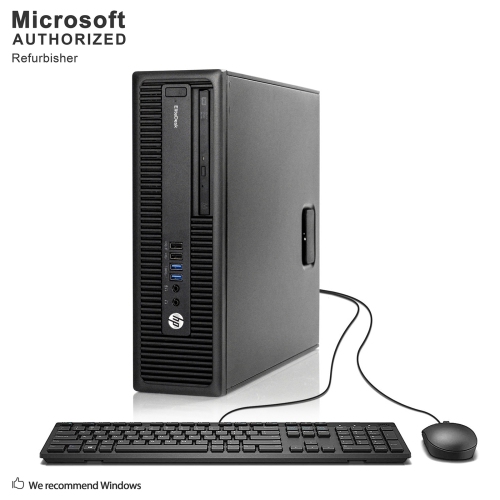
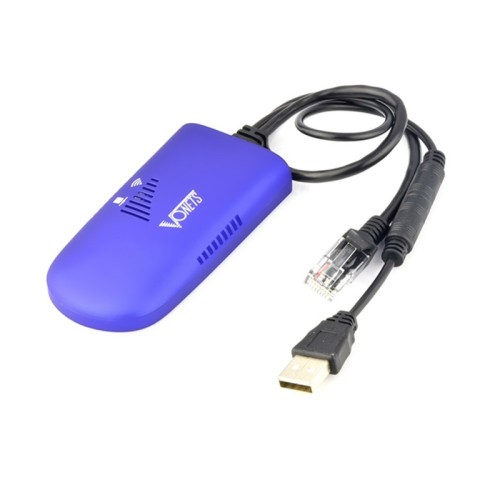

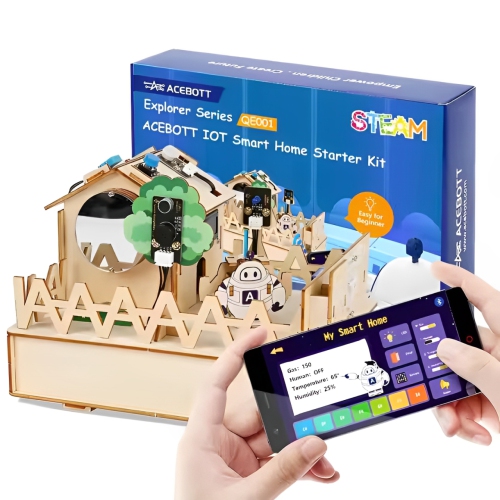
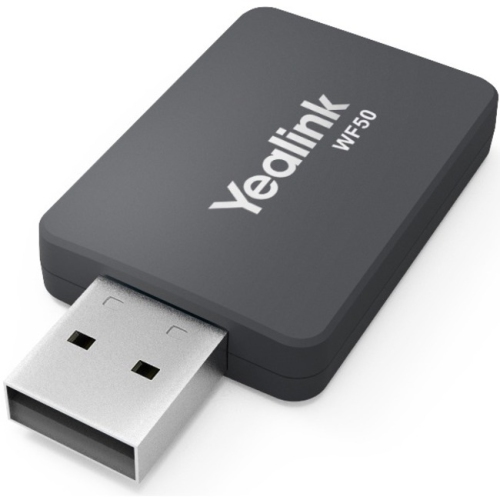
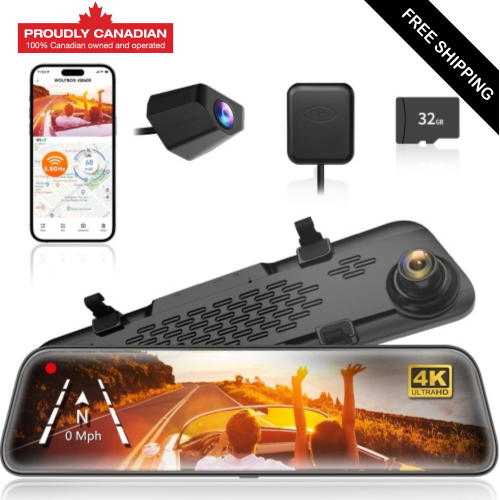

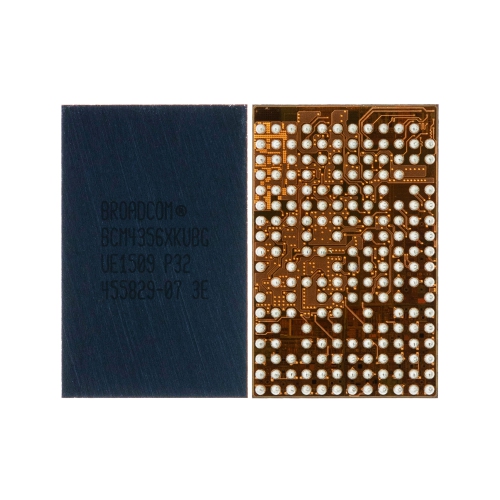
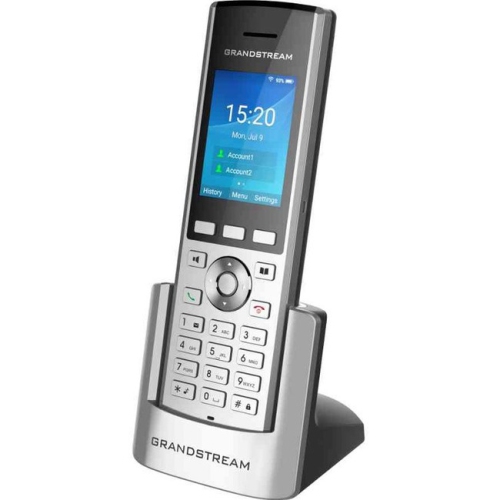
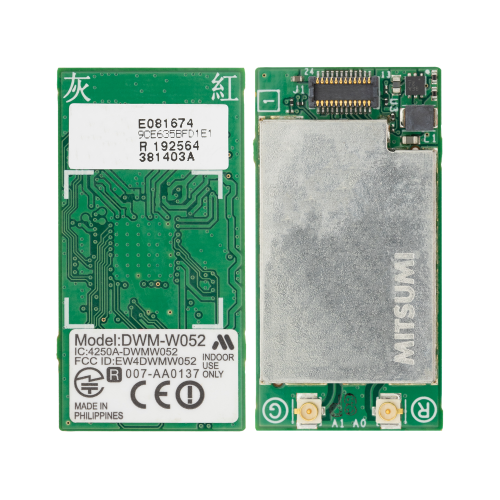
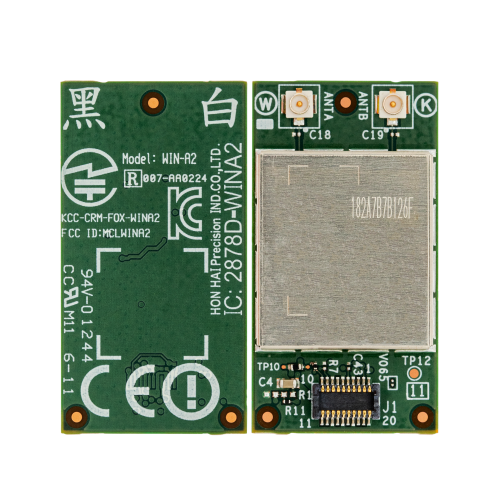


How wireless networks connect devices across your everyday spaces
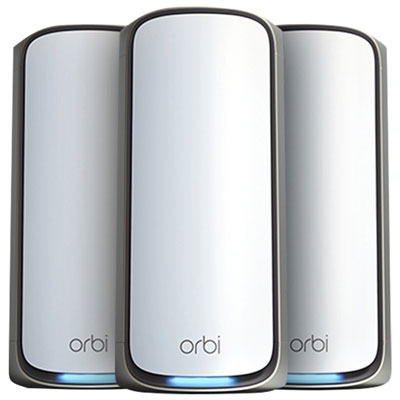
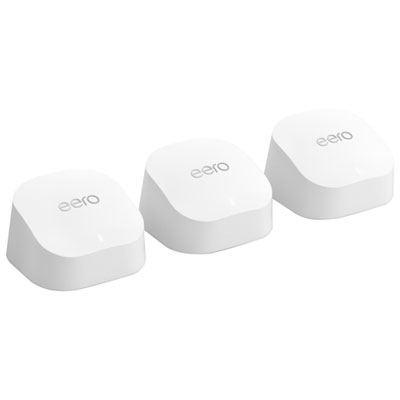
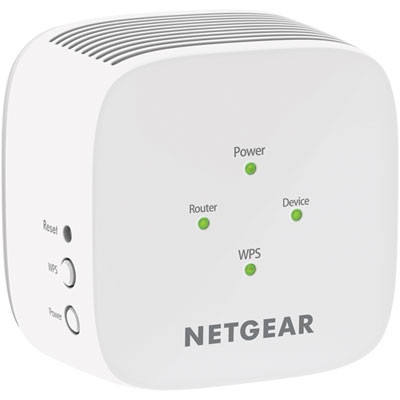
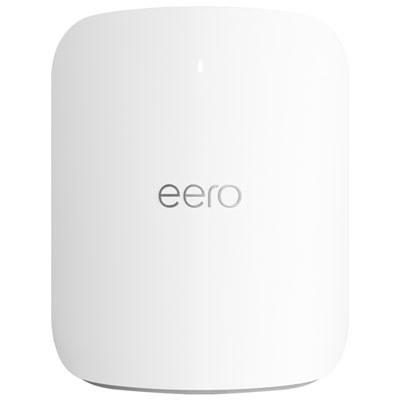
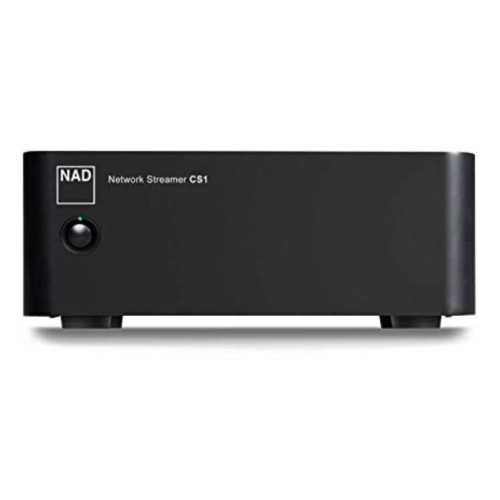
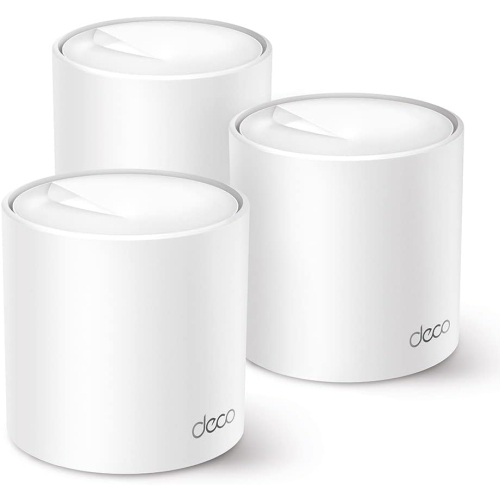
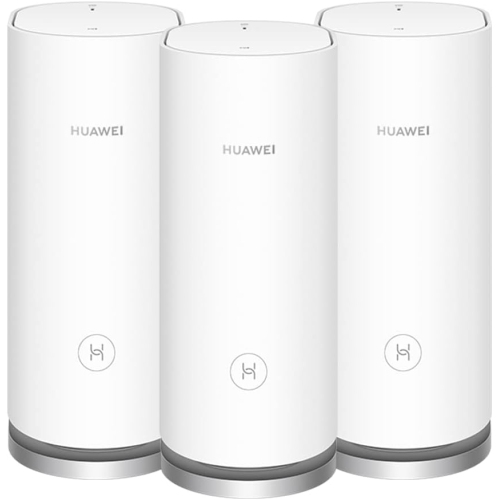
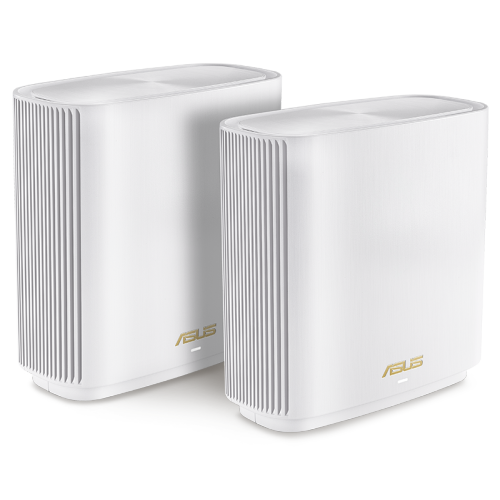
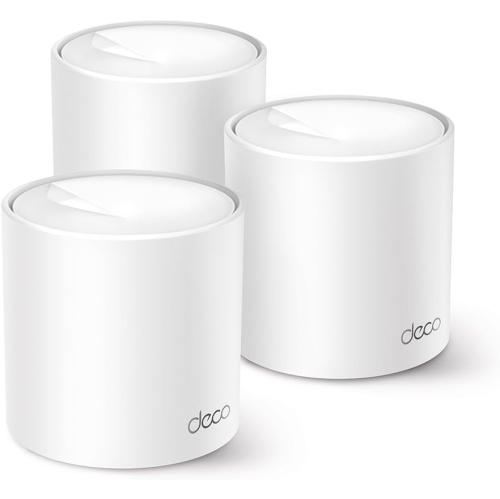
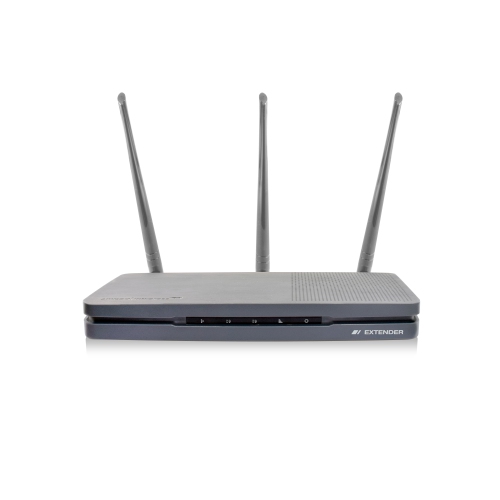
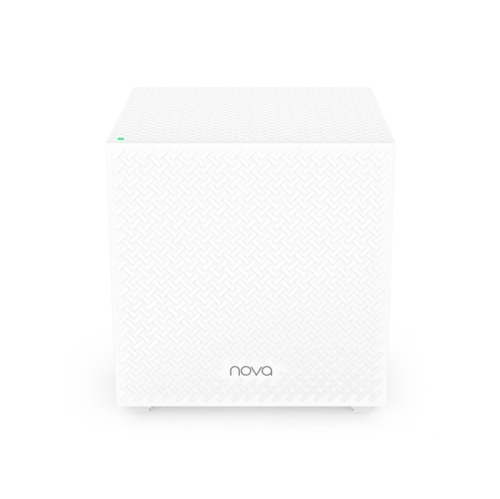
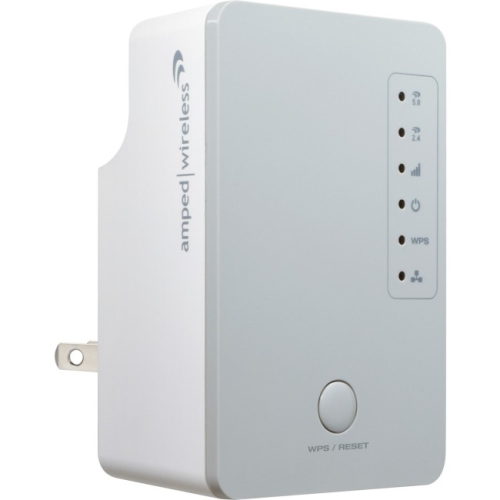
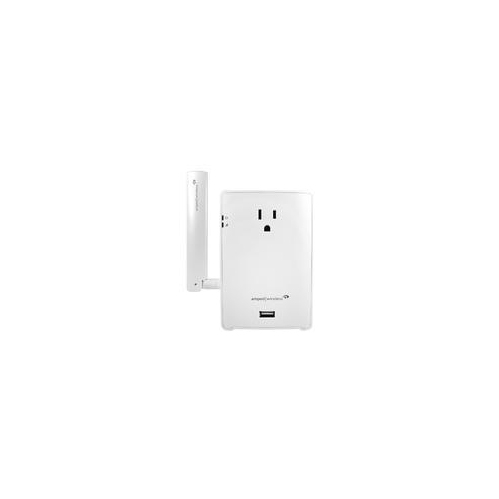
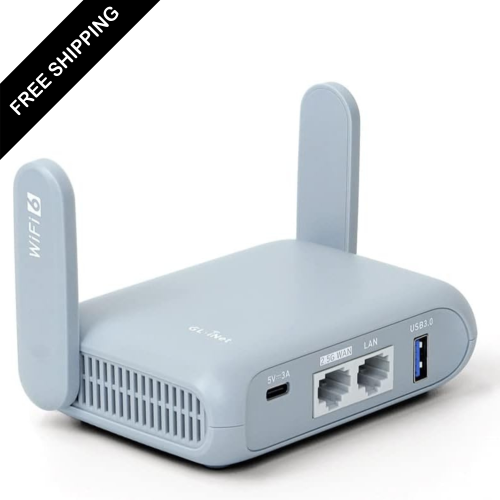
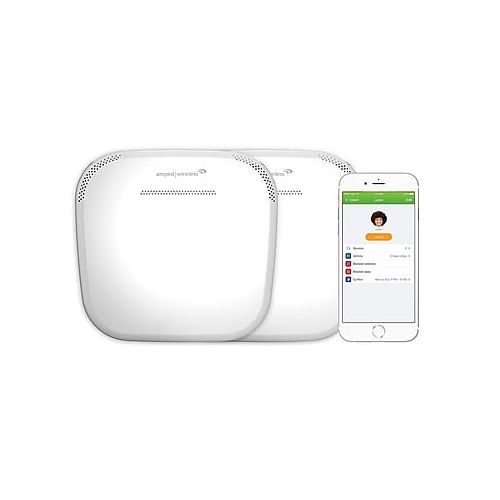
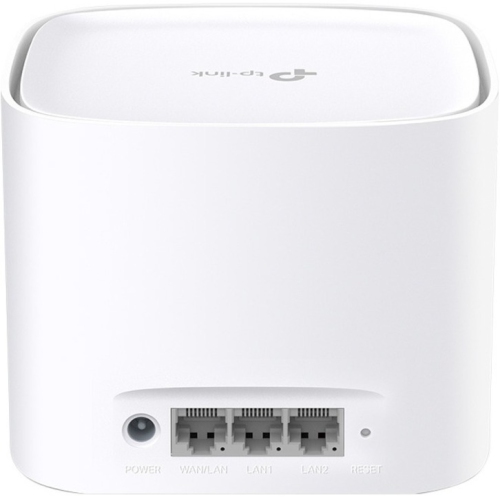
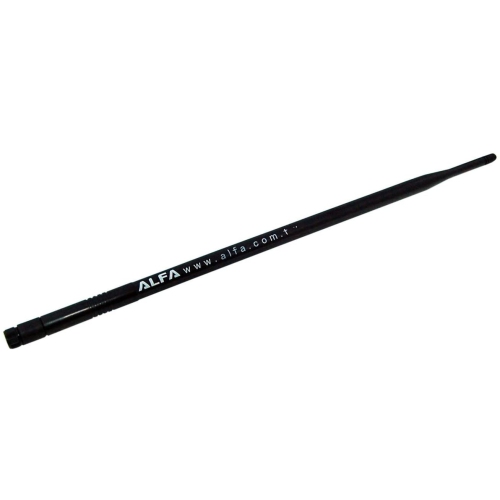
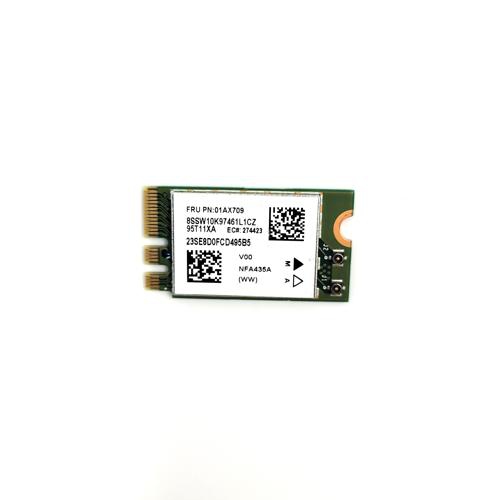
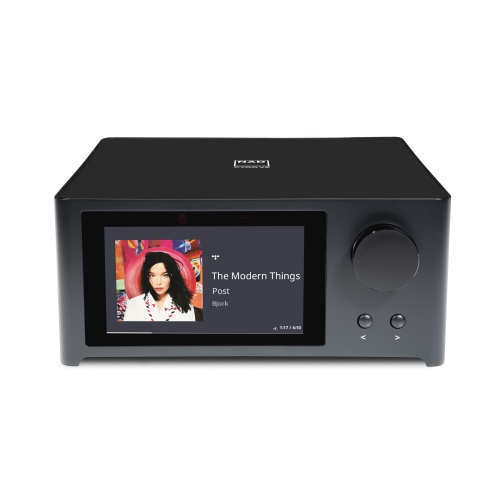
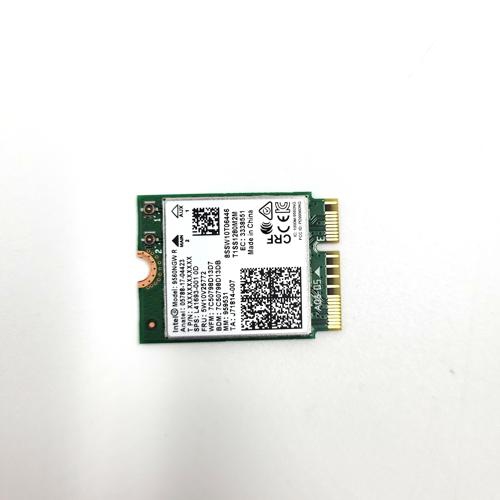
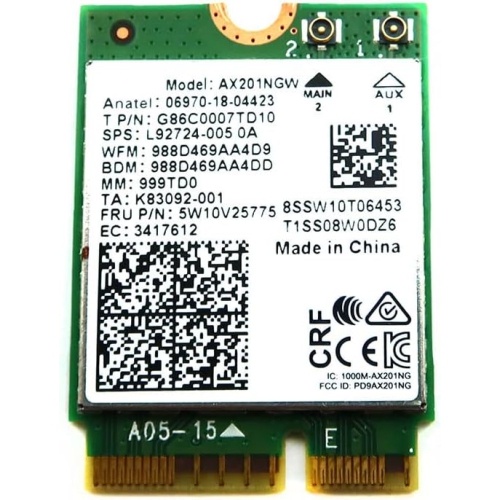
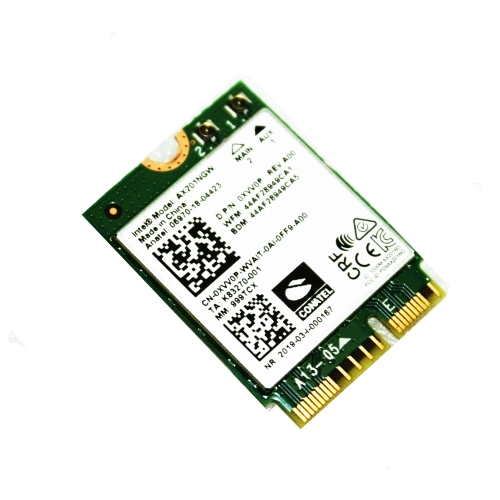
Wi-Fi electronics make it easier to connect, manage and enjoy technology throughout your home, workplace or travel setup without relying on a separate cable for every device. At the centre of many wireless networks is a router, which receives internet data and broadcasts it as a wireless radio signal so compatible electronics can communicate with one another and access online services. A modem performs a related but different job: it connects to your internet service provider and passes the incoming connection to the router, often through an Ethernet cable. Some networking equipment combines modem and router functions in one unit, while other setups use separate devices for greater flexibility. Wireless clients include laptops, tablets, televisions, streaming equipment, printers, cameras, speakers, game systems and smart home products with built-in Wi-Fi chips and antennas. When you browse a website, join a video call or stream a film, the information is divided into small data packets, transmitted over radio waves and reassembled by the receiving device. You can explore compatible Wi-Fi Devices to build a setup that suits the way your household connects. The right choice depends on more than a speed rating on a box. Consider the size and layout of the space, the construction of the walls, the number of connected devices and the type of internet service available. A compact home with the router positioned near the centre may work well with a single unit, while a multi-level home, long bungalow or space with thick walls may benefit from a mesh system that uses several coordinated nodes. Mesh equipment can help extend coverage into rooms where a single router struggles, creating a more consistent connection as you move from one area to another. For apartments, dorm rooms, home offices and temporary workspaces, a straightforward wireless router may offer a convenient balance of coverage, features and ease of installation.
Wireless performance is influenced by several technical details, including frequency bands, Wi-Fi generation, channel congestion and the capabilities of each connected device. The 2.4 GHz band generally travels farther and passes through obstacles more effectively, though it can be slower and more crowded because many household electronics use it. The 5 GHz band usually supports faster speeds with less range, making it useful for nearby streaming devices, computers and game systems. Newer equipment may also support the 6 GHz band, which can provide additional room for compatible devices and responsive performance at shorter distances. The benefits of a newer standard are most noticeable when the router and client device both support it, so check compatibility across the network rather than focusing on a single specification. Features such as automatic band steering, traffic prioritization, multiple-user input and output, and support for many simultaneous connections can help a busy household stay responsive when people are working, studying, watching content and using smart devices at the same time. Placement matters just as much as specifications. Position a router in an open, central location, away from enclosed cabinets, large appliances and dense obstructions. Keep mesh nodes within a strong signal range of one another rather than placing one in the room where the connection has already disappeared. A wired Ethernet connection can still be useful for stationary equipment that benefits from dependable, low-latency performance, while Wi-Fi provides the freedom to move around with mobile devices. Before purchasing, review your internet plan, available ports, operating system requirements, app support and the number of Ethernet connections you may need. It is also worth checking whether the equipment supports automatic firmware updates, guest networking and parental controls if those features matter in your household.
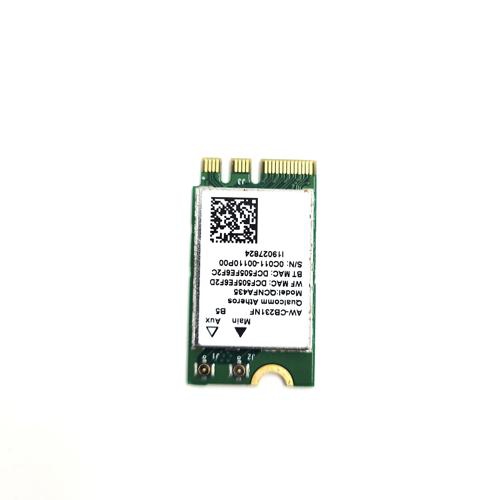
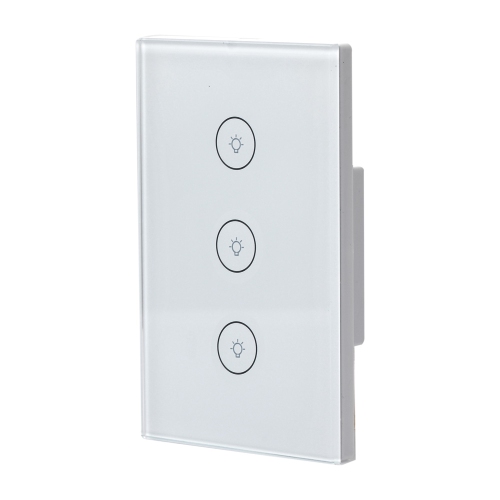
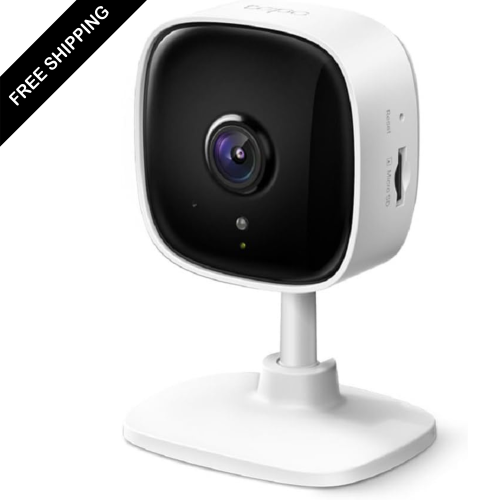
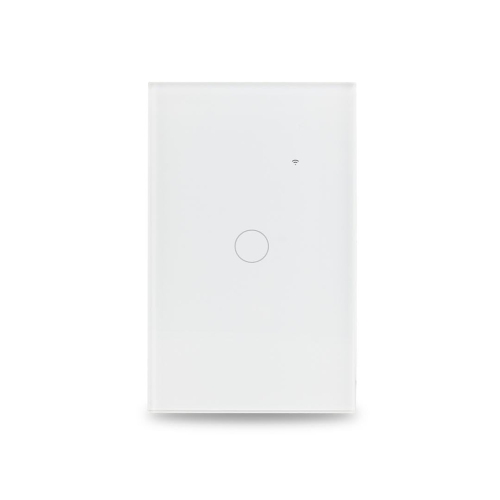
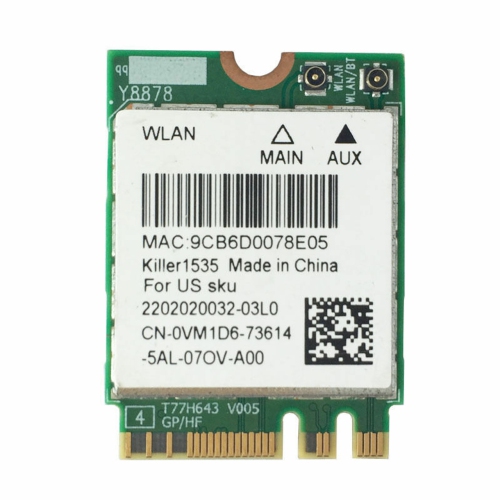
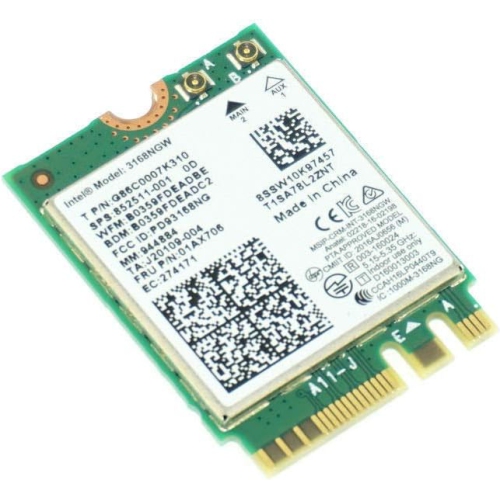
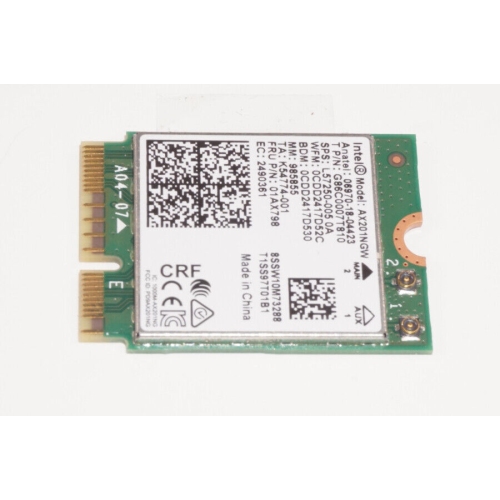
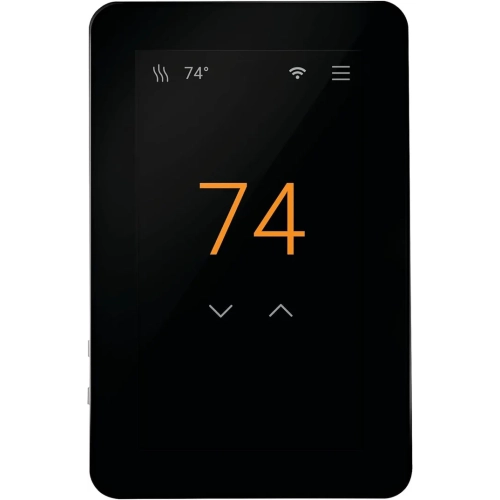
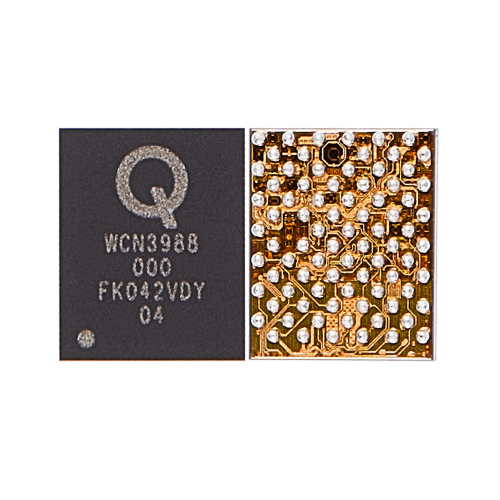
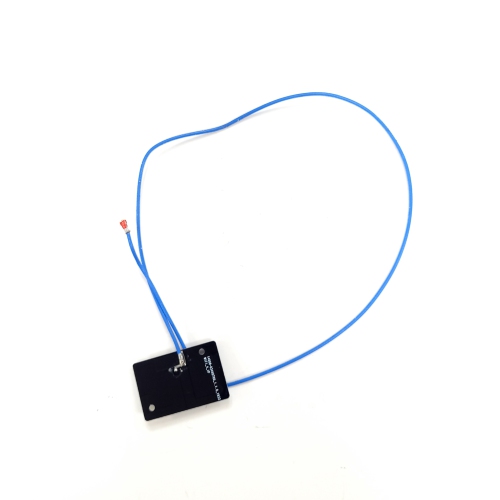
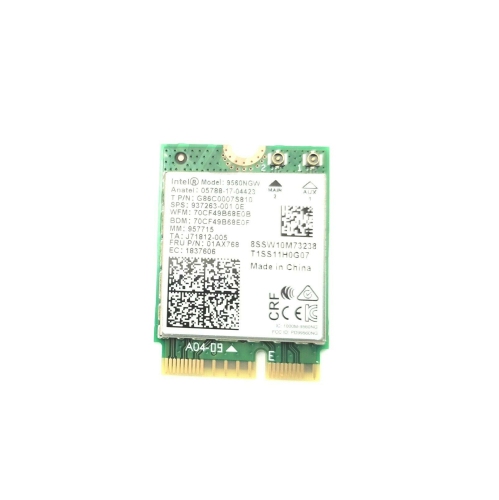
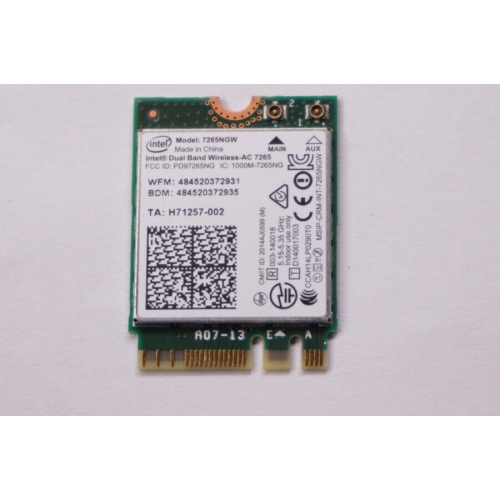
Wi-Fi electronics can support ordinary routines as well as more specialised projects. A family might use wireless connectivity to keep a television, speakers and mobile devices online in the living room, while a remote worker may depend on a stable connection for cloud applications, video meetings and file transfers. Students can connect a laptop, printer and tablet from a bedroom or shared study area, and travellers may appreciate compact networking equipment for accommodation, temporary offices or recreational vehicles where a dependable personal network is useful. Connected cameras, lighting controls, thermostats and other smart home electronics can also rely on Wi-Fi, although each device should be checked for its required band, app and network settings. For people who enjoy making and learning, small development boards and wireless modules can provide the foundation for internet-connected experiments, sensor projects and home automation prototypes; these products are typically selected according to processor capability, supported wireless standard, input and output connections and programming compatibility. Security should remain part of the buying decision. Choose equipment that supports current protections such as WPA3 where available, create a strong unique network password and install firmware updates when prompted. A separate guest network can keep visitors’ devices apart from personal computers and smart home equipment. When giving Wi-Fi electronics as a gift, consider the recipient’s space and technical comfort: a simple, app-guided setup may suit someone moving into a first apartment, while a mesh system or programmable wireless module may appeal to a homeowner, enthusiast or student who wants to expand a network or create something new. With thoughtful selection and sensible placement, Wi-Fi electronics can make everyday technology feel more joined-up, keeping devices connected from quiet mornings at a desk to relaxed evenings in the living room and the busier routines of the cooler months.
Wireless performance is influenced by several technical details, including frequency bands, Wi-Fi generation, channel congestion and the capabilities of each connected device. The 2.4 GHz band generally travels farther and passes through obstacles more effectively, though it can be slower and more crowded because many household electronics use it. The 5 GHz band usually supports faster speeds with less range, making it useful for nearby streaming devices, computers and game systems. Newer equipment may also support the 6 GHz band, which can provide additional room for compatible devices and responsive performance at shorter distances. The benefits of a newer standard are most noticeable when the router and client device both support it, so check compatibility across the network rather than focusing on a single specification. Features such as automatic band steering, traffic prioritization, multiple-user input and output, and support for many simultaneous connections can help a busy household stay responsive when people are working, studying, watching content and using smart devices at the same time. Placement matters just as much as specifications. Position a router in an open, central location, away from enclosed cabinets, large appliances and dense obstructions. Keep mesh nodes within a strong signal range of one another rather than placing one in the room where the connection has already disappeared. A wired Ethernet connection can still be useful for stationary equipment that benefits from dependable, low-latency performance, while Wi-Fi provides the freedom to move around with mobile devices. Before purchasing, review your internet plan, available ports, operating system requirements, app support and the number of Ethernet connections you may need. It is also worth checking whether the equipment supports automatic firmware updates, guest networking and parental controls if those features matter in your household.
Wi-Fi electronics can support ordinary routines as well as more specialised projects. A family might use wireless connectivity to keep a television, speakers and mobile devices online in the living room, while a remote worker may depend on a stable connection for cloud applications, video meetings and file transfers. Students can connect a laptop, printer and tablet from a bedroom or shared study area, and travellers may appreciate compact networking equipment for accommodation, temporary offices or recreational vehicles where a dependable personal network is useful. Connected cameras, lighting controls, thermostats and other smart home electronics can also rely on Wi-Fi, although each device should be checked for its required band, app and network settings. For people who enjoy making and learning, small development boards and wireless modules can provide the foundation for internet-connected experiments, sensor projects and home automation prototypes; these products are typically selected according to processor capability, supported wireless standard, input and output connections and programming compatibility. Security should remain part of the buying decision. Choose equipment that supports current protections such as WPA3 where available, create a strong unique network password and install firmware updates when prompted. A separate guest network can keep visitors’ devices apart from personal computers and smart home equipment. When giving Wi-Fi electronics as a gift, consider the recipient’s space and technical comfort: a simple, app-guided setup may suit someone moving into a first apartment, while a mesh system or programmable wireless module may appeal to a homeowner, enthusiast or student who wants to expand a network or create something new. With thoughtful selection and sensible placement, Wi-Fi electronics can make everyday technology feel more joined-up, keeping devices connected from quiet mornings at a desk to relaxed evenings in the living room and the busier routines of the cooler months.
Top selling and popular products
-
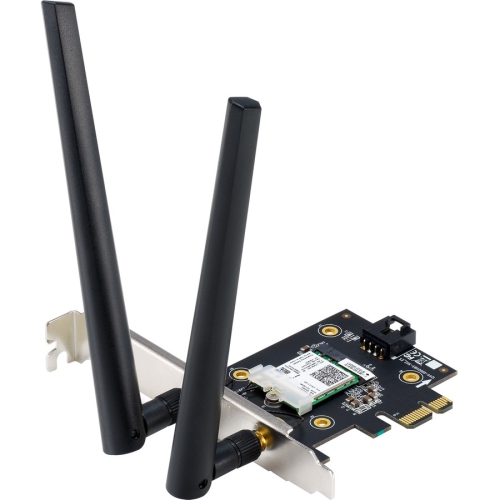 Your price for this item is $94.68
 -
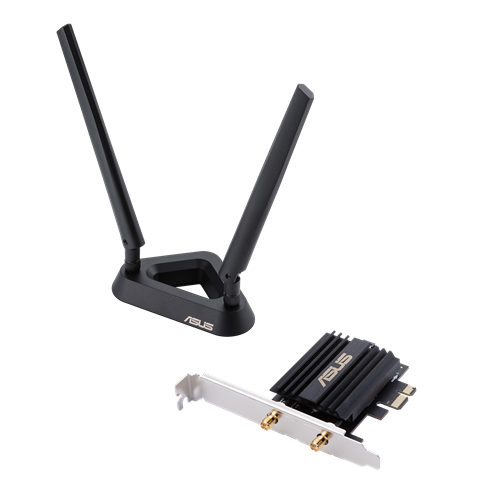 Your price for this item is $160.68
 -
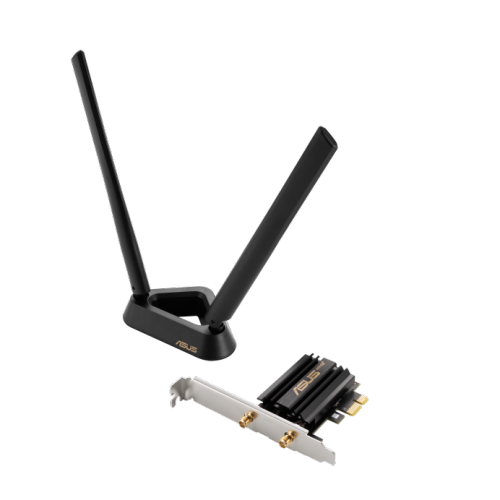 Your price for this item is $146.68
 -
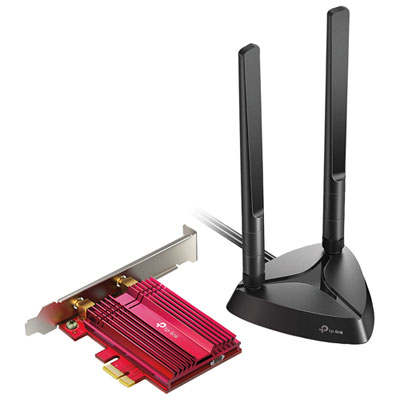 Your price for this item is $59.99
 -
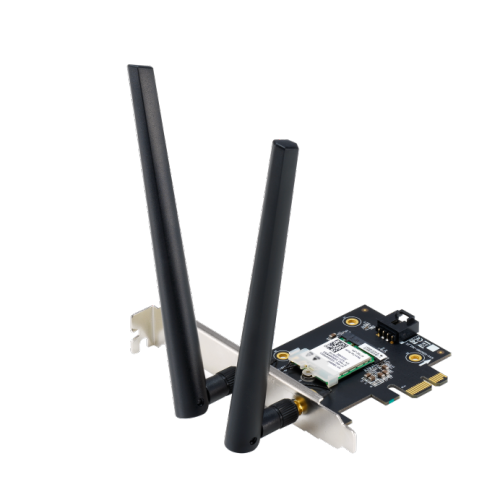 Your price for this item is $54.99
 -
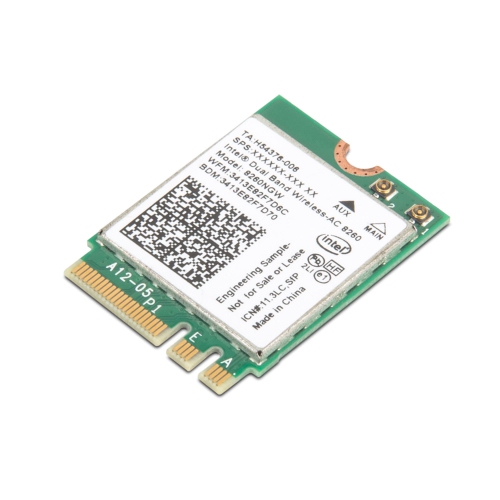 Your price for this item is $99.99
 -
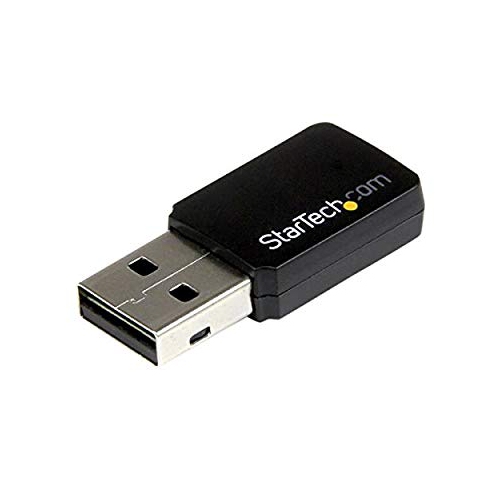 Your price for this item is $84.55
 -
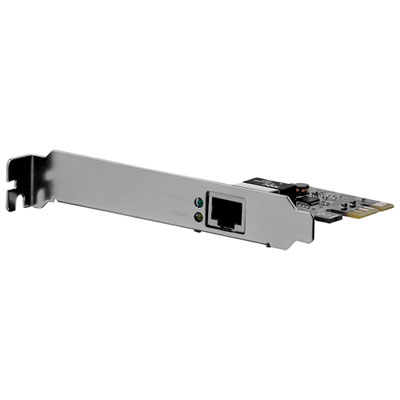 Your price for this item is $44.99
Discover more categories related to Wi-Fi Electronics


Top Collections:
Pokemon Centers, Kindle Devices, Best Budget Office Chairs, Apple iPhones 16, Best Laptops for Writers, iPhone 15 Apple, Canon G7X Cameras, Refurbished Apple Laptops, Alarm Clock, Motorola Razr Phones
Some products may be subject to Environmental Handling Fees
(EHF) depending on your province.
Learn more about EHFs.