Wi-Fi Laptops
Looking for a laptop that keeps you connected wherever you go? Look no further than our wide selection of WiFi laptops. These powerful devices are designed to provide seamless internet access, allowing you to work, browse, and stream with ease. Whether you're a student, professional, or simply someone who values staying connected on the go, our range of WiFi laptops offers the perfect blend of performance and convenience. Here are some great options available.
Sort

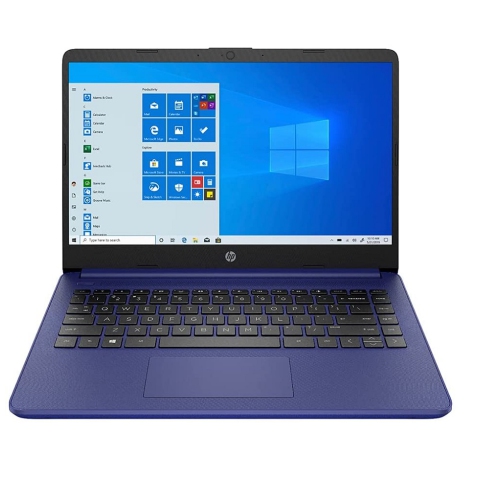

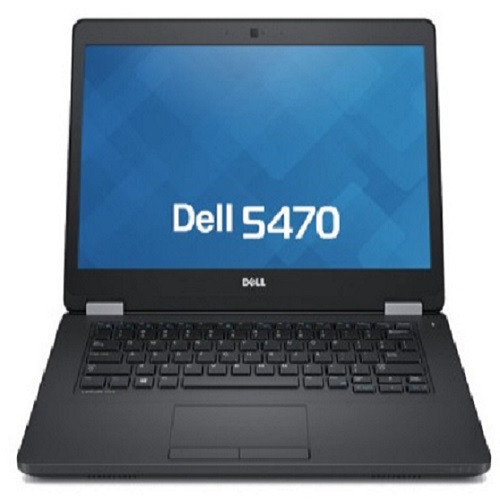
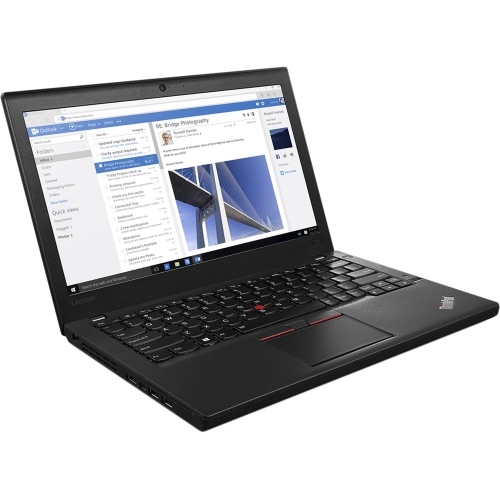
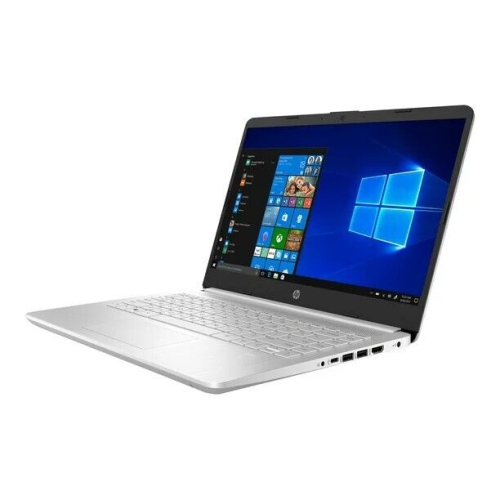
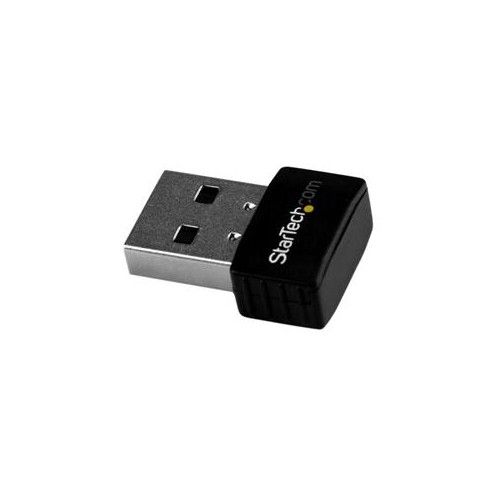
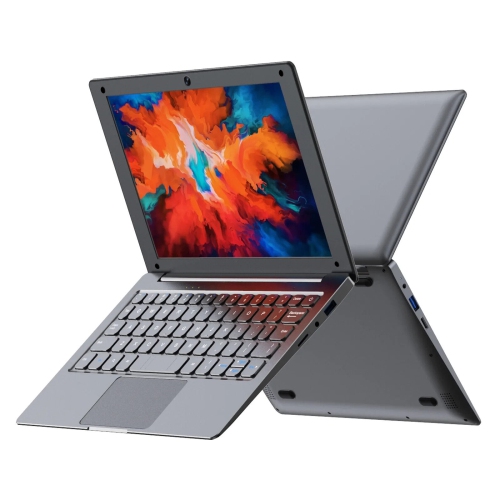
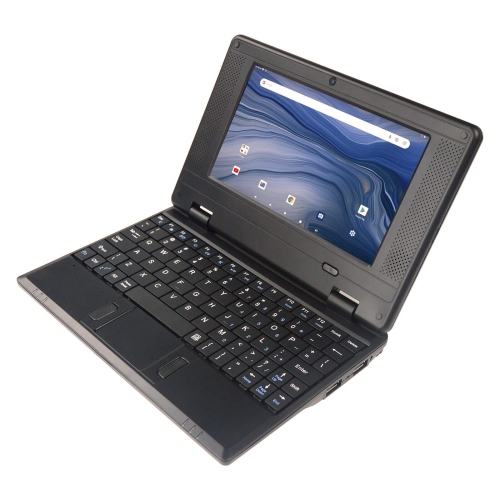
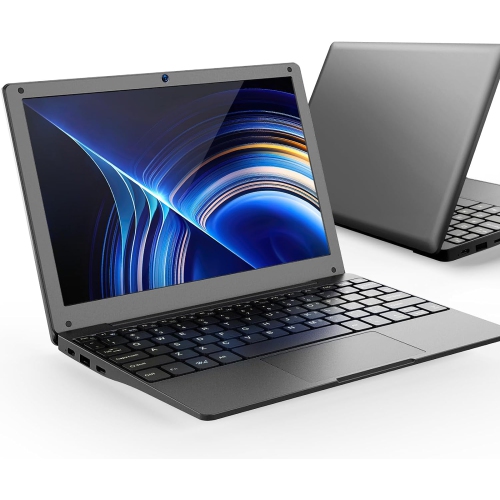
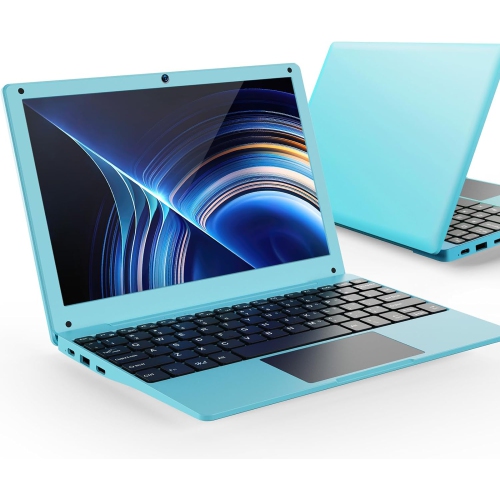
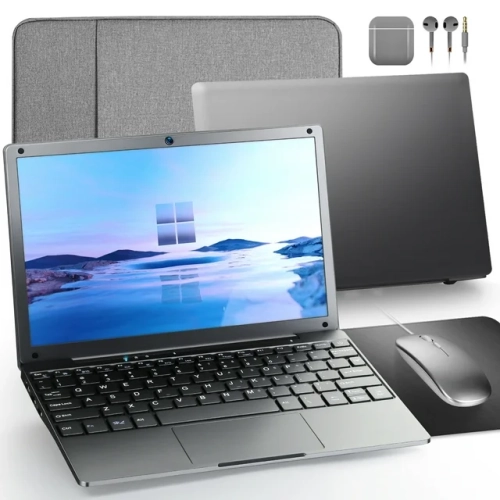
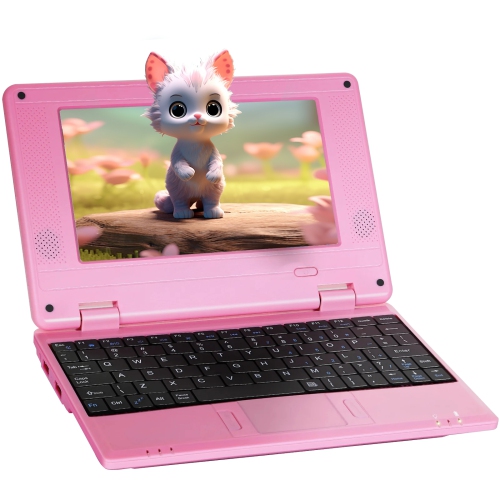
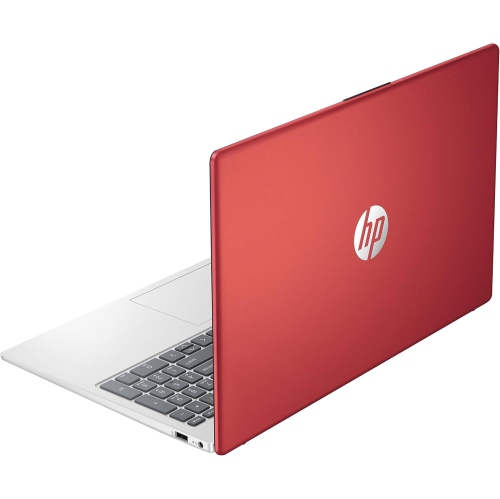
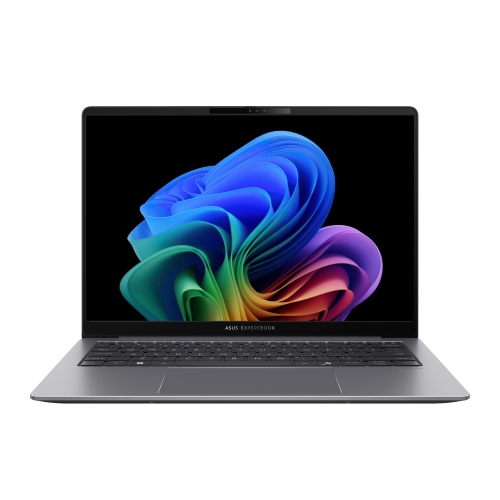
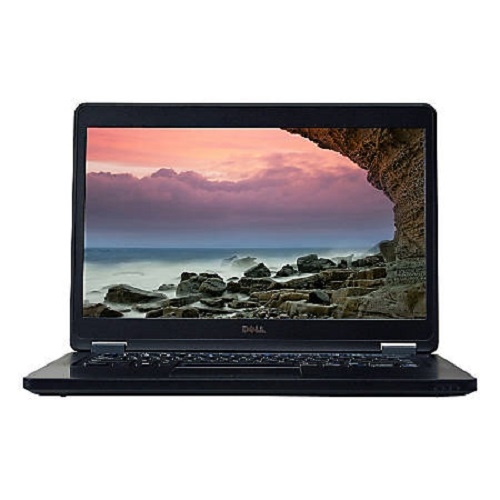
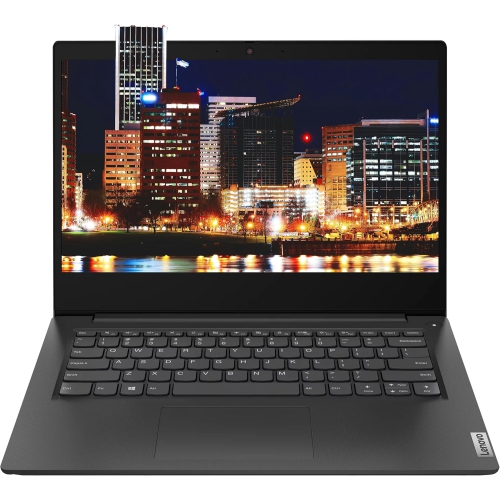
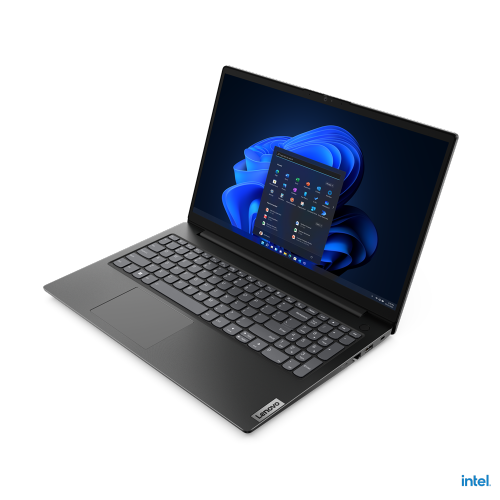
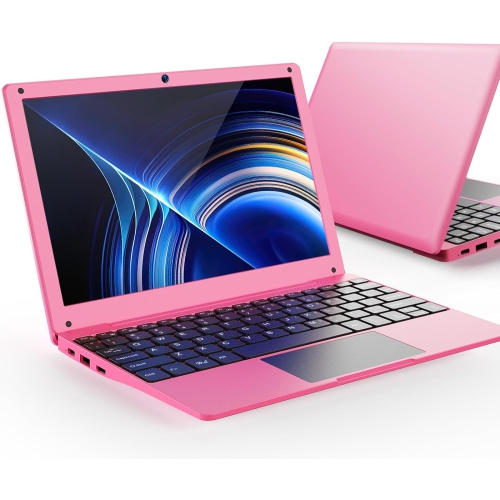
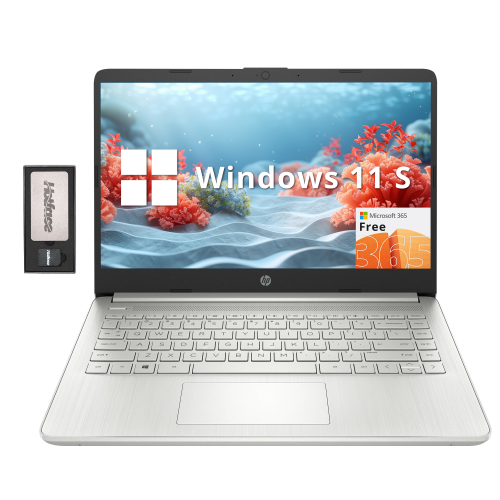
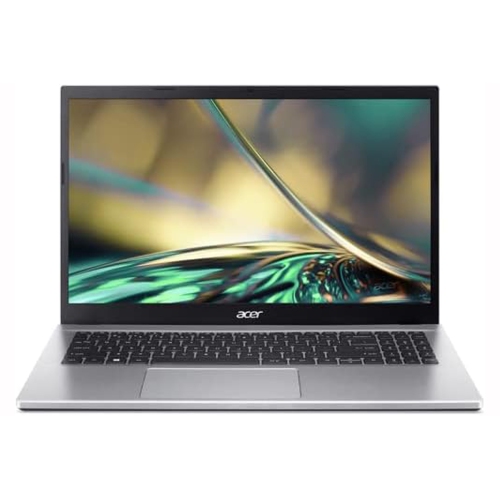
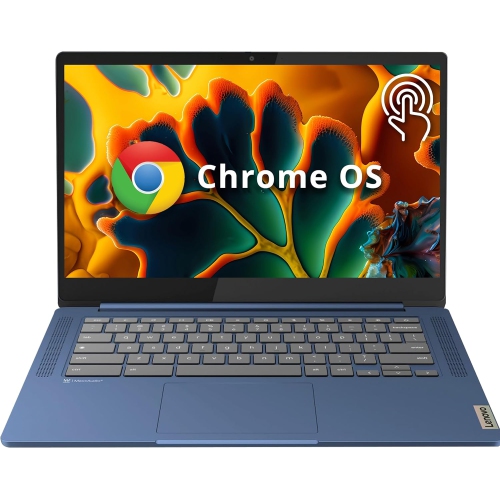
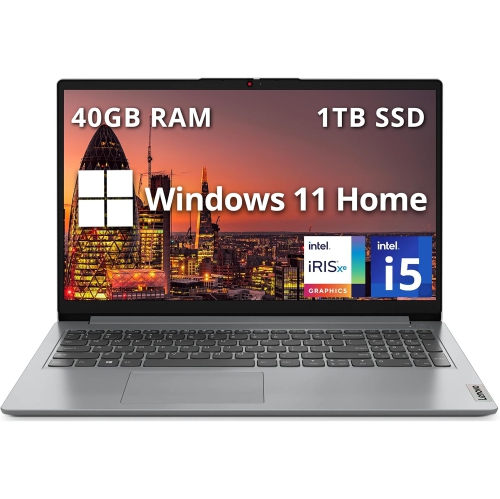
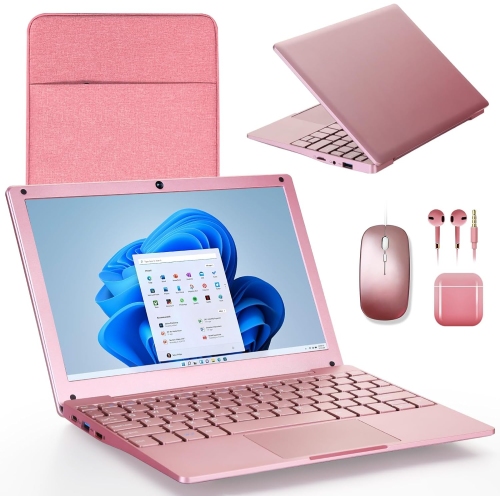
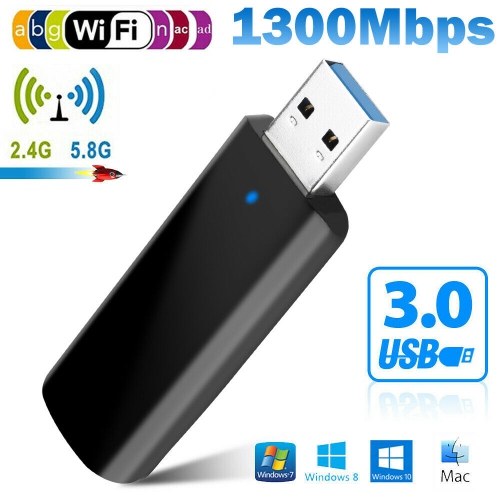
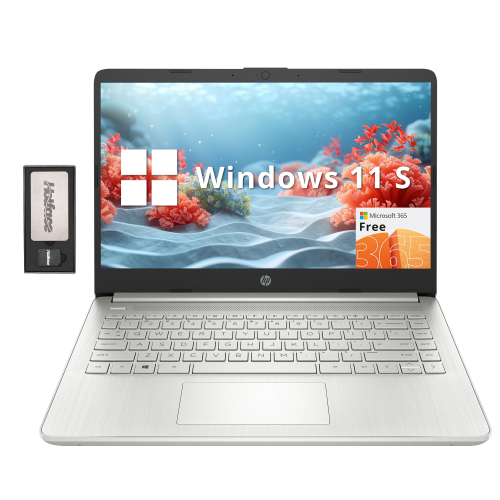
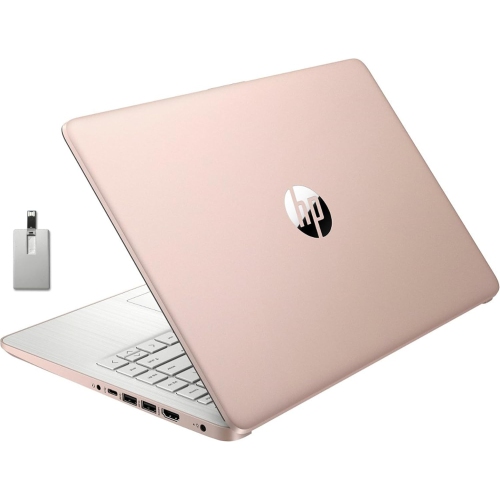
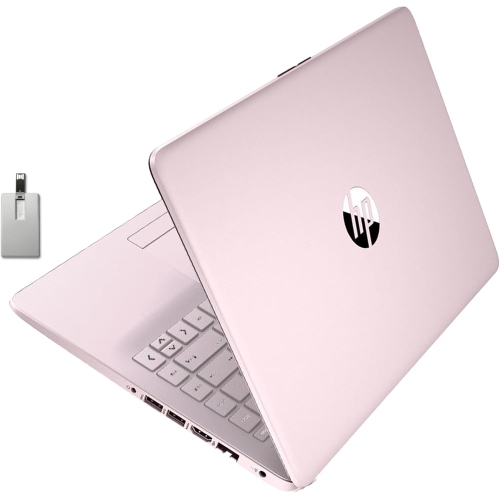
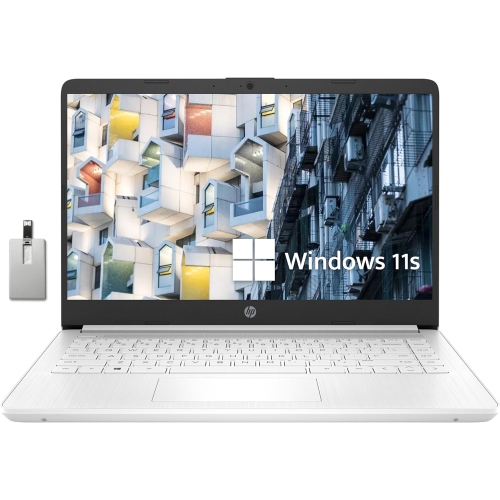
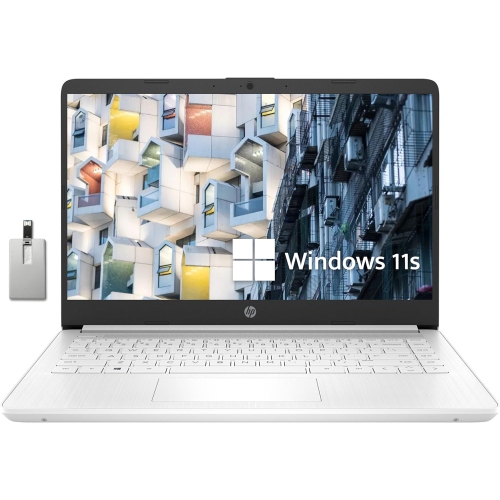
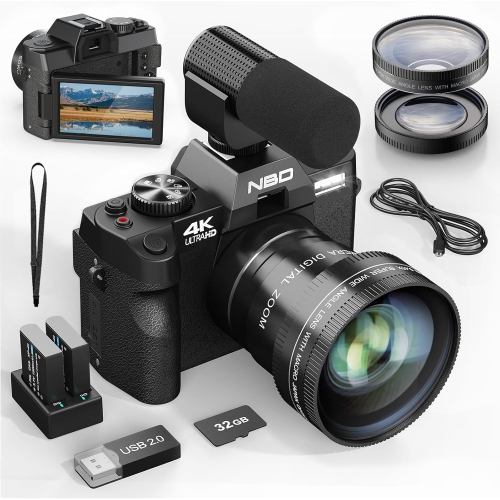
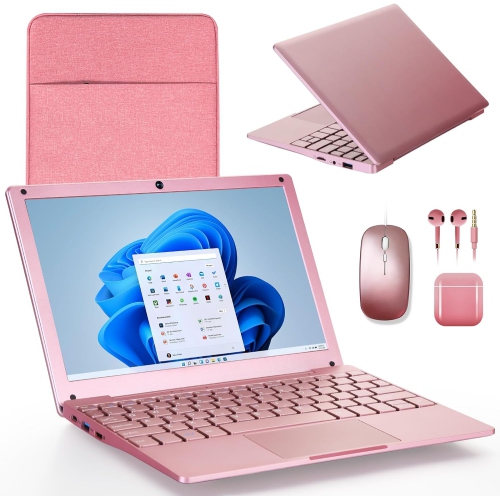
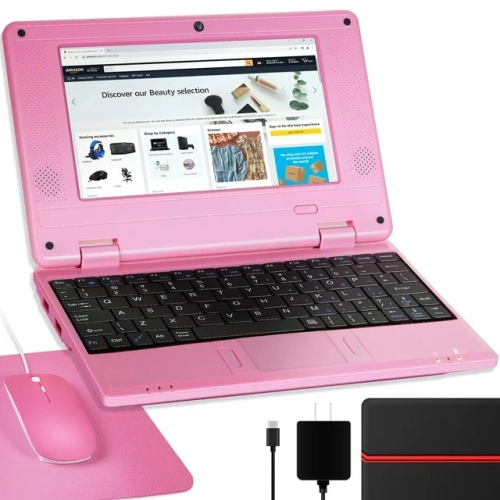
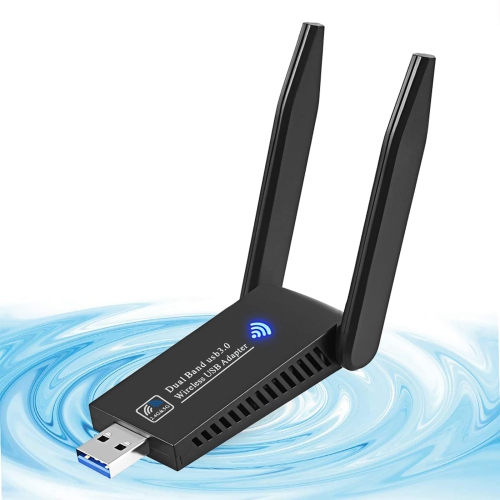
Stay connected from home, work, or anywhere
Wi-Fi laptops have become an essential part of daily life, offering the flexibility to stay connected whether you’re at home, in the office, or on the move. As the seasons shift from the warmth of late summer into the crispness of fall, many people find themselves working, studying, or relaxing in a variety of settings—on patios, in coffee shops, or at the kitchen table. Having a laptop with reliable Wi-Fi capability means you can easily join virtual meetings, stream entertainment, or complete assignments wherever you find inspiration. For students heading back to school, professionals managing hybrid work schedules, or families keeping in touch with loved ones across the country, a Wi-Fi laptop delivers the seamless connectivity needed for productivity and connection. These devices make thoughtful gifts for graduates, remote workers, or anyone who values the freedom to work and play without being tethered to a single spot.
When considering which Wi-Fi laptop is right for you, it’s helpful to think about how you plan to use it. If you’re often on the go, look for a lightweight model with long battery life and robust wireless performance, so you can confidently work from a library, airport lounge, or sunny park bench. If streaming movies, gaming, or video chatting are part of your routine, prioritize a laptop with the latest Wi-Fi standards for faster speeds and more stable connections. Many Wi-Fi laptops come equipped with features that enhance the wireless experience, such as dual-band capability and advanced antennas that help maintain a strong signal even in crowded networks. For those who travel frequently or spend time in areas with inconsistent internet access, pairing your device with a portable hotspot or exploring options like Mobile Wi-Fi for Laptop solutions can help ensure you stay online wherever your day takes you.
Setting up a Wi-Fi laptop is straightforward, making it easy for users of all experience levels to get started. Simply power on your device, click the network icon in your taskbar, and select your preferred wireless network. Enter the password when prompted, and you’ll be ready to browse, stream, or collaborate online. If you ever run into connectivity issues, toggling Airplane Mode, restarting your laptop, or using the built-in network troubleshooter can often resolve common problems quickly. With the right Wi-Fi laptop, you’ll enjoy the freedom to work, learn, and connect in ways that fit your lifestyle—whether you’re catching up on emails as the leaves change or unwinding with a favourite show as the evenings grow cooler.
When considering which Wi-Fi laptop is right for you, it’s helpful to think about how you plan to use it. If you’re often on the go, look for a lightweight model with long battery life and robust wireless performance, so you can confidently work from a library, airport lounge, or sunny park bench. If streaming movies, gaming, or video chatting are part of your routine, prioritize a laptop with the latest Wi-Fi standards for faster speeds and more stable connections. Many Wi-Fi laptops come equipped with features that enhance the wireless experience, such as dual-band capability and advanced antennas that help maintain a strong signal even in crowded networks. For those who travel frequently or spend time in areas with inconsistent internet access, pairing your device with a portable hotspot or exploring options like Mobile Wi-Fi for Laptop solutions can help ensure you stay online wherever your day takes you.
Setting up a Wi-Fi laptop is straightforward, making it easy for users of all experience levels to get started. Simply power on your device, click the network icon in your taskbar, and select your preferred wireless network. Enter the password when prompted, and you’ll be ready to browse, stream, or collaborate online. If you ever run into connectivity issues, toggling Airplane Mode, restarting your laptop, or using the built-in network troubleshooter can often resolve common problems quickly. With the right Wi-Fi laptop, you’ll enjoy the freedom to work, learn, and connect in ways that fit your lifestyle—whether you’re catching up on emails as the leaves change or unwinding with a favourite show as the evenings grow cooler.
Top selling and popular products
-
 Your price for this item is $449
 -
 Your price for this item is $3099
 -
 Your price for this item is $299.95
 -
 Your price for this item is $664.05
 -
 Your price for this item is $599.68
 -
 Your price for this item is $869.99
 -
 Your price for this item is $259
 -
 Your price for this item is $418.98
Discover more categories related to Wi-Fi Laptops

Top Collections:
Pokemon Centers, Kindle Devices, Best Budget Office Chairs, Apple iPhones 16, Best Laptops for Writers, iPhone 15 Apple, Canon G7X Cameras, Refurbished Apple Laptops, Alarm Clock, Motorola Razr Phones
Some products may be subject to Environmental Handling Fees
(EHF) depending on your province.
Learn more about EHFs.