Ergonomic Mice for Chromebooks
Ergonomic mice for Chromebooks offer a comfortable and efficient way to navigate your device, whether you’re working, studying, or browsing online. Designed to support natural hand positioning, these mice are compatible with Chromebook systems and help make everyday tasks smoother. Explore a variety of ergonomic options to find the right fit for your workspace and enhance your Chromebook experience.
Sort
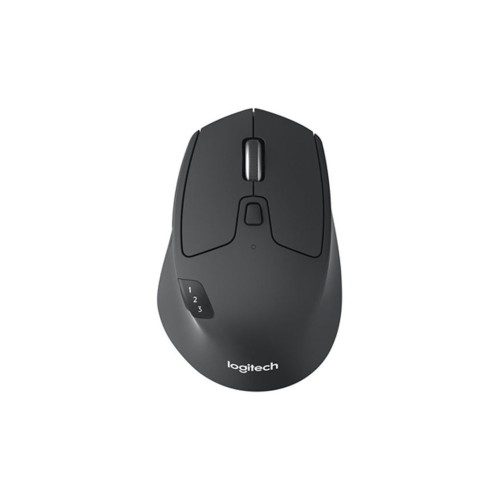

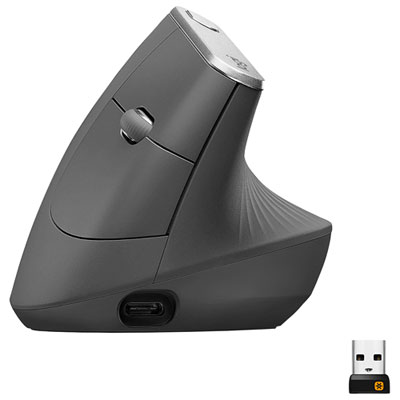
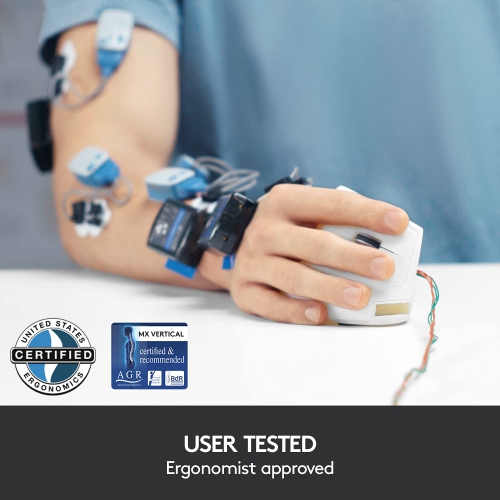
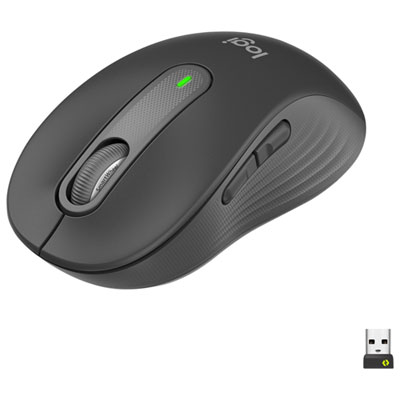
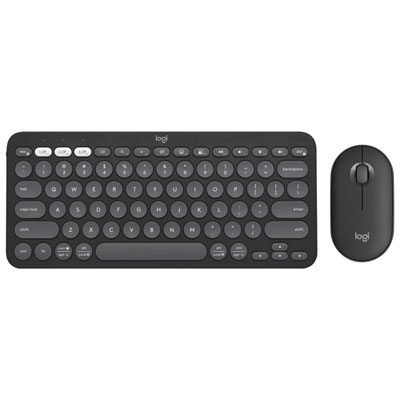
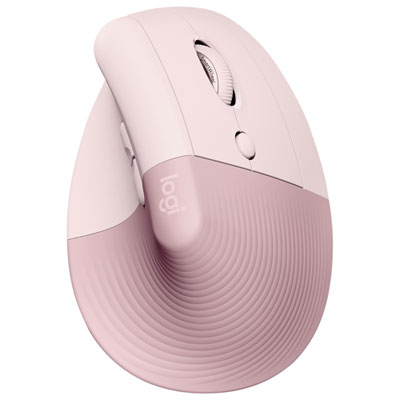
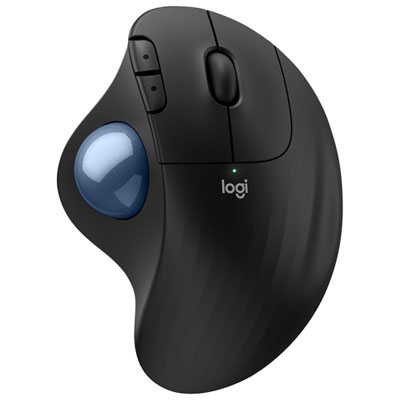
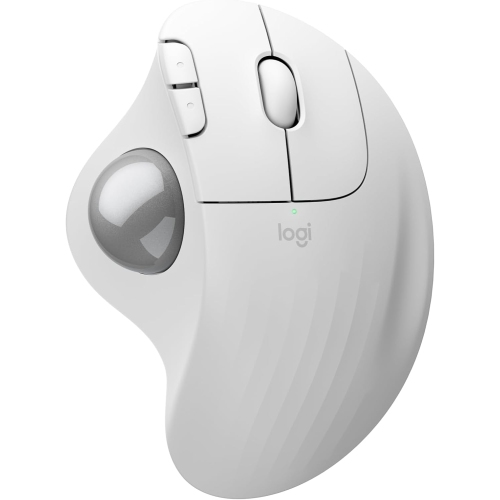
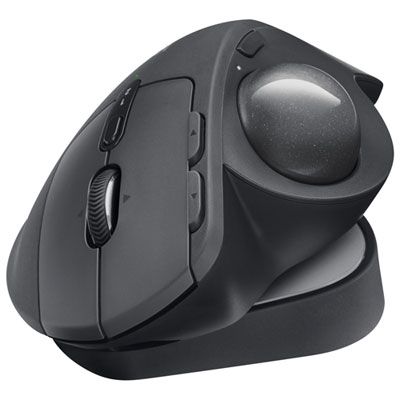
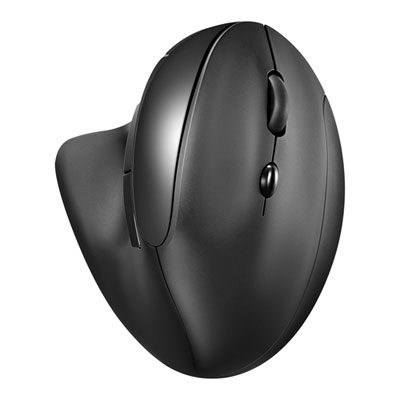
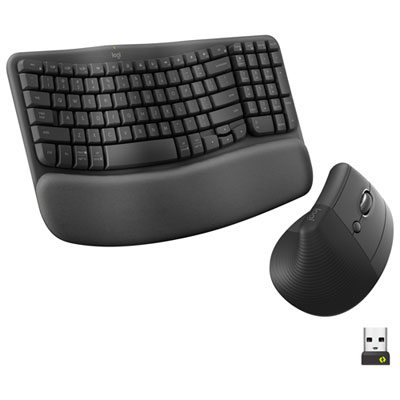
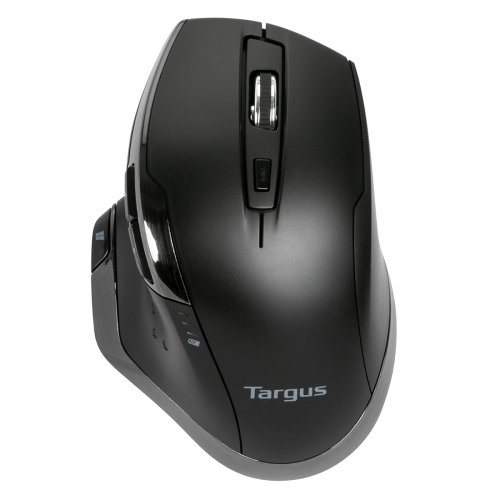
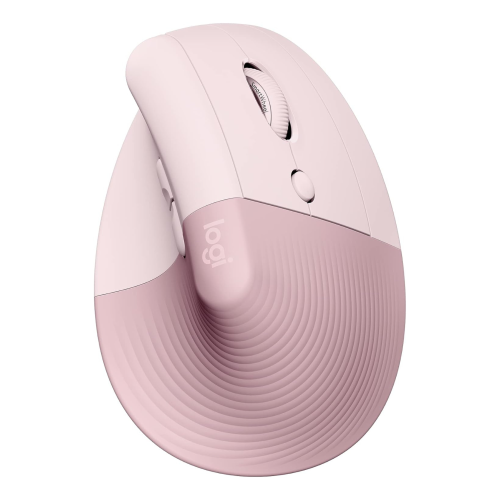

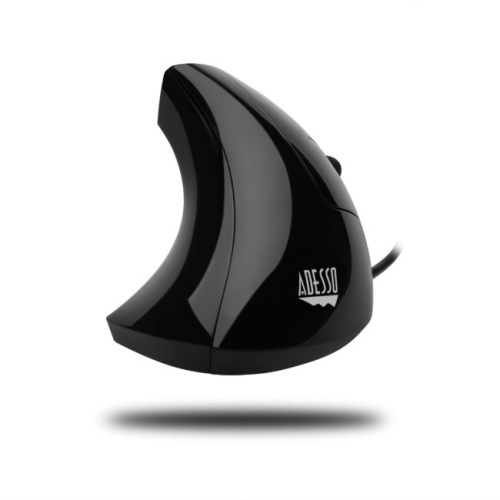
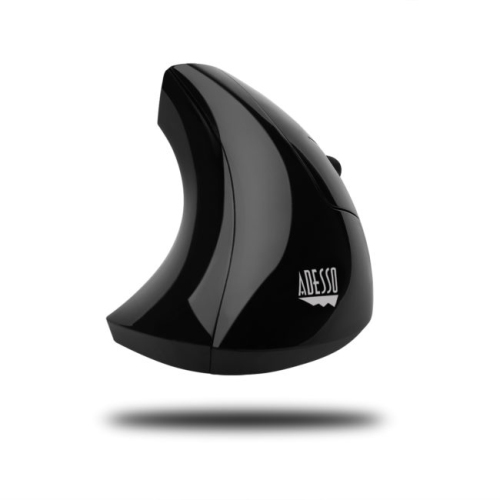
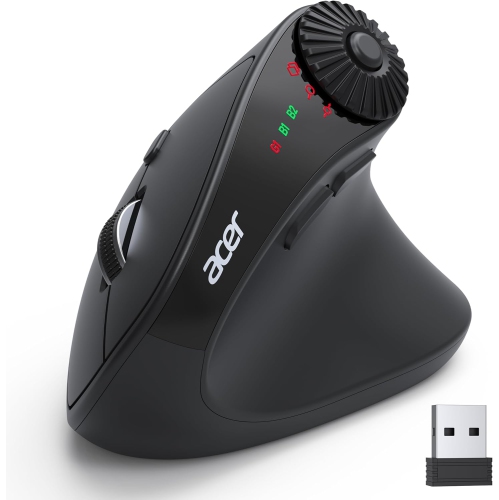
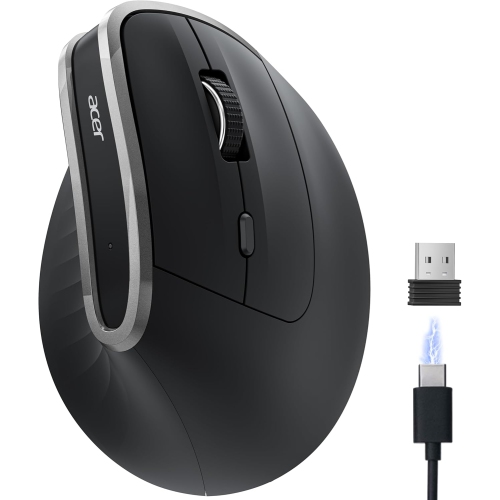
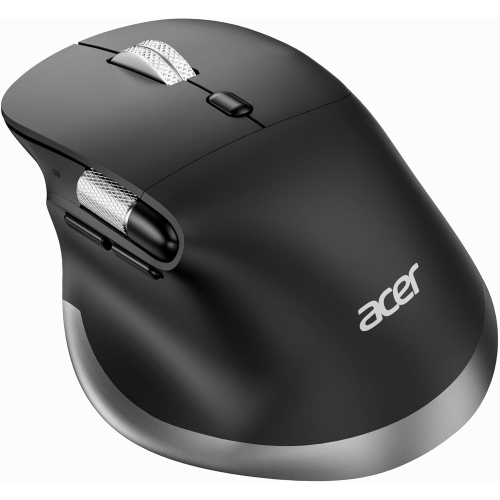
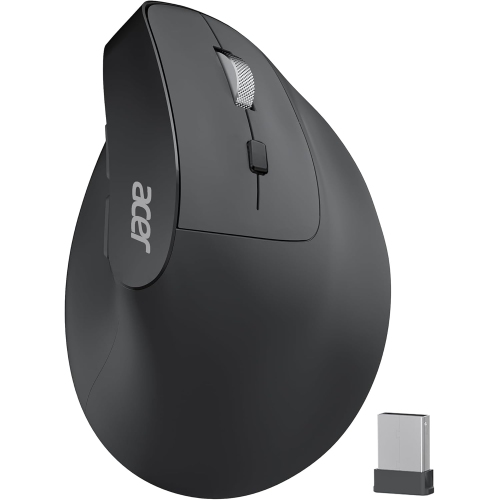
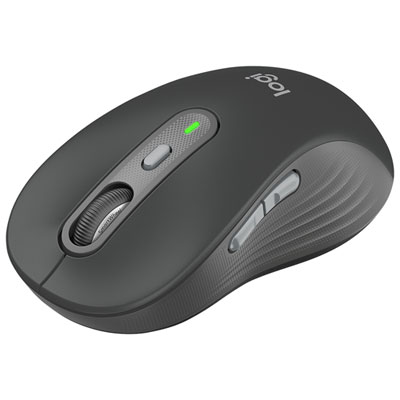
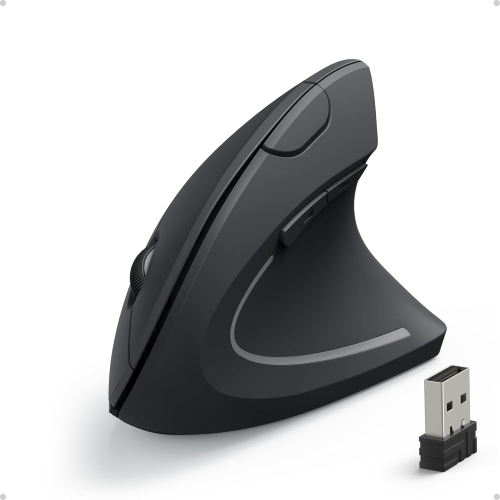
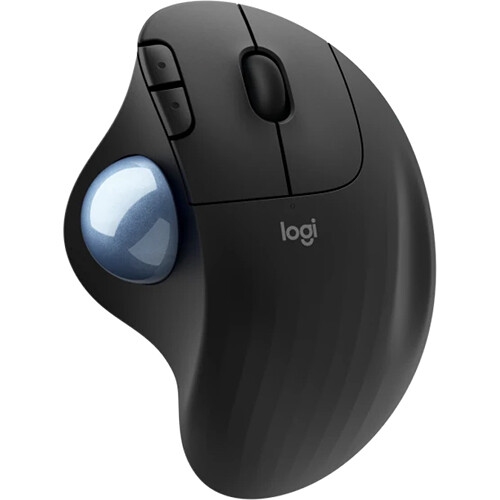
Comfortable control for work, study, and everyday browsing
As the days stretch longer and the pace of life shifts with the changing seasons, many people find themselves spending more time on their Chromebooks—whether it’s working from a sunlit patio, catching up on emails at a favourite café, or setting up a cozy study nook for summer courses. Ergonomic mice designed for Chromebooks can make these experiences more comfortable and productive, offering a thoughtful upgrade from the standard trackpad. These mice are shaped to fit the natural curve of your hand, reducing strain during extended use and helping to prevent discomfort that can come from repetitive motions. For students preparing for the next academic year, professionals balancing remote work, or anyone who enjoys browsing, streaming, or creative projects, an ergonomic mouse can be a practical companion. Gifting an ergonomic mouse can also be a considerate gesture for someone starting a new job, heading off to university, or simply looking to enhance their everyday tech setup.
When choosing an ergonomic mouse for a Chromebook, there are a few key factors to keep in mind to ensure a seamless experience. Comfort is paramount—look for a model that matches the size and shape of your hand, with features like contoured grips, soft-touch materials, and buttons placed within easy reach. Wireless connectivity is another important consideration, especially for those who value a tidy workspace or need the flexibility to work in different locations. Many ergonomic mice offer Bluetooth or USB receiver options that pair effortlessly with Chromebooks, eliminating the hassle of tangled cords. Battery life can also be a deciding factor, particularly for those who travel frequently or use their devices throughout the day. Some ergonomic mice are equipped with rechargeable batteries, while others use replaceable batteries that last for months. Sensitivity and precision are worth considering as well—adjustable DPI settings allow you to fine-tune cursor speed, which is useful for tasks ranging from graphic design to everyday browsing. For those interested in exploring more options tailored to Chrome OS, the Mouse Compatible With Chromebook page is a helpful resource for finding devices that integrate seamlessly with your Chromebook.
Throughout the warmer months and into the early days of fall, ergonomic mice for Chromebooks can make a noticeable difference in comfort and efficiency, whether you’re working from home, organizing digital photos, or helping a family member set up their first laptop. Their thoughtful design supports healthy posture and makes it easier to stay focused during long study sessions or work meetings. For families upgrading their tech before the new school year, ergonomic mice are a smart addition to any Chromebook setup, and they’re equally appreciated by anyone who spends hours at a computer, from creative hobbyists to busy professionals. With a wide variety of shapes, features, and connection options available, it’s easy to find an ergonomic mouse that fits your individual needs and style, making everyday computing more enjoyable and accessible.
When choosing an ergonomic mouse for a Chromebook, there are a few key factors to keep in mind to ensure a seamless experience. Comfort is paramount—look for a model that matches the size and shape of your hand, with features like contoured grips, soft-touch materials, and buttons placed within easy reach. Wireless connectivity is another important consideration, especially for those who value a tidy workspace or need the flexibility to work in different locations. Many ergonomic mice offer Bluetooth or USB receiver options that pair effortlessly with Chromebooks, eliminating the hassle of tangled cords. Battery life can also be a deciding factor, particularly for those who travel frequently or use their devices throughout the day. Some ergonomic mice are equipped with rechargeable batteries, while others use replaceable batteries that last for months. Sensitivity and precision are worth considering as well—adjustable DPI settings allow you to fine-tune cursor speed, which is useful for tasks ranging from graphic design to everyday browsing. For those interested in exploring more options tailored to Chrome OS, the Mouse Compatible With Chromebook page is a helpful resource for finding devices that integrate seamlessly with your Chromebook.
Throughout the warmer months and into the early days of fall, ergonomic mice for Chromebooks can make a noticeable difference in comfort and efficiency, whether you’re working from home, organizing digital photos, or helping a family member set up their first laptop. Their thoughtful design supports healthy posture and makes it easier to stay focused during long study sessions or work meetings. For families upgrading their tech before the new school year, ergonomic mice are a smart addition to any Chromebook setup, and they’re equally appreciated by anyone who spends hours at a computer, from creative hobbyists to busy professionals. With a wide variety of shapes, features, and connection options available, it’s easy to find an ergonomic mouse that fits your individual needs and style, making everyday computing more enjoyable and accessible.
Top selling and popular products
-
 Your price for this item is $29.99
 -
 Your price for this item is $50.44
 -
 Your price for this item is $39.99
 -
 Your price for this item is $49.99
 -
 Your price for this item is $159.95
 -
 Your price for this item is $44.68
 -
 Your price for this item is $44.68
 -
 Your price for this item is $31
Discover more categories related to Ergonomic Mice for Chromebooks
Top Collections:
Pokemon Centers, Kindle Devices, Best Budget Office Chairs, Apple iPhones 16, Best Laptops for Writers, iPhone 15 Apple, Canon G7X Cameras, Refurbished Apple Laptops, Alarm Clock, Motorola Razr Phones
Some products may be subject to Environmental Handling Fees
(EHF) depending on your province.
Learn more about EHFs.