External Solid State Drives
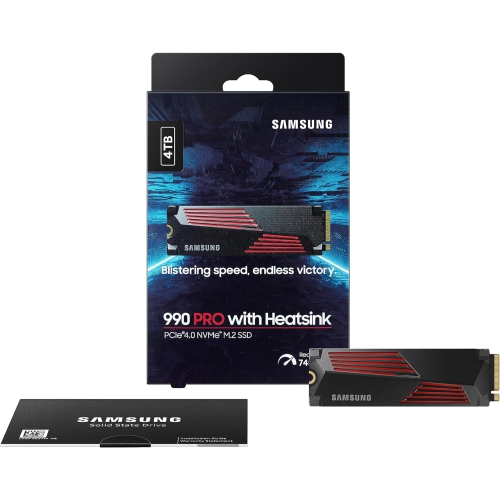
External solid state drives offer a convenient and reliable way to expand your storage capacity, transfer files quickly, and keep important data secure. Whether you need extra space for work projects, media libraries, or backups, external solid state drives provide a portable solution that fits a variety of needs. Explore a wide selection to find the right option for your laptop, desktop, or gaming console.
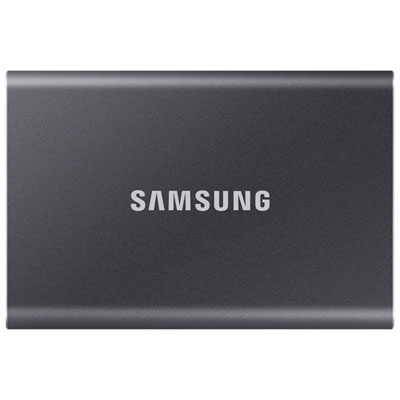
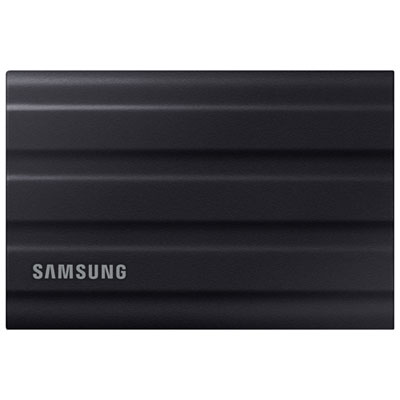
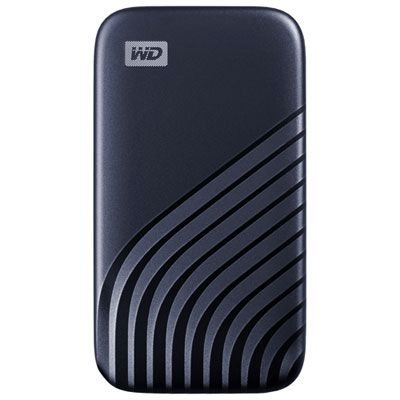
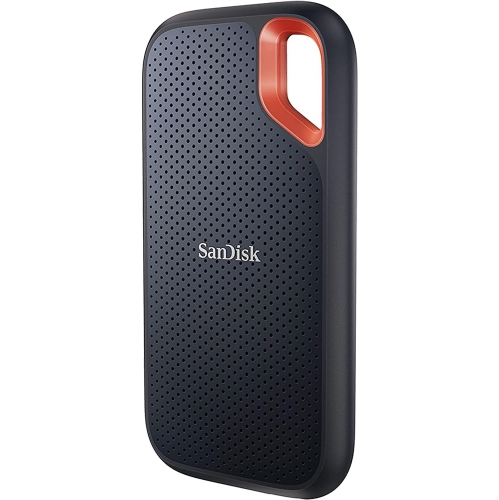
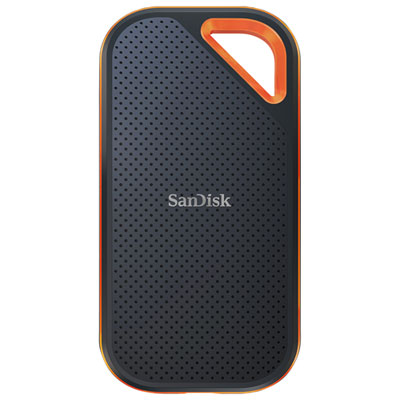
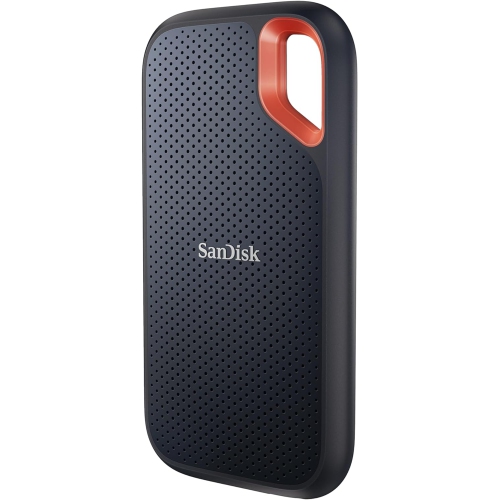
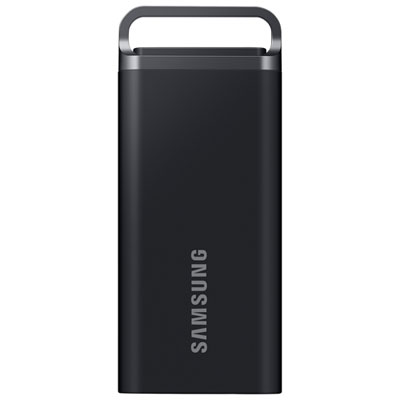
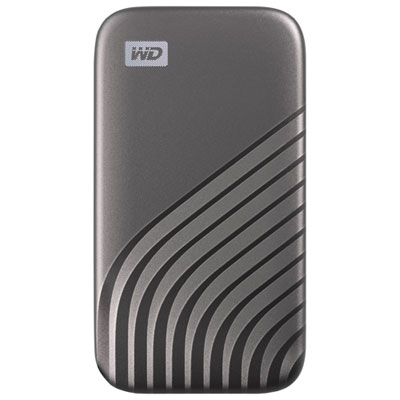
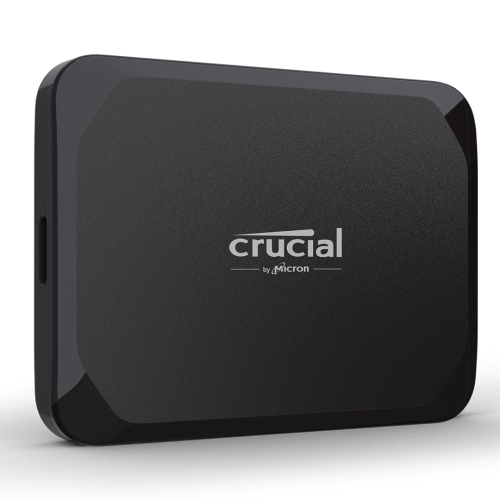
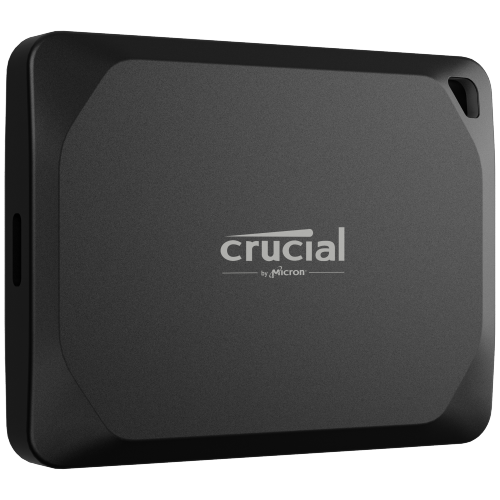
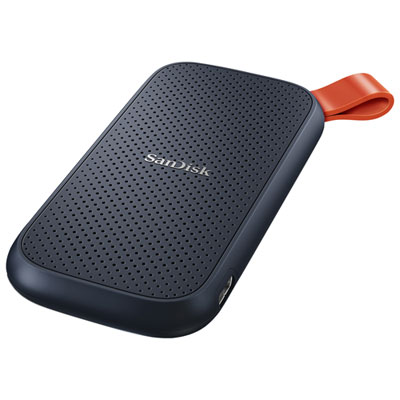
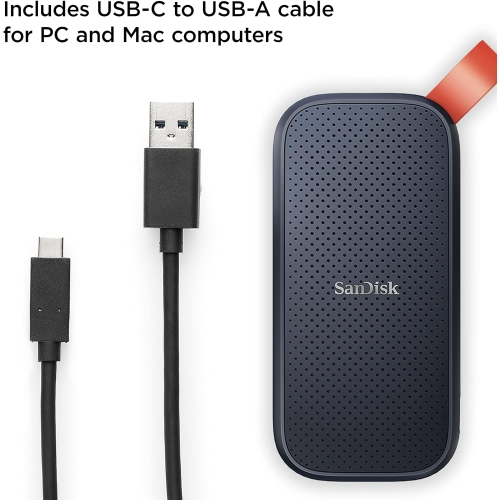
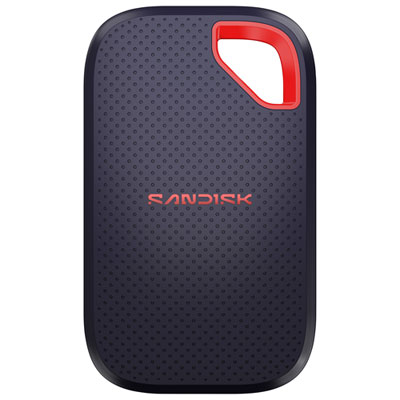
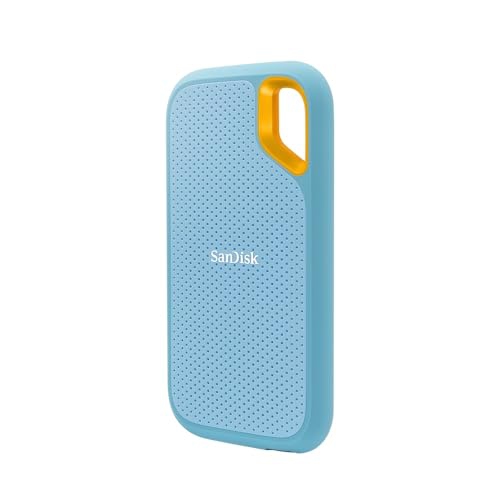
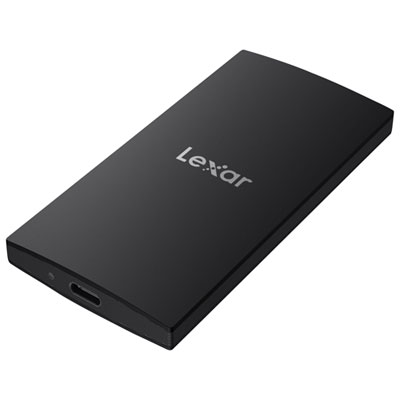
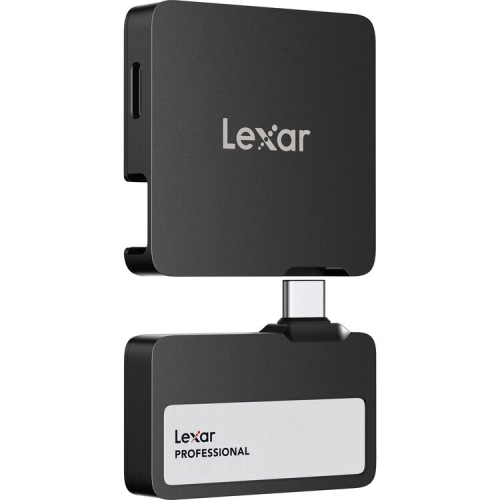
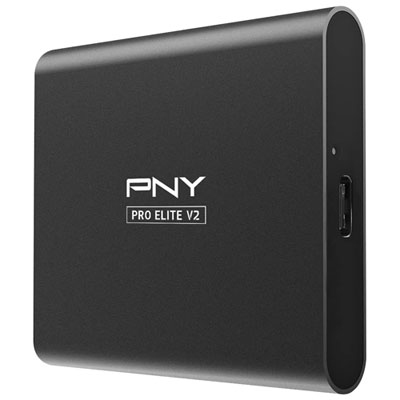
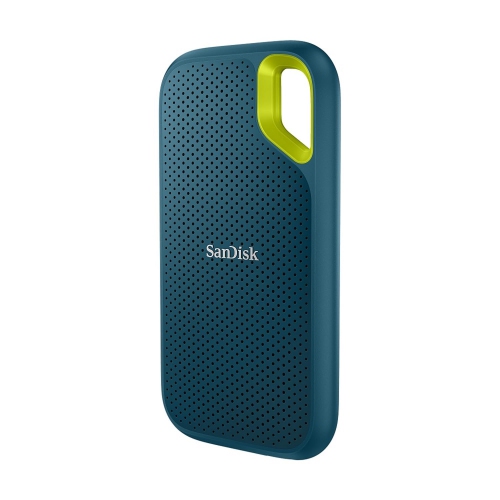
Fast portable storage for projects and photos on the go
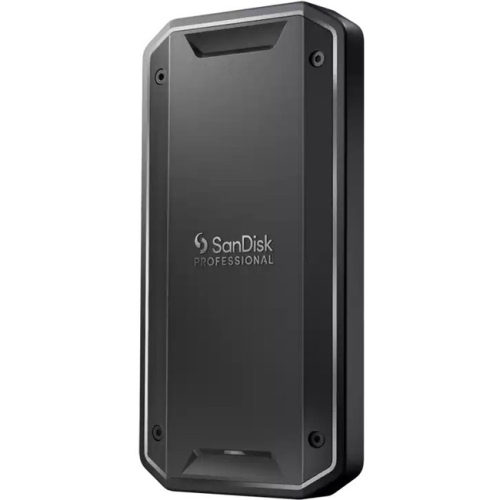
External SSDs also make thoughtful gifts, particularly during times when people are capturing memories at family gatherings, preparing for back-to-school, or embarking on late-summer vacations. They’re a practical choice for students who need extra storage for assignments and media, or for tech enthusiasts who appreciate the latest advancements in data management. When selecting an external SSD, consider factors such as storage capacity, connection interface (like USB-C or Thunderbolt), and compatibility with your devices. Some drives are optimized for ruggedness, perfect for outdoor photographers or travellers who need reliable storage in unpredictable conditions. Others focus on ultra-fast transfer rates, catering to gamers, designers, or anyone working with large files. For those looking to upgrade their computer’s internal storage as well, exploring options like Internal Solid State Drives can complement the convenience of external solutions.
As the weather transitions from warm afternoons to cooler evenings, the need for dependable, portable storage remains constant. External SSDs are equally at home on a bustling university campus, a quiet home office, or on the road during a cross-country trip. Their silent operation and shock-resistant builds offer peace of mind, especially when safeguarding valuable work or cherished memories. Whether you’re streamlining your digital life ahead of the new school year, backing up files before a big move, or simply seeking a reliable way to share media with friends and family, an external SSD provides a seamless blend of speed, security, and portability. With so many options available, it’s easy to find a drive that fits your unique needs, making it a smart addition to any tech toolkit as you navigate the busy months ahead.
FAQ
What are the main benefits of using an external solid state drive (SSD)?
External SSDs offer fast data transfer speeds, durability due to lack of moving parts, compact design for portability, and reliable performance for backing up or transferring large files.
How do I connect an external SSD to my computer or device?
Most external SSDs connect via USB-C, USB-A, or Thunderbolt ports. Simply plug the drive into your device's compatible port and it should be recognized automatically, often requiring no additional software.
Can I use an external SSD with both Windows and Mac computers?
Yes, external SSDs can be used with both Windows and Mac computers. You may need to reformat the drive to a compatible file system like exFAT if you want to use it interchangeably between both operating systems.
Are external SSDs suitable for gaming consoles?
Many gaming consoles support external SSDs for expanded storage and faster load times. Check your console’s compatibility and requirements before connecting an external SSD.
What is the difference between an external SSD and an external hard drive?
External SSDs use flash memory for faster speeds and greater durability, while traditional hard drives use spinning disks. SSDs are generally more compact and resistant to physical shock compared to hard drives.
Top selling and popular products
-
 Your price for this item is $374.99
-
 Your price for this item is $669.99
-
 Your price for this item is $347.91
-
 Your price for this item is $508.91
-
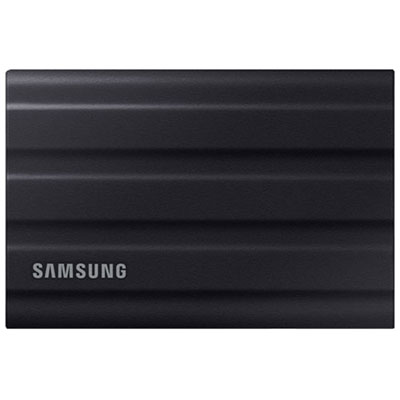 Your price for this item is $1559.95
-
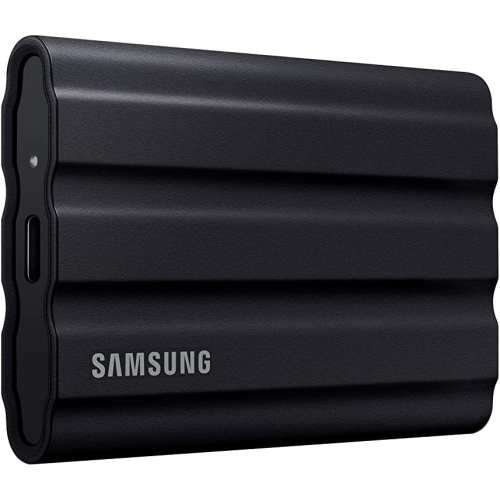 Your price for this item is $1499
-
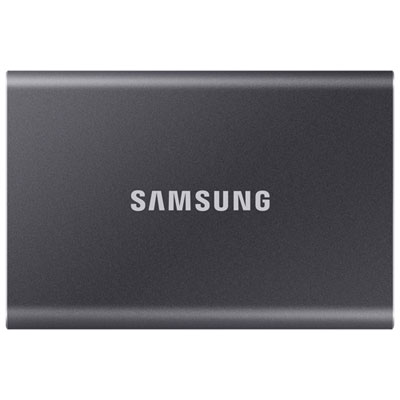 Your price for this item is $1489.97
-
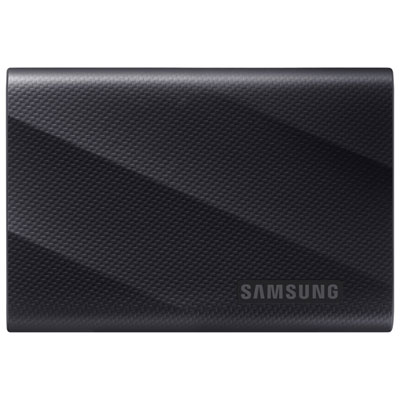 Your price for this item is $389.99