Internal Solid State Drives
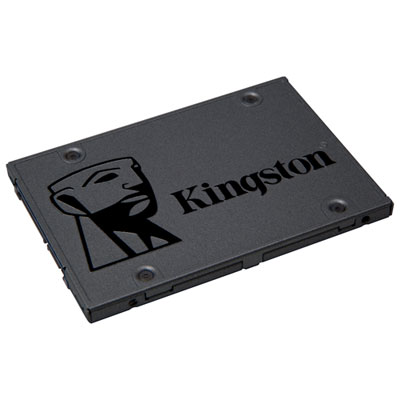
Upgrade your computer’s storage and performance with internal solid state drives. Ideal for desktops and laptops, these drives offer reliable solutions for storing files, applications, and operating systems. Explore a wide range of capacities and form factors to find the right fit for your setup. Whether you’re building a new system or looking to enhance an existing one, internal solid state drives provide a practical way to meet your data storage needs.
Sort
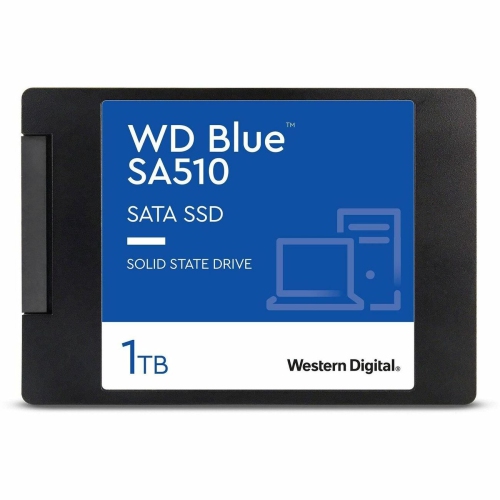
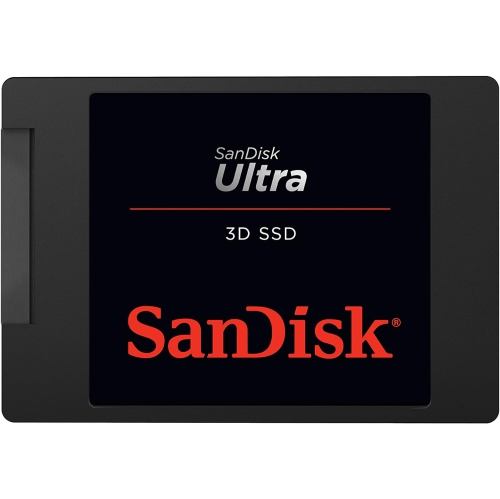
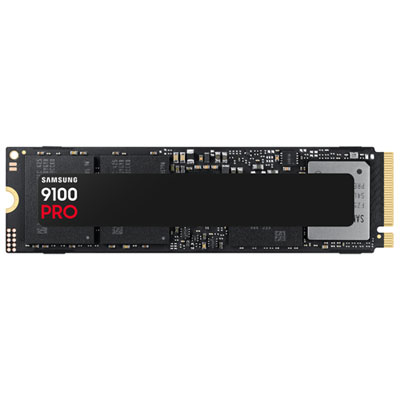
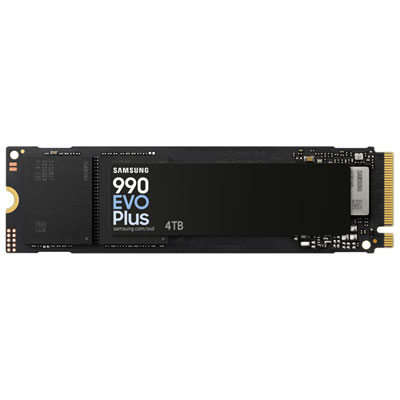
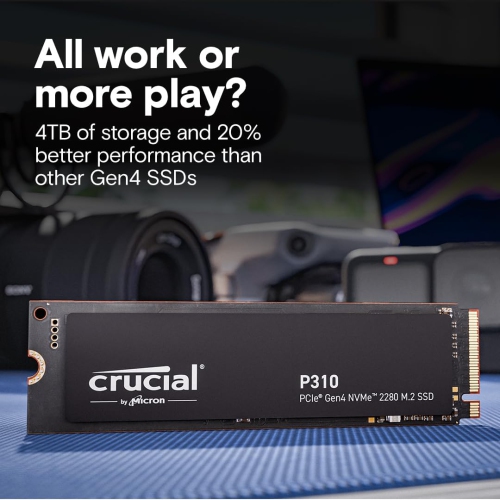
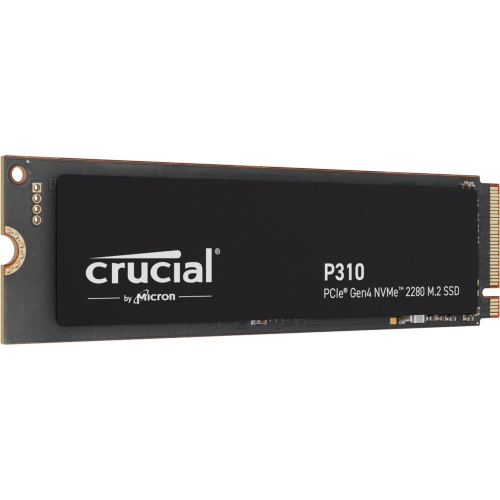
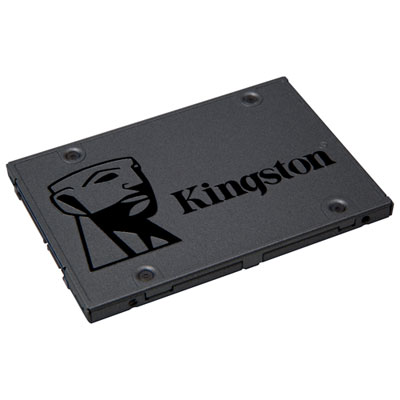
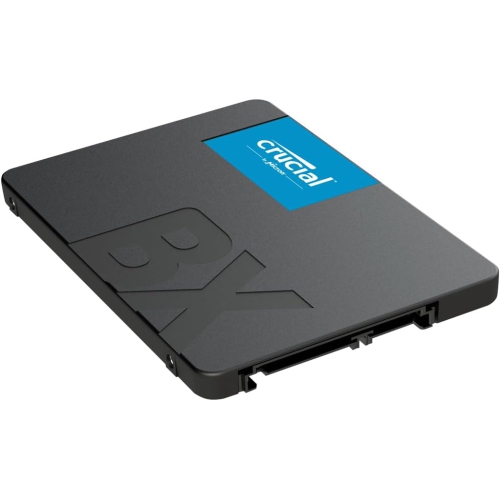
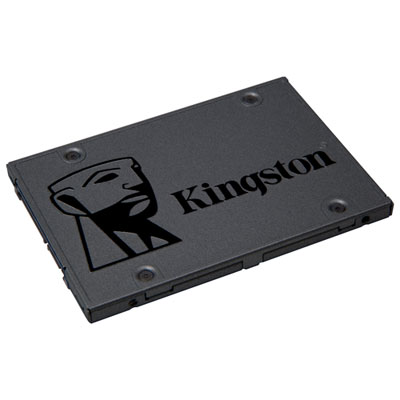
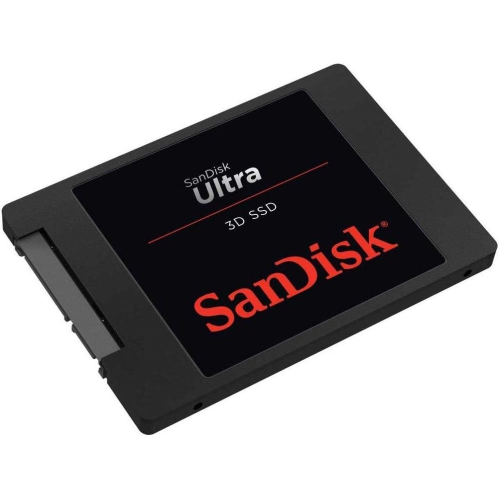
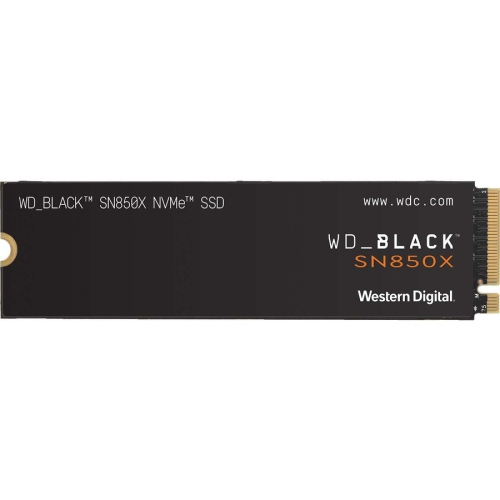
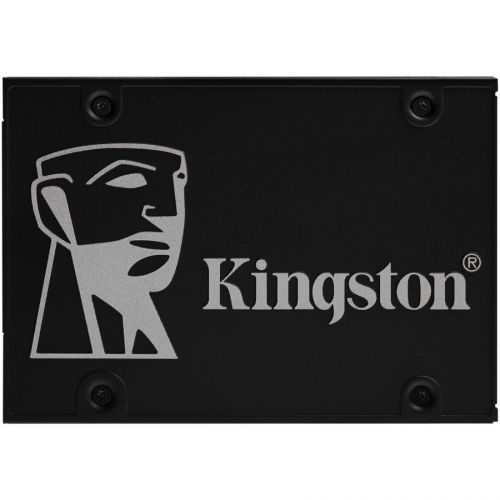
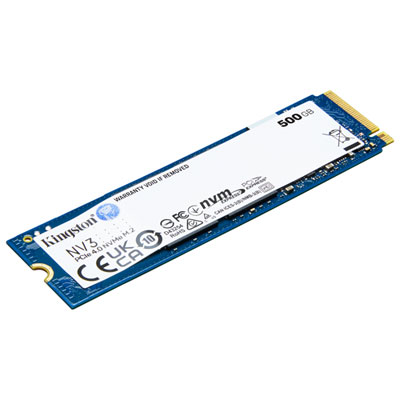
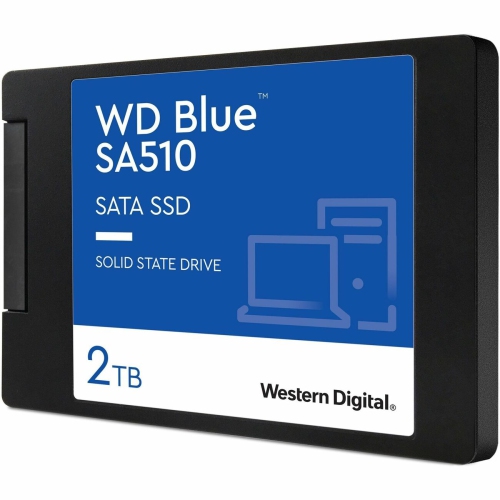
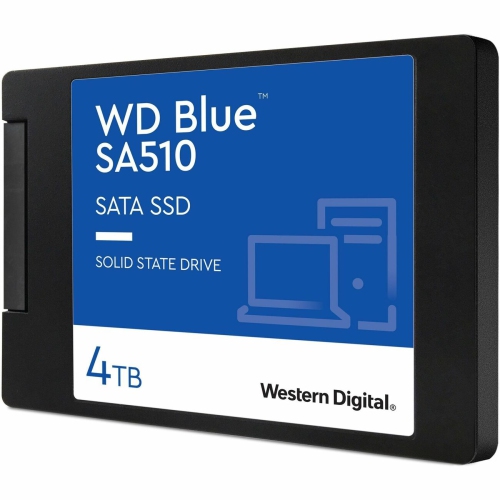
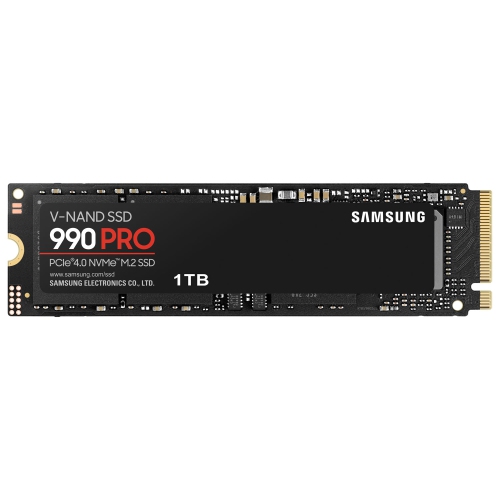
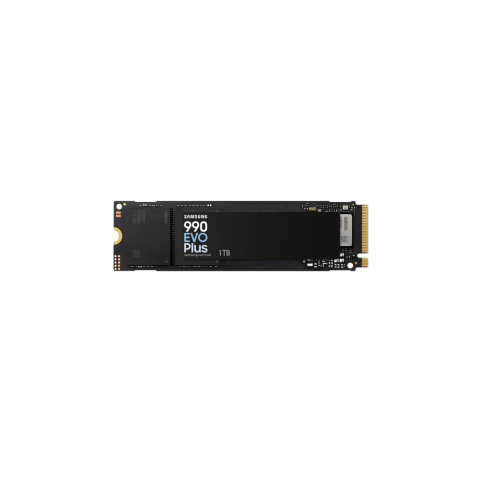
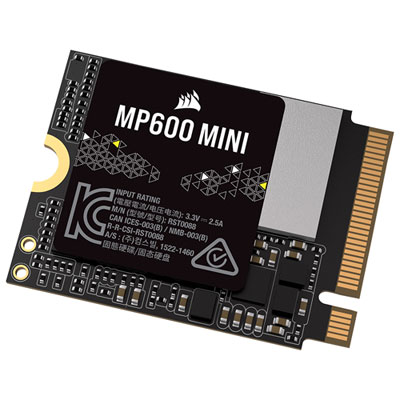
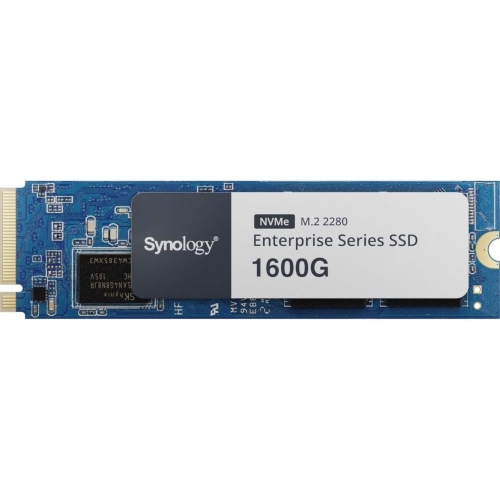
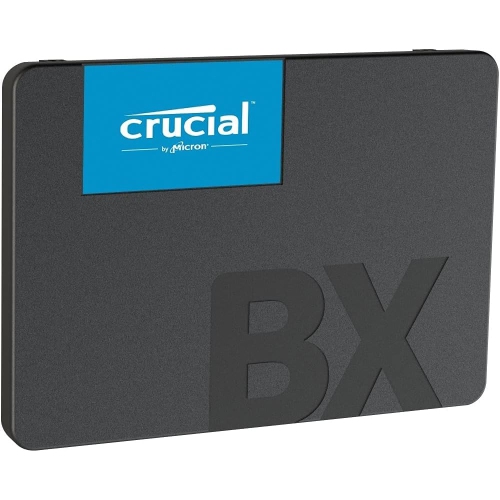
The speed and reliability behind smoother computing
Whether you’re building a new PC, upgrading an older laptop, or simply looking to boost your device’s speed and reliability, internal solid state drives (SSDs) have become a top choice for Canadians who value performance and efficiency. As the days grow longer and many people find themselves tackling projects or returning to school, the need for fast, dependable storage becomes even more important. Internal SSDs are the heart of any modern computer, delivering lightning-fast boot times, rapid file transfers, and seamless multitasking—all without the noise or moving parts of traditional hard drives. Gamers, creative professionals, and students alike can benefit from the extra speed and responsiveness that an SSD provides. Whether you’re editing high-resolution photos, managing large video files, or simply launching your favourite games, an internal SSD transforms the way your system handles everyday tasks and demanding workloads alike.
When considering an internal SSD, there are several factors to keep in mind to ensure you get the best fit for your needs. Capacity is a key consideration: smaller drives are perfect for those who primarily need a fast boot drive, while larger capacities are ideal for users with extensive libraries of games, media, or work files. Interface type is another important aspect, with options such as SATA and NVMe offering different levels of speed and compatibility. NVMe drives, for example, leverage PCIe connections to provide blazing transfer rates, making them a favourite for users seeking peak performance. It’s also worth checking your device’s compatibility—some laptops and desktops only support certain drive sizes or interfaces. For those who love to tinker, upgrading to an internal SSD can be as simple as opening a case and swapping out a drive, while others may prefer professional installation. Internal SSDs also make thoughtful gifts for students heading off to university, family members working from home, or anyone looking to breathe new life into a beloved computer as the seasons shift from warm evenings to the first hints of cooler weather.
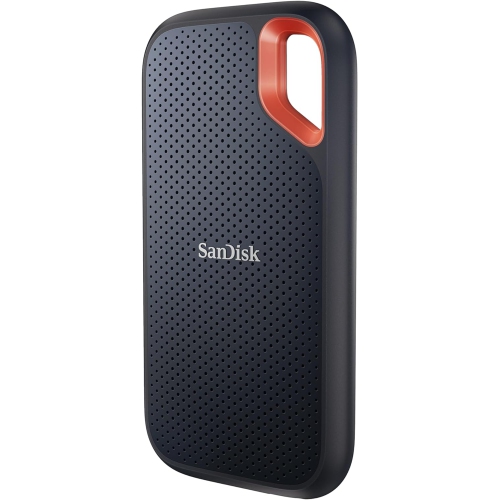
While internal SSDs are perfect for enhancing your computer’s speed from the inside, some users may also want the flexibility to carry their files with them or expand storage without opening up their device. In these cases, consider exploring External Solid State Drives, which offer similar speed and reliability in a portable package. Whether you’re upgrading for work, play, or peace of mind, choosing the right internal SSD can make a world of difference in your daily digital experience, ensuring your device keeps up with everything you throw its way as routines change with the seasons.
When considering an internal SSD, there are several factors to keep in mind to ensure you get the best fit for your needs. Capacity is a key consideration: smaller drives are perfect for those who primarily need a fast boot drive, while larger capacities are ideal for users with extensive libraries of games, media, or work files. Interface type is another important aspect, with options such as SATA and NVMe offering different levels of speed and compatibility. NVMe drives, for example, leverage PCIe connections to provide blazing transfer rates, making them a favourite for users seeking peak performance. It’s also worth checking your device’s compatibility—some laptops and desktops only support certain drive sizes or interfaces. For those who love to tinker, upgrading to an internal SSD can be as simple as opening a case and swapping out a drive, while others may prefer professional installation. Internal SSDs also make thoughtful gifts for students heading off to university, family members working from home, or anyone looking to breathe new life into a beloved computer as the seasons shift from warm evenings to the first hints of cooler weather.
While internal SSDs are perfect for enhancing your computer’s speed from the inside, some users may also want the flexibility to carry their files with them or expand storage without opening up their device. In these cases, consider exploring External Solid State Drives, which offer similar speed and reliability in a portable package. Whether you’re upgrading for work, play, or peace of mind, choosing the right internal SSD can make a world of difference in your daily digital experience, ensuring your device keeps up with everything you throw its way as routines change with the seasons.
Top selling and popular products
-
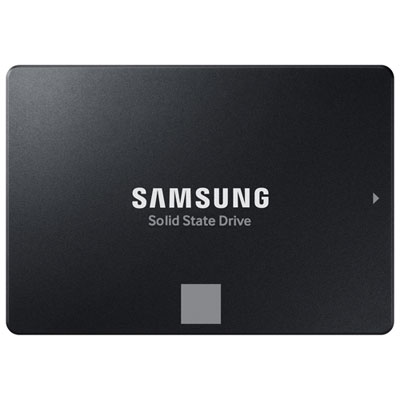 Your price for this item is $554.99
 -
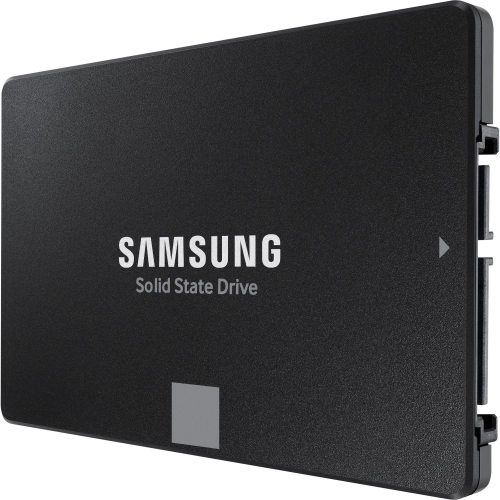 Your price for this item is $649.99
 -
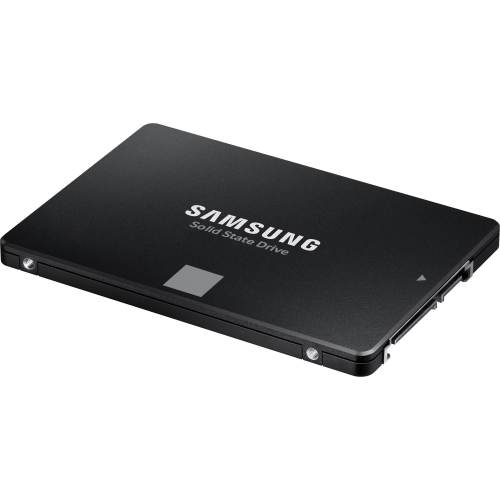 Your price for this item is $394.99
 -
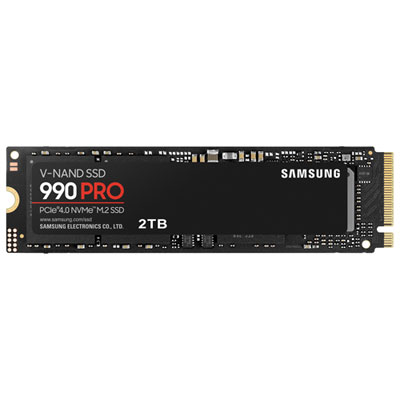 Your price for this item is $649.99
 -
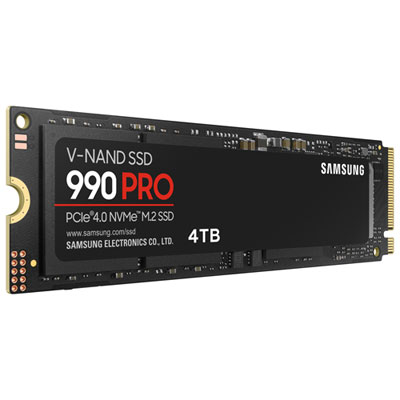 Your price for this item is $1199.97
 -
 Your price for this item is $106.93
 -
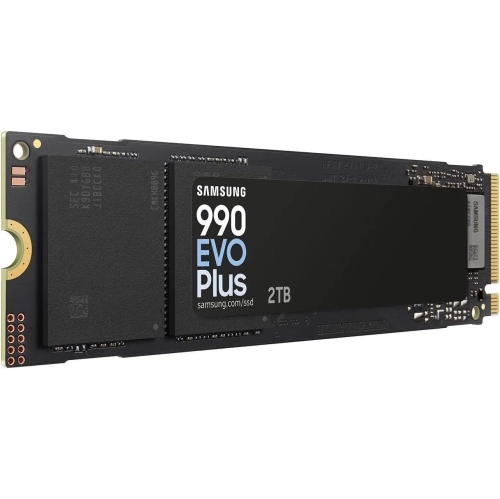 Your price for this item is $639.99
 -
 Your price for this item is $124.99
Discover more categories related to Internal Solid State Drives

Top Collections:
Pokemon Centers, Kindle Devices, Best Budget Office Chairs, Apple iPhones 16, Best Laptops for Writers, iPhone 15 Apple, Canon G7X Cameras, Refurbished Apple Laptops, Alarm Clock, Motorola Razr Phones
Some products may be subject to Environmental Handling Fees
(EHF) depending on your province.
Learn more about EHFs.