Rugged External SSD Drives
If you're looking for a way to speed up your computer, an external solid-state drive (SSD) is one of the best ways to do it. They are portable and easy to use. You can easily carry them with you and store them in your bag when you're not using them. Here are some of the best external SSD drives on the market.
Sort

![Sandisk Portable 2TB USB 3.2 External Solid State Drive (SDSSDE30-2T00-G26) - Black [Employee of bestbuy] Great product for the value glad i purchased this from best buy](https://multimedia.bbycastatic.ca/multimedia/products/400x400/177/17744/17744651.jpg)
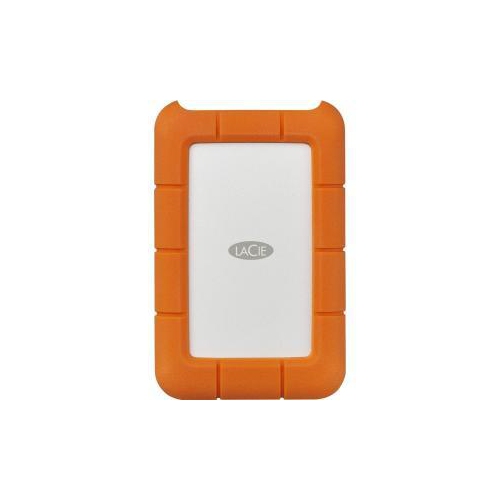
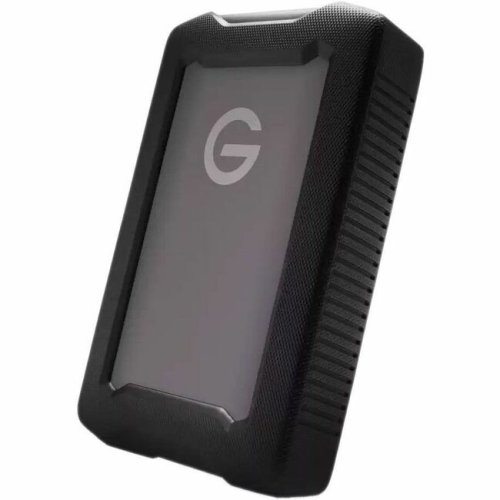
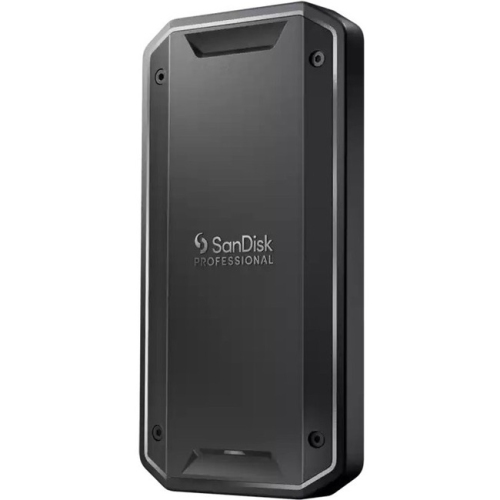
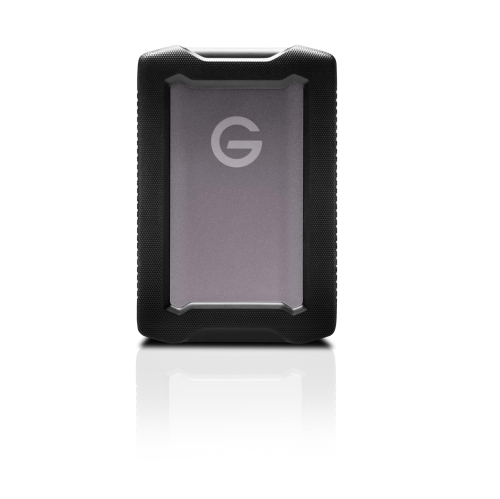


Protection that matters when your files leave the desk
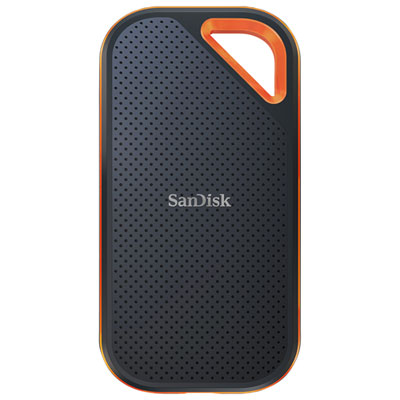
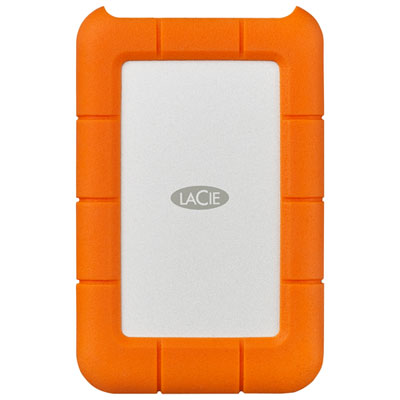
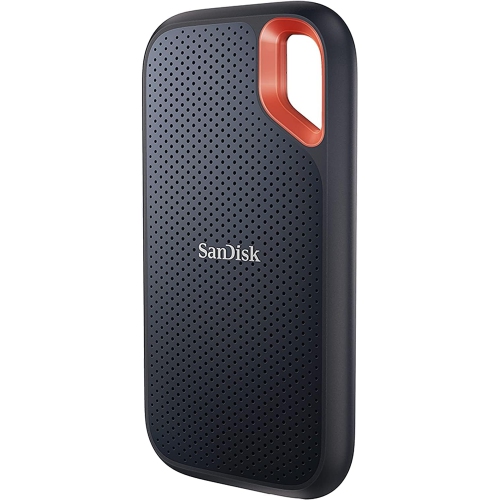
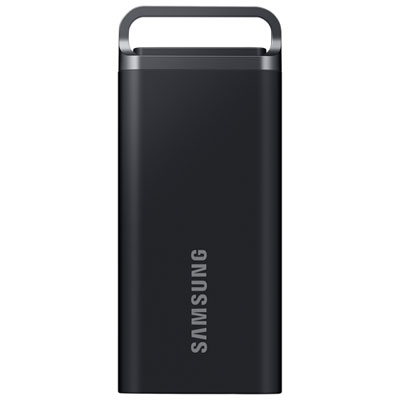
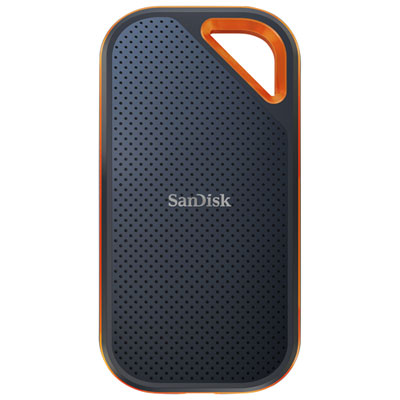
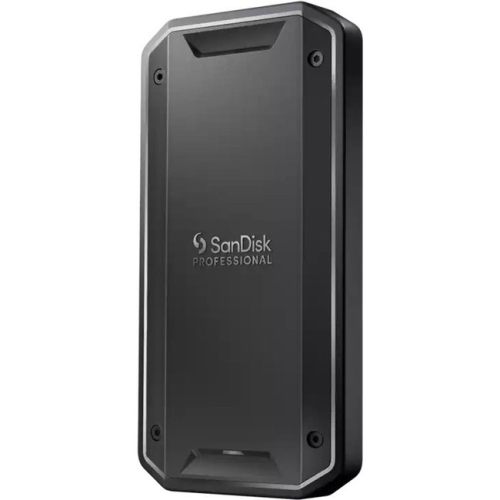
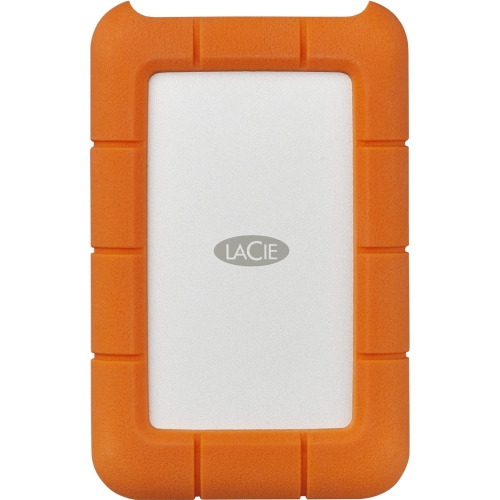
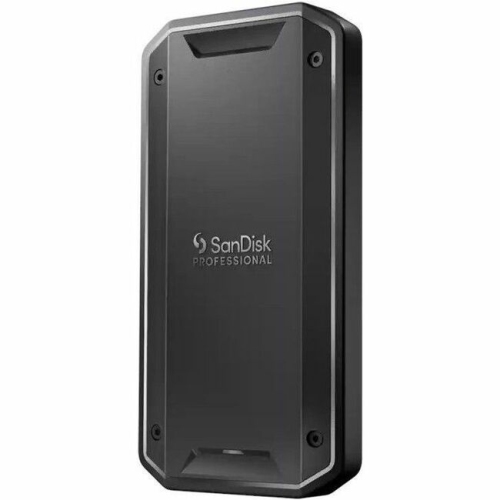
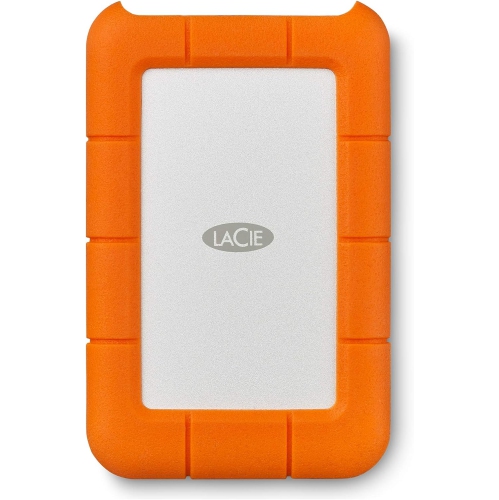
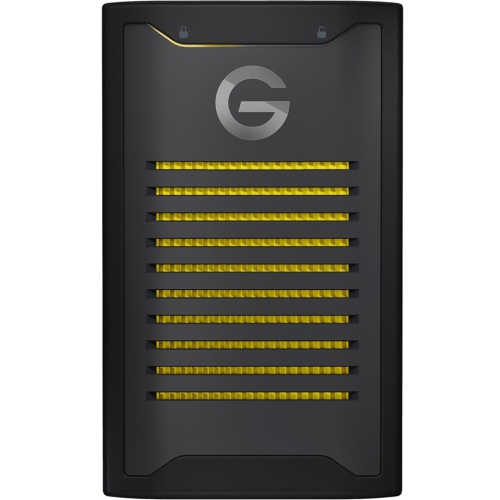
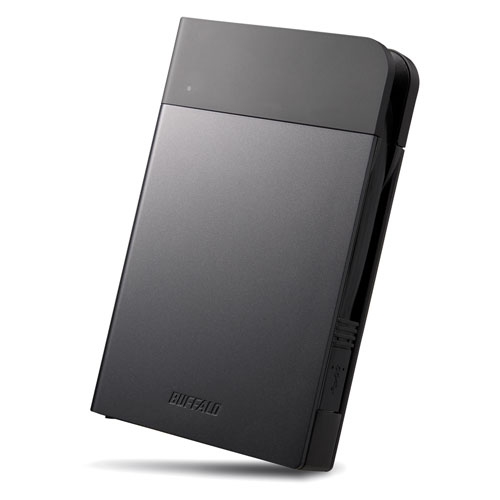
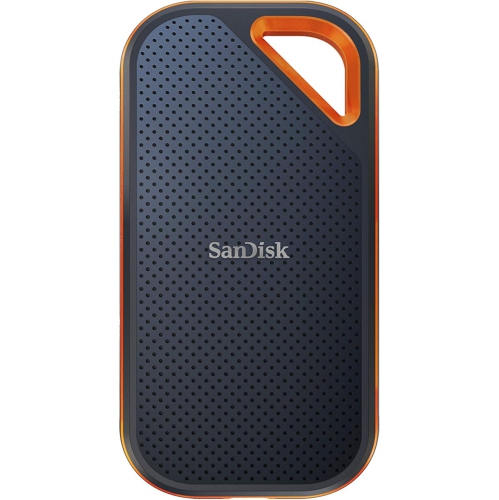
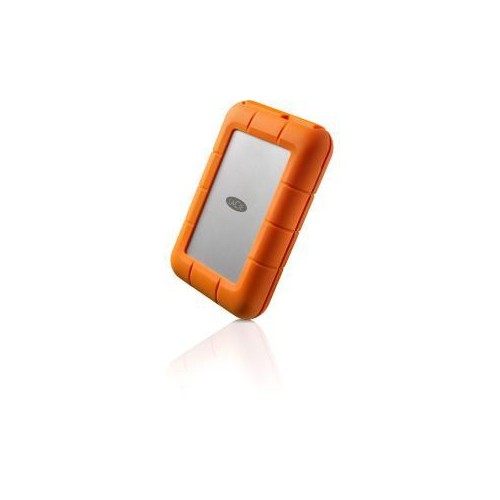
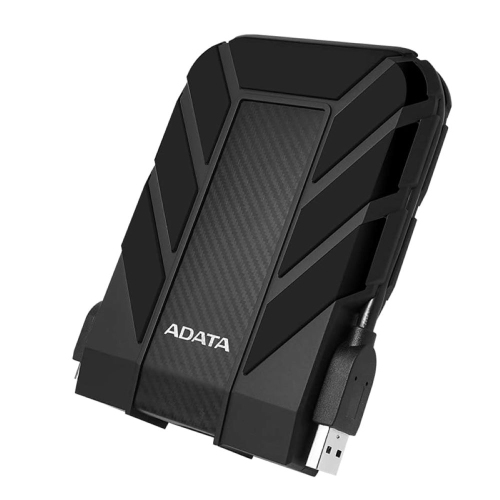
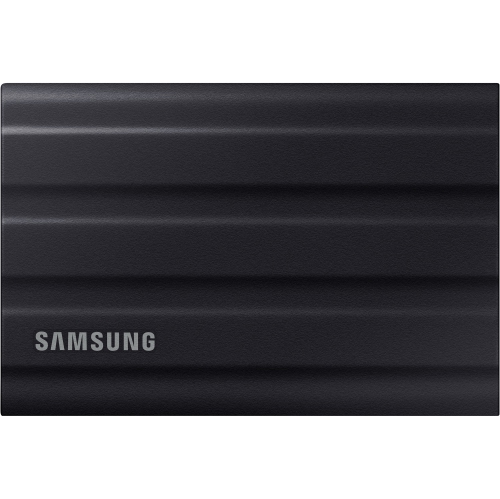
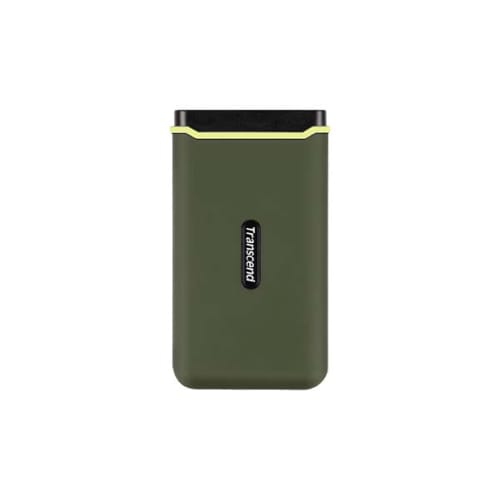
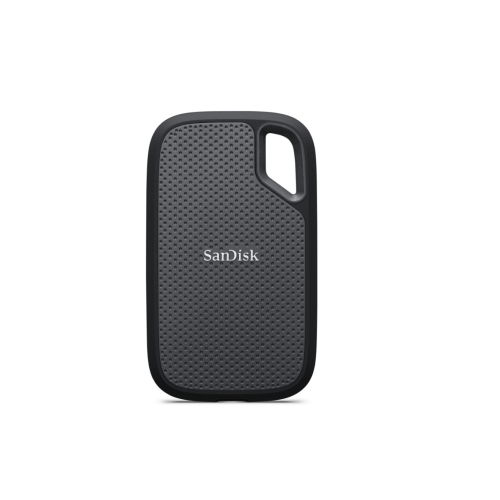
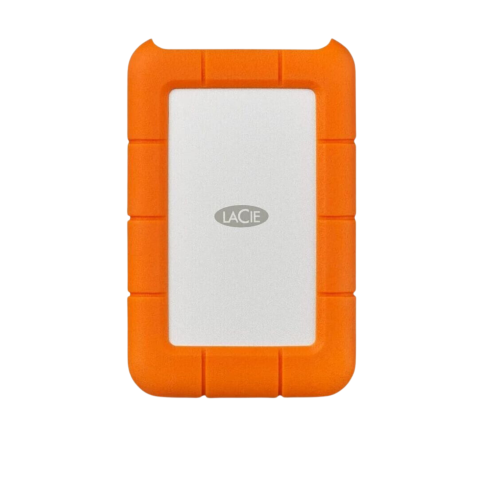
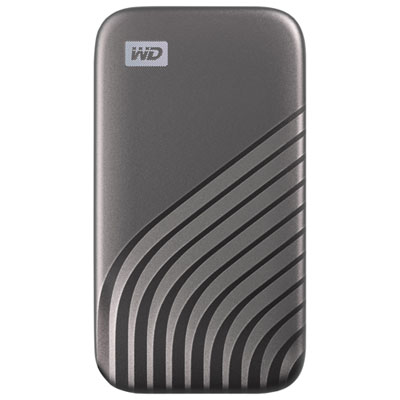
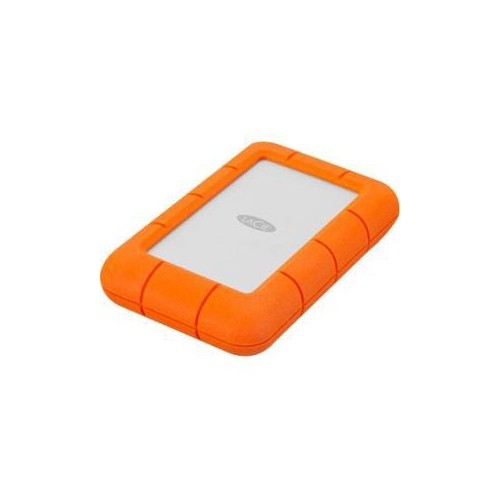
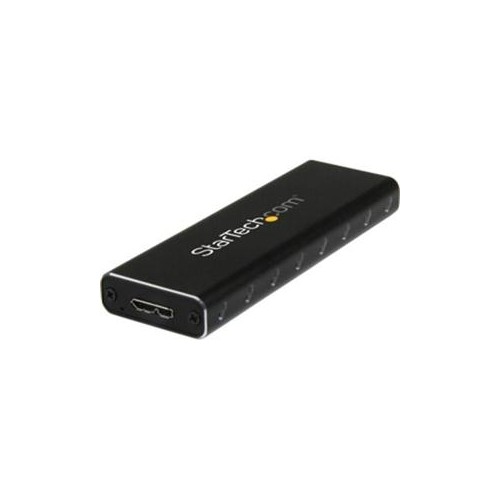
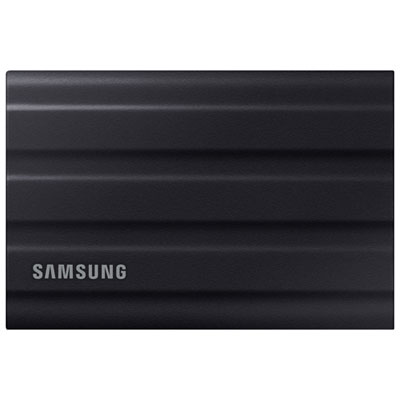
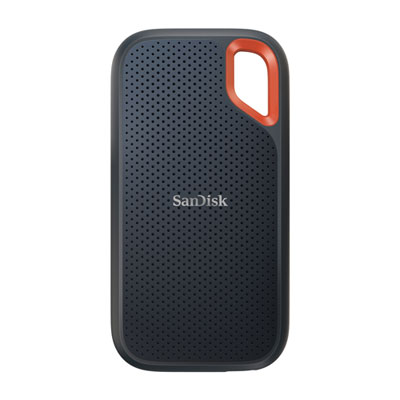
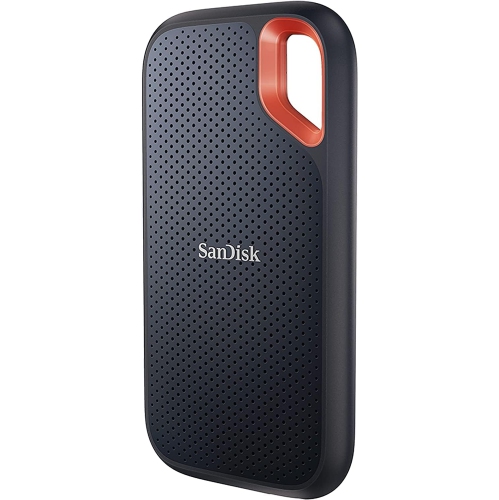
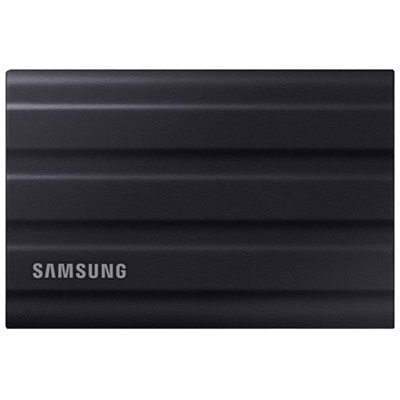
Rugged external SSD drives combine portable solid-state storage with added physical protection for files that travel beyond a desk. Unlike external hard drives, SSDs have no spinning platters or moving read heads, making them less vulnerable to mechanical damage from everyday bumps. Rugged designs add protection through features such as reinforced housings, shock-absorbing edges, sealed construction, and covered ports, depending on the model. These features suit photographers carrying image libraries between shoots, students moving projects between home and campus, and tradespeople keeping drawings and reference files close at hand. A compact drive can hold working documents, high-resolution photos, video footage, or a backup of a laptop without adding much bulk to a shoulder bag. The outer materials influence both handling and durability: textured rubber or silicone can improve grip, while metal housings provide rigidity and may help dissipate heat during extended transfers. A raised edge around the enclosure can cushion contact with a hard surface, although the protection it provides depends on the drive’s tested design. Rugged does not mean indestructible, and resistance to drops, dust, and water varies considerably. An IP rating describes tested protection against solid particles and water; it does not establish resistance to every spill, impact, or outdoor condition. For example, IP65 indicates a dust-tight enclosure with protection against water jets under specified test conditions, rather than approval for immersion. IP67 and IP68 include immersion testing, but the permitted depth and duration need to be checked in the manufacturer’s specifications. Drop-resistance claims likewise apply to stated heights, surfaces, and test conditions. For a drive that regularly lands on a workshop bench or rides beside camera equipment, those details are more meaningful than a tough-looking shell alone. Physical dimensions matter, too: a slim enclosure slips into a laptop sleeve, while a thicker protective bumper may feel more secure in a gloved hand. Secure attachment points, where included, can make a drive easier to keep with its cable or carrying pouch.
Performance and compatibility determine how comfortably a rugged external SSD fits into a daily routine. Read speed affects how quickly files can be opened or copied from the drive, while write speed matters when saving a large photo shoot, transferring video footage, or creating a backup. Advertised maximum speeds are measured under particular conditions, and actual transfers depend on the host device, connection standard, cable, file sizes, and drive temperature. Thousands of small documents can take longer to move than one large video file of the same total size. USB-C describes the connector shape, not a guaranteed transfer speed, so two ports that look identical may offer very different performance. A fast drive needs a compatible port and a suitably rated data cable to approach its stated capabilities; hubs and adapters can also limit throughput. Thunderbolt and USB support should be checked at both ends of the connection rather than assumed from the plug. For someone editing high-resolution footage directly from external storage, sustained performance over a long session may matter more than a brief peak speed. Metal enclosures can feel warm during heavy use, and leaving space around the drive helps it release heat. Capacity is another practical consideration. Documents and presentations generally occupy far less space than RAW photography, large game libraries, or multiple versions of a video project. A 1 TB or 2 TB capacity describes storage size, not speed or toughness, and usable space will be lower after formatting and differences in how capacity is displayed. Allowing room for future projects and temporary working files makes a drive easier to live with as a library grows. File-system compatibility also matters when moving between Windows and macOS; exFAT is commonly used for sharing files across both, while other formats may better suit a particular backup workflow. Reformatting erases existing data. Phones, tablets, cameras, and gaming consoles may impose additional requirements for power, formatting, capacity, or supported use, even when the connector fits. Rugged models share many everyday uses with Portable External SSDs, with added emphasis on physical protection during transport and handling.
The value of a rugged external SSD often shows up in ordinary moments: a bag sliding off a passenger seat, a dusty location shoot, or a crowded workspace where equipment gets moved repeatedly. Its protective housing can offer a useful margin against mishaps, but thoughtful handling still matters. A short cable keeps a setup tidy beside a laptop, provided it reaches without pulling on the port; a drive should rest on a stable surface rather than hang from its connector. A separate pouch can prevent keys, grit, and loose accessories from rubbing against the enclosure or entering an exposed port. After use, following the device’s safe-eject procedure helps avoid interrupting unfinished writes. Care is usually straightforward: follow the manufacturer’s cleaning instructions, remove surface dirt gently, and avoid harsh solvents or tools that could damage seals and protective coatings. A wet connector should be allowed to dry fully before connection, even when the enclosure has a water-resistance rating. During the cooler months, moving a drive from a cold vehicle into a warm room can cause condensation, so allowing it to reach room temperature before use is sensible. Operating and storage temperature limits remain important for rugged electronics, particularly when equipment spends time in vehicles or unheated spaces. For confidential work or personal documents, supported encryption and password protection can help limit access if the drive is misplaced, but these features are separate from physical durability. Passwords and any required access keys need to be stored safely elsewhere. A rugged SSD also should not be the only home for irreplaceable files: keeping another copy on separate storage or through a suitable cloud backup service protects against loss, theft, accidental deletion, and drive failure. For students, travelling professionals, photographers, and family members with growing photo collections, a rugged external SSD can be a practical gift when its connection, capacity, and software support match their devices. The strongest fit is a drive whose protection and performance suit the places it goes and the files it carries.
Performance and compatibility determine how comfortably a rugged external SSD fits into a daily routine. Read speed affects how quickly files can be opened or copied from the drive, while write speed matters when saving a large photo shoot, transferring video footage, or creating a backup. Advertised maximum speeds are measured under particular conditions, and actual transfers depend on the host device, connection standard, cable, file sizes, and drive temperature. Thousands of small documents can take longer to move than one large video file of the same total size. USB-C describes the connector shape, not a guaranteed transfer speed, so two ports that look identical may offer very different performance. A fast drive needs a compatible port and a suitably rated data cable to approach its stated capabilities; hubs and adapters can also limit throughput. Thunderbolt and USB support should be checked at both ends of the connection rather than assumed from the plug. For someone editing high-resolution footage directly from external storage, sustained performance over a long session may matter more than a brief peak speed. Metal enclosures can feel warm during heavy use, and leaving space around the drive helps it release heat. Capacity is another practical consideration. Documents and presentations generally occupy far less space than RAW photography, large game libraries, or multiple versions of a video project. A 1 TB or 2 TB capacity describes storage size, not speed or toughness, and usable space will be lower after formatting and differences in how capacity is displayed. Allowing room for future projects and temporary working files makes a drive easier to live with as a library grows. File-system compatibility also matters when moving between Windows and macOS; exFAT is commonly used for sharing files across both, while other formats may better suit a particular backup workflow. Reformatting erases existing data. Phones, tablets, cameras, and gaming consoles may impose additional requirements for power, formatting, capacity, or supported use, even when the connector fits. Rugged models share many everyday uses with Portable External SSDs, with added emphasis on physical protection during transport and handling.
The value of a rugged external SSD often shows up in ordinary moments: a bag sliding off a passenger seat, a dusty location shoot, or a crowded workspace where equipment gets moved repeatedly. Its protective housing can offer a useful margin against mishaps, but thoughtful handling still matters. A short cable keeps a setup tidy beside a laptop, provided it reaches without pulling on the port; a drive should rest on a stable surface rather than hang from its connector. A separate pouch can prevent keys, grit, and loose accessories from rubbing against the enclosure or entering an exposed port. After use, following the device’s safe-eject procedure helps avoid interrupting unfinished writes. Care is usually straightforward: follow the manufacturer’s cleaning instructions, remove surface dirt gently, and avoid harsh solvents or tools that could damage seals and protective coatings. A wet connector should be allowed to dry fully before connection, even when the enclosure has a water-resistance rating. During the cooler months, moving a drive from a cold vehicle into a warm room can cause condensation, so allowing it to reach room temperature before use is sensible. Operating and storage temperature limits remain important for rugged electronics, particularly when equipment spends time in vehicles or unheated spaces. For confidential work or personal documents, supported encryption and password protection can help limit access if the drive is misplaced, but these features are separate from physical durability. Passwords and any required access keys need to be stored safely elsewhere. A rugged SSD also should not be the only home for irreplaceable files: keeping another copy on separate storage or through a suitable cloud backup service protects against loss, theft, accidental deletion, and drive failure. For students, travelling professionals, photographers, and family members with growing photo collections, a rugged external SSD can be a practical gift when its connection, capacity, and software support match their devices. The strongest fit is a drive whose protection and performance suit the places it goes and the files it carries.
Top selling and popular products
-
 Your price for this item is $374.99
 -
 Your price for this item is $699.99
 -
 Your price for this item is $499.99
 -
 Your price for this item is $354.95
 -
 Your price for this item is $540.45
 -
 Your price for this item is $241.47
 -
 Your price for this item is $1559.99
 -
 Your price for this item is $1489.95
Discover more categories related to Rugged External SSD Drives
Top Collections:
Pokemon Centers, Kindle Devices, Best Budget Office Chairs, Apple iPhones 16, Best Laptops for Writers, iPhone 15 Apple, Canon G7X Cameras, Refurbished Apple Laptops, Alarm Clock, Motorola Razr Phones
Some products may be subject to Environmental Handling Fees
(EHF) depending on your province.
Learn more about EHFs.