USB C External Drive SSDs
The best external hard drives are fast, portable, and capacious enough to hold your entire digital life. They're also relatively inexpensive and easy to use. If you're looking for an extra storage space for your computer, look no further. Here are some of the best USB-C external solid-state drives available today.
Sort
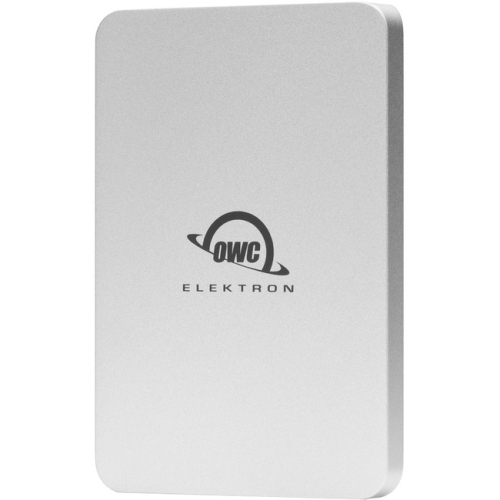


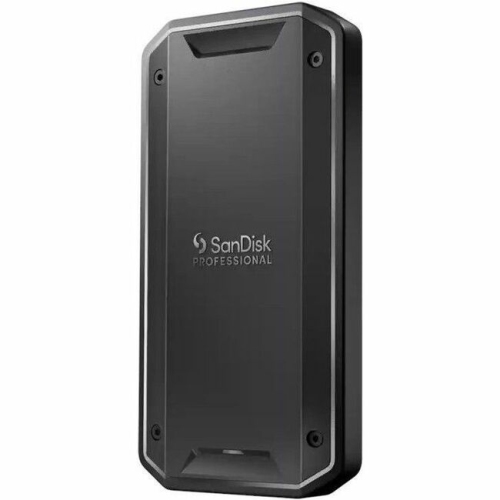
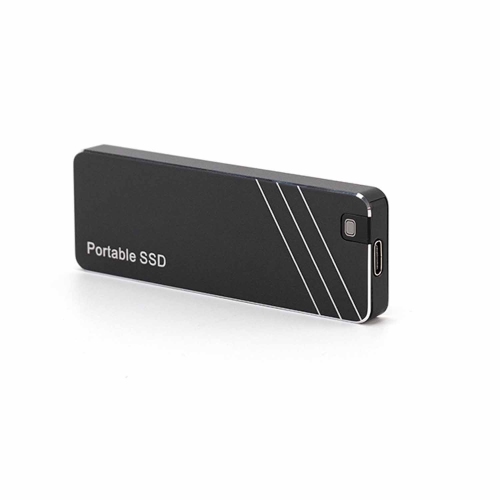
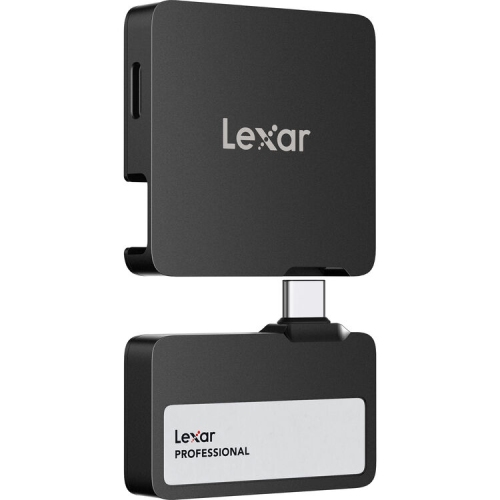
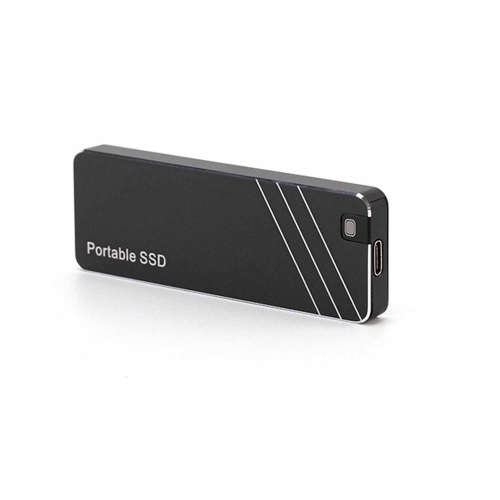
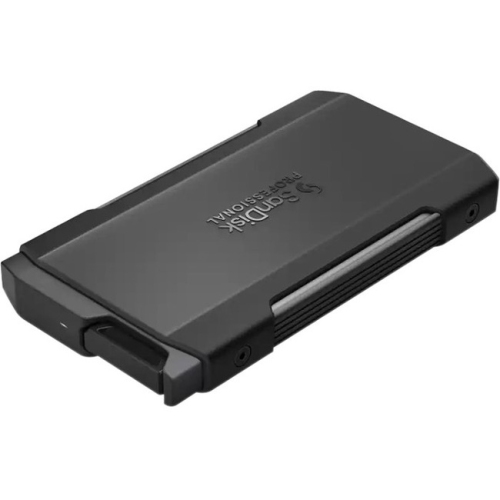
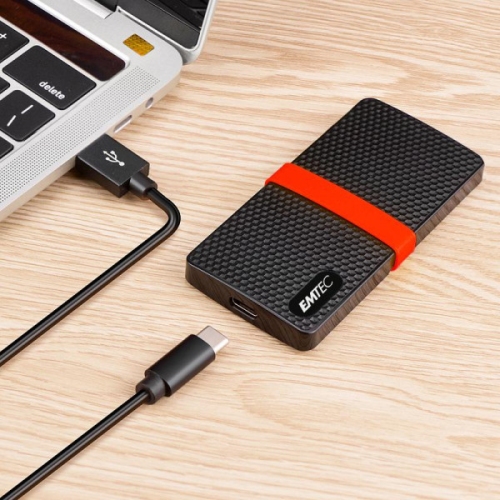




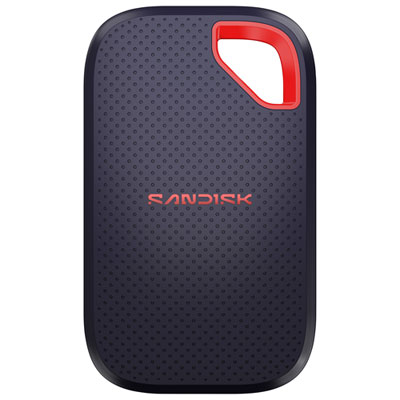

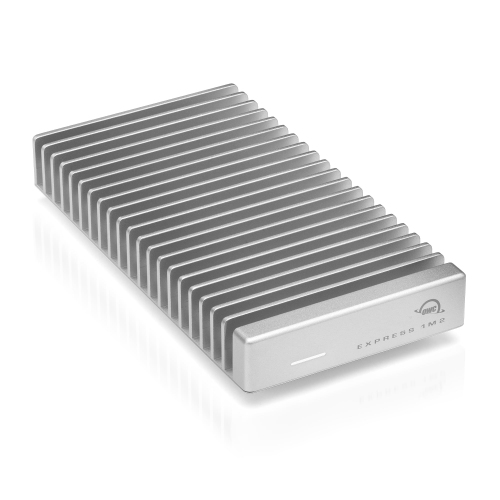
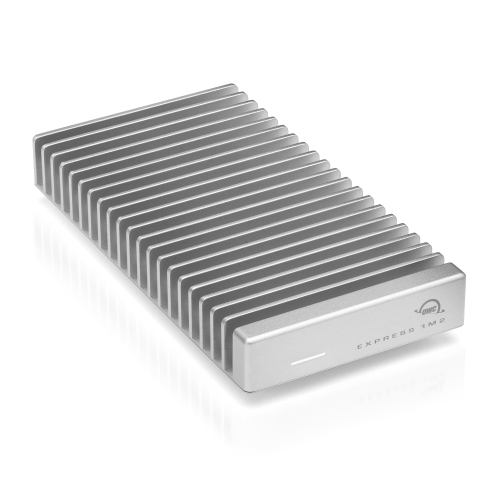


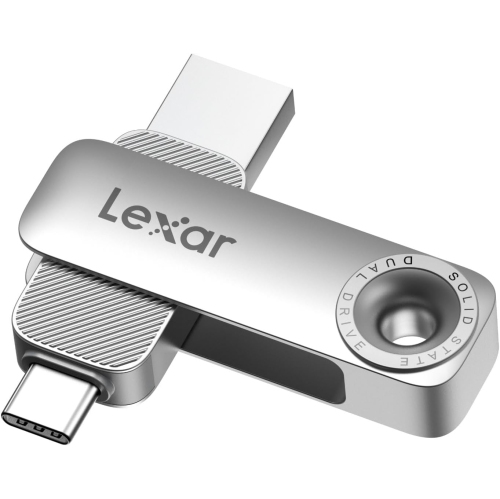


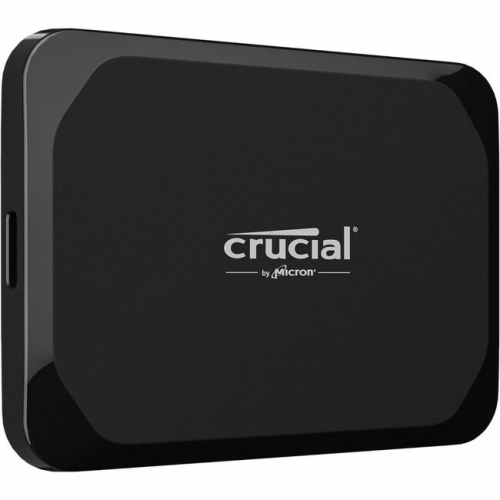
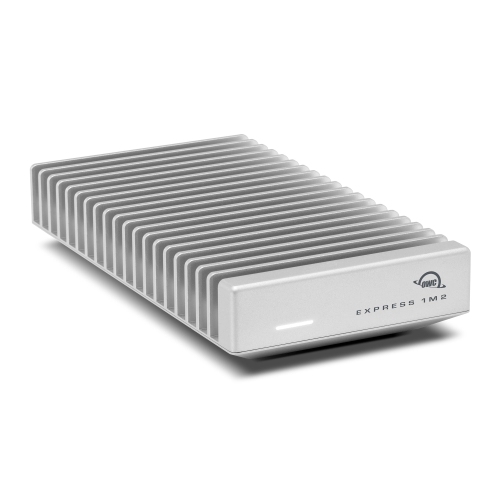
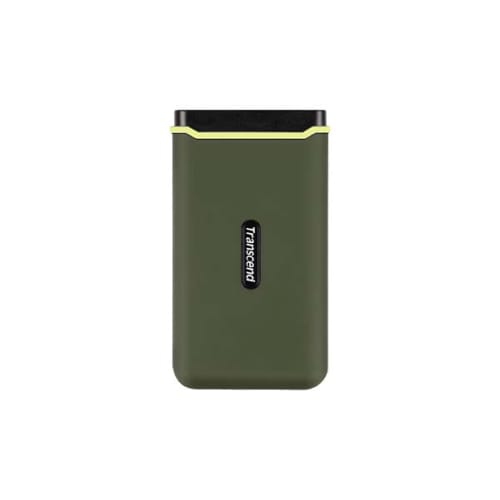
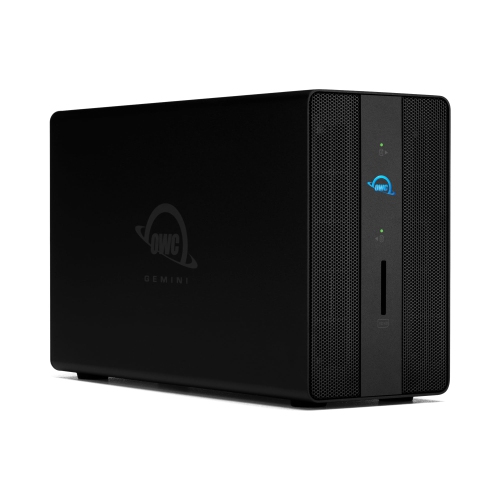

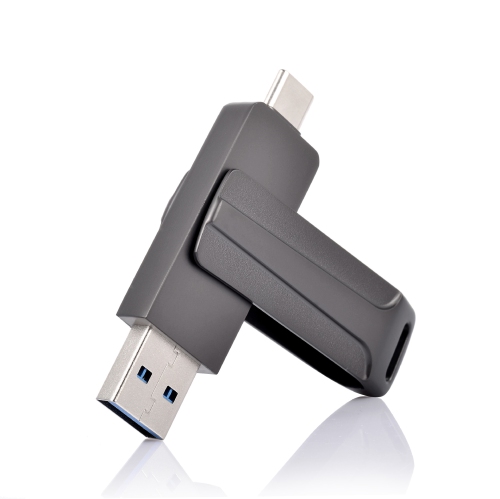
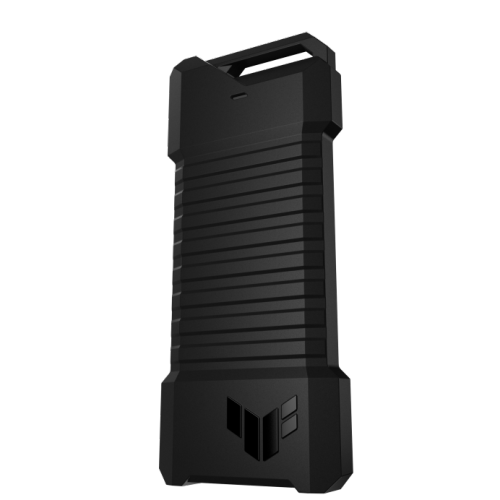
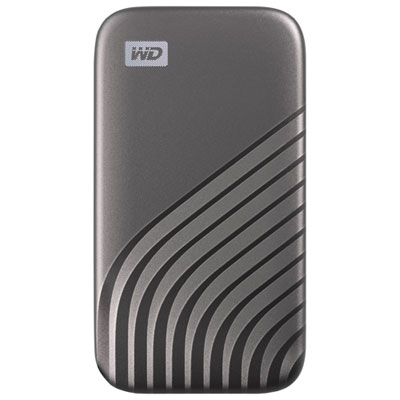

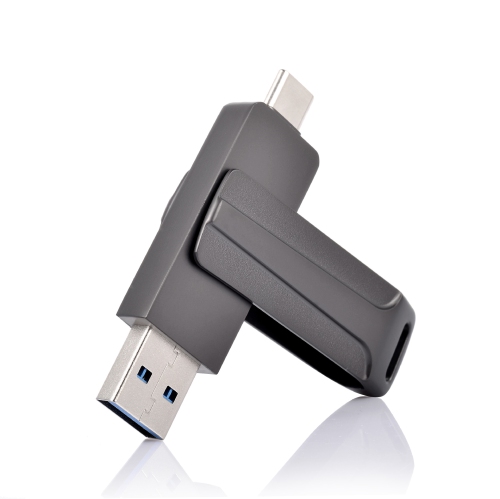
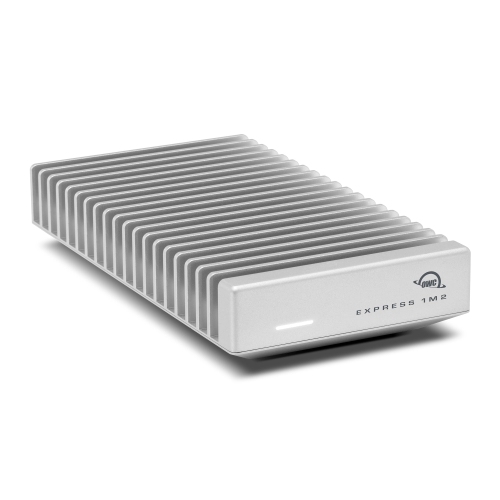


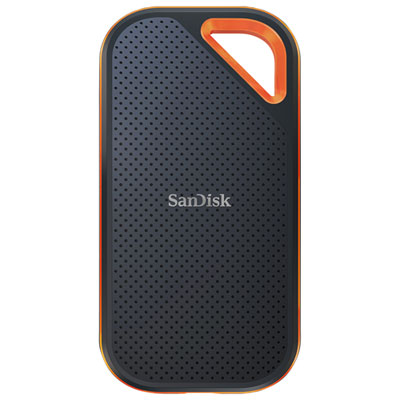
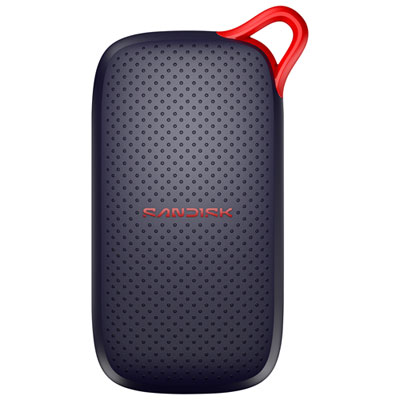
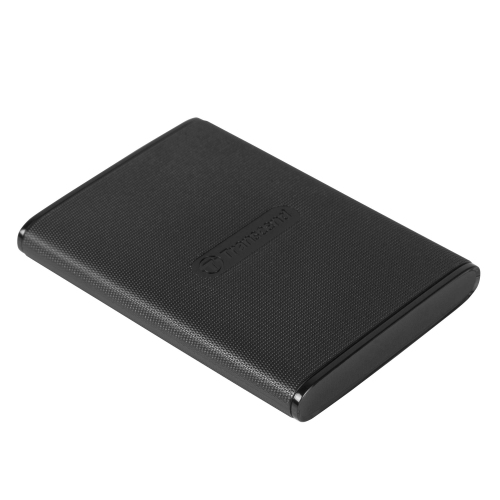


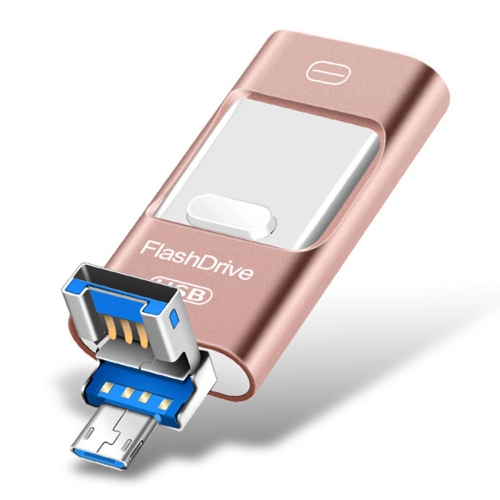

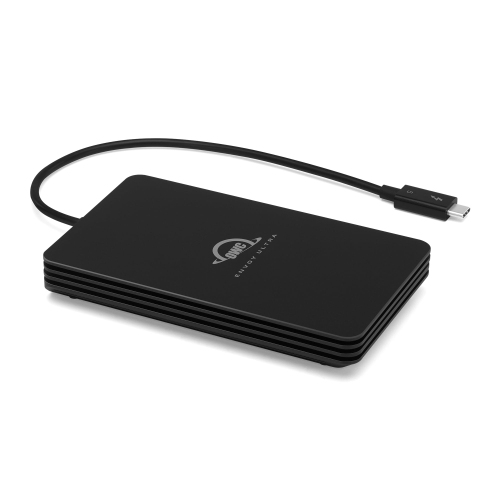
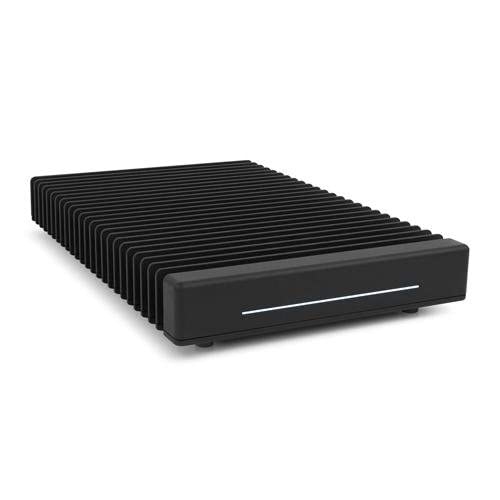
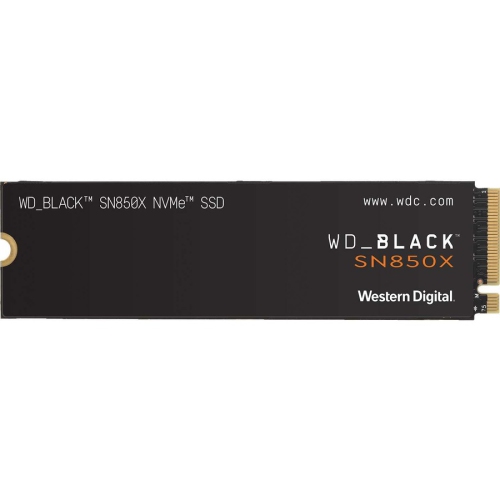
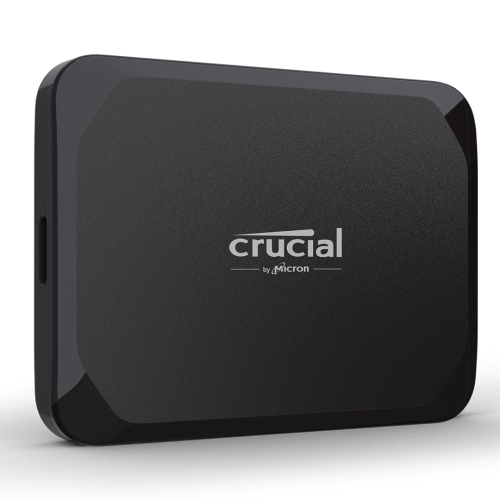
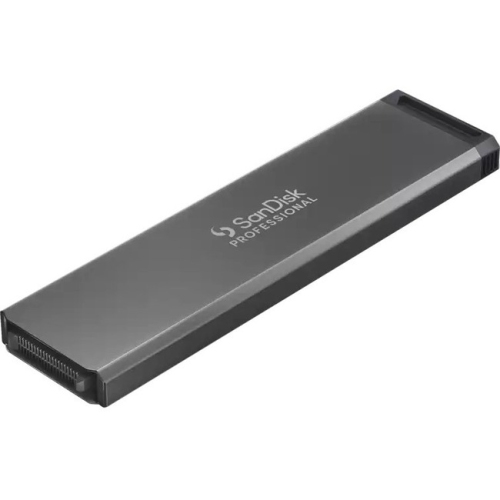


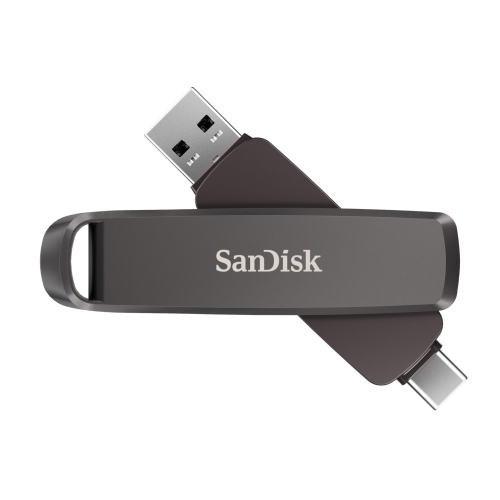


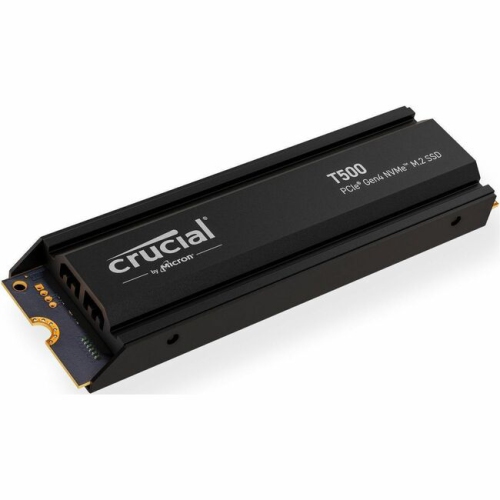
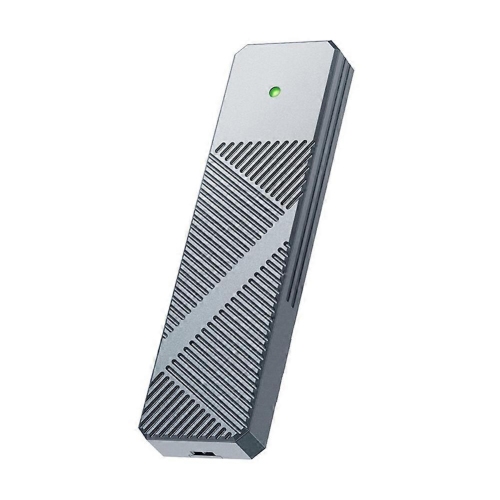
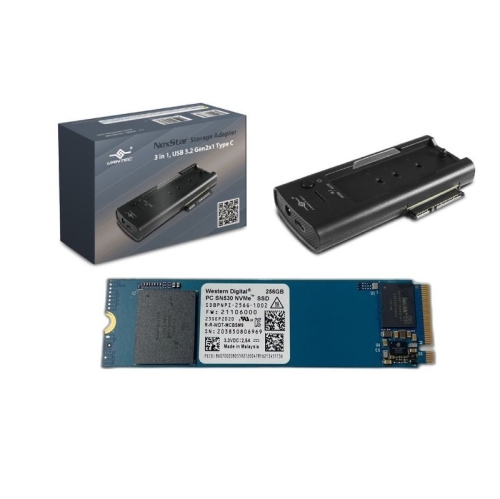
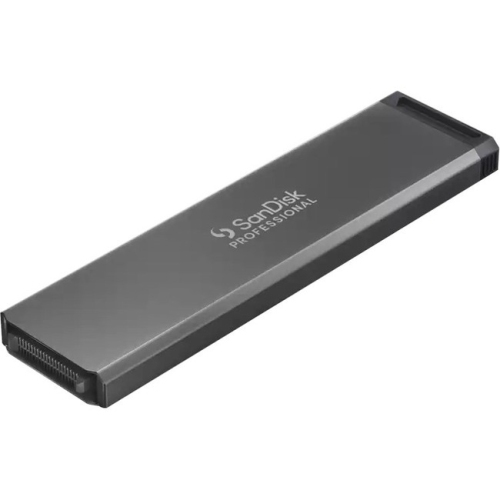
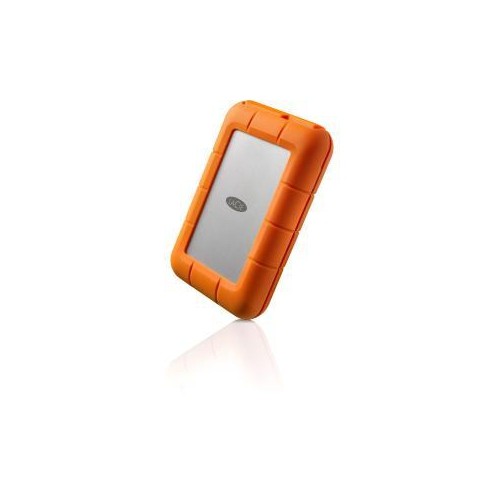


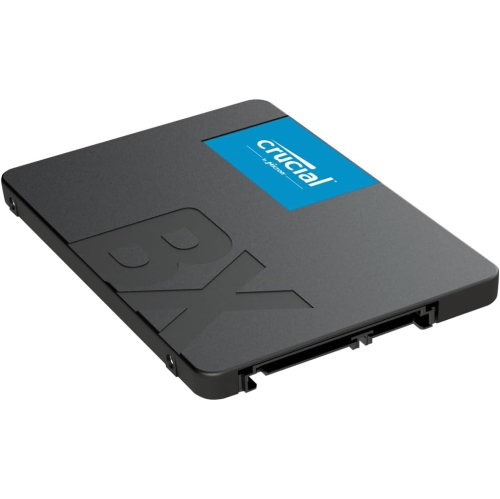


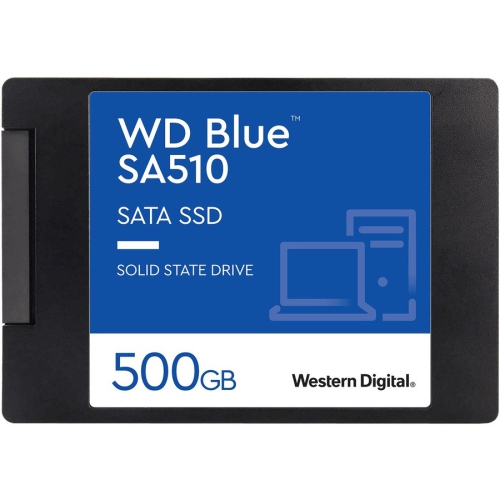
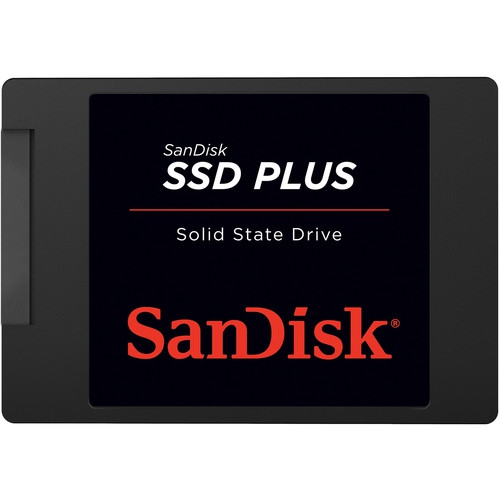
Fast file transfers start with the right connection
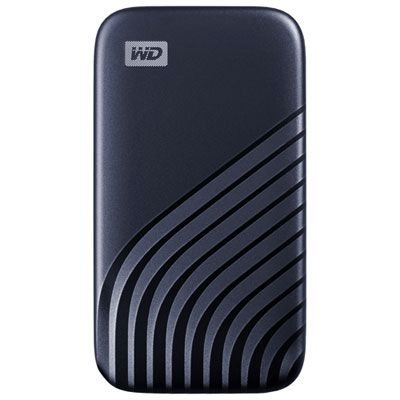
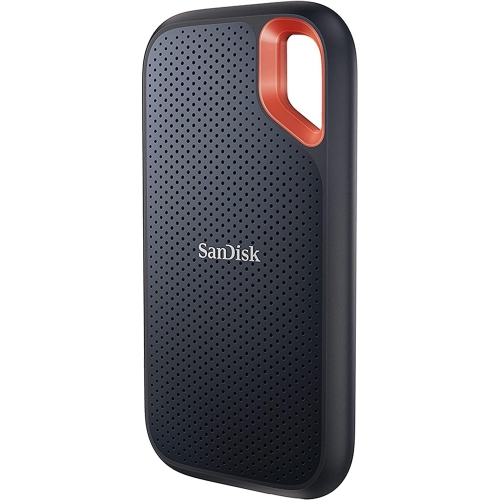
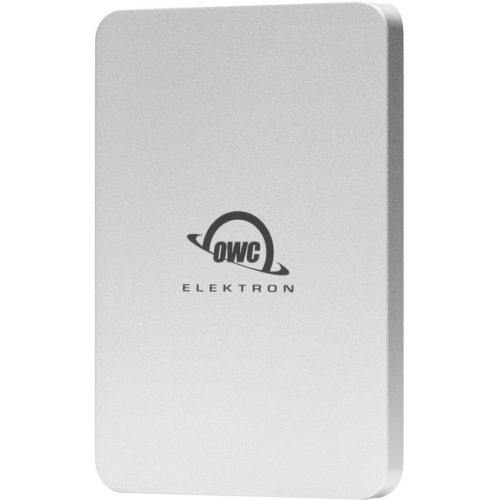
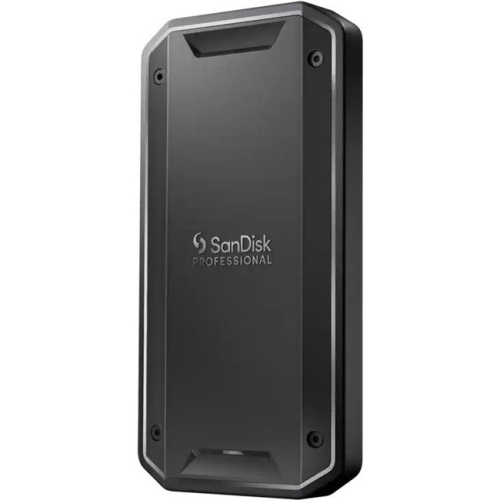
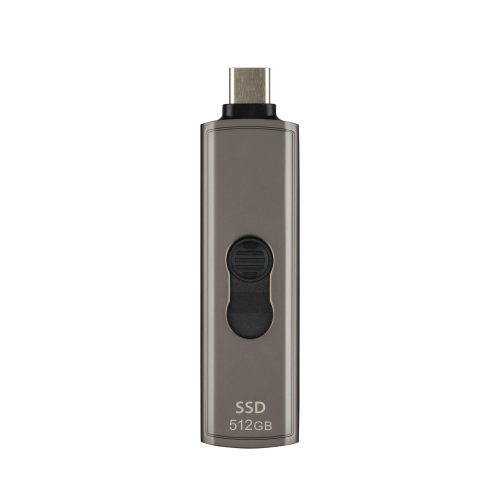
USB-C external SSDs provide fast, portable storage for files that need more room than a computer’s internal drive can offer. An external solid-state drive stores data on flash memory rather than spinning disks, making it well suited to carrying between a desk, classroom, studio, and shared workspace. With no moving drive mechanism, an SSD is generally better able to tolerate everyday movement than a portable hard disk, although it still needs protection from impacts and damage. These drives can hold photo libraries, design projects, music collections, video footage, and work documents without taking up much space in a laptop bag. For a photographer returning from a shoot, that can mean keeping image folders together on a pocket-sized drive; for a student, it can mean carrying large project files between compatible computers. The USB-C connector is small and reversible, but its shape alone does not indicate transfer speed. Performance depends on the drive, the computer’s port, the cable, and the connection standard they support. USB 3.2 Gen 2 connections operate at up to 10Gbps, with suitable SSDs often reaching around 1,000MB/s in sequential transfers. USB 3.2 Gen 2x2 connections support up to 20Gbps and can approach 2,000MB/s with compatible hardware. Some USB4 and Thunderbolt SSDs can exceed 2,000MB/s, but they require matching host capabilities to deliver those higher speeds. A USB-C port does not automatically support USB4, Thunderbolt, or USB 3.2 Gen 2x2, and compatibility with a slower connection varies by drive. Large video clips usually transfer differently from folders containing thousands of small files, so advertised sequential speeds do not describe every task. Sustained writing can also slow once a drive’s fast cache fills. A suitable data cable and a direct connection to the computer help avoid limitations introduced by charge-only cables, slower hubs, or shared connections. For everyday use, a well-matched connection can matter more than the highest speed printed on the packaging.
Capacity shapes how comfortably an external SSD fits into a routine. Documents and spreadsheets need relatively little space, while high-resolution photographs, editing libraries, virtual machines, and video projects can occupy hundreds of gigabytes. A 1TB drive may provide ample room for a mixture of personal files, while 2TB or 4TB capacities can better accommodate growing media libraries or several large projects. Actual usable space is lower than the advertised capacity because of formatting, system files, and differences in how storage is measured. Leaving some free space also provides room for new work and can help maintain performance, depending on the drive and workload. Beyond capacity, file-system compatibility determines how easily files move between devices. Windows and macOS can both read and write exFAT, making it a common choice for shared storage, while other formats may better suit a drive dedicated to one operating system. A Mac backup drive used with Time Machine needs a supported format; APFS is generally appropriate for newer macOS systems. Reformatting erases existing contents, so any files already on the drive need another home first. Some USB-C external SSDs also work with compatible phones and tablets, although access depends on the device’s operating system, power supply, file format, and app support. Recording video directly to an SSD has additional requirements and is not supported by every device or recording mode. For gaming, external storage can hold compatible games or keep larger libraries off an internal drive, but console rules differ: some games can be stored externally yet must be moved to internal storage before play. Password protection and hardware encryption are useful considerations for anyone carrying private documents, provided the security software supports the intended devices. Shoppers comparing form factors and connection options can also explore Samsung SSD External Hard Drives. Across the category, the most useful combination is enough space for the files involved, dependable device compatibility, and performance suited to the task rather than a speed figure considered on its own.
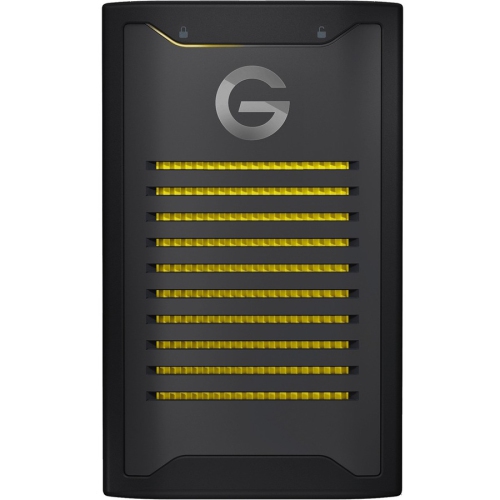
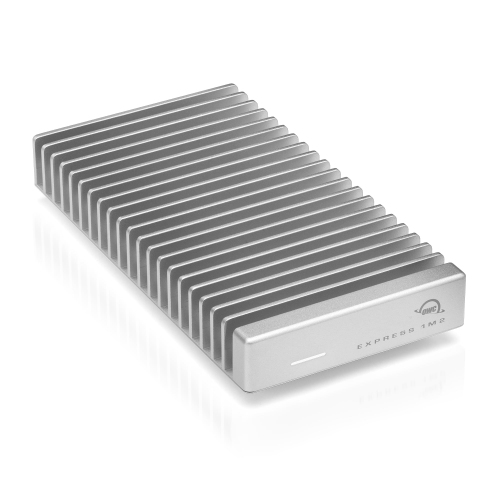
Construction and handling make a noticeable difference when a drive travels regularly. External SSD housings may use aluminium, plastic, rubberized coverings, or a combination of materials. Metal enclosures can help spread heat generated during operation, while textured surfaces and protective bumpers can make a small drive easier to grip. Compact dimensions are convenient for a crowded desk or a slim laptop sleeve, but cable length and connector placement also affect everyday comfort. A very short cable keeps a setup tidy beside a laptop; a longer compatible cable may be more practical when a desktop’s ports sit behind a monitor. Neither arrangement should leave the drive dangling from its connector or put strain on the port. Water and dust resistance apply only where a drive has a stated rating, and the rating’s conditions matter. An IP rating does not establish drop resistance, and a drop-resistance claim does not mean a drive is waterproof. Protective covers, where fitted, need to be used as directed, and a carrying pouch can reduce scratches and keep the cable from catching on other belongings. Routine care is straightforward: keep connectors free of debris, wipe the exterior with a soft, dry cloth, and avoid sharply bending or pulling the cable. Safe ejection before unplugging helps prevent interrupted writes, particularly after copying large folders or running a backup. Although SSDs are convenient for backups, moving the only copy of a file onto an external drive does not create a backup; important material needs a separate copy on another device or service. That distinction matters for family photographs, completed coursework, client projects, and other files that would be difficult to replace. As a practical gift, a USB-C external SSD can suit a student, photographer, video editor, gamer, or frequent traveller, especially when its connection, capacity, and software support match the recipient’s equipment. The appeal is simple: substantial storage in a small physical footprint, ready for the files and routines that need it.
Capacity shapes how comfortably an external SSD fits into a routine. Documents and spreadsheets need relatively little space, while high-resolution photographs, editing libraries, virtual machines, and video projects can occupy hundreds of gigabytes. A 1TB drive may provide ample room for a mixture of personal files, while 2TB or 4TB capacities can better accommodate growing media libraries or several large projects. Actual usable space is lower than the advertised capacity because of formatting, system files, and differences in how storage is measured. Leaving some free space also provides room for new work and can help maintain performance, depending on the drive and workload. Beyond capacity, file-system compatibility determines how easily files move between devices. Windows and macOS can both read and write exFAT, making it a common choice for shared storage, while other formats may better suit a drive dedicated to one operating system. A Mac backup drive used with Time Machine needs a supported format; APFS is generally appropriate for newer macOS systems. Reformatting erases existing contents, so any files already on the drive need another home first. Some USB-C external SSDs also work with compatible phones and tablets, although access depends on the device’s operating system, power supply, file format, and app support. Recording video directly to an SSD has additional requirements and is not supported by every device or recording mode. For gaming, external storage can hold compatible games or keep larger libraries off an internal drive, but console rules differ: some games can be stored externally yet must be moved to internal storage before play. Password protection and hardware encryption are useful considerations for anyone carrying private documents, provided the security software supports the intended devices. Shoppers comparing form factors and connection options can also explore Samsung SSD External Hard Drives. Across the category, the most useful combination is enough space for the files involved, dependable device compatibility, and performance suited to the task rather than a speed figure considered on its own.
Construction and handling make a noticeable difference when a drive travels regularly. External SSD housings may use aluminium, plastic, rubberized coverings, or a combination of materials. Metal enclosures can help spread heat generated during operation, while textured surfaces and protective bumpers can make a small drive easier to grip. Compact dimensions are convenient for a crowded desk or a slim laptop sleeve, but cable length and connector placement also affect everyday comfort. A very short cable keeps a setup tidy beside a laptop; a longer compatible cable may be more practical when a desktop’s ports sit behind a monitor. Neither arrangement should leave the drive dangling from its connector or put strain on the port. Water and dust resistance apply only where a drive has a stated rating, and the rating’s conditions matter. An IP rating does not establish drop resistance, and a drop-resistance claim does not mean a drive is waterproof. Protective covers, where fitted, need to be used as directed, and a carrying pouch can reduce scratches and keep the cable from catching on other belongings. Routine care is straightforward: keep connectors free of debris, wipe the exterior with a soft, dry cloth, and avoid sharply bending or pulling the cable. Safe ejection before unplugging helps prevent interrupted writes, particularly after copying large folders or running a backup. Although SSDs are convenient for backups, moving the only copy of a file onto an external drive does not create a backup; important material needs a separate copy on another device or service. That distinction matters for family photographs, completed coursework, client projects, and other files that would be difficult to replace. As a practical gift, a USB-C external SSD can suit a student, photographer, video editor, gamer, or frequent traveller, especially when its connection, capacity, and software support match the recipient’s equipment. The appeal is simple: substantial storage in a small physical footprint, ready for the files and routines that need it.
Top selling and popular products
-
 Your price for this item is $374.99
-
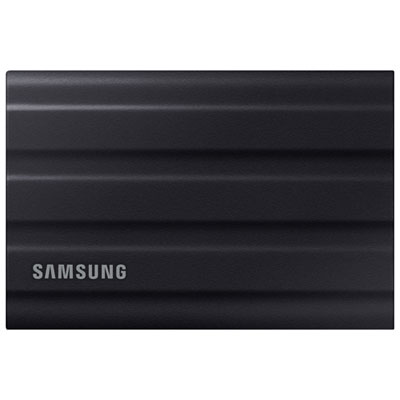 Your price for this item is $669.99
-
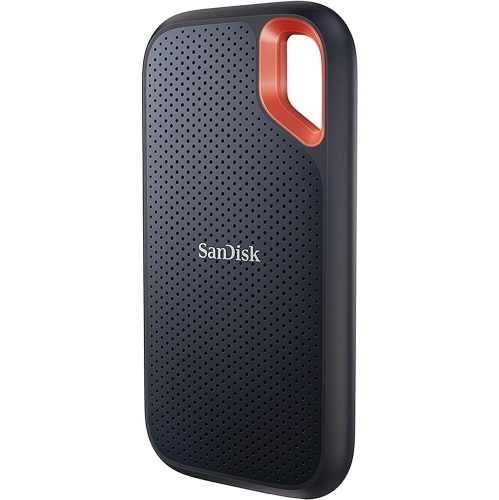 Your price for this item is $340.91
-
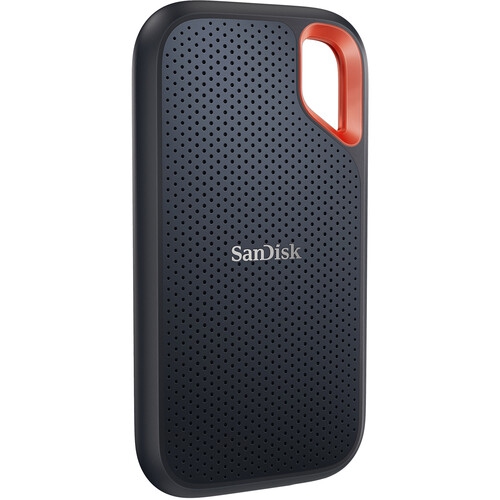 Your price for this item is $498.91
-
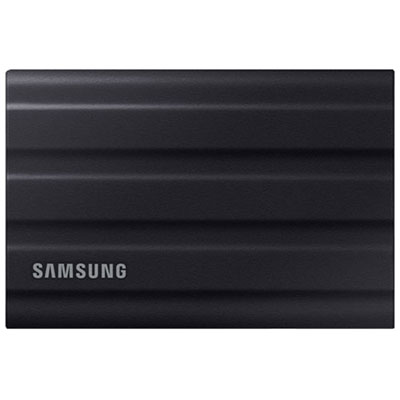 Your price for this item is $1559.95
-
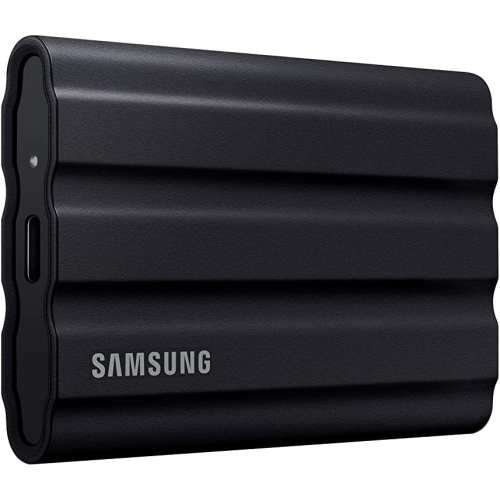 Your price for this item is $1499
-
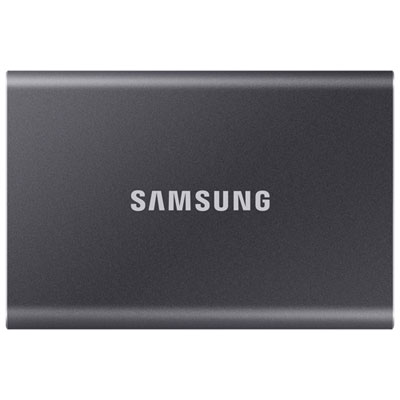 Your price for this item is $1489.97
-
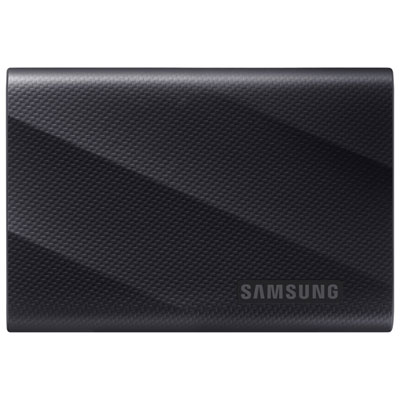 Your price for this item is $389.99
Discover more categories related to USB C External Drive SSDs
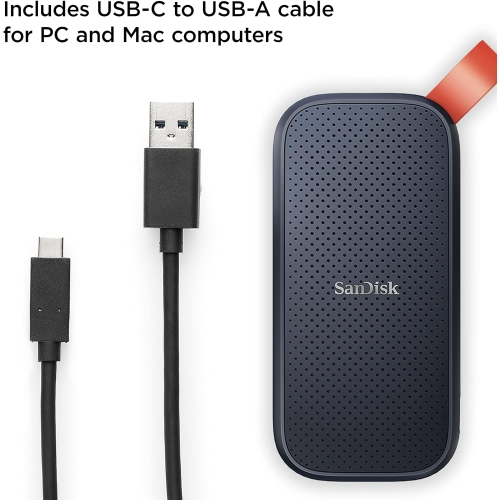
Top Collections:
Pokemon Centers, Kindle Devices, Best Black Friday Deals This Year, Pokémon 30th Celebration Cards, Best Black Friday Deals On Electronics, Best Cameras for Sports Photography, Best Black Friday Deals On Apple Products, Canon G7X Cameras, iPhone 15 Apple, Candle Warmer Lights
Some products may be subject to Environmental Handling Fees
(EHF) depending on your province.
Learn more about EHFs.