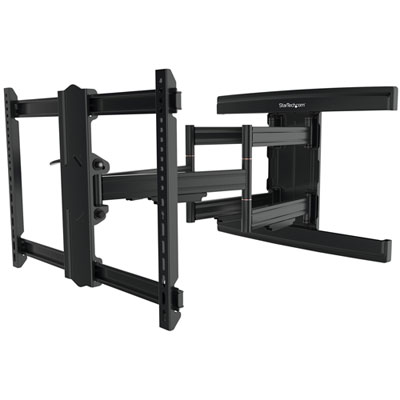
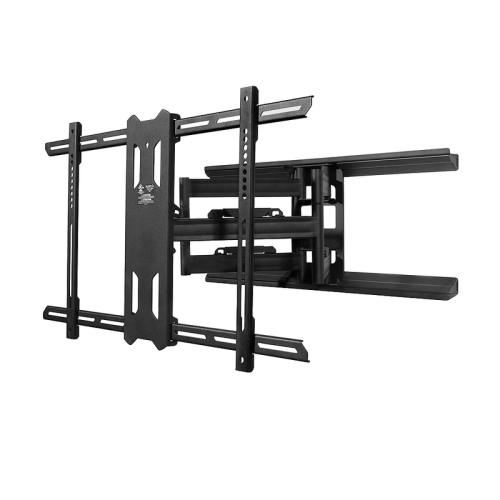
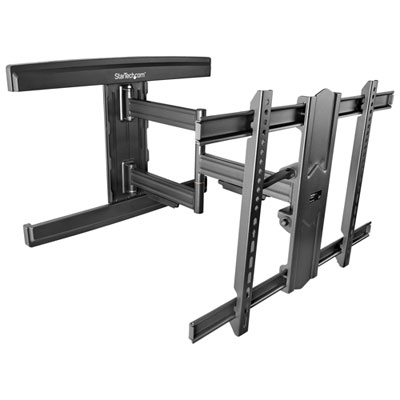
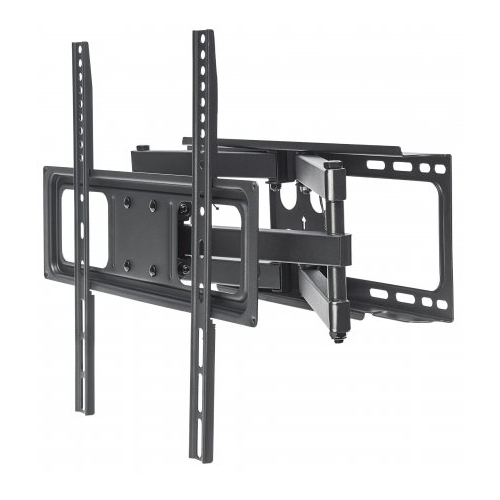
Flat Panel Wall Mounts

Flat panel wall mounts let you position your TV at a comfortable viewing height while freeing up space on your TV stand. Compare TV mounting options by supported screen size, weight capacity and VESA mounting pattern, and check that your chosen mount suits your wall type and preferred viewing angle.
Sort

Comfortable viewing starts with a mount that fits

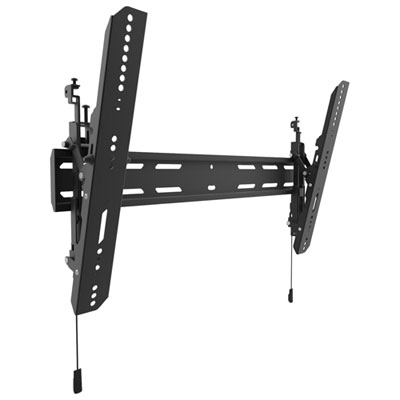
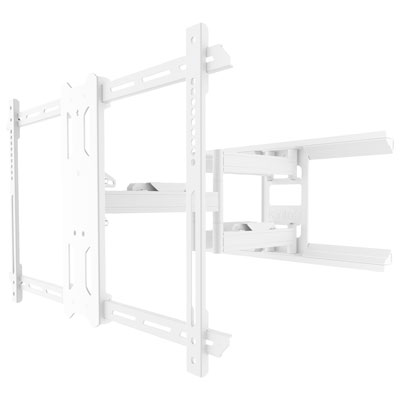
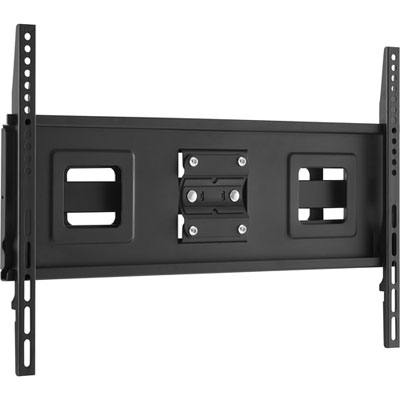
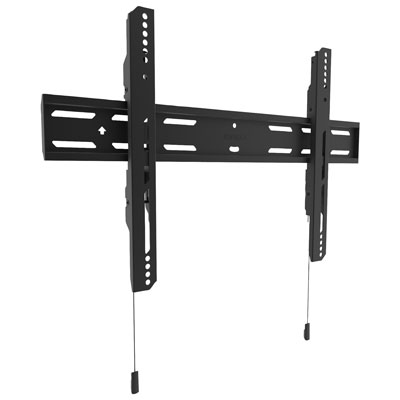
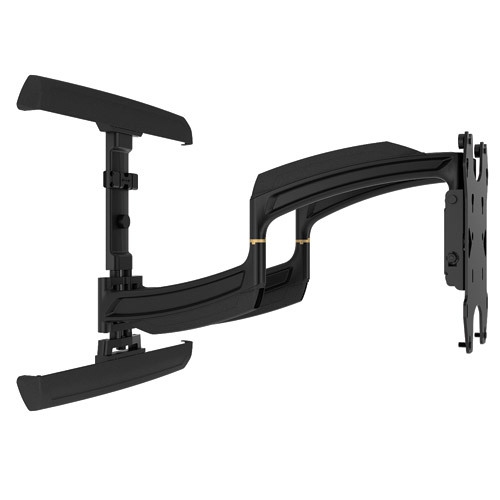
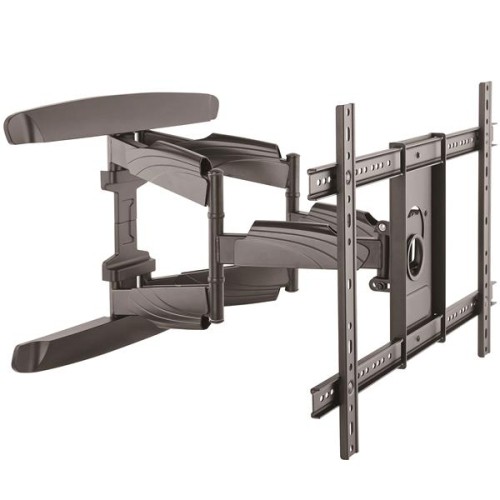
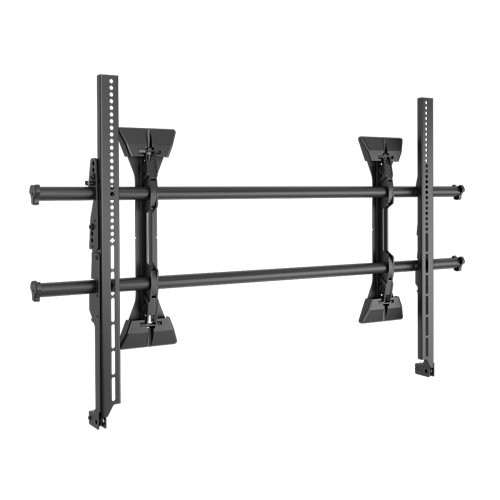
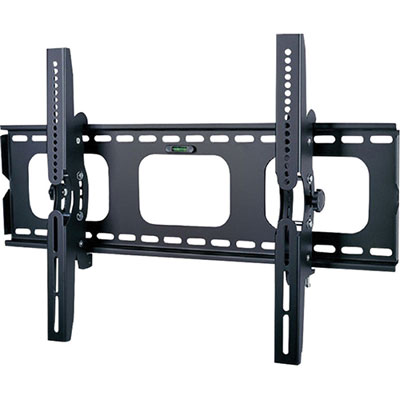
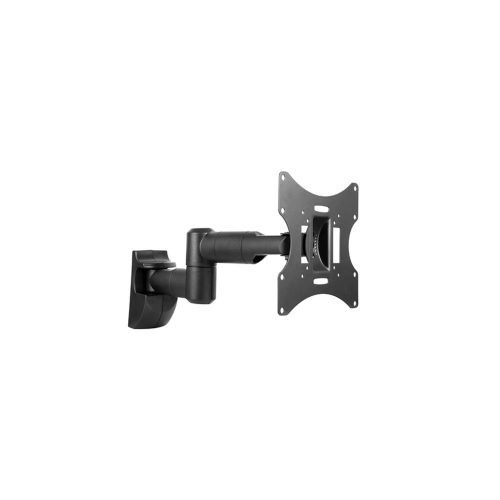
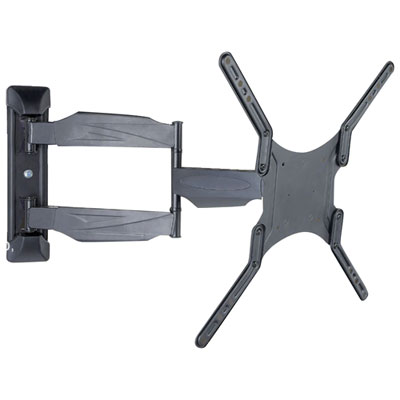
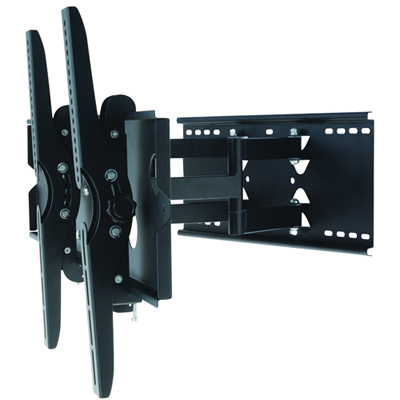
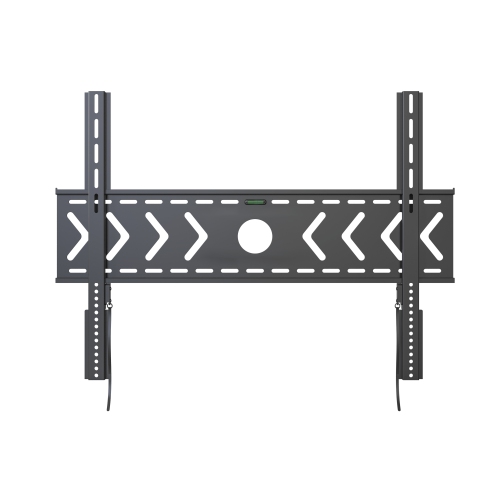
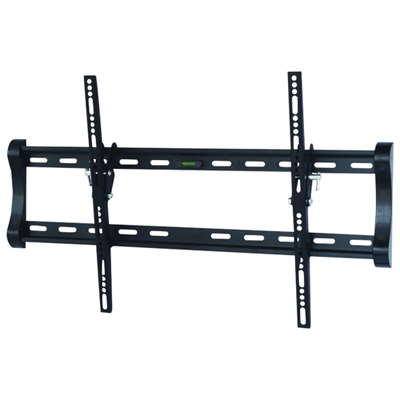
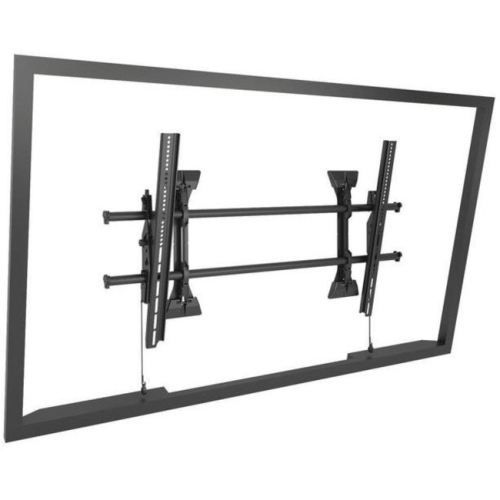
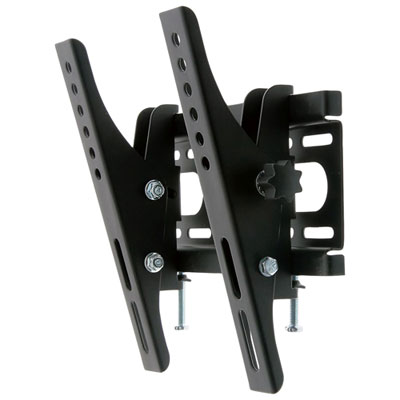
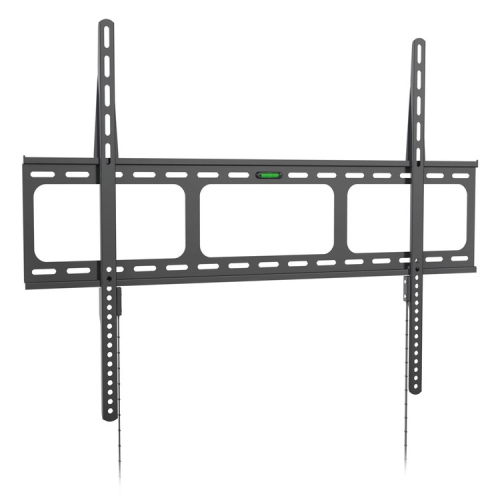
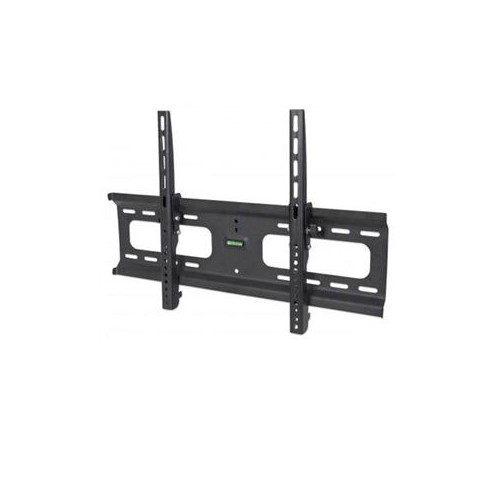
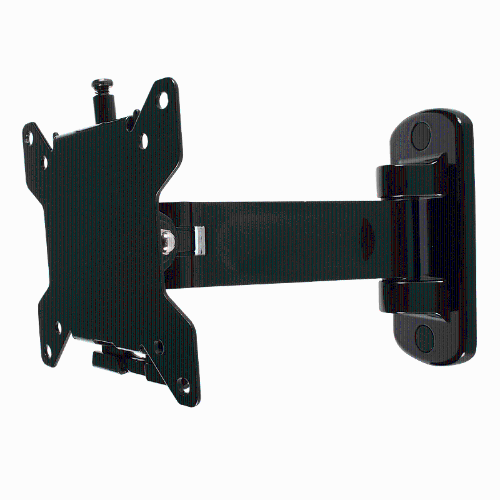
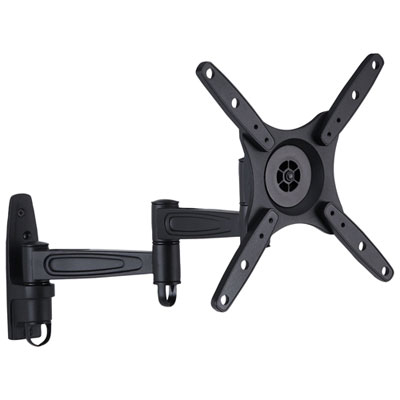
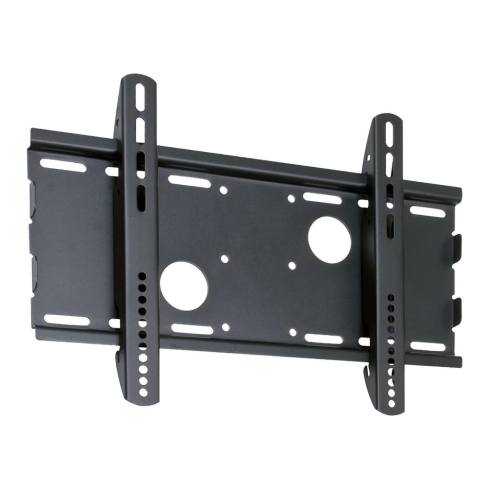
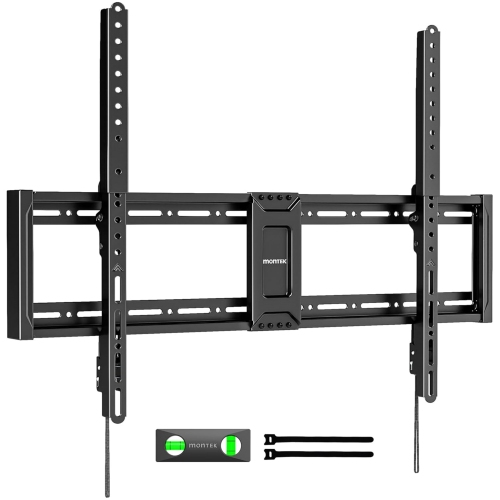
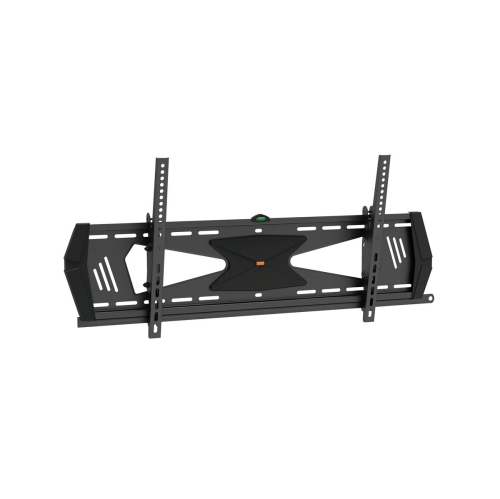
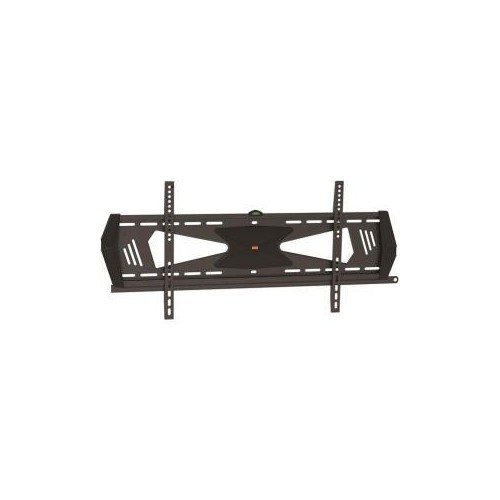
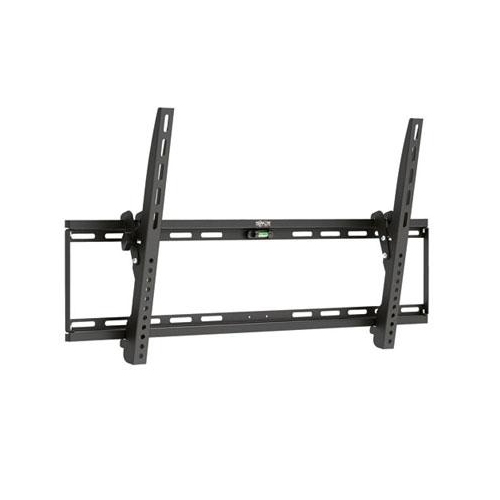
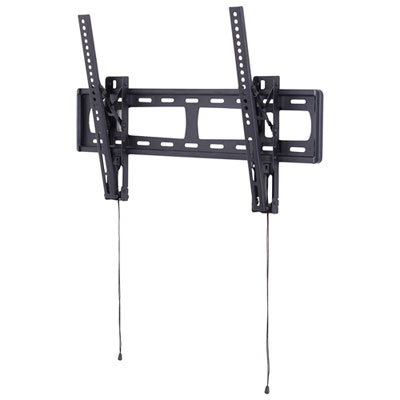
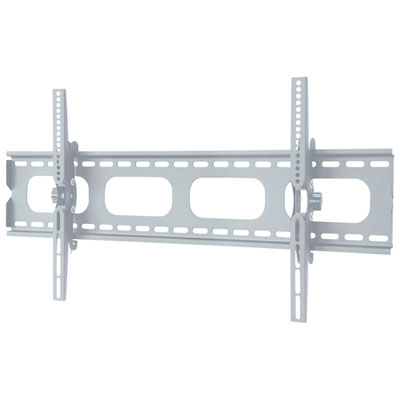
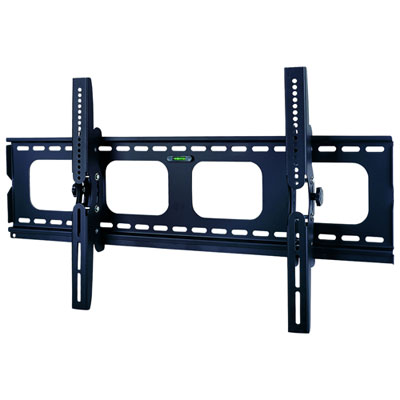
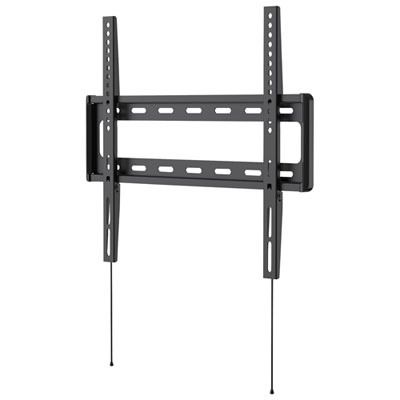
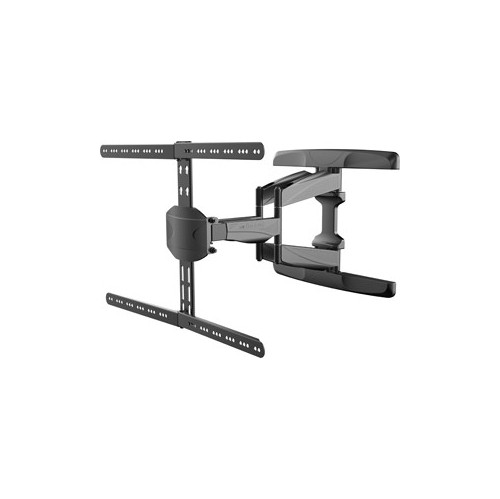
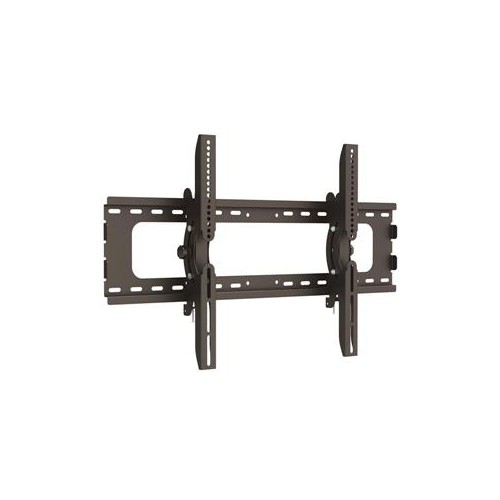
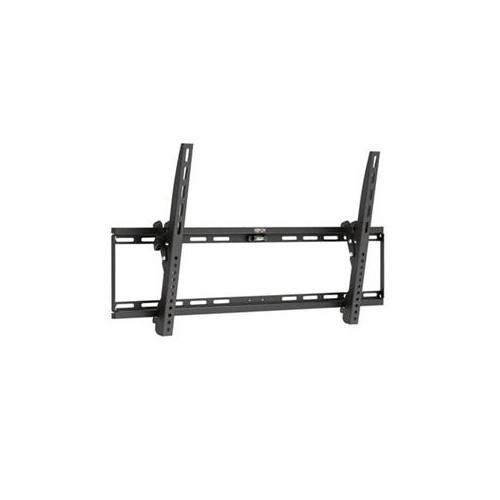
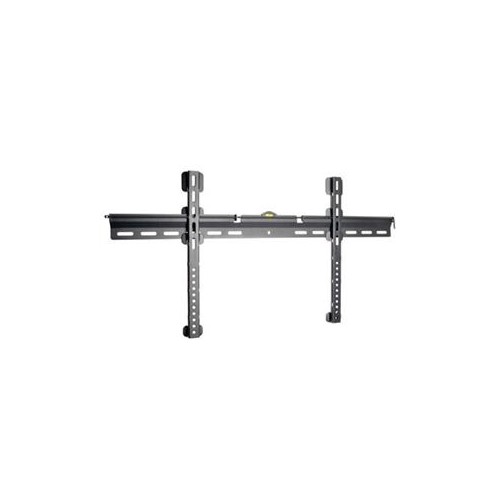
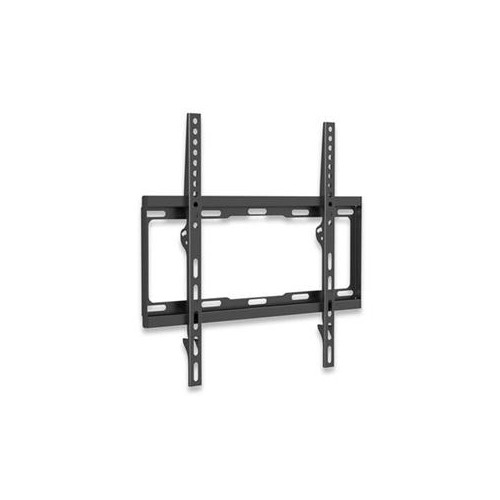
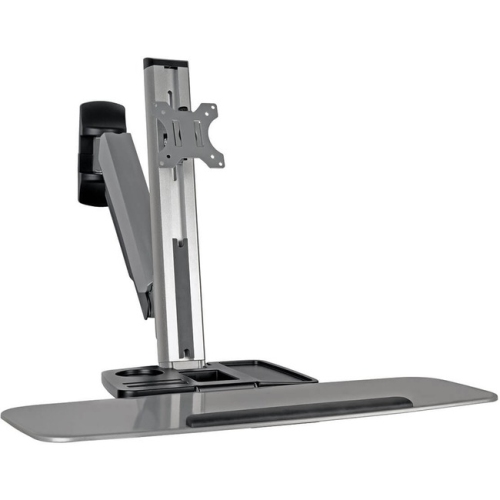
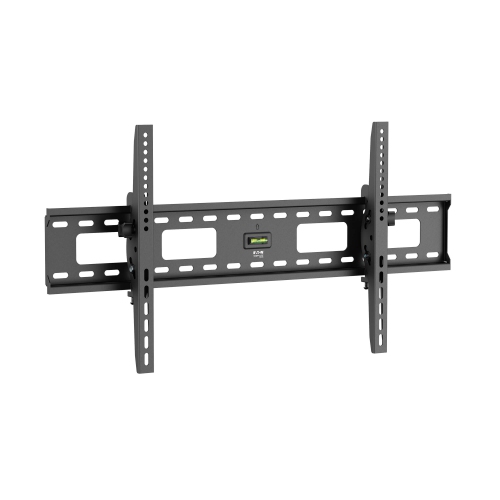
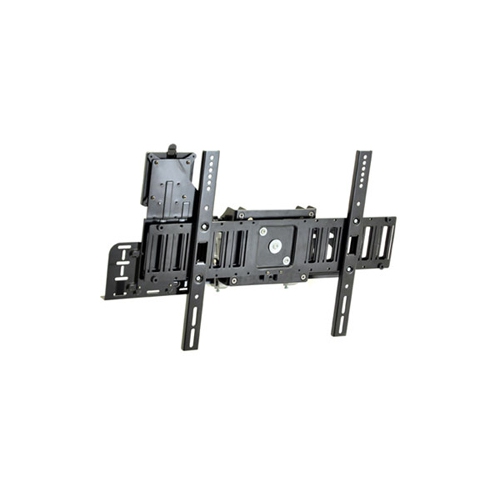
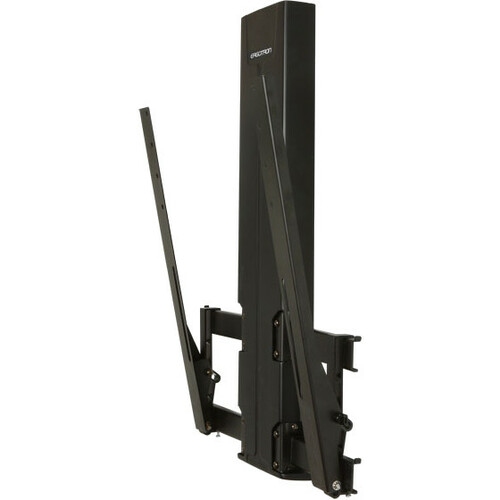
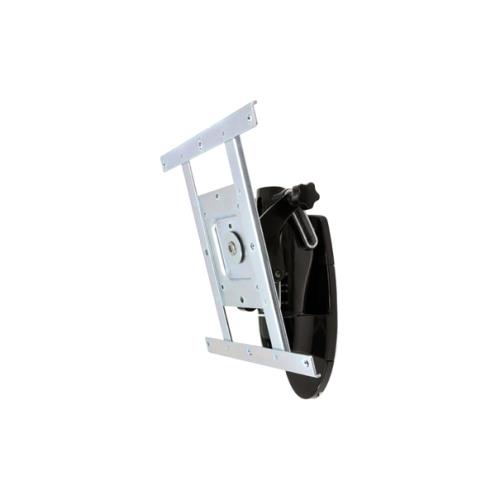
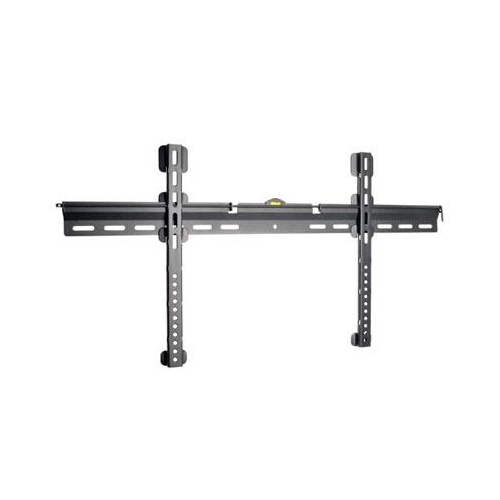
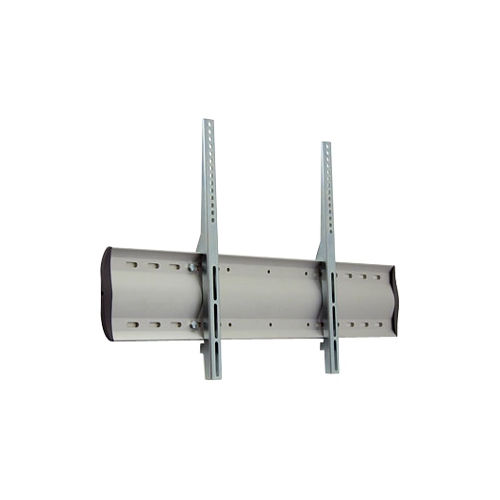
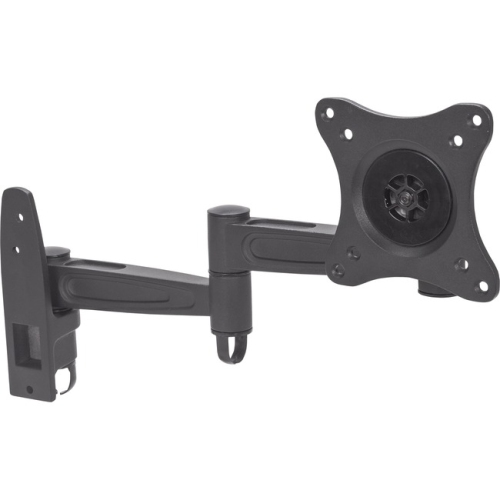
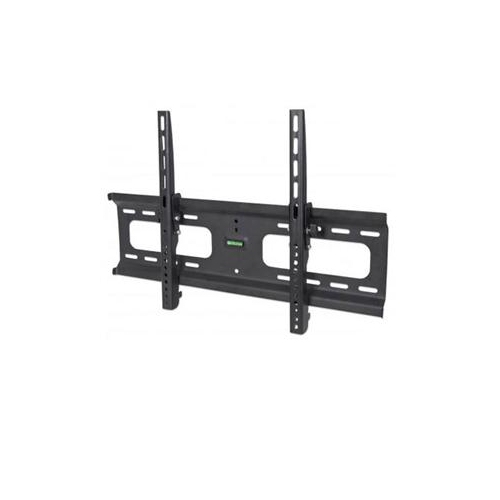
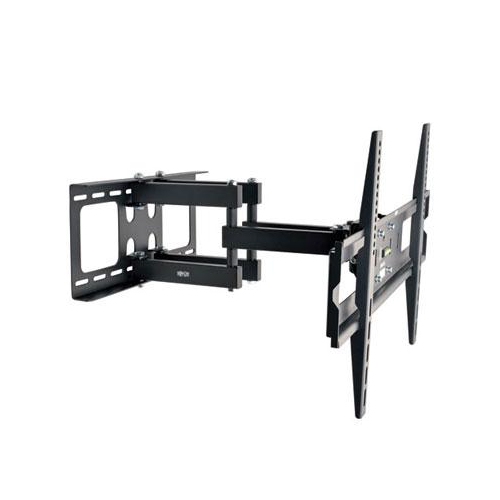
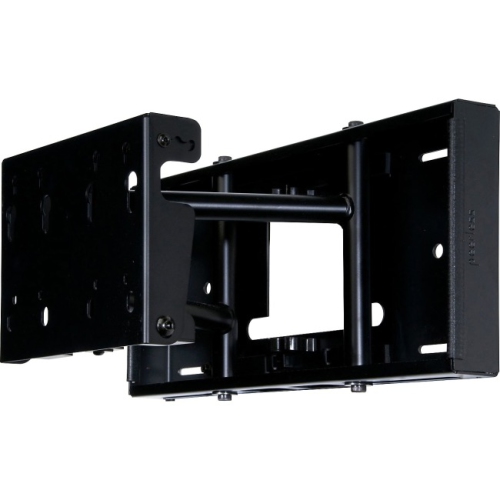
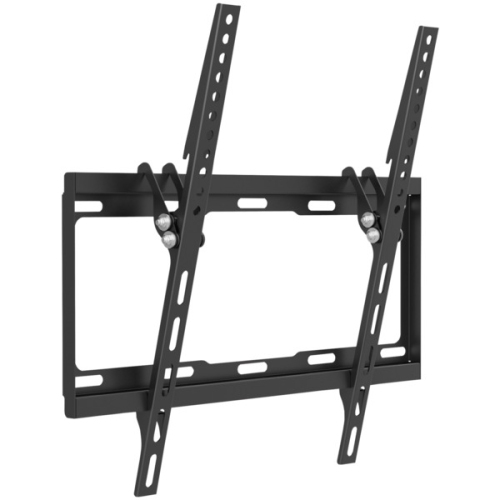
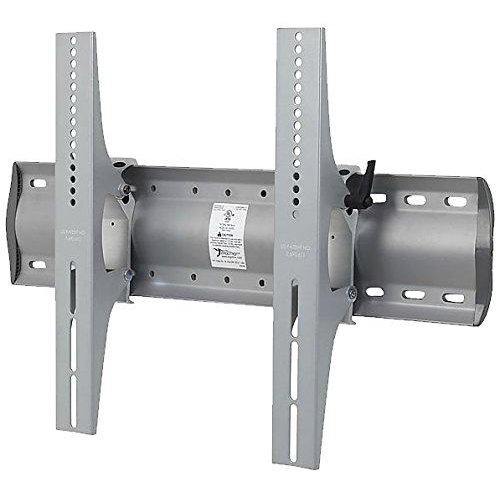
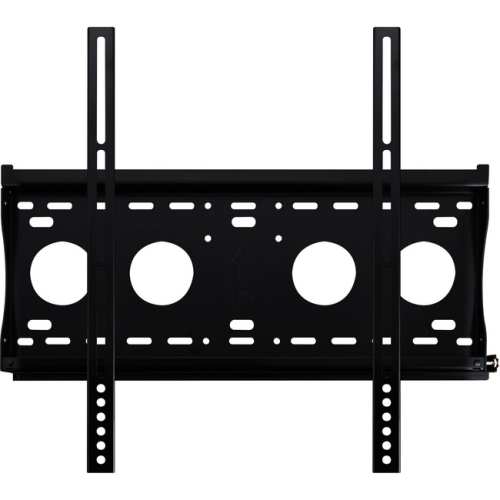
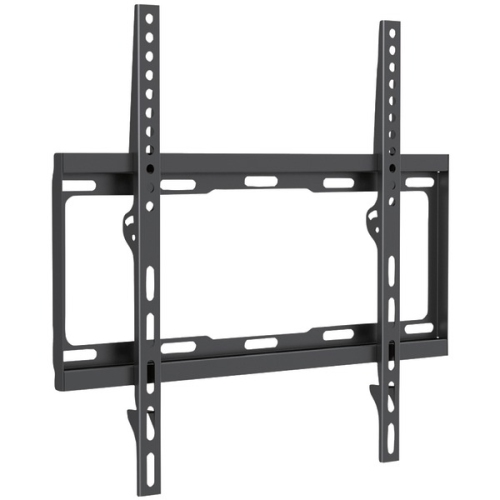
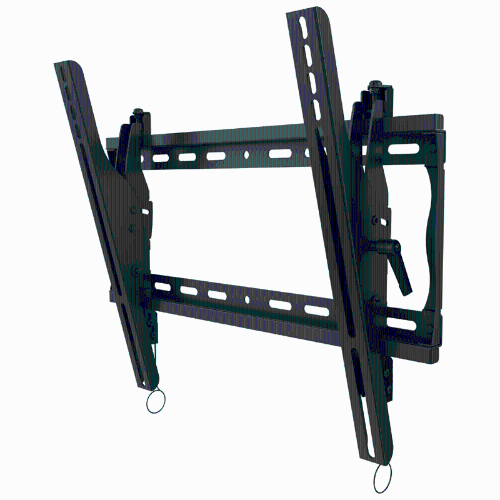
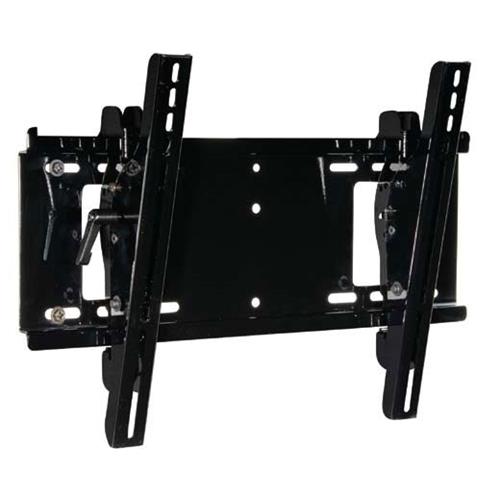
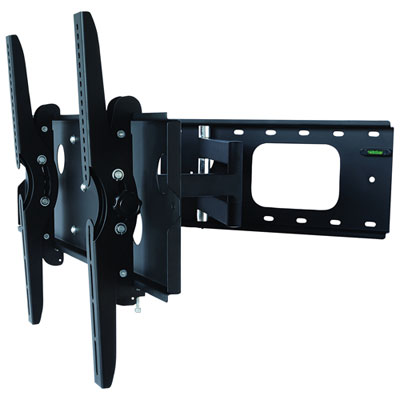
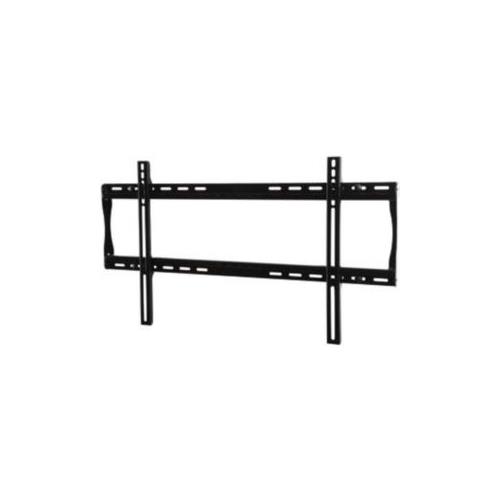
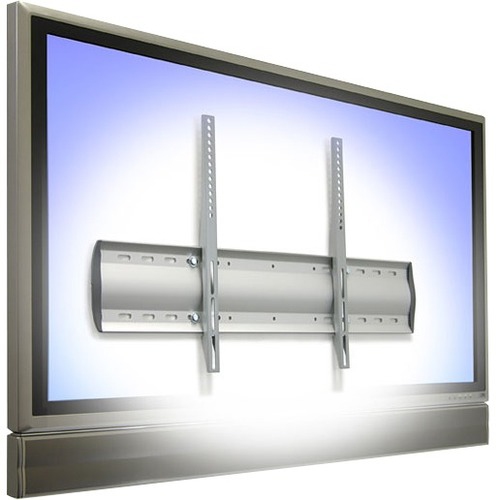
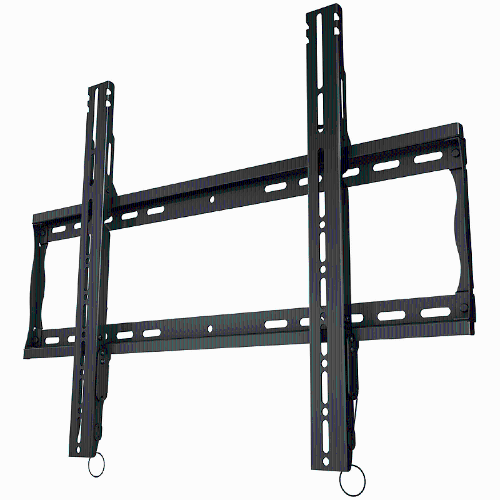
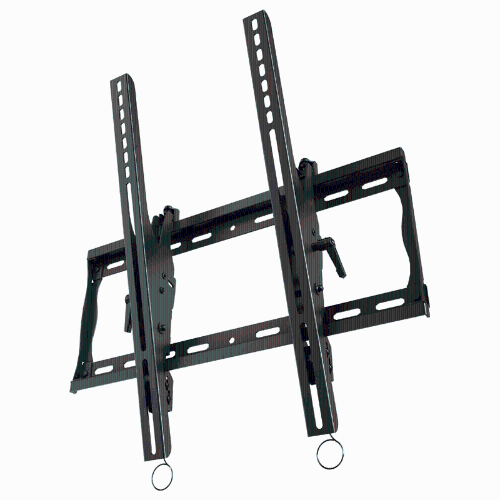
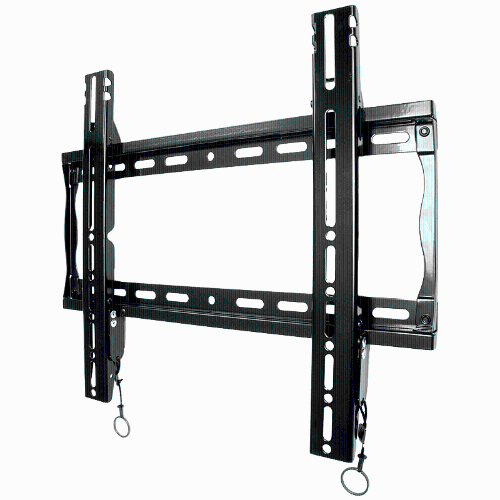
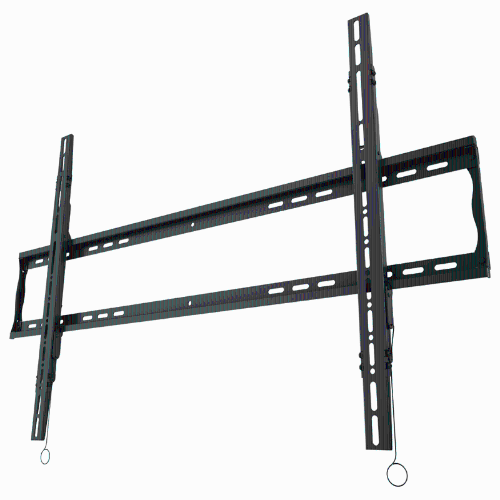
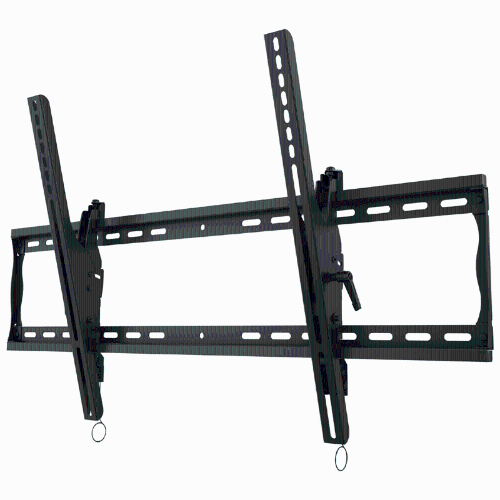
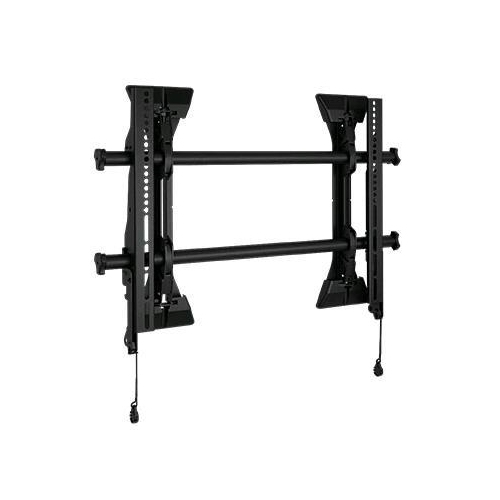
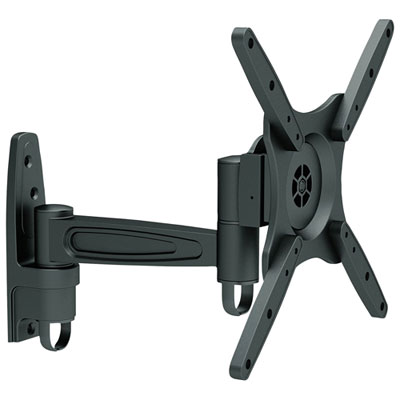
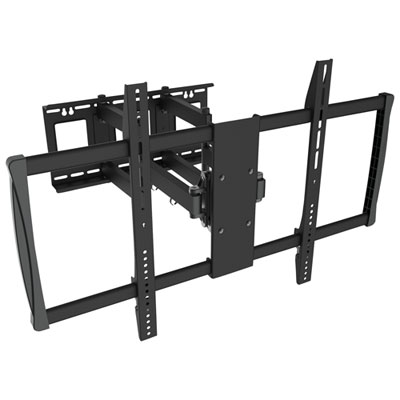
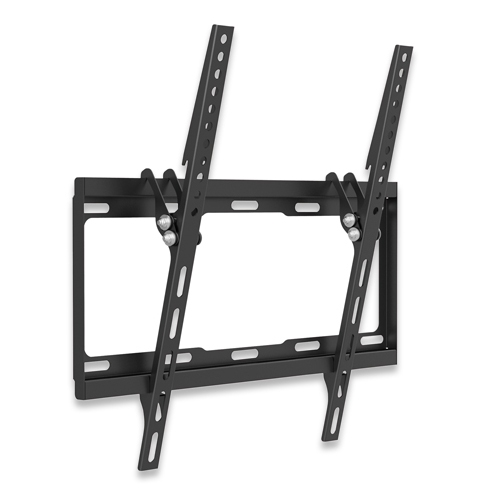
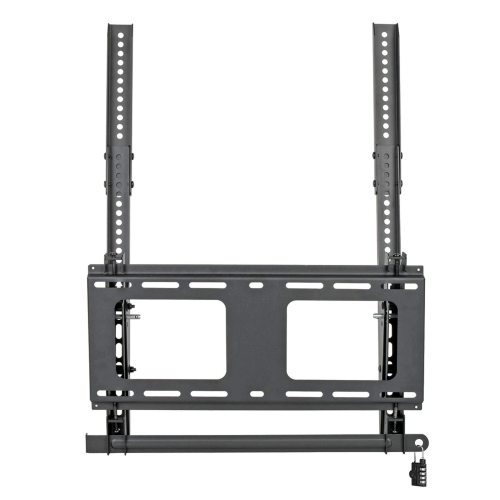
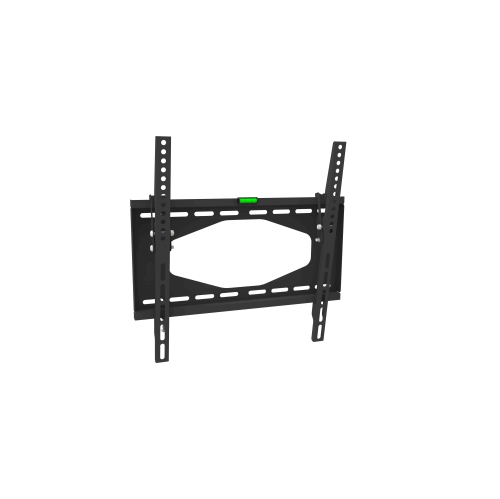
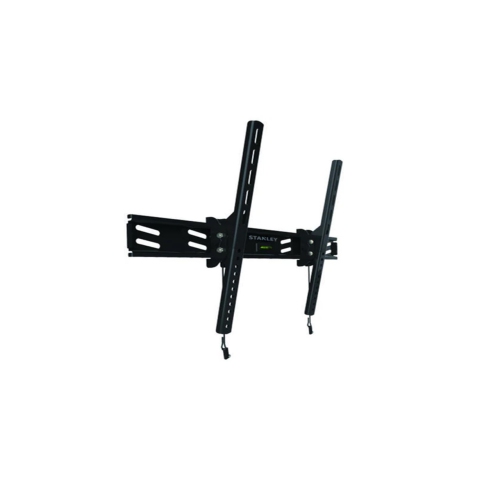
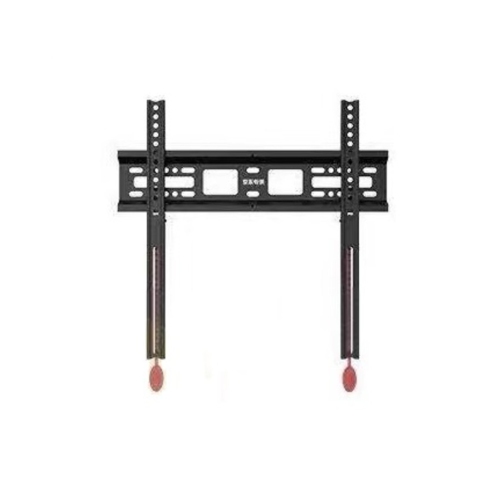
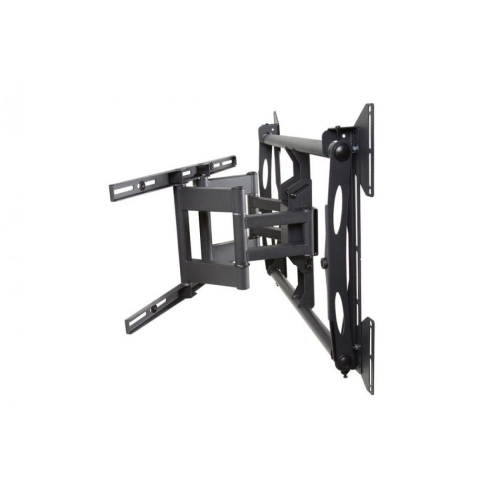
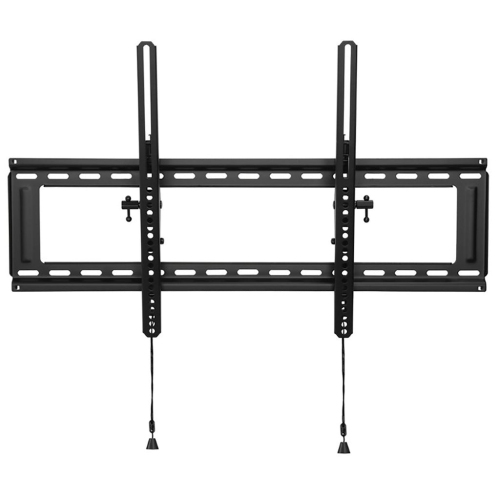
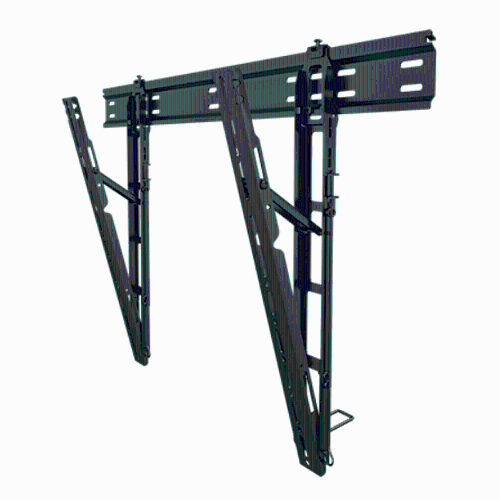
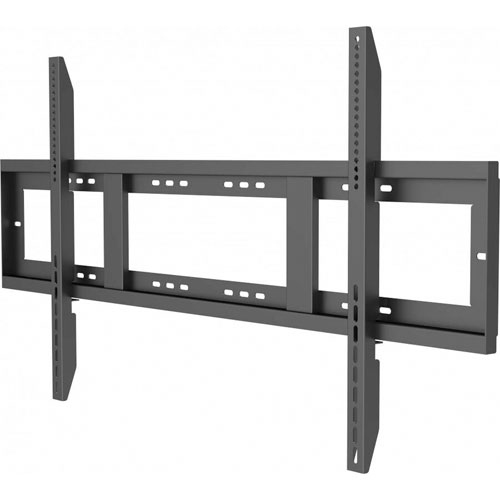
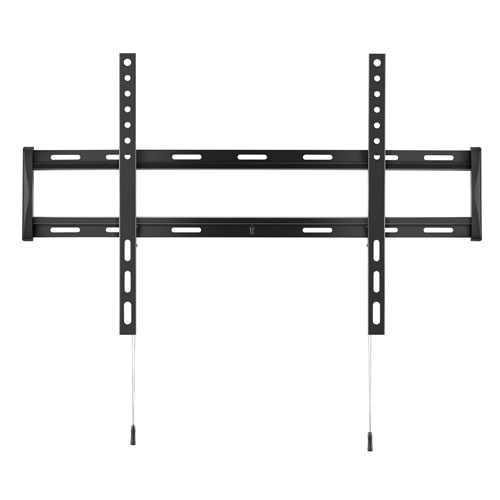
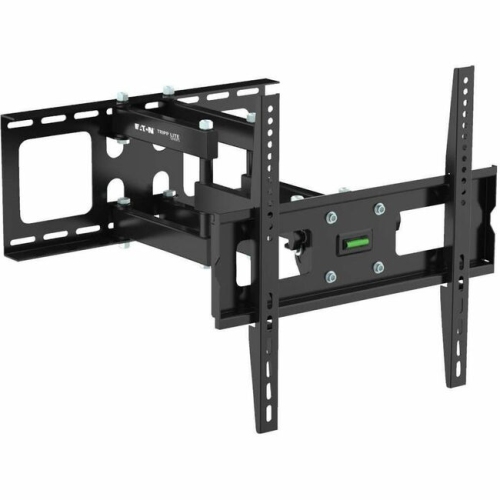
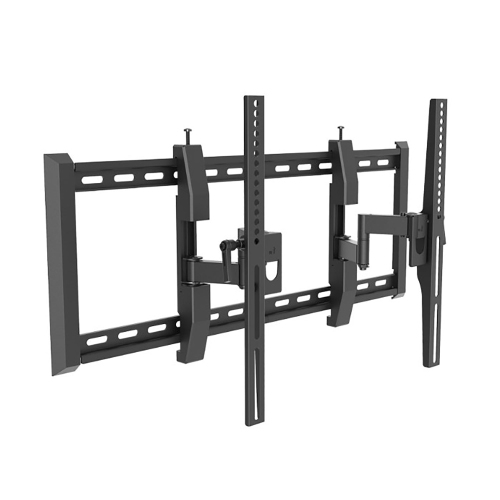
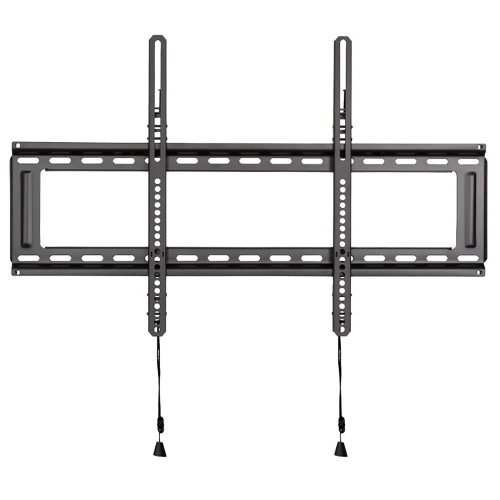
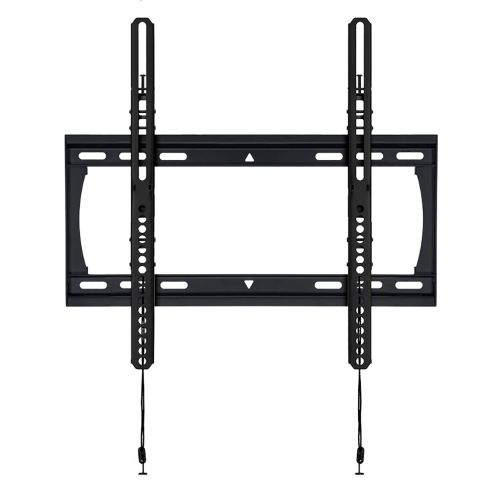
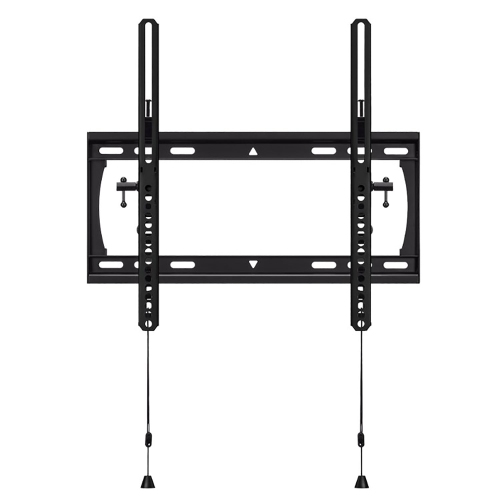
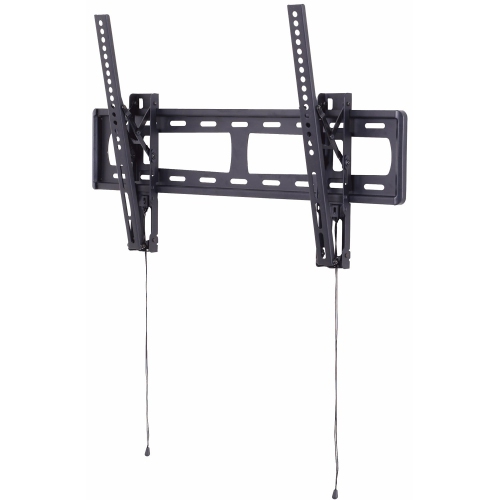
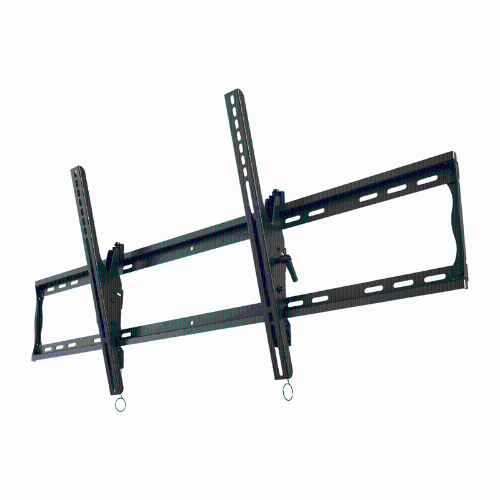
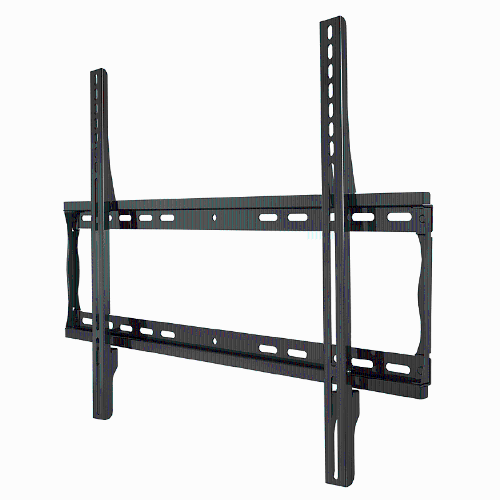
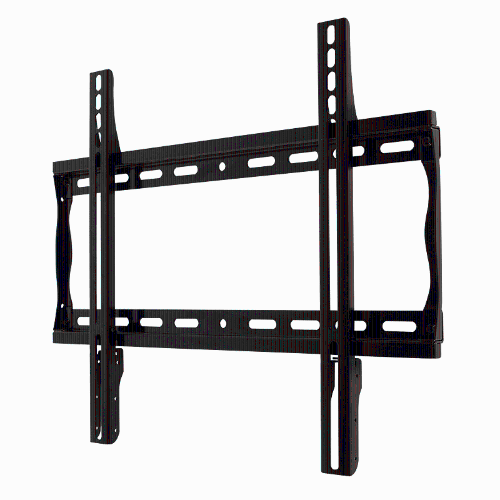
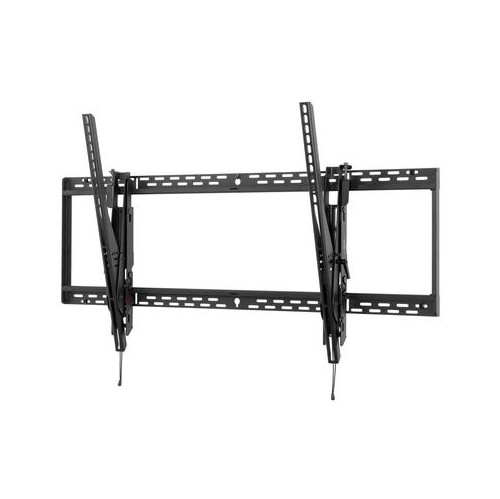
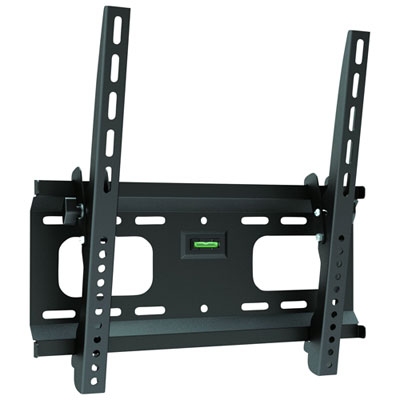
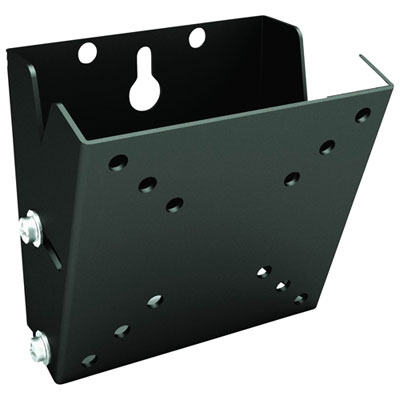
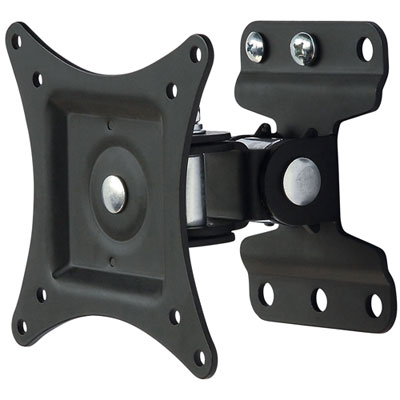
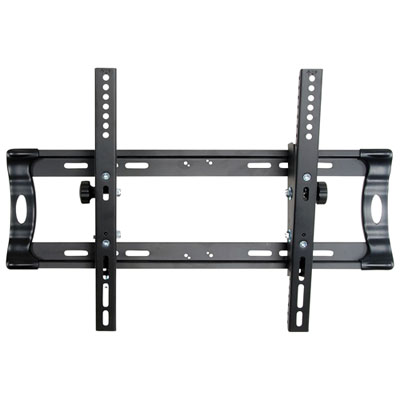
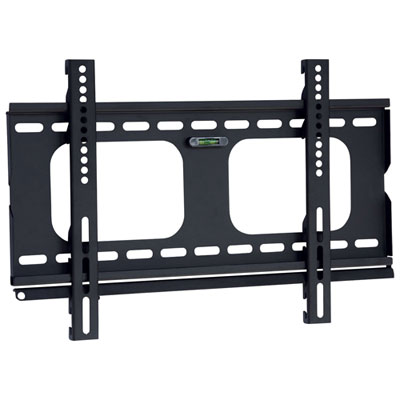
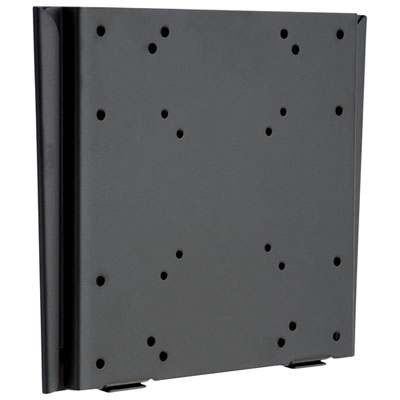
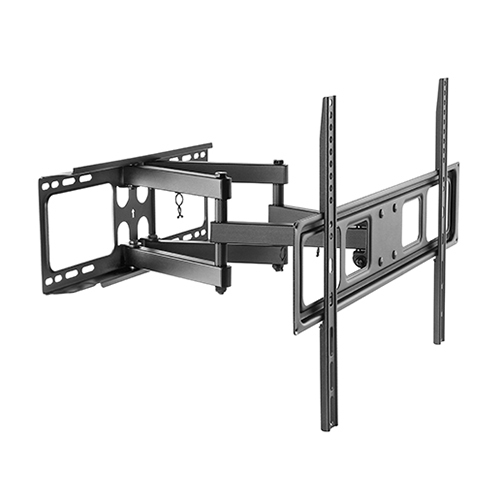
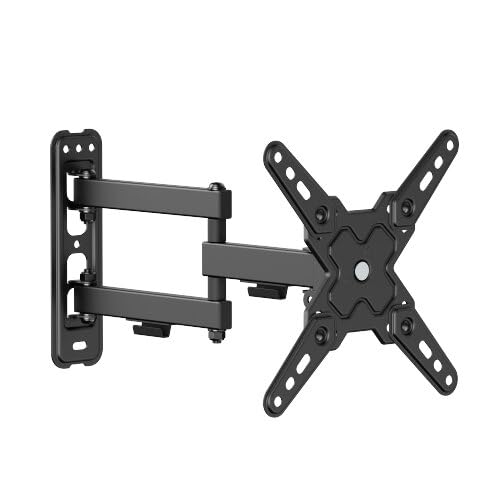
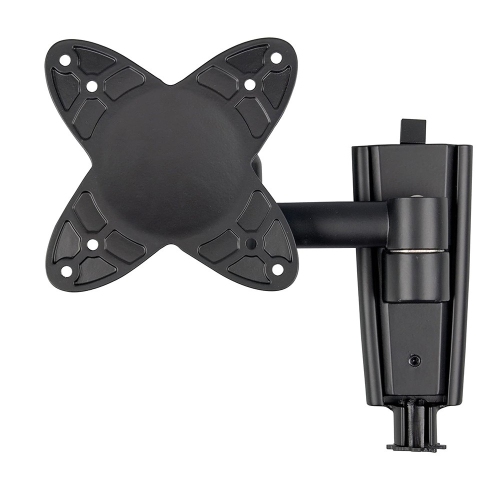
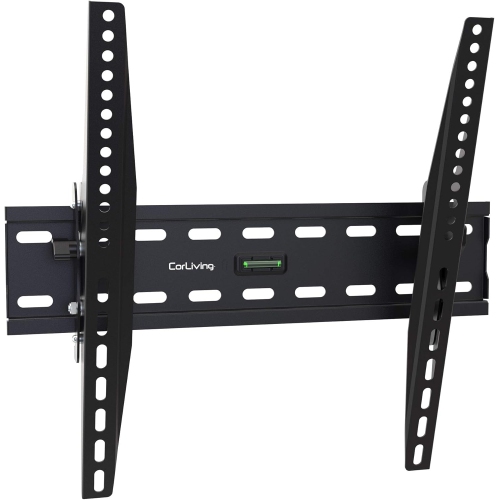
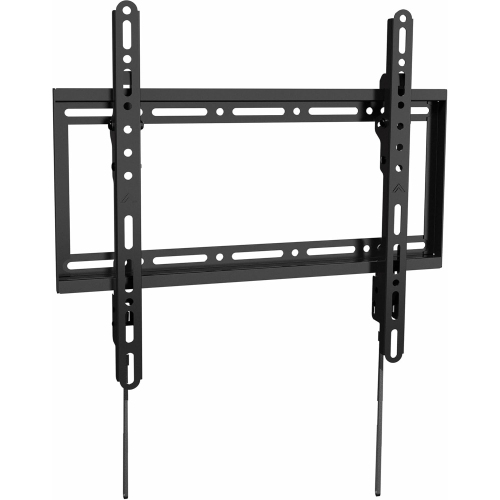
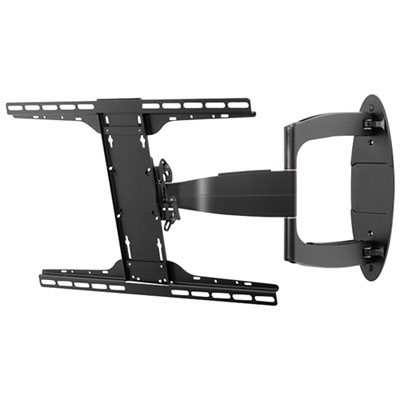
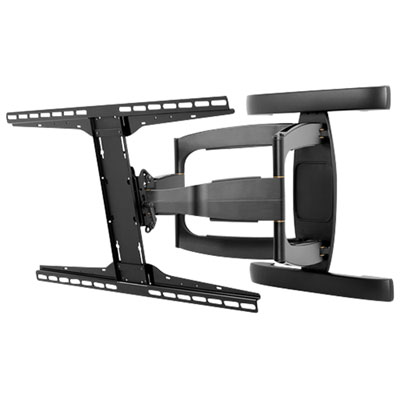
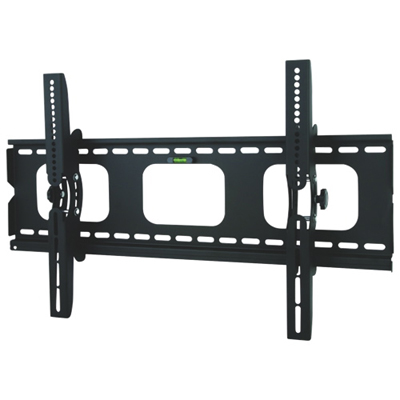
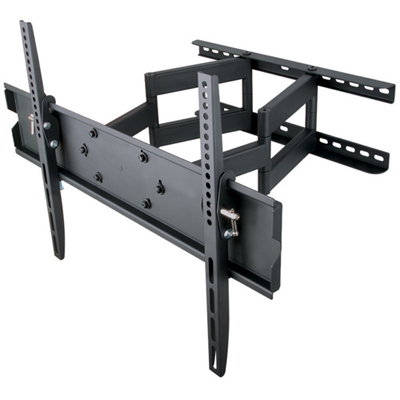
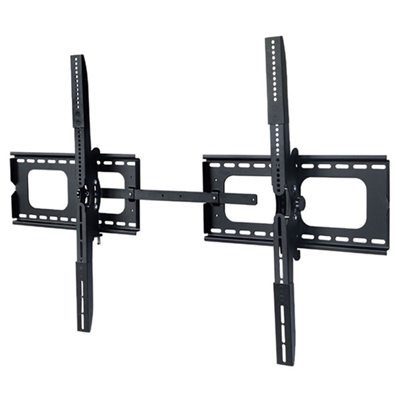
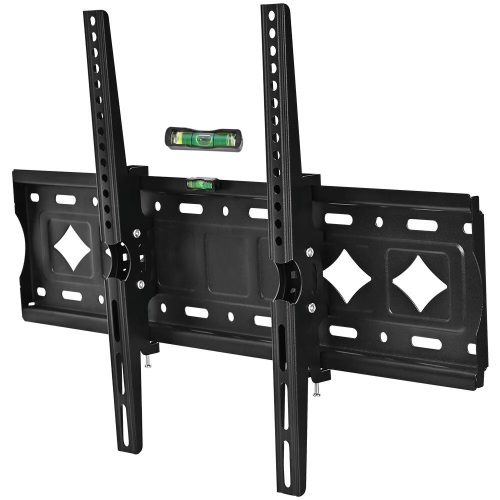
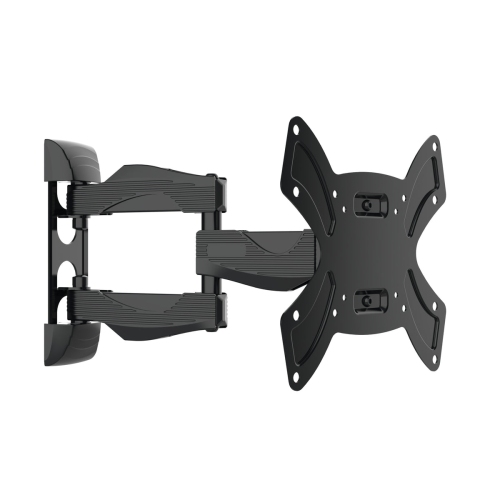
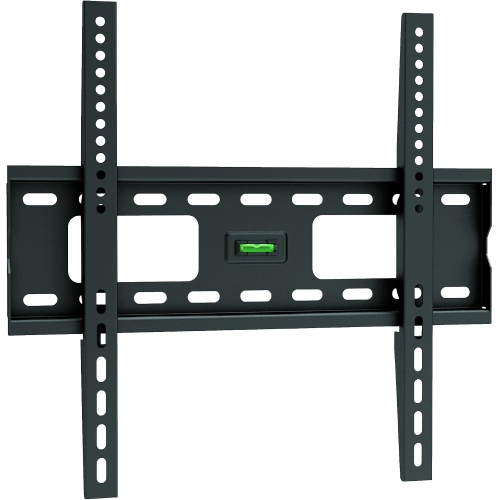
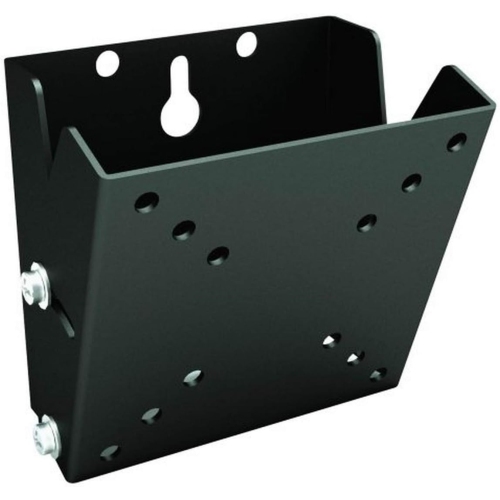
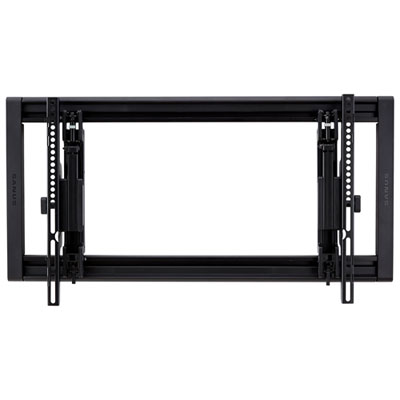
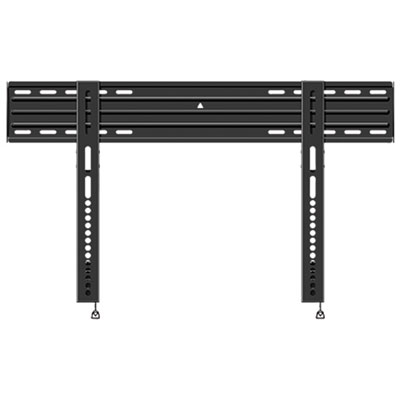
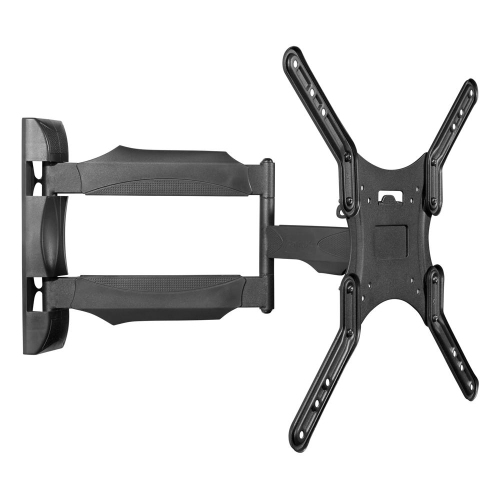
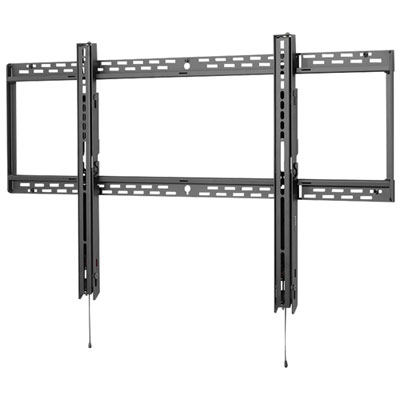
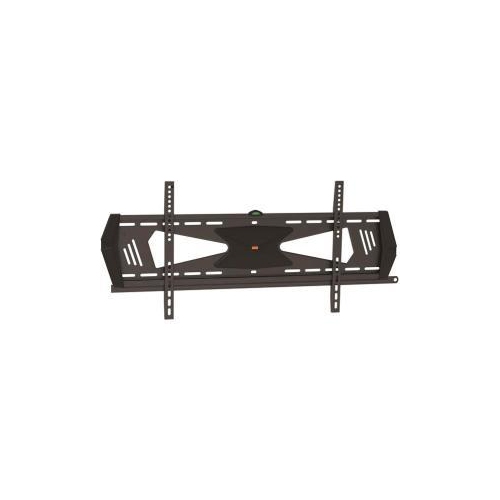
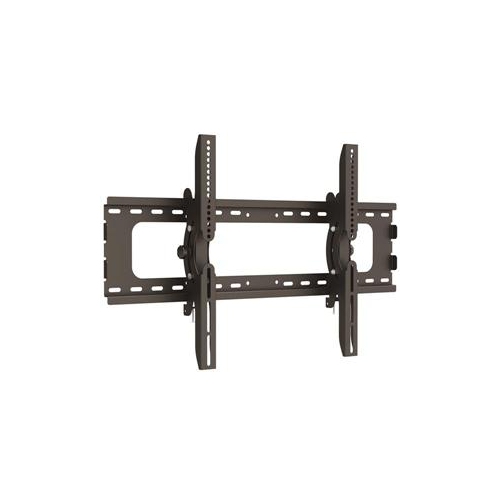
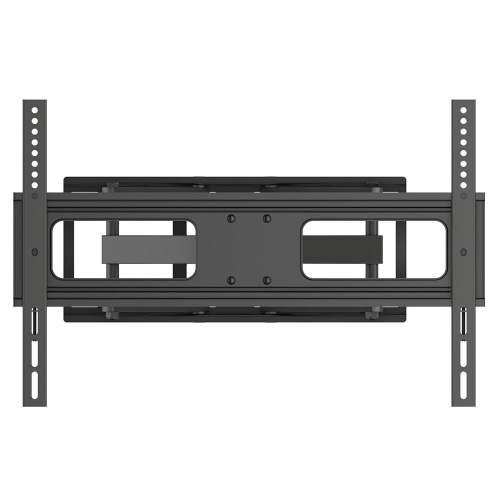
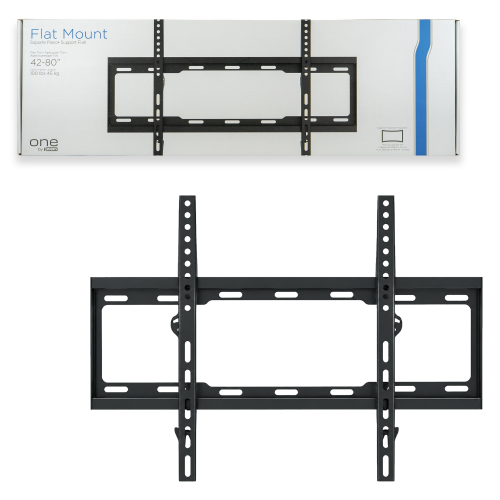
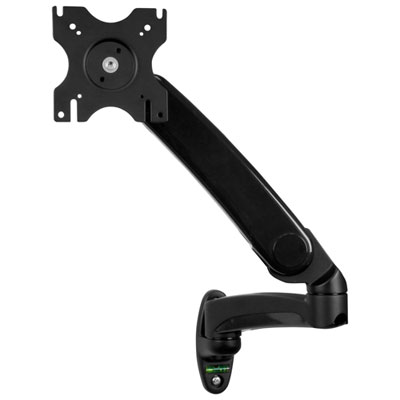
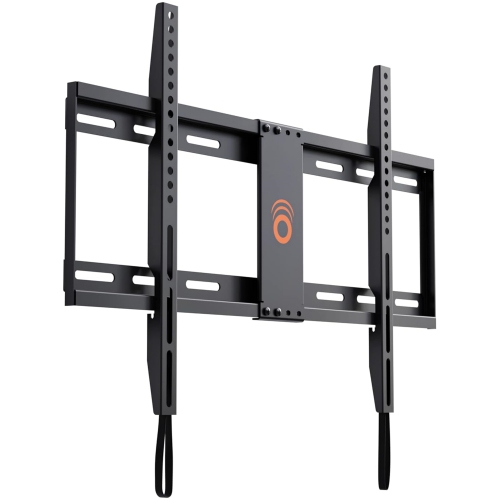
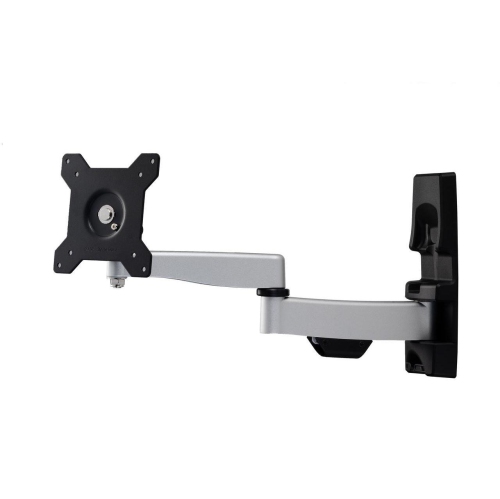
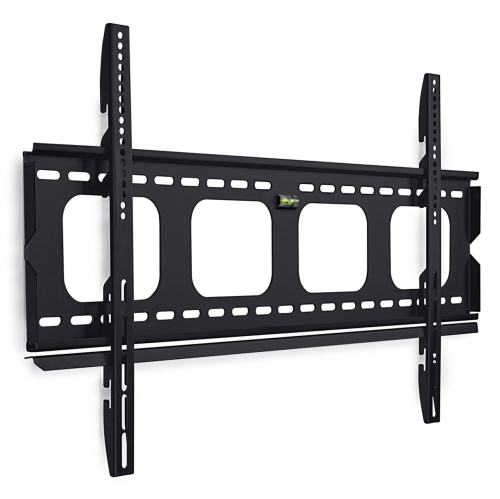
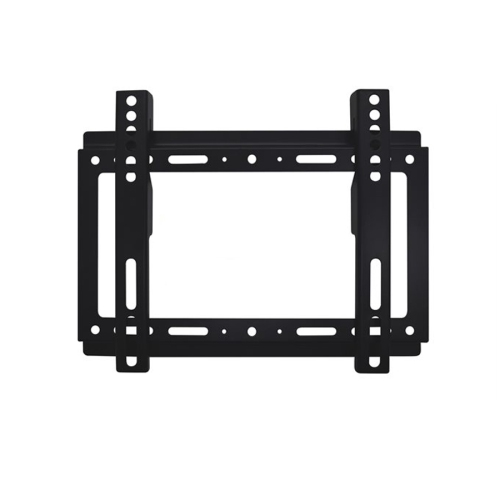
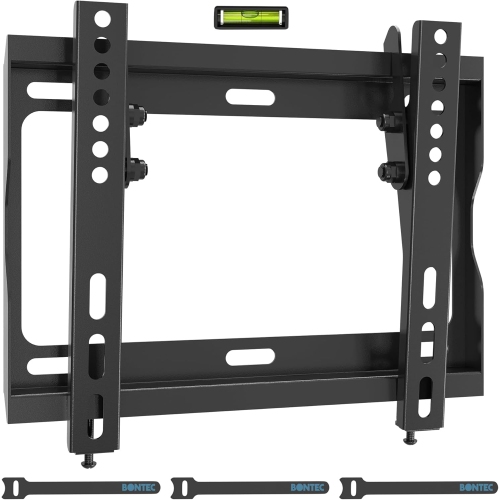
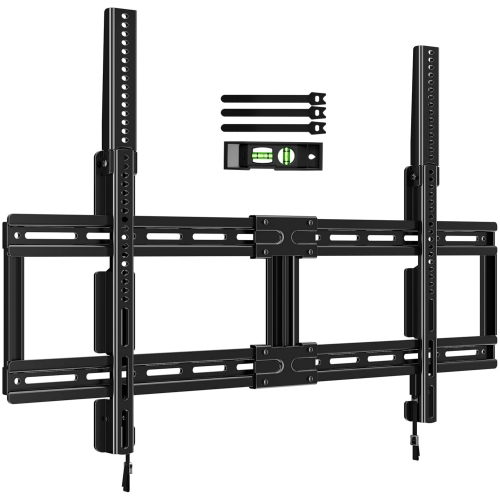
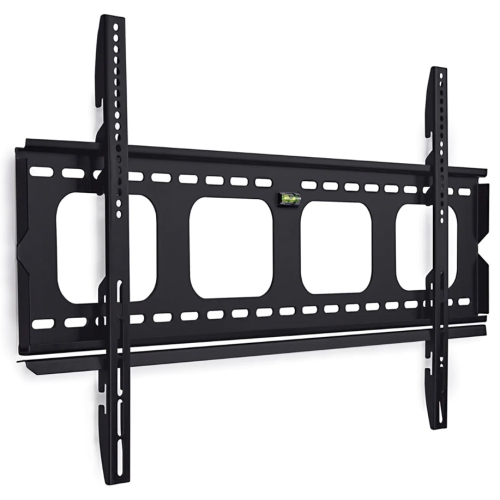
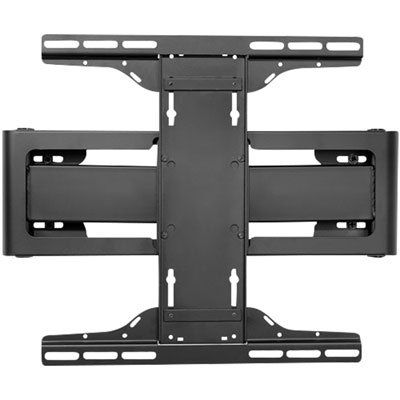
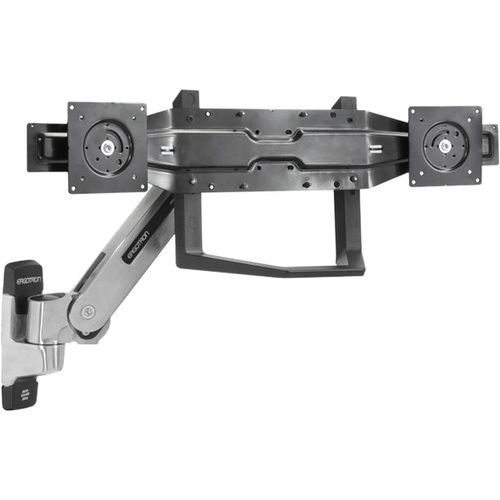
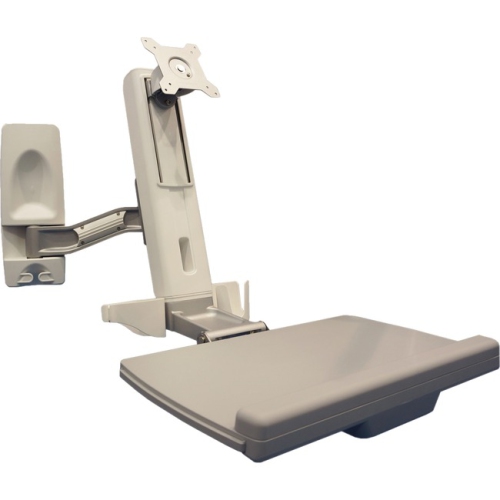
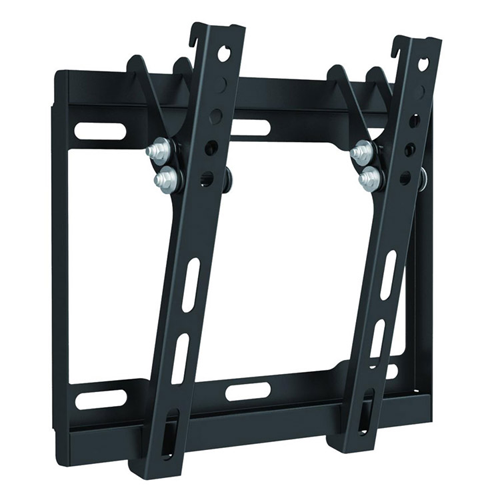
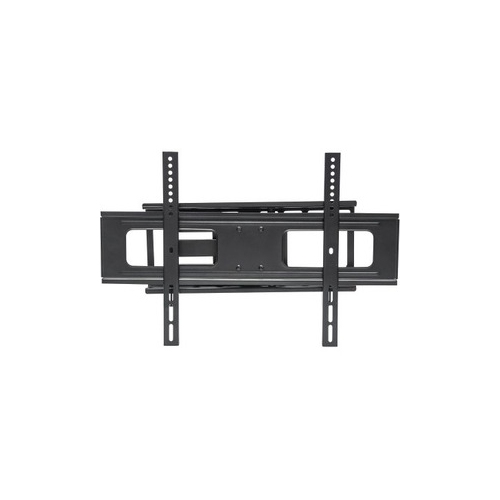
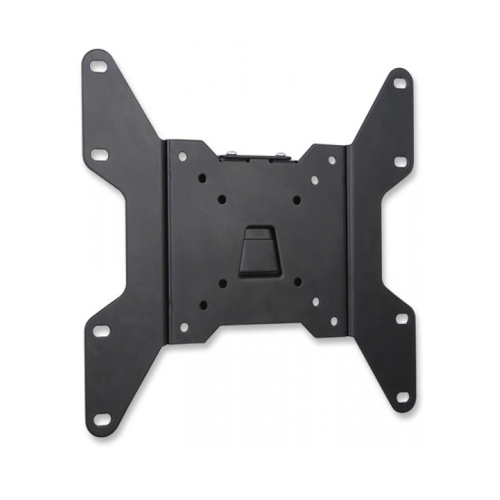
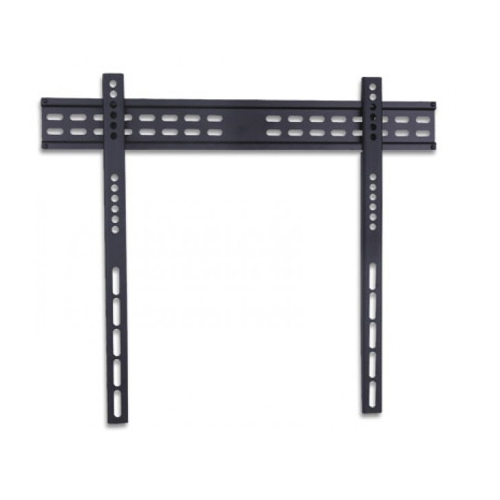
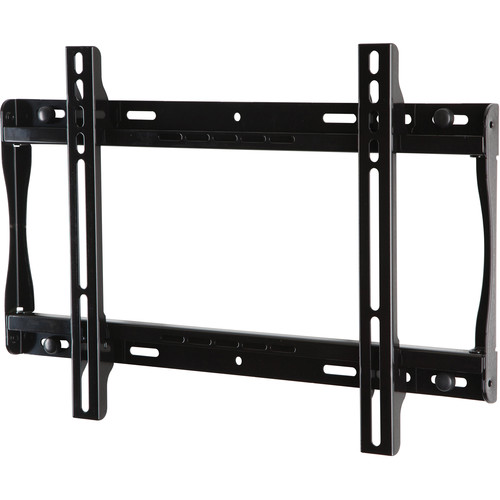
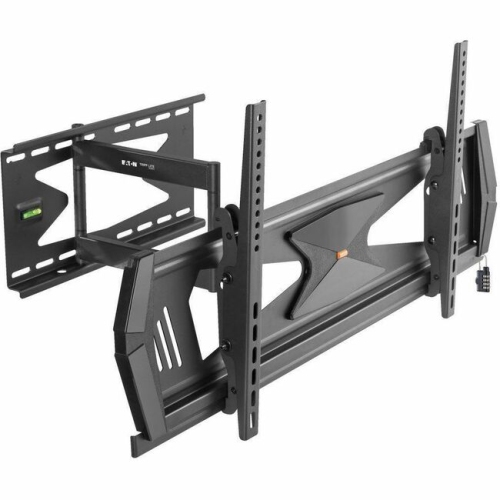
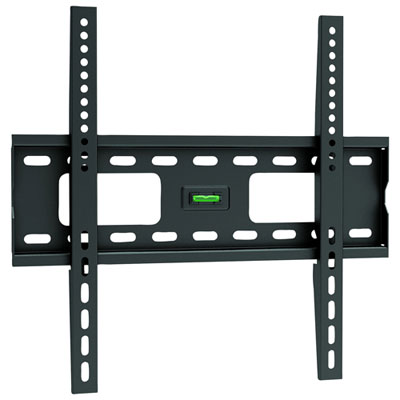
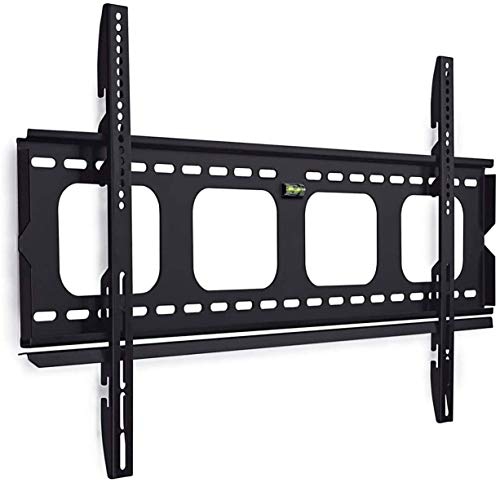
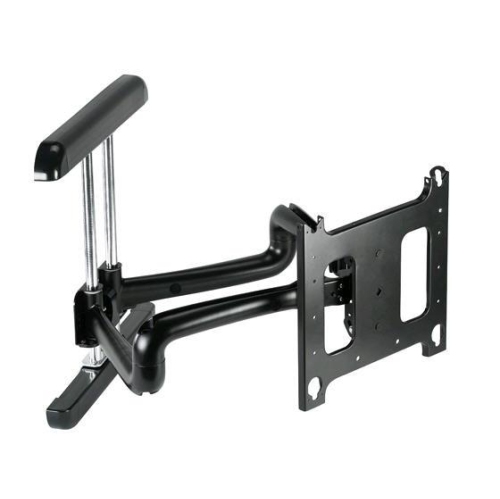
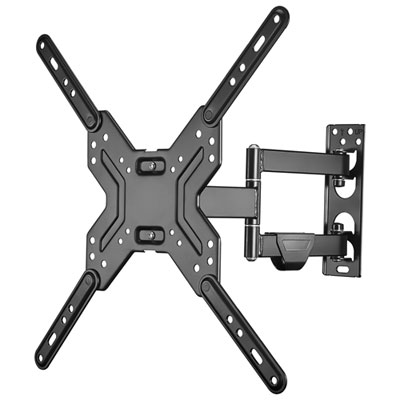
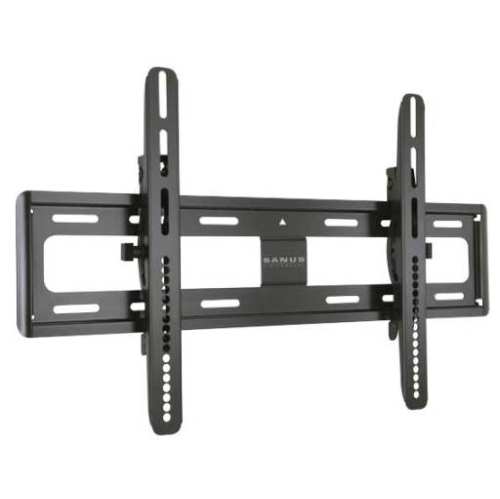
Flat panel wall mounts secure compatible televisions or monitors to a wall, freeing up space on furniture and creating a tidy viewing area when properly installed. They can make room for a soundbar on a media cabinet, keep a kitchen countertop clear of a small screen, or position a display above a desktop without taking up valuable work surface. The main differences between mounts are how closely they sit against the wall and how much movement they allow. Fixed mounts hold a screen in one position and suit rooms where seating is directly in front of the display. Their low-profile design creates a clean look, although the space behind the screen still needs to accommodate plugs and cable connections. Tilting mounts let the screen angle downward or, on some designs, upward. That adjustment can help when a television sits above seated eye level or reflections interfere with the picture, though placement remains important for comfortable viewing. Full-motion mounts use articulated arms to extend, swivel and reposition a screen, making them useful in open-plan rooms where viewing shifts between a sofa and a dining table. Their range of movement varies, and a large television may reach the wall before the arm reaches its stated swivel limit. For a dedicated home theatre, a fixed or tilting design may provide all the adjustment needed. A shared living space, corner location or bedroom with seating off to one side may benefit from more flexibility. Screen height also affects comfort: a television that looks balanced above tall furniture can leave viewers looking upward throughout a film. Considering the main seating position, nearby windows and the screen’s distance from the wall helps distinguish useful movement from adjustment that may rarely be used. The best fit is not necessarily the mount with the longest arm, but the one that supports the screen safely and places it comfortably within the room.
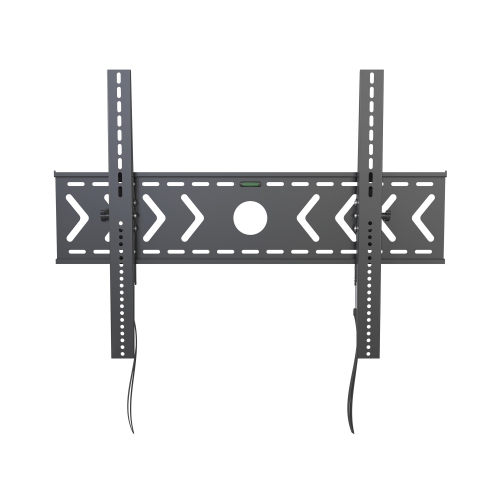
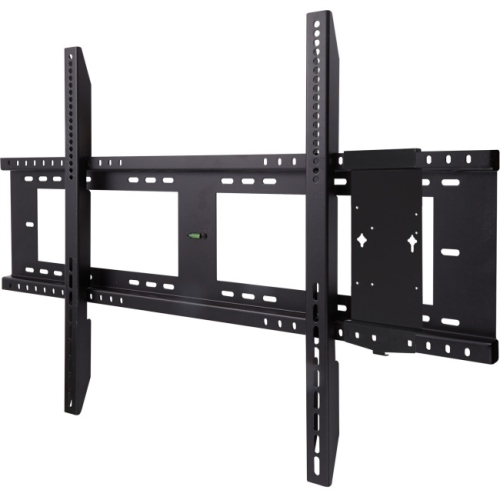
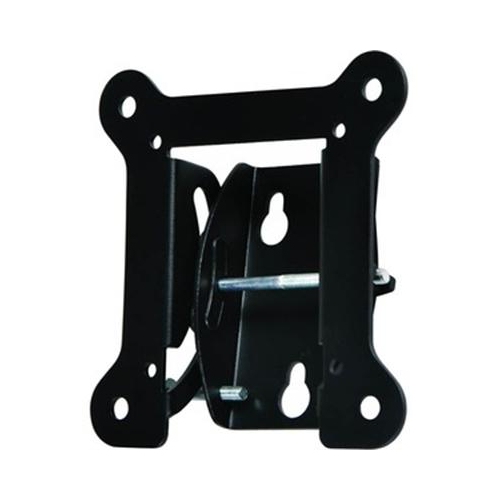
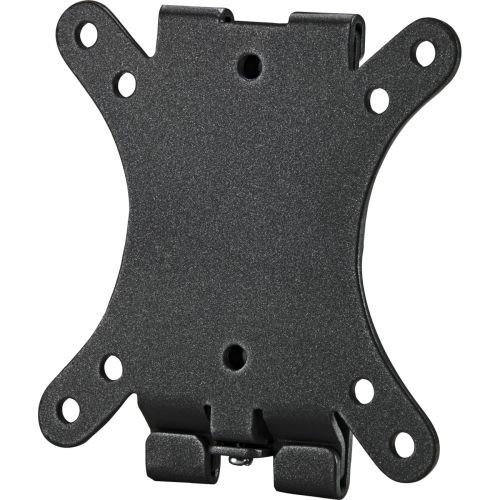
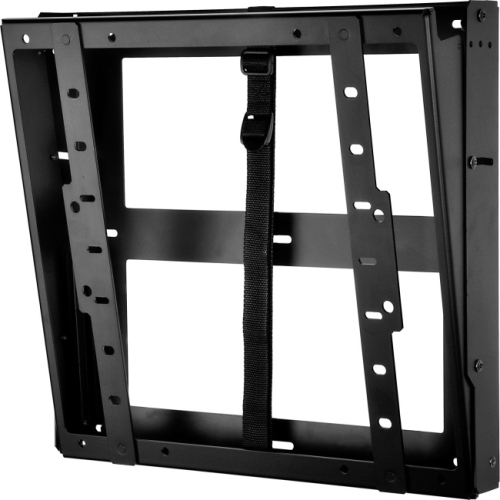
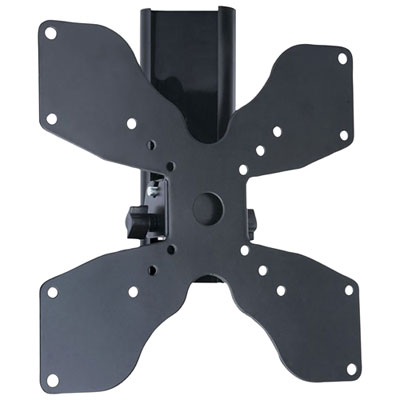
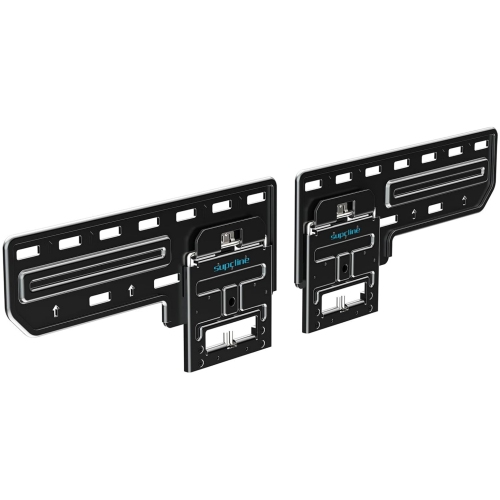
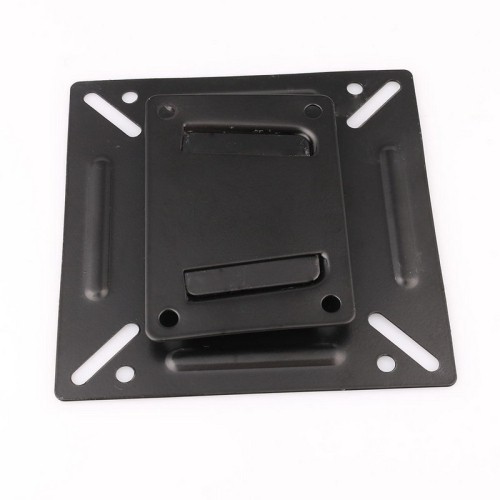
Compatibility depends on more than the diagonal screen measurement. A flat panel wall mount must support the television’s weight without its stand, match its mounting-hole pattern and accommodate the shape of its rear panel. VESA measurements describe the horizontal and vertical distance between mounting holes in millimetres; a 400 × 200 mm pattern, for example, is different from a 400 × 400 mm pattern. The television specifications and the mount’s stated compatibility need to agree on both dimensions. VESA Flat Wall Mounts provide a useful starting point for comparing mounting patterns, but the pattern alone does not establish a complete fit. Recessed mounting holes, a curved rear housing or connections positioned behind a mounting rail can affect the hardware and clearance required. Screen-size ranges are helpful reference points, while weight limits and attachment requirements remain essential. This matters with both large televisions and smaller displays whose rear layouts may differ considerably. Steel is common in wall plates and support arms because it provides rigidity, while some designs incorporate aluminum components. Protective finishes help resist everyday marks, but sound construction, correctly tightened joints and appropriate hardware matter more than appearance alone. A slim black finish can blend into the shadow behind a television, while covered wall plates and cable channels may create a more finished appearance where the mount remains visible. The wall itself is equally important to suitability. Wood studs, concrete, masonry and metal-stud construction can require different fastening methods, and hardware supplied with a mount is not necessarily appropriate for every surface. Drywall alone is generally not a suitable structural attachment point for a television mount; any specialized mounting system must be expressly rated for the wall construction and load. Extending an articulated arm also places greater leverage on the attachment points. For uncertain wall construction, concealed wiring or a particularly large display, professional installation can help address structural support and positioning. Mounting screws must have the diameter, thread and engagement depth specified for the television, with spacers used only as directed.
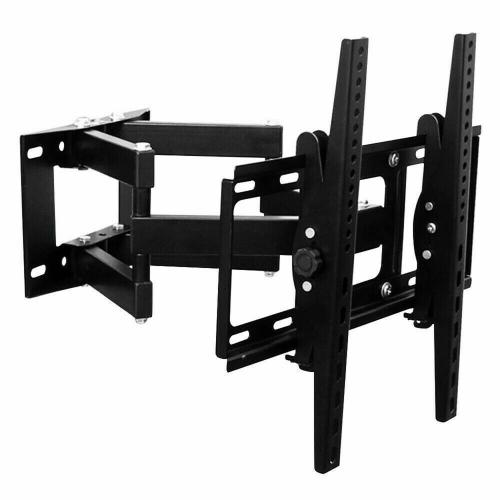
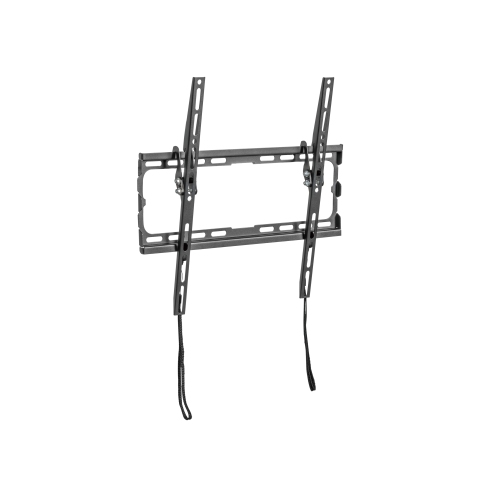
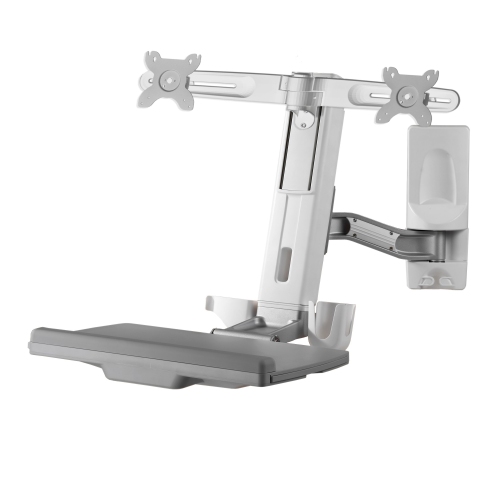
The details behind the screen often determine how convenient a wall-mounted setup feels in daily use. A very shallow mount can look neat from the side yet leave little room for a power plug or an HDMI cable that connects straight into the back of the television. Side-facing connections, suitable cable clearance and access to release mechanisms deserve attention before settling on a low-profile design. Full-motion arms can make connections easier to reach, but cables need enough slack for the intended movement without becoming pinched, stretched or caught in a joint. Cable-management channels help organize the route along an arm, while a surface-mounted raceway can conceal wiring between the television and nearby furniture. Any concealed wiring must use cables and installation methods approved for in-wall use; an ordinary television power cord should not simply be fed through the wall. Outlet changes and electrical work belong with a qualified professional. Nearby equipment also affects placement. A soundbar needs space below the screen without blocking its remote-control sensor, and a media cabinet may need to remain accessible for game consoles, receivers and streaming devices. Ventilation openings should stay clear according to the television manufacturer’s requirements, even when a close-to-wall appearance is the goal. In a home office, a compatible monitor wall mount can open up desk space, provided it offers a comfortable height and viewing angle for longer work sessions. In family living areas, securely mounted screens can reduce reliance on a television stand, though wall mounting does not replace securing other furniture or keeping loose cables out of reach. Ongoing care is usually straightforward: dust accessible surfaces with a soft, dry cloth, avoid spraying cleaners into moving joints, and check fasteners and adjustment points at the intervals specified by the manufacturer. Smooth movement, a level screen and no unexpected play are useful signs of a setup that remains properly adjusted. Thoughtful matching of screen, mount, wall and room layout creates an installation that looks intentional while remaining practical for everyday viewing.

FAQ

Some products may be subject to Environmental Handling Fees (EHF) depending on your province. Learn more about EHFs.