Full-Size SD Cards for Burst Photography
Compare full-size SD cards for burst photography by write speed, storage capacity, and camera compatibility. Faster write performance can help your camera clear its buffer between bursts of RAW or JPEG photos, while higher capacity provides room for more shots. Check your camera’s supported card types and UHS standards before choosing.
















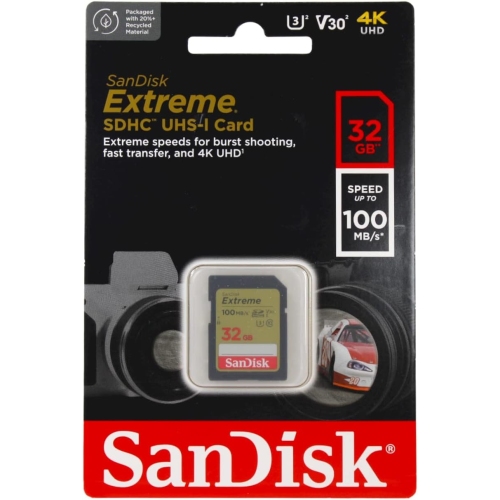
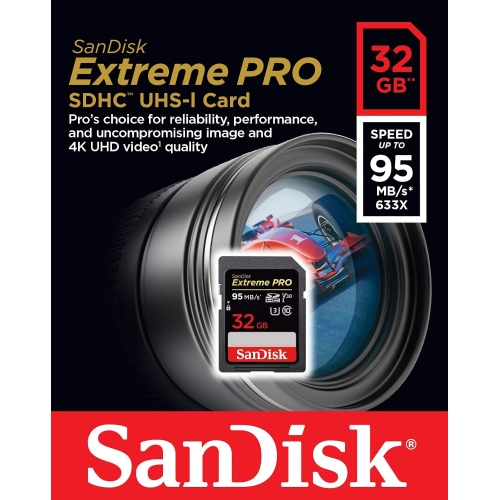
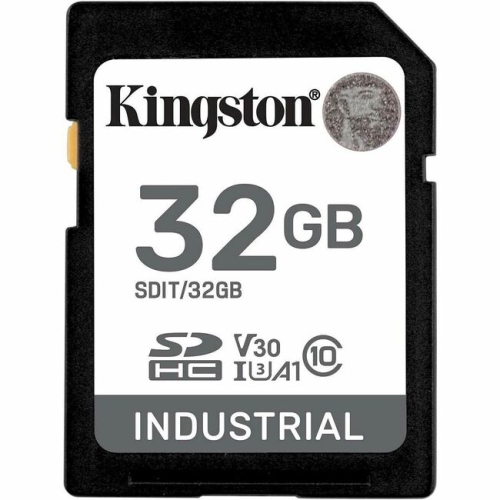
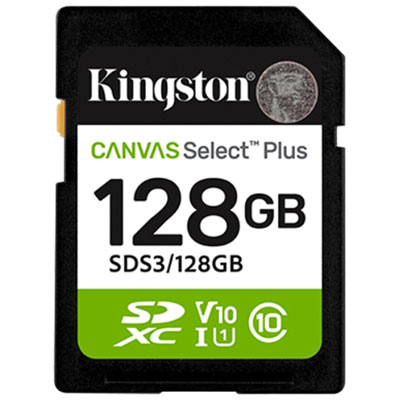
FAQ
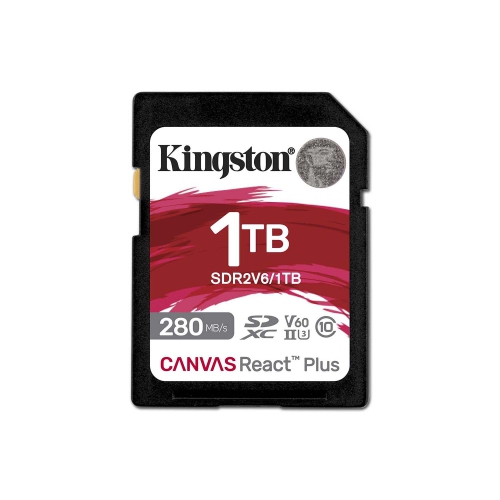
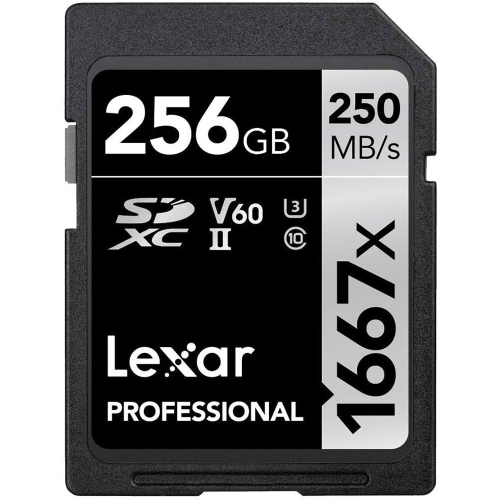
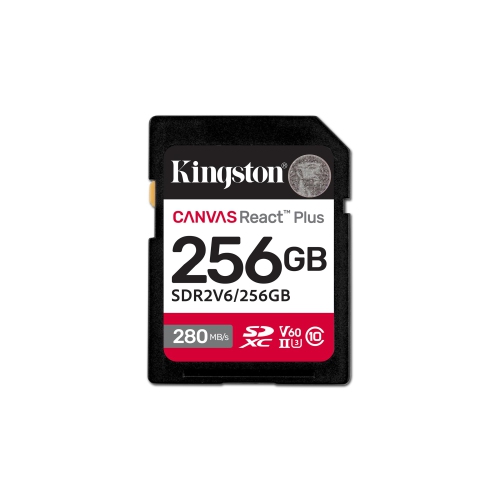
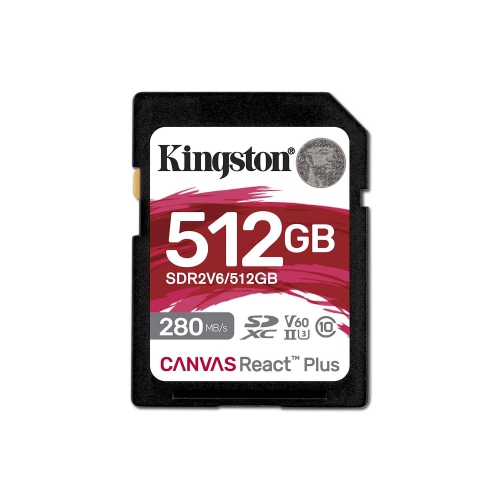
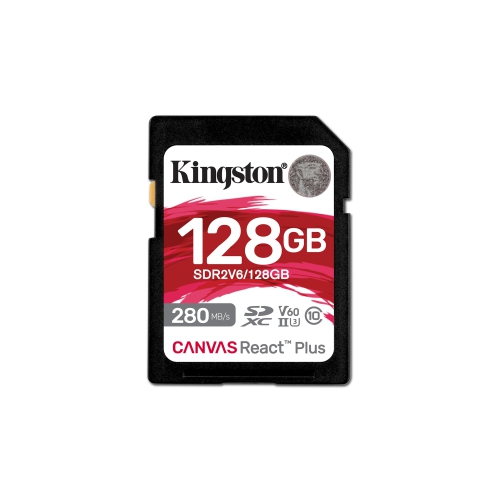
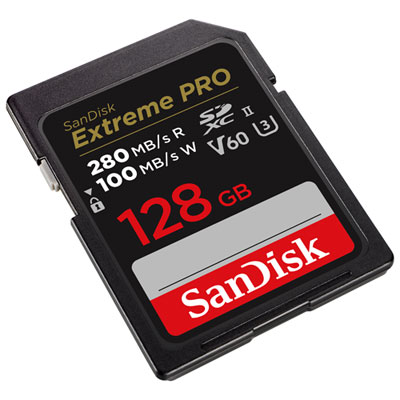
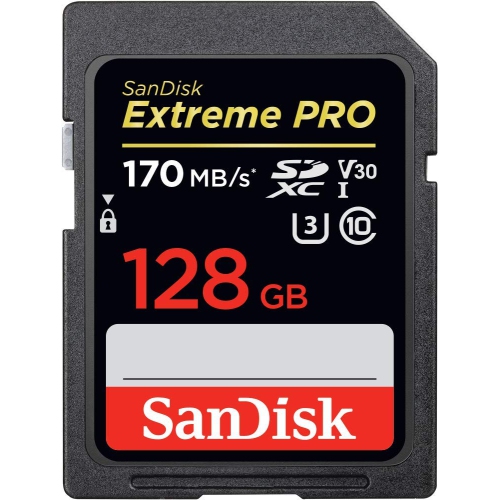
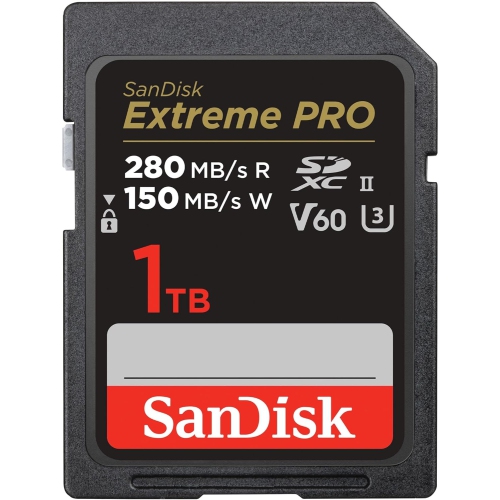
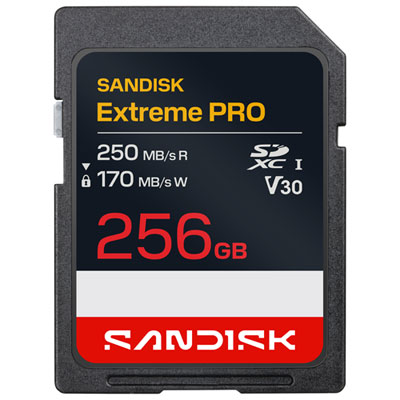
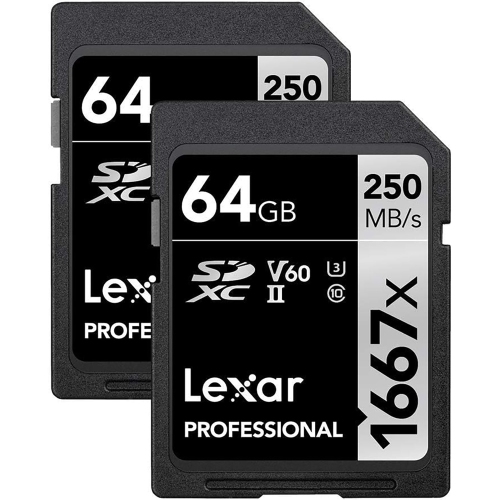
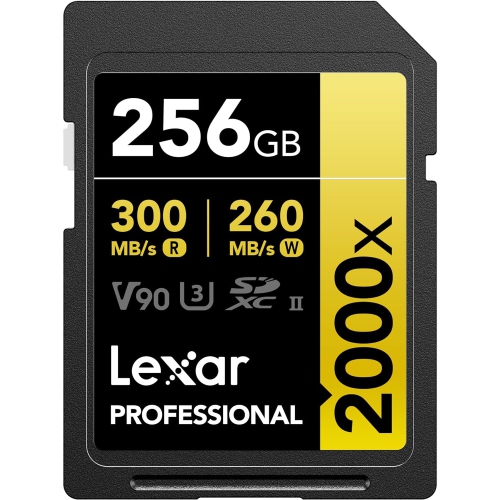
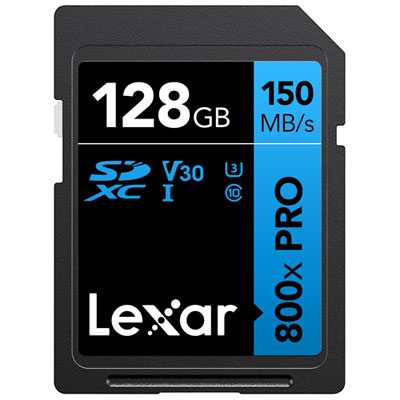
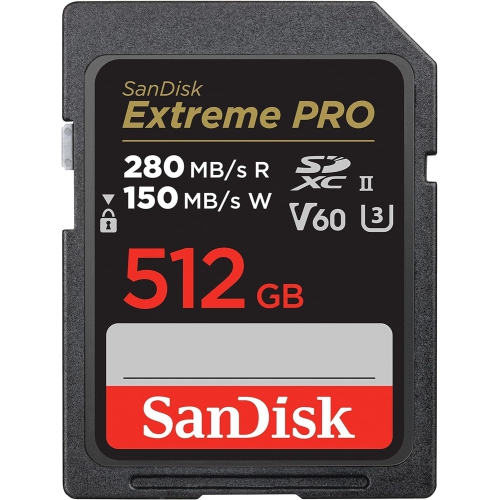
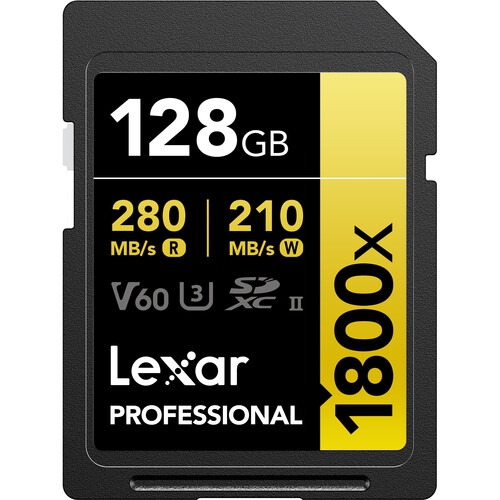
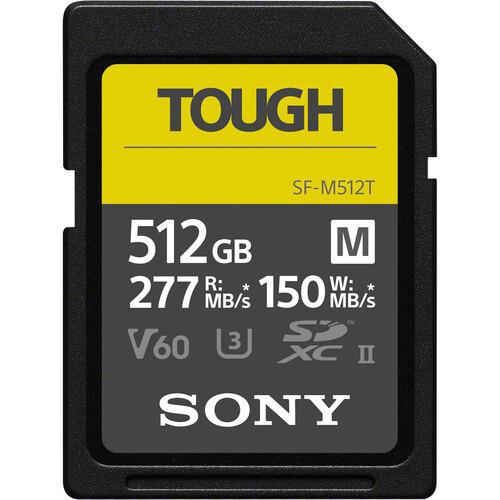
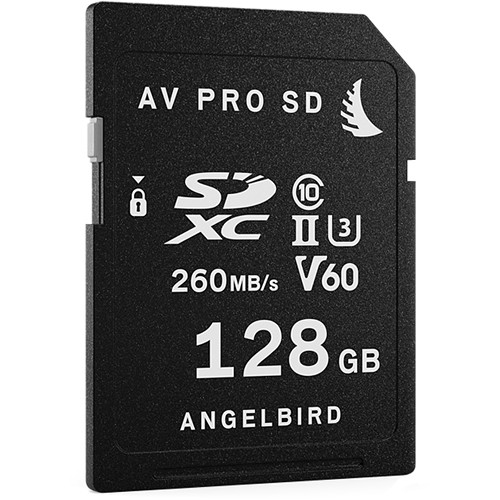
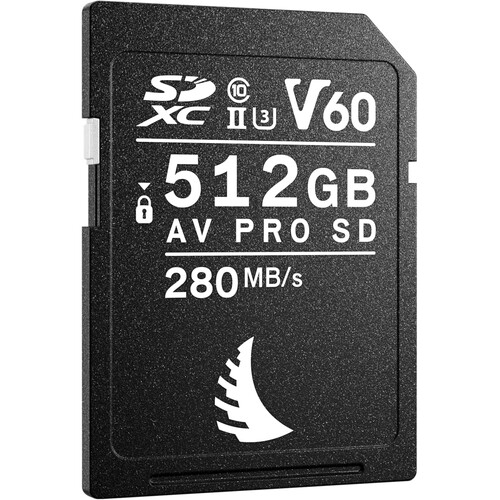
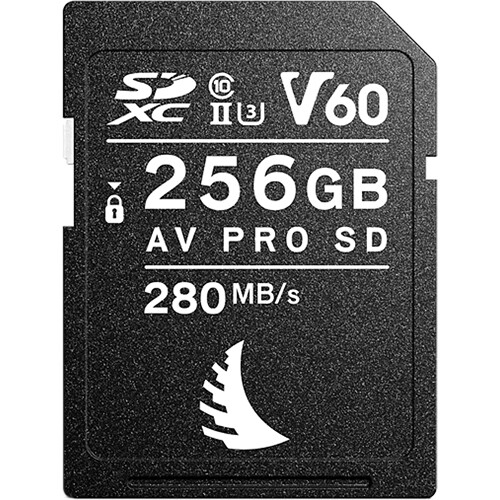
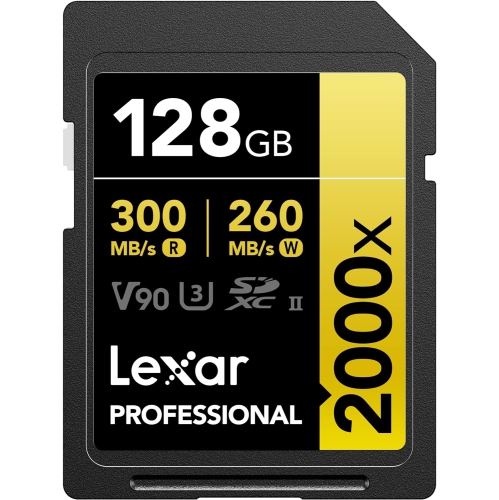
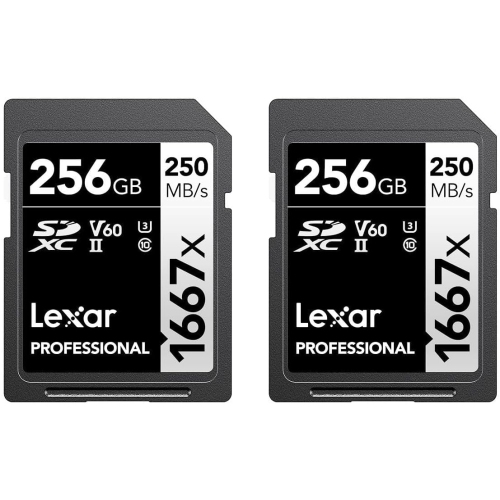
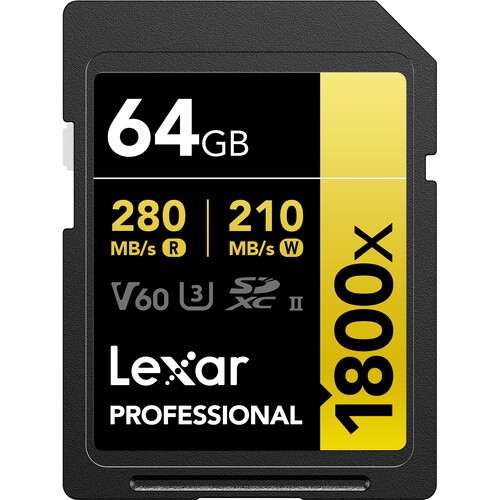
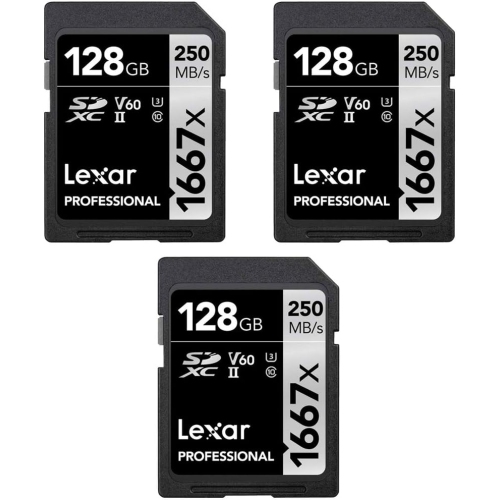
UHS-I and UHS-II identify the interface used to transfer data between an SD card and a device. UHS-II cards have an additional row of contacts and require a compatible camera to use that interface. They generally work in UHS-I devices, but operate within the device’s supported transfer limits.
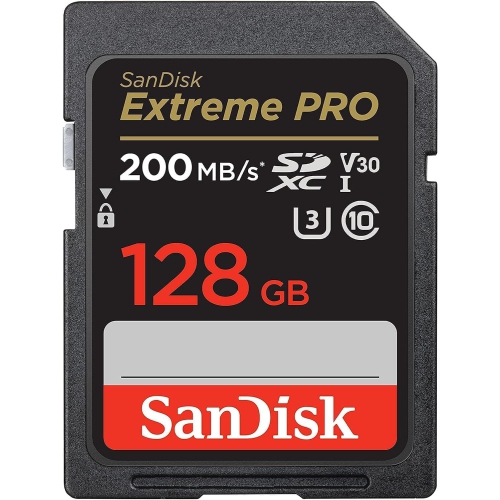
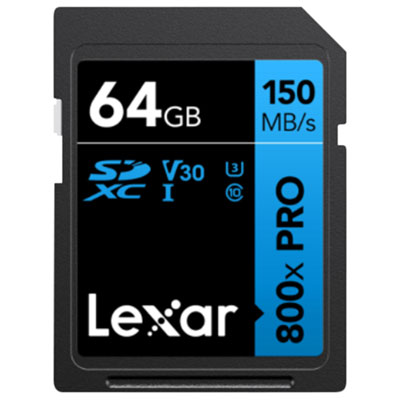
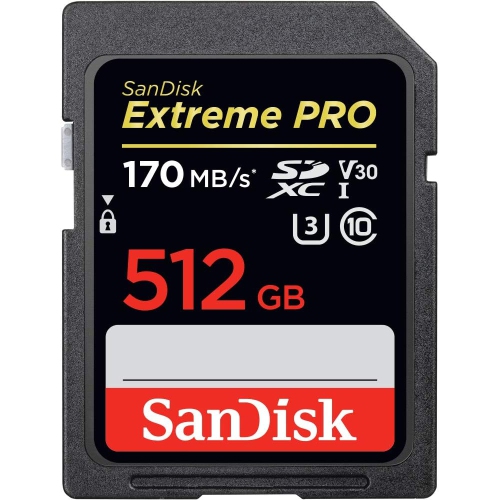
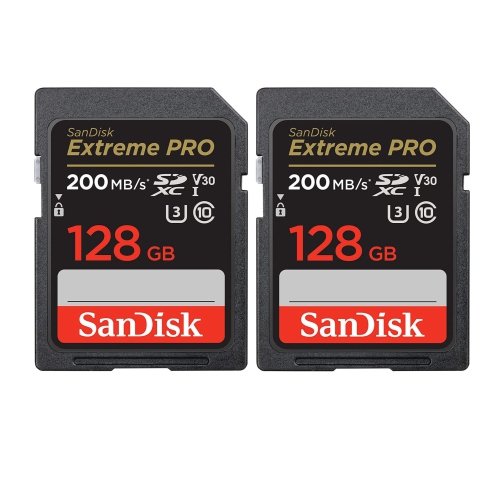
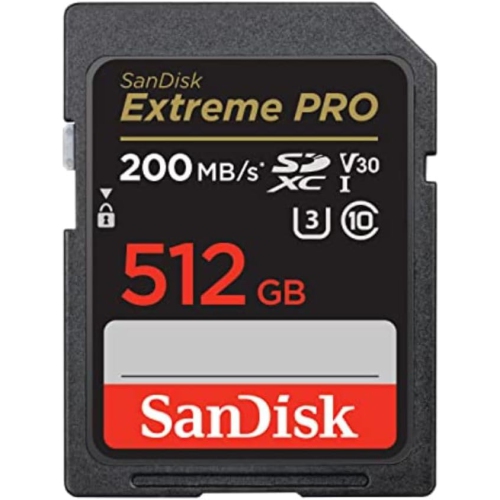
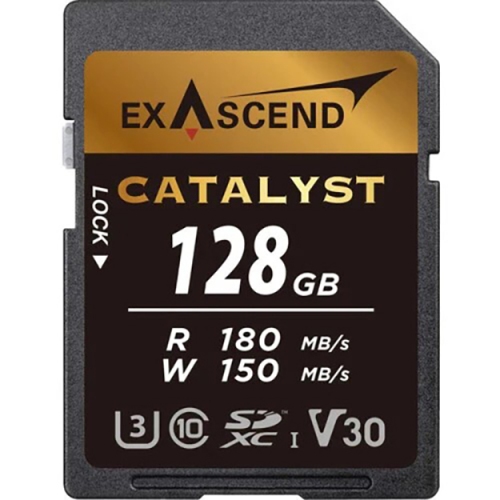
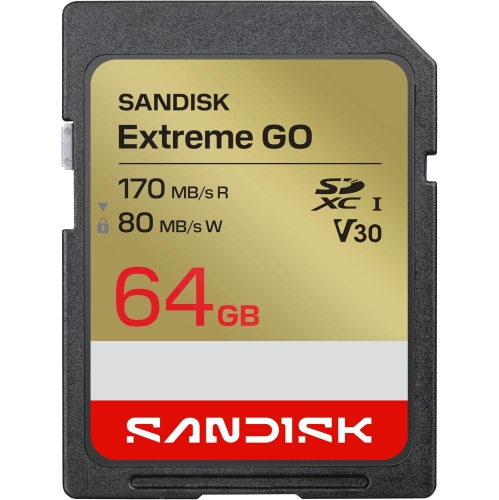
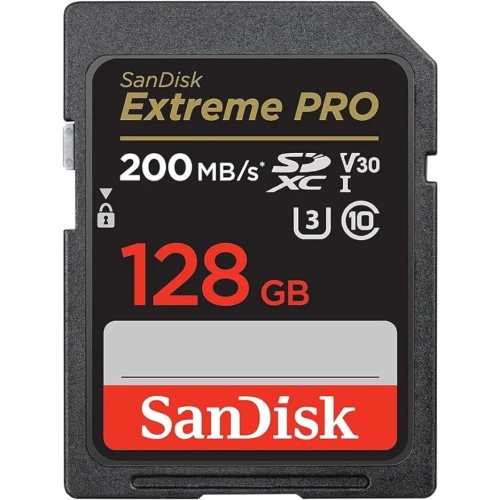
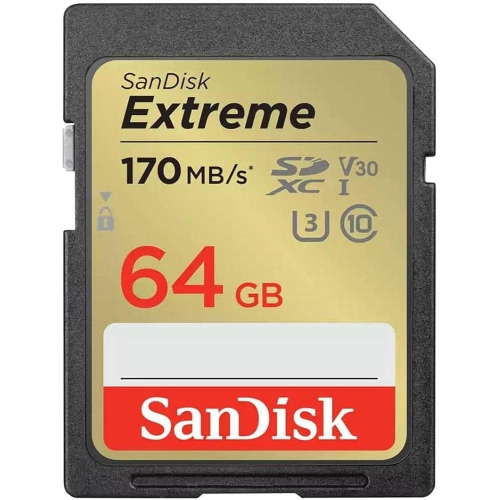
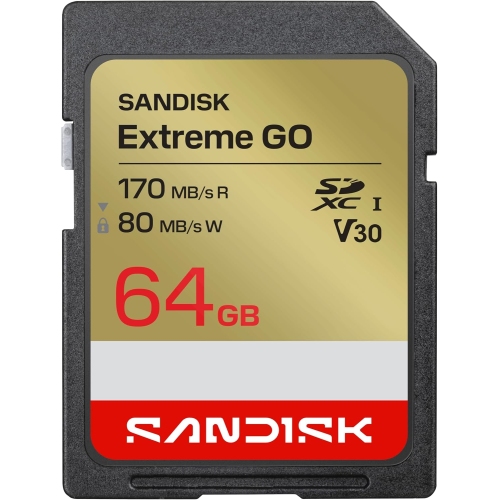
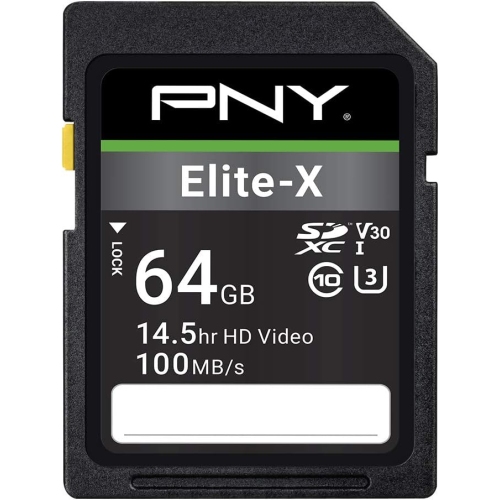
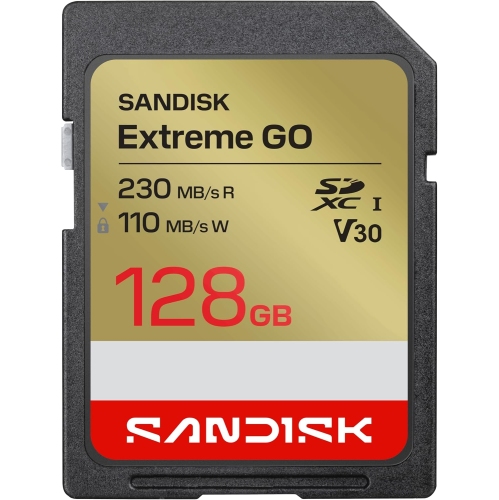
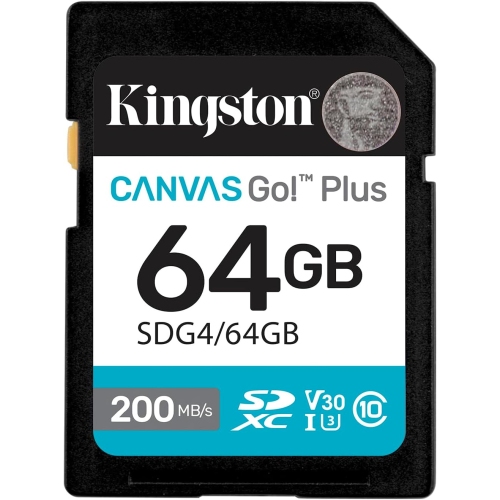
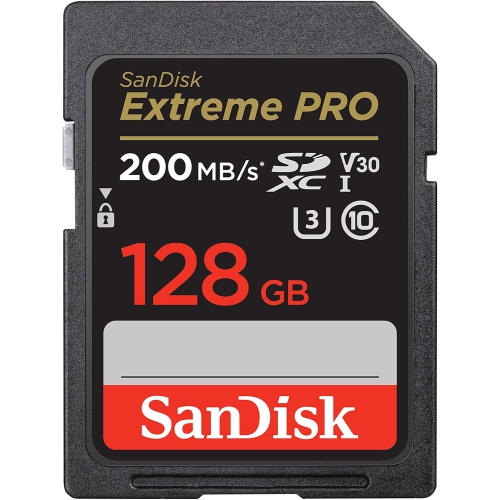
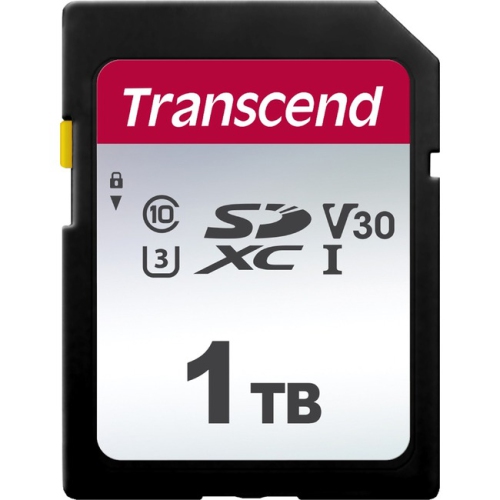
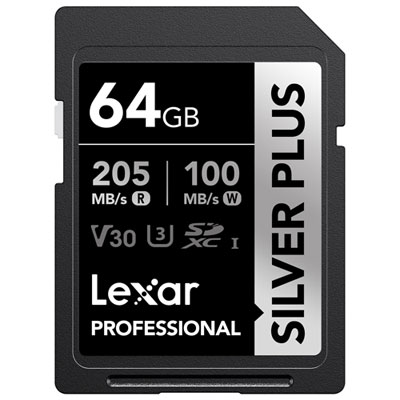
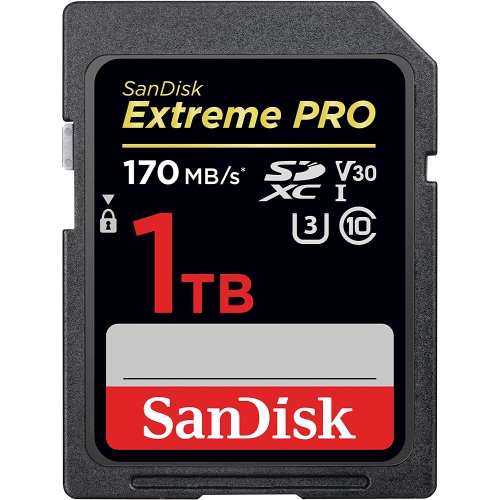
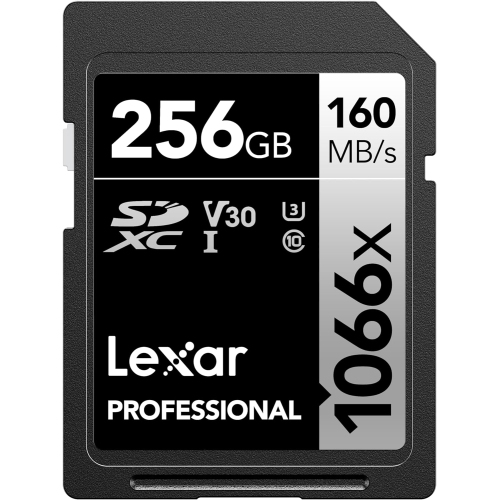
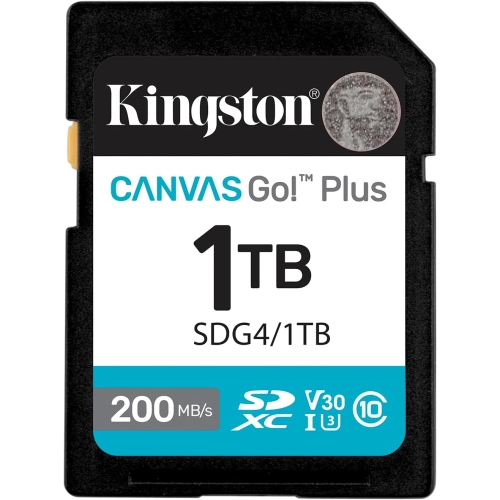
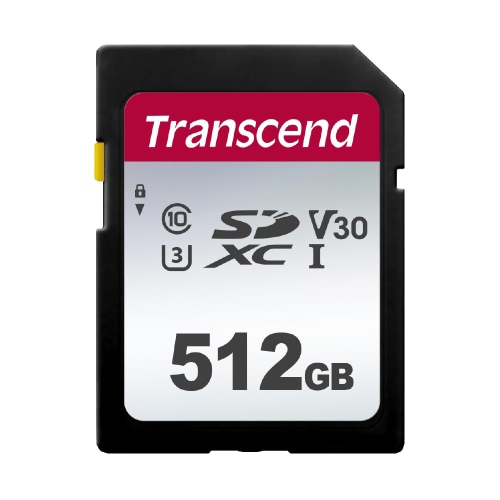
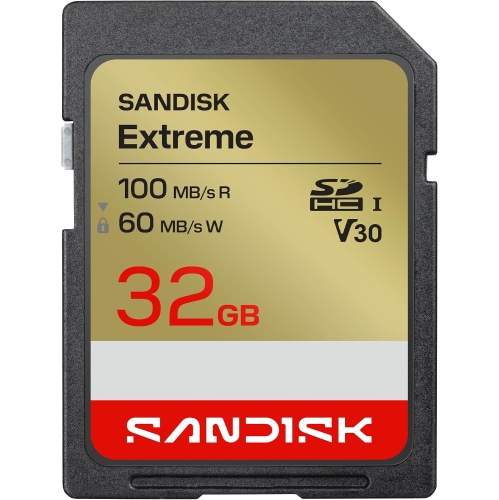
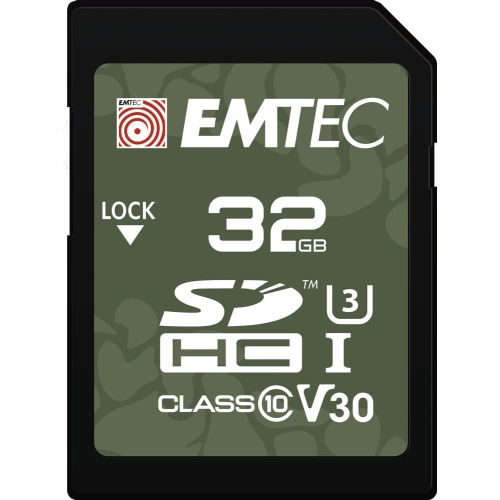
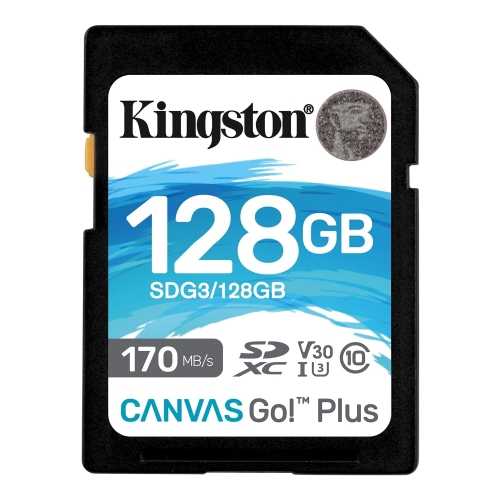
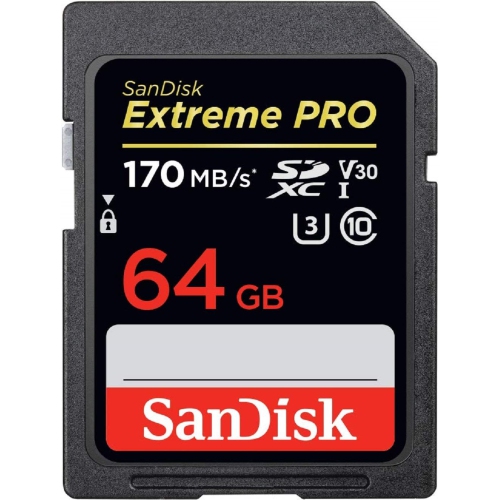
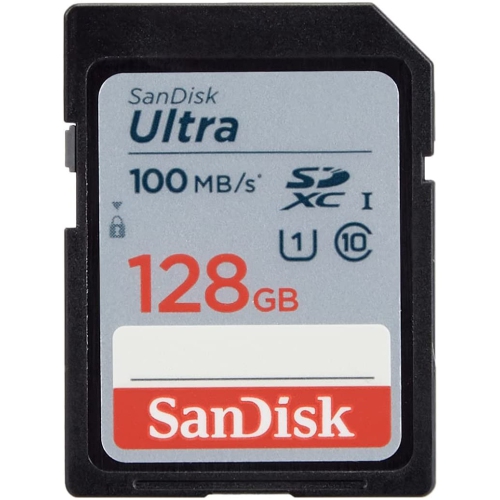
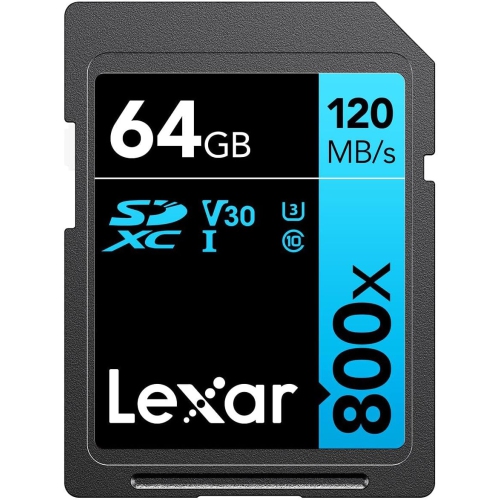
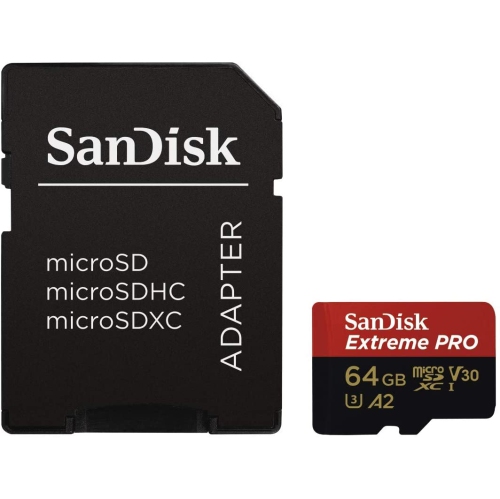
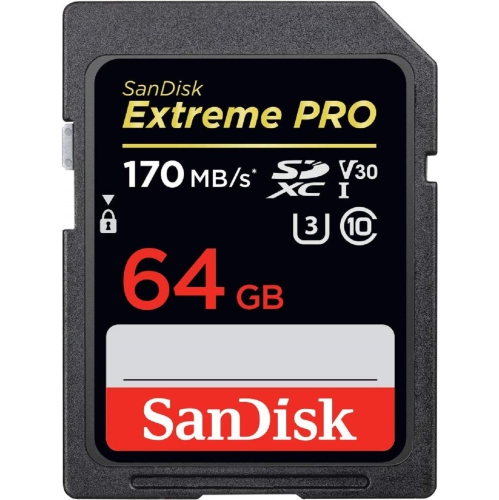
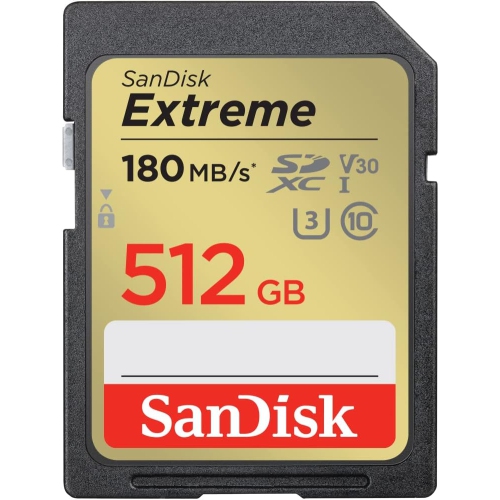
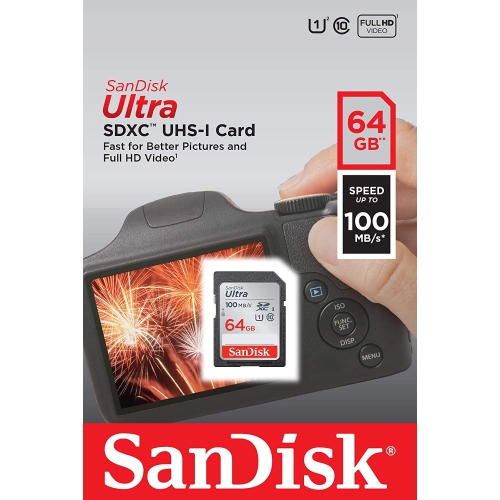
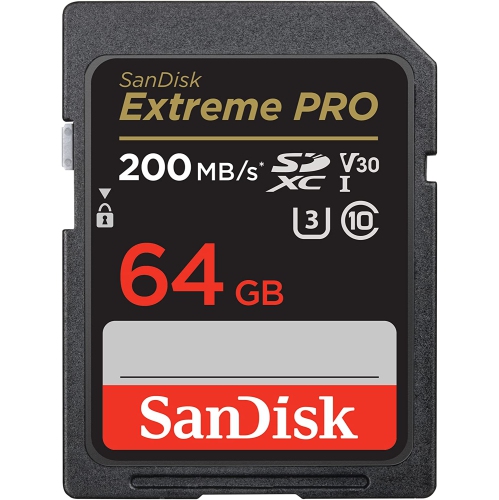
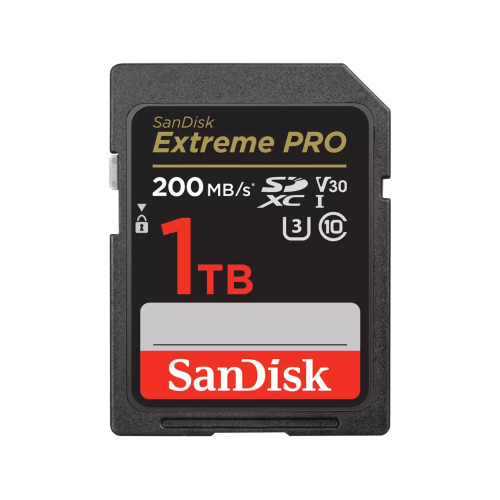
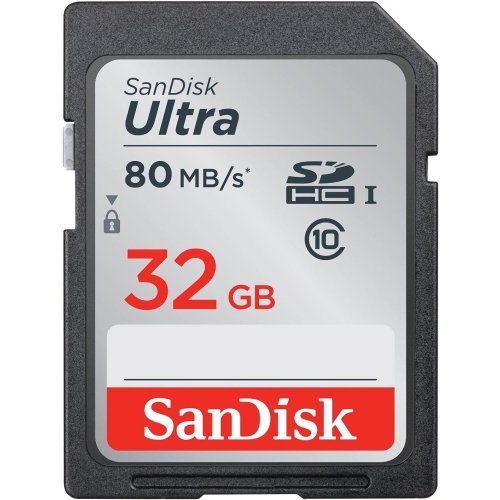
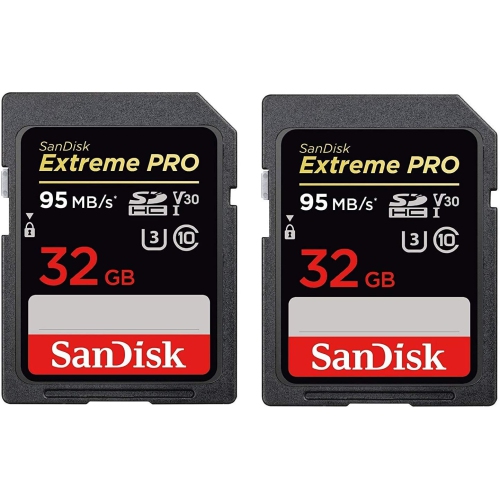
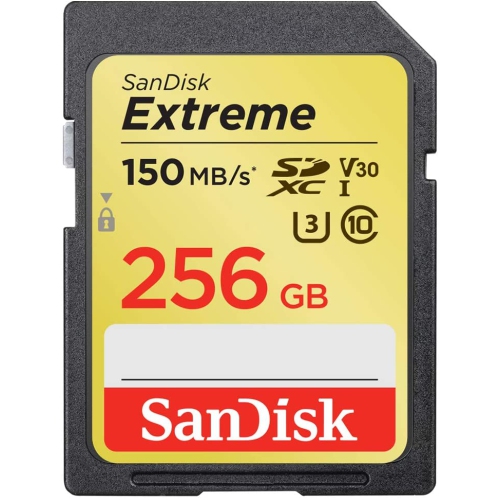
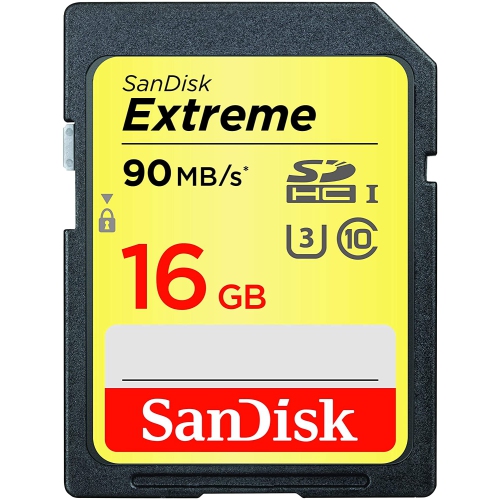
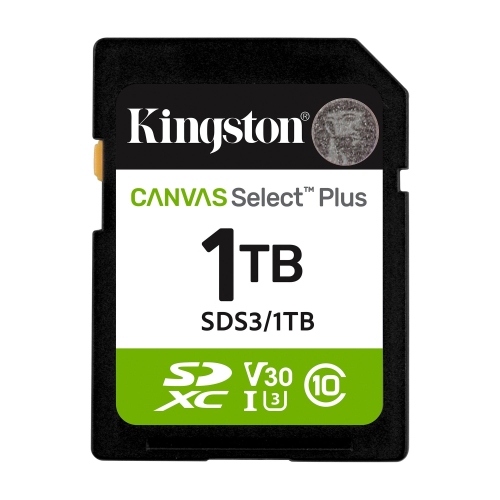
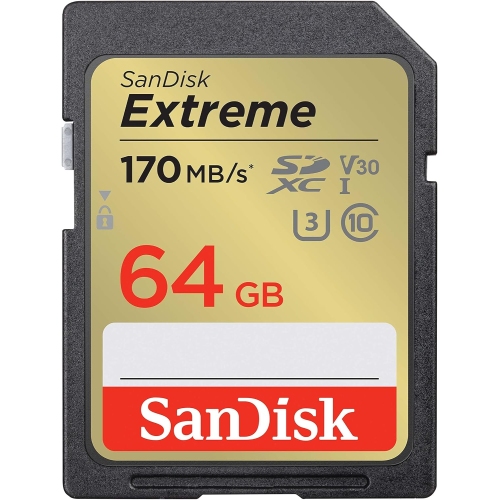
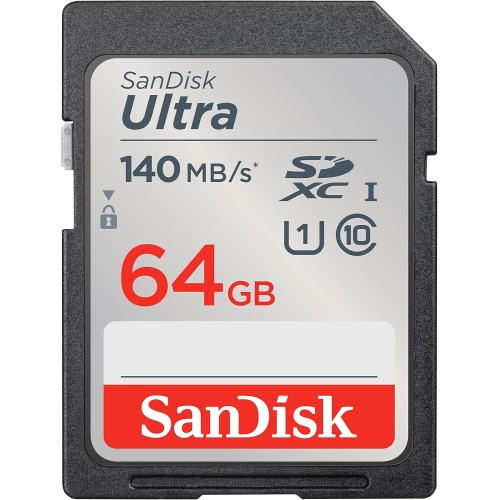
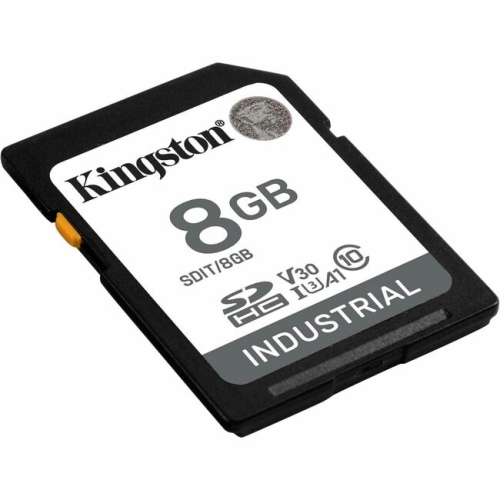
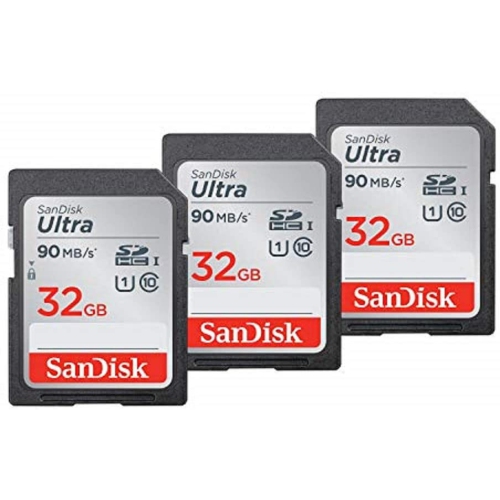
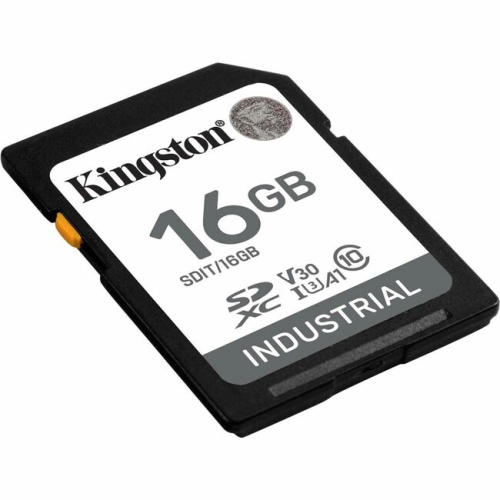
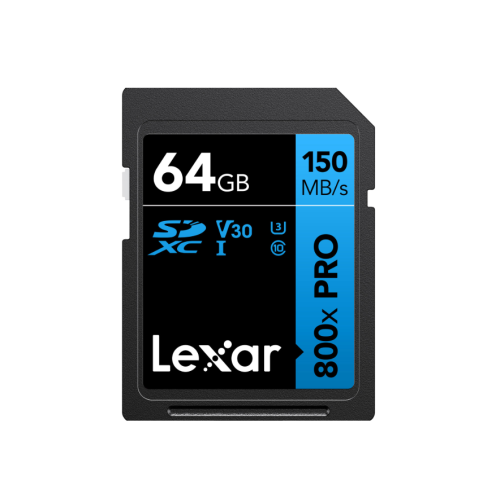
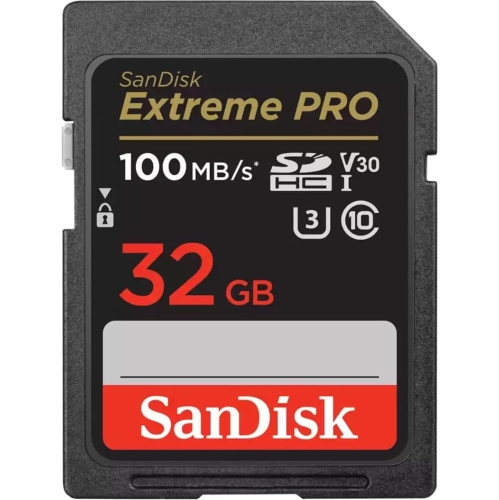
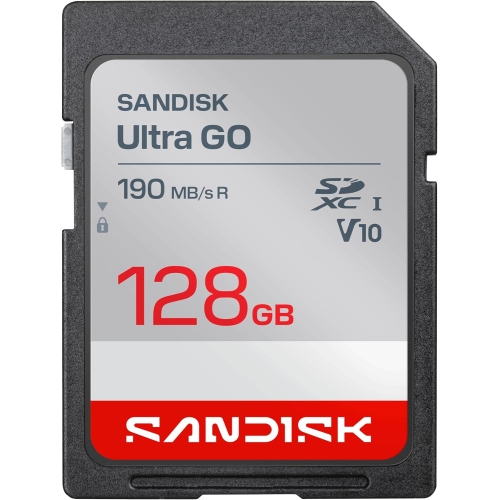
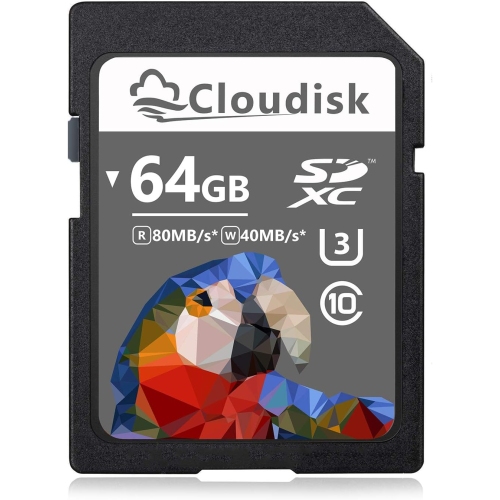
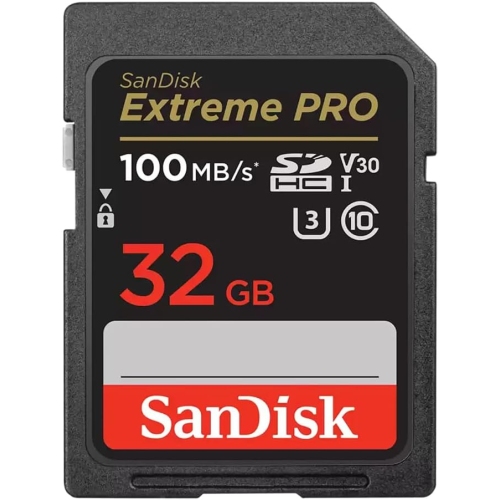
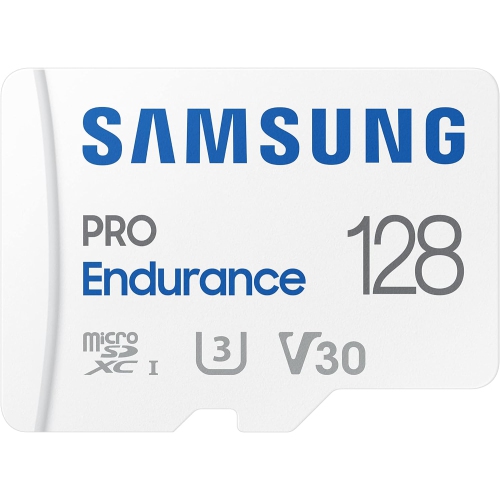
These markings indicate minimum sustained write speeds under specified conditions. U3 and V30 indicate 30 MB/s, while V60 and V90 indicate 60 MB/s and 90 MB/s, respectively. They are not ratings for the number of still photos a camera can capture per second.
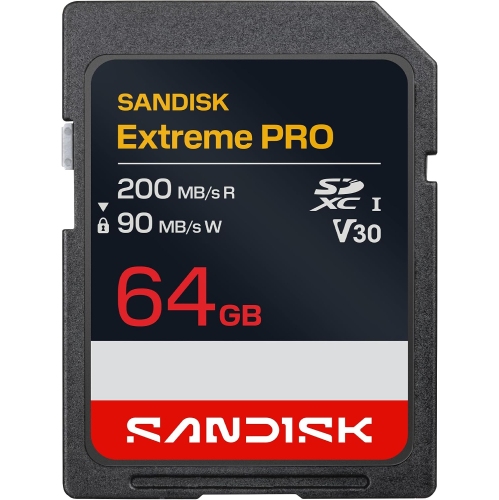
Write speed describes how quickly data is saved to the card, while read speed describes how quickly stored data can be retrieved. During burst photography, the camera writes image files to the card. Read speed is relevant when copying those files to a computer through a compatible card reader.
The camera’s buffer temporarily holds image data while files are written to the SD card. If the buffer fills, the camera may slow or pause continuous shooting until space becomes available. Buffer behaviour depends on the camera, recording settings and the supported card interface.
Check the camera manual for supported SD standards, UHS interfaces and any card requirements listed for continuous shooting. On cameras with two card slots, review each slot separately because their supported interfaces may differ. Also check whether recording to both slots changes the camera’s burst-shooting behaviour.
Top selling and popular products
Discover more categories related to Full-Size SD Cards for Burst Photography
Some products may be subject to Environmental Handling Fees (EHF) depending on your province. Learn more about EHFs.