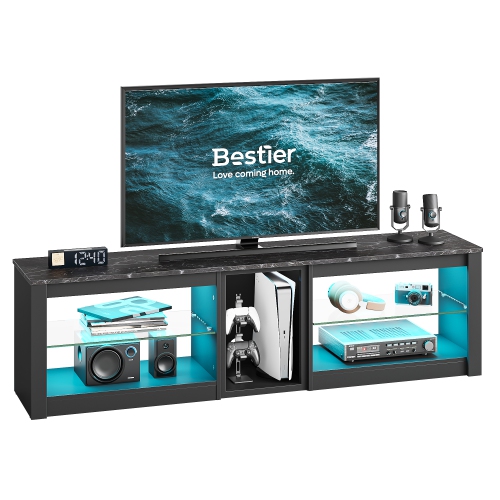
Gaming Desks with LEDs

Gaming desks with LEDs combine a dedicated space for your gaming gear with built-in lighting. Compare desk dimensions, usable desktop space and lighting features to find an option that fits your room and leaves enough space for your monitor, keyboard and mouse.
Sort

Accent lighting with room for more than gaming

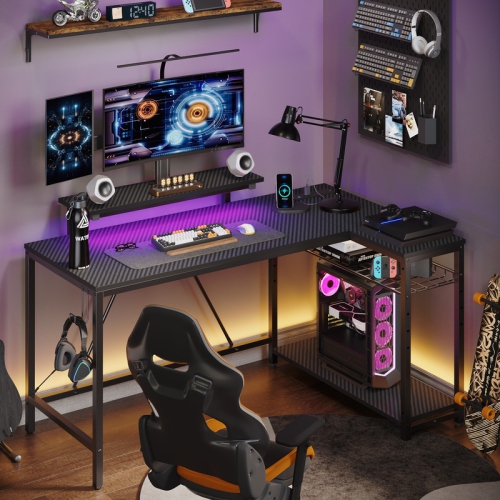
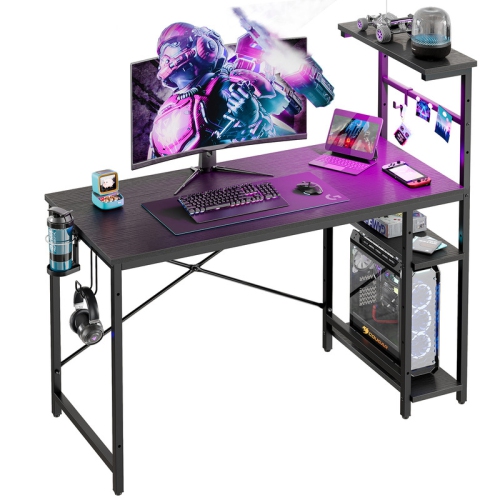
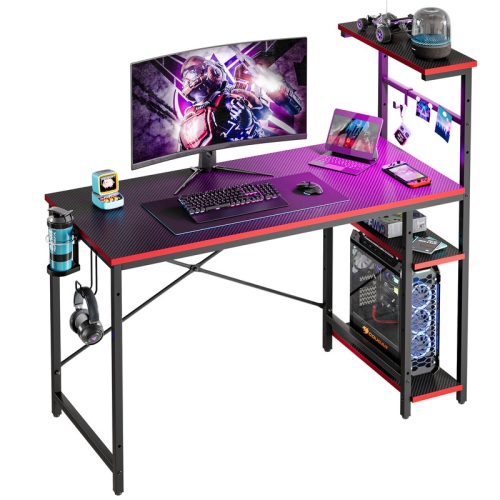
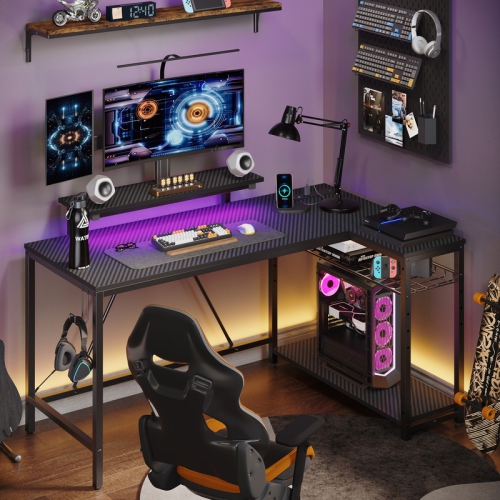
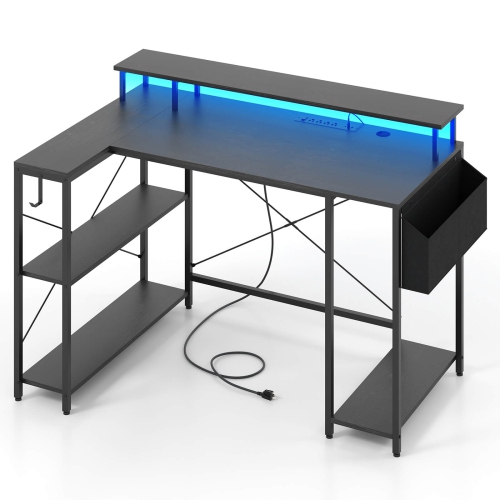
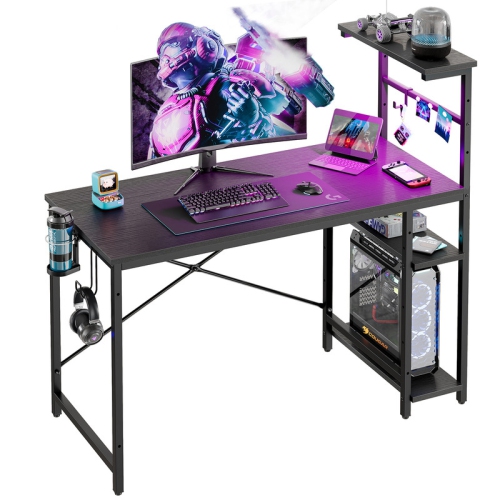
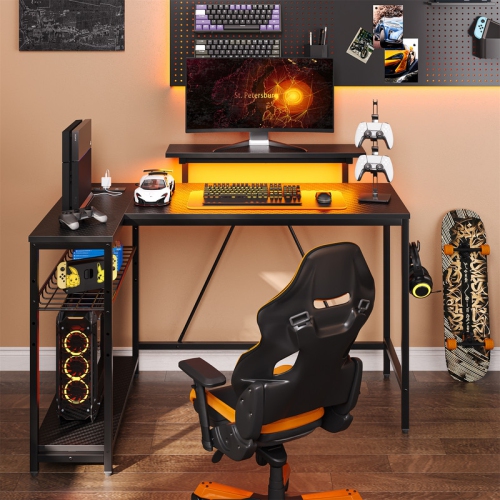
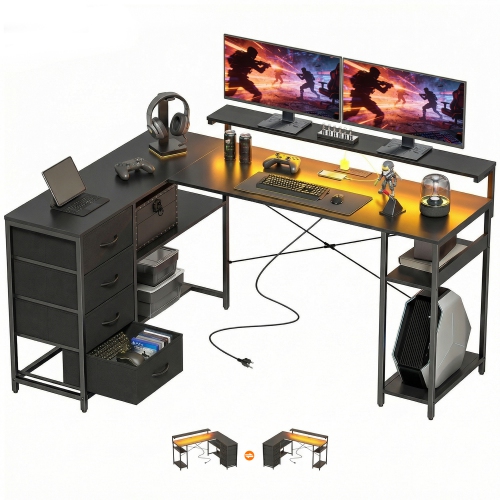
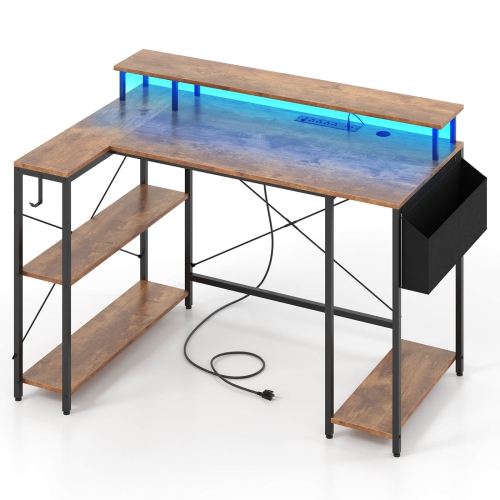
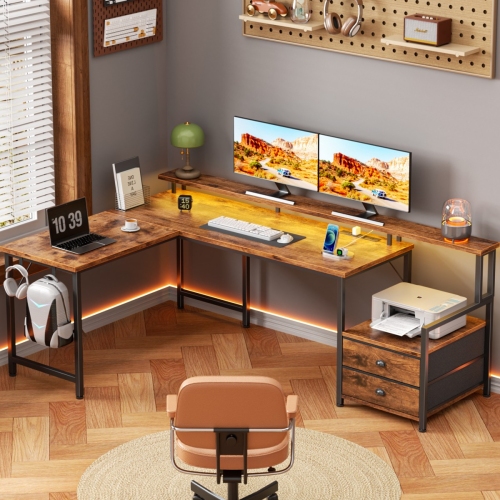
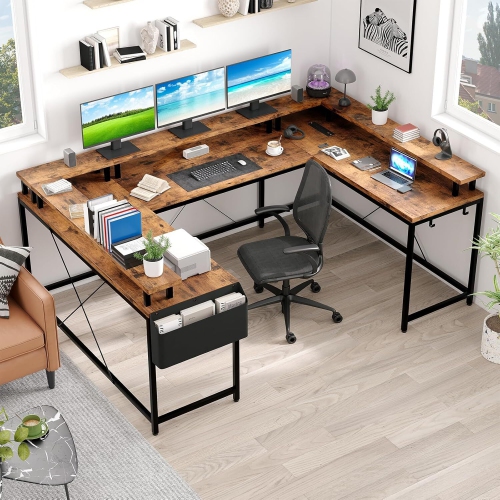
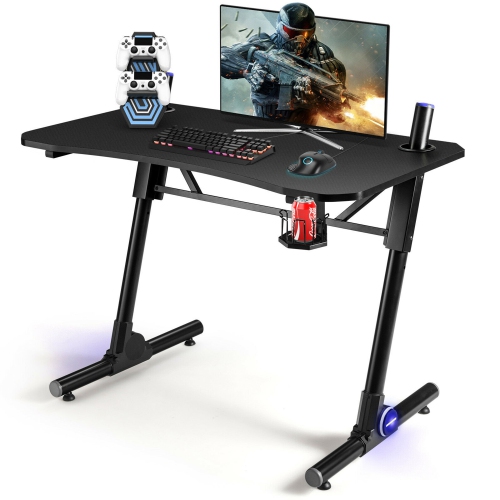
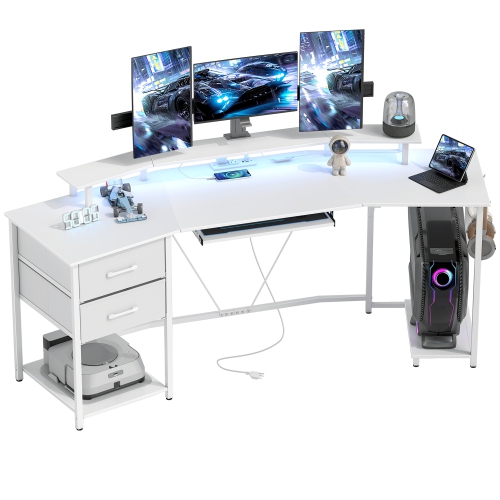
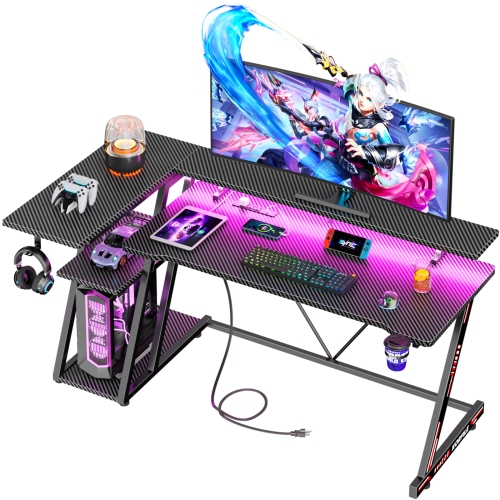
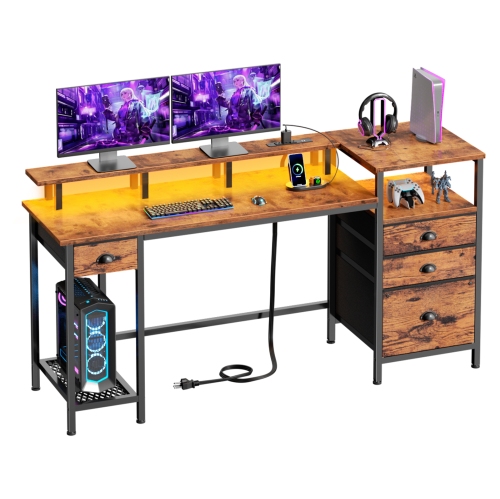
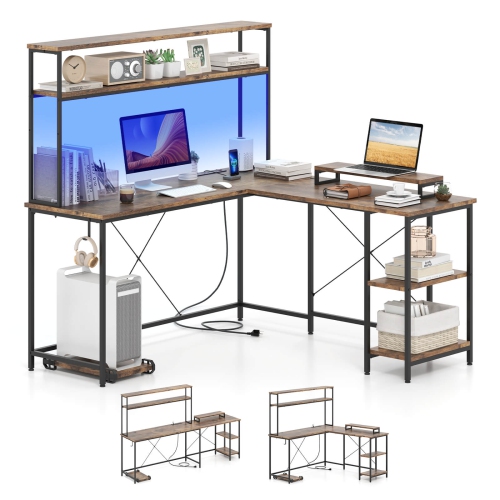
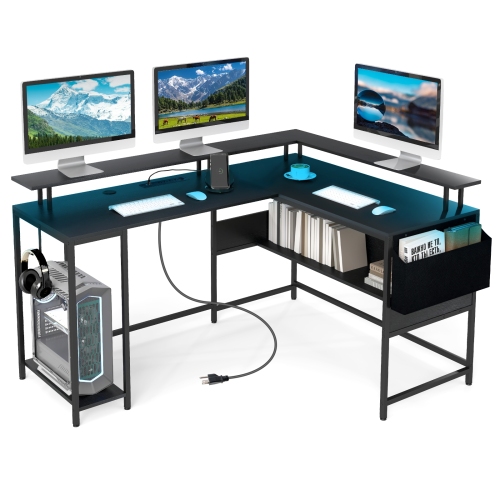
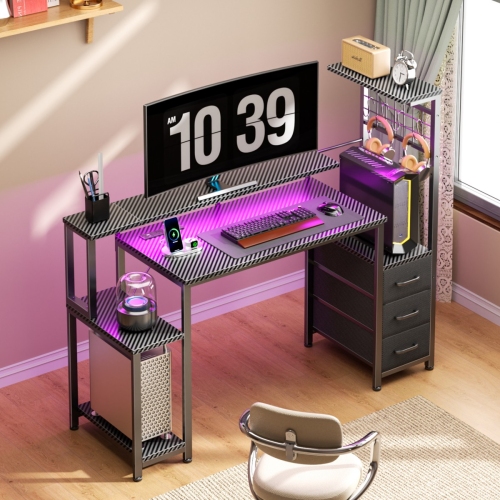
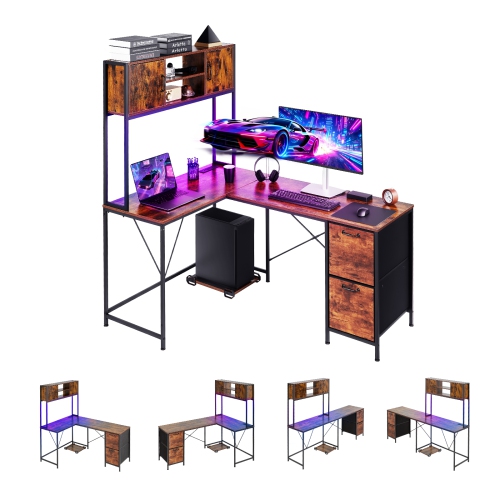
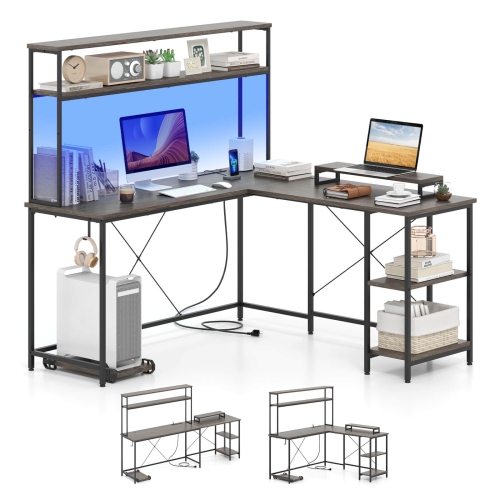
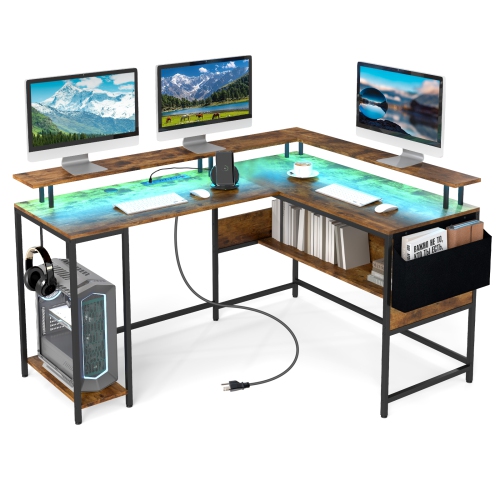
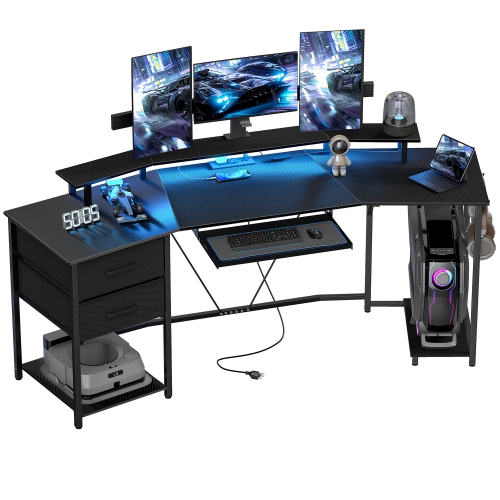
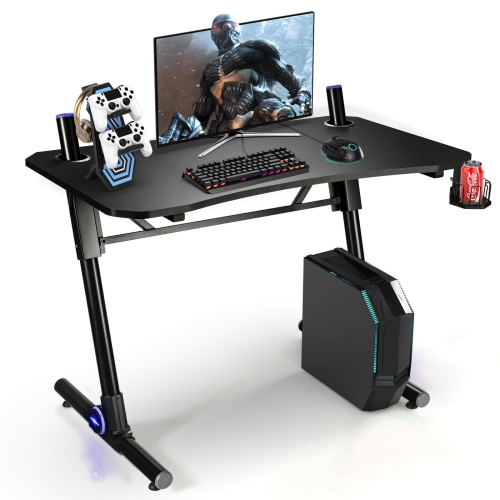
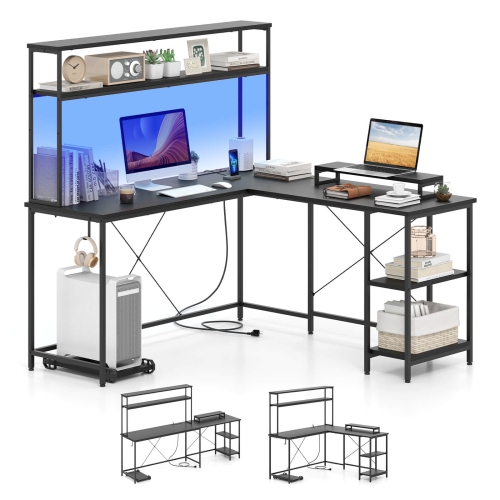
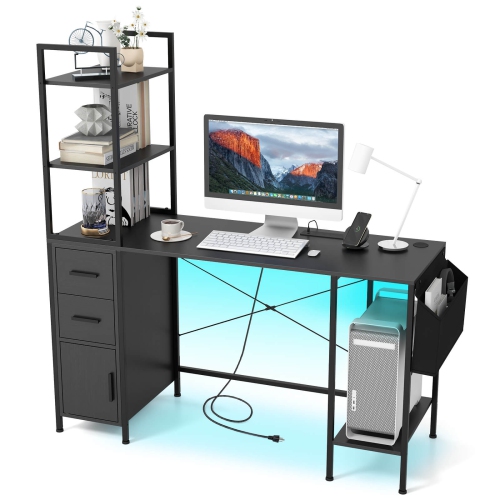
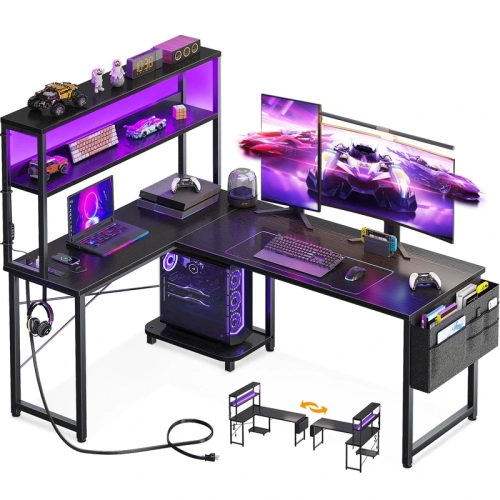
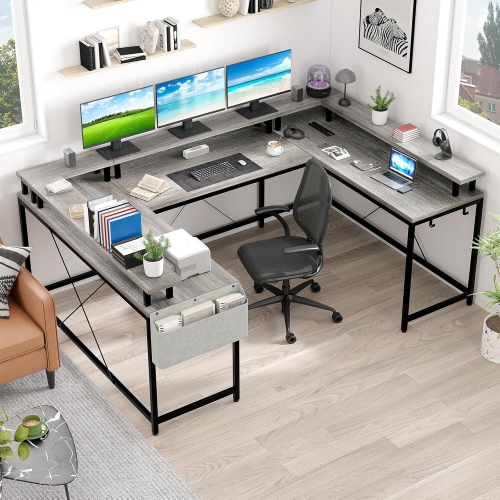
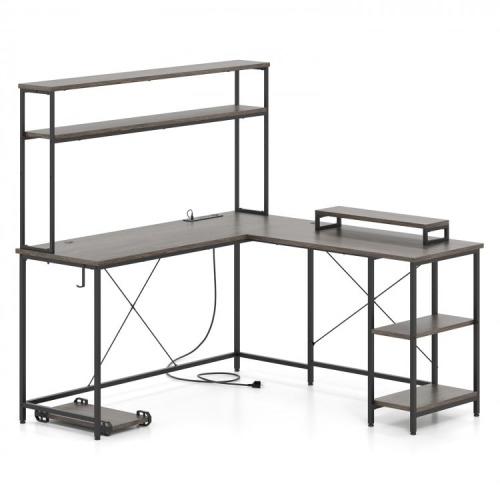
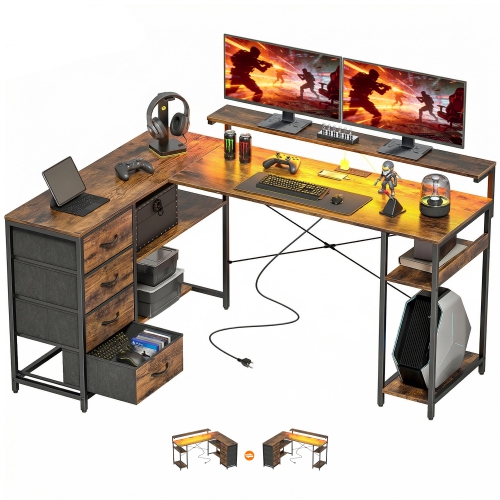
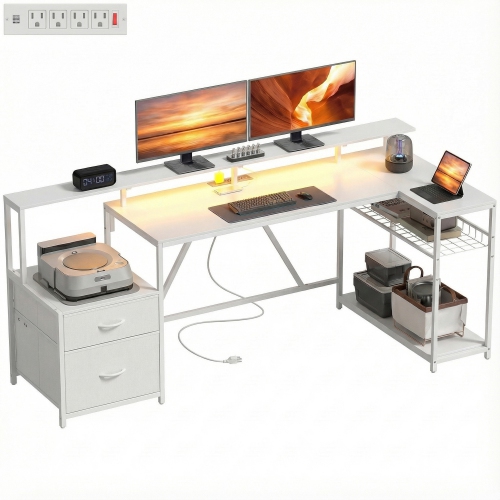
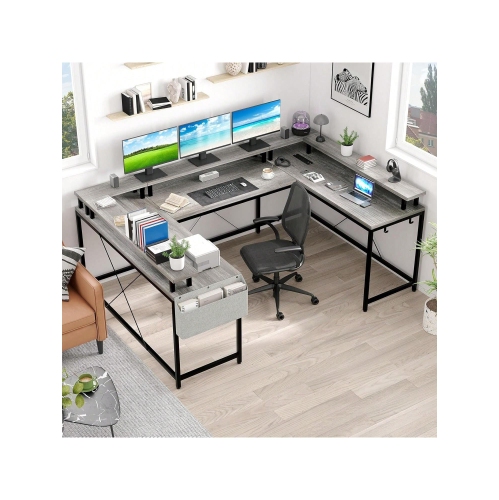
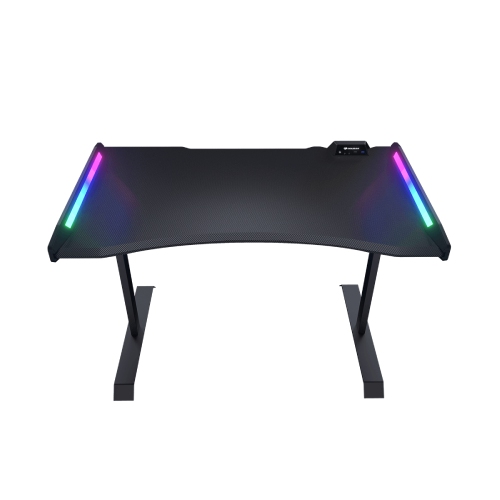
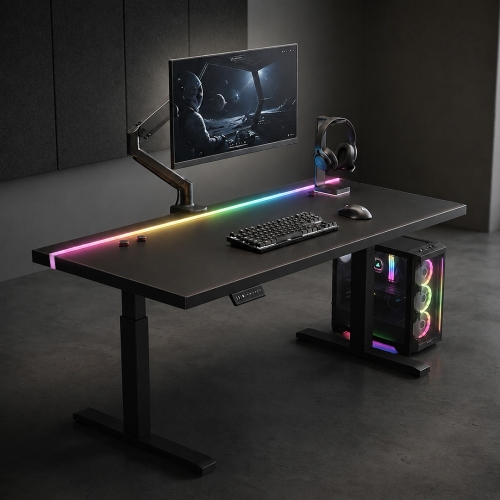
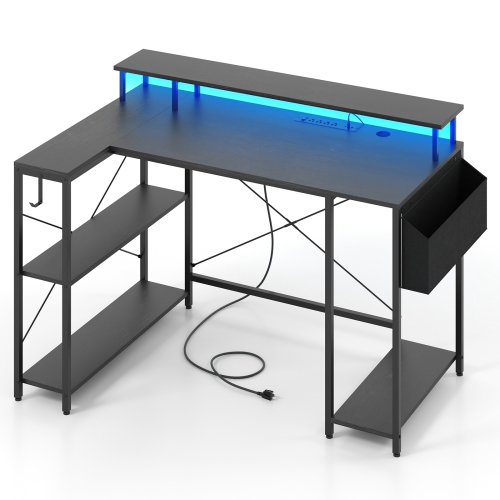
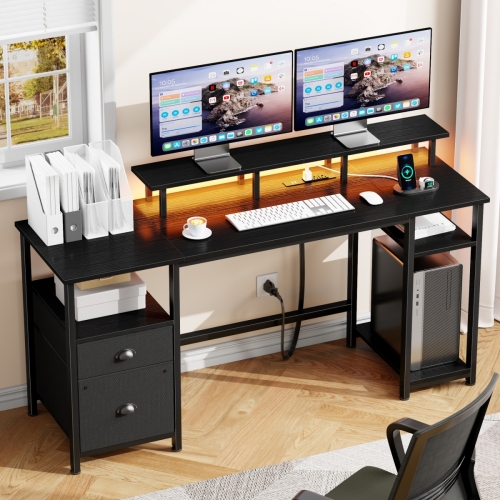
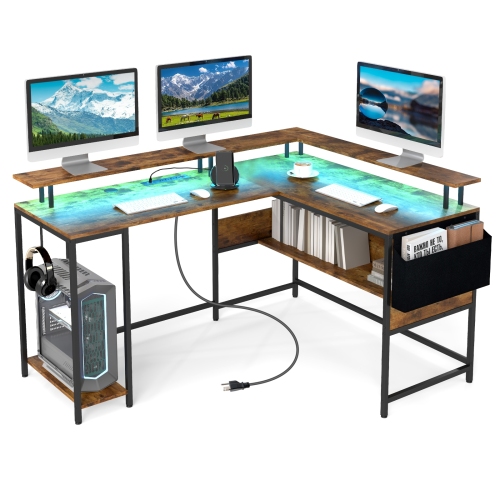
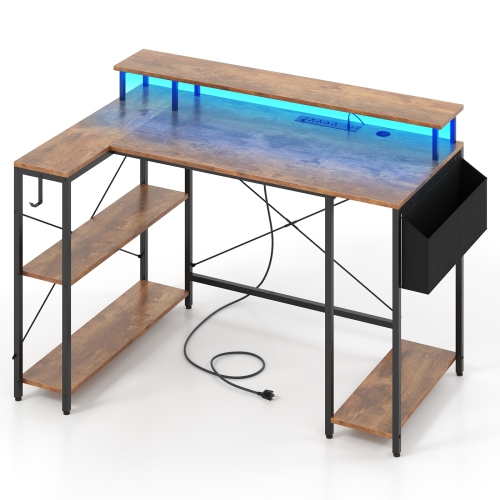
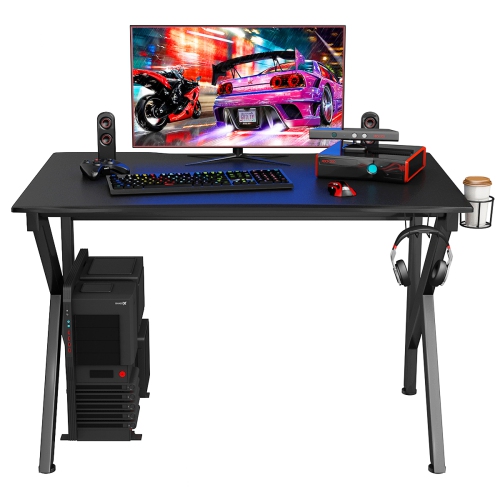
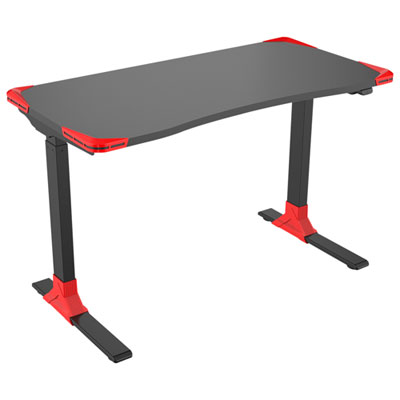
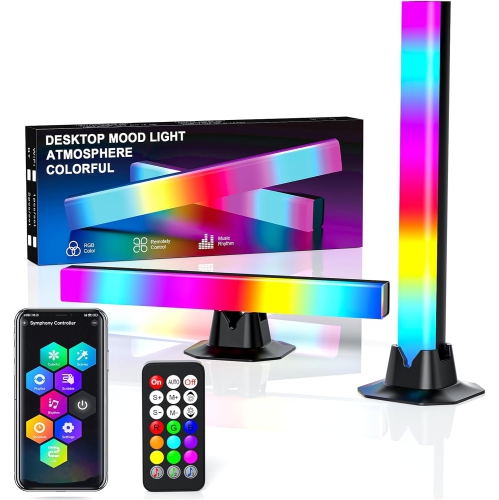
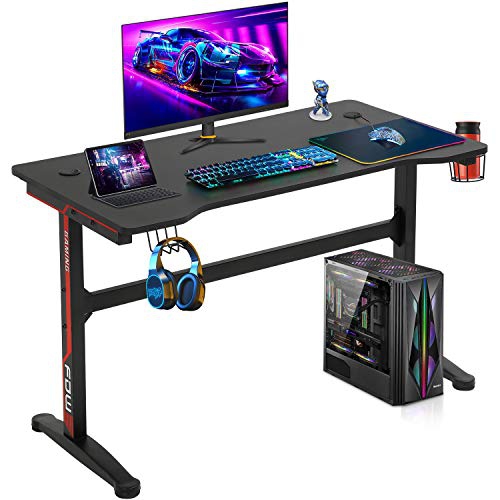
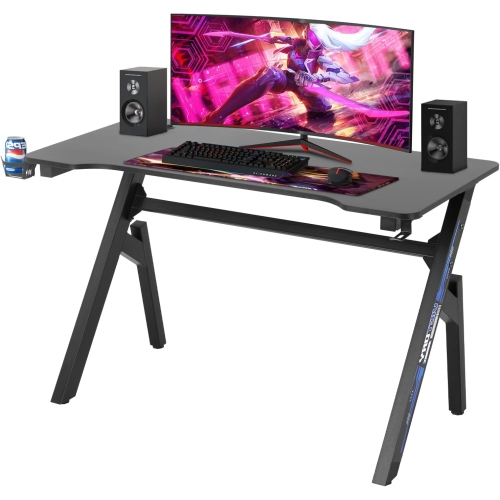
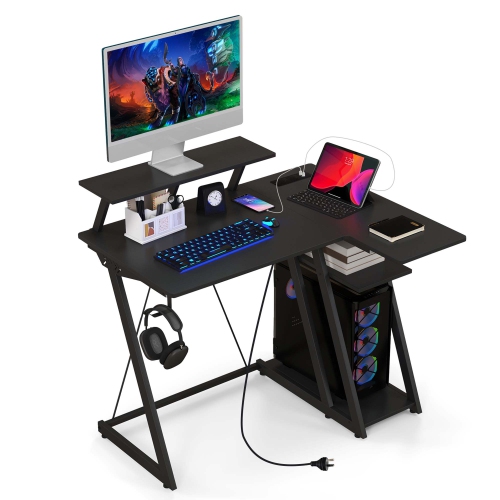
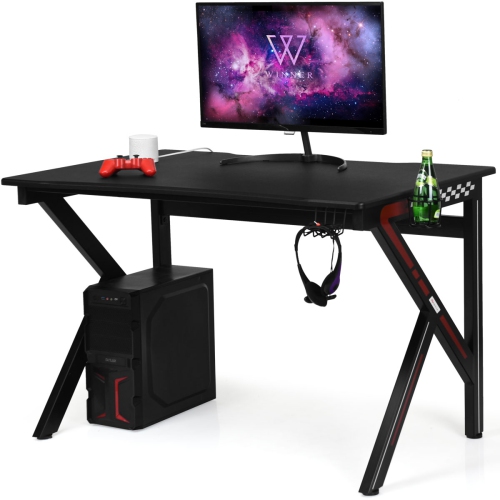
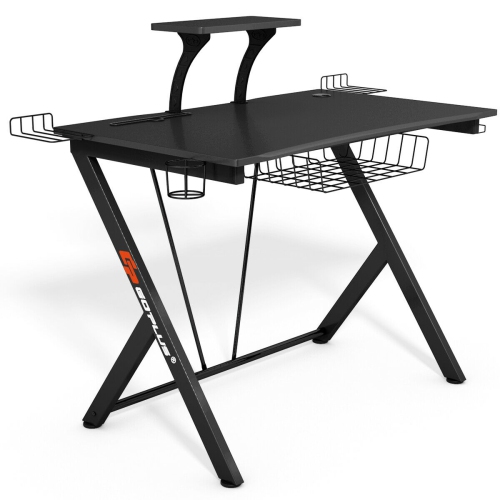
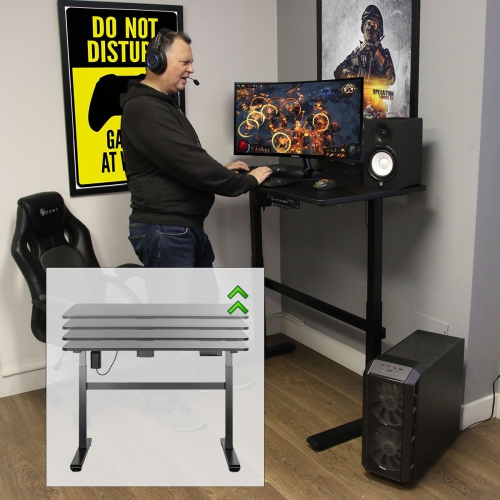
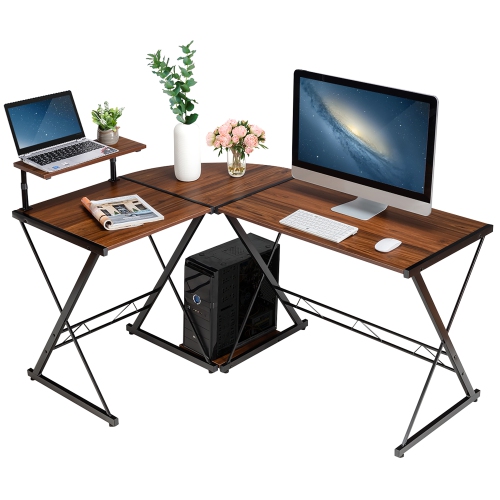
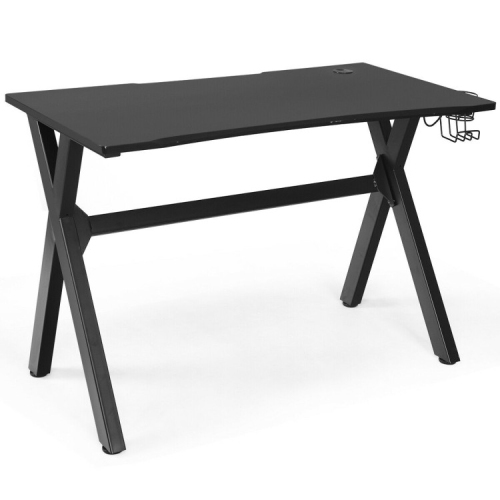
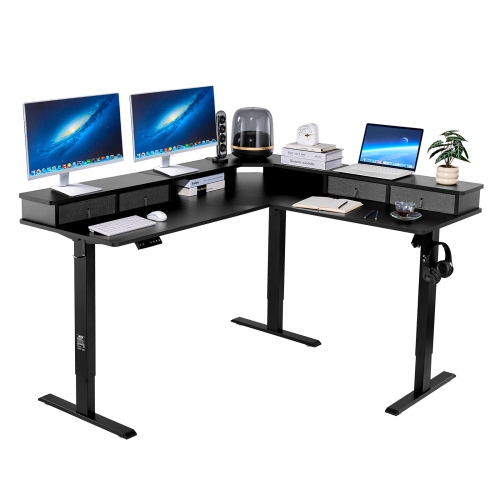
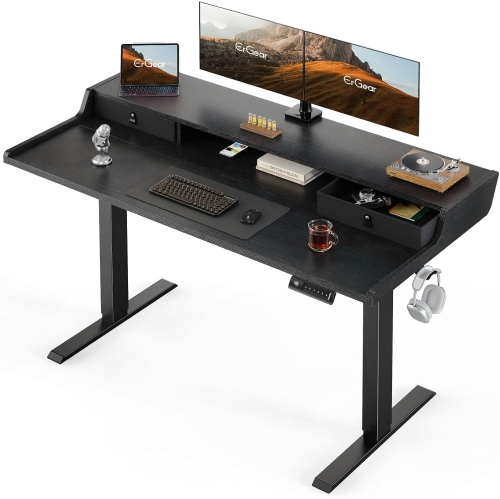
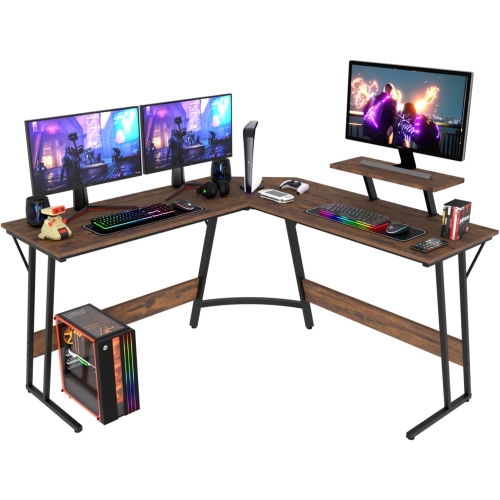
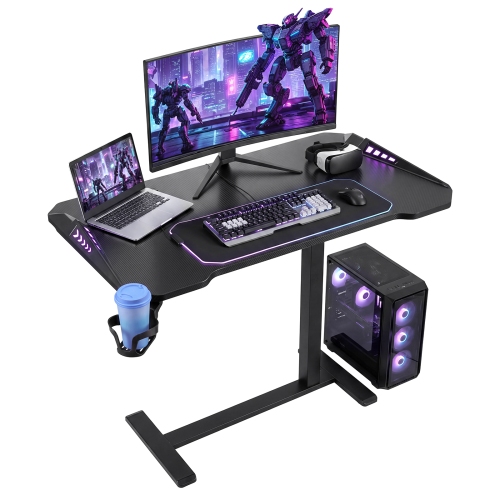
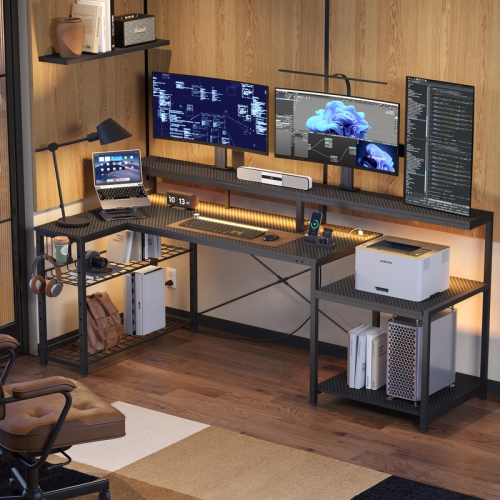
Gaming desks with LEDs combine a dedicated surface for gaming equipment with integrated lighting that adds colour and definition to a setup. Designs range from compact rectangular desks to larger L-shaped corner workstations, with features that may include cable trays, monitor shelves, headset hooks, and built-in power connections. Their appeal goes beyond a bright edge around a desktop: the right layout gives a keyboard, mouse, display, and accessories a clear place while making the whole space feel coordinated. RGB lighting can offer a choice of colours and effects, although controls vary between designs. Some lighting systems use buttons or a remote, while others may support app control or compatible software. A steady colour can provide a restrained backdrop for everyday gaming, while animated effects create a more expressive setting for a streaming session or a shared play space. Light placement matters as much as colour selection. LEDs along the back edge can cast a glow against a wall, whereas strips beneath the desktop highlight the desk’s shape without taking up working space. Exposed lighting may appear brighter from a seated position, so adjustable brightness is useful when the desk sits beside a television or in a multipurpose room. Integrated LEDs are primarily an accent feature rather than a replacement for suitable room lighting or a task lamp. For players who also study, work from home, edit video, or draw digitally, a usable desktop remains the priority. A broad, uncluttered surface makes it easier to move from a full-size keyboard and mouse mat to a notebook or drawing tablet without rearranging everything. A computer tower displayed on the desktop also needs its own space and airflow clearance. The most practical setup balances the visual effect of the lighting with enough room for the equipment and activities that will use the desk every day.

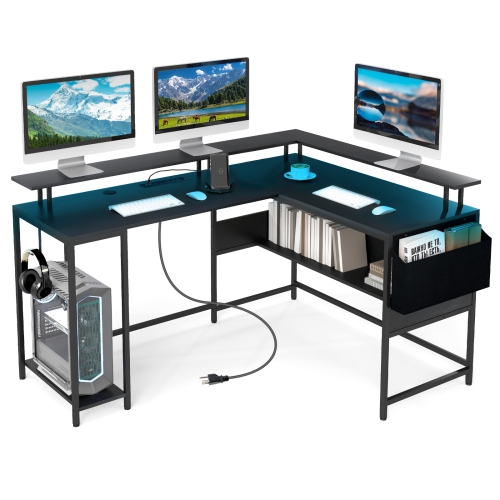
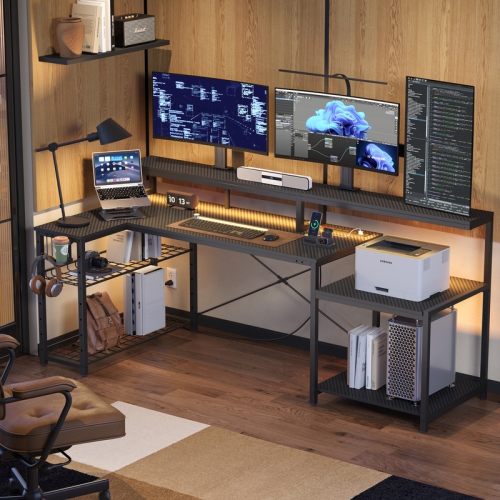
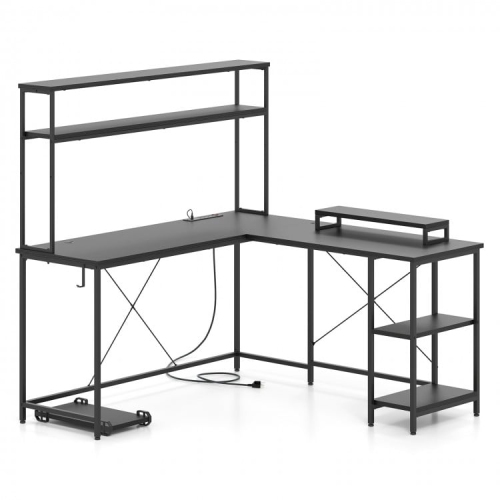
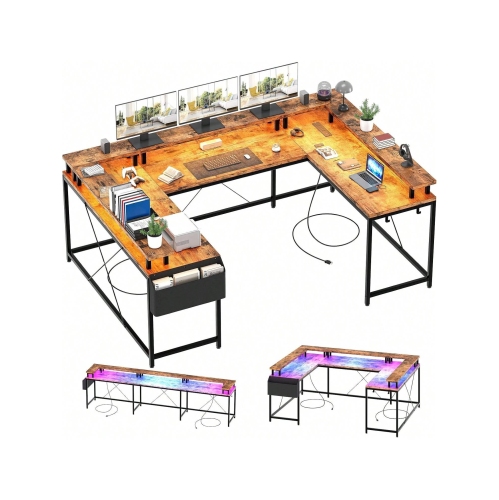
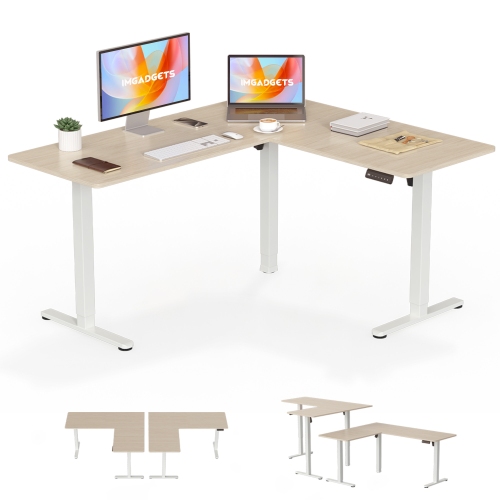
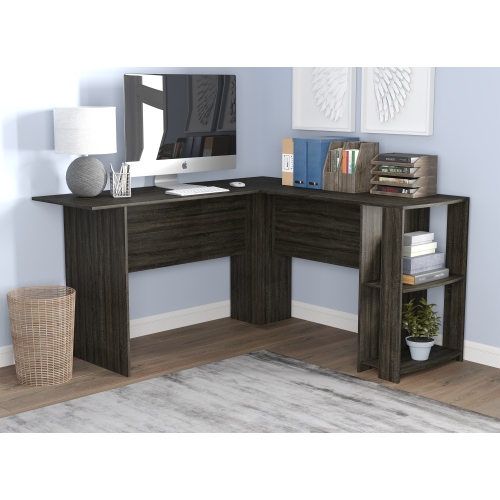
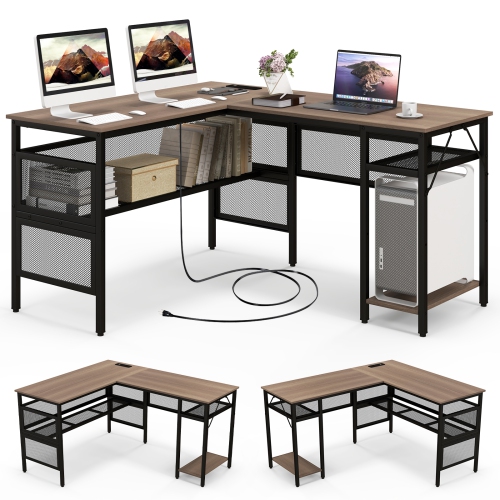
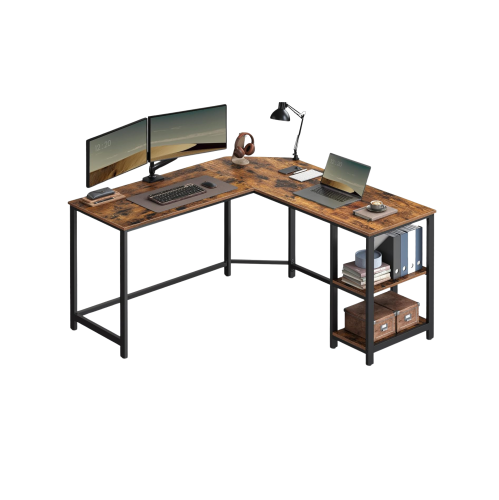
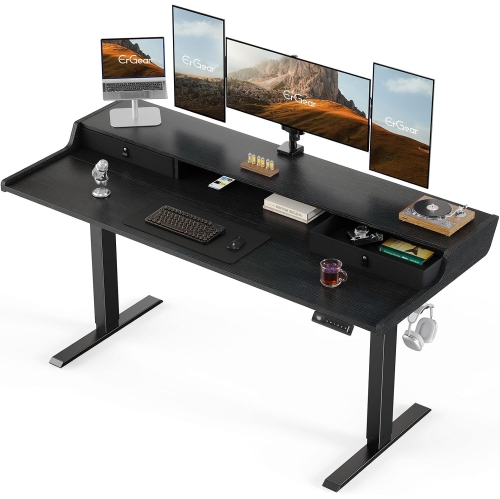
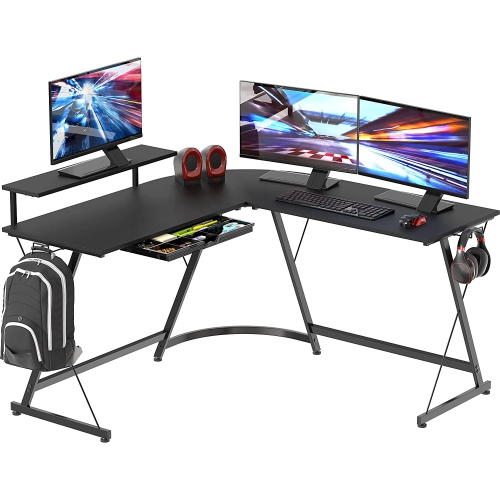
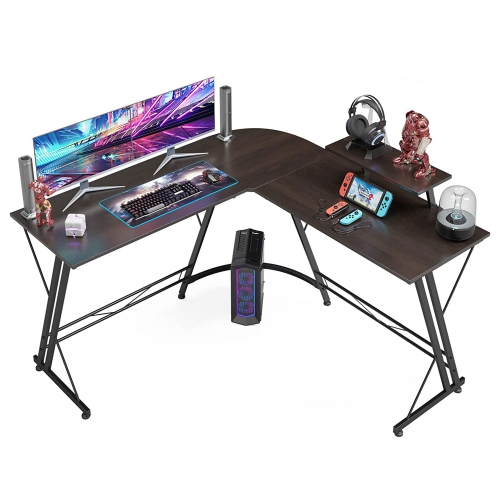
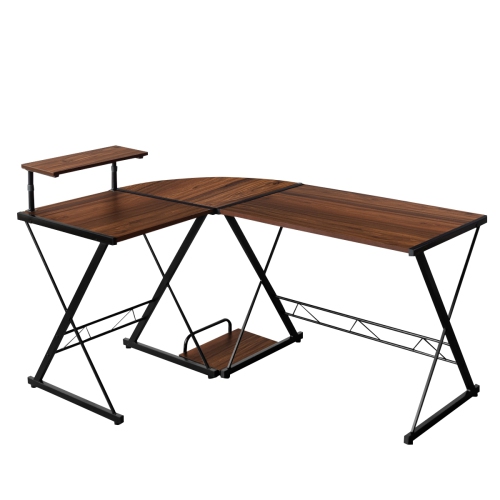
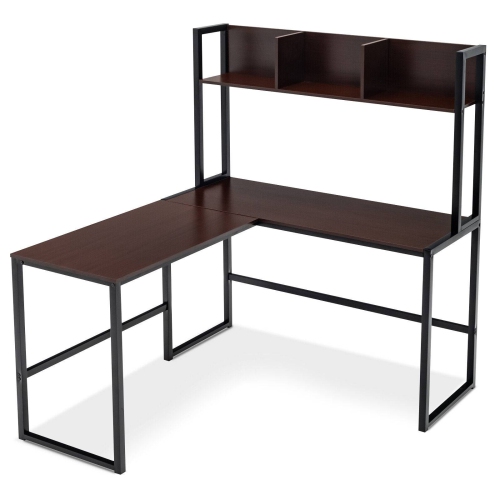
Size and fit determine how comfortably an LED gaming desk works in a room. Width is only part of the picture: desktop depth affects monitor placement, mouse movement, and the distance between the screen and the seated user. A shallow desk may fit a small bedroom but leave less room behind a keyboard, especially when a monitor has a deep stand. An L-shaped surface can separate gaming equipment from paperwork or provide space for multiple displays, but the return needs to suit the room’s layout. Check whether the longer section can be assembled on either side, and leave enough clearance for doors, drawers, and a chair to move freely. Beneath the surface, crossbars, storage shelves, and computer compartments can reduce legroom even when the desktop looks spacious. Desk height should work with the chair so that shoulders stay relaxed, elbows sit comfortably near keyboard height, and feet rest on the floor or a suitable footrest. Monitor shelves can free up surface space, but their height needs to suit the screen and user; placing a large display on an already raised shelf may lift it too high. For monitor arms, confirm the desktop’s material, thickness, edge shape, and stated compatibility with clamps or mounting hardware. A hollow-core surface, glass top, or narrow rear lip may need a different mounting approach. Weight capacity also deserves attention, particularly with multiple monitors, a desktop computer, speakers, and a full collection of peripherals. Follow any separate limits for the main surface and raised shelves rather than treating them as one combined allowance. Cable routing helps preserve that carefully planned space. Rear openings, trays, and attachment points can keep leads away from knees and chair wheels, while accessible connections make it easier to plug in a controller or headset. Built-in outlets and USB ports vary in their capabilities, so check their ratings and intended uses rather than assuming every connection will charge a laptop or support data transfer.

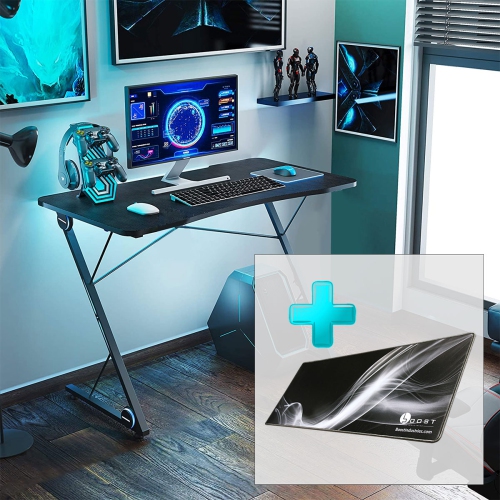
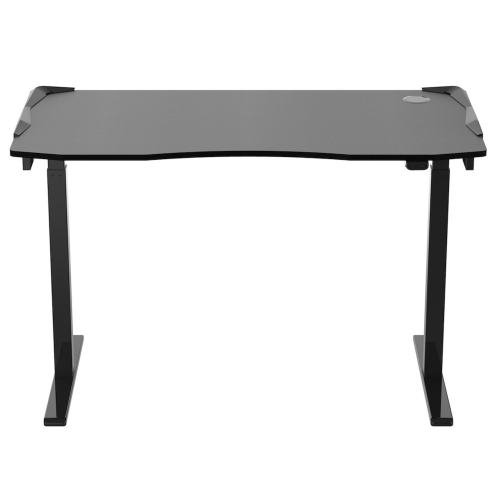
Materials, construction, and everyday care influence how well a gaming desk with LEDs holds up to regular use. Steel frames are common, while desktops may use engineered wood with a laminate or textured finish, solid wood, or glass. A carbon-fibre-style pattern describes an appearance and does not necessarily mean the surface is made from carbon fibre. Laminated surfaces are generally straightforward to wipe down, but standing moisture can affect vulnerable edges or seams. Wood surfaces need care appropriate to their finish, while glass can show fingerprints and requires handling according to the manufacturer’s directions. Rounded edges can feel more comfortable against forearms during a long session, and a large desk mat can provide a consistent tracking surface for a mouse. Stability depends on the complete construction, including frame bracing, secure fasteners, and proper assembly; adjustable feet can help a desk sit evenly on a slightly uneven floor. Before cleaning, disconnect powered lighting and other electrical features as directed, and use a soft cloth with a suitable cleaner rather than spraying liquid near LED strips, ports, or controls. Keep lighting cables clear of pinch points, and avoid pulling on connectors when moving the desk. If the design includes height adjustment, leave enough cable slack for its full range of movement. Accessible lighting connections and replaceable components may also make maintenance simpler, where the design supports them. These desks can suit competitive players who need generous mouse space, casual gamers creating a dedicated corner, and students sharing one surface between assignments and entertainment. They can also make a thoughtful gift for someone building a setup, provided the room measurements, equipment load, and preferred lighting style are known first. The wider LED Light Desks category offers another way to explore illuminated workspaces beyond a distinctly gaming-focused look. Whether the preferred effect is a subtle line of colour behind a monitor or a more vivid frame around an entire workstation, practical proportions and dependable construction help the lighting feel like part of a well-planned desk rather than its only attraction.
FAQ

Some products may be subject to Environmental Handling Fees (EHF) depending on your province. Learn more about EHFs.