Gaming Desks With Glass Top
If you're a gamer, you know that the right desk can make all the difference. A good desk will help you keep your accessories organized and within easy reach. For gamers who want something a bit more stylish and modern, these gaming desks with a glass top are the perfect solution. Here are some of the great options.
Sort

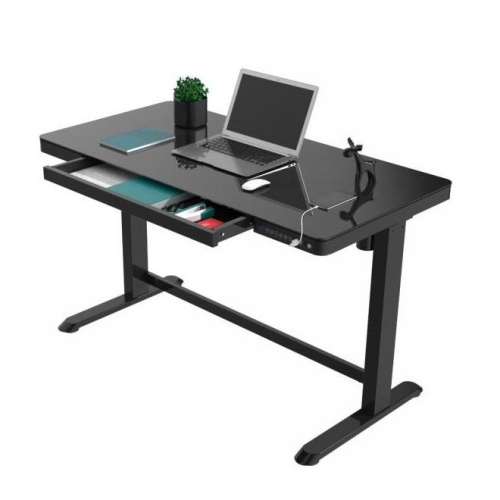
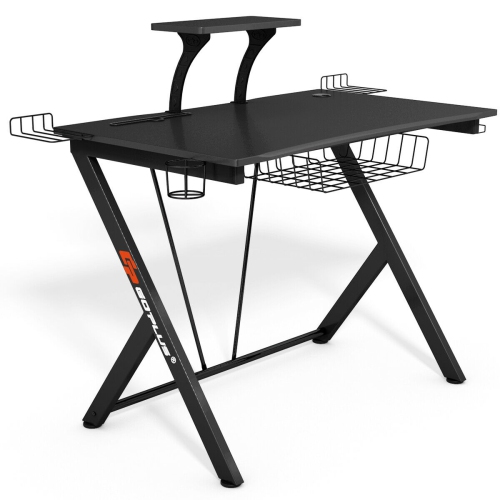
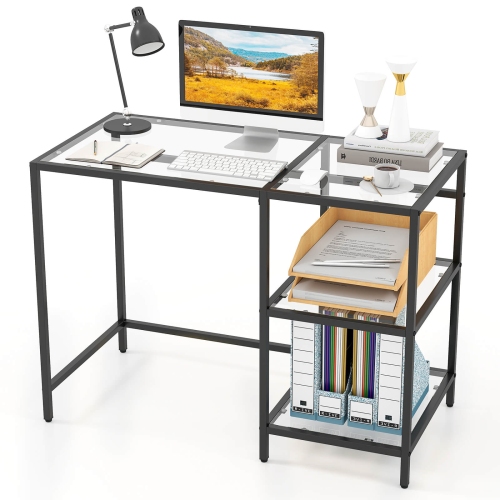
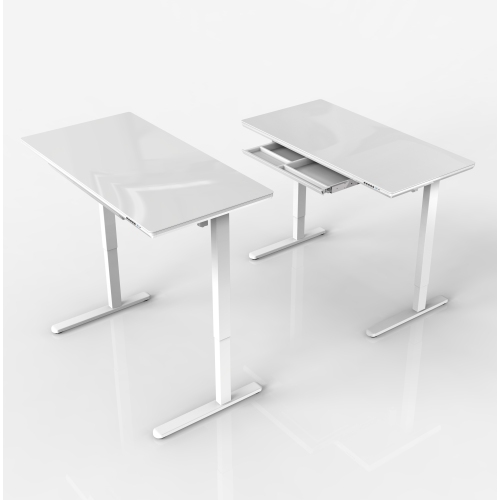
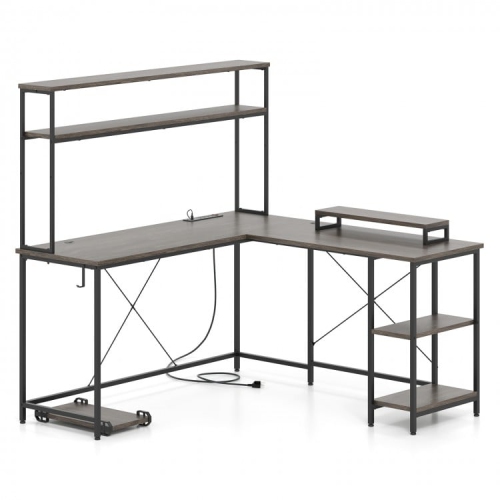
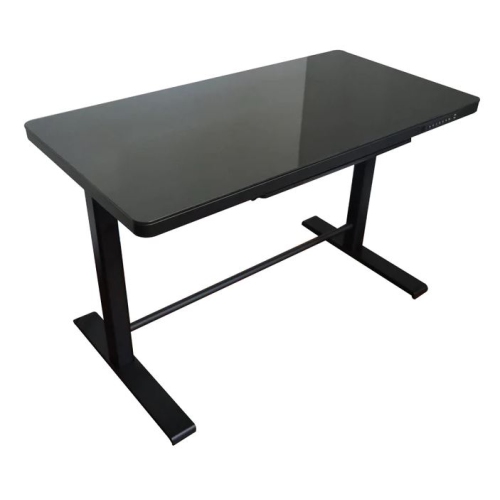
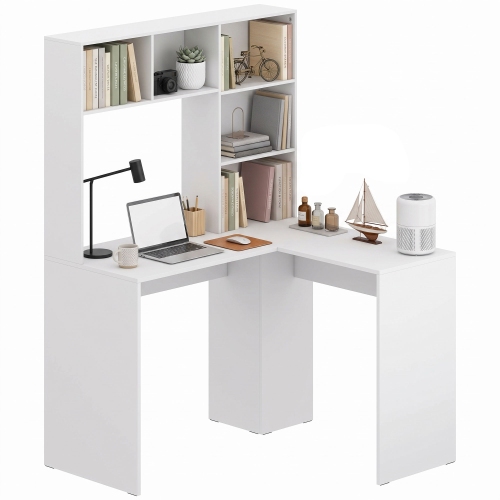
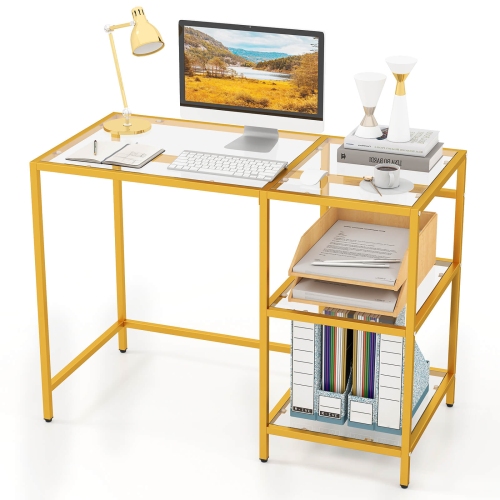
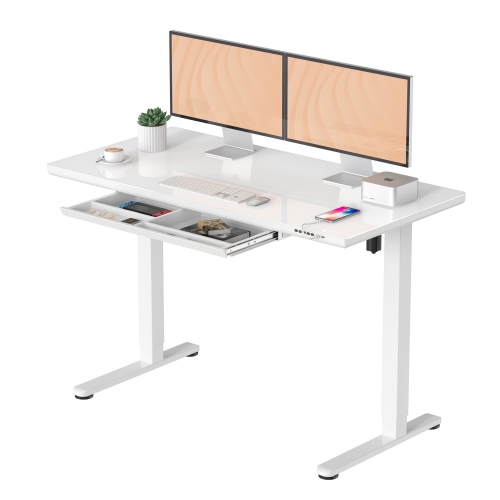
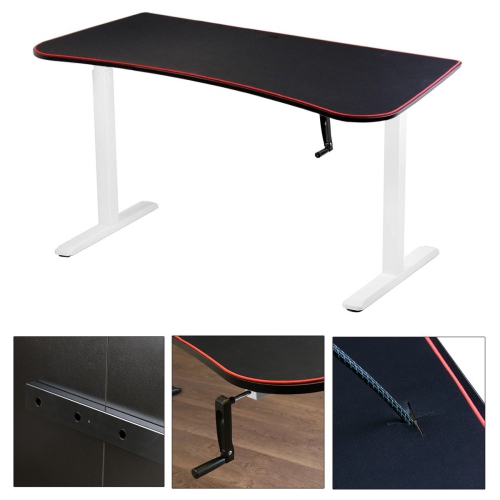
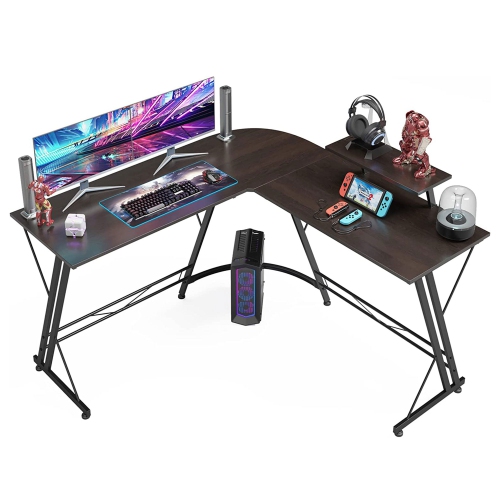
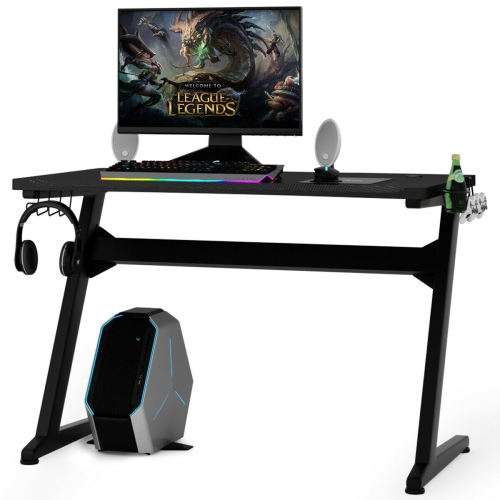
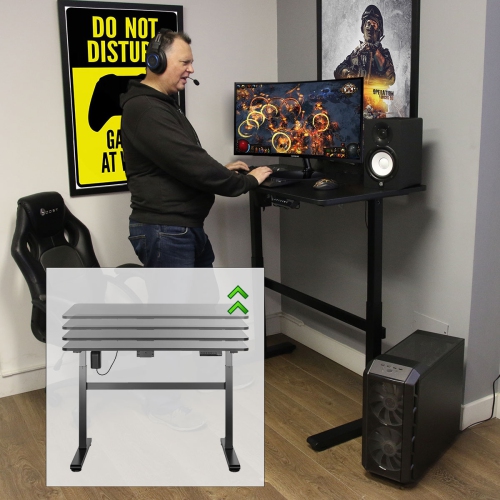
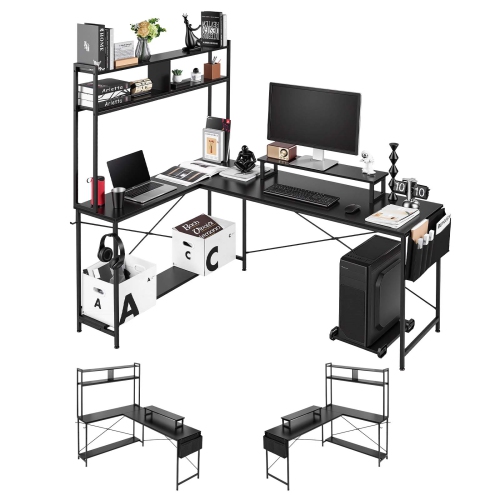
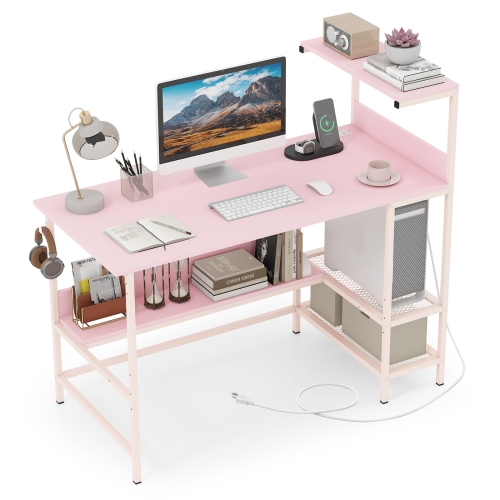
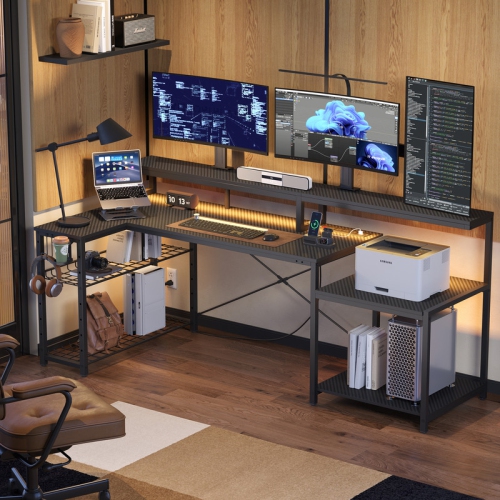
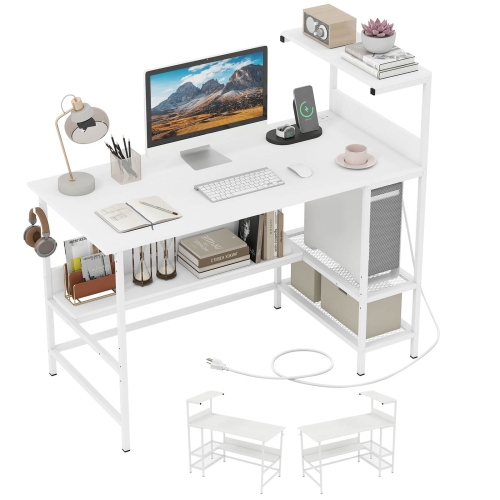
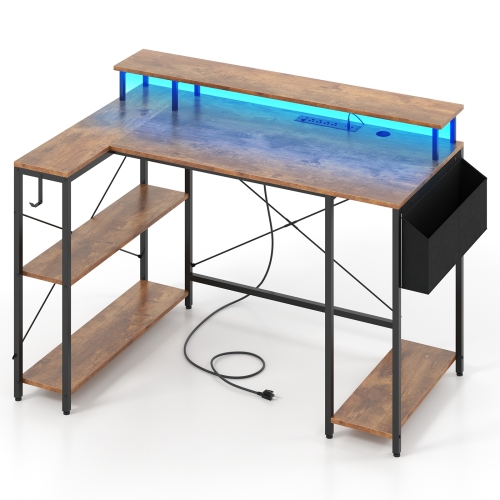
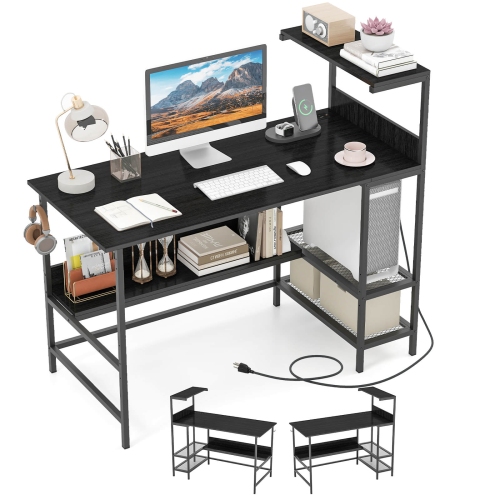
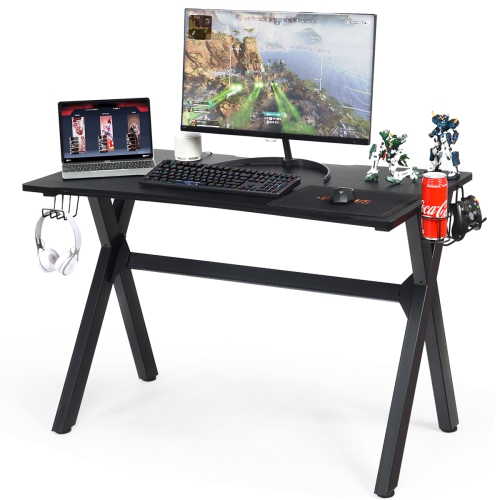
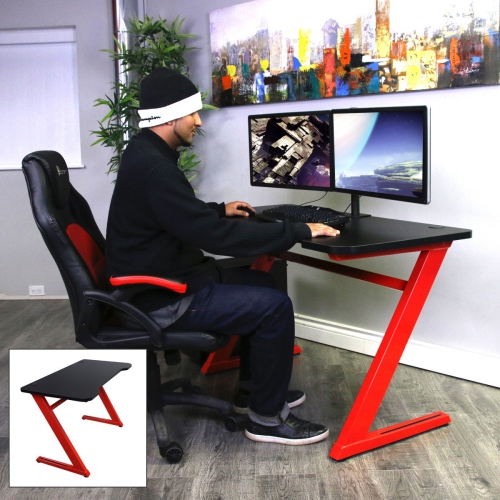
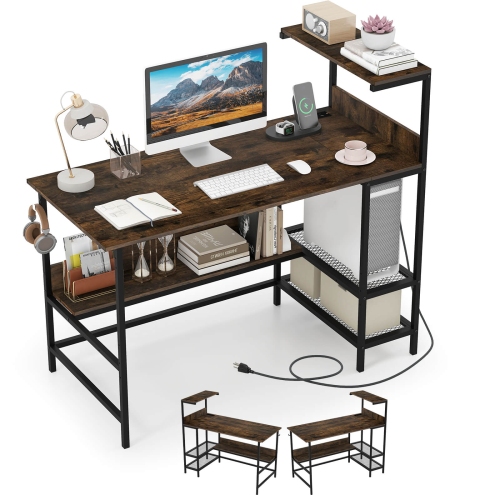
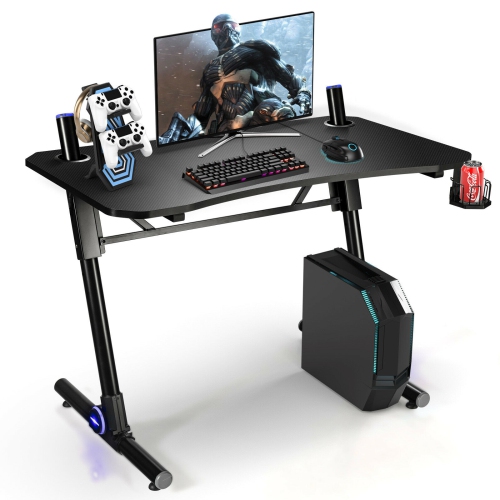
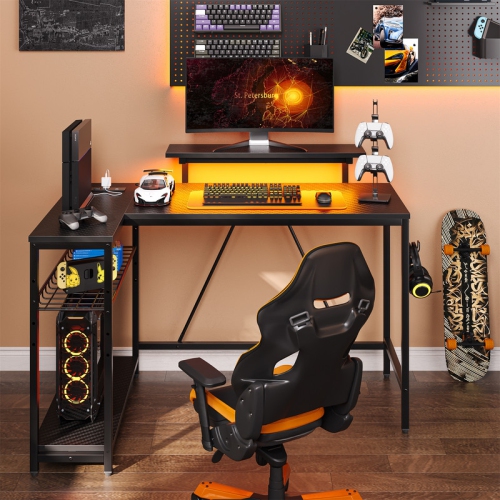
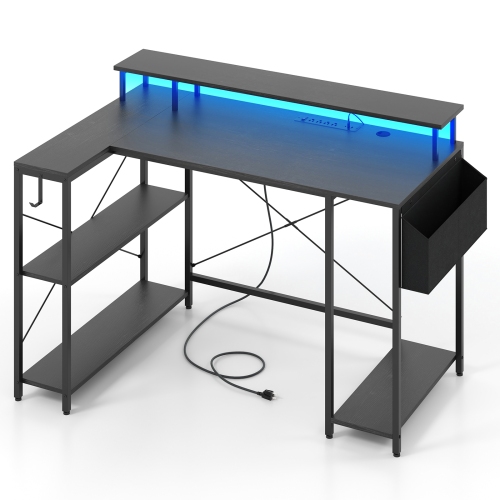
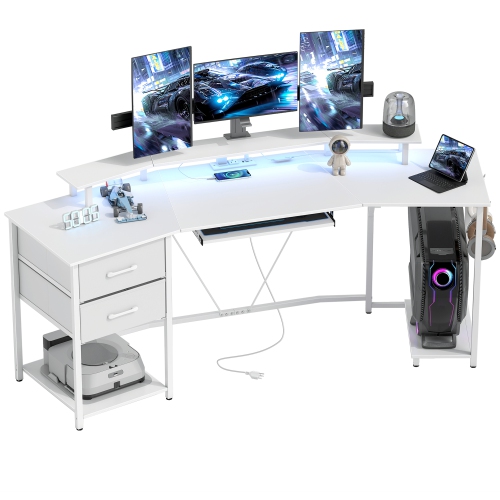
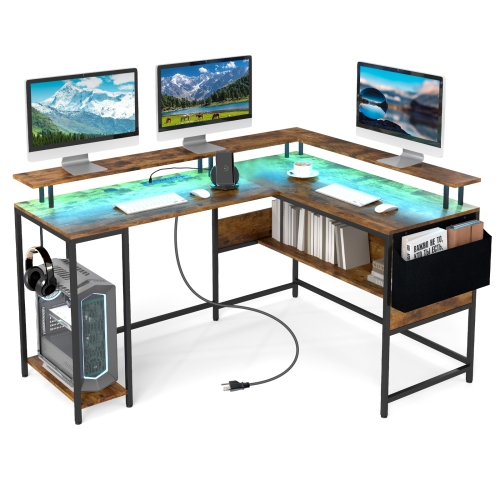

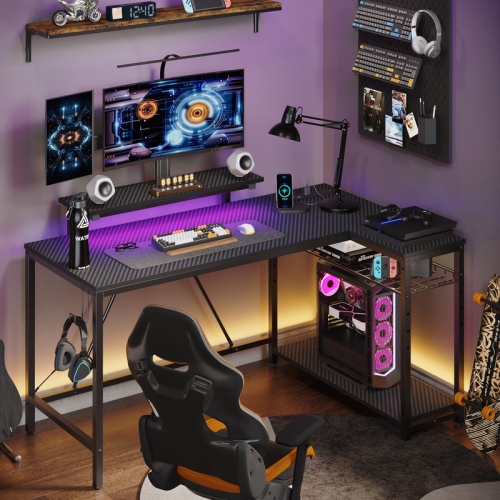
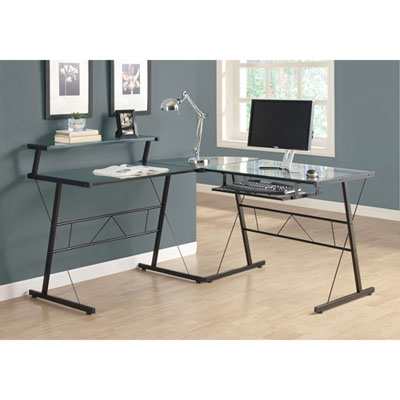
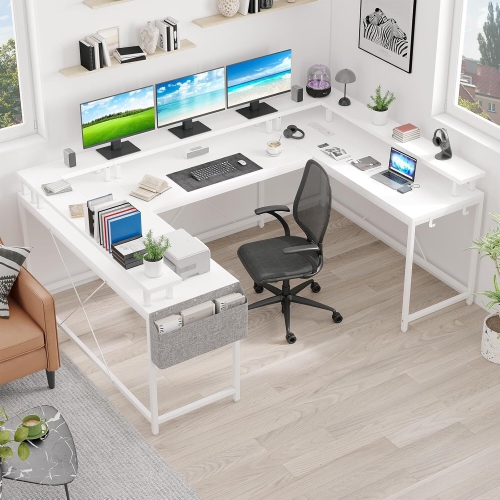
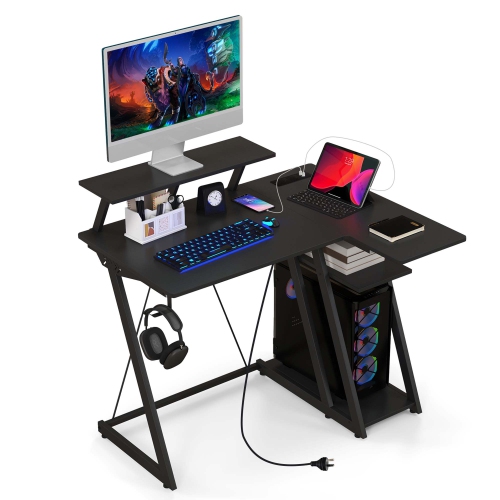
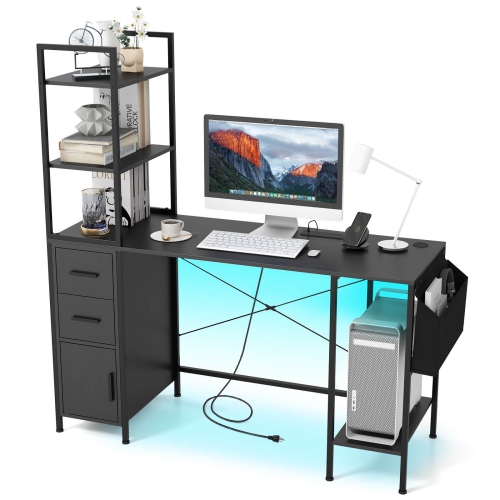
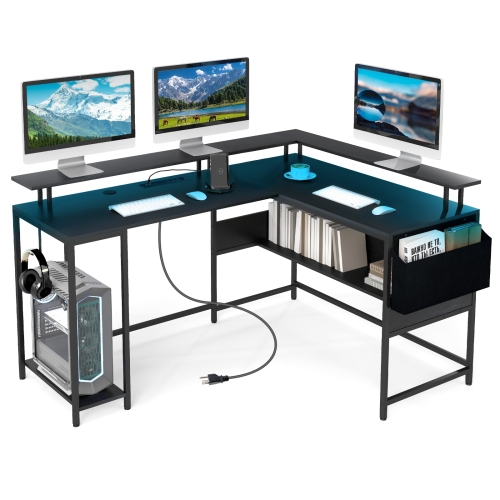
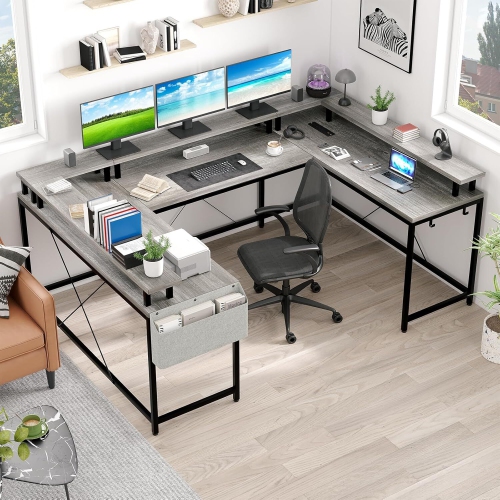
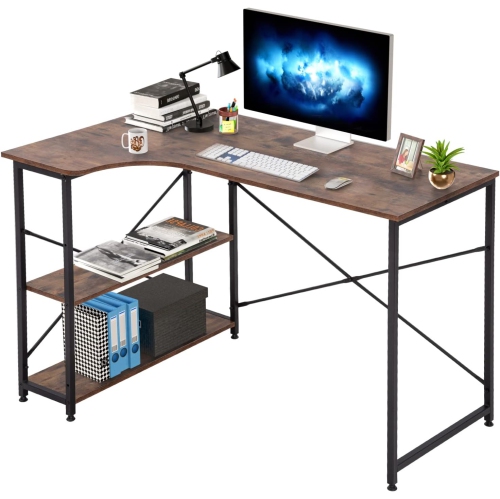
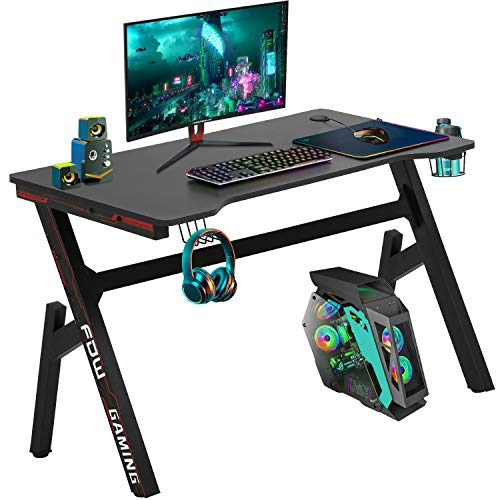

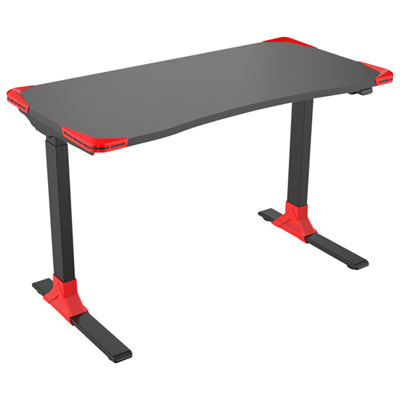
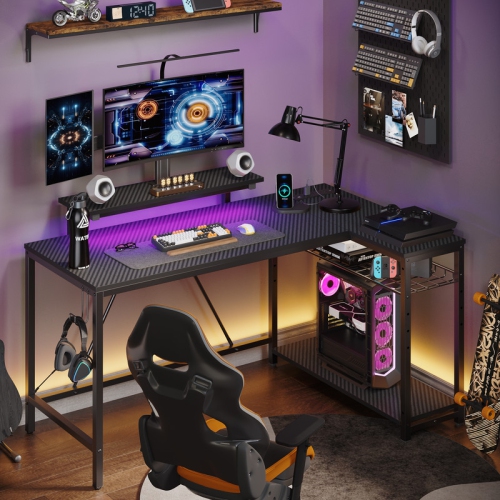
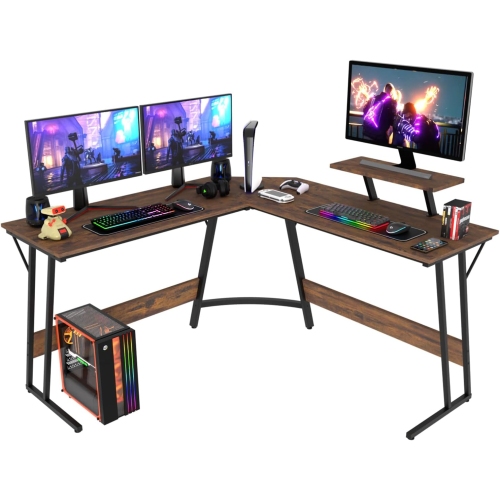
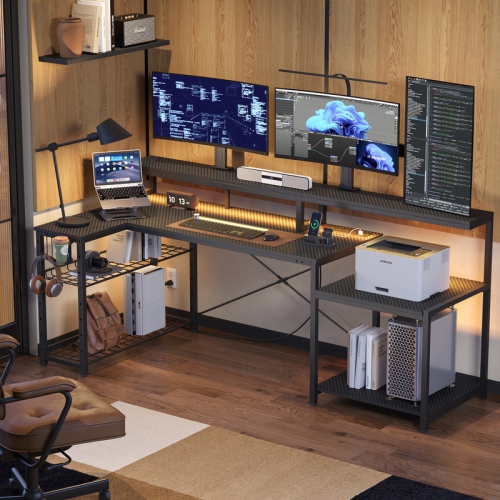

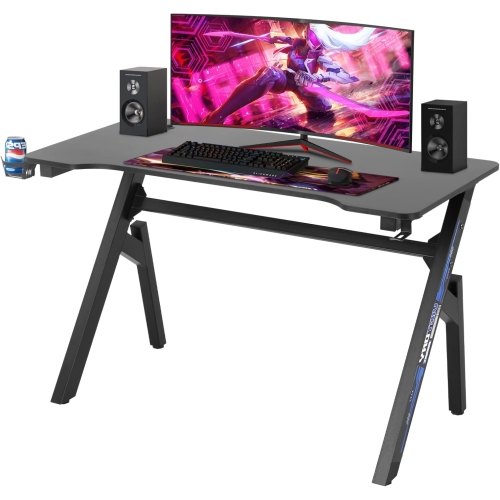
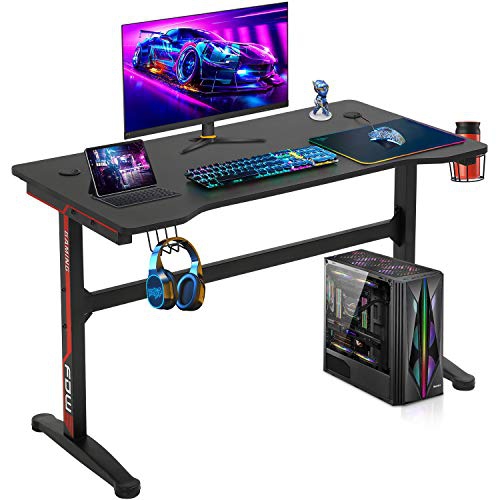
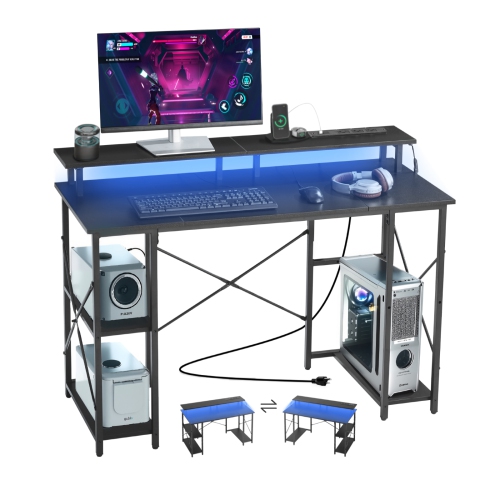
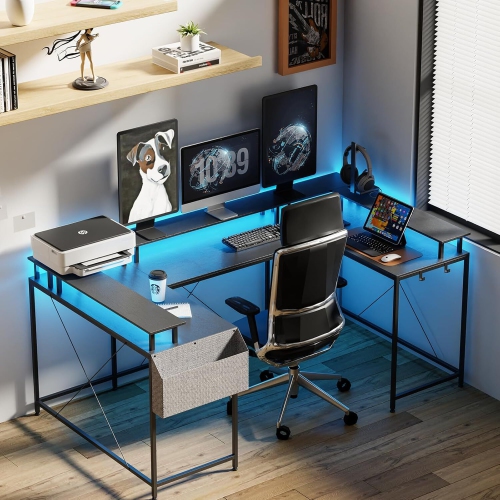
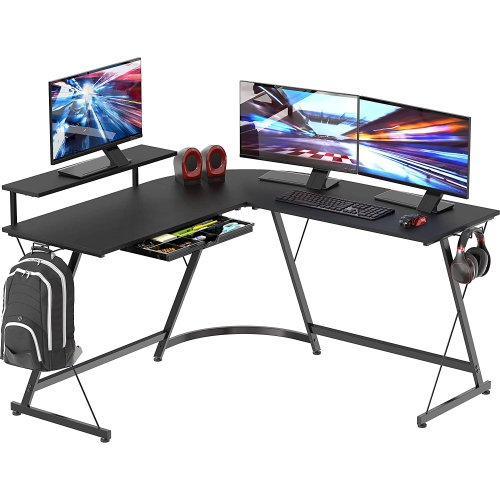
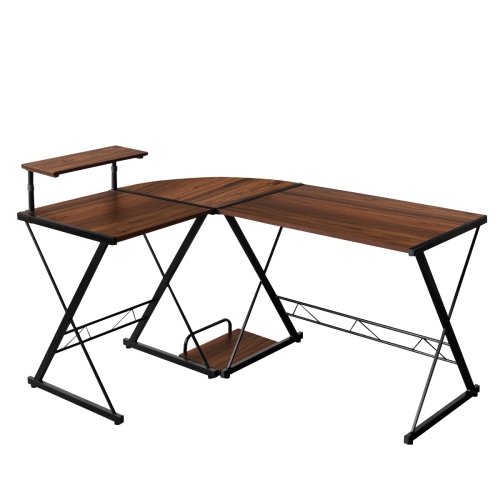
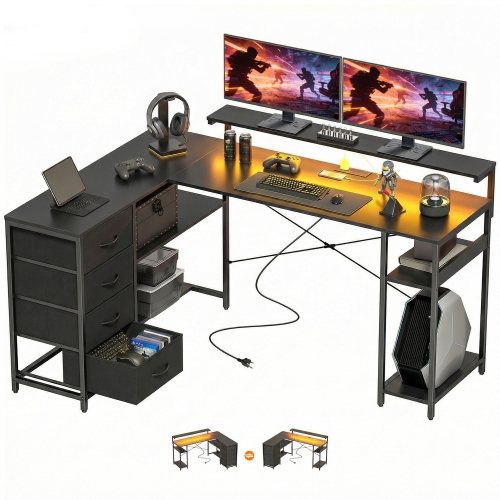
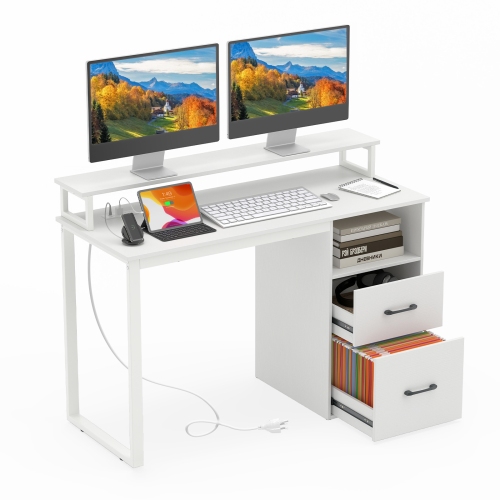
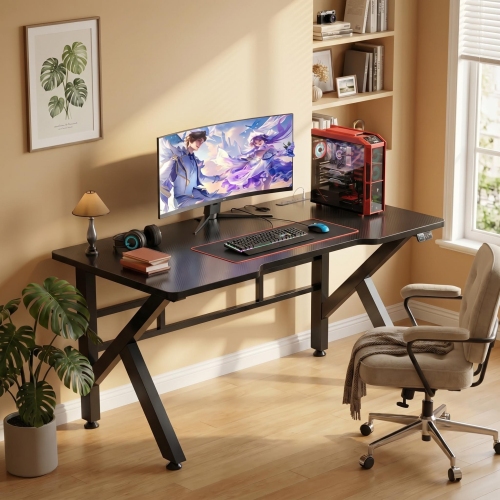
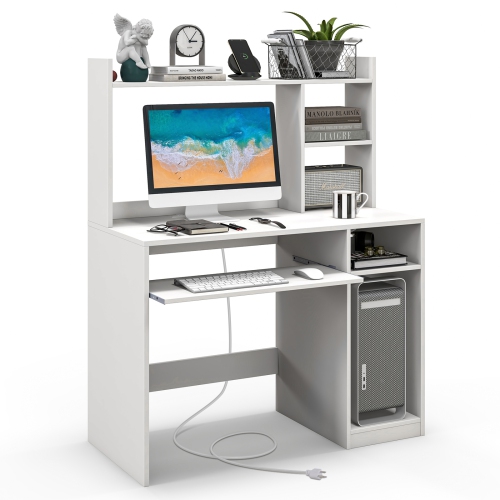
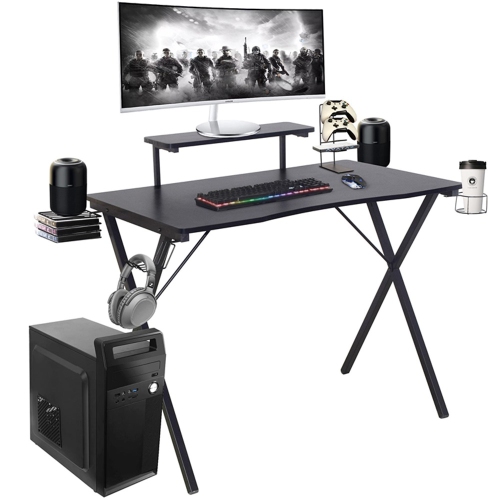
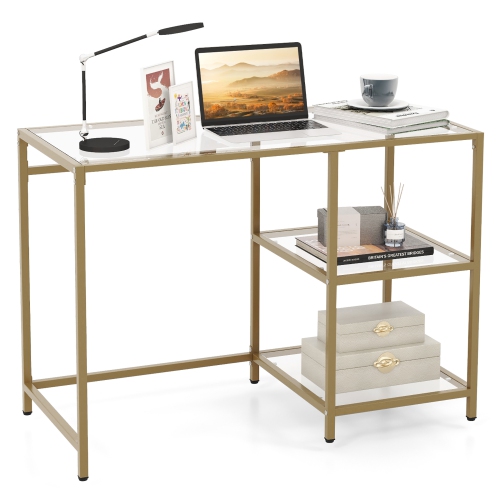
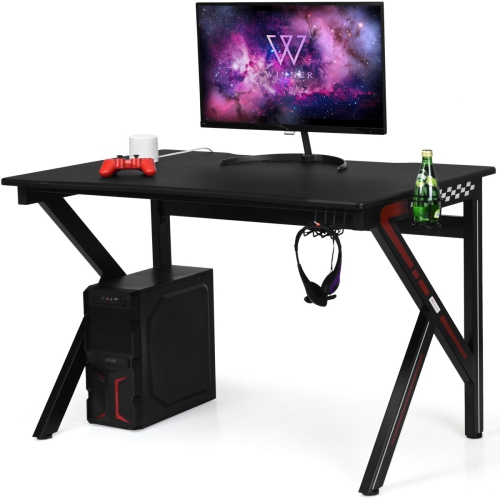
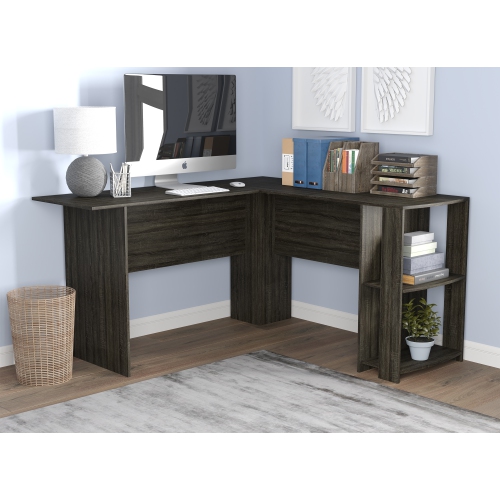
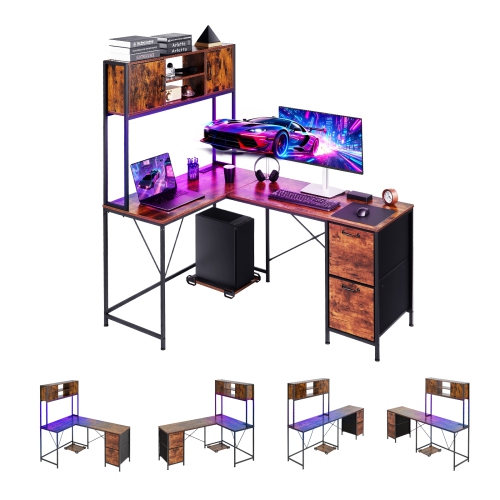
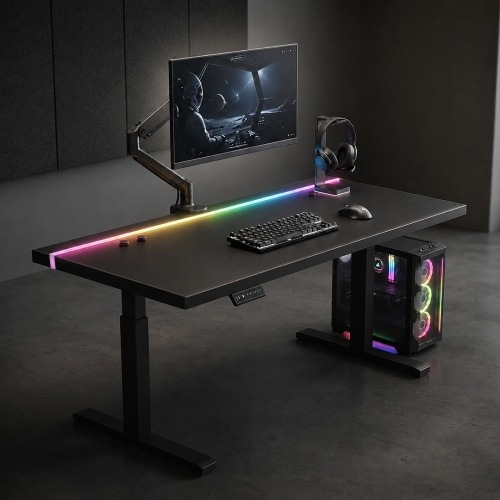
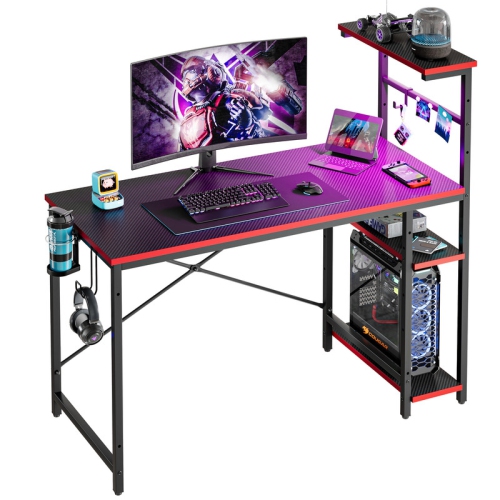
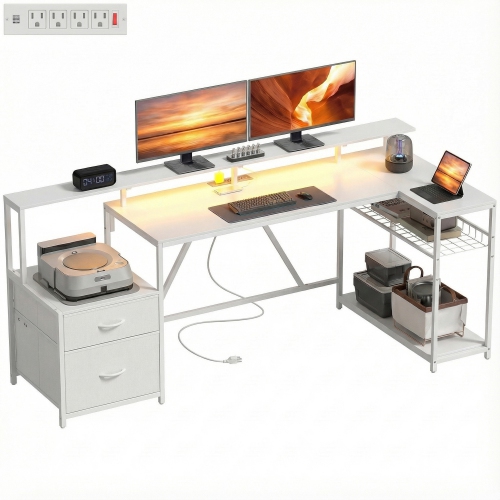
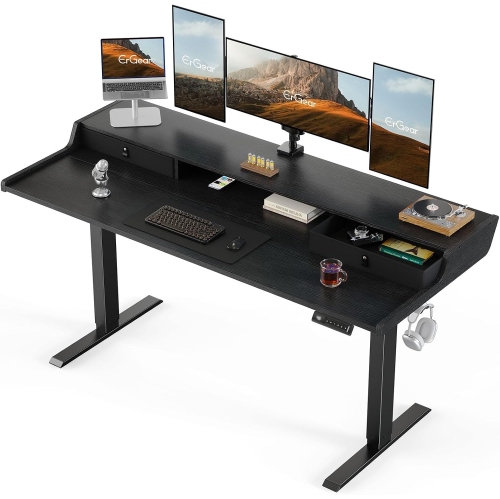
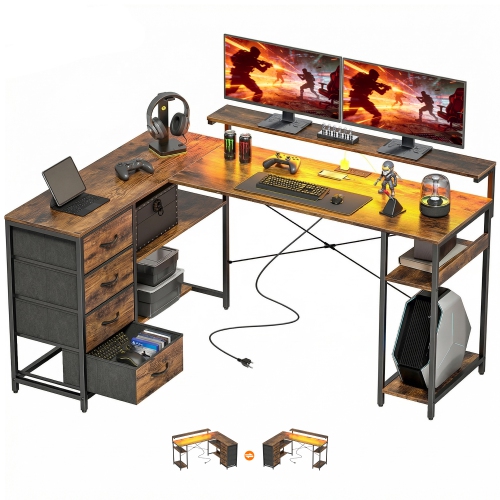
Tempered glass and smart layouts for comfortable gaming
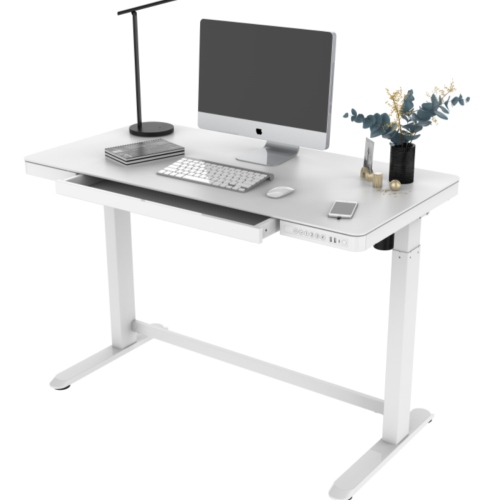
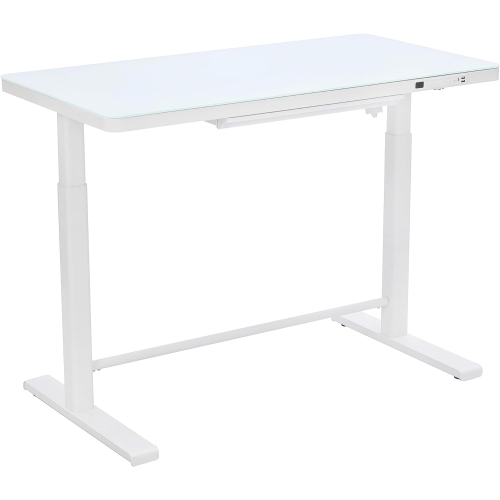
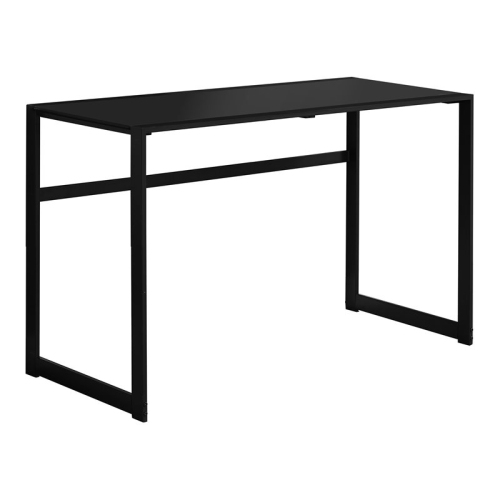
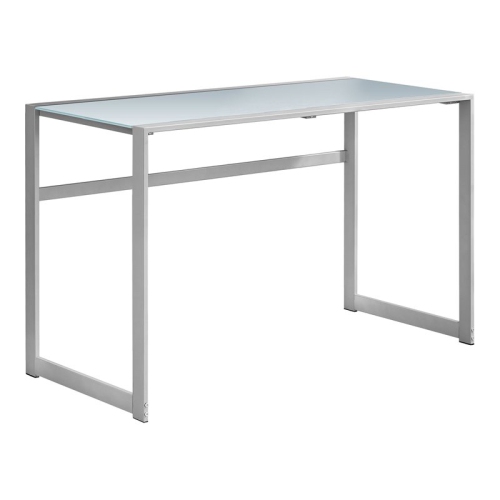
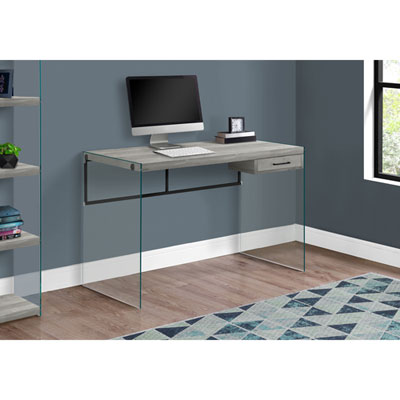
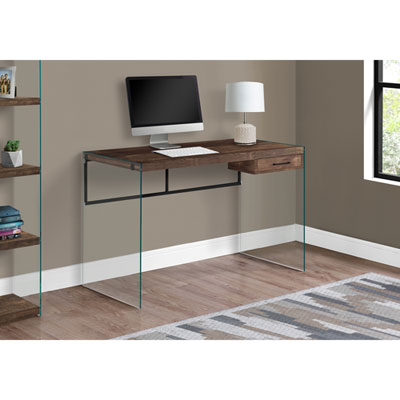
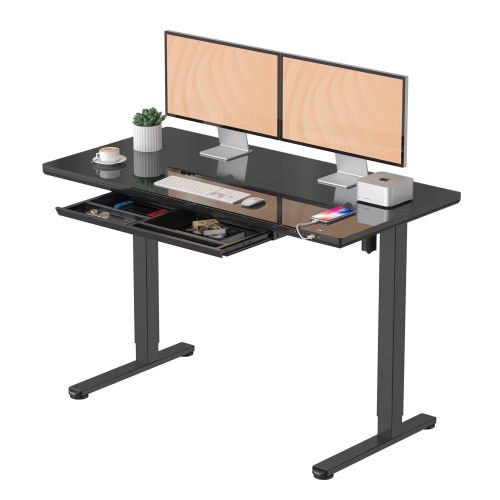
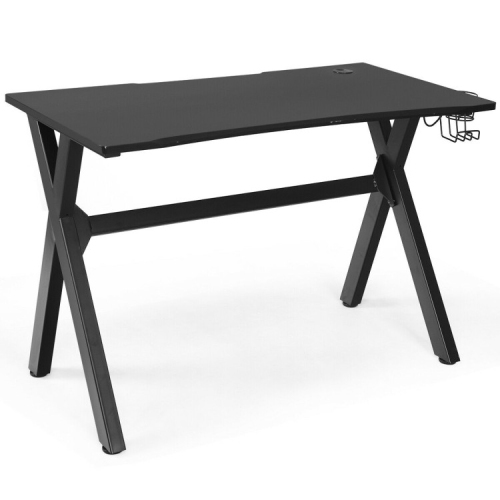
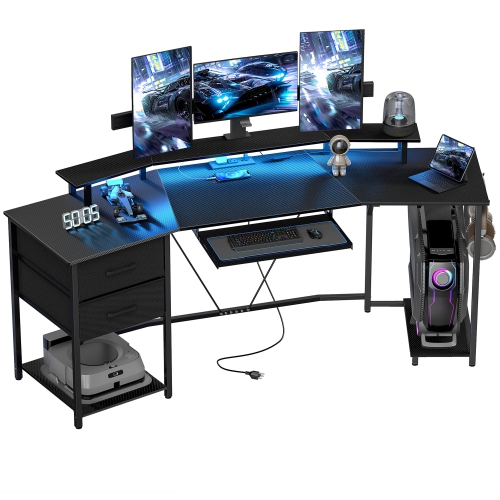
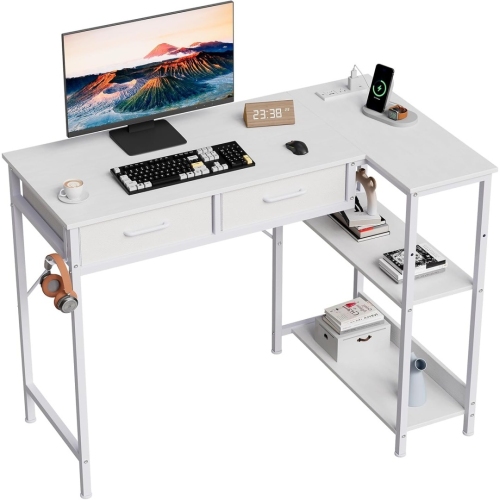
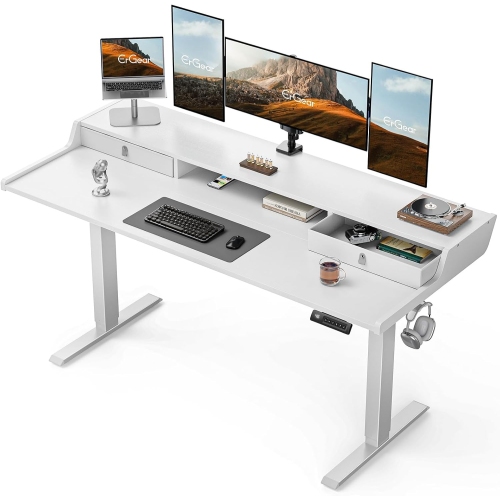
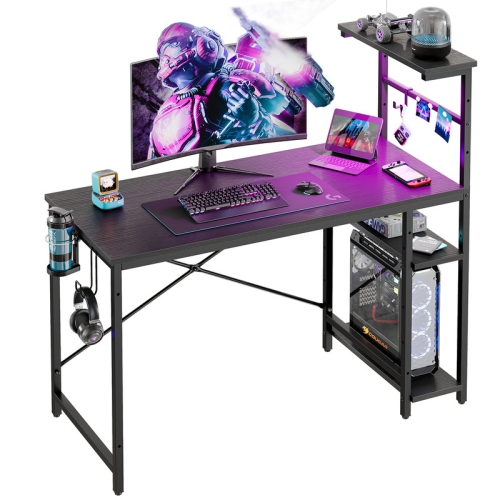
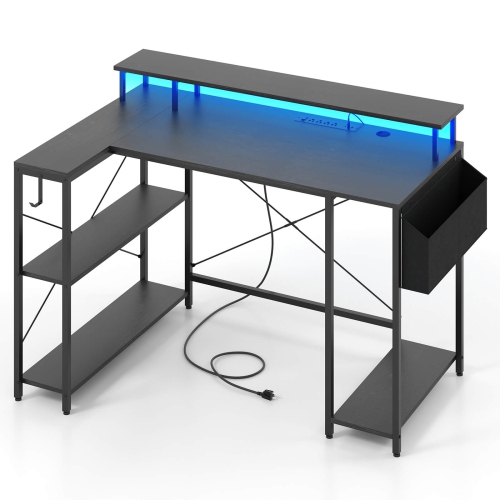
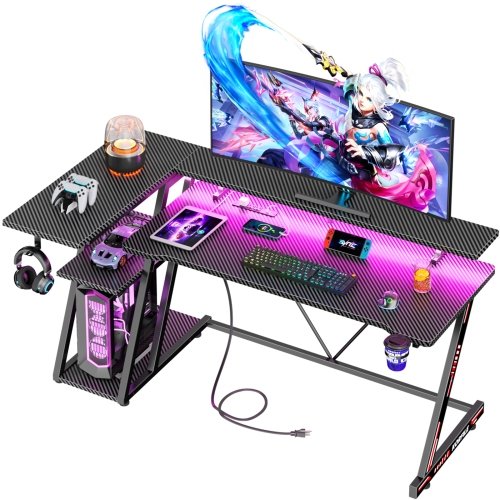
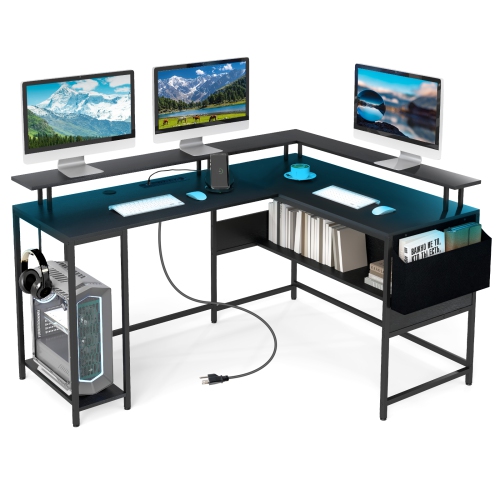
Gaming desks with glass tops bring a sleek, modern feel to a gaming room, home office, bedroom, or shared living space. Their smooth, reflective surfaces can make a setup look bright and open, especially when paired with monitor lighting, under-desk illumination, or colourful accessories. Unlike textured wood-look surfaces, glass provides a clean, uninterrupted area for a keyboard, mouse, speakers, notebook, and controller. It also makes everyday spills, dust, and fingerprints easy to spot and wipe away with a soft, damp cloth. For regular gaming, look for a desk made with thick tempered glass rather than ordinary glass. Tempered glass is designed to provide greater resistance to everyday impact and temperature changes, and many gaming desks use panels around 6 mm or thicker, although construction can vary by model. A strong steel frame, reinforced legs, and reliable levelling feet are equally important because the frame carries the weight of your monitors, computer accessories, and other equipment. A glass surface can look delicate, but a well-built desk should feel steady when you type, move a mouse, or adjust a monitor. Check the listed weight capacity and dimensions before choosing, particularly if you use a large monitor, desktop tower, speakers, a charging dock, or other equipment. A compact rectangular desk can suit a bedroom or apartment corner, while a wider or L-shaped design can provide separate areas for gaming, streaming, studying, and everyday computer work. Measure the available space carefully, including room for your chair to move in and out and enough clearance to open nearby drawers or doors.
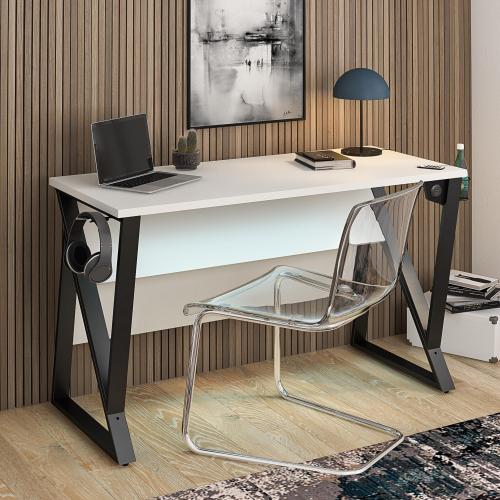
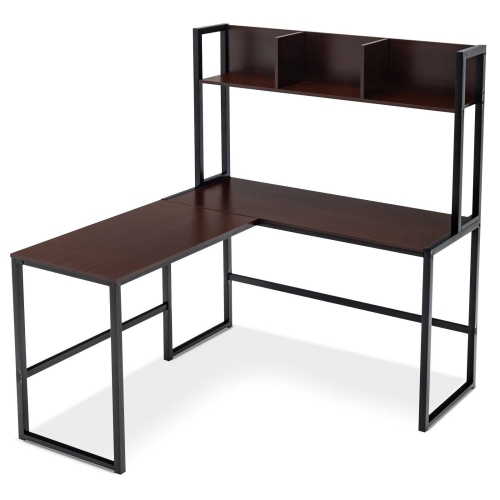
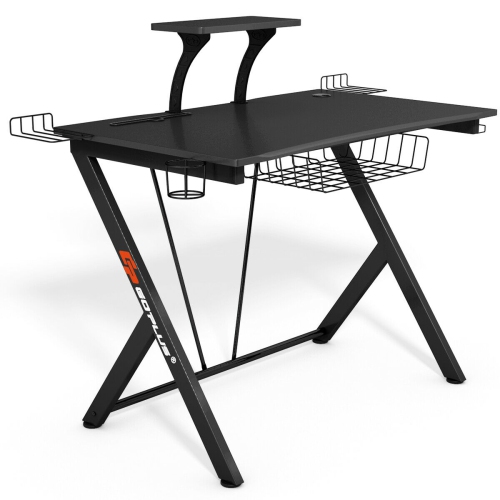
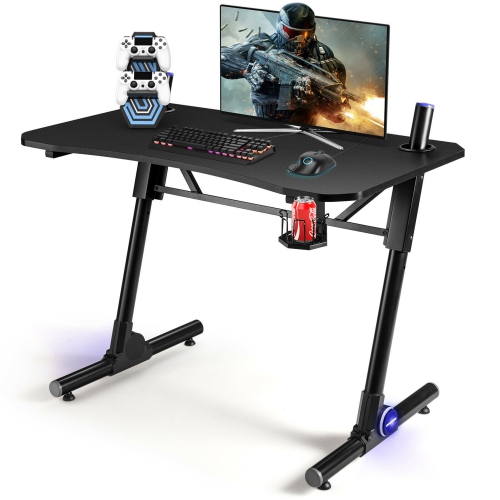
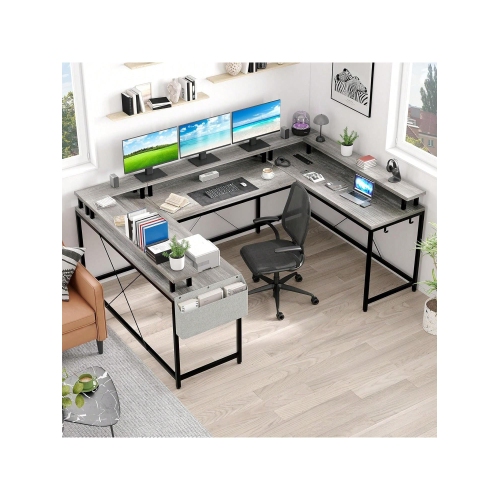
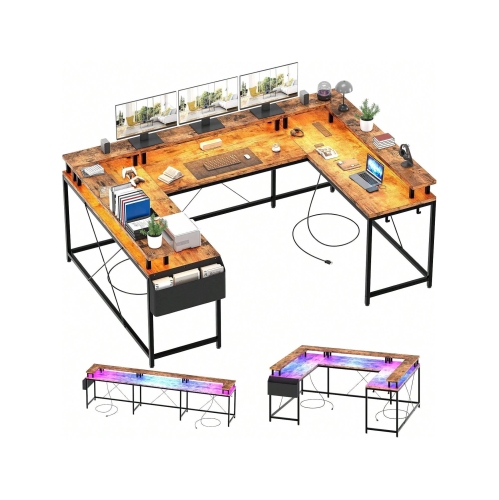
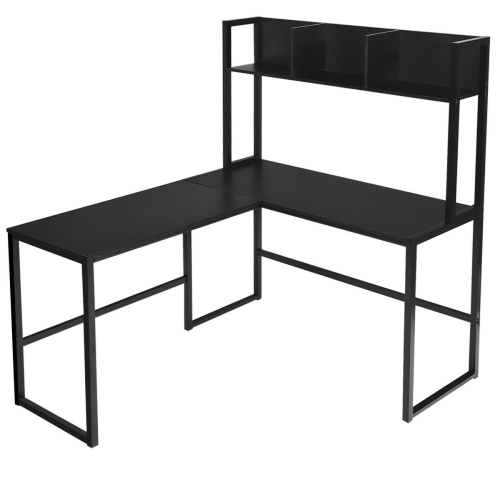
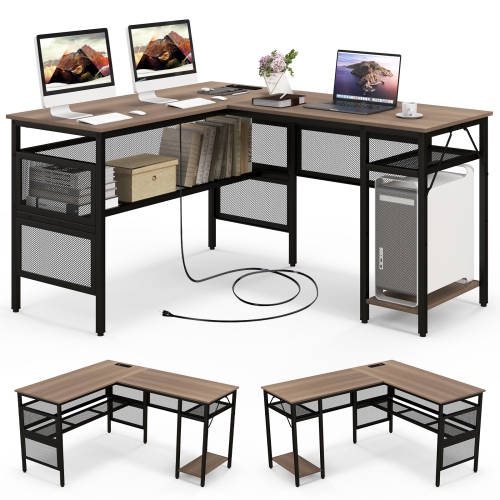
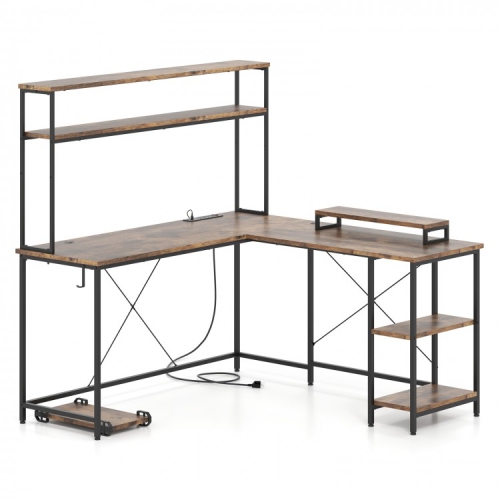
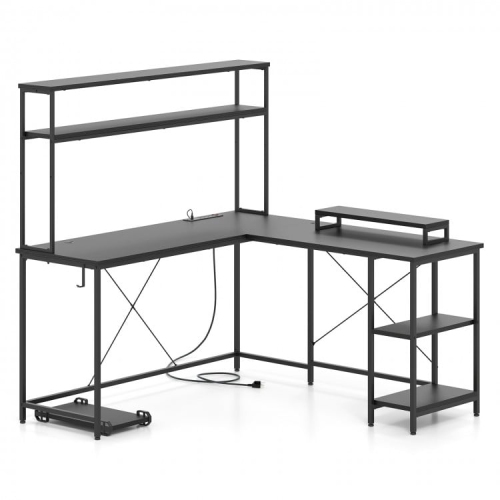
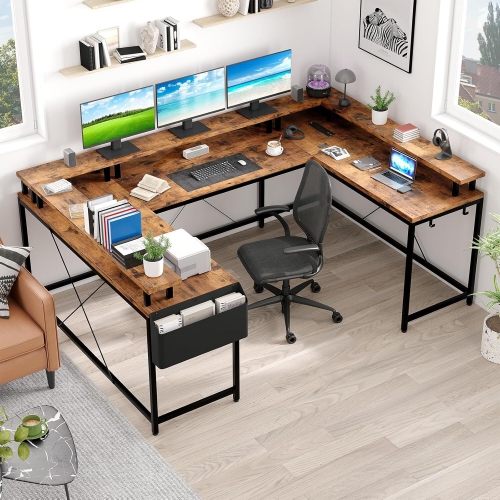
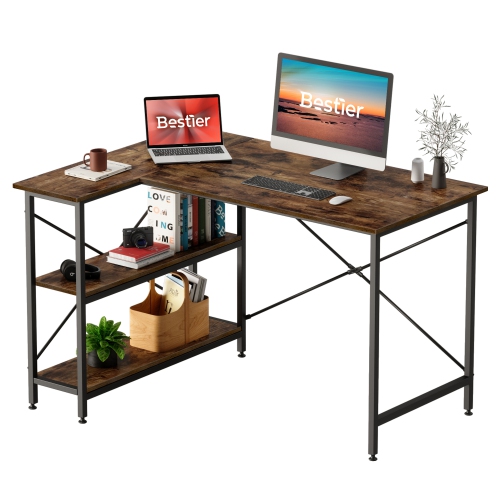
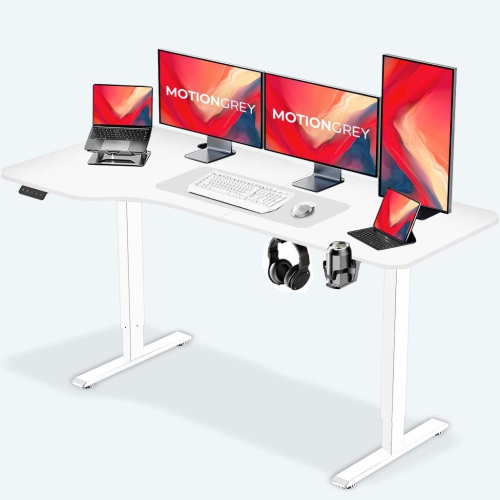
The right layout depends on how your setup comes together during a typical session. A single-monitor player may prefer a streamlined desktop with plenty of open space for a mouse and full-size keyboard, while a multitasker may need room for two or more screens, a microphone, a camera, and a notebook. L-shaped gaming desks with glass tops are particularly useful in corners and can create distinct zones for gaming and schoolwork without requiring two separate desks. Built-in features can make the surface easier to manage: cable-management openings or trays help route cords away from the front edge, a headphone hook keeps a headset within reach, and a cup holder or accessory shelf can help keep drinks and small items away from electronics. Some designs include integrated RGB lighting, which can cast colour beneath the desk or along its frame and complement the reflective glass. Lighting is largely a matter of personal preference, but it can also help define a gaming area during the cooler months when more time is spent indoors. Keep bright lighting positioned so it does not reflect directly into your screen or distract from gameplay. The same care applies to monitor placement. Always read the manufacturer’s instructions before using a clamp-on monitor arm, microphone arm, or other heavy clamp accessory. Pressure concentrated on the edge of a tempered-glass panel can create a safety risk, and some glass-top desks are not designed for these mounts. A freestanding monitor stand or a model with an approved mounting solution may be a better fit. Avoid dragging heavy equipment across the glass, use both hands when repositioning larger items, and keep the desk on a level floor to reduce unnecessary stress on the frame.
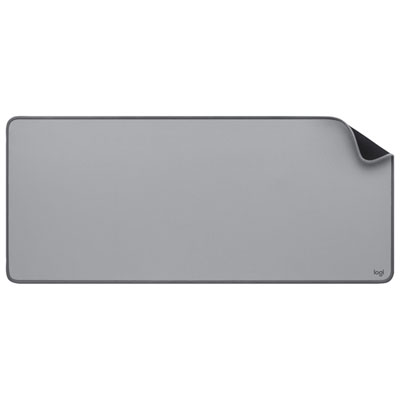
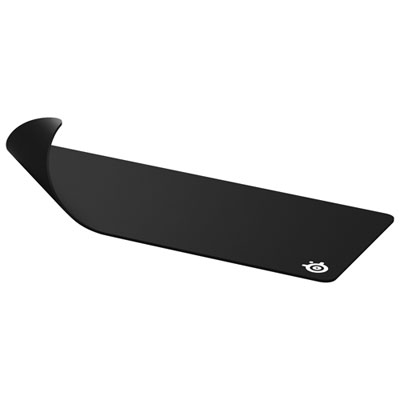
A glass-top gaming desk can be a practical choice for players building their first dedicated setup, experienced PC users upgrading a multipurpose workstation, or families creating a shared place for homework and entertainment. It can also make a thoughtful gift for someone moving into a new room, assembling a streaming corner, or spending more time on creative projects, online classes, and multiplayer games. Before selecting one, consider the recipient’s equipment and habits rather than choosing by appearance alone. A person who uses a full-size tower may need extra legroom or a separate floor location for the computer, while someone with a laptop may value a smaller footprint and a raised shelf. Think about chair height, leg clearance, screen distance, and whether the desk will sit against a wall or in the middle of a room. A comfortable gaming position generally keeps the screen at a natural viewing height, the elbows relaxed near the desk surface, and the feet supported on the floor. The glass should be cleaned with a non-abrasive cloth and a suitable glass-safe cleaner; avoid harsh scouring materials that could leave marks, and dry the surface after wiping to reduce streaks. A desk mat can add a warmer, more tactile area beneath the keyboard and mouse while helping define the main play zone. For options designed around gaming accessories and everyday desk protection, explore Gaming Desk Pads. With the right dimensions, stable support, sensible cable routing, and compatible accessories, a glass-top gaming desk can turn a bare corner into a polished command centre that feels comfortable for a quick match, a long campaign, study time, or a relaxed evening with friends.
The right layout depends on how your setup comes together during a typical session. A single-monitor player may prefer a streamlined desktop with plenty of open space for a mouse and full-size keyboard, while a multitasker may need room for two or more screens, a microphone, a camera, and a notebook. L-shaped gaming desks with glass tops are particularly useful in corners and can create distinct zones for gaming and schoolwork without requiring two separate desks. Built-in features can make the surface easier to manage: cable-management openings or trays help route cords away from the front edge, a headphone hook keeps a headset within reach, and a cup holder or accessory shelf can help keep drinks and small items away from electronics. Some designs include integrated RGB lighting, which can cast colour beneath the desk or along its frame and complement the reflective glass. Lighting is largely a matter of personal preference, but it can also help define a gaming area during the cooler months when more time is spent indoors. Keep bright lighting positioned so it does not reflect directly into your screen or distract from gameplay. The same care applies to monitor placement. Always read the manufacturer’s instructions before using a clamp-on monitor arm, microphone arm, or other heavy clamp accessory. Pressure concentrated on the edge of a tempered-glass panel can create a safety risk, and some glass-top desks are not designed for these mounts. A freestanding monitor stand or a model with an approved mounting solution may be a better fit. Avoid dragging heavy equipment across the glass, use both hands when repositioning larger items, and keep the desk on a level floor to reduce unnecessary stress on the frame.
A glass-top gaming desk can be a practical choice for players building their first dedicated setup, experienced PC users upgrading a multipurpose workstation, or families creating a shared place for homework and entertainment. It can also make a thoughtful gift for someone moving into a new room, assembling a streaming corner, or spending more time on creative projects, online classes, and multiplayer games. Before selecting one, consider the recipient’s equipment and habits rather than choosing by appearance alone. A person who uses a full-size tower may need extra legroom or a separate floor location for the computer, while someone with a laptop may value a smaller footprint and a raised shelf. Think about chair height, leg clearance, screen distance, and whether the desk will sit against a wall or in the middle of a room. A comfortable gaming position generally keeps the screen at a natural viewing height, the elbows relaxed near the desk surface, and the feet supported on the floor. The glass should be cleaned with a non-abrasive cloth and a suitable glass-safe cleaner; avoid harsh scouring materials that could leave marks, and dry the surface after wiping to reduce streaks. A desk mat can add a warmer, more tactile area beneath the keyboard and mouse while helping define the main play zone. For options designed around gaming accessories and everyday desk protection, explore Gaming Desk Pads. With the right dimensions, stable support, sensible cable routing, and compatible accessories, a glass-top gaming desk can turn a bare corner into a polished command centre that feels comfortable for a quick match, a long campaign, study time, or a relaxed evening with friends.
Top selling and popular products
-
 Your price for this item is $304.99
 -
 Your price for this item is $142.92
 -
 Your price for this item is $248.99
 -
 Your price for this item is $133.91
 -
 Your price for this item is $158.99
 -
 Your price for this item is $142.94
 -
 Your price for this item is $119.99
 -
 Your price for this item is $133.91
Discover more categories related to Gaming Desks With Glass Top
Top Collections:
Pokemon Centers, Best Cameras for Sports Photography, Kindle Devices, Samsung Galaxy Phones, Canon G7X Cameras, Pokémon 30th Celebration Cards, Refurbished Apple Laptops, iPhone 15 Apple, Laptops for Students, Budget Smartphones
Some products may be subject to Environmental Handling Fees
(EHF) depending on your province.
Learn more about EHFs.