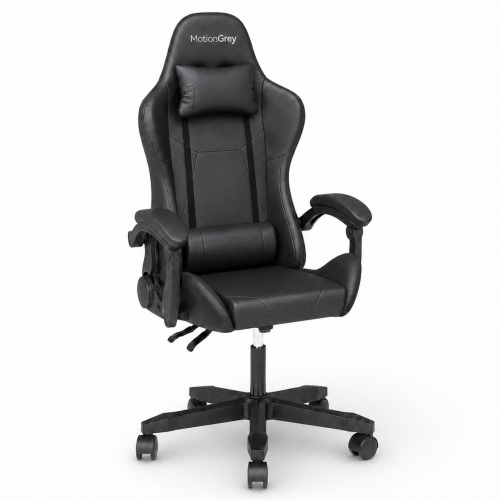
Best Gaming Chairs Under $150

Upgrade your gaming setup without stretching your budget with the best gaming chairs under $150, ranked by user review ratings. Explore affordable options for gaming, studying, or working, and compare comfort, adjustability, and style to find a chair that fits your space and your play style.

What to look for in gaming chairs under $150

1. Comfort and Support

Look for a padded seat and a supportive backrest that feel comfortable during longer gaming sessions. Lumbar support and a headrest can help, but their placement should suit your height.

2. Adjustability

Check for seat-height adjustment so you can keep your feet flat on the floor and your arms comfortably aligned with your desk. Tilt, recline, and adjustable armrests vary by model, so prioritize the features you’ll use most.

3. Size and Weight Capacity

Compare the seat width, seat depth, and maximum weight capacity with your needs. Check the chair’s overall dimensions to ensure it fits your gaming space and slides under your desk.

4. Materials and Construction

Compare upholstery options: mesh allows airflow, fabric offers a soft feel, and faux leather can be easy to wipe clean. Look for a sturdy base, casters suited to your flooring, and clear warranty coverage.
  1. 1

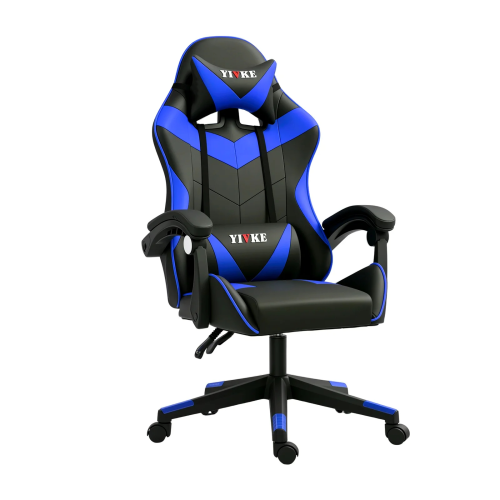
    YIVKE Ergonomic Gaming Chair Racing Style Adjustable Height High-Back PC Computer Chair w Headrest And Lumbar Support Executive Office Chair 208Blue

    About this product

    An ergonomic blue PU leather chair with adjustable lumbar support, headrest, footrest, and 135° recline.

    (1)
    $149.00
    SAVE $110
    Your price for this item is $149
  2. 2

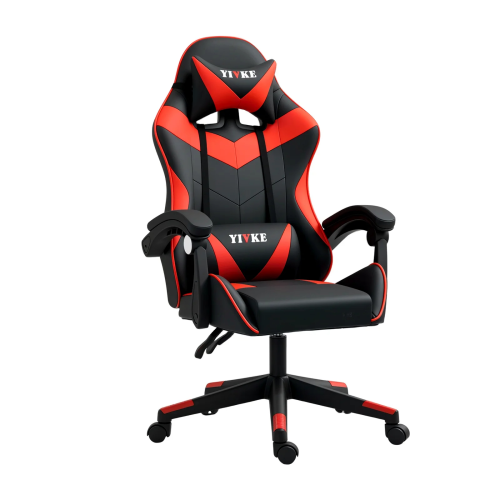
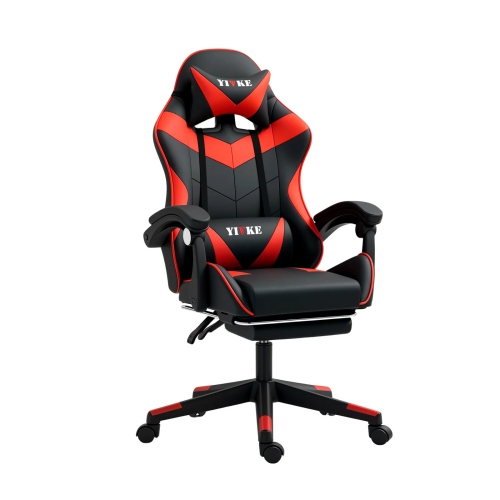
    YIVKE Ergonomic Gaming Chair Racing Style Adjustable Height High-Back PC Computer Chair With Headrest And Lumbar Support Executive Office Chair 208

    About this product

    An ergonomic red PU leather chair with adjustable lumbar support, headrest, footrest, and 135° recline.

    $149.00
    SAVE $110
    Your price for this item is $149
  3. 3

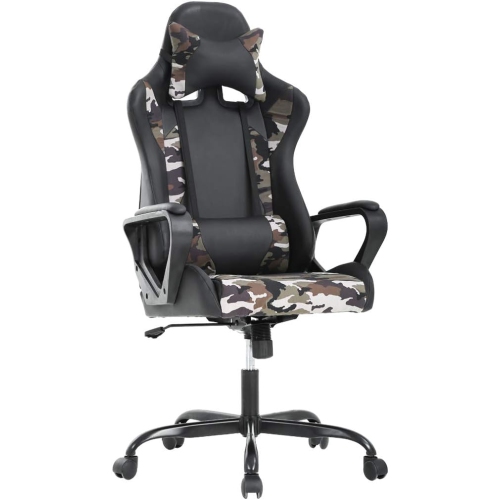
    BESTOFFICE PC Gaming Chair Ergonomic Office Chair Desk Chair w Lumbar Support Flip Up Arms Headrest Pu Leather Executive High Back Computer Chair

    About this product

    An ergonomic gaming chair with PU leather, lumbar support, flip-up arms, headrest, and remote-controlled vibration massage.

    $129.99
    SAVE $40
    Your price for this item is $129.99
  4. 4

    LUXWIN High Back Mesh Gaming Chair - X-897A Mc026 In Black

    About this product

    A black ergonomic mesh chair featuring lumbar support, adjustable armrests, and a high back for comfort.

    (5)
    $95.99
    SAVE $124
    Your price for this item is $95.99
  5. 5

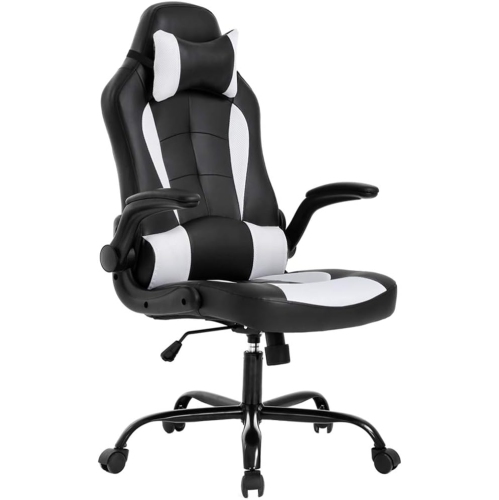
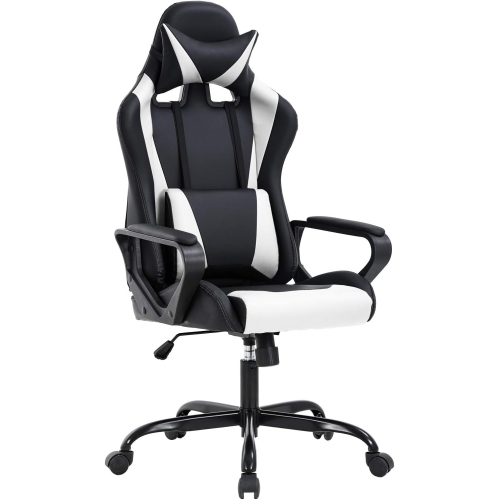
    BESTOFFICE Ergonomic Office Chair High-Back Gaming Chair w Lumbar Support PC Computer Chair Racing Chair Pu Task Desk Chair Executive Swivel

    About this product

    An ergonomic high-back swivel chair in white PU leather with lumbar support and adjustable armrests.

    (1)
    $138.99
    SAVE $34
    Your price for this item is $138.99
  6. 6

    BESTOFFICE PC Gaming Chair Ergonomic Office Chair Desk Chair w Lumbar Support Flip Up Arms Headrest Pu Leather Executive High Back Computer Chair

    About this product

    A gaming chair with PU leather upholstery, lumbar support, flip-up arms, headrest, and remote-controlled vibration.

    (2)
    $109.99
    SAVE $60
    Your price for this item is $109.99
  7. 7

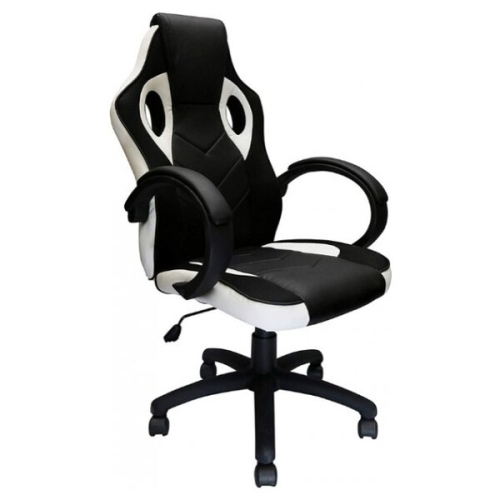
    NICER INTERIOR Furniture Racing-Style Gaming Chair With Tilt & Padded Arms In White

    About this product

    A white racing-style gaming chair with faux-leather upholstery, mesh panels, padded arms, tilt-lock, and 360° swivel.

    $139.88
    SAVE $59
    Your price for this item is $139.88
  8. 8

    BestOffice Ergonomic Office Chair High-Back White Gaming Chair with Lumbar Support PC Computer Chair Racing Chair PU Task Desk Chair Executive Swivel Rolling Chair

    About this product

    An ergonomic high-back chair in white PU leather with lumbar support and adjustable armrests for comfort.

    (2)
    $119.99 Your price for this item is $119.99

Why seat fit matters more than racing-style looks

Gaming chairs bring a supportive seat, a distinctive look, and everyday practicality to a gaming setup, whether that means a dedicated desktop station or a desk shared with schoolwork. The best gaming chairs for an individual setup balance fit, usable adjustments, and upholstery that suits the way the chair will be used. A racing-style backrest can give a room a bold focal point, but the seat beneath it matters just as much: its width, depth, and cushioning determine how comfortably someone can settle in with a keyboard, mouse, or controller. A well-fitting seat leaves a little space behind the knees while allowing the feet to rest flat on the floor or on a suitable footrest. Taller users may need more seat depth and a higher backrest, while shorter users often benefit from a lower minimum seat height and a seat that does not press against the backs of their legs. Generous side bolsters can feel snug, so the usable sitting area is more informative than the chair’s overall width alone. Height adjustment helps bring the seat into alignment with a desk, and armrests can support relaxed shoulders when they sit at a comfortable level without pushing the elbows outward. At a narrow workstation, armrest height also affects whether the chair can slide underneath the desktop when the session is finished. Lumbar cushioning, whether built into the backrest or provided by a separate pillow, should sit comfortably near the natural curve of the lower back rather than force the body forward. A head cushion is most useful when its position matches the user’s height; an impressive-looking backrest does not automatically mean a better fit. For someone moving between typing, studying, and gaming, these everyday proportions often make a bigger difference than dramatic styling. A chair that feels comfortable during an upright match should also accommodate the small changes in position that happen while reading, chatting with friends, or watching a stream, without requiring the user to perch on the front edge.

Materials influence how a gaming chair feels through a session and how much attention it needs afterward. Mesh backrests allow air to circulate and can suit a room that warms up around a gaming computer. Fabric upholstery has a softer, more textured feel and can be comfortable against bare arms and legs, although crumbs and dust may settle into the weave. Faux leather offers a smooth finish that is generally easy to wipe down, making it practical for shared spaces where a chair moves between gaming and homework. Its surface can feel warmer during extended sitting, and keeping it away from direct sunlight and strong heat sources can help limit drying and surface damage. Upholstery descriptions are worth reading closely because similar-looking finishes can have different cleaning requirements. For routine care, a soft cloth and the manufacturer’s approved cleaning method are preferable to harsh household cleaners; spills are easier to manage before they have time to soak into stitching or padding. Fabric may benefit from gentle vacuuming with an upholstery attachment, while mesh needs care to avoid snagging or stretching. Cushioning matters alongside the covering. A deeply padded seat may feel inviting at first, but padding that compresses too easily can provide less separation from the structure underneath over time. Firmer cushioning may feel less plush while offering a steadier sitting surface. Stitching, seam placement, and the way upholstery fits around the seat edges also affect daily comfort, especially where the thighs and forearms make frequent contact. In a home with pets, exposed fabric, mesh, and faux leather each have different vulnerabilities to claws, so keeping a scratching surface nearby and discouraging pets from climbing the backrest can help protect the chair. Colour and finish tie these practical choices into the room: dark upholstery can blend with a desktop tower and monitor stand, while contrasting panels bring a more pronounced gaming look to a bedroom or recreation space.

Durability depends on the whole chair, including the base, casters, frame, adjustment mechanisms, and the quality of assembly. Published weight limits and dimensions provide useful boundaries, but they do not replace checking how the seat fits its intended user. A stable base and securely fitted components matter when swivelling between a screen and a nearby shelf, and caster suitability matters just as much when moving across a hard floor or carpet. A compatible chair mat can protect flooring and make movement easier, provided it is designed for that surface. Assembly usually involves securing the seat, backrest, arms, and base according to the supplied instructions; checking fasteners periodically helps address looseness before it affects the feel of the chair. Moving parts should operate as described, without forcing levers or leaning beyond the stated range. Features vary by design: tilt changes the sitting angle, recline adjusts the backrest, and a tilt lock holds a supported position where that function is included. A retractable footrest, when present, provides somewhere to rest the legs while leaning back, but it is not a step or an extra seat. Simple controls that are easy to reach can be more useful in daily use than a long list of functions that rarely get adjusted. These chairs can suit students, casual players, and people furnishing a first gaming corner, particularly when one seat needs to serve several activities throughout the day. For gift giving, the recipient’s height, desk clearance, room layout, and preferred upholstery are more helpful starting points than colour alone. During the cooler months, a comfortable setup can make an evening tournament with friends or a quiet single-player session more inviting, while regular standing and movement breaks remain important. For a broader look at seating styles and adjustment options, Best Gaming Chairs Under $300 offers another collection to explore. The most satisfying choice is a chair whose fit, materials, and everyday functions work naturally with the person and the space.

FAQ

Some products may be subject to Environmental Handling Fees (EHF) depending on your province. Learn more about EHFs.