Gaming Keyboards Under $150
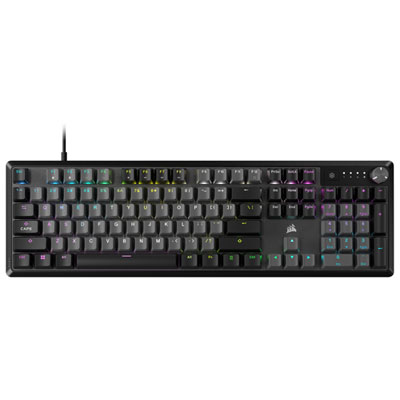
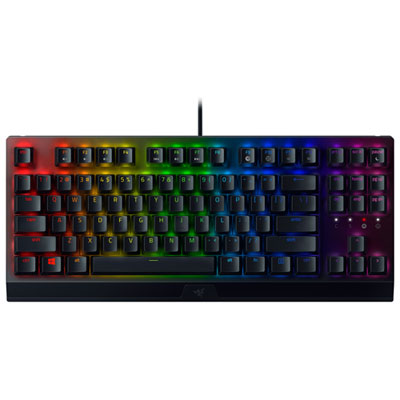
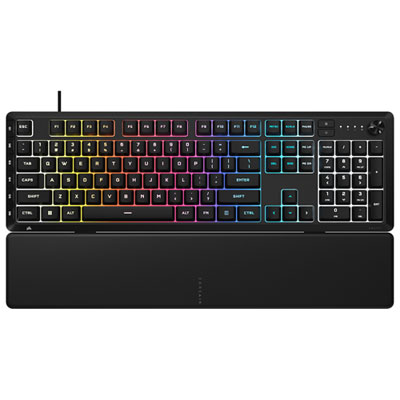
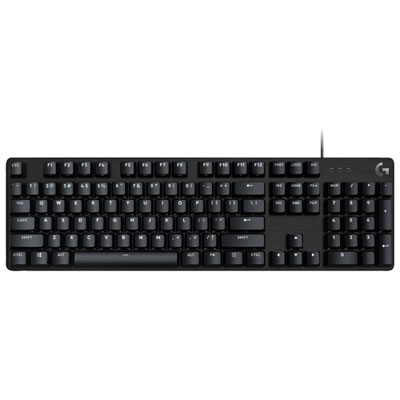
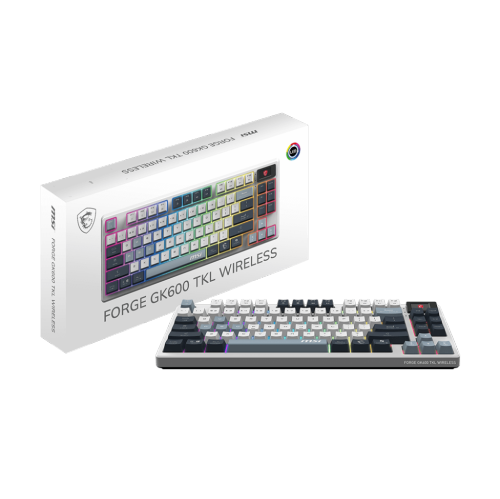
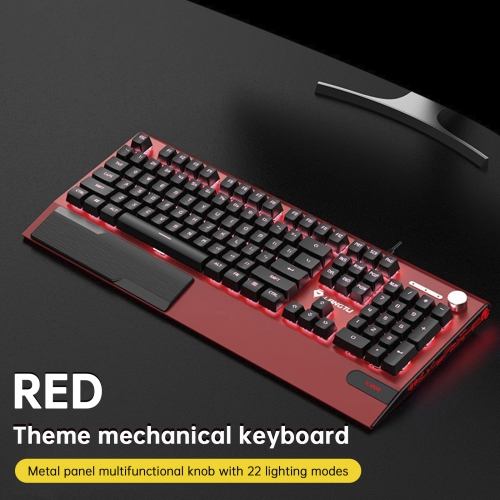
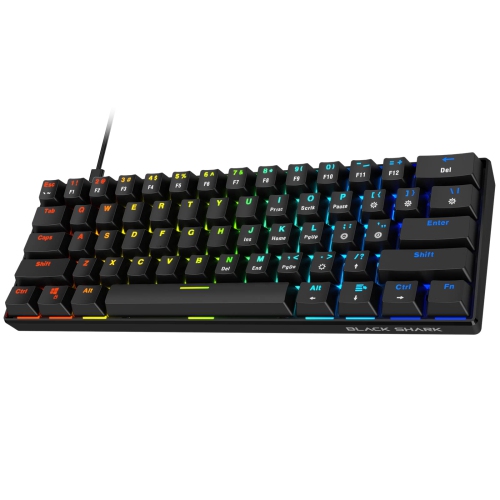
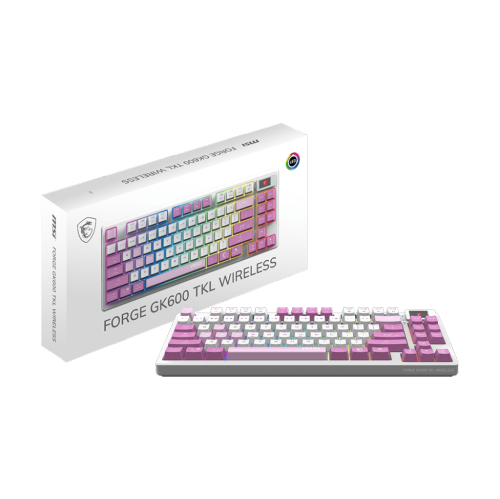
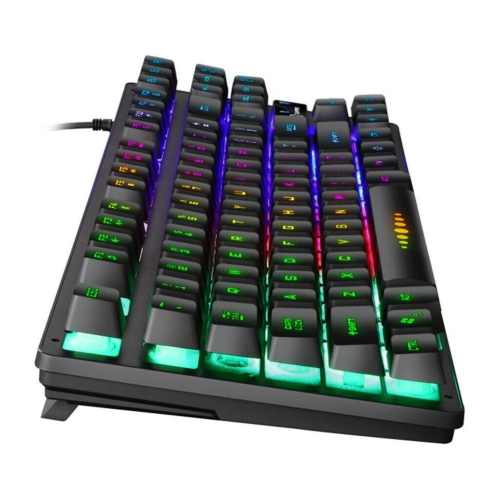
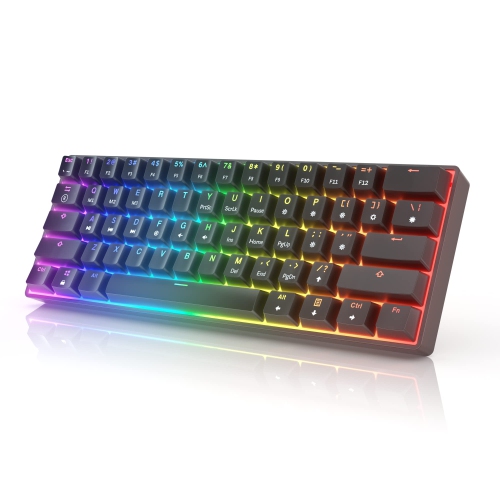
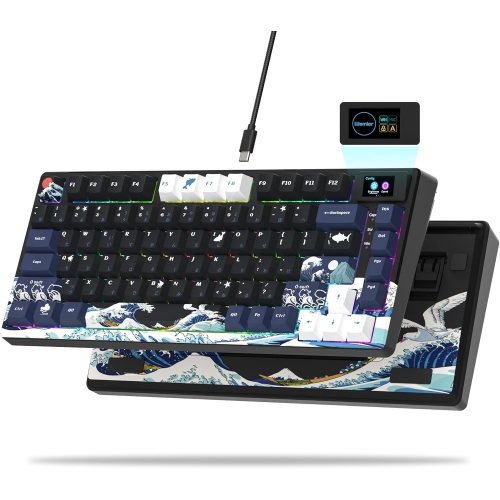
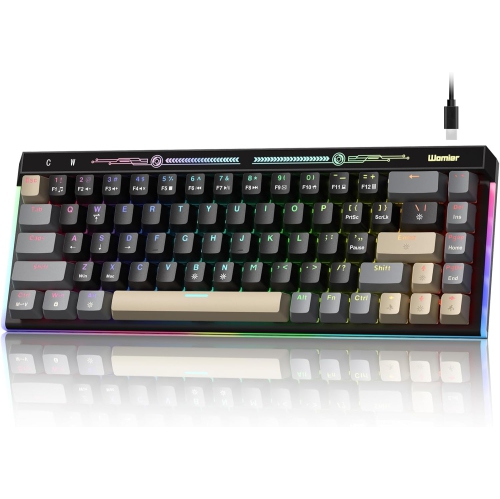
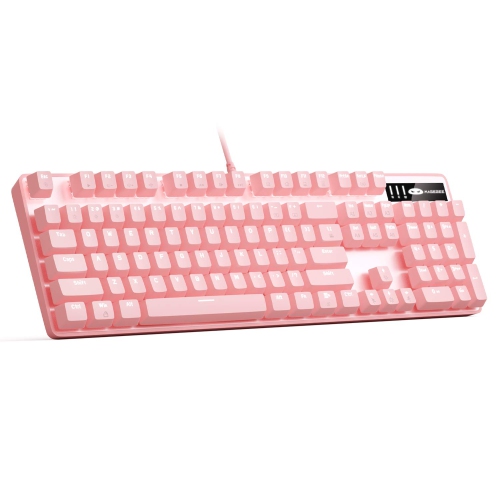
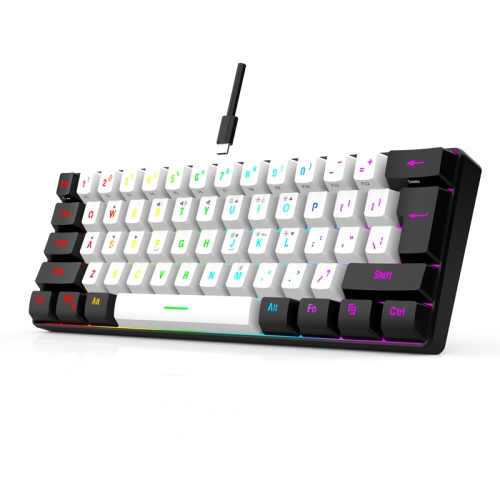
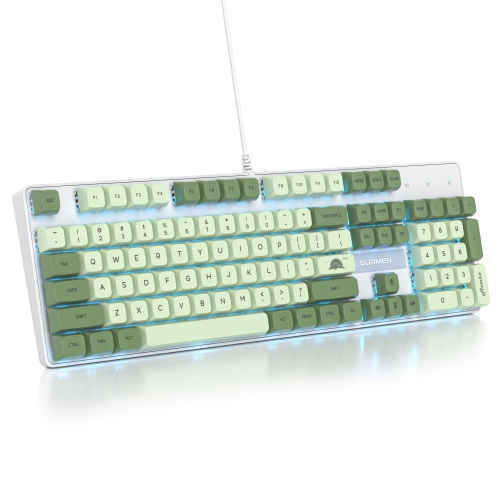
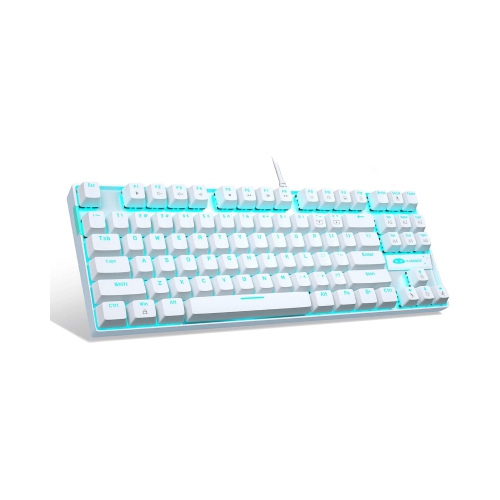
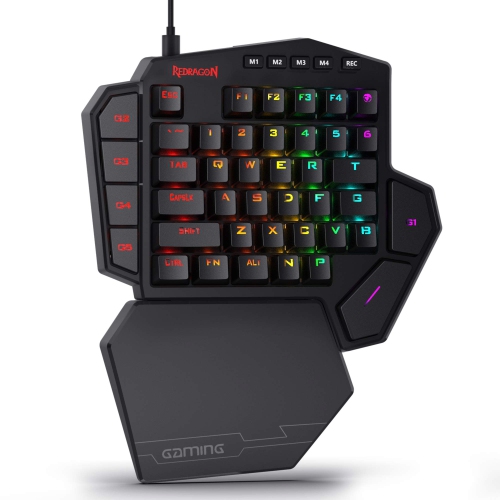
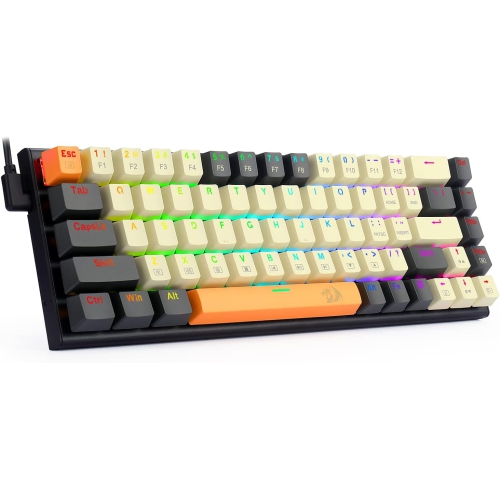
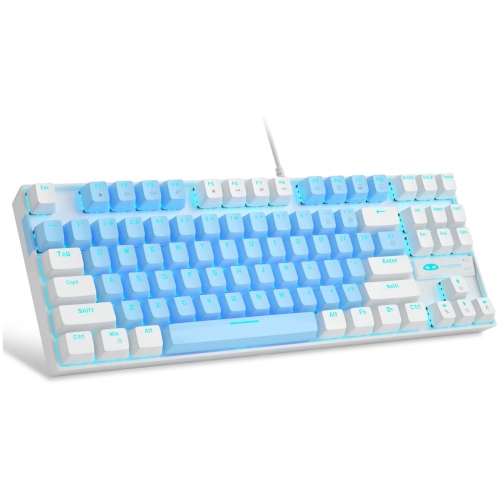
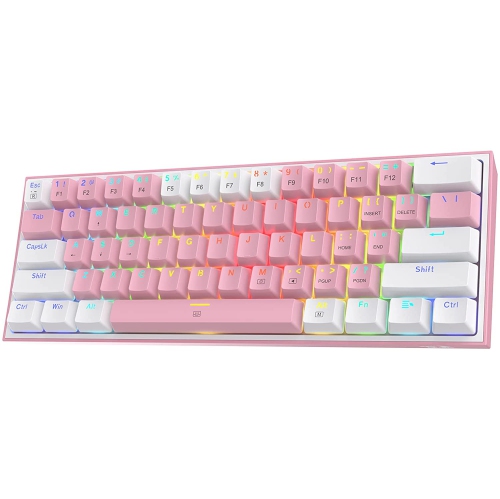
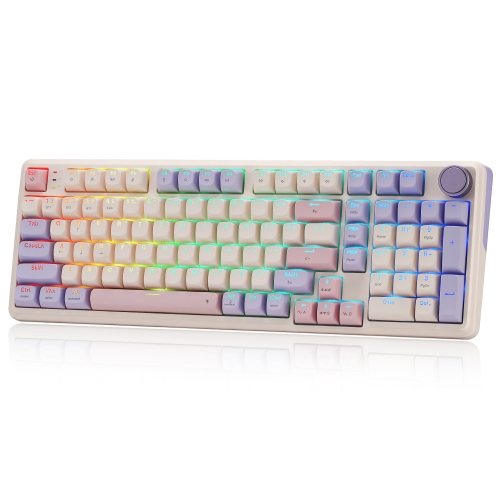
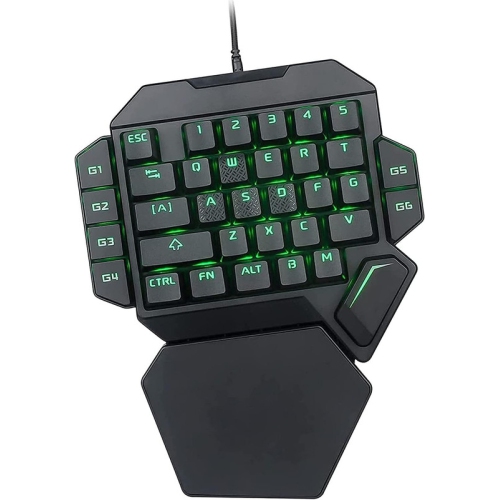
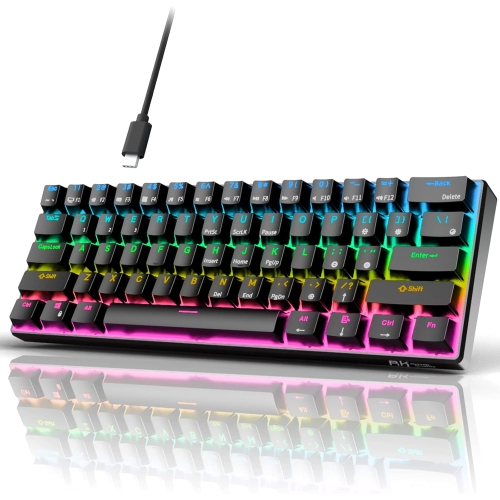
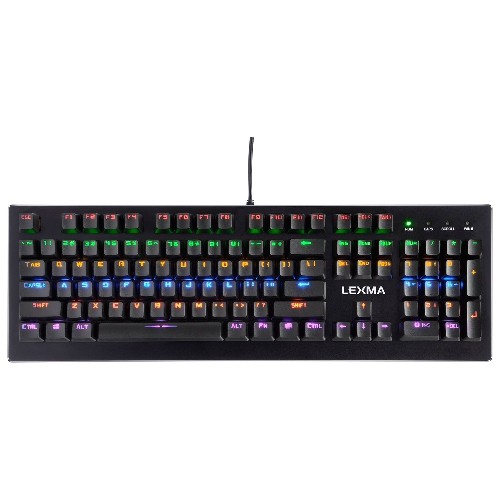
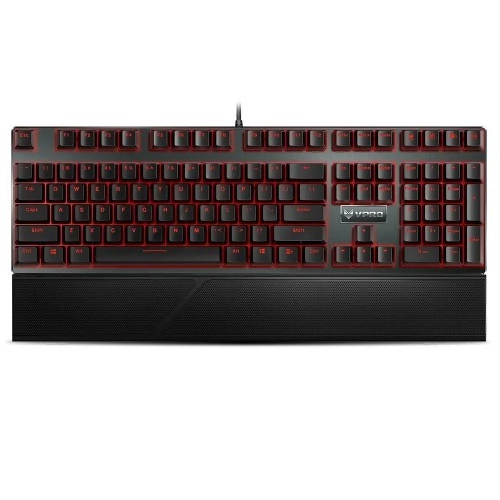
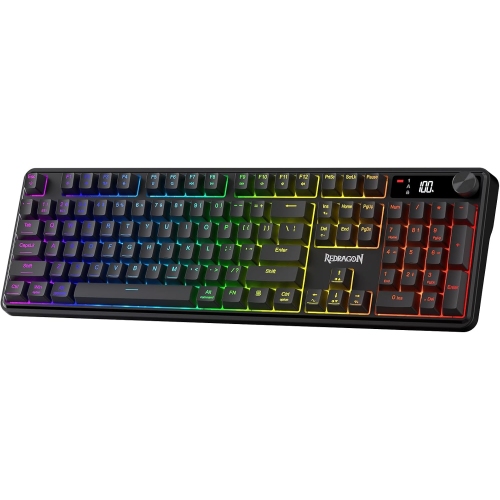
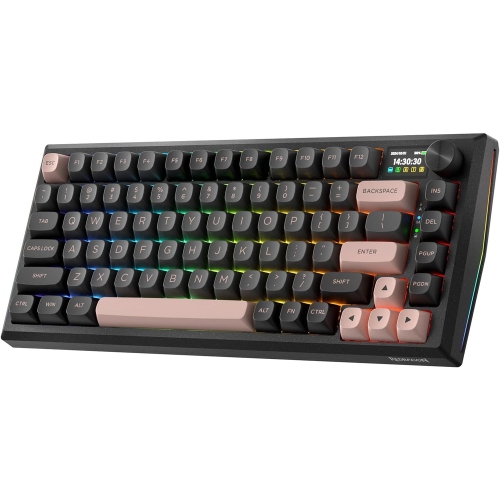
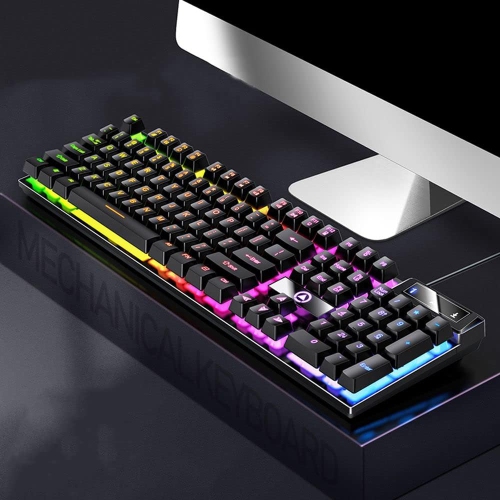
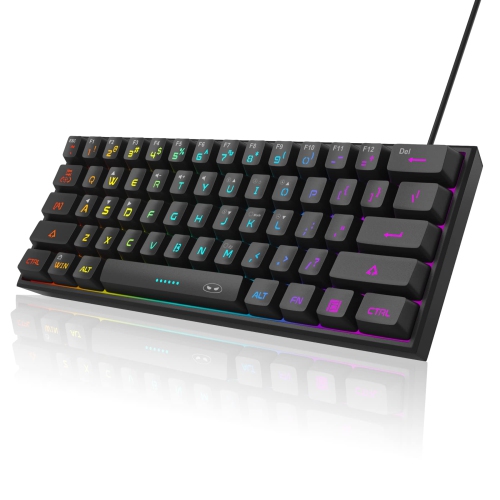
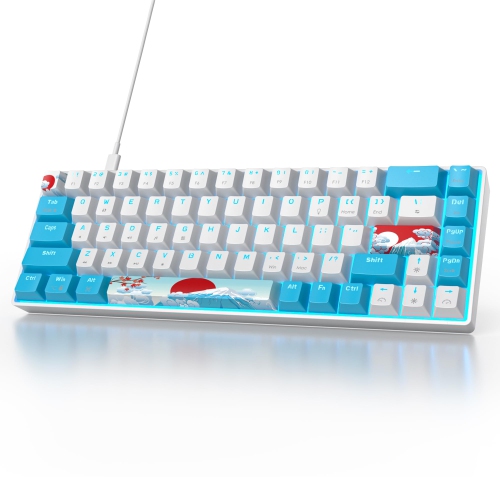
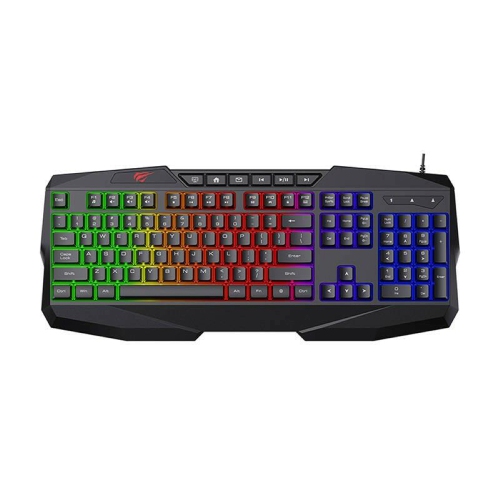
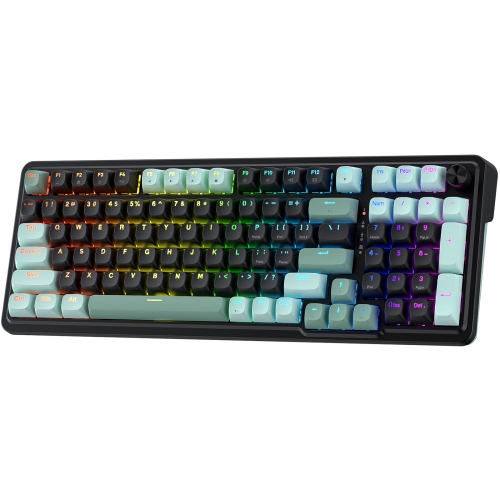
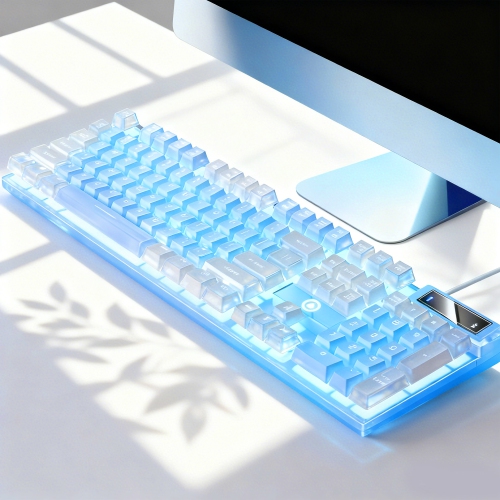
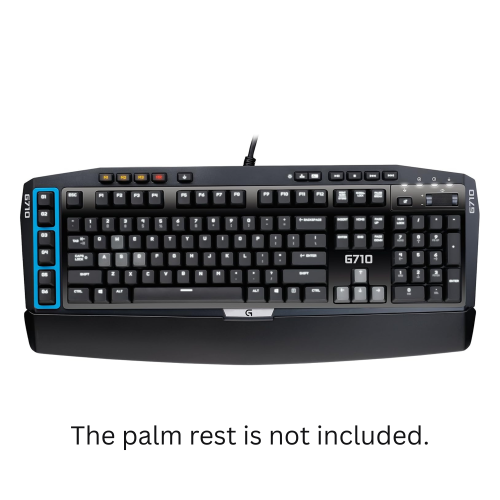
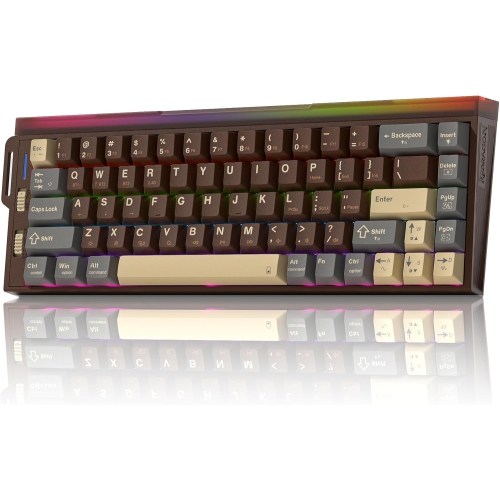
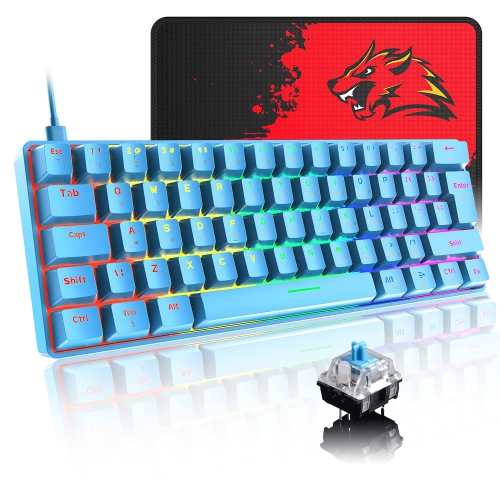
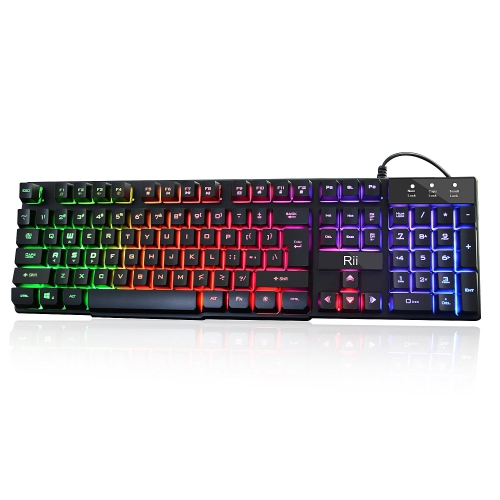
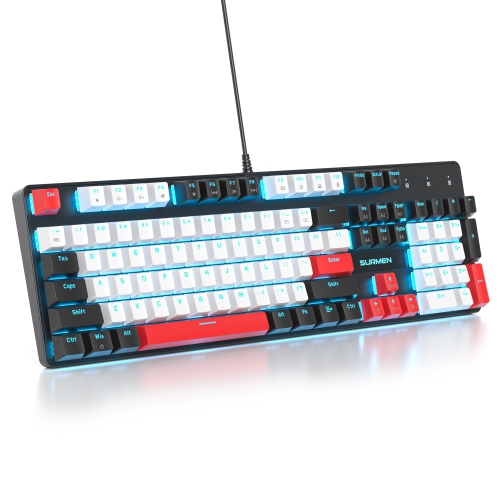
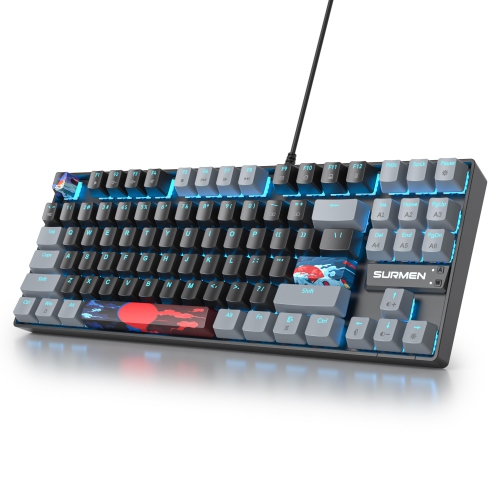
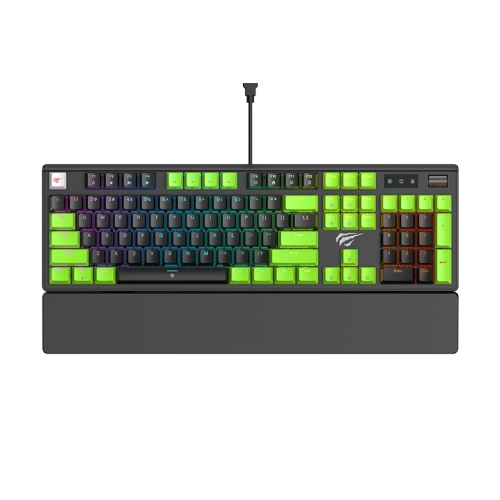
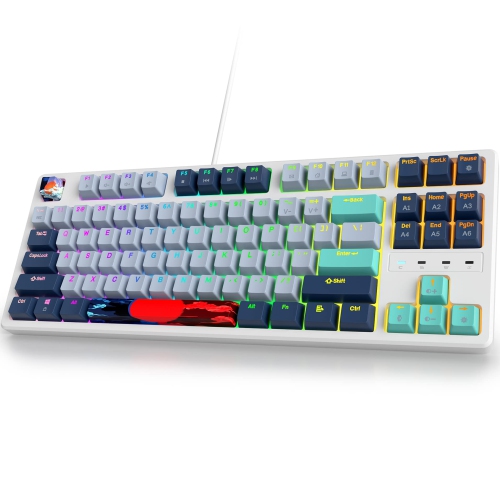
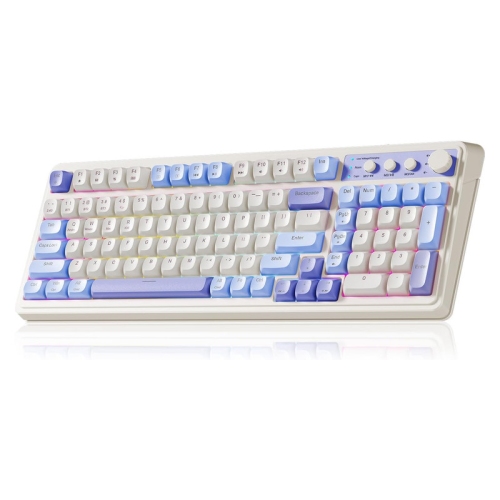
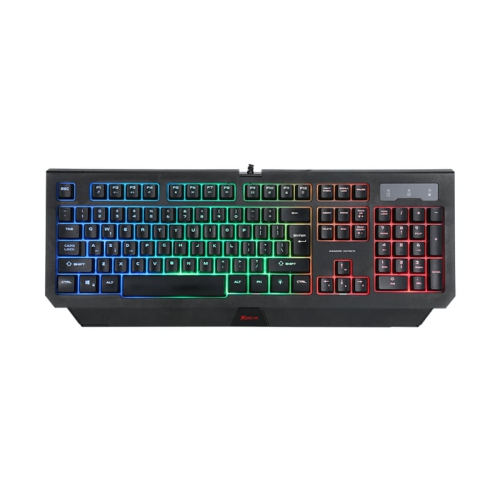
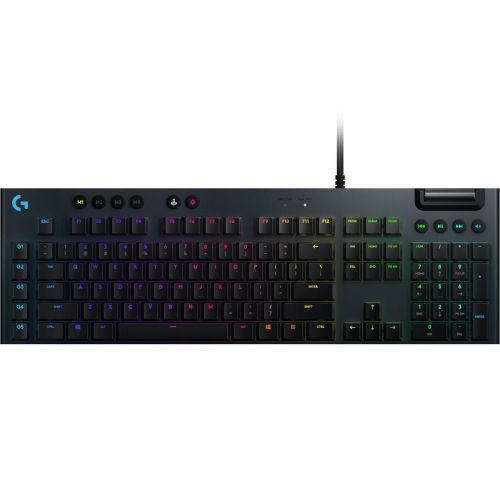
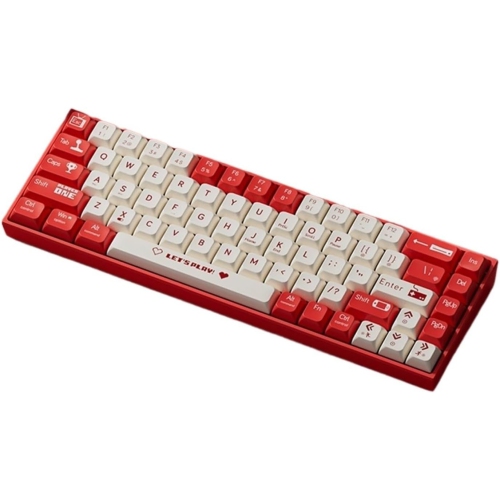
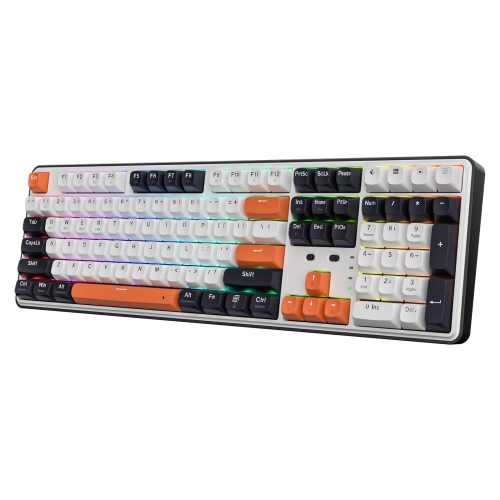
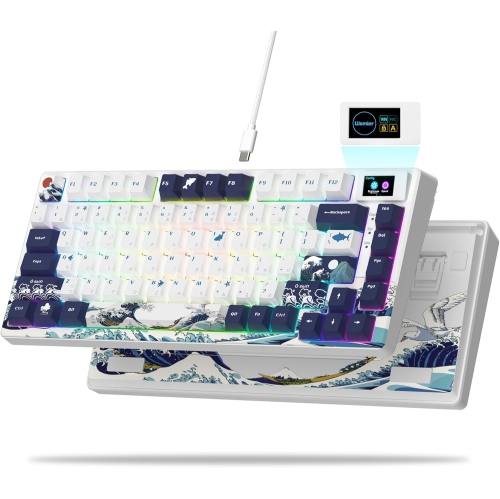
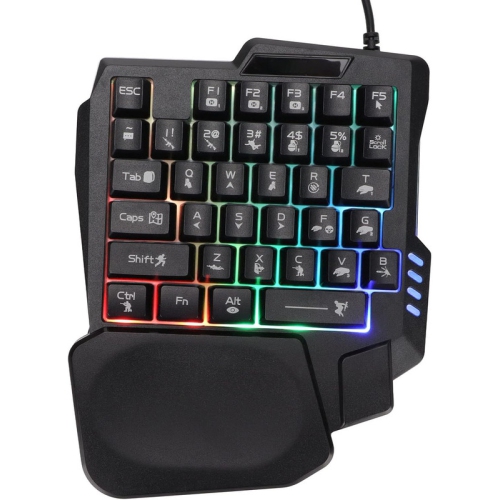
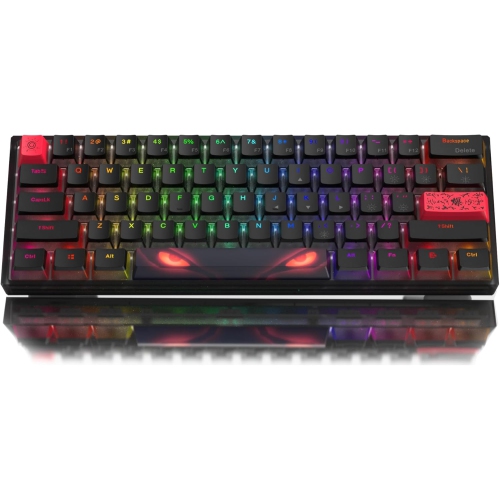
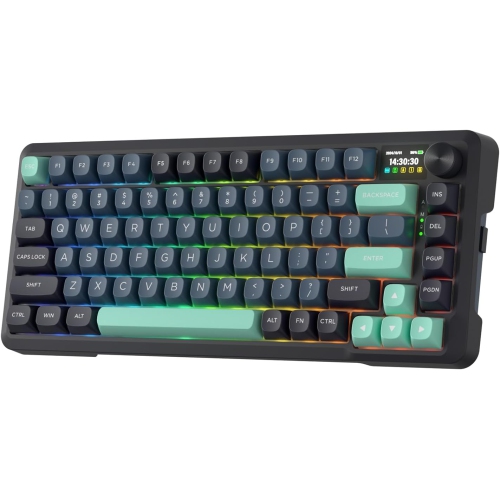
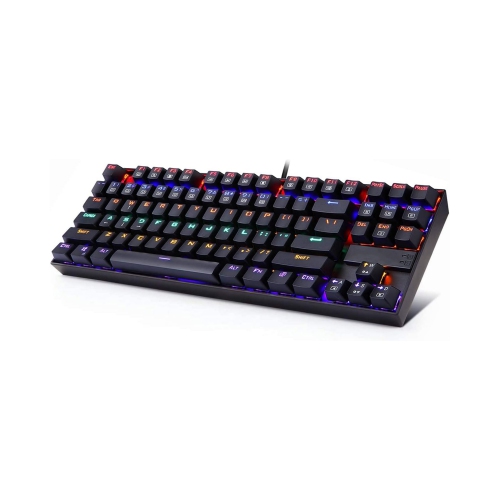
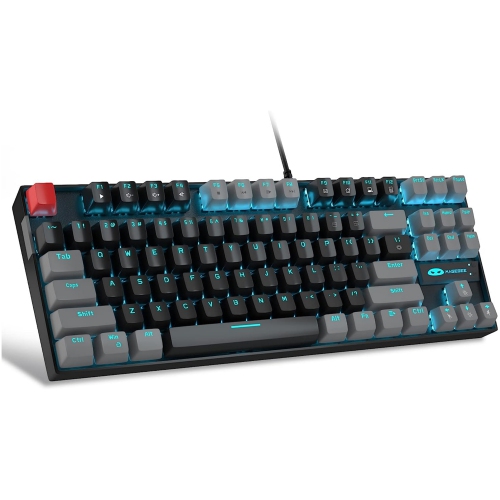
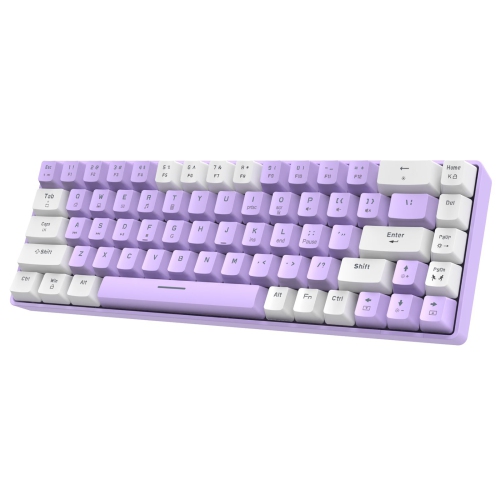
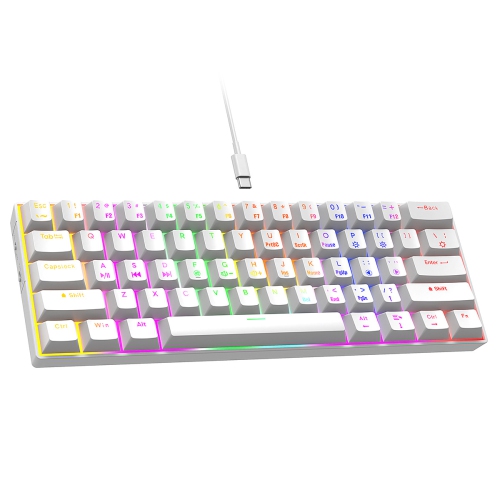
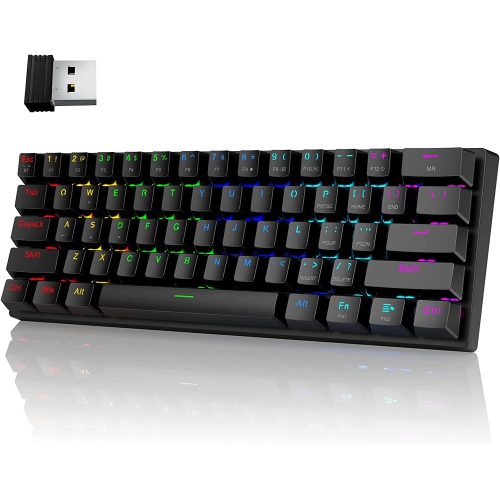
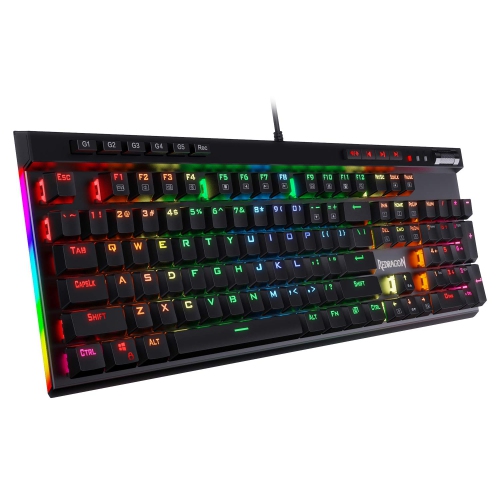
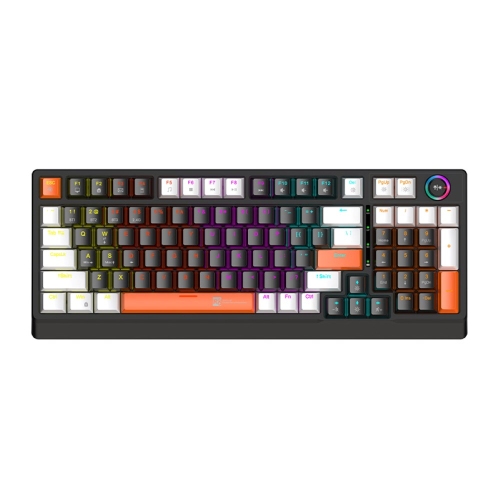
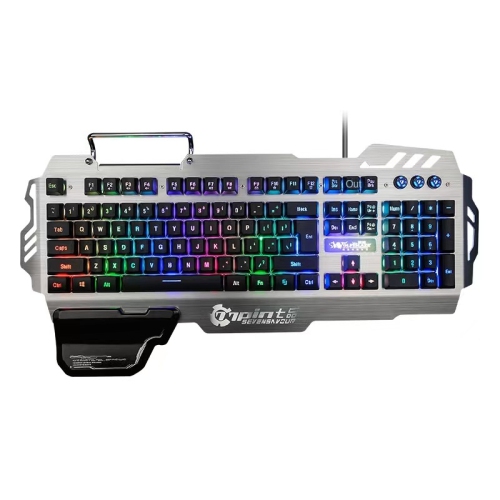
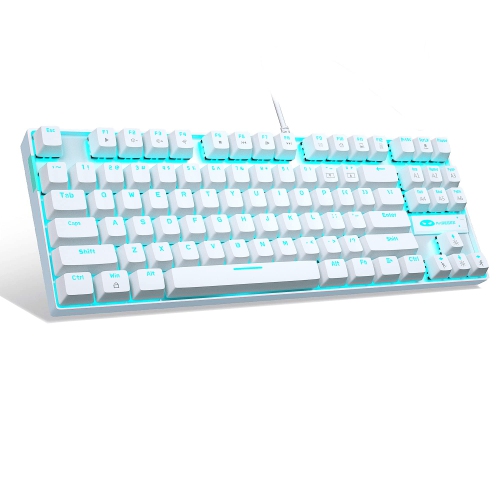
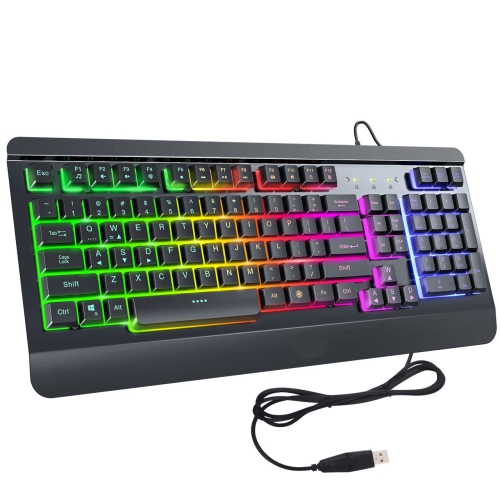
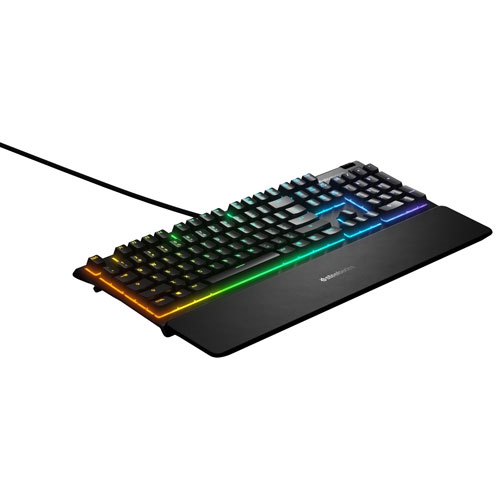
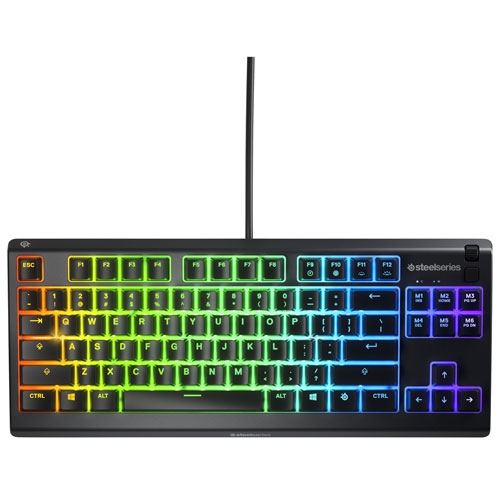
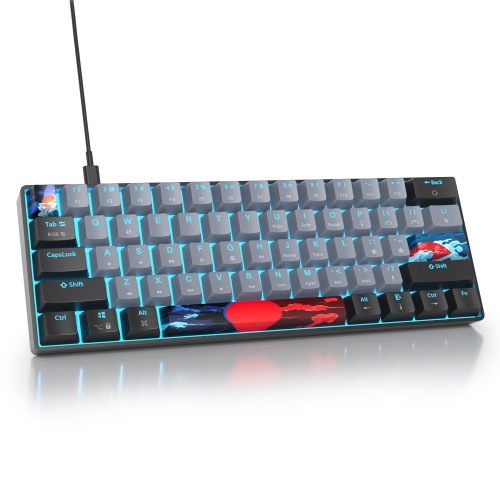
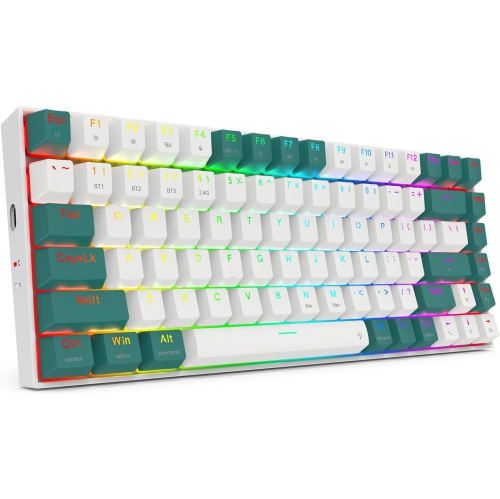
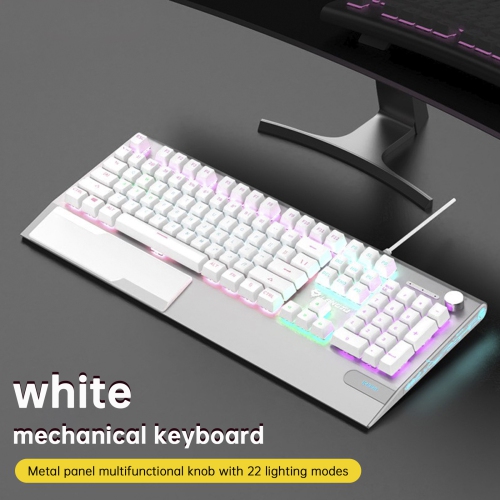
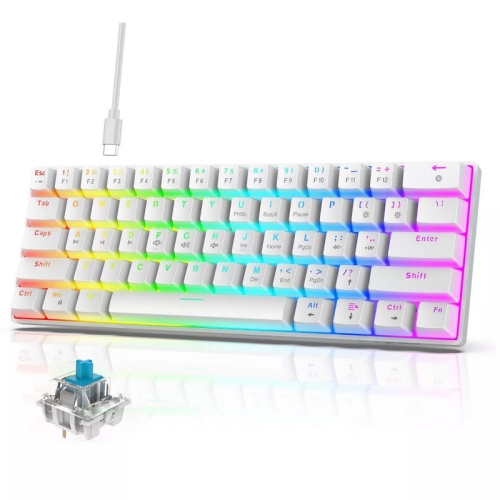
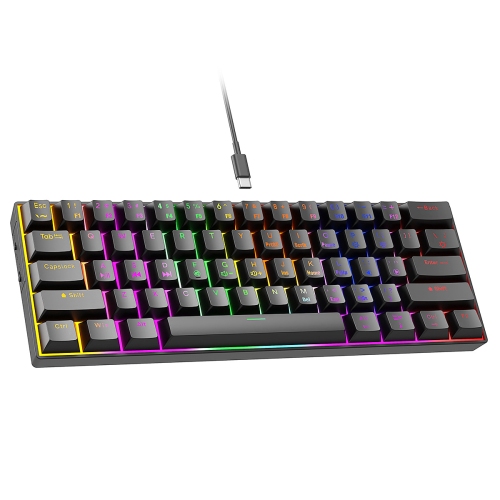
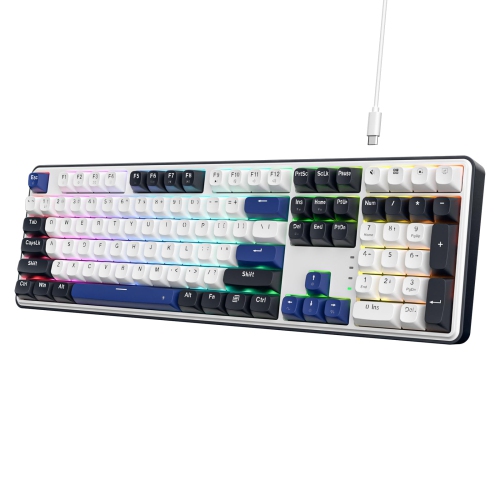
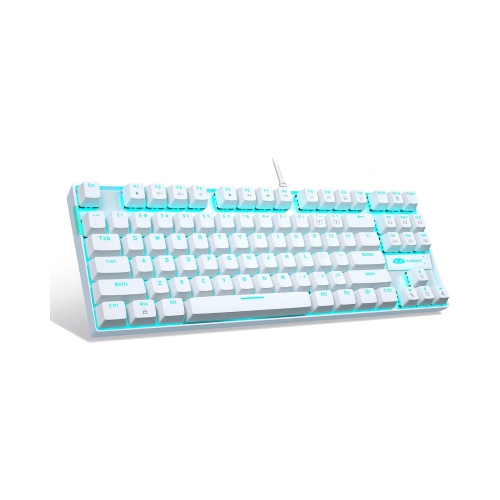
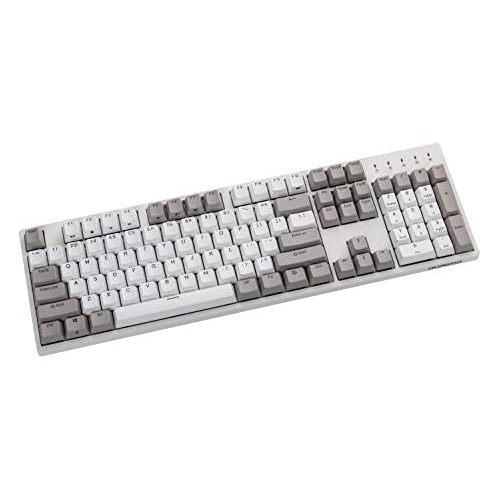
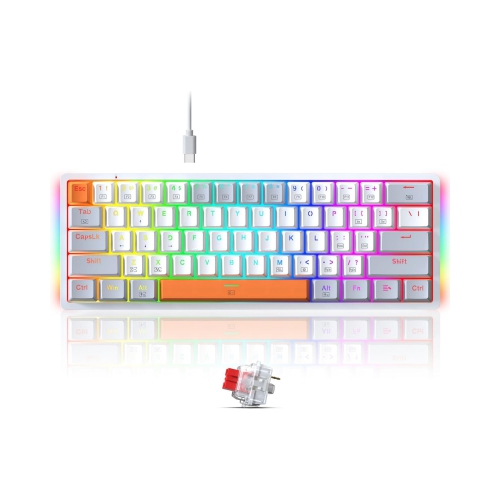
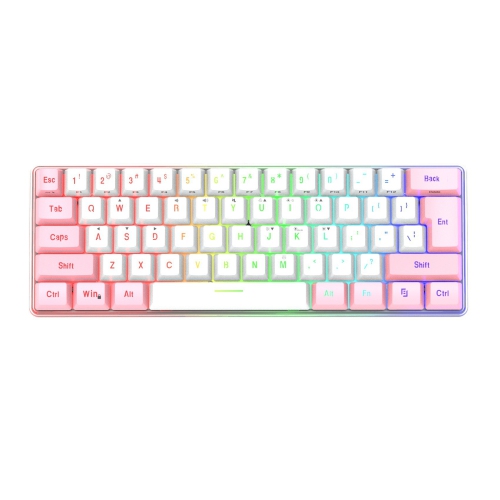
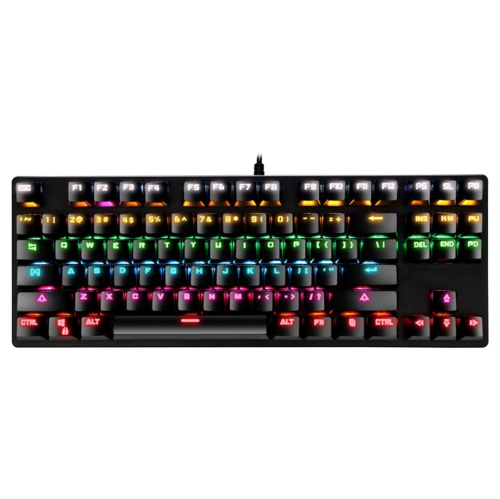
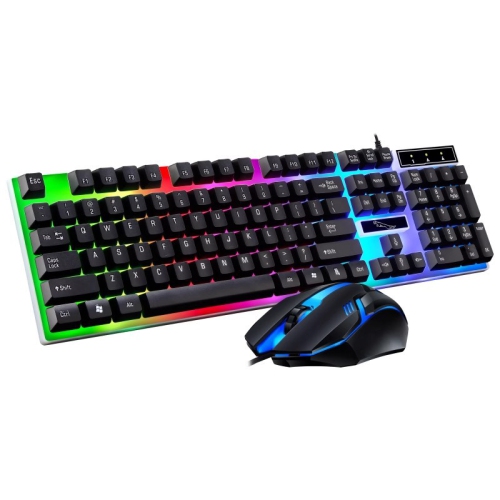
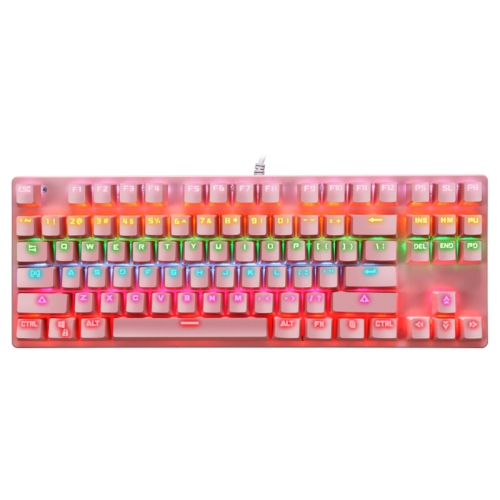
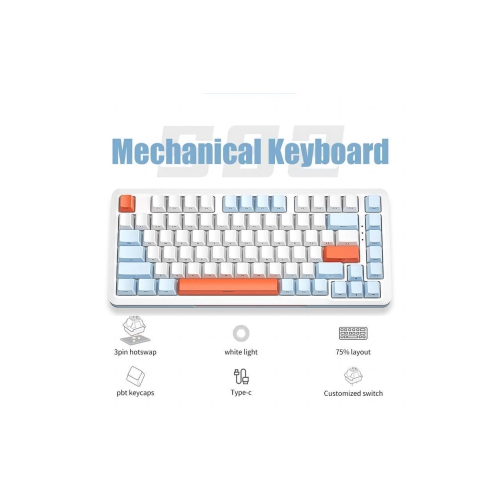
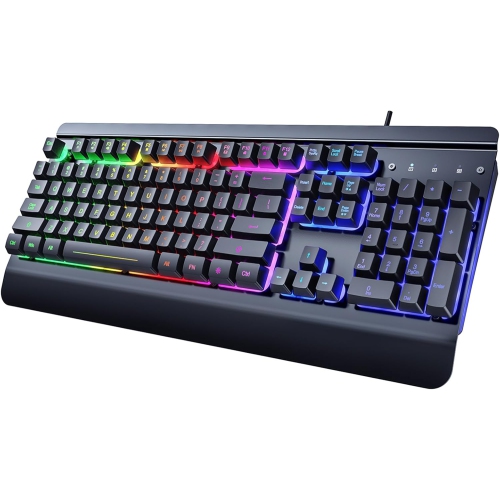
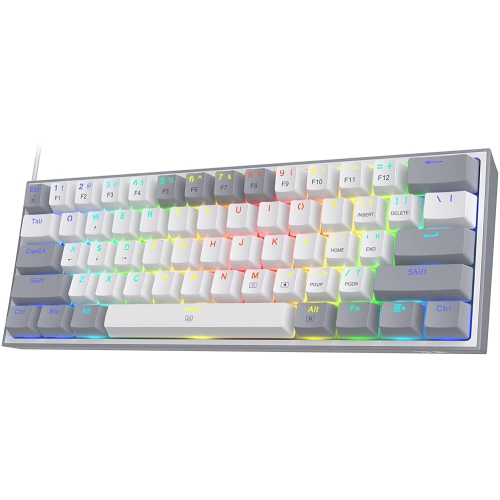
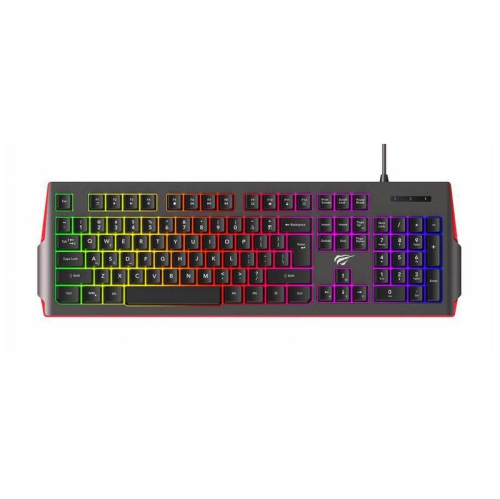
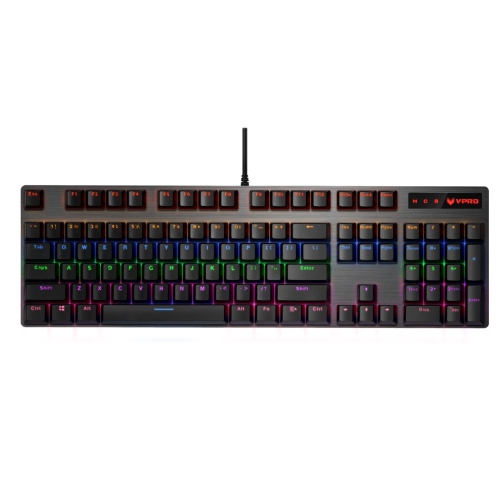
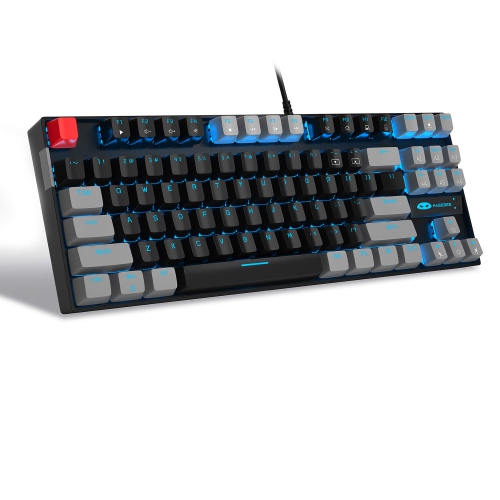
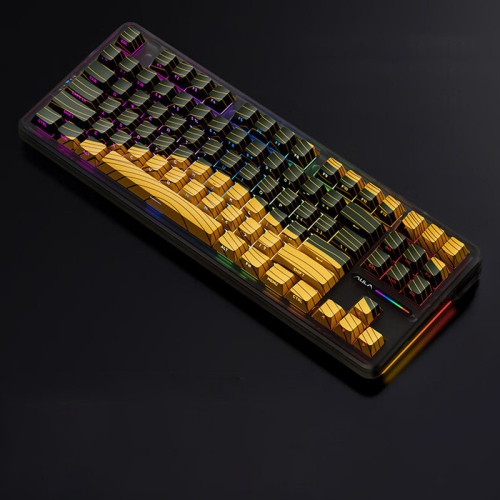
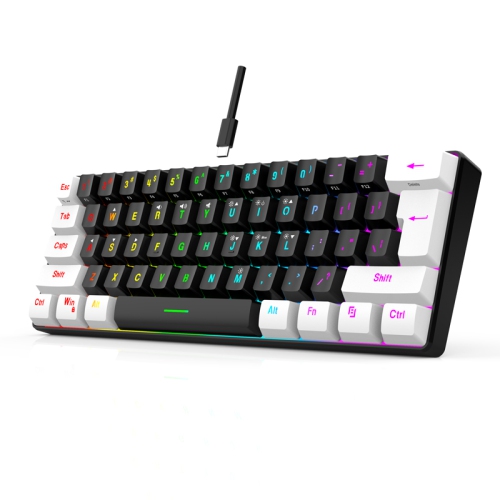
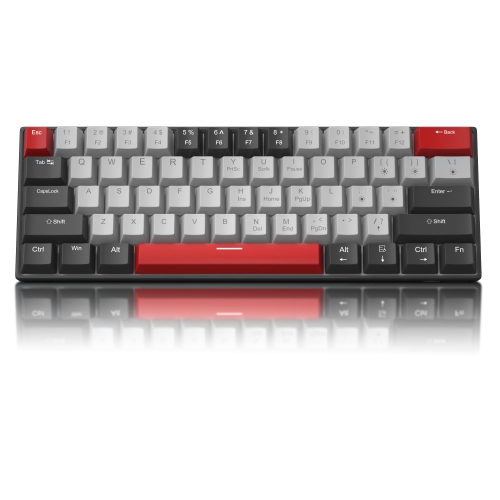
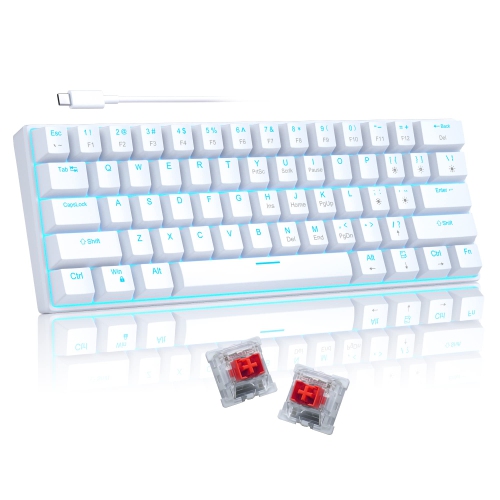
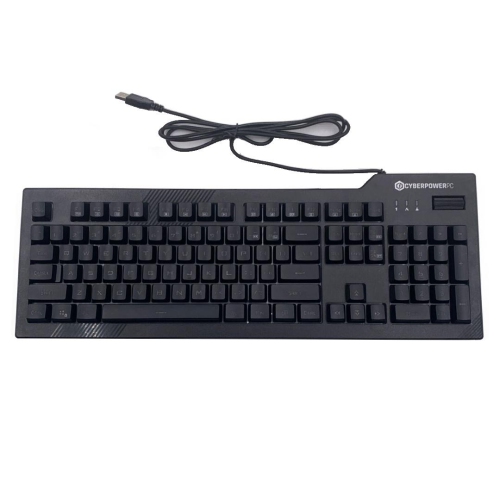
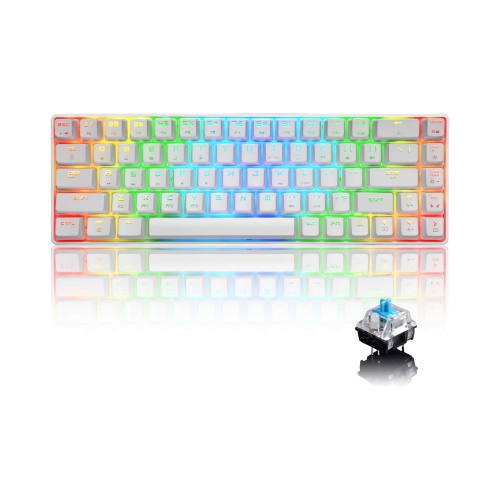
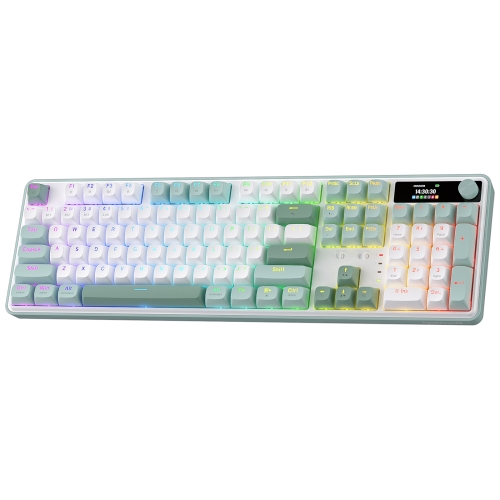
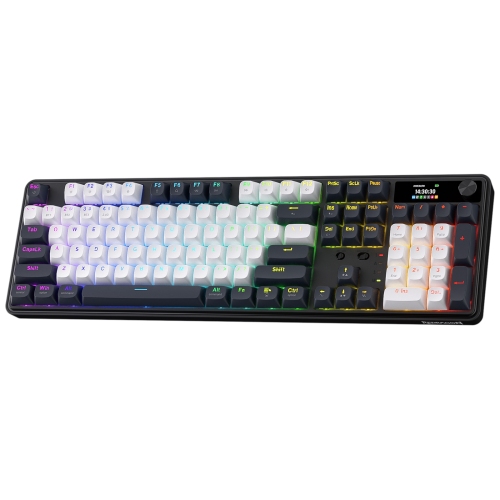
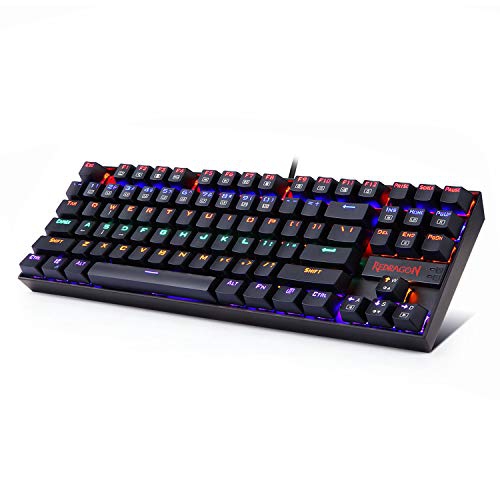
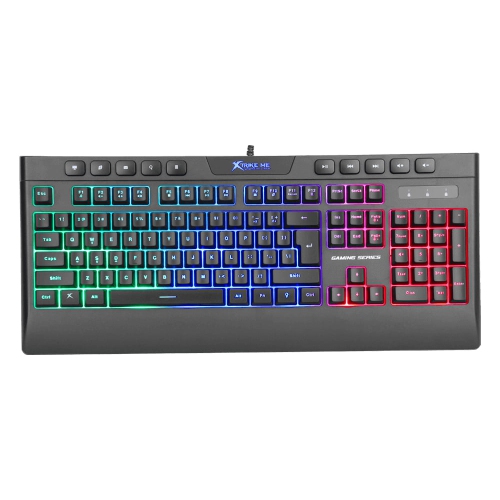
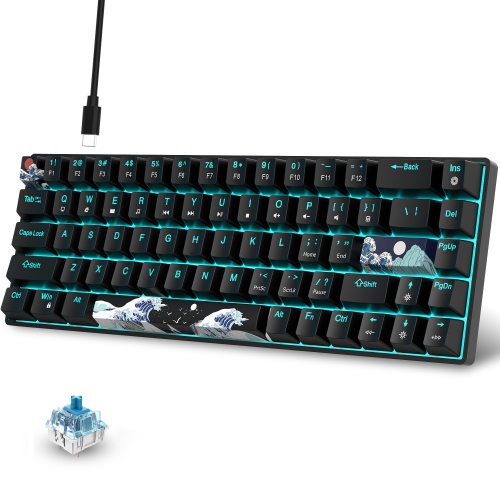
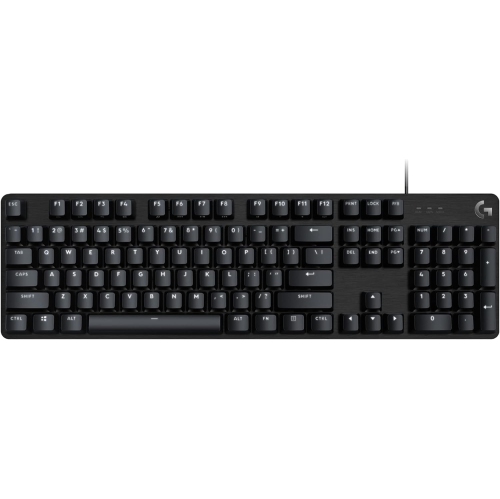
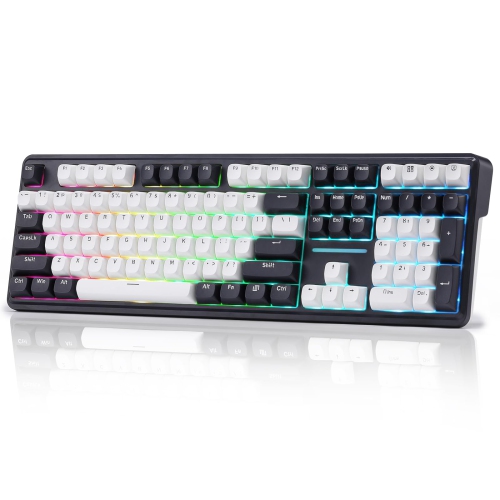
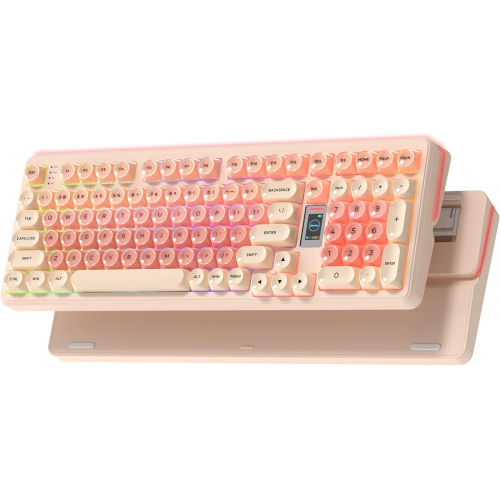
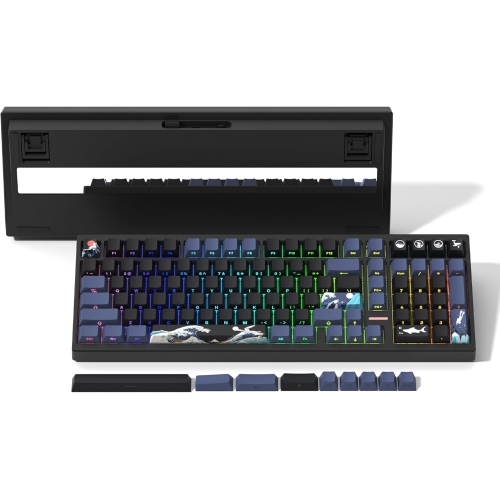
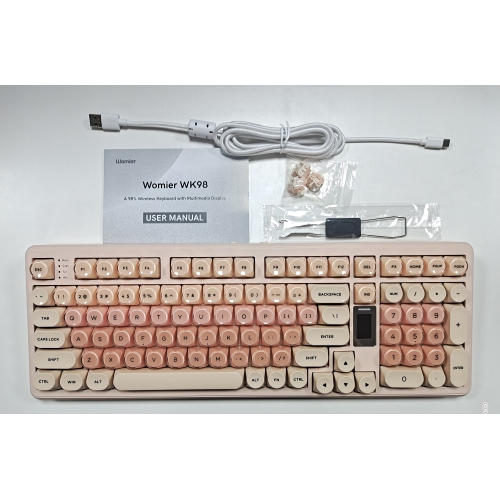
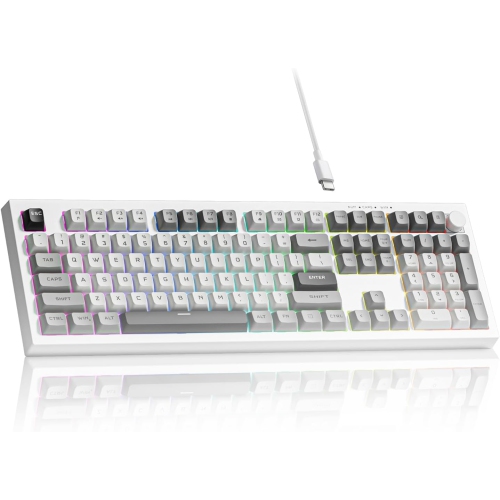
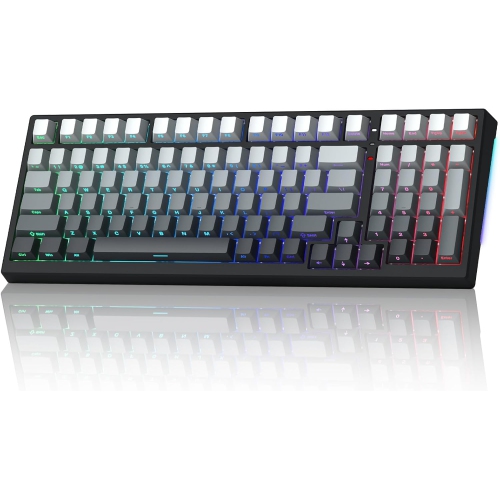
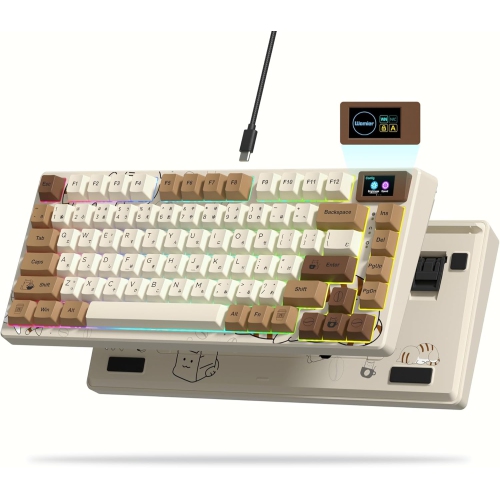
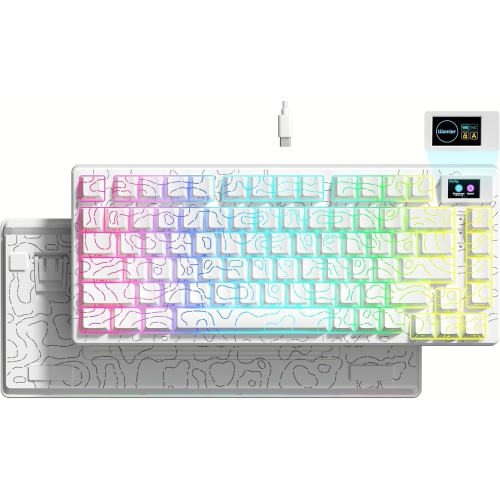
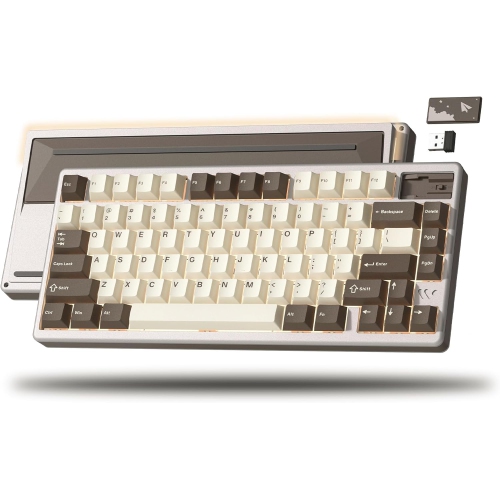
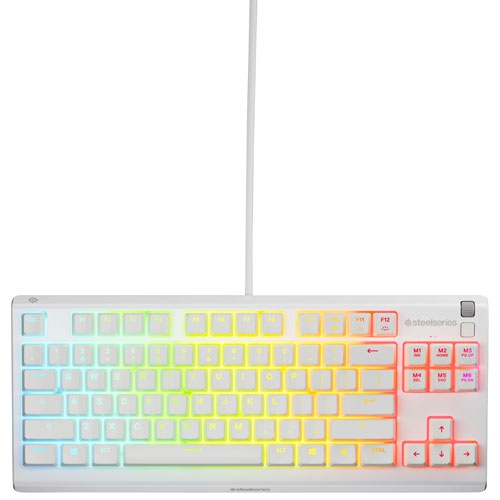
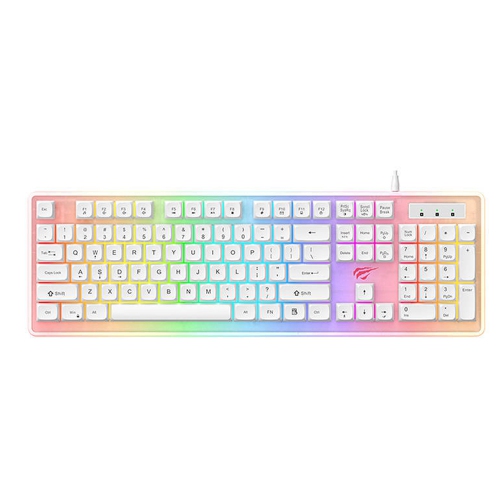
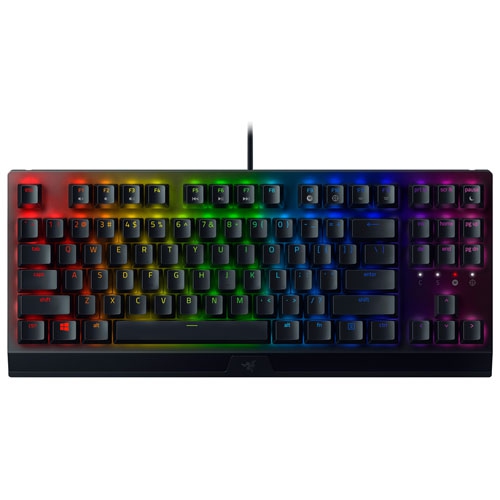
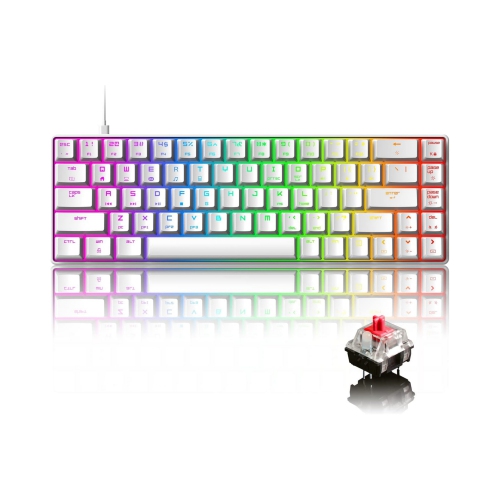
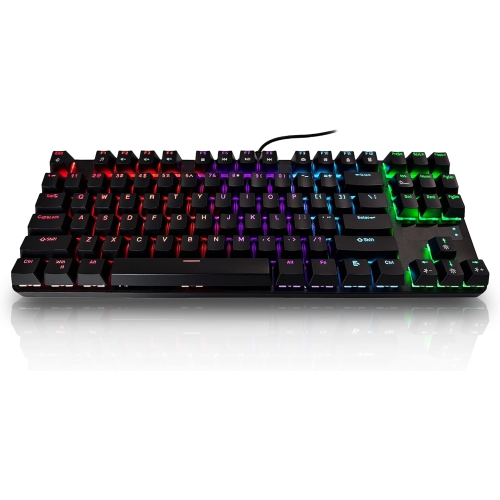
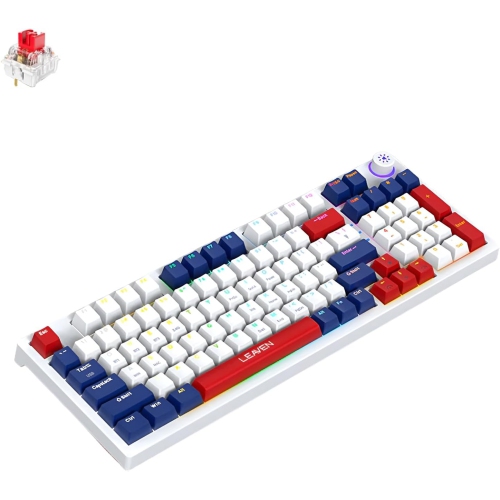
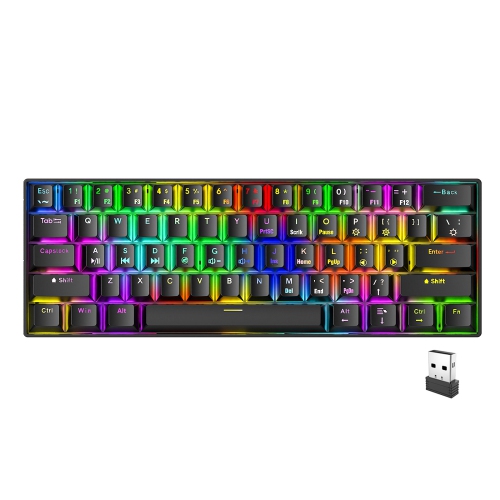
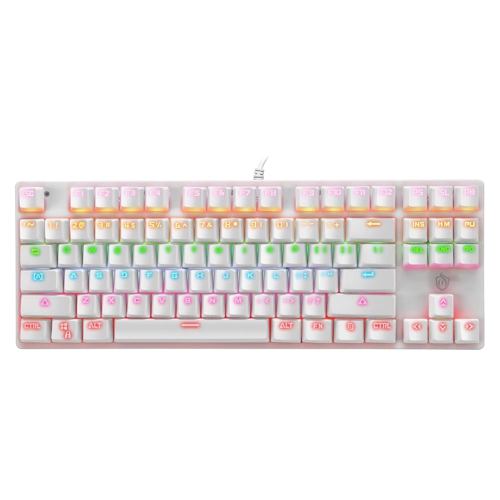
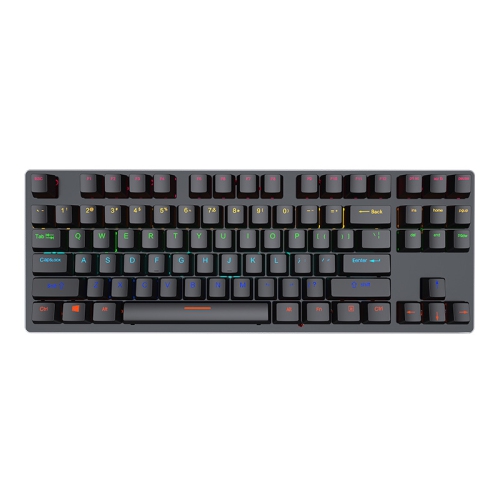
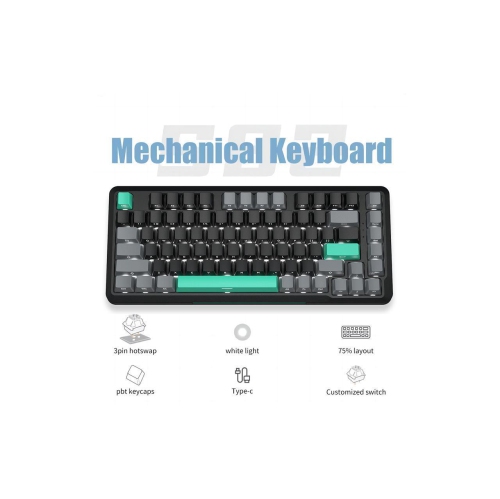
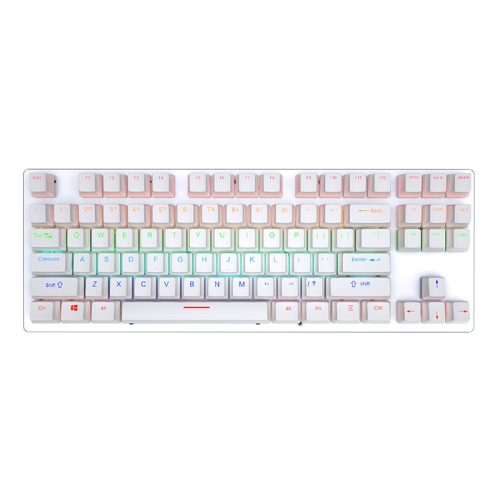
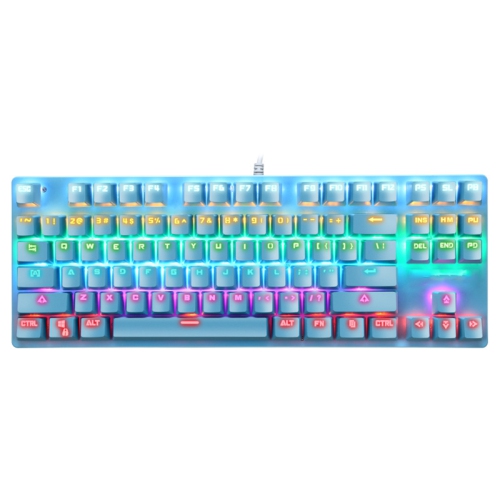
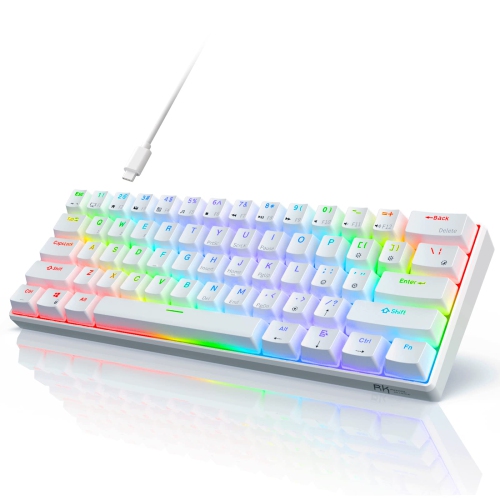
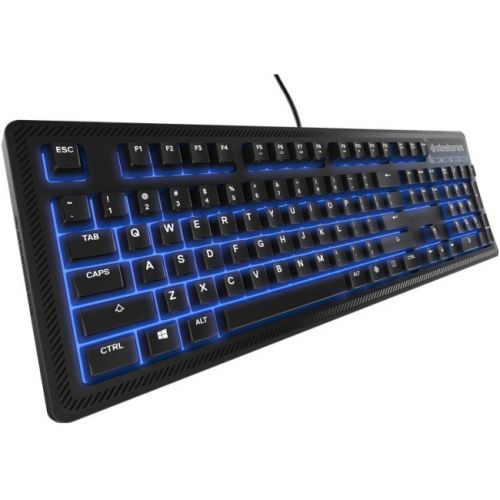
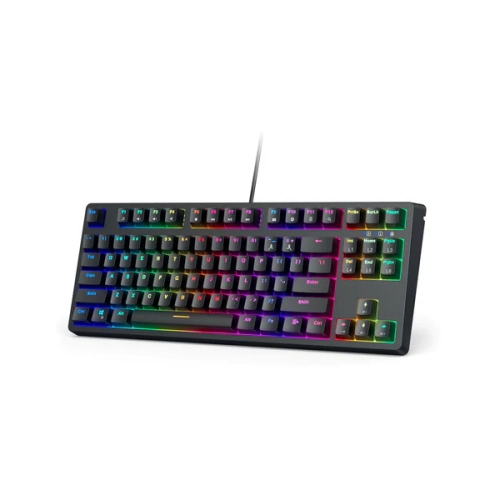
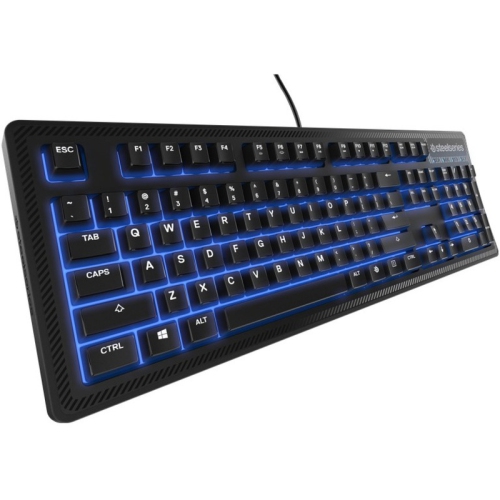
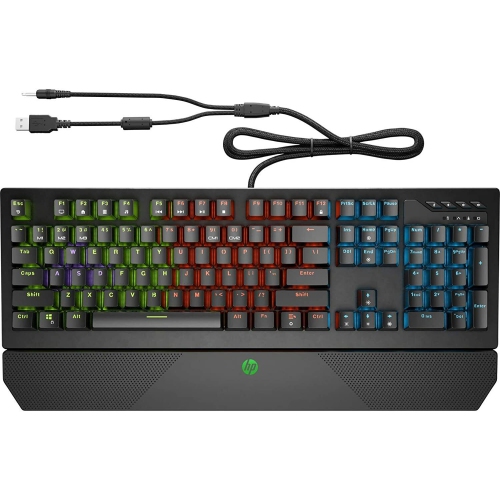
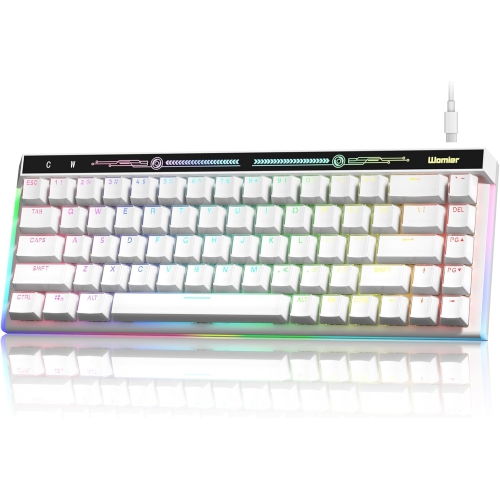
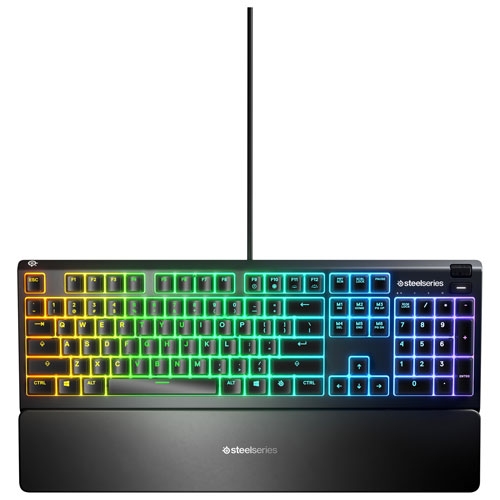
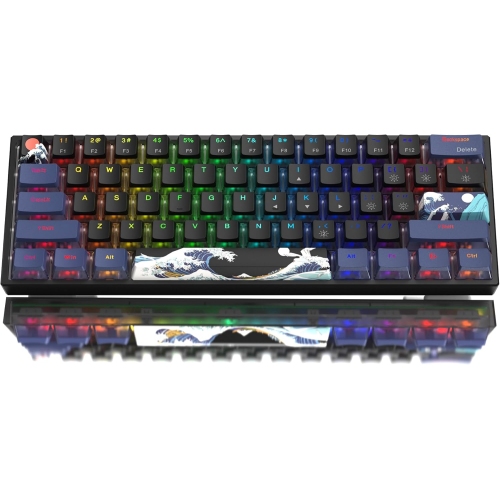
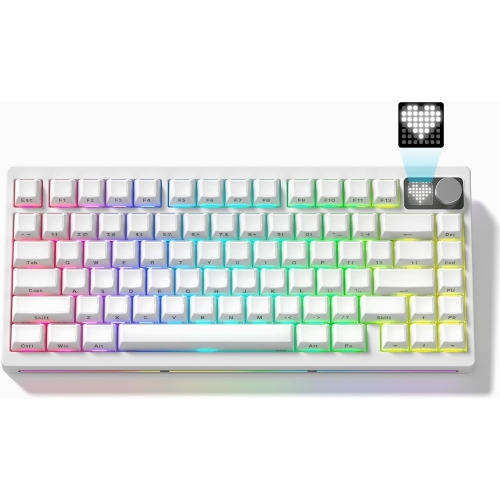
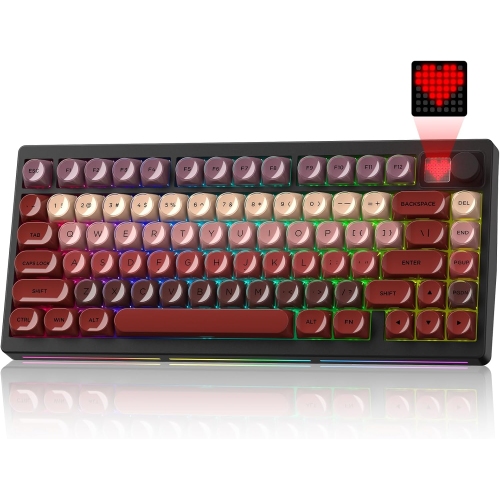
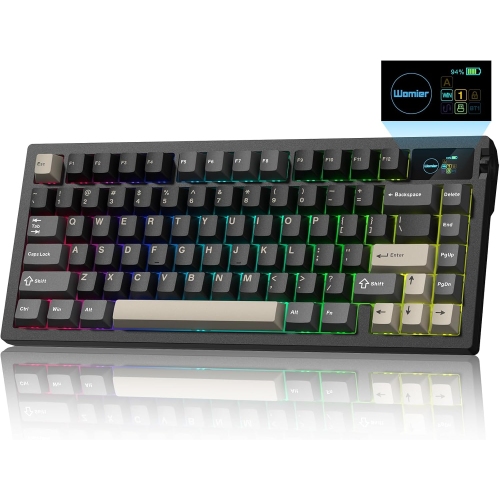
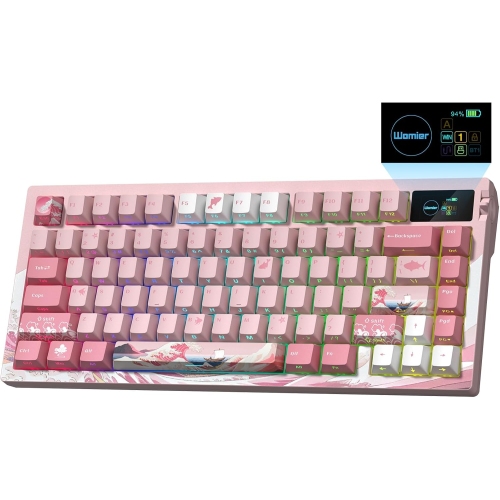
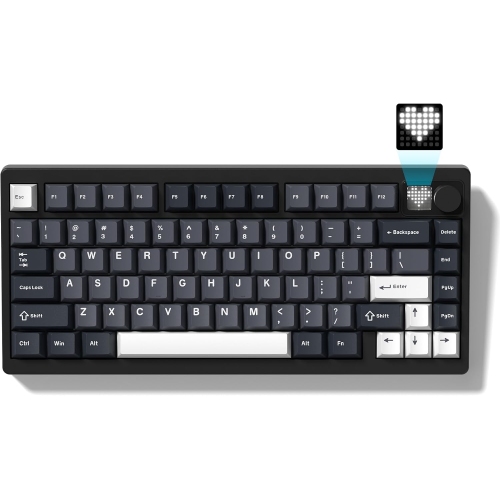
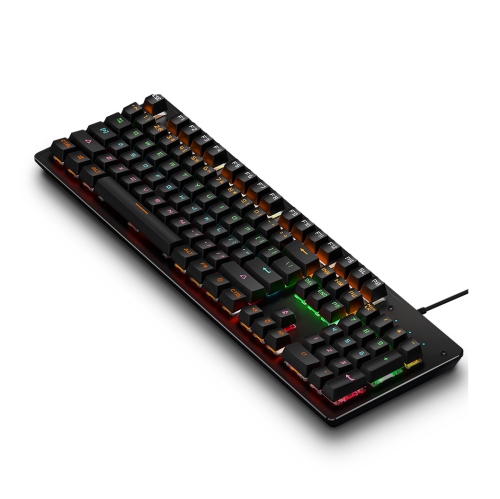
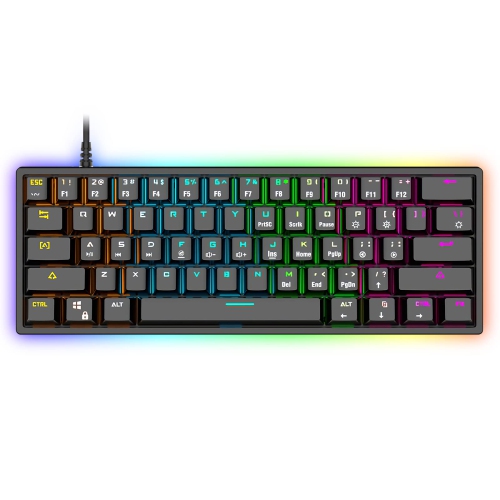
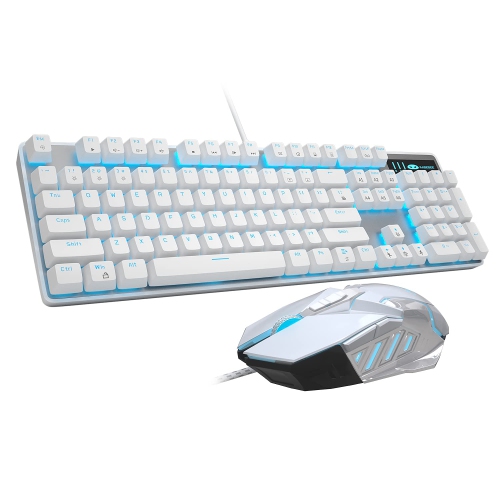
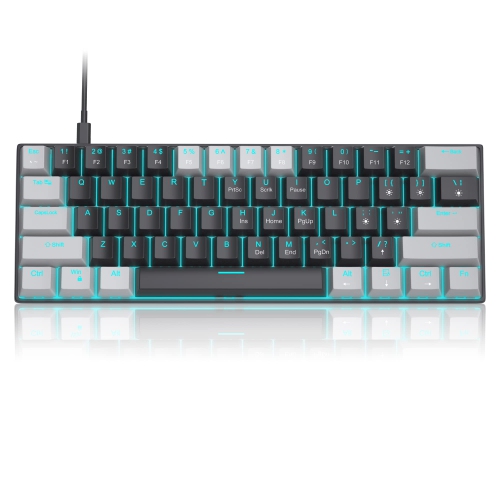
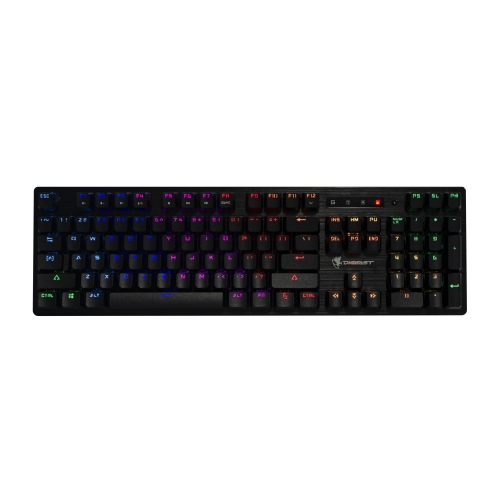
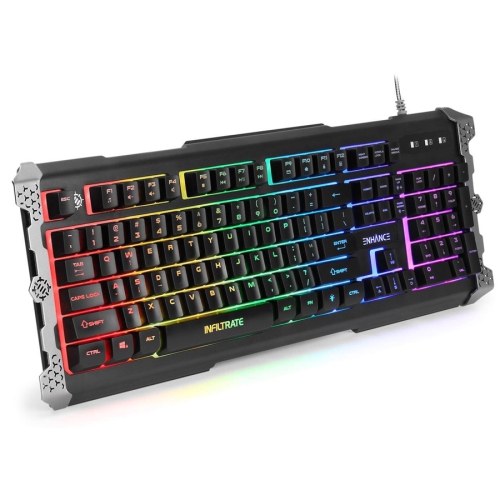
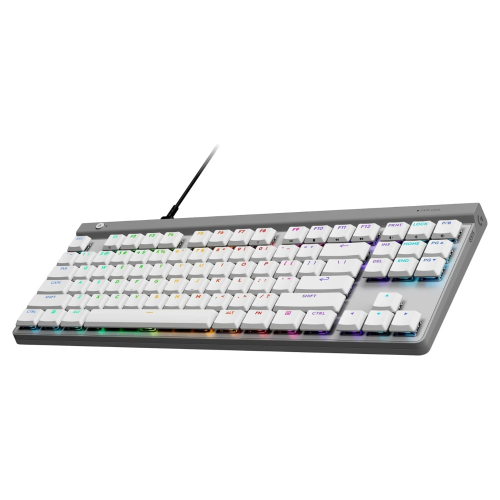
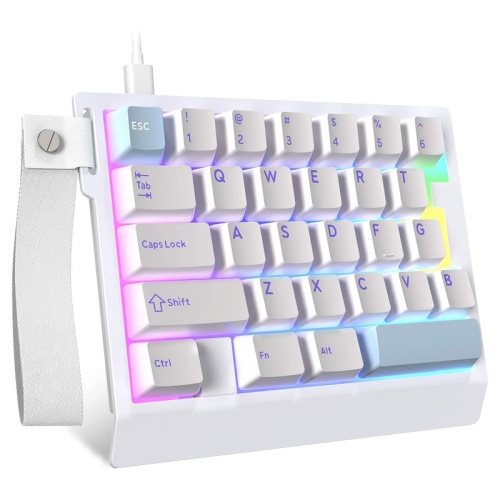
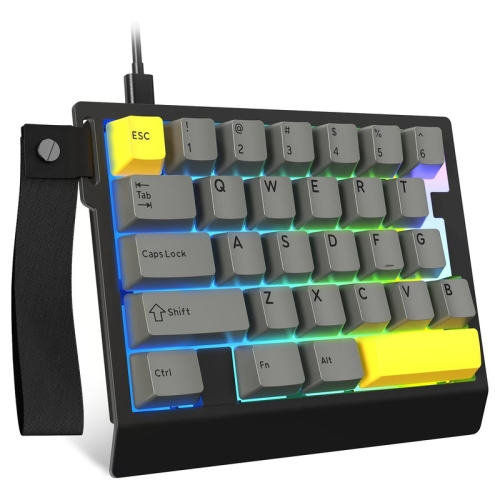
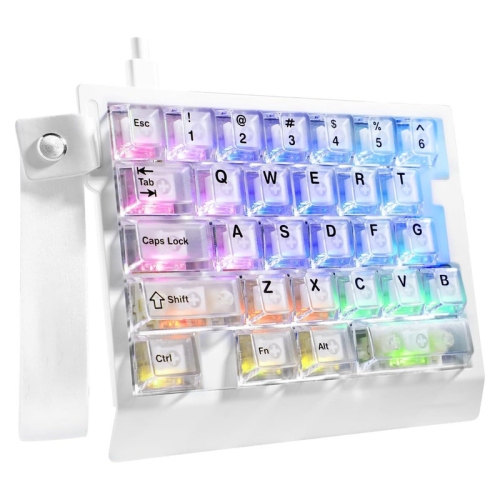
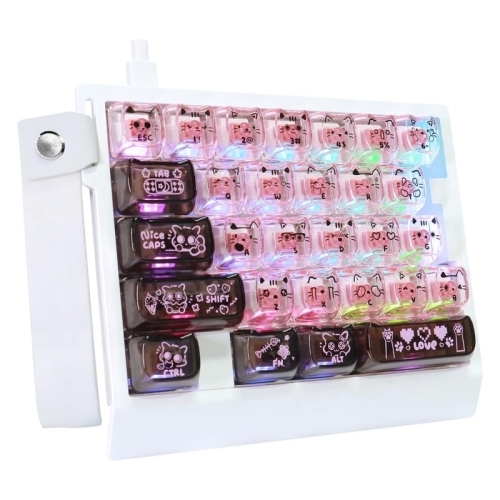
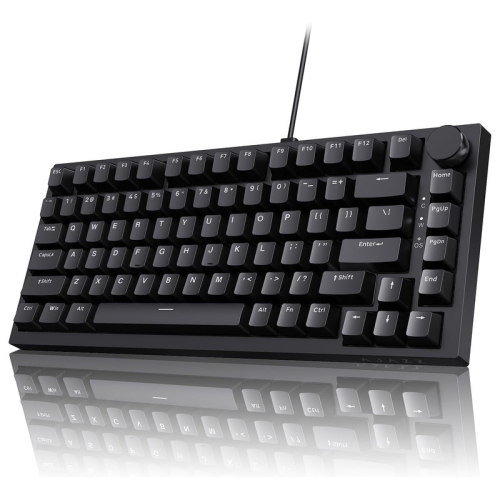
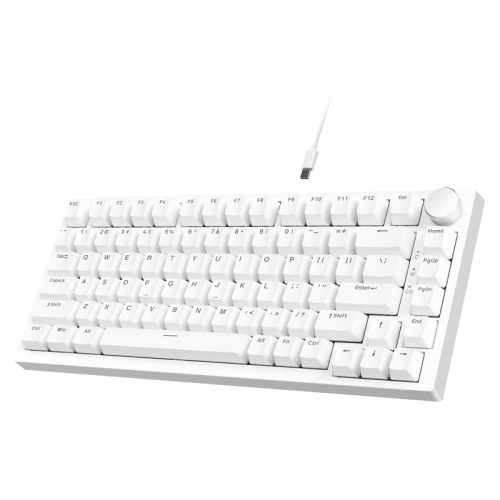
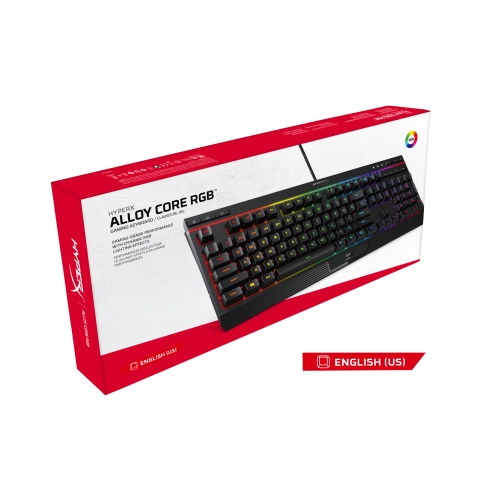
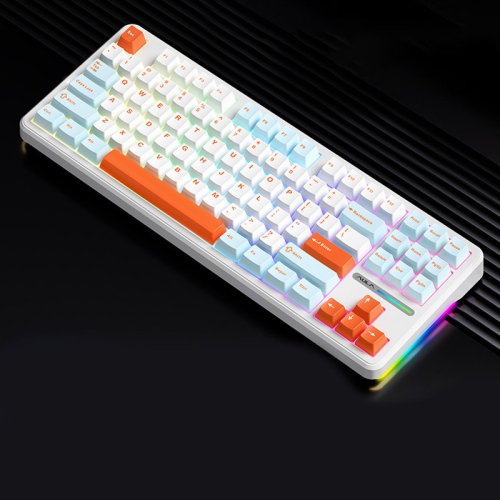
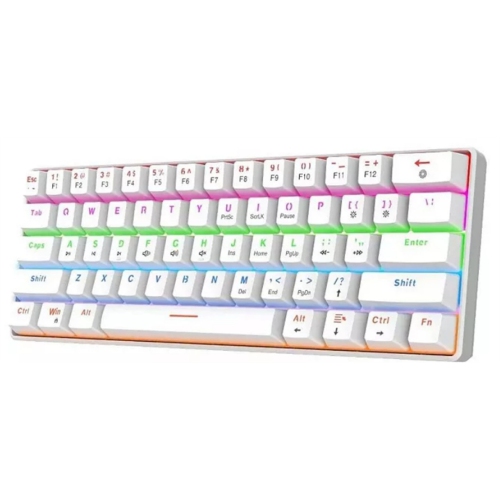
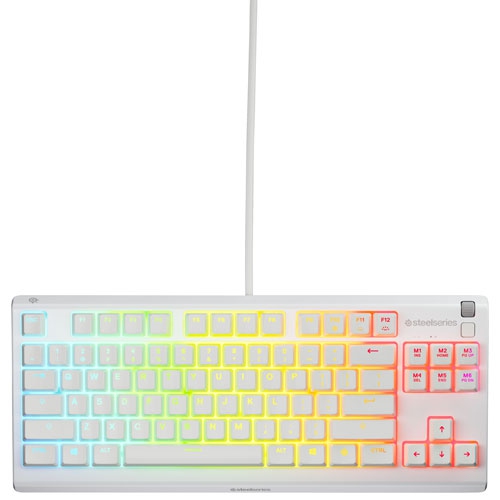
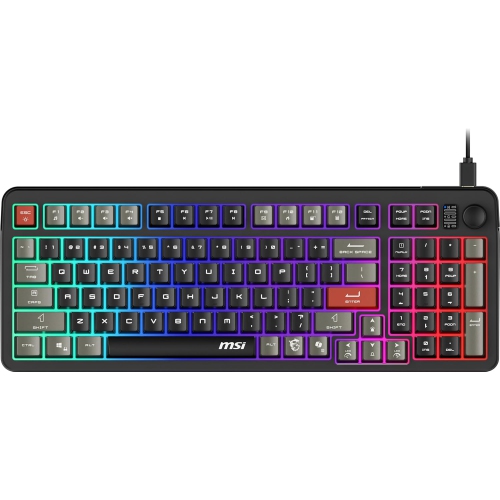
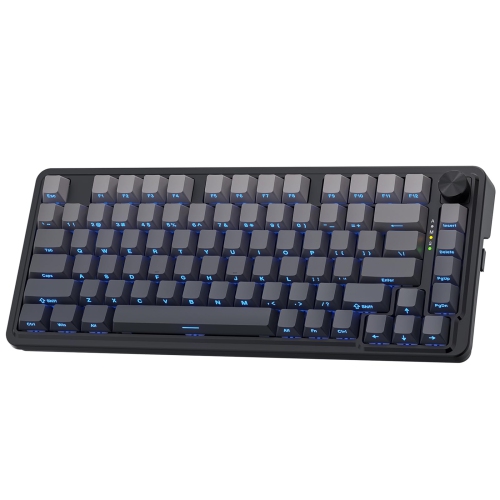
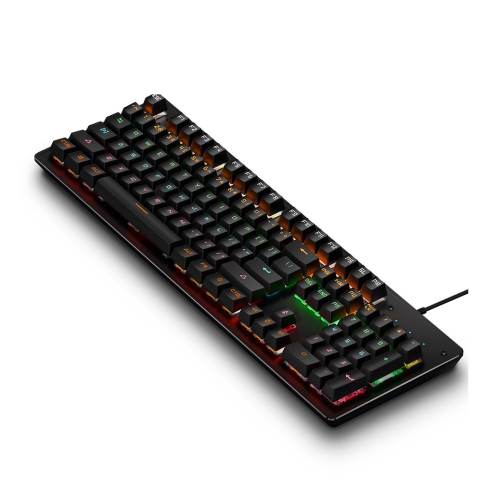
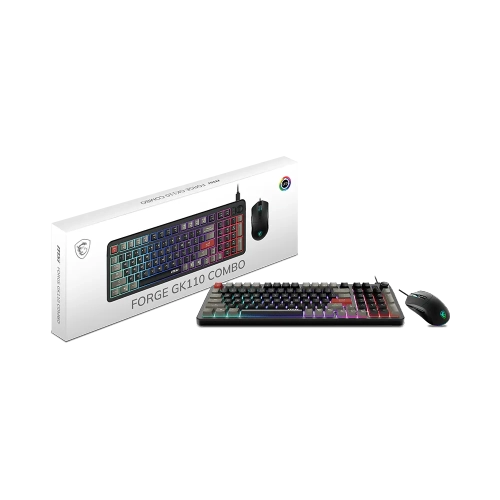
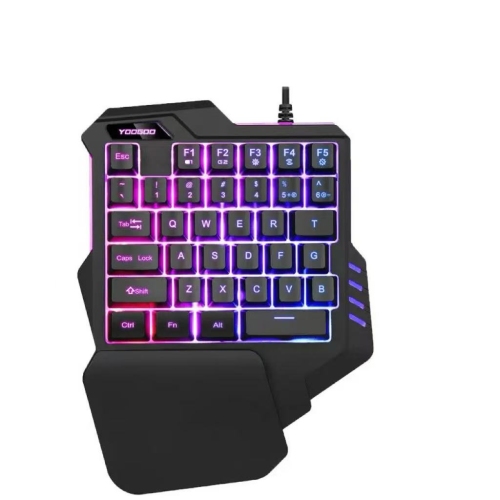
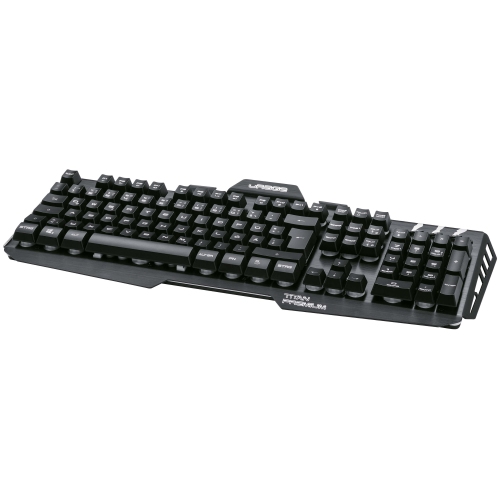
Browse gaming keyboards under $150 to compare options within your budget. Check each listing for layout, switch type, and connectivity details to find a keyboard that suits your desk space, preferred key feel, and gaming setup.










FAQ
Gaming keyboards can use mechanical, membrane, or optical switches. Mechanical switches are commonly described as linear, tactile, or clicky: linear switches have a smooth keypress, tactile switches have a noticeable bump, and clicky switches add an audible click. The feel and sound vary by switch design.
Gaming keyboards can connect through a USB cable, Bluetooth, or a dedicated wireless USB receiver. Some models support multiple connection modes. Compatibility depends on the keyboard, your device’s operating system, and its supported connections.
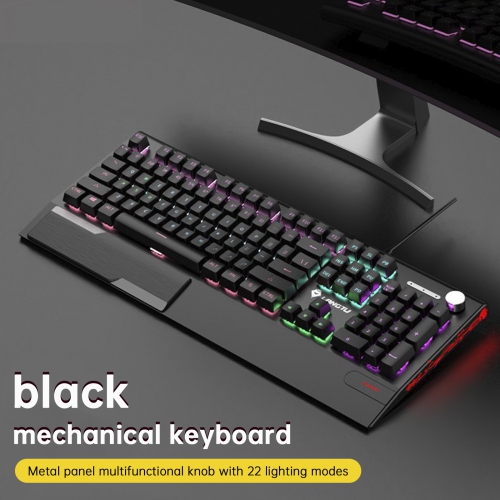
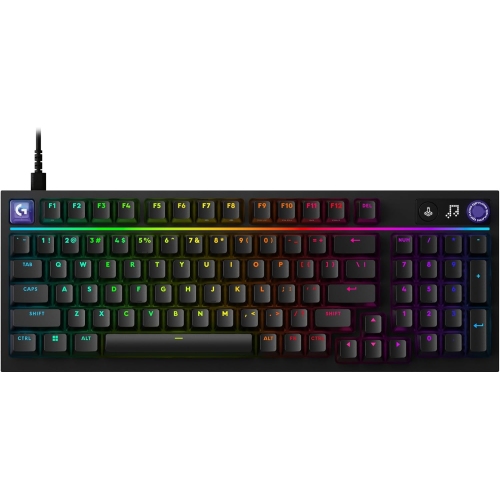
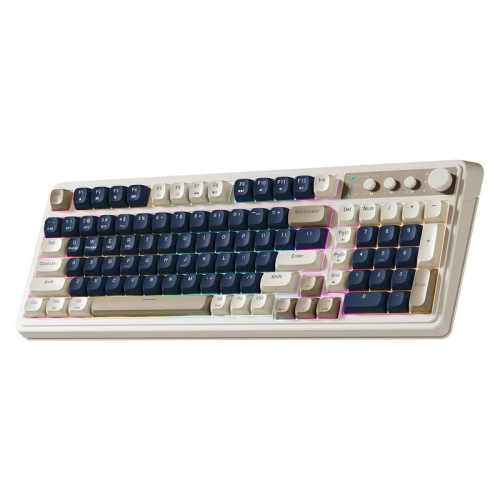
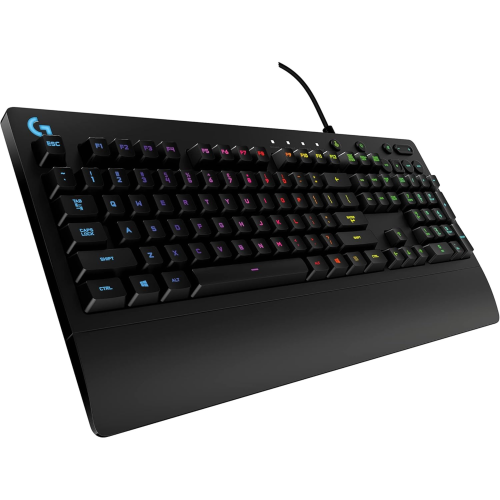
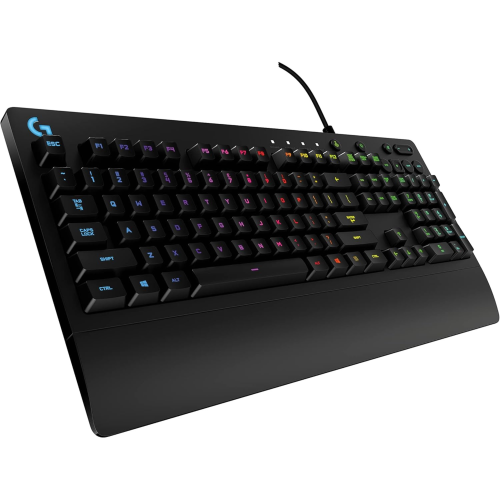
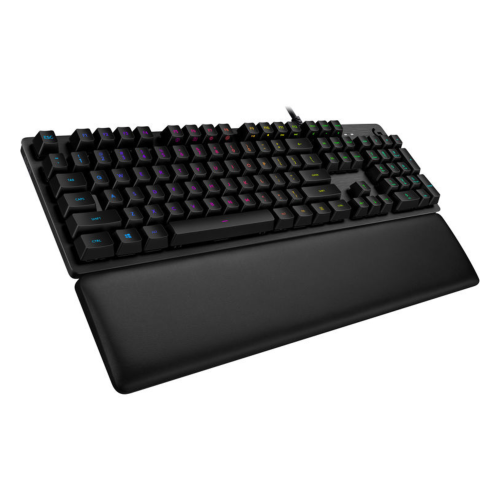
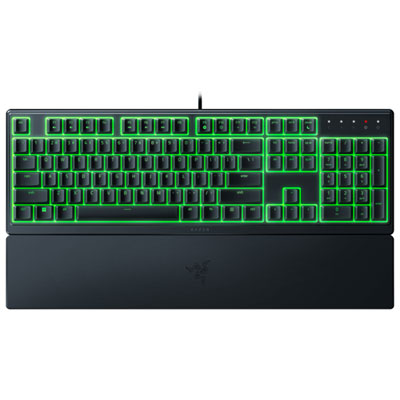
RGB lighting uses red, green, and blue light to create different colours and effects. Some keyboards apply lighting across zones, while others offer individual key customization. Depending on the model, lighting settings may be adjusted through keyboard shortcuts or companion software.
A macro is a saved sequence of commands assigned to a key or shortcut. Onboard profiles store supported settings directly on the keyboard, such as key assignments or lighting preferences. Macro support, profile storage, and software requirements vary by model.
Gaming keyboards may include dedicated media buttons, volume rollers, programmable keys, or shortcuts accessed through an Fn key. Some also include a game mode that disables selected keys, such as the Windows key. The controls and customization options depend on the model.
Top selling and popular products
Discover more categories related to Gaming Keyboards Under $150
Some products may be subject to Environmental Handling Fees (EHF) depending on your province. Learn more about EHFs.