Wired Gaming Keyboards Under $50
If you're a gamer, you know that the keyboard is one of the most important parts of your setup. A good gaming keyboard can help your performance, and a bad one can really hold you back. The best gaming keyboards are durable, comfortable to type on, and responsive. Here are some of the best options under $50.
Sort
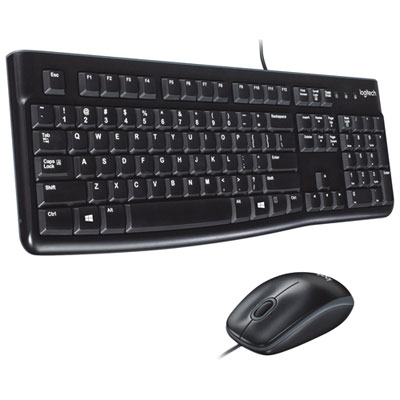
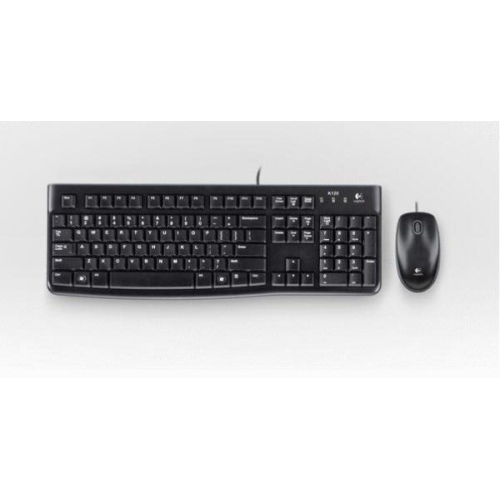
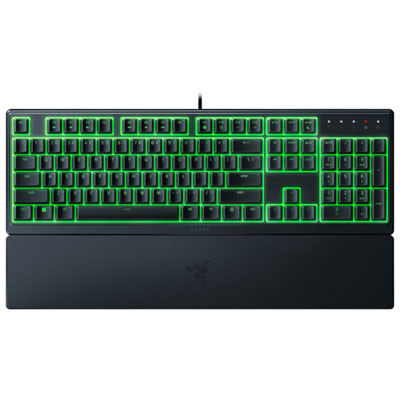

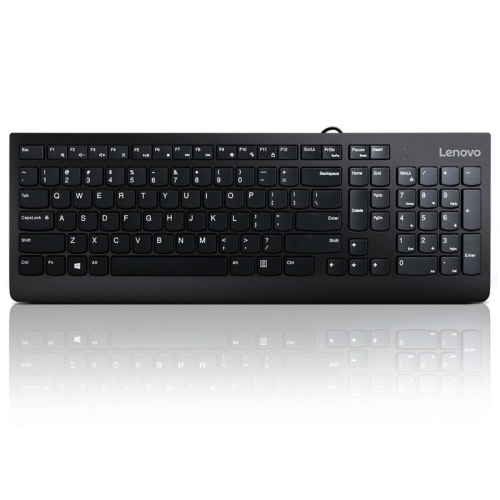
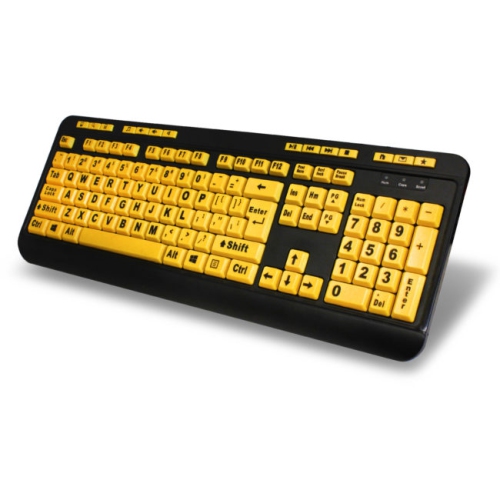
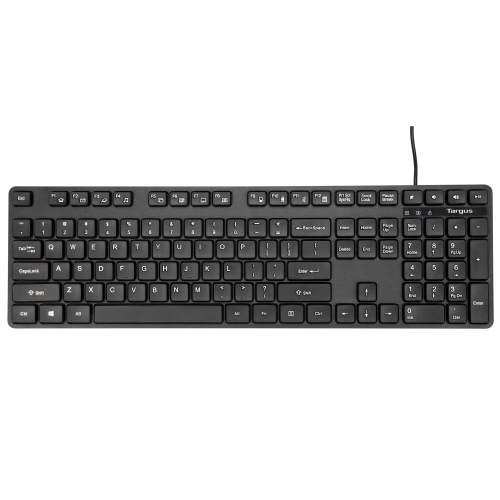
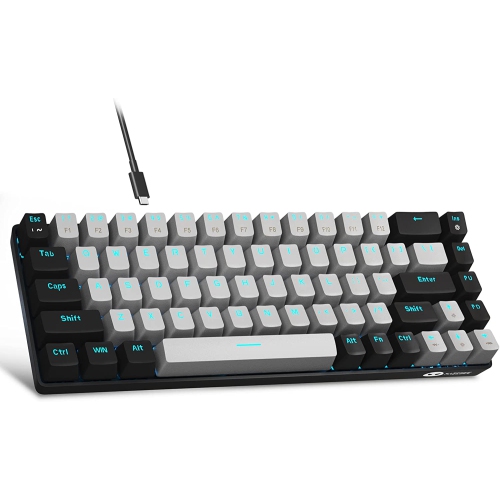
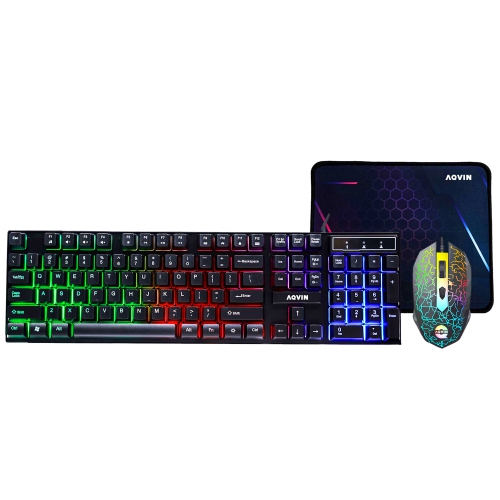
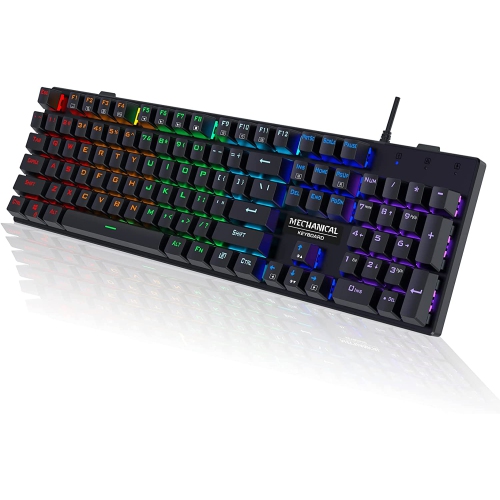
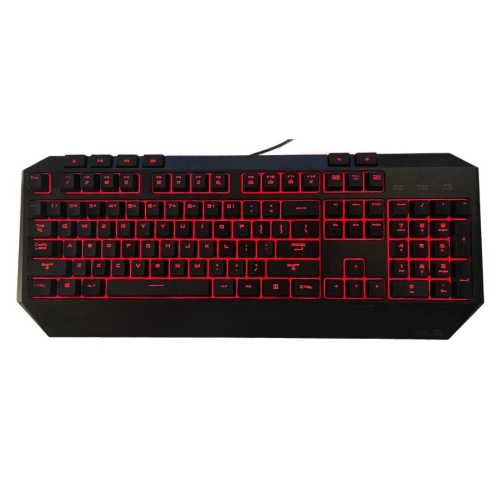
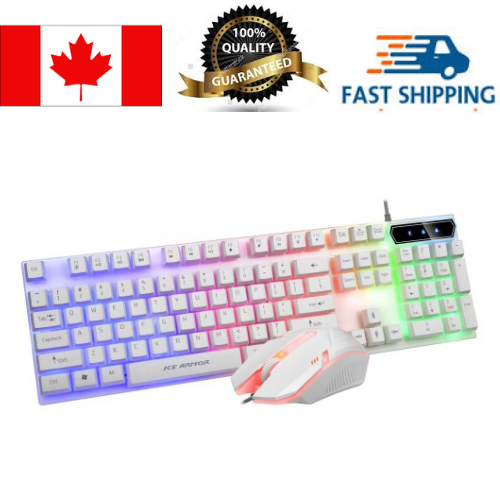
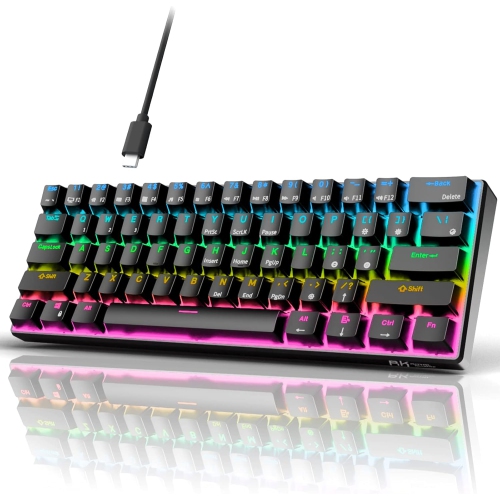
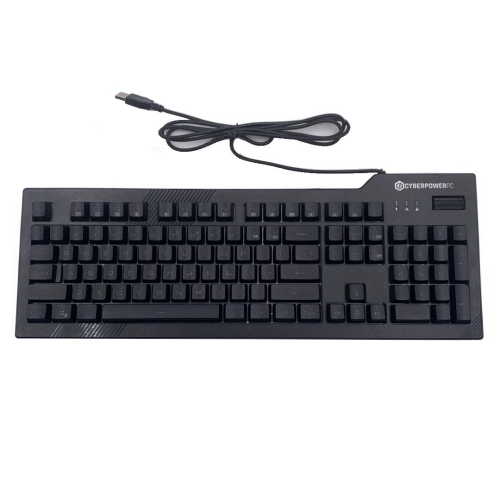
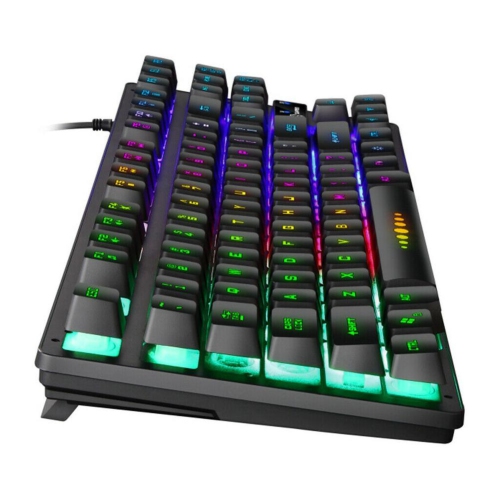
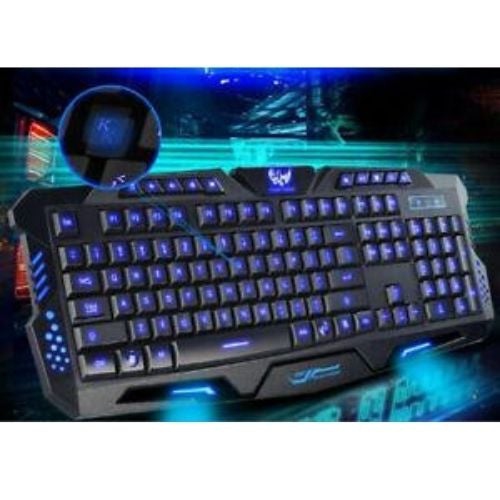
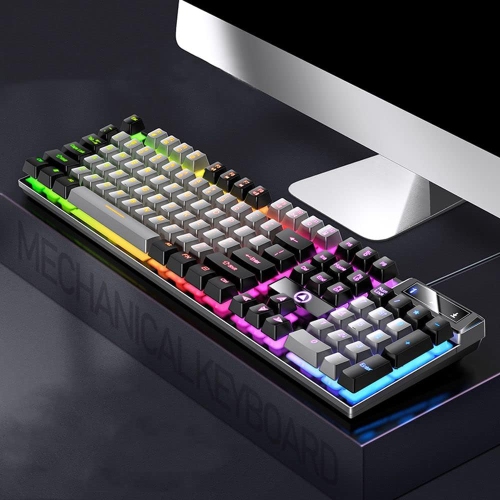
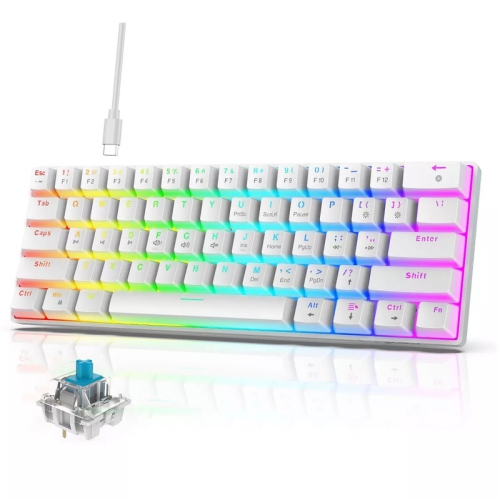
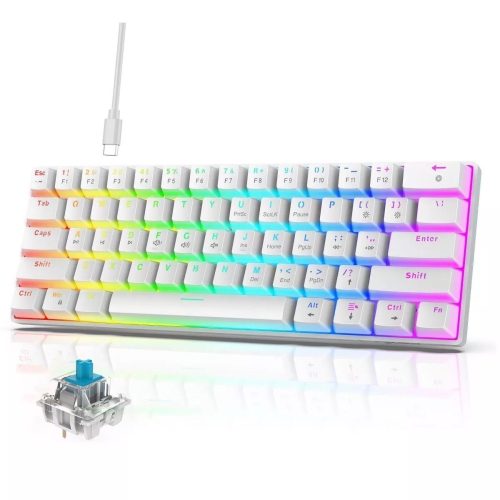
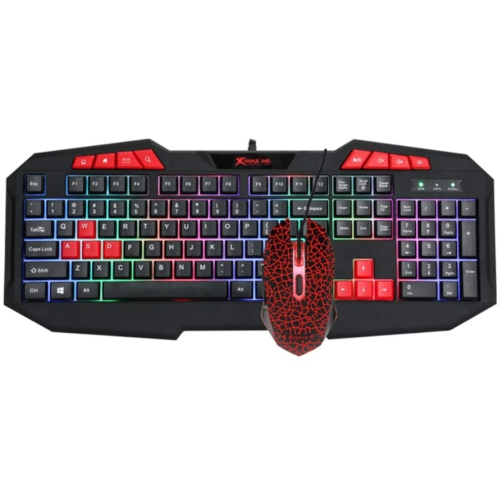
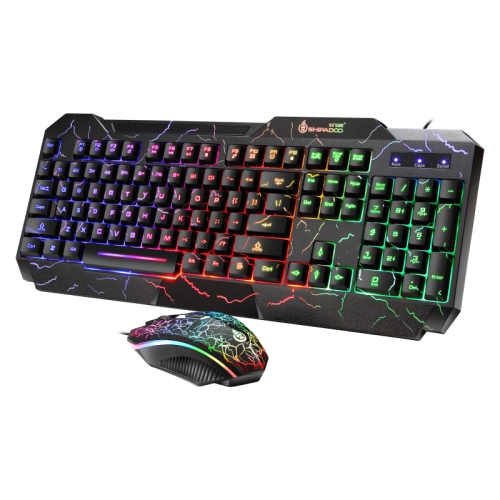

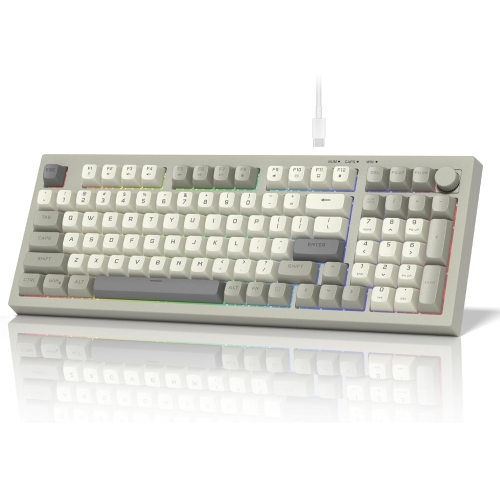
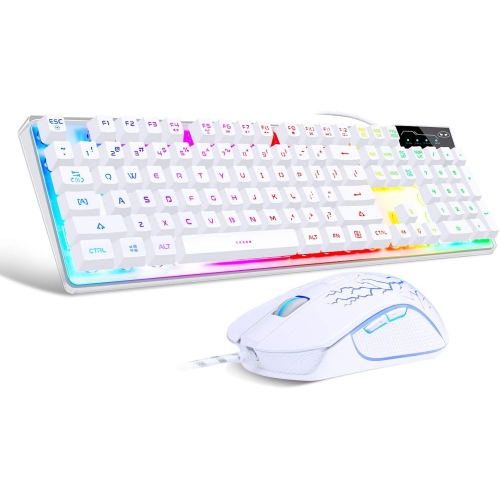

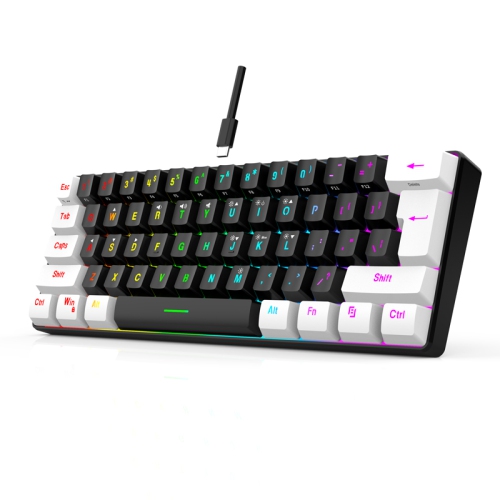
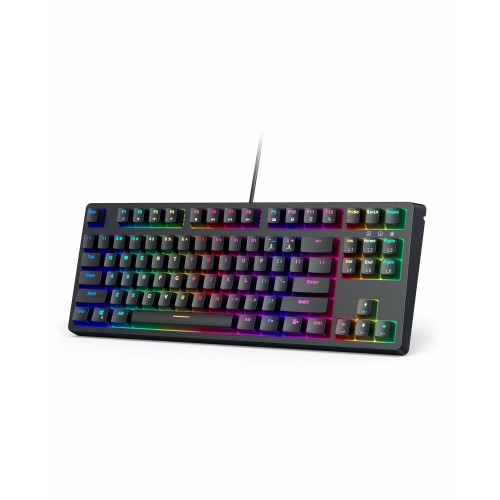
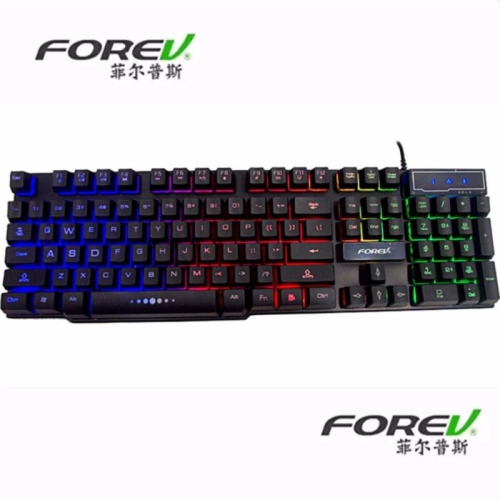
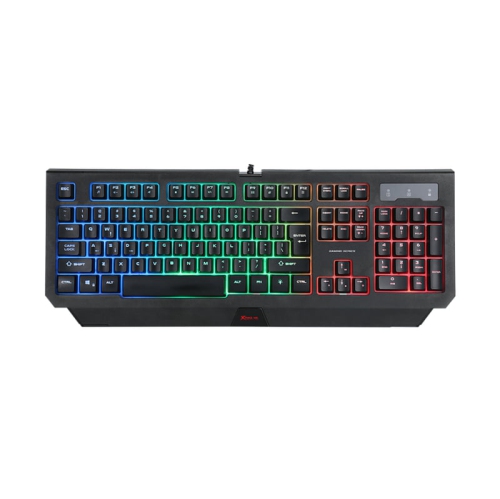
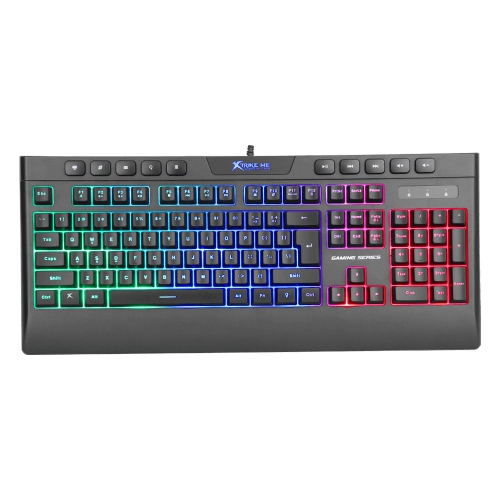
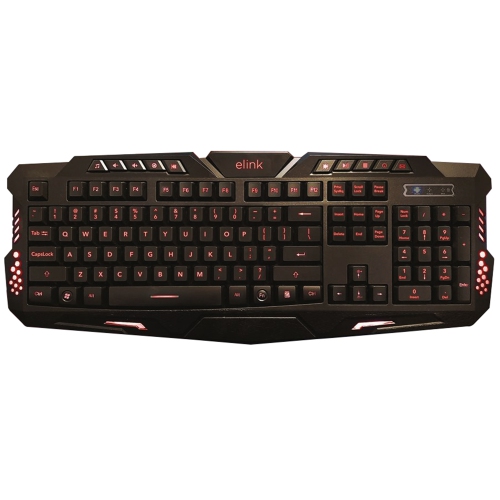

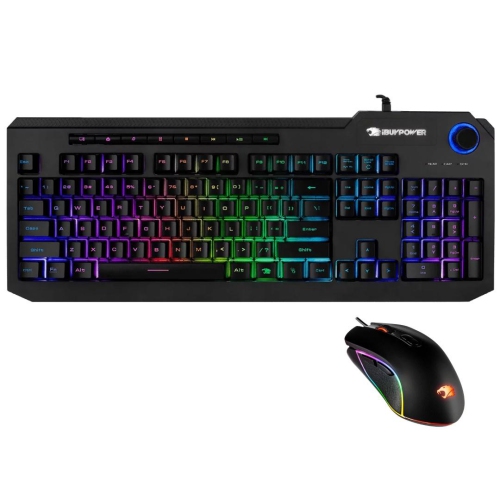
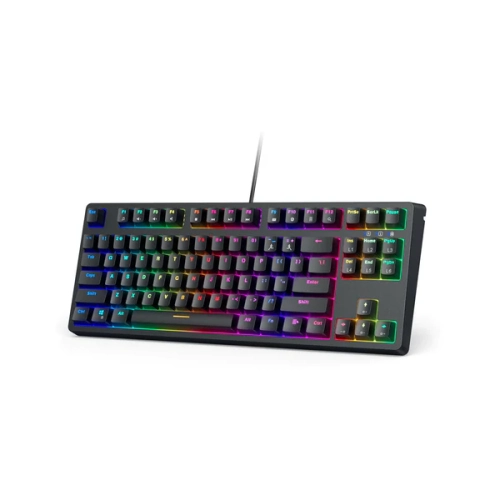
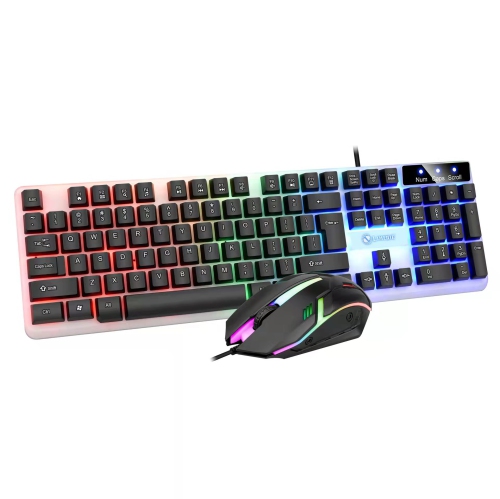
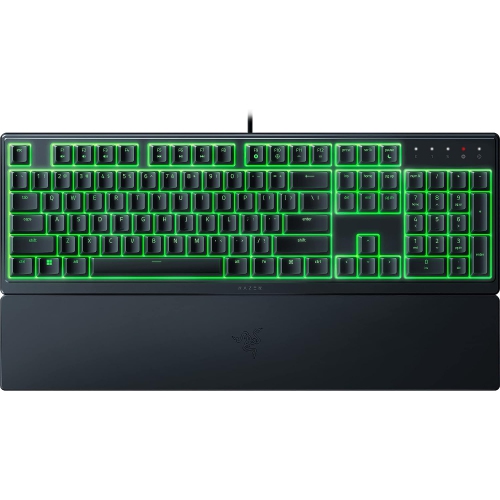
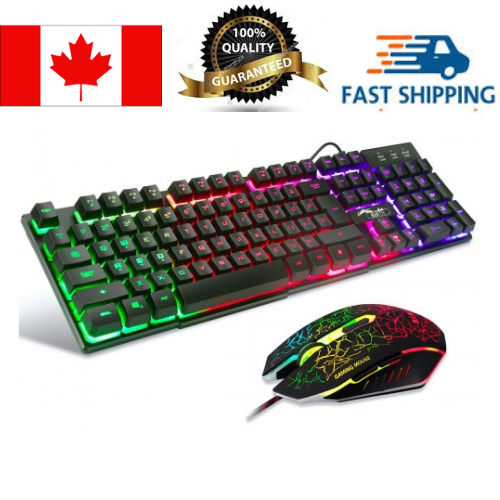
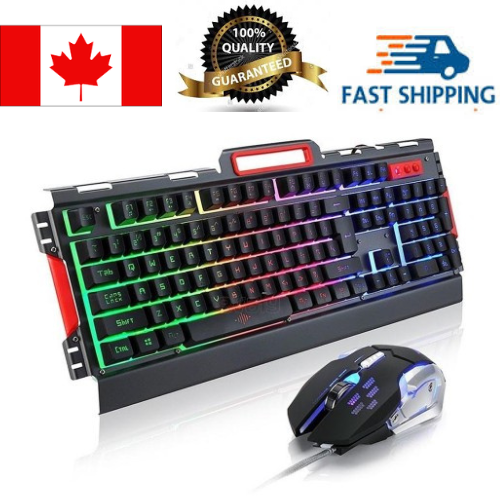
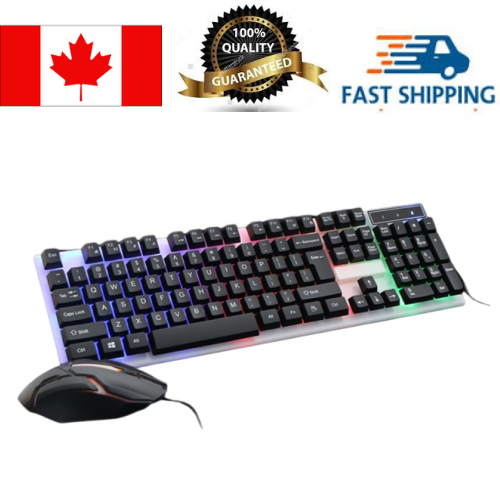
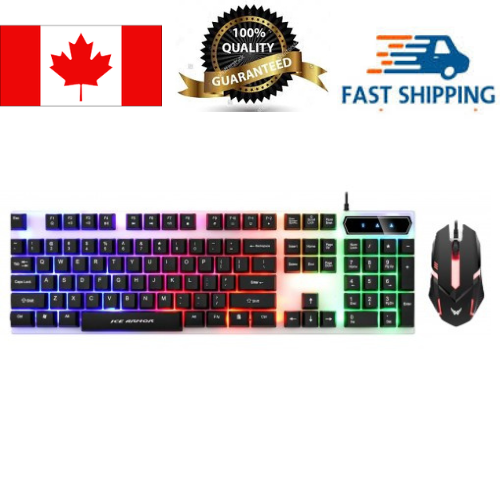

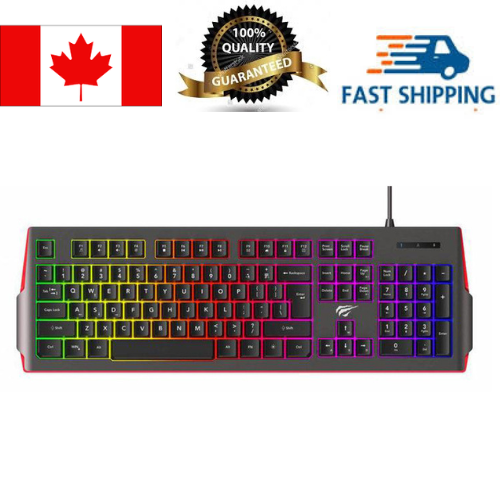
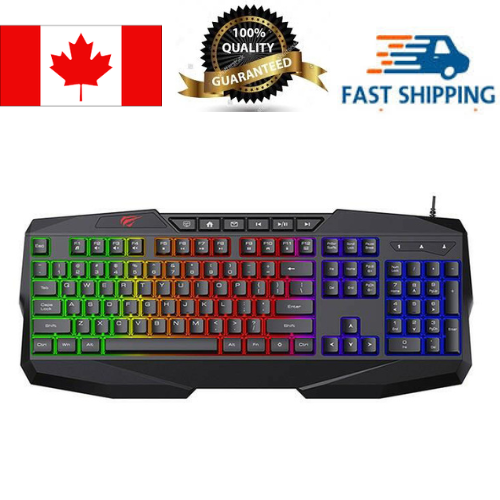
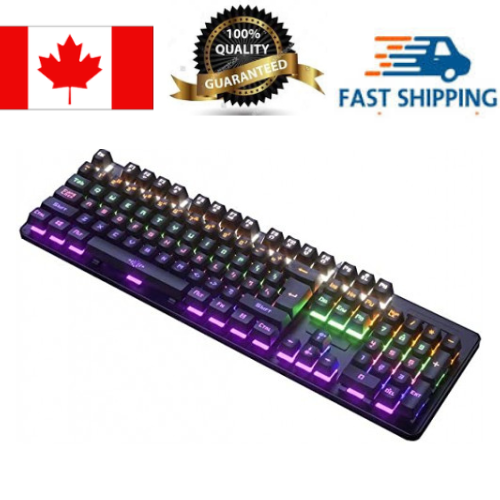
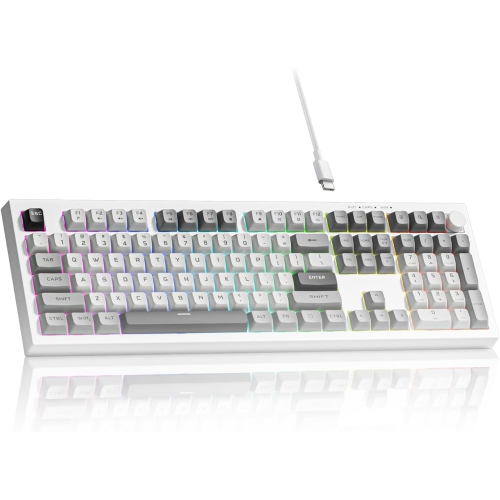
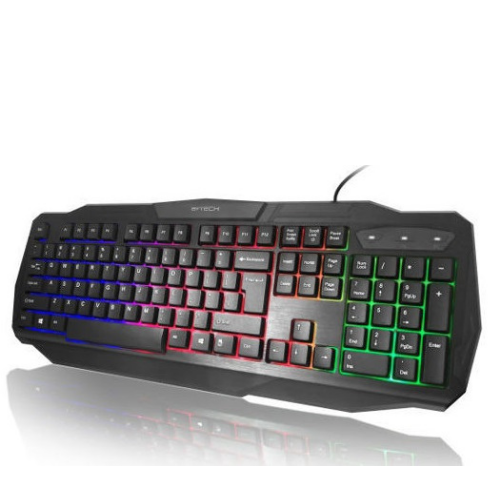
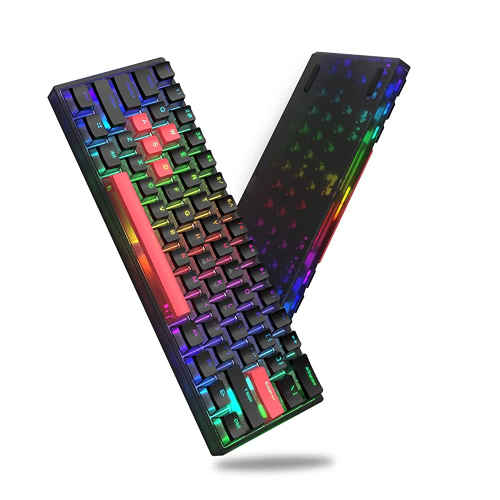
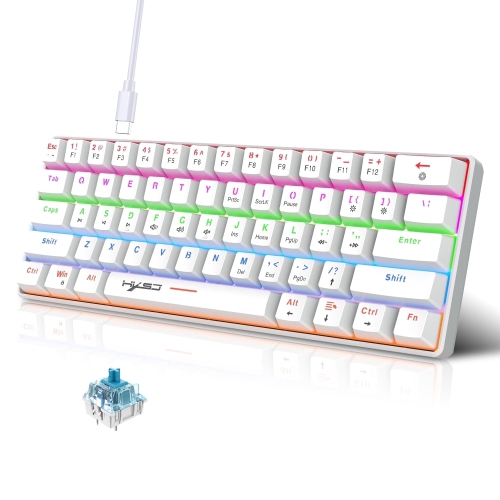
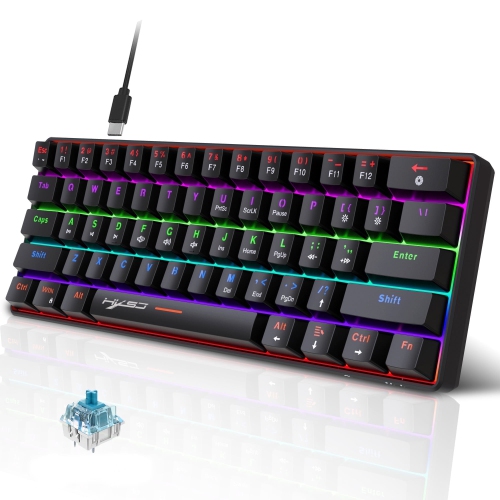
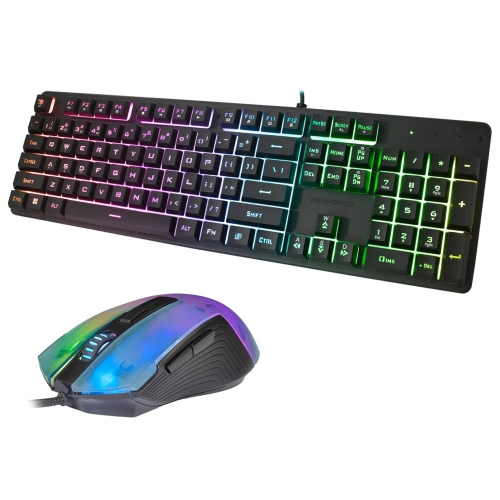
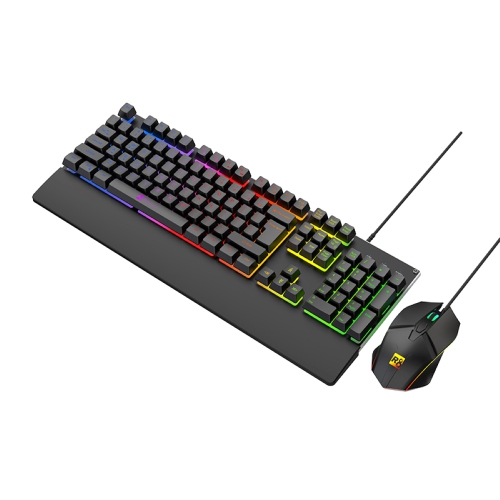
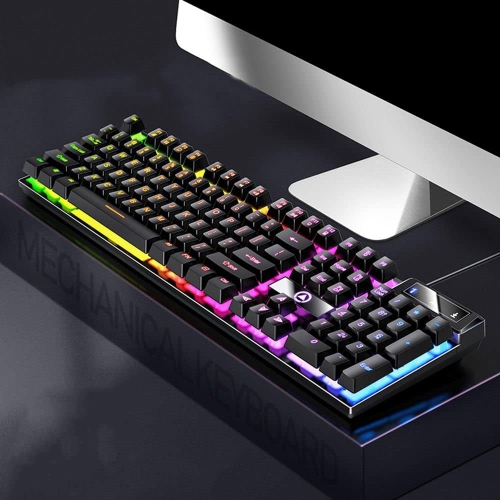
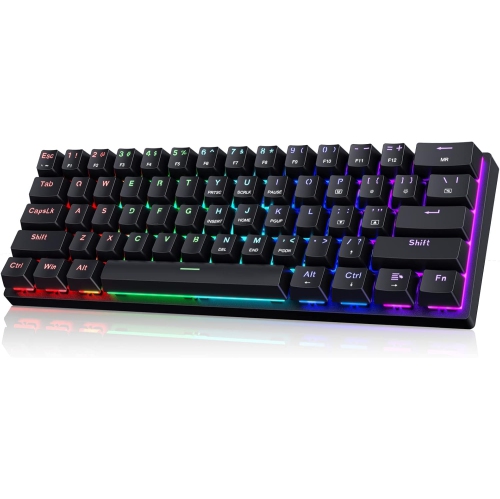
Compare layouts, key feel, and features for gaming
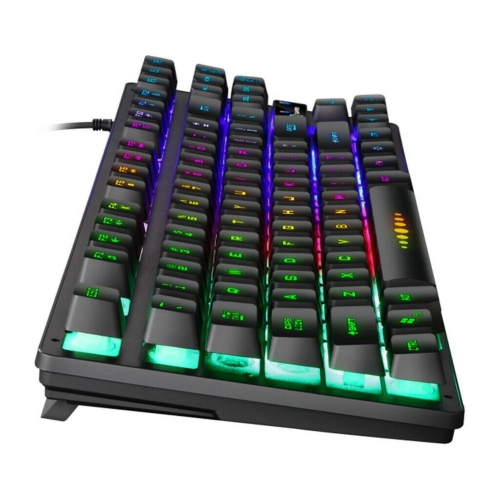
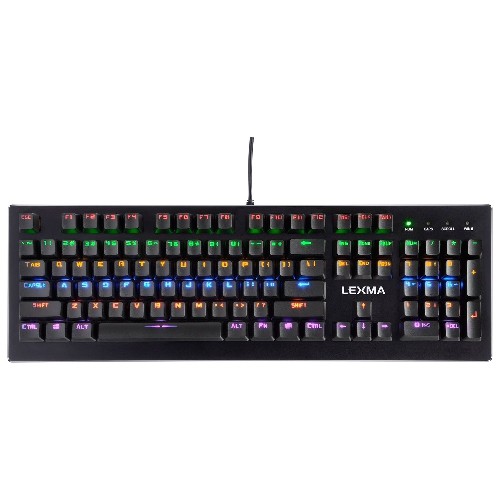
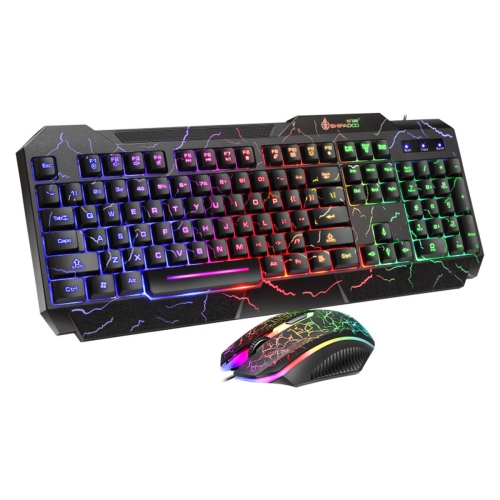
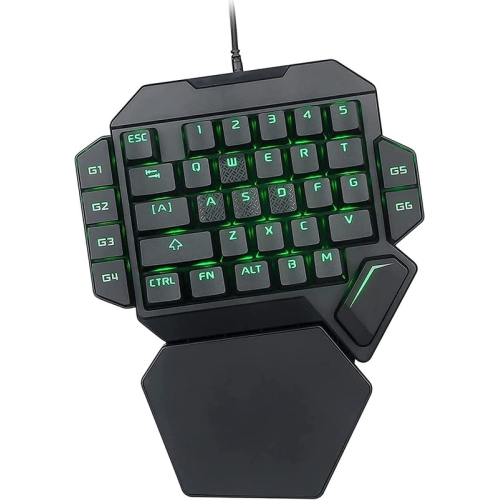
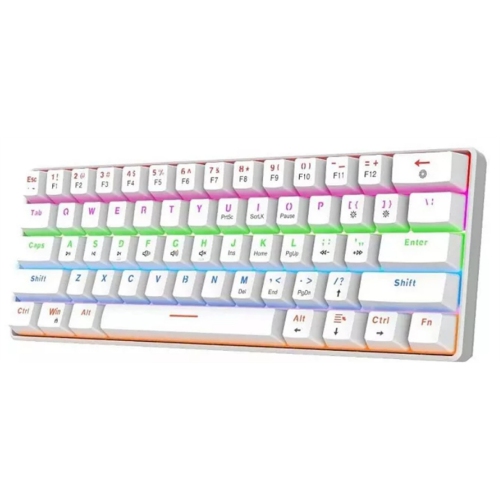
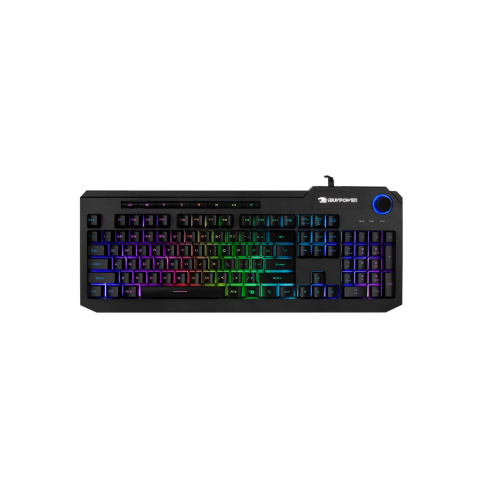
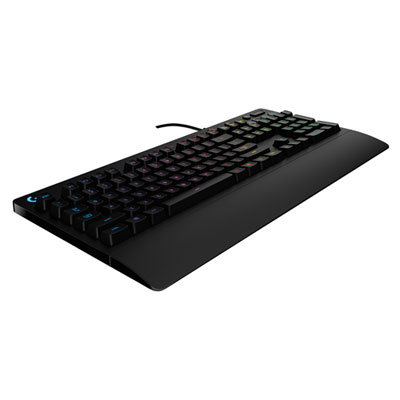
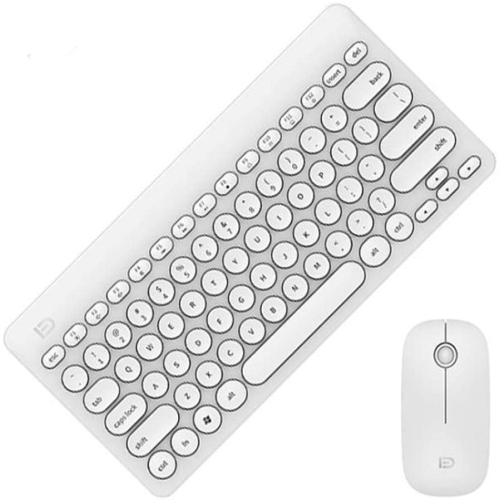
Wired gaming keyboards under $50 offer a practical way to improve a desktop gaming setup without stretching the budget. Unlike wireless models, they connect directly to a computer through a USB cable, so there is no battery to charge and no wireless receiver to misplace. That direct connection can also help provide a consistent response when every key press matters, whether you are moving through a fast-paced game, entering commands in a strategy title, or switching between gaming and schoolwork. Affordable options may include compact 60% or tenkeyless layouts, as well as full-size keyboards with a number pad. A compact board leaves more room for broad mouse movements and can suit a smaller desk, while a full-size model keeps dedicated number, navigation, and function keys close at hand. Tenkeyless designs sit between the two, removing the number pad while preserving the familiar arrow-key cluster and function row. When comparing a wired gaming keyboard under $50, check the listed layout carefully, since a smaller footprint can change the position of frequently used keys. Compatibility is usually straightforward for Windows computers, and many keyboards also work with other USB-equipped devices, although lighting controls and programmable functions may vary by operating system. A fixed cable can be especially convenient for a gaming station that stays in one place, such as a desk in a bedroom, home office, or shared family room. It also makes a dependable gift for a new PC gamer, a student building an entry-level setup, or anyone whose older keyboard has begun to feel sluggish, worn, or uncomfortable during longer sessions.
The key feel is one of the most noticeable differences between keyboards in this price range. Membrane keyboards generally have a softer, quieter press and a smooth, cushioned feel that works well in shared spaces, bedrooms, and work areas where loud clicking may be distracting. Mechanical keyboards use individual switches beneath the keys, and their response can feel more defined, springy, or tactile. Some switches are designed to make an audible click, while others are quieter and better suited to late-night play or an open room. Budget mechanical boards may offer a strong sense of feedback for movement keys and repeated commands, although the sound and resistance can differ considerably from one switch type to another. If possible, consider how the keyboard will sound in the room where it will be used, not just how it appears in a product photo. Features such as anti-ghosting and key rollover are also useful for gaming because they help the keyboard register multiple simultaneous inputs, such as holding movement keys while pressing a sprint, crouch, or action command. Backlighting can make key legends easier to see in a dim room and may add colour to a gaming desk, with some models offering adjustable brightness, preset effects, or individually controlled zones. These visual features are helpful, but they should not take priority over a comfortable layout, dependable key registration, and a sturdy connection. Look for a keyboard with a stable base, a cable that reaches comfortably from the desk to the computer, and adjustable feet that can create a slight typing angle. A detachable cable can make storage easier on certain compact models, while a permanently attached cable may be perfectly suitable for a board that will remain at the same workstation. For additional ways to compare affordable options across different layouts and key types, explore Best Keyboards Under $50.
Before choosing among wired gaming keyboards under $50, consider the complete routine of the person using it. A player who spends evenings in competitive matches may appreciate defined switches, anti-ghosting support, and a compact layout that gives the mouse more space. Someone who uses the same computer for assignments, chat, browsing, and games may prefer a full-size board with familiar spacing and a quieter membrane feel. A number pad can be useful for spreadsheets, budgeting, creative software, or games that make frequent use of number-key shortcuts, while a 60% keyboard may be better for a minimalist desk or a portable setup that moves between rooms. The cable should be long enough to route neatly without pulling at the keyboard, and the USB connection should match the available ports on the computer or hub. It is also worth checking whether the keyboard includes a wrist rest, media controls, shortcut keys, or software for changing lighting and assigning commands; these extras are not included on every budget model. Keep desk height and hand position in mind as well. A keyboard that sits too high can feel tiring after a long session, while a slight incline and enough room to rest the palms between rounds can make the experience more comfortable. A wired keyboard can be an easy addition to a first gaming setup during the cooler months, when more time may be spent indoors, and its accessible price makes it suitable as a practical gift for birthdays, school milestones, or seasonal celebrations. With the right balance of layout, switch feel, noise level, lighting, and connection length, a keyboard under $50 can bring a more responsive and personal feel to a computer without requiring a complete desk upgrade.
The key feel is one of the most noticeable differences between keyboards in this price range. Membrane keyboards generally have a softer, quieter press and a smooth, cushioned feel that works well in shared spaces, bedrooms, and work areas where loud clicking may be distracting. Mechanical keyboards use individual switches beneath the keys, and their response can feel more defined, springy, or tactile. Some switches are designed to make an audible click, while others are quieter and better suited to late-night play or an open room. Budget mechanical boards may offer a strong sense of feedback for movement keys and repeated commands, although the sound and resistance can differ considerably from one switch type to another. If possible, consider how the keyboard will sound in the room where it will be used, not just how it appears in a product photo. Features such as anti-ghosting and key rollover are also useful for gaming because they help the keyboard register multiple simultaneous inputs, such as holding movement keys while pressing a sprint, crouch, or action command. Backlighting can make key legends easier to see in a dim room and may add colour to a gaming desk, with some models offering adjustable brightness, preset effects, or individually controlled zones. These visual features are helpful, but they should not take priority over a comfortable layout, dependable key registration, and a sturdy connection. Look for a keyboard with a stable base, a cable that reaches comfortably from the desk to the computer, and adjustable feet that can create a slight typing angle. A detachable cable can make storage easier on certain compact models, while a permanently attached cable may be perfectly suitable for a board that will remain at the same workstation. For additional ways to compare affordable options across different layouts and key types, explore Best Keyboards Under $50.
Before choosing among wired gaming keyboards under $50, consider the complete routine of the person using it. A player who spends evenings in competitive matches may appreciate defined switches, anti-ghosting support, and a compact layout that gives the mouse more space. Someone who uses the same computer for assignments, chat, browsing, and games may prefer a full-size board with familiar spacing and a quieter membrane feel. A number pad can be useful for spreadsheets, budgeting, creative software, or games that make frequent use of number-key shortcuts, while a 60% keyboard may be better for a minimalist desk or a portable setup that moves between rooms. The cable should be long enough to route neatly without pulling at the keyboard, and the USB connection should match the available ports on the computer or hub. It is also worth checking whether the keyboard includes a wrist rest, media controls, shortcut keys, or software for changing lighting and assigning commands; these extras are not included on every budget model. Keep desk height and hand position in mind as well. A keyboard that sits too high can feel tiring after a long session, while a slight incline and enough room to rest the palms between rounds can make the experience more comfortable. A wired keyboard can be an easy addition to a first gaming setup during the cooler months, when more time may be spent indoors, and its accessible price makes it suitable as a practical gift for birthdays, school milestones, or seasonal celebrations. With the right balance of layout, switch feel, noise level, lighting, and connection length, a keyboard under $50 can bring a more responsive and personal feel to a computer without requiring a complete desk upgrade.
Top selling and popular products
-
 Your price for this item is $39.99
 -
 Your price for this item is $76.98
 -
 Your price for this item is $94.99
 -
 Your price for this item is $319.99
 -
 Your price for this item is $364.99
 -
 Your price for this item is $119.99
 -
 Your price for this item is $124
 -
 Your price for this item is $94.99
Discover more categories related to Wired Gaming Keyboards Under $50
Top Collections:
Pokemon Centers, Budget 4K TVs, Kindle Devices, Canon G7X Cameras, Apple iPhones 16, iPhone 15 Apple, Laptops for Business Work, Flip Phones, Xiaomi Phones, Refurbished Apple Laptops
Some products may be subject to Environmental Handling Fees
(EHF) depending on your province.
Learn more about EHFs.