Good RAM for Desktop
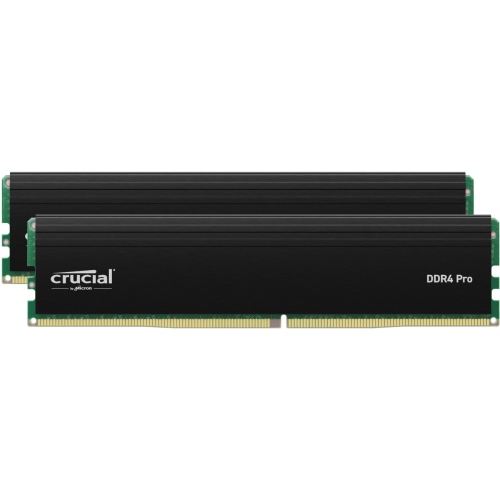
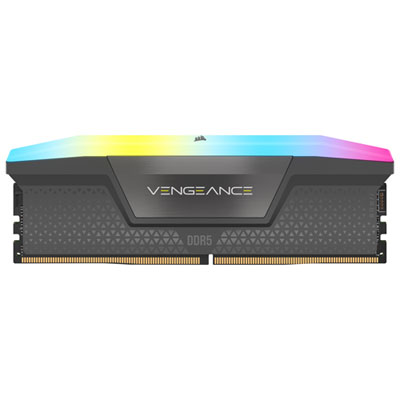
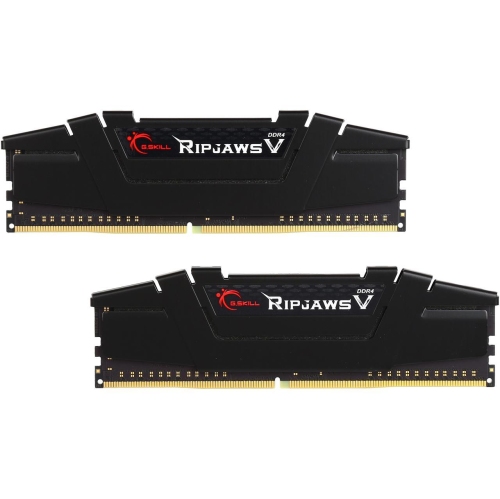
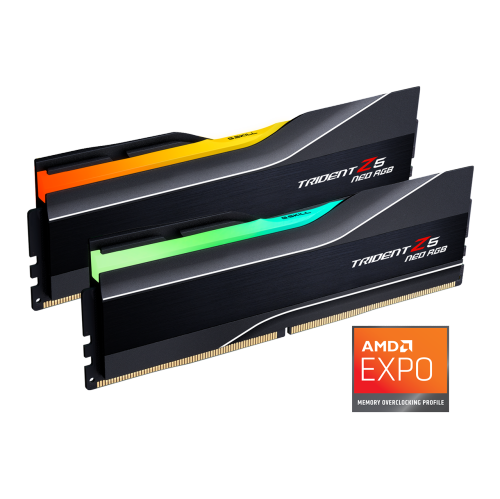
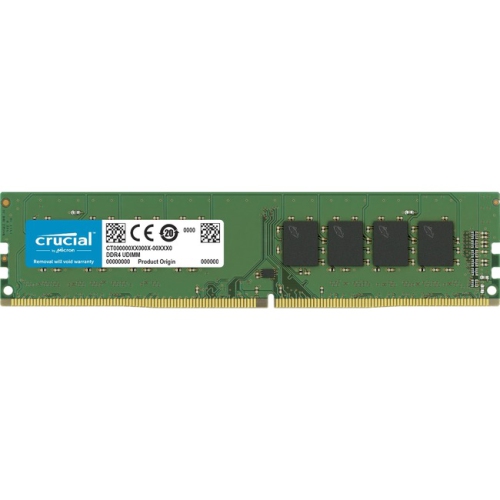
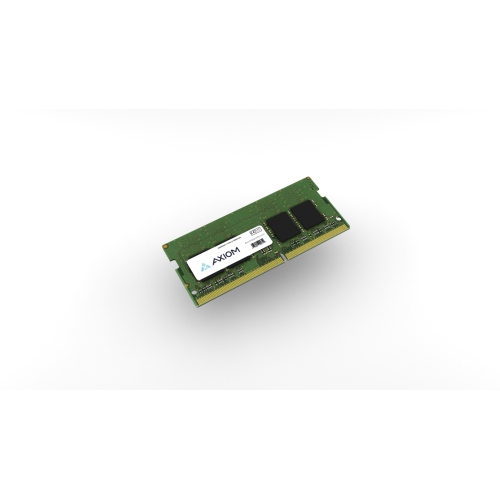
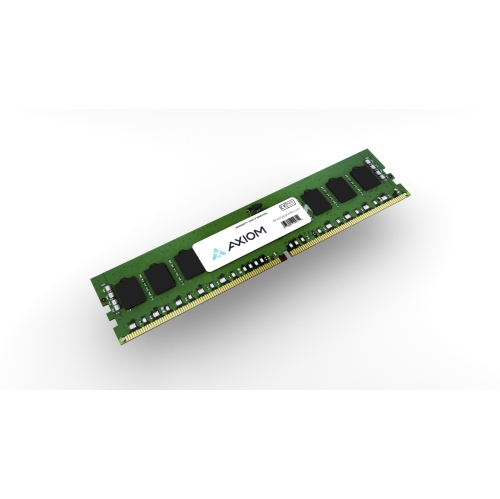
Find good RAM for your desktop by comparing memory capacity, speed, and compatibility with your PC. Whether you’re upgrading an existing computer or building a new one, check your motherboard’s supported memory type, capacity limits, and available slots to help narrow down your desktop memory options.

















































FAQ
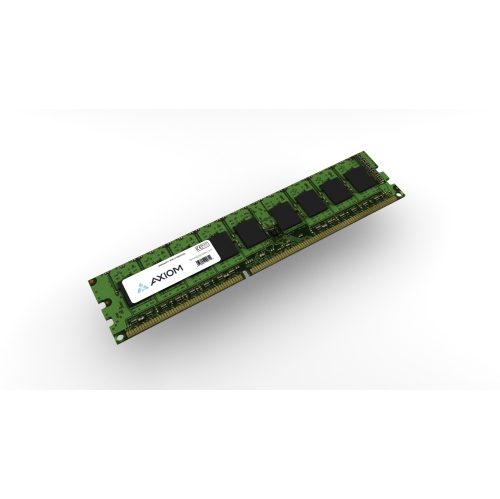
Check your desktop or motherboard documentation for the supported DDR generation and memory type. Confirm whether it requires non-ECC, ECC, unbuffered, or registered memory. The manufacturer's qualified vendor list can also help you identify tested RAM.
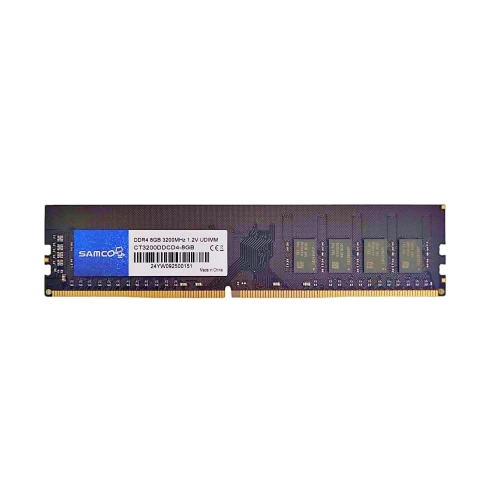
DDR4 and DDR5 are different generations of memory technology. They use different electrical connections and are not interchangeable. Choose the generation specified by your desktop's motherboard and processor.
ECC stands for error-correcting code and includes support for detecting and correcting certain memory errors. Non-ECC RAM does not provide this system-level feature. ECC memory requires compatible motherboard and processor support and is commonly associated with workstations and servers.
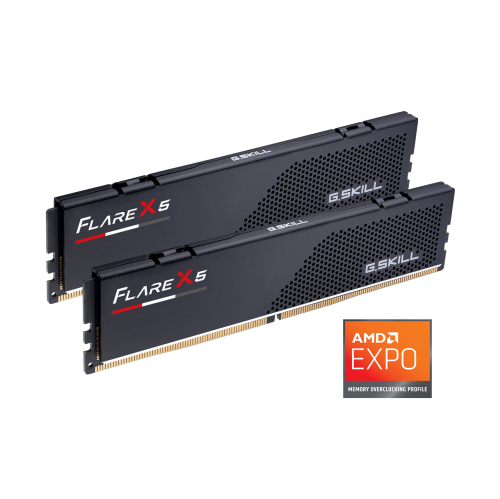
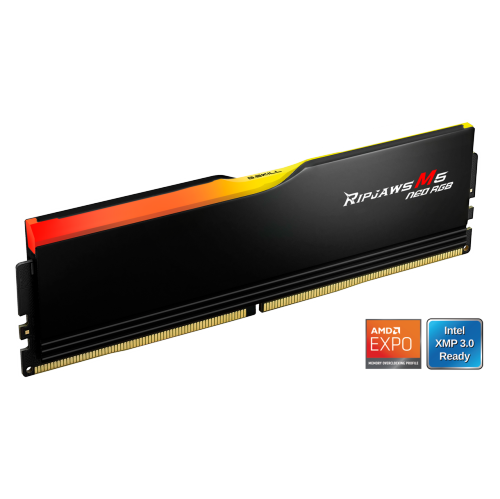
Intel XMP and AMD EXPO are memory profiles that store predefined frequency, timing, and voltage settings. Compatible systems let you select these profiles through the BIOS or UEFI settings. Check your motherboard documentation to confirm which profiles it supports.
A hardware information tool can help identify your installed RAM's manufacturer, generation, and part number. You can also consult your desktop's original specifications or the labels on its memory modules. If the computer has been upgraded, its original specifications may not reflect the RAM currently installed.
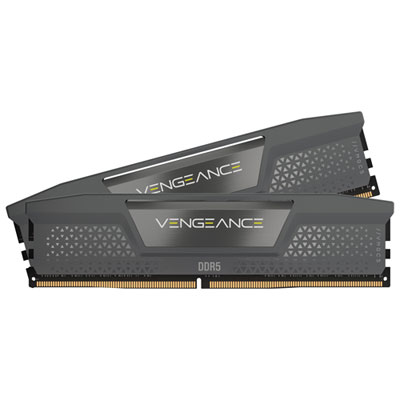
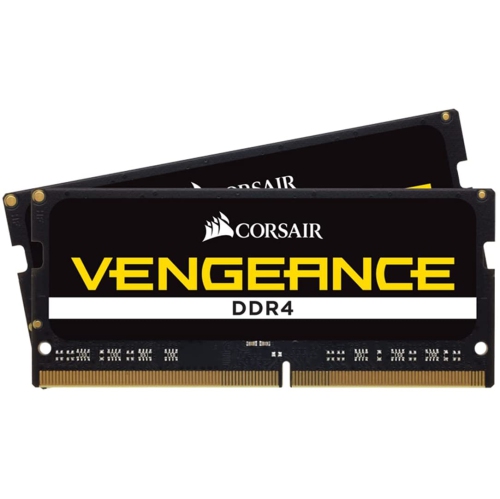
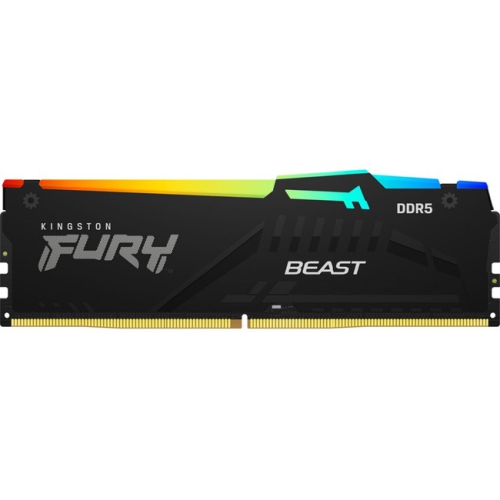
Top selling and popular products
Discover more categories related to Good RAM for Desktop
Some products may be subject to Environmental Handling Fees (EHF) depending on your province. Learn more about EHFs.