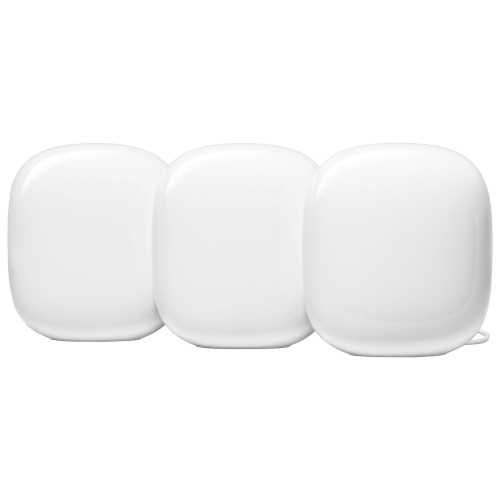
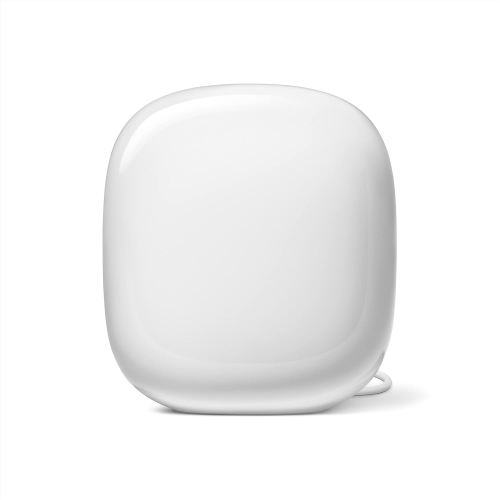
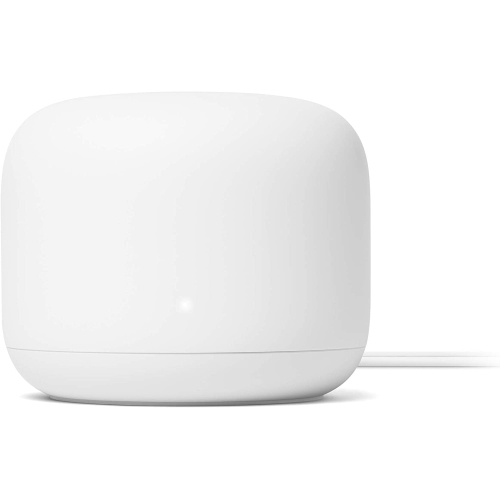
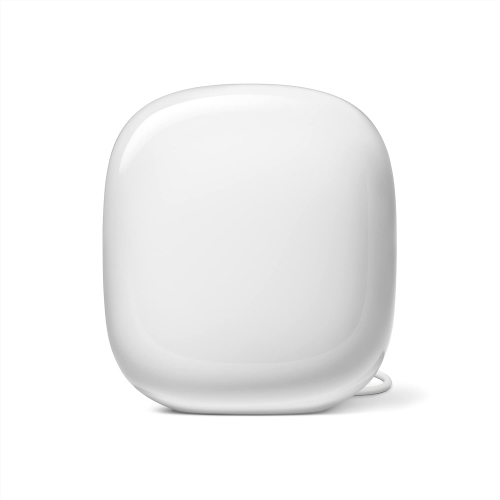
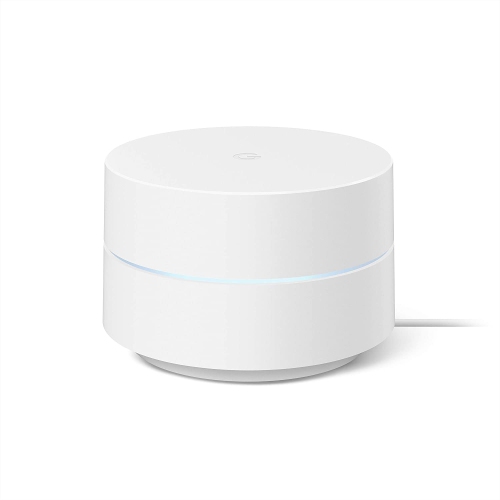
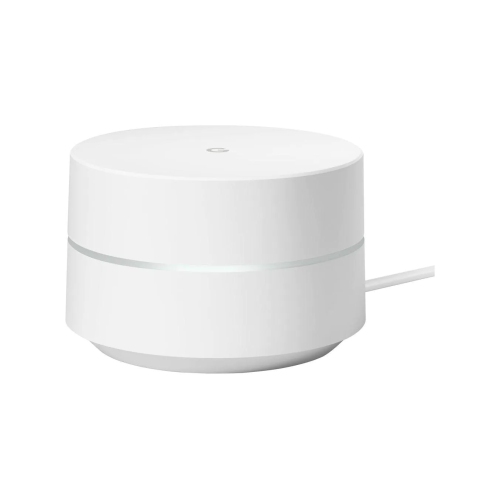
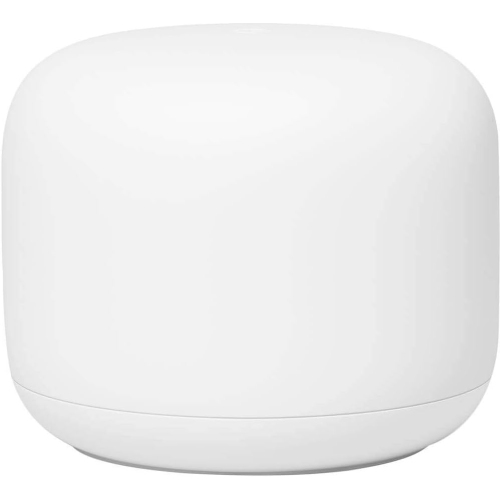
Google Whole Home Wi-Fi

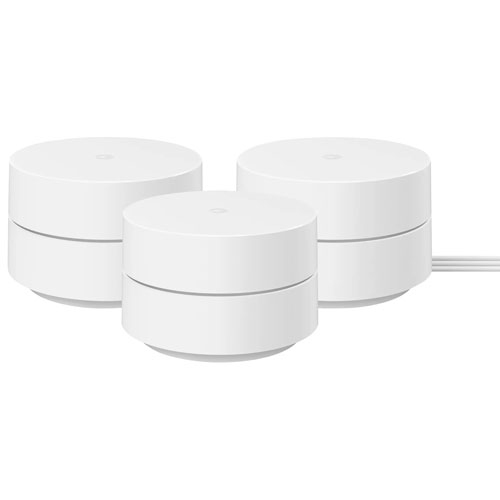
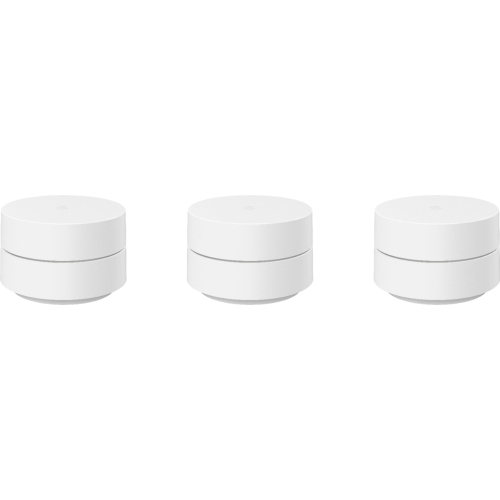
Explore Google whole home Wi-Fi solutions to help extend wireless coverage across your home. Compare mesh Wi-Fi options with your home’s size, layout, and connected devices in mind to find a setup that suits your coverage needs.
Read More

Sort

How mesh Wi-Fi reaches beyond a single router

Whole-home Wi-Fi systems use a main router and additional mesh units to bring one wireless network into more areas of a home. Instead of relying on a single router to reach an upstairs bedroom, a basement office, and the far end of the living room, connected units share the work of providing coverage. Phones, laptops, and other compatible devices can move between access points while keeping the same network name, although each device’s roaming behaviour influences when that change happens. This approach suits households where video meetings, online games, streaming, and everyday browsing happen in different rooms at the same time. It can also help address weak spots caused by distance, thick walls, or a router tucked beside the incoming internet connection. A mesh system does not increase the speed supplied by an internet plan, and actual performance still depends on the connection, the devices using it, and the home’s layout. Floor area is only part of the picture: a compact home with concrete walls may be more challenging to cover than a larger space with open sightlines. Multiple storeys, brick fireplaces, metal ductwork, and large appliances can all affect how wireless signals travel. The connection between mesh units matters just as much as the connection between a unit and a laptop. An additional point needs a strong link to the rest of the network, so placing it in a hallway before a weak area is often more effective than putting it at the very edge of coverage. Open shelving or a clear tabletop generally gives a unit a better position than an enclosed cabinet. For a family sharing entertainment spaces or a household with a dedicated work area, the practical benefit is broader, more consistent access where connected activities actually happen. Coverage claims are useful starting points, but they are estimates rather than promises for every room, building material, or floor plan.

Wireless standards, frequency bands, and connections help distinguish whole-home Wi-Fi systems beyond their stated coverage. Dual-band systems typically use the 2.4 GHz and 5 GHz bands, while tri-band designs add another band, which may be an additional 5 GHz band or a 6 GHz band, depending on the system. The 2.4 GHz band generally reaches farther, while higher-frequency bands can provide more capacity at shorter distances under suitable conditions. Wi-Fi 6E adds access to the 6 GHz band for compatible devices, but a phone or computer without that support cannot use that band directly. Older devices may still connect through a supported 2.4 GHz or 5 GHz band. Advertised wireless speed figures describe theoretical capabilities, sometimes added across multiple bands; they are not a guarantee of the download speed a single device will receive. For busy households, useful capacity also depends on how well the network handles several active connections. A television streaming a film, a console downloading a game, and a laptop on a video call place different demands on the same network. Some systems use a dedicated wireless band for communication between units, while others share wireless capacity with connected devices. Where supported, wired backhaul connects mesh units by Ethernet and can reduce dependence on wireless links through difficult walls or floors. Ethernet ports can also serve a desktop computer, television, or console, but port counts and speeds vary. Router units and add-on points are not always interchangeable, and different generations within the same product family are not necessarily compatible. Expansion therefore depends on the exact system rather than appearance or a shared name alone. Smart-home features need the same attention: a Wi-Fi router is not automatically a hub for every connected accessory, and support for particular smart-home protocols varies. For a home with numerous lights, sensors, and connected appliances, those details can matter as much as a faster wireless standard. A suitable system balances coverage, device compatibility, and connection options rather than relying on one headline specification.

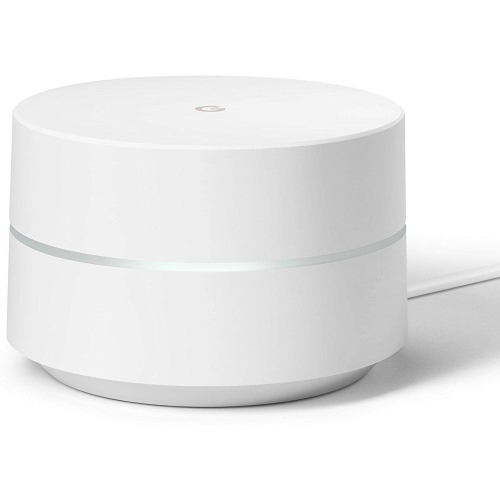
Day-to-day ownership also involves setup, network controls, and finding a practical place for each unit. Many mesh systems use a mobile app to establish the network, add points, and manage settings, though account requirements and supported phones differ. Integration with an existing modem or internet provider’s gateway is another consideration. Depending on the service and equipment, the mesh router may connect to a separate modem or require an appropriate configuration on a combined gateway. Running two routing layers can complicate some gaming, remote-access, and device-discovery functions, so compatibility with the existing connection is worth confirming. Household controls may include a guest network, device grouping, scheduled pauses, or content filtering, but these features vary and do not replace supervision or device-level safeguards. Security-update support and clear account controls are useful ownership considerations, especially for equipment expected to stay in place for several years. Physical design matters, too. Compact housings, often made from moulded plastic, can sit discreetly on a shelf, but each unit still needs a suitable power outlet and enough open space around any ventilation openings. Units belong in dry indoor locations unless specifically rated otherwise, away from sinks, direct heat, and places where cables could be pulled or tripped over. A soft, dry cloth is generally suitable for light surface cleaning; care instructions take priority, and liquids should not enter ports or vents. Durability depends partly on keeping the hardware protected from drops, spills, and obstructed airflow. A home office may benefit from a nearby wired connection, while a shared living area may place more emphasis on unobtrusive placement and reliable wireless access. Related options include Orbi Whole Home Wi-Fi Systems, with features and compatibility varying by system. Across whole-home Wi-Fi choices, the most useful match is one that fits the building, supports the devices already in use, and leaves a compatible path for extending coverage when household needs change.
Read More

FAQ

Some products may be subject to Environmental Handling Fees (EHF) depending on your province. Learn more about EHFs.