Orbi Whole Home Wi-Fi Systems

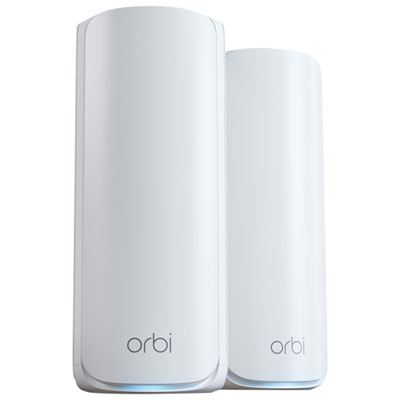
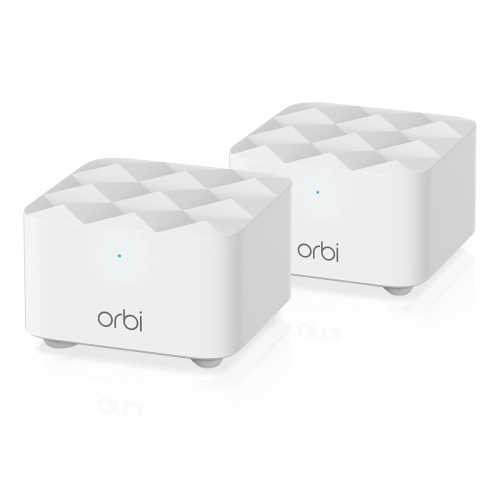
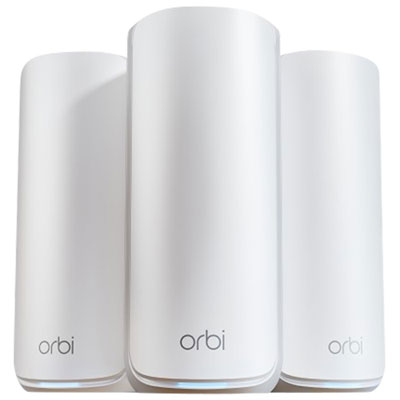
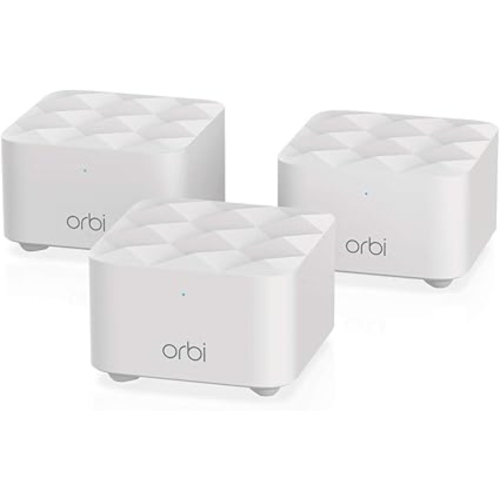
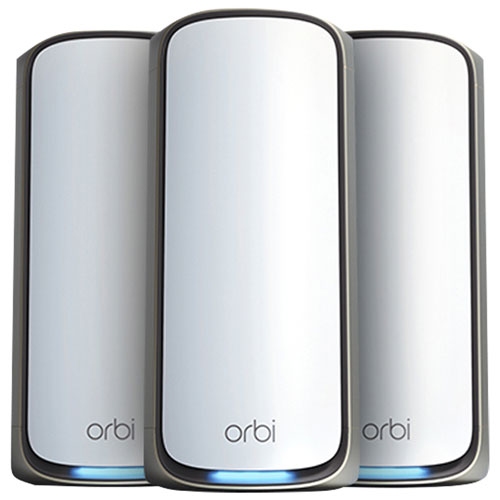
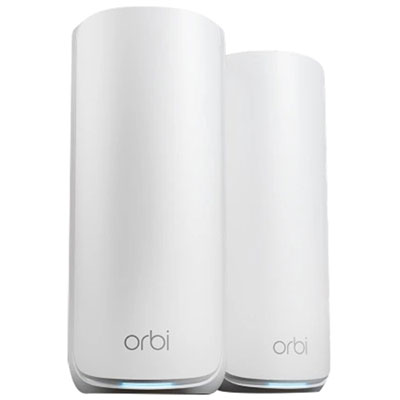
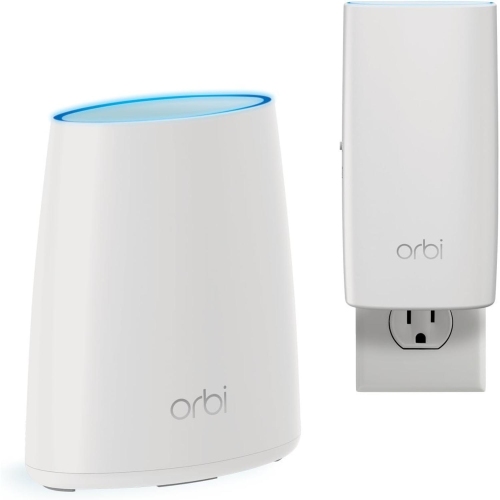
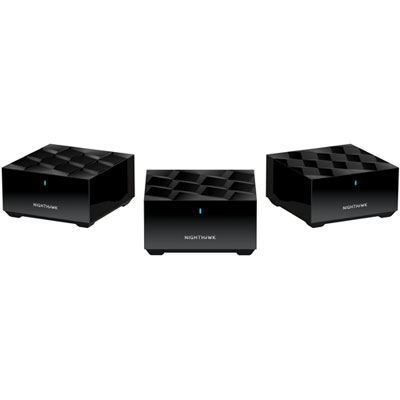
Explore Orbi whole home Wi-Fi systems to find a mesh network suited to your home’s size and connected devices. Compare coverage, Wi-Fi standards, and the number of included units to choose a setup that helps extend your wireless connection across rooms and floors.
Read More

Sort

How mesh Wi-Fi extends coverage beyond your router

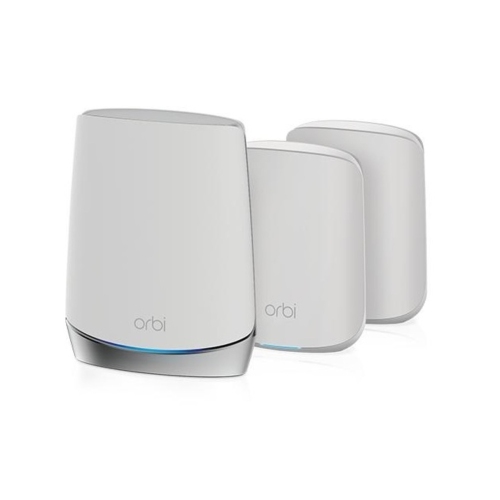
A whole-home Wi-Fi system brings several wireless access points together as one coordinated network, helping extend coverage beyond the room where the main router sits. Rather than relying on a single signal to reach every corner, a mesh system pairs a central router with satellite units positioned elsewhere in the home. This arrangement can be useful in a two-storey house with bedrooms upstairs, a townhouse with a lower-level office, or a bungalow where the living room and kitchen sit at opposite ends of a long hallway. Connected devices can move between access points while using the same network name, reducing the need to switch networks manually when carrying a laptop from a desk to the dining table. The device itself still plays a role in deciding when to change access points, so the experience can vary. For households sharing an internet connection, broader coverage supports everyday routines such as video calls, online homework, music streaming and watching a film while someone else plays online. It also helps bring the network closer to devices that stay in one place, including smart TVs, printers and compatible connected-home accessories. Mesh networking is particularly relevant when the internet connection works well near the router but becomes unreliable in more distant rooms. It does not increase the speed supplied by an internet provider, and it generally works alongside a modem or other provider equipment rather than replacing every part of the connection. Its purpose is to distribute that connection more effectively throughout the home. Floor area is only part of the picture: thick masonry, concrete floors, large appliances and the position of the incoming connection can all affect how far a signal travels. Households with several floors or widely separated rooms may also find Fast Wi-Fi Systems for Large Homes relevant when considering coverage across a more demanding layout.

Performance depends on more than a headline speed rating. A busy household may have phones downloading updates, a television streaming high-resolution video and a laptop handling a video meeting at the same time. A whole-home system needs enough capacity to manage those overlapping demands, but the experience also depends on the internet plan, the capabilities of each connected device and the strength of the links between mesh units. Advertised wireless speeds often represent combined theoretical capacity across several radio bands, not the speed that one phone or laptop will receive. Dual-band systems typically use the 2.4 GHz and 5 GHz bands, while tri-band configurations add another band that may help separate device traffic from communication between units. The term backhaul describes that communication path. Some systems reserve wireless capacity for backhaul, while others share it with connected devices; systems that support wired backhaul can use compatible Ethernet connections between units. In a home with existing network cabling, a wired link can reduce reliance on radio signals travelling through floors or walls. Wireless backhaul offers more flexibility where running cable is impractical. Wi-Fi standards also influence capacity and compatibility. Wi-Fi 6 includes technologies designed to manage multiple compatible devices efficiently, while systems supporting 6 GHz can provide additional spectrum for devices equipped to use it. Higher-frequency signals generally have less reach through obstacles, so an additional band does not automatically mean better coverage in every room. Older devices can often continue using supported earlier Wi-Fi standards, although they will not gain capabilities their hardware lacks. Ethernet ports are another consideration for a desktop computer, game console or television that benefits from a direct connection. Port speeds, the number of available connections and whether satellites include Ethernet ports vary between systems. For a household that transfers large files locally or uses a faster internet plan, these details can matter as much as the wireless specification. A balanced setup matches coverage, connection capacity and device support to the activities taking place across the home.

Physical fit and everyday usability help determine how comfortably a whole-home Wi-Fi system becomes part of a room. Routers and satellites often have rigid plastic housings with internal antennas, giving them a tidier appearance than equipment with several projecting antennas. Even a compact unit needs room for its power cable, any Ethernet leads and adequate airflow. A hallway table, open shelf or office cabinet top may provide a practical position, while an enclosed cupboard or a spot directly behind a television can obstruct signals or trap heat. Satellites need a reliable connection to the rest of the network, so placing one at the far edge of an existing dead zone may leave it struggling to relay traffic. Coverage figures are best understood as estimates rather than promises for every floor plan, and adding more units does not necessarily improve performance if they are poorly positioned. For day-to-day care, occasional dusting with a soft, dry cloth helps keep housings and ventilation openings clear; liquids, blocked vents and repeated knocks are best avoided. Software maintenance matters too. Supported firmware updates can address security issues and improve operation, while a strong administrator password helps protect network settings. App-based management may make it easier to see connected devices, pause access or create a guest network, but the available controls and account requirements differ. A guest network can keep visitors’ connections separate from the main household network, and parental controls, where included, may offer scheduling or content-filtering options without replacing supervision. Households retaining their provider’s gateway also benefit from compatible setup options, such as an access-point mode where supported, to avoid unnecessary layers of routing. For remote workers, families with several connected devices or someone settling into a larger home, the appeal is practical: fewer places where a connection drops away and a network that fits ordinary routines. As a gift, a whole-home Wi-Fi system is most useful when the recipient’s existing equipment and coverage needs are known, making compatibility more important than choosing solely by appearance or a maximum speed figure.
Read More

FAQ

Some products may be subject to Environmental Handling Fees (EHF) depending on your province. Learn more about EHFs.