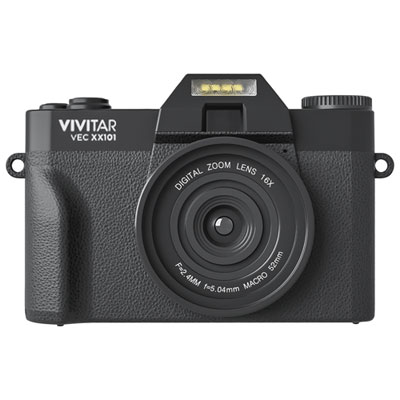
Graduation Digital Workspace Setup
Graduation marks the start of new opportunities, and a well-equipped digital workspace can help make the transition smoother. The Graduation Digital Workspace Setup brings together essential tools and accessories designed to support productivity, organization, and creativity in any setting. Whether preparing for college, entering the workforce, or pursuing personal projects, find everything needed to create an efficient and comfortable space for success. Explore options that fit every style and budget to build a personalized setup that inspires achievement.

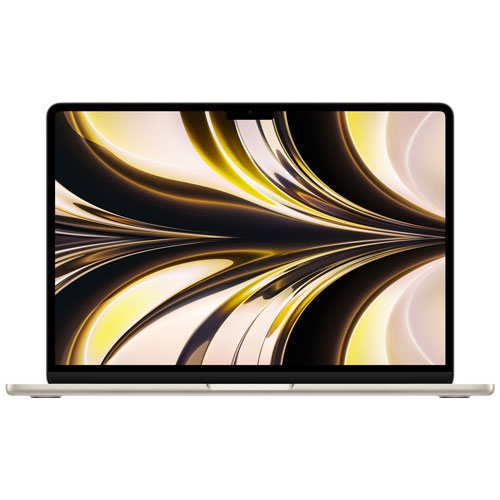

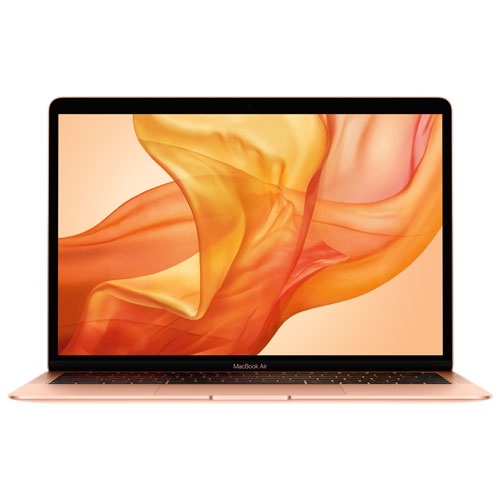

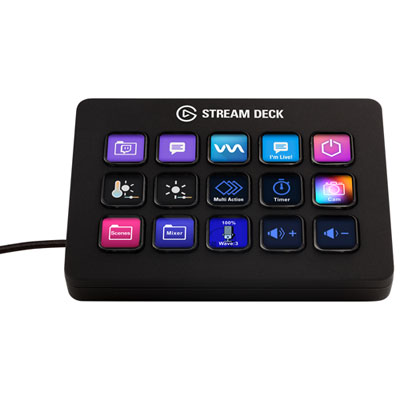
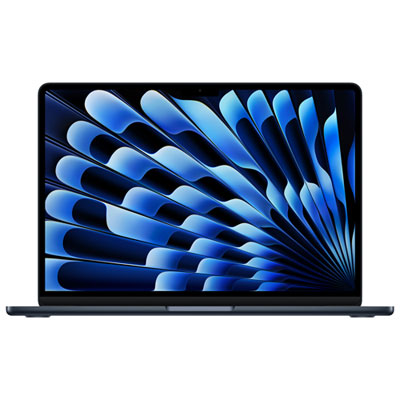
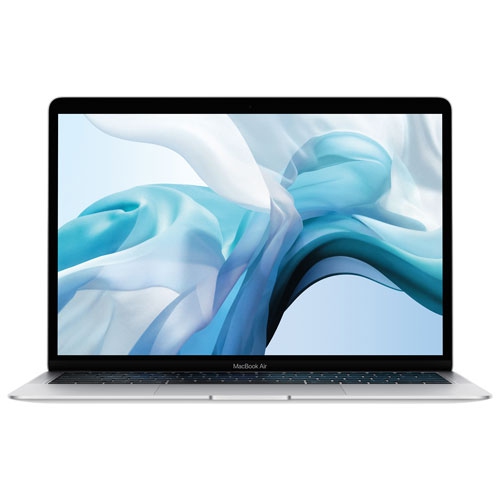
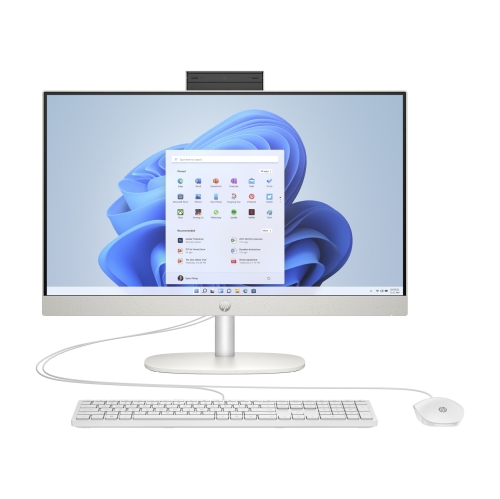
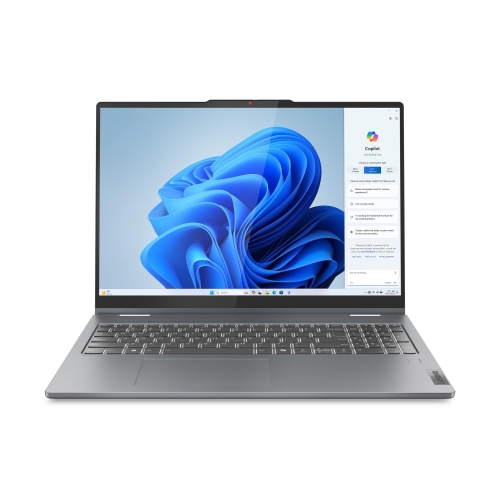
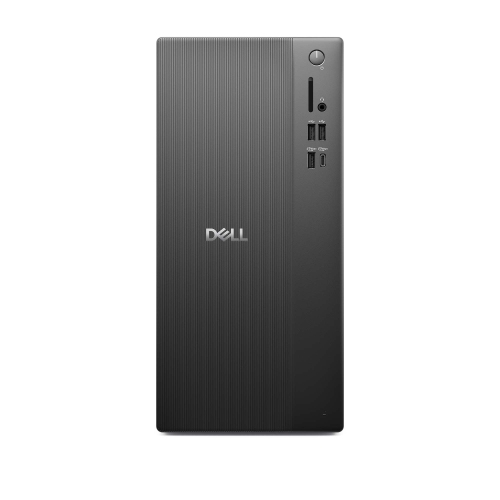
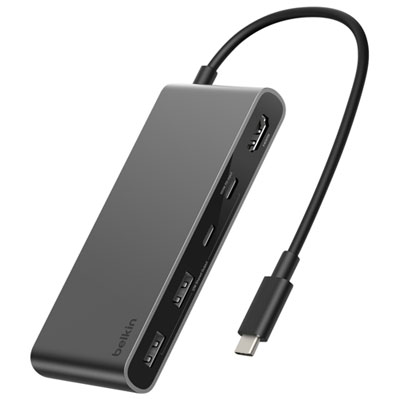
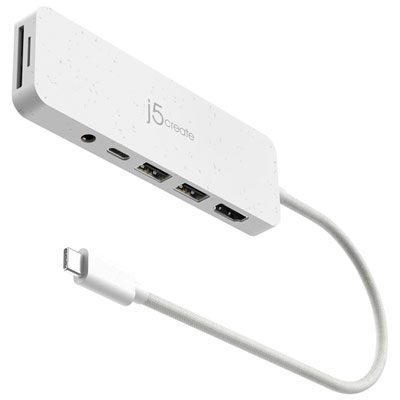
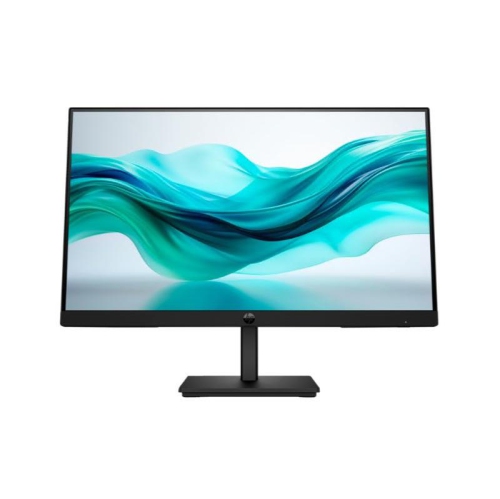
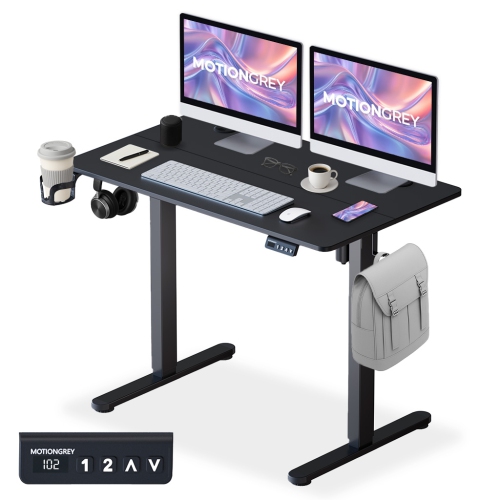
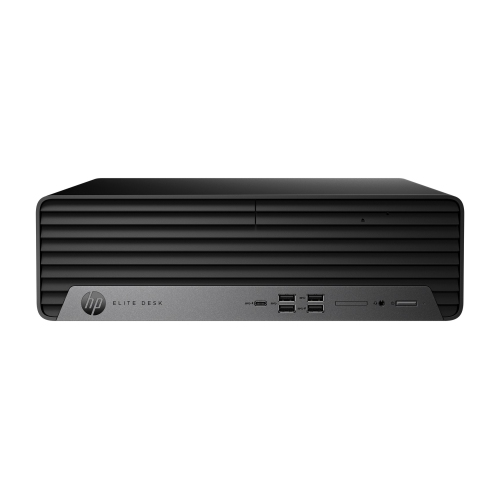
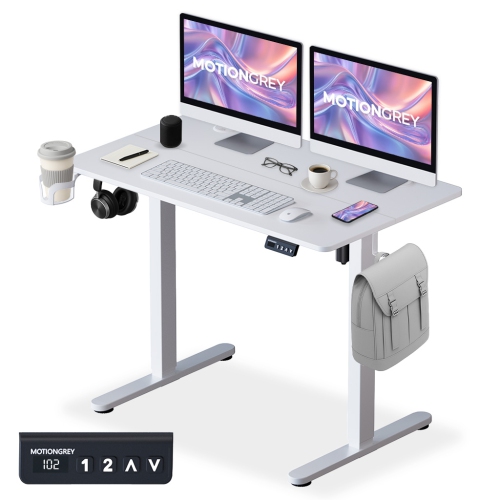
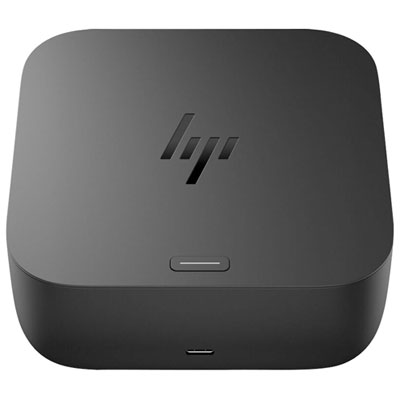
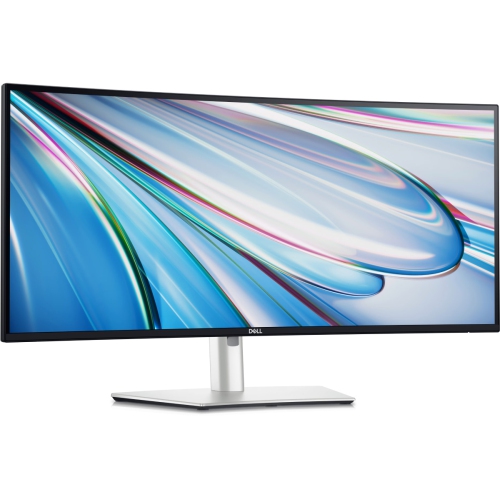
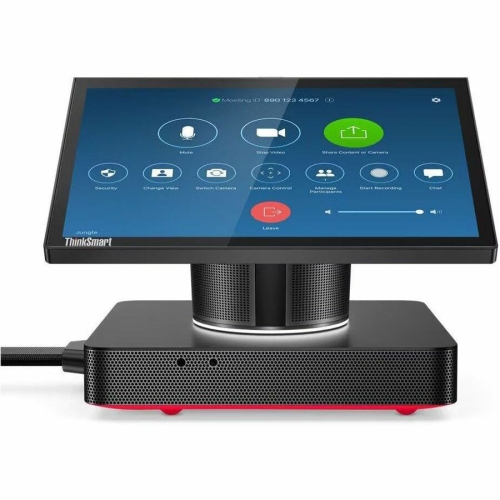
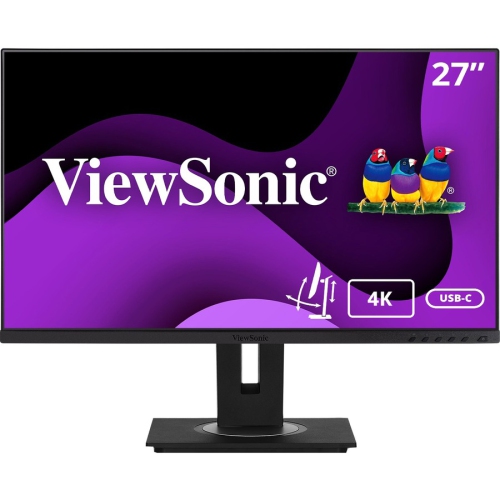
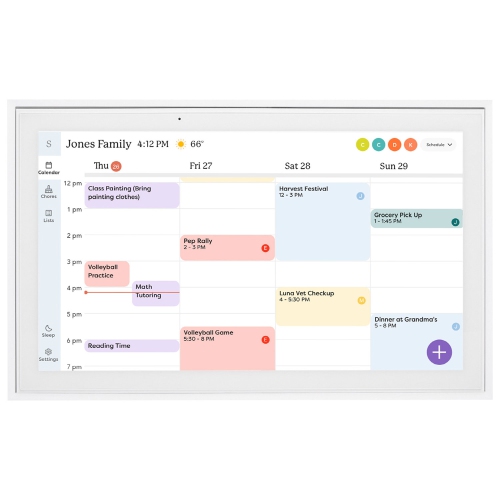
A productive workspace for studying, working, and staying connected
When considering the ideal digital workspace setup, it’s important to think about the unique needs and habits of the graduate. Some may prioritize compact, portable devices that can be easily moved from home to campus or a shared apartment, while others might focus on creating a permanent workstation that encourages focus and minimizes distractions. Ergonomic accessories, such as adjustable chairs and monitor stands, can help maintain comfort during long hours of study or work, supporting both posture and productivity. Reliable connectivity tools, like high-speed routers and noise-cancelling headphones, become invaluable for attending virtual lectures, participating in video calls, or streaming content during downtime. Graduates with creative ambitions may appreciate digital drawing tablets or high-resolution monitors, while those entering the workforce might benefit from organizational tools and secure data storage solutions. Even small touches, like task lighting or cable management accessories, can contribute to a workspace that feels both inviting and efficient. Whether setting up in a cozy dorm room, a bustling shared house, or a quiet corner of the family home, these products help graduates carve out a space that’s truly their own.
As families and friends look for ways to celebrate this important milestone, practical digital workspace essentials often stand out as gifts that blend usefulness with encouragement. These items support graduates as they tackle new courses, embark on job searches, or simply stay connected with friends and mentors across distances. For those seeking more inspiration or wanting to explore additional options, the Graduation Digital Essentials page offers a curated collection of ideas designed to help every graduate start their next chapter with confidence and style. Whether it’s the beginning of summer or the approach of cooler months, a well-equipped digital workspace is a lasting investment in productivity, comfort, and future success.
FAQ
What are the essential tech items for setting up a digital workspace for recent graduates?
Essential tech items for a graduation digital workspace setup include a reliable laptop or desktop computer, an ergonomic keyboard and mouse, a high-resolution monitor, noise-cancelling headphones, and a quality webcam for virtual meetings. Additional accessories like USB hubs, external storage, and adjustable desk lamps can further enhance productivity.
How can I make my digital workspace more comfortable and productive?
To boost comfort and productivity in your digital workspace, consider investing in an ergonomic chair, adjustable desk, and monitor stands to maintain proper posture. Cable management solutions and organizational tools can help keep your space tidy. Adding personal touches like plants or motivational decor can also make your setup more inviting.
What software is recommended for graduates starting their professional journey?
Graduates should consider installing office productivity suites (like Microsoft Office or Google Workspace), communication tools (such as Zoom or Slack), cloud storage services, and task management apps. Security software is also important to protect sensitive information while working online.
Are there accessories that help reduce eye strain during long study or work sessions?
Yes, accessories such as blue light blocking screen protectors or glasses can help reduce eye strain. Adjustable monitors with flicker-free technology and desk lamps with customizable brightness settings also contribute to eye comfort during extended use.
How can I keep my digital workspace organized as I transition from student to professional?
Use cable organizers, drawer dividers, and desktop trays to manage physical clutter. Digital organization tools like cloud storage folders, note-taking apps, and calendar integrations can streamline your workflow. Regularly decluttering both your physical and digital spaces helps maintain an efficient workspace.
Top selling and popular products
-
 Your price for this item is $1599
 -
 Your price for this item is $1299.99
 -
 Your price for this item is $1629.79
 -
 Your price for this item is $1459.79
 -
 Your price for this item is $879
 -
 Your price for this item is $2299.99
 -
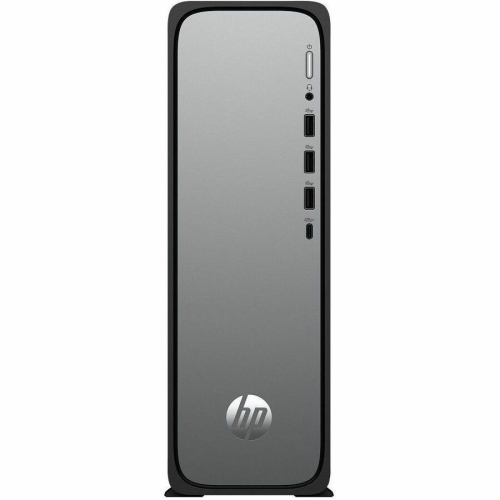 Your price for this item is $1076.55
 -
 Your price for this item is $1839